This tag collects articles about getting a new phone or SIM card ready to use on your network. It is written for anyone who has just bought a device, needs to transfer service from an old phone, or is adding a line to an existing plan. Whether you are setting up a smartphone or a basic flip model, these guides walk you through the specific steps required by different carriers.
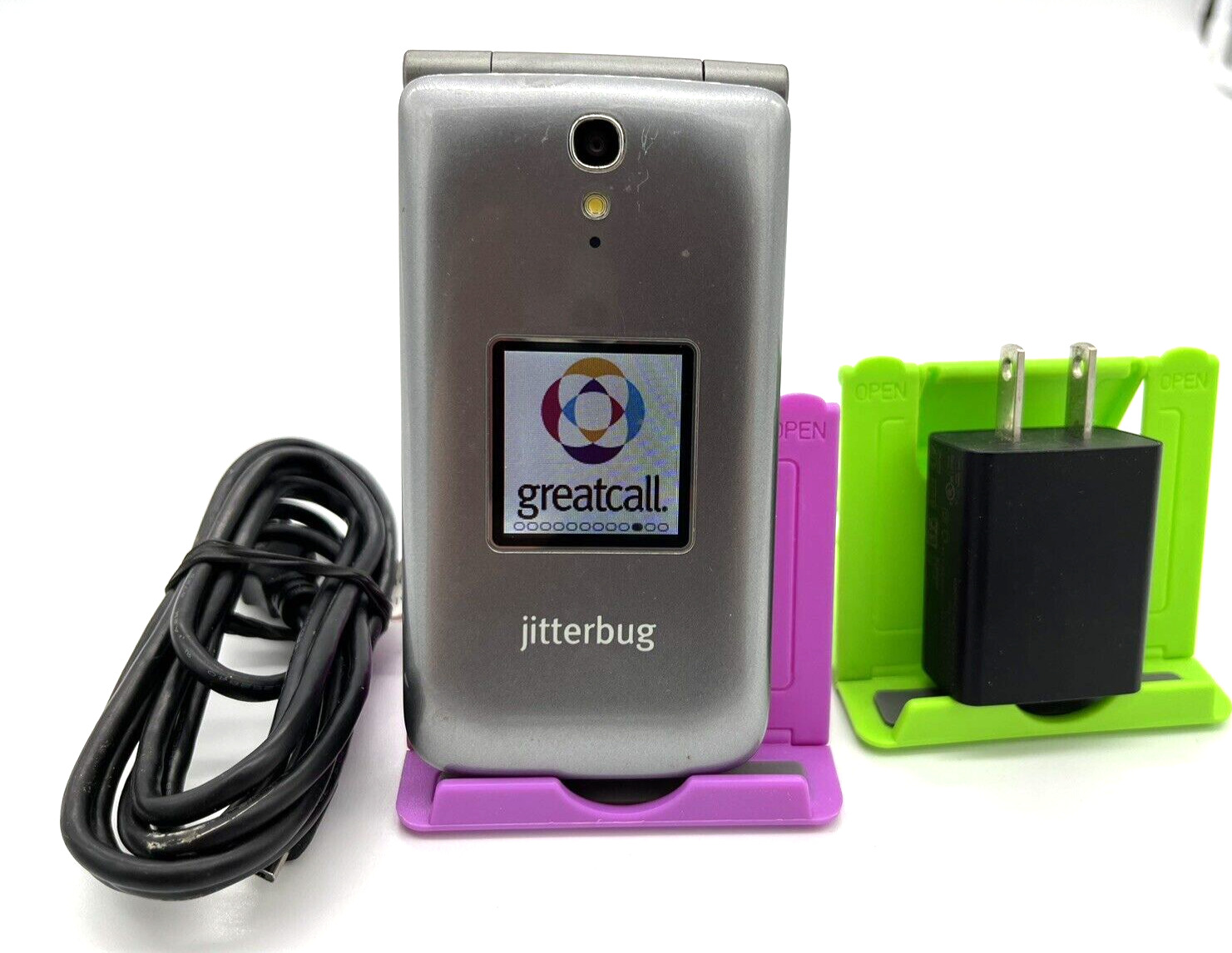
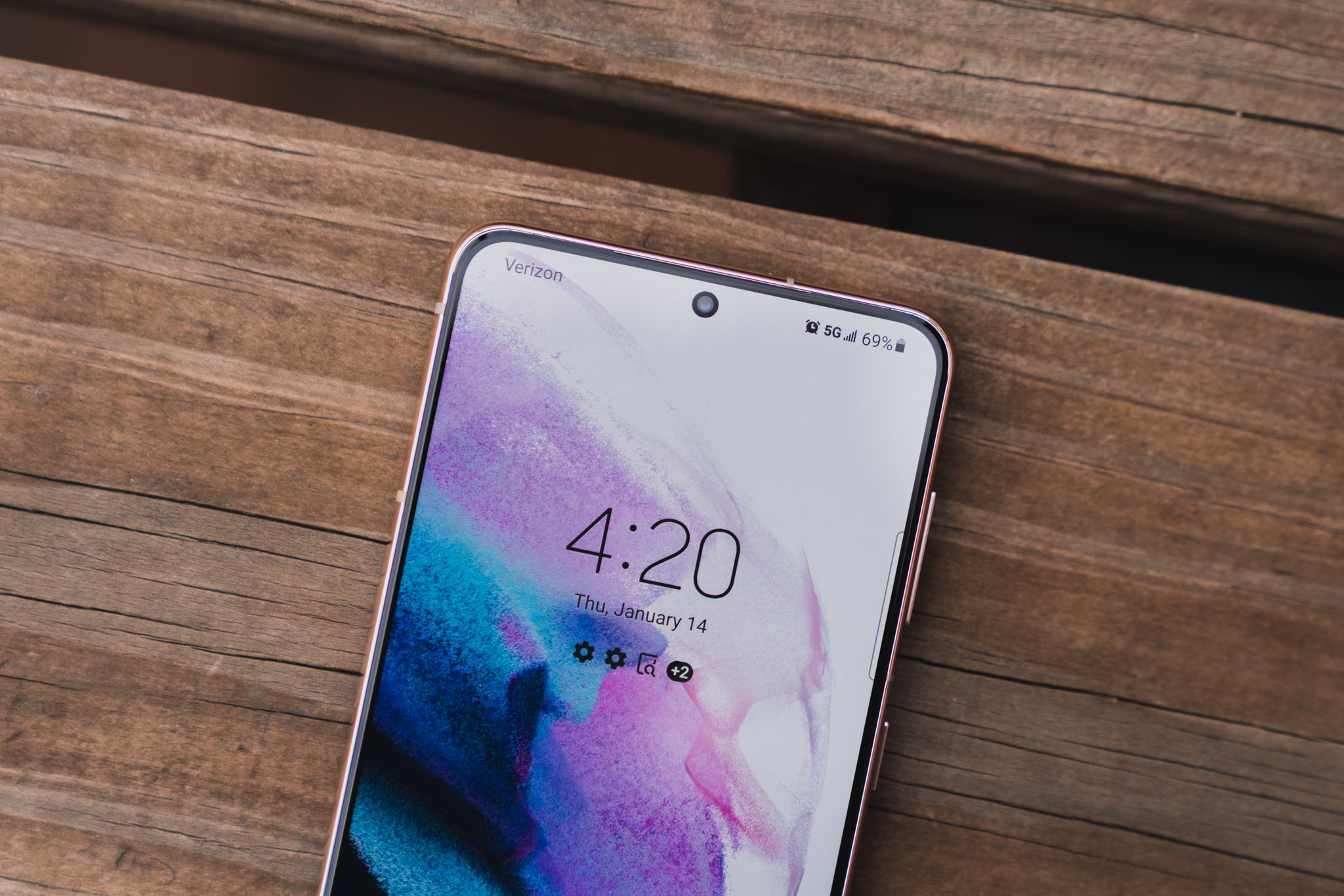
The articles solve two main kinds of problems. First, they help with the initial setup and activation of a brand-new phone, such as learning how to activate a new phone on Verizon or how to turn on a Jitterbug Flip Phone. Second, they address the process of moving your service between devices, including how to switch your Straight Talk number to a new phone or how to switch your Metro phone to another Metro phone. Several guides also cover adding a device to an existing account, like adding a phone to a Verizon plan or activating a replacement phone on AT&T.
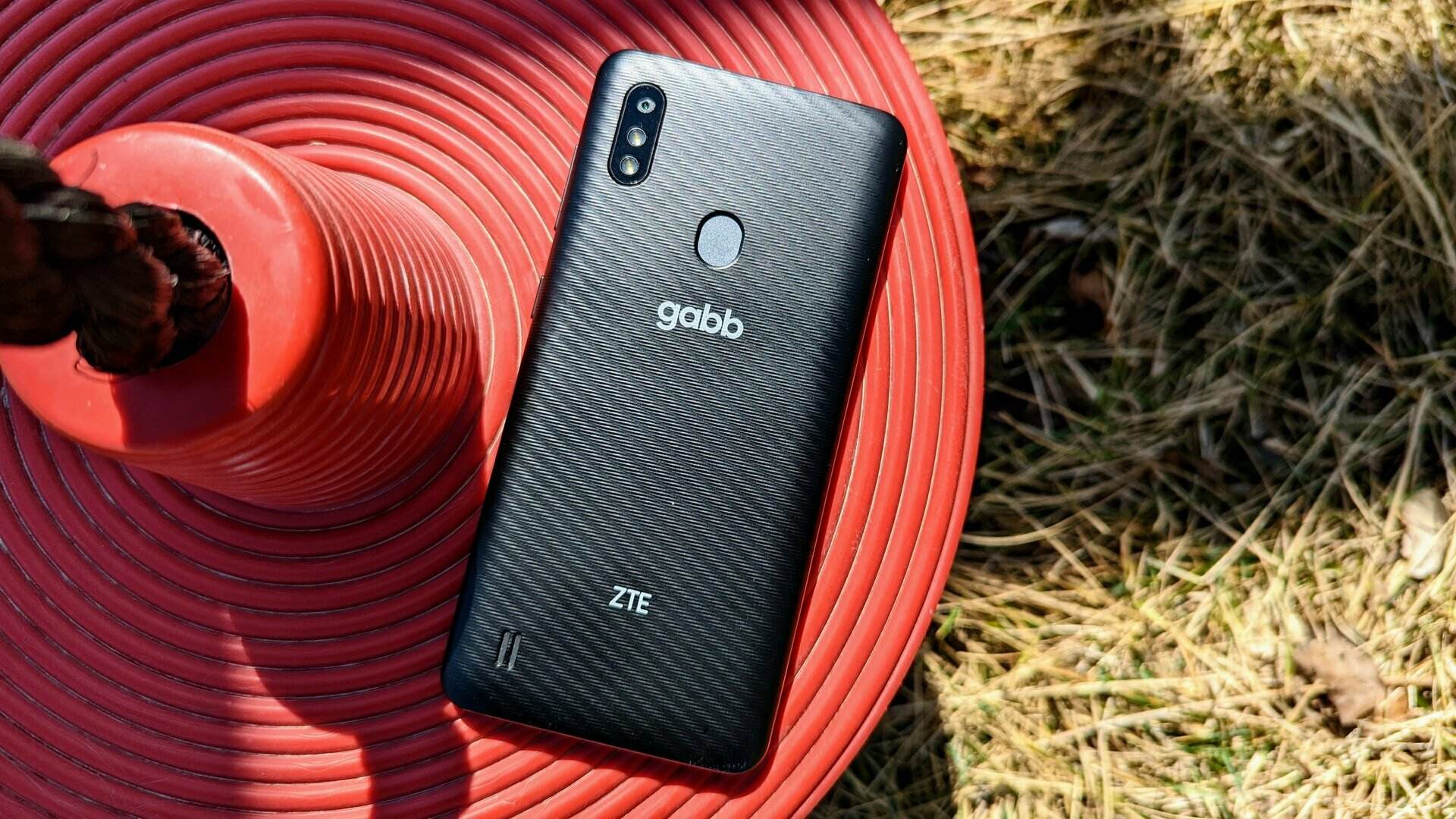
You will find clear instructions for setting up a Gabb Phone and a general overview of activating phones and SIM cards on any carrier. Each article focuses on the exact buttons, menus, or online steps you need to follow to get your phone working.