To activate a replacement phone on AT&T, start with the new device powered off and have your AT&T phone number, the phone's IMEI, and the SIM or ICCID number ready. Then, use AT&T's activation site or call 866.895.1099 to activate the line, and finish by turning the phone on and following the on-device setup prompts.
Before you activate your replacement phone on AT&T
Before starting the activation process, gather your AT&T phone number, the replacement phone's IMEI number, and the SIM or ICCID number from the SIM card that came with the new phone. AT&T recommends using the SIM that shipped with the replacement phone for the best experience; using another SIM may prevent some features from working. Phone service must be activated within 14 days of shipment, or AT&T may cancel or interrupt service to protect your information. If you have already accepted the Terms and Conditions, AT&T may activate the device automatically within 7 days of shipment.
How to activate your replacement phone on AT&T
- Turn the replacement phone off.
- Go to AT&T's activation site or call 866.895.1099 for activation help.
- On the website, choose the activation path for your device. For an eSIM, select an eSIM option in Step 2 and follow the download and activation prompts. AT&T's "Bring your own device" flow follows this path: Identify device & choose SIM → Select line → Identify device & choose SIM → Review and confirm → Security check. The IMEI and EID tell AT&T whether the device will work on the network and the best way to activate it. You can also use the "Switch the device used on my line" option under "Bring your own device" to move an active eSIM or SIM between devices.
- Turn the phone on and follow the setup prompts on the device.
For iPhone 14 and iPhone 15 Plus, after turning the phone on, go to the Settings app, tap Cellular, then tap Set Up Cellular. AT&T also documents transfer flows for an eSIM and phone number after setup, including verification code prompts on the other device. For iPhone setup through AT&T's BYOD page, choose Activate my unlocked device to activate an eSIM, or Move my number to a different device to transfer your current line to the eSIM.
For Android devices such as the Google Pixel 11 Pro, during initial setup after selecting a language, tap iPhone or iPad on the Pixel setup flow to transfer from an iPhone or iPad, then follow the on-screen prompts. Before transferring the eSIM, make sure a secure screen lock is enabled and the device is on the most recently released software version.
Finish setup and confirm activation
After the line is activated, complete the on-device setup prompts. Then make a test call or try using internet or email to confirm that service is working on the replacement phone.
Troubleshooting activation issues
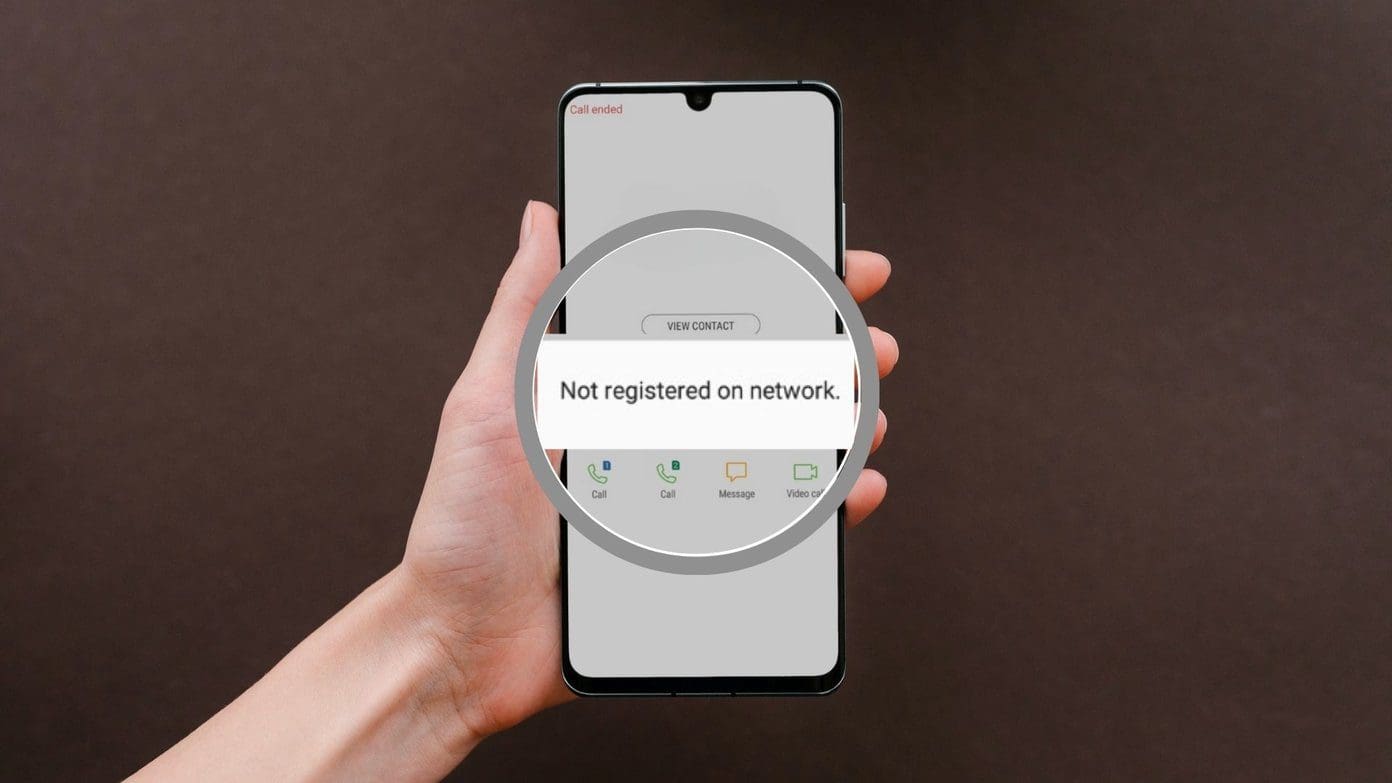
If activation does not complete, first verify that the IMEI and SIM or ICCID numbers are correct. If the SIM is not inserted, go to Device Support, choose the device, and follow the instructions under "Getting started." If the issue persists, contact AT&T customer support. For help with a device-protection replacement setup, call 888.490.6096. For AT&T Prepaid support, call 866.748.7819.
Frequently Asked Questions
What happens to my old phone after I activate the replacement?
Your old phone will no longer be functional on the AT&T network. It is recommended to perform a factory reset to erase personal data before recycling or selling it.
Can I transfer my contacts and data to the replacement phone?
Yes. If you regularly back up to a cloud service, sign in to the same account on the replacement phone and sync your contacts, photos, and other data. You can also use AT&T Mobile Transfer or third-party apps to transfer data from your old phone.
What should I do if my replacement phone is not activating?
Ensure the SIM card is inserted correctly and the phone is connected to a stable network (Wi-Fi or cellular). Restart the phone and try the activation process again. If the issue continues, contact AT&T customer support for assistance.
Do I need to activate an unlocked phone the same way?
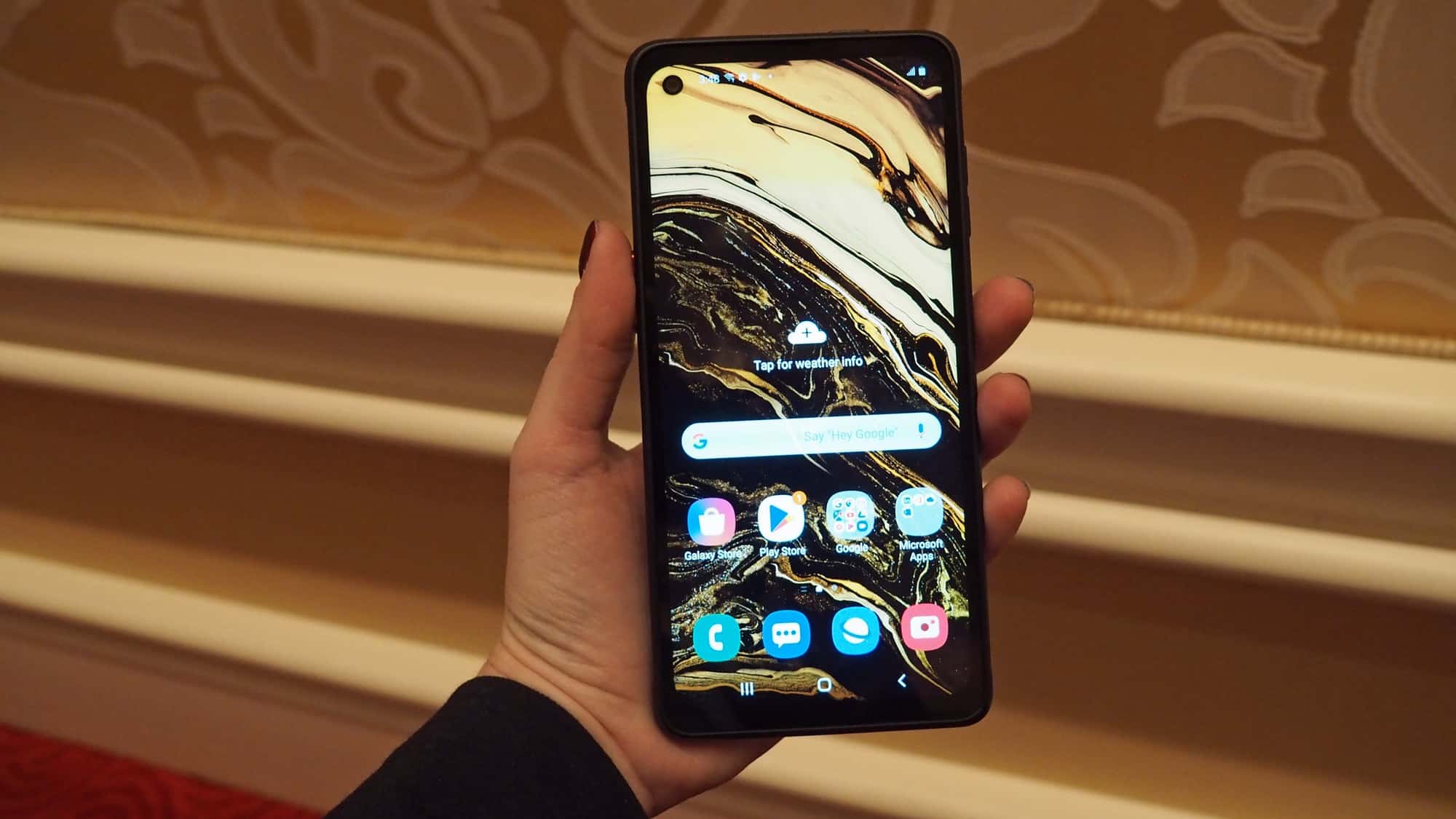
Yes, the process for activating unlocked phones and SIM cards follows the same general path: use the activation site or call AT&T, then complete on-device setup. For an unlocked Samsung phone, choose the appropriate device path on the activation site and follow the prompts to activate unlocked Samsung phone.
How do I activate a replacement phone with an eSIM?
For iPhone, you can also go to Settings > Cellular > Set Up Cellular.
For the wider topic, see activating phones and SIM cards.
Related reading: How To Activate New Phone Verizon.