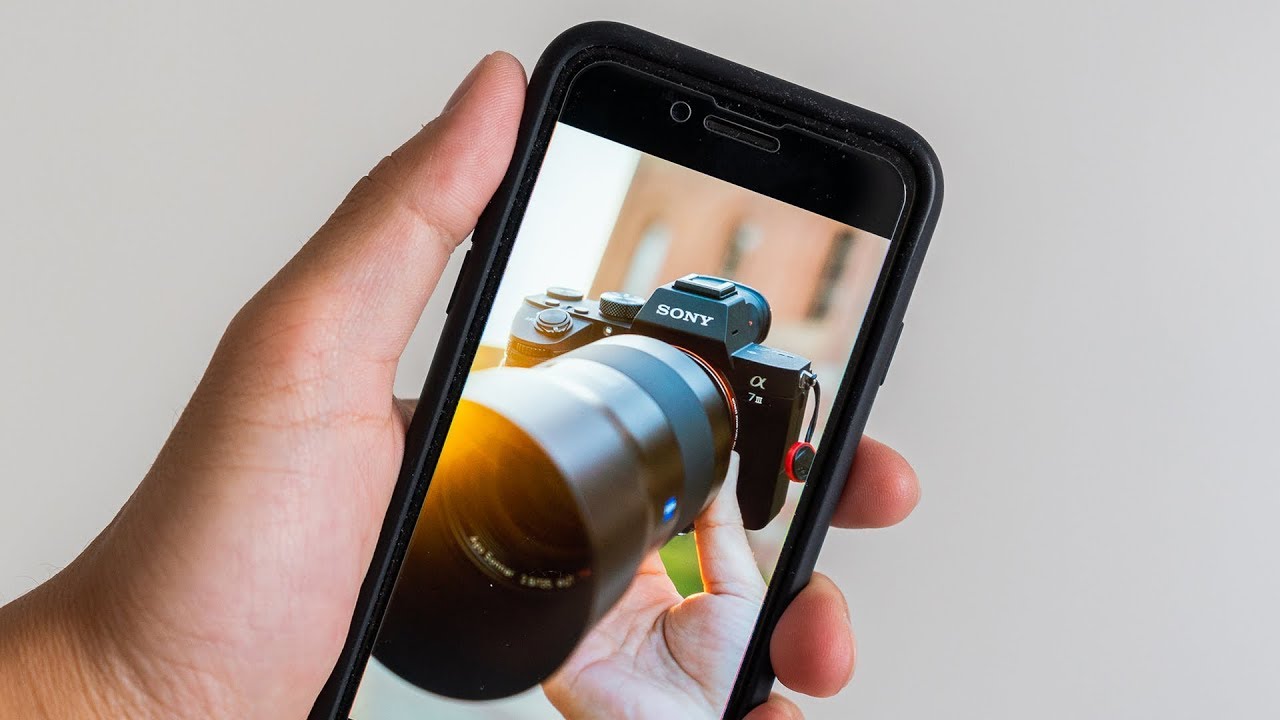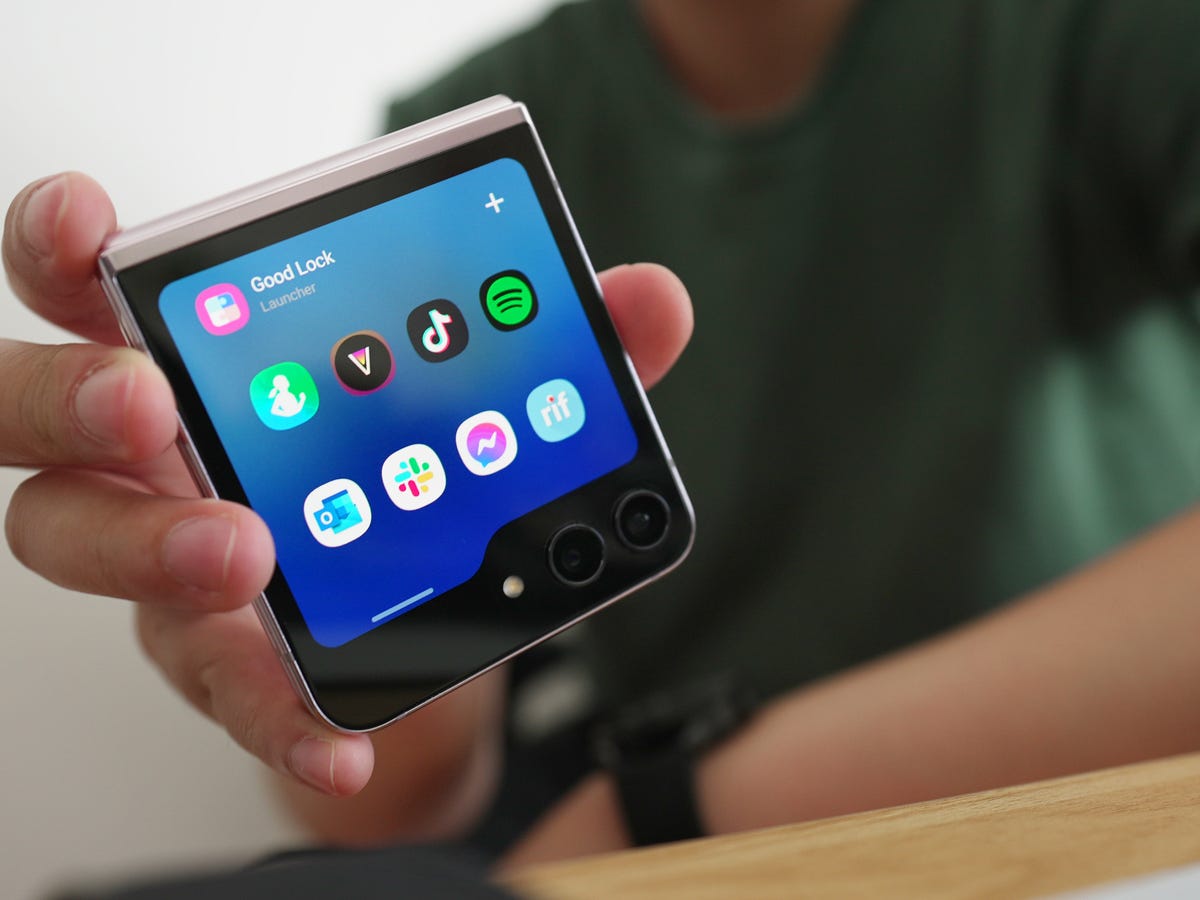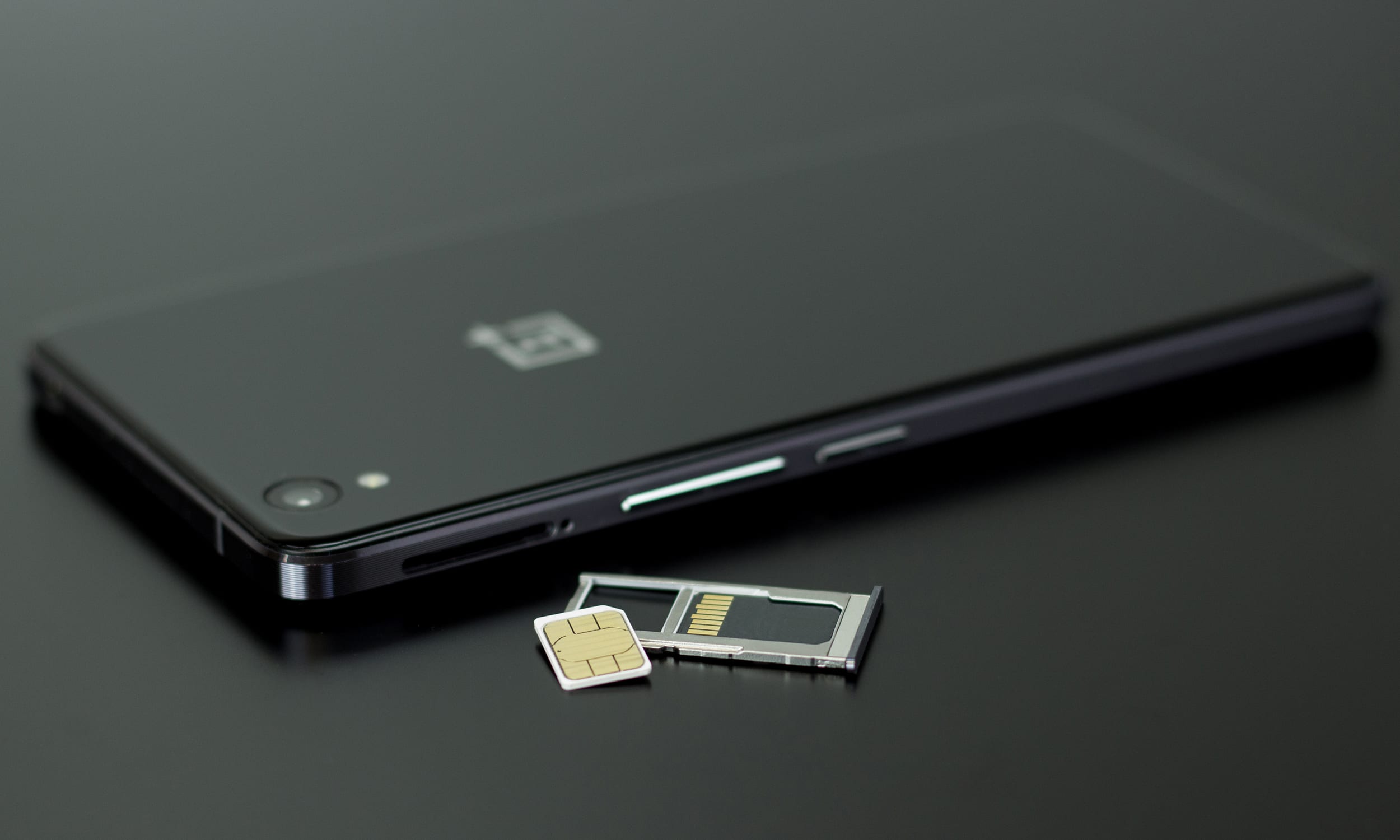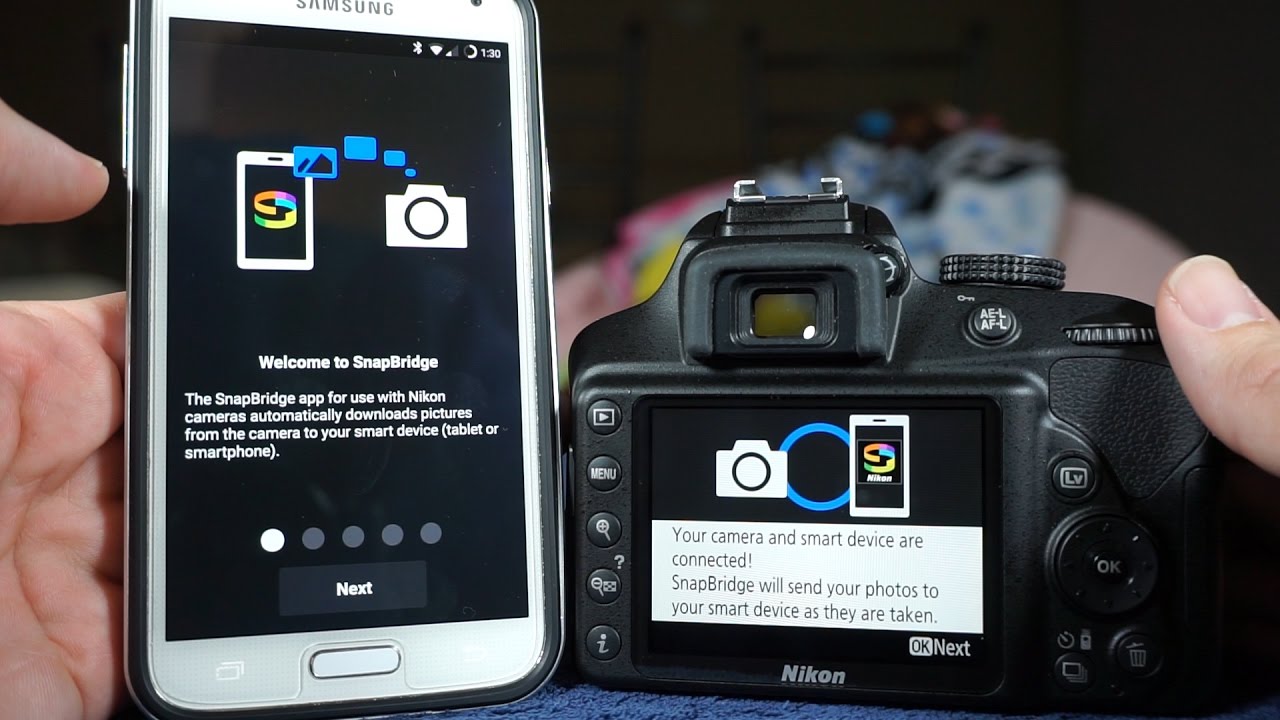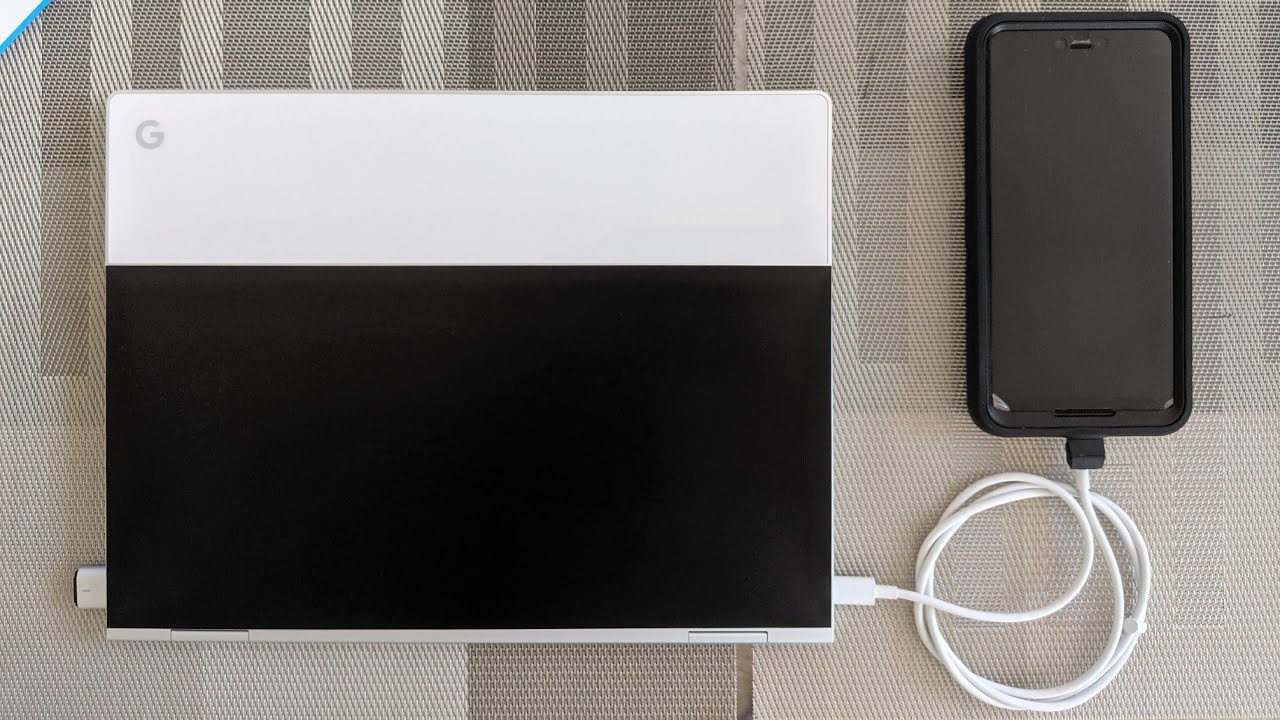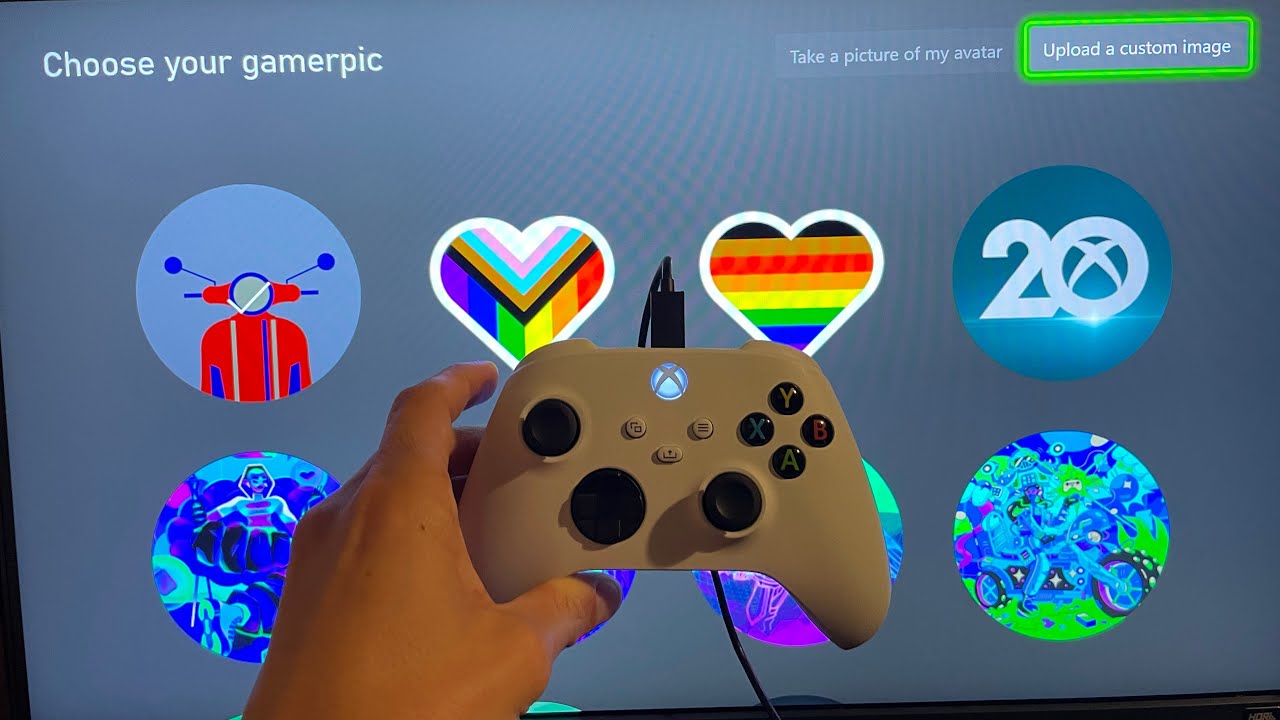
Guides for moving your pictures between phones, computers, cameras, game consoles, and other devices. This page is for anyone who needs practical, step-by-step help getting their photos from one place to another, whether you are dealing with an old flip phone, a modern Android, or a dedicated camera like the Nikon Coolpix or Sony A7III.
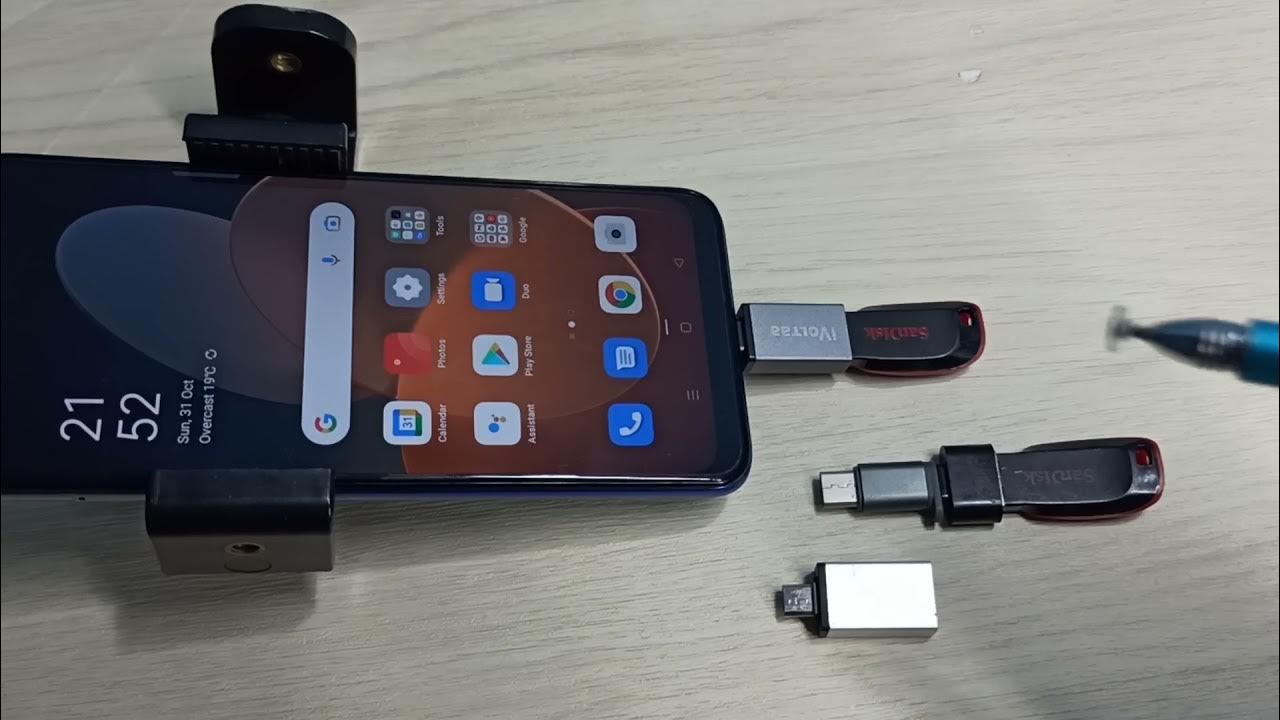
The articles here solve two main kinds of problems. First, they cover moving photos between different devices and platforms, such as transferring photos from an Android phone to a Chromebook, uploading pictures from your phone to an Xbox One, or connecting a Sony A7III to a phone. Second, they address tricky situations like retrieving pictures from an old phone without a SIM card, downloading images from a flip phone, or moving pictures to a flash drive from a Google phone. There is also guidance on managing photos once they are on your phone, including how to get an image ID on mobile.
These articles help you actually do the transfer, whether you are trying to clear space on your phone, back up memories to a computer, or share images with a gaming console. Specific topics covered include how to transfer photos from a Nikon Coolpix to a phone, how to get pictures off an old phone without a SIM card, and how to move pictures to a flash drive from a Google phone.