This tag collects articles about printing directly from your phone, whether you need to put a conversation on paper or produce a photo in a specific size. It is for anyone who owns a smartphone and wants to bypass a computer to get a physical copy of something, no matter which carrier or app they use, or whether their printer is old, new, or wireless.
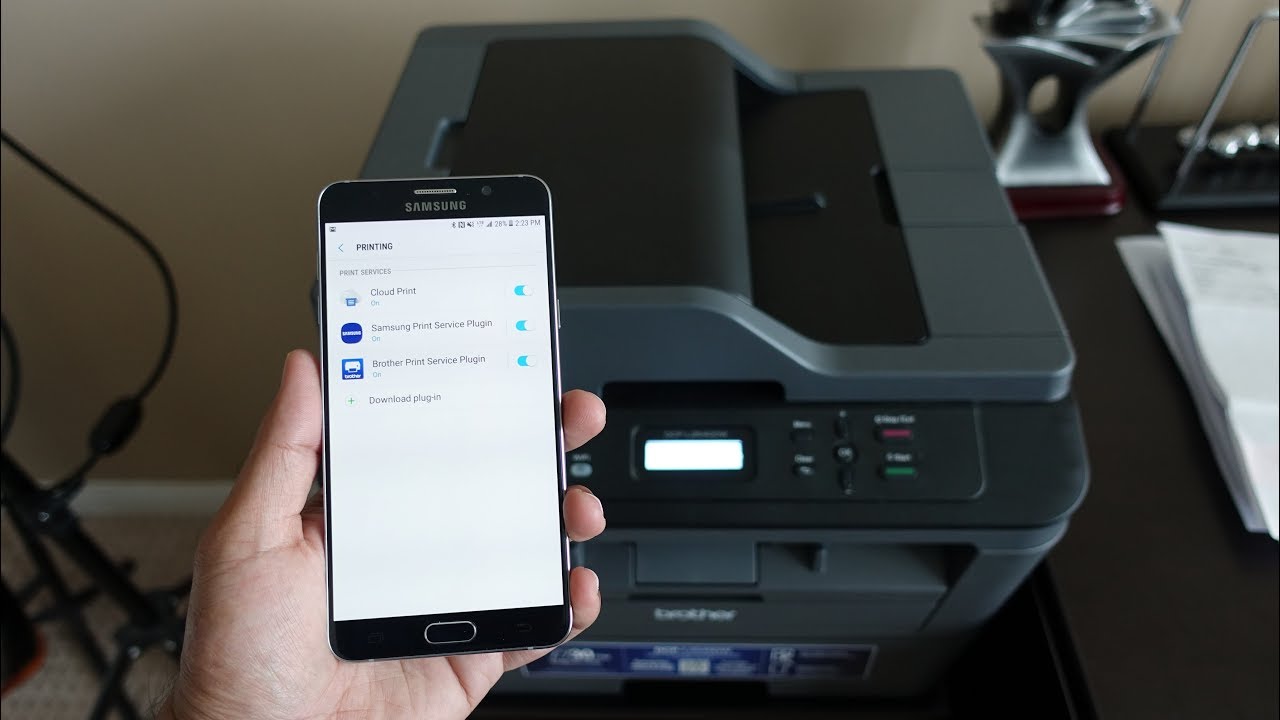
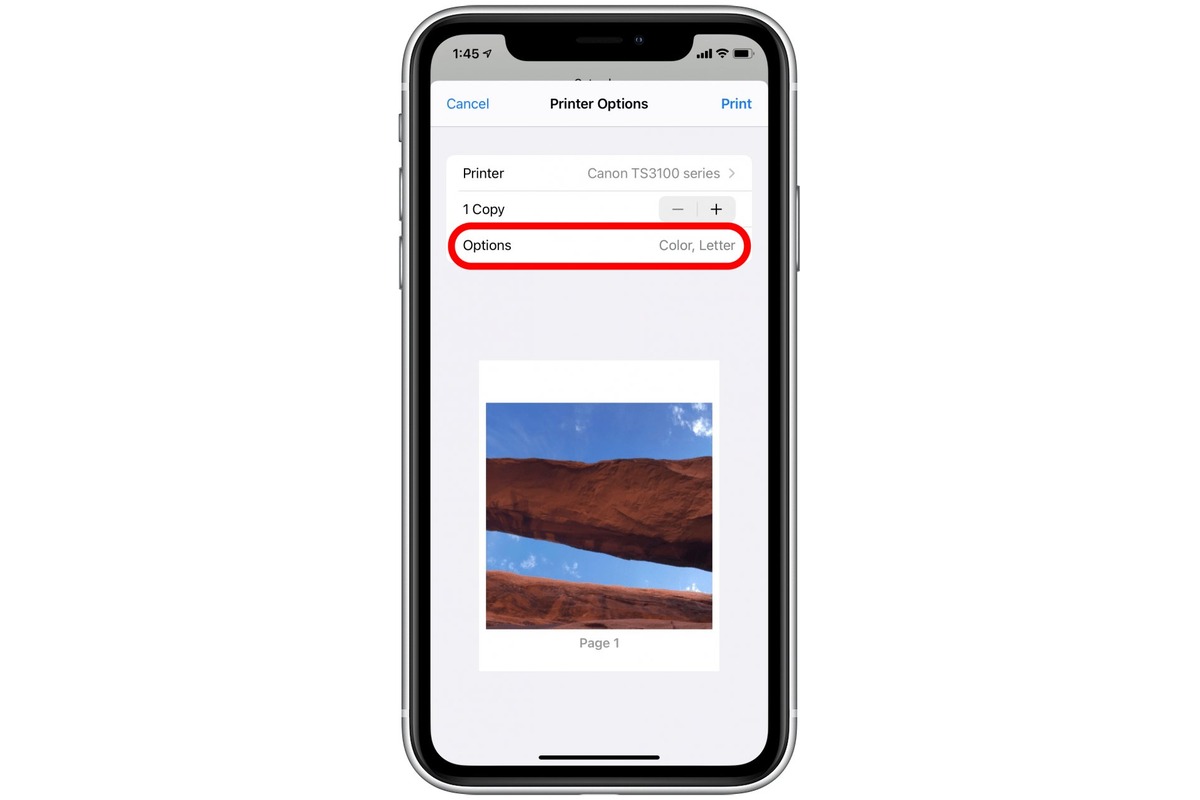
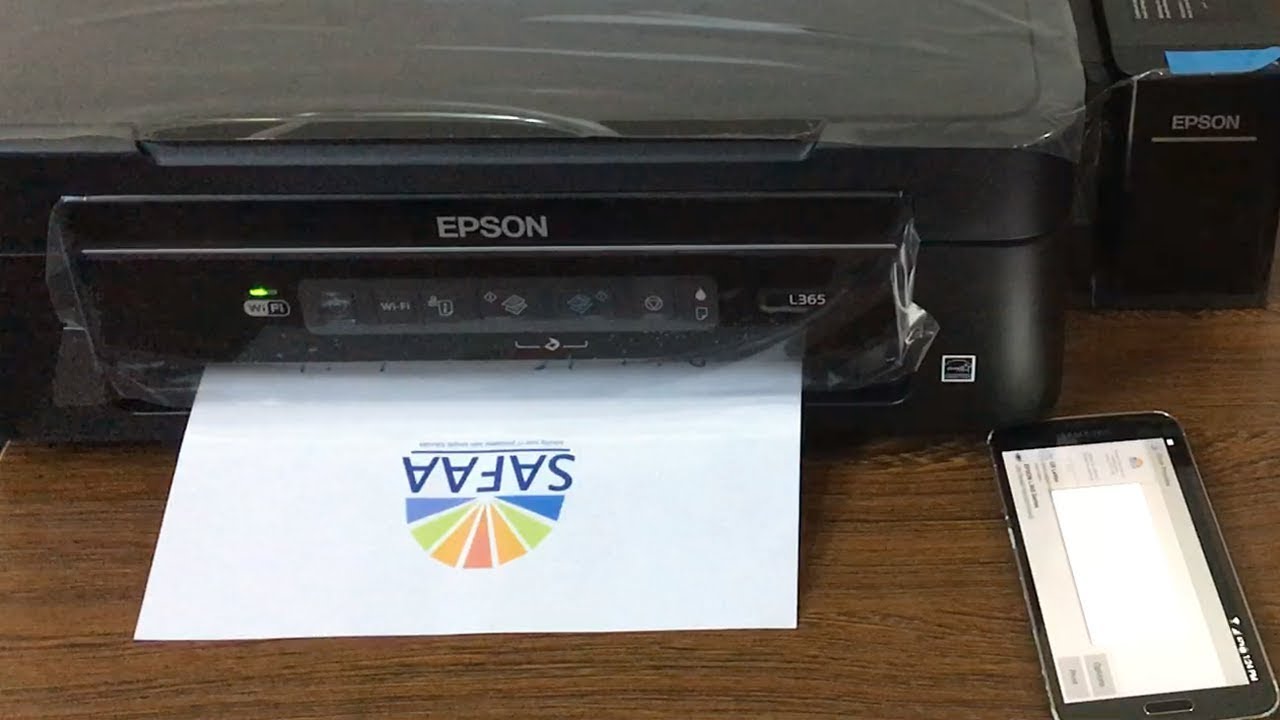
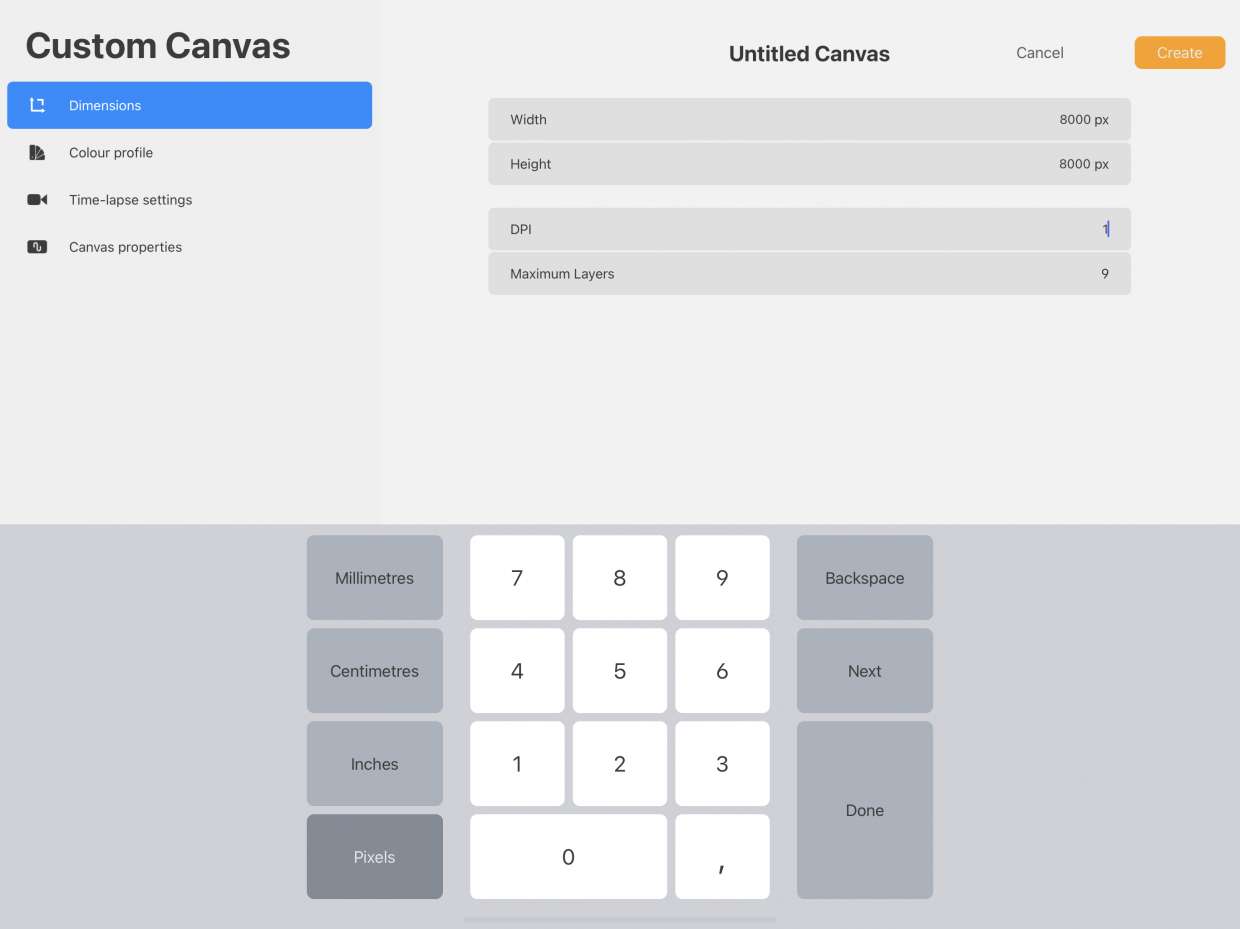
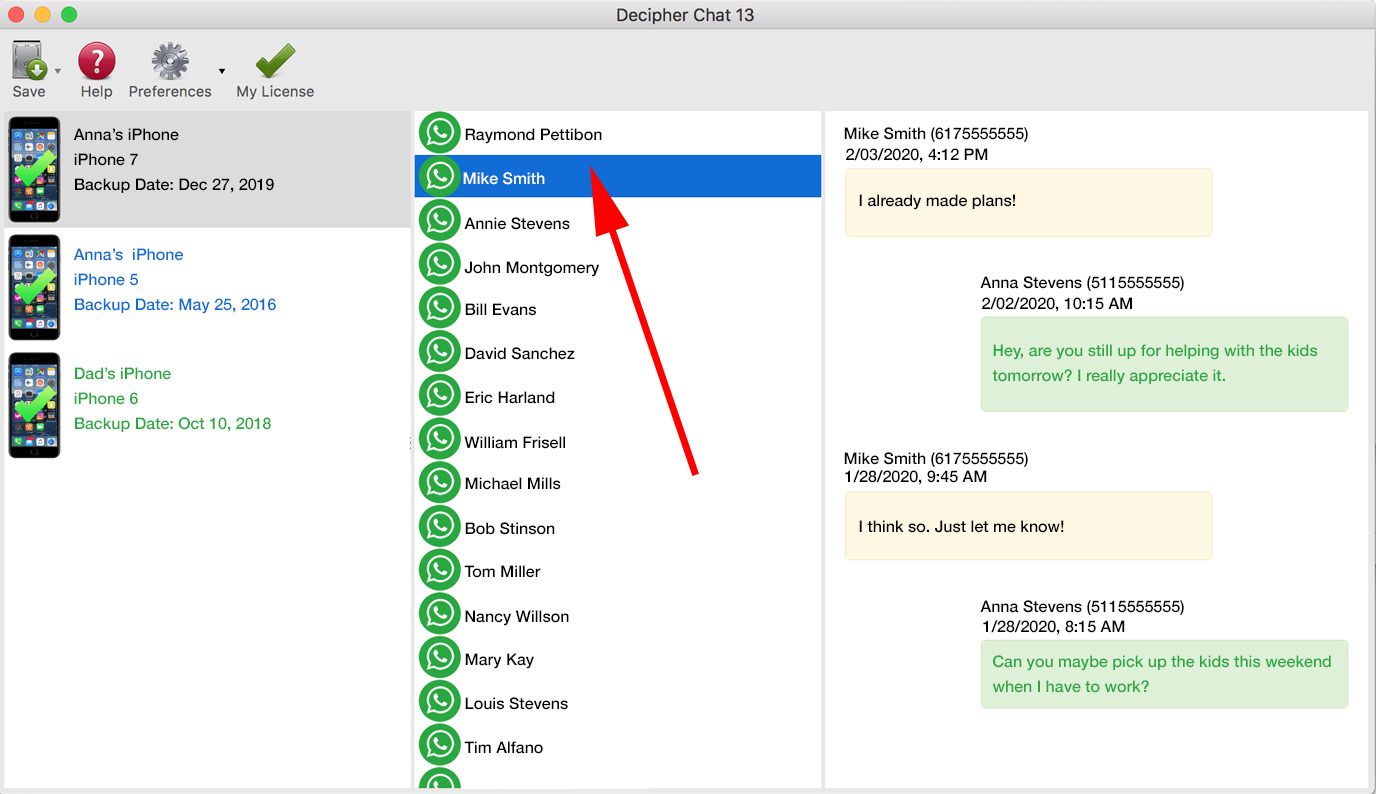
The articles here solve two main kinds of problems. First, they tackle connection issues: how to print when Wi-Fi is broken or unavailable, for instance by using an OTG cable with an HP printer, or by linking a phone to an Epson printer without any network at all. Second, they answer format and software questions, such as how to print 5x7 photos from an iPhone, what the DPI setting means in Procreate for print quality, and the two fixed ways to print WhatsApp messages in 2024. Each guide focuses on a specific task, like printing with a mobile device or adjusting a Procreate canvas, so you can follow the steps that match your exact hardware and situation.