Start here: Qi

All topics →

The Qi tag collects all of CellularNews’s articles about wireless charging, from the basics of the standard to specific device setups. This page is for anyone who owns a modern phone, wants to buy a wireless charger, or has run into a charging problem they need to solve quickly.

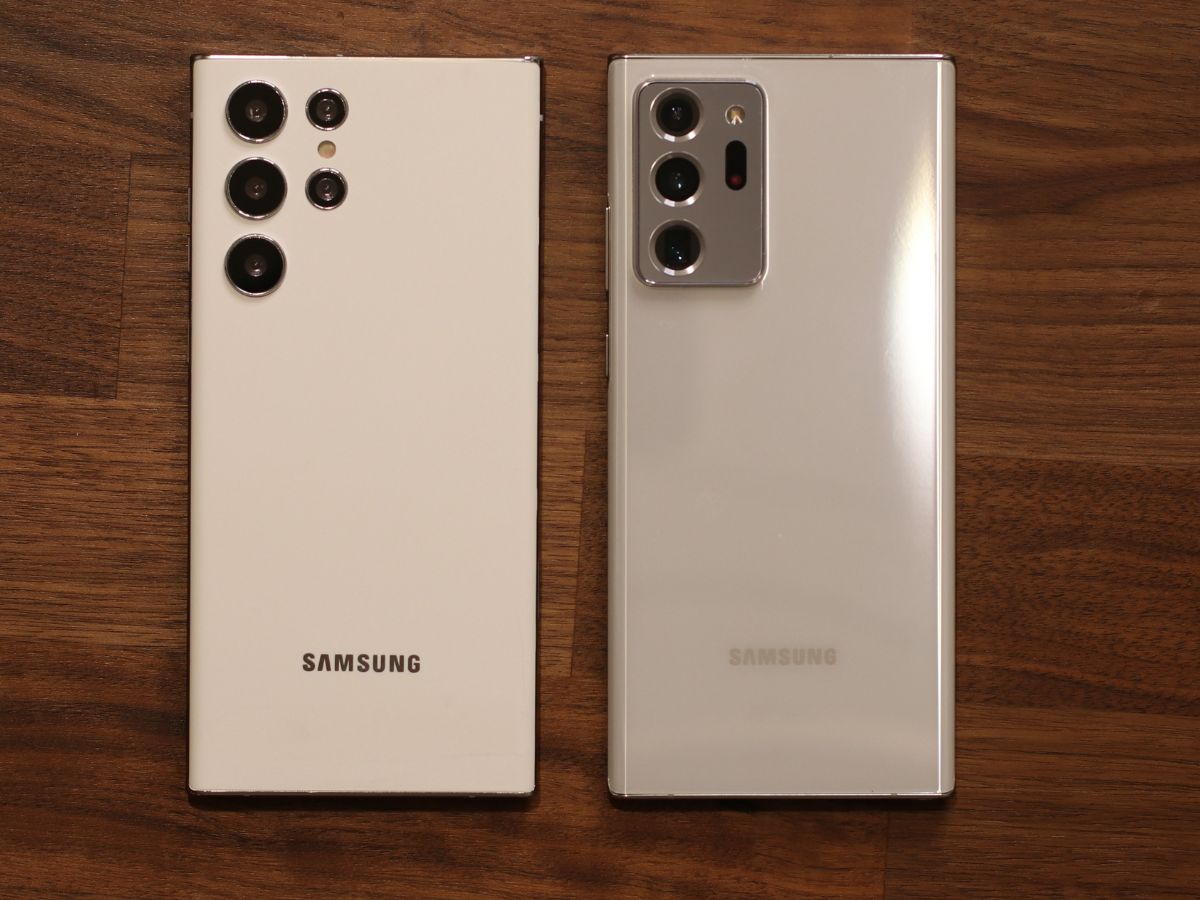
The articles here tackle three main kinds of problems. First, they help you figure out compatibility: you can learn exactly which Samsung Galaxy phones, Motorola phones, and other Android devices support Qi, and how to tell if your own phone is Qi-enabled. Second, they walk you through the actual setup and use of wireless charging, including how to turn it on for an iPhone 11, a Samsung S20 FE, or an older Galaxy S7, and how to use accessories like a Mophie charger or a magnetic wireless power bank. Third, they answer practical questions about charging speed, building your own charger, and even how to charge your phone in a Tesla. Whether you are looking for the first phone to ever have wireless charging or trying to charge wireless earbuds without their case, these articles give you clear, actionable steps.
How To Turn On IPhone 11 Wireless Charging

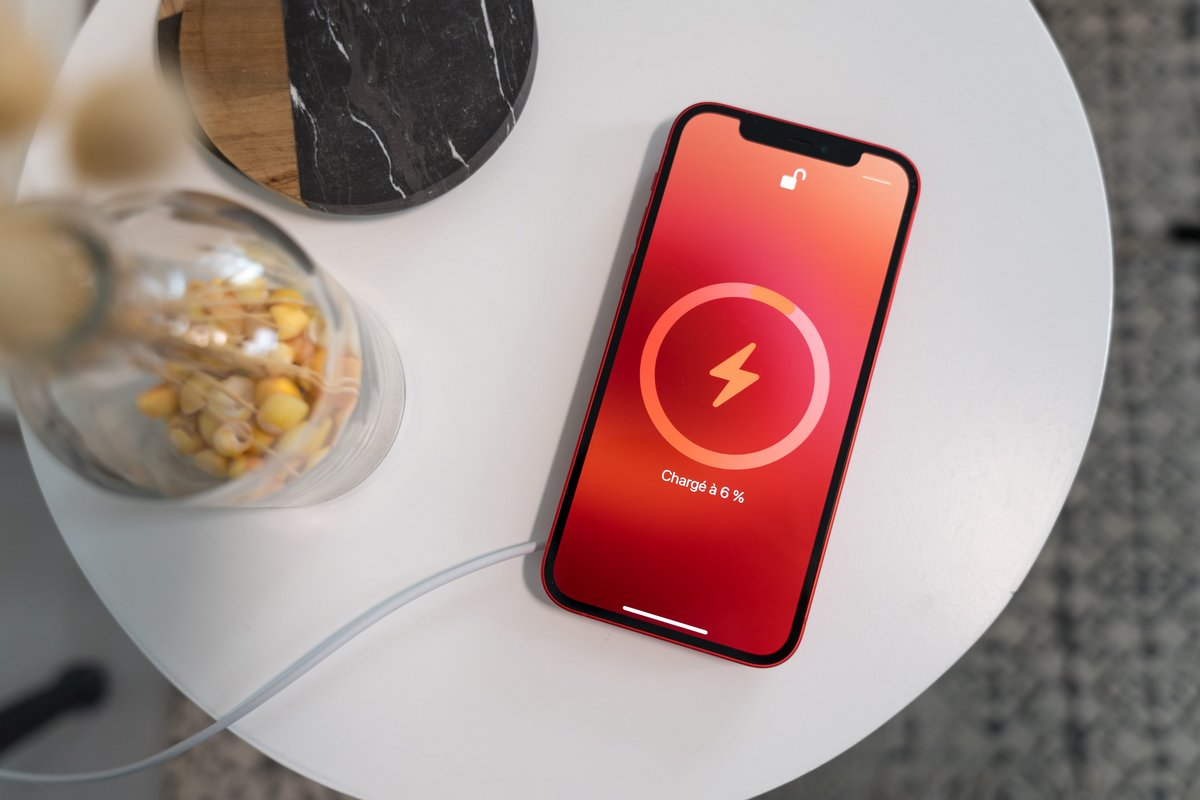
To turn on iPhone 11 wireless charging, you do not need to enable any setting, toggle, or menu, the feature is always active and starts automatically the moment you place...

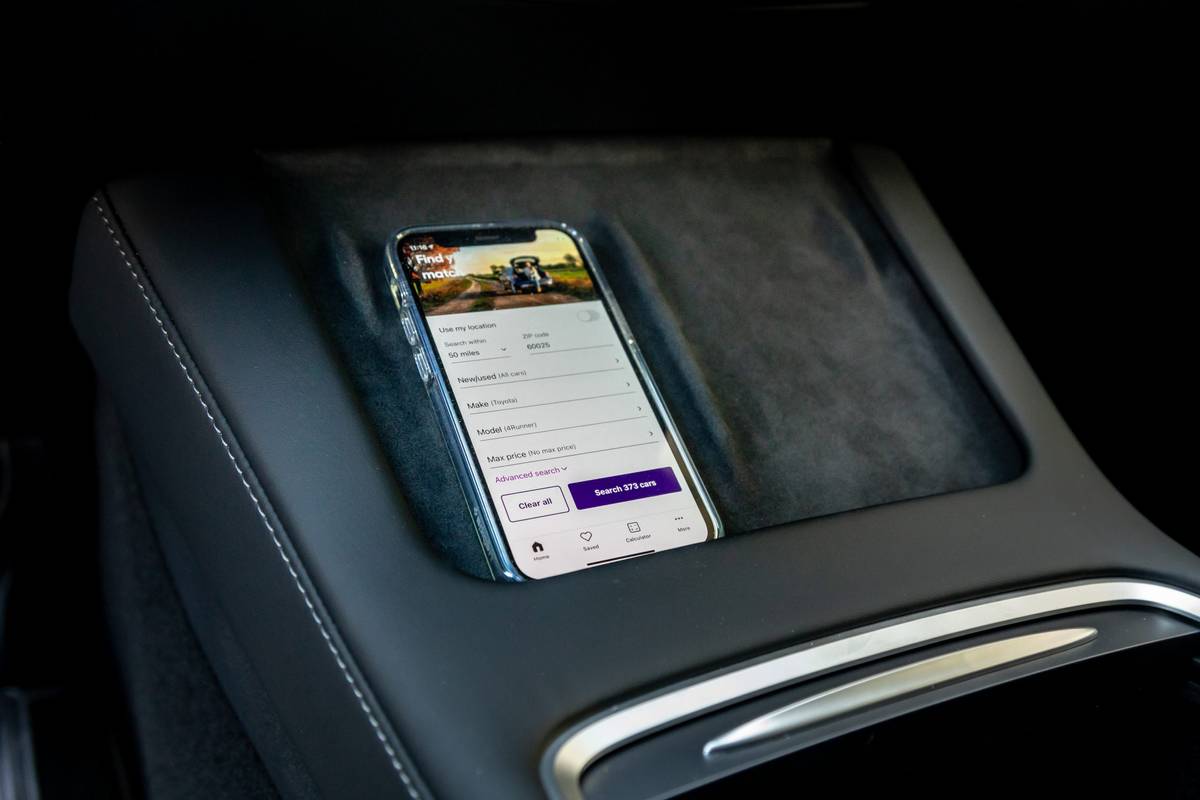
How To Charge Your Phone In A Tesla

To charge your phone in a Tesla, you can use the built-in wireless charging pad or connect a cable to one of the vehicle's USB ports. The most straightforward method...

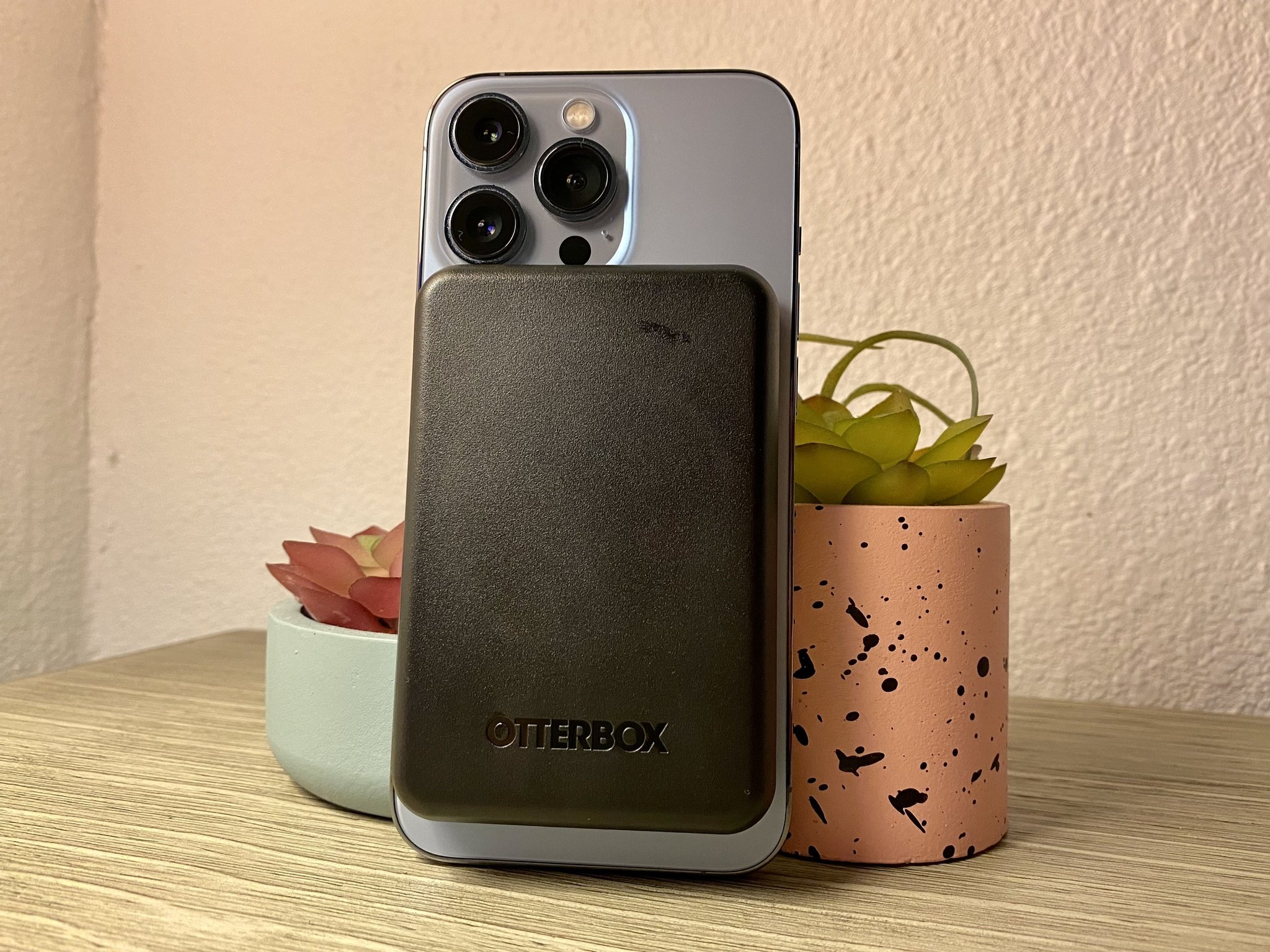
How To Use Magnetic Wireless Power Bank

To use a magnetic wireless power bank, first confirm your phone supports Qi wireless charging, then attach the bank magnetically to the back of your device and press the side...

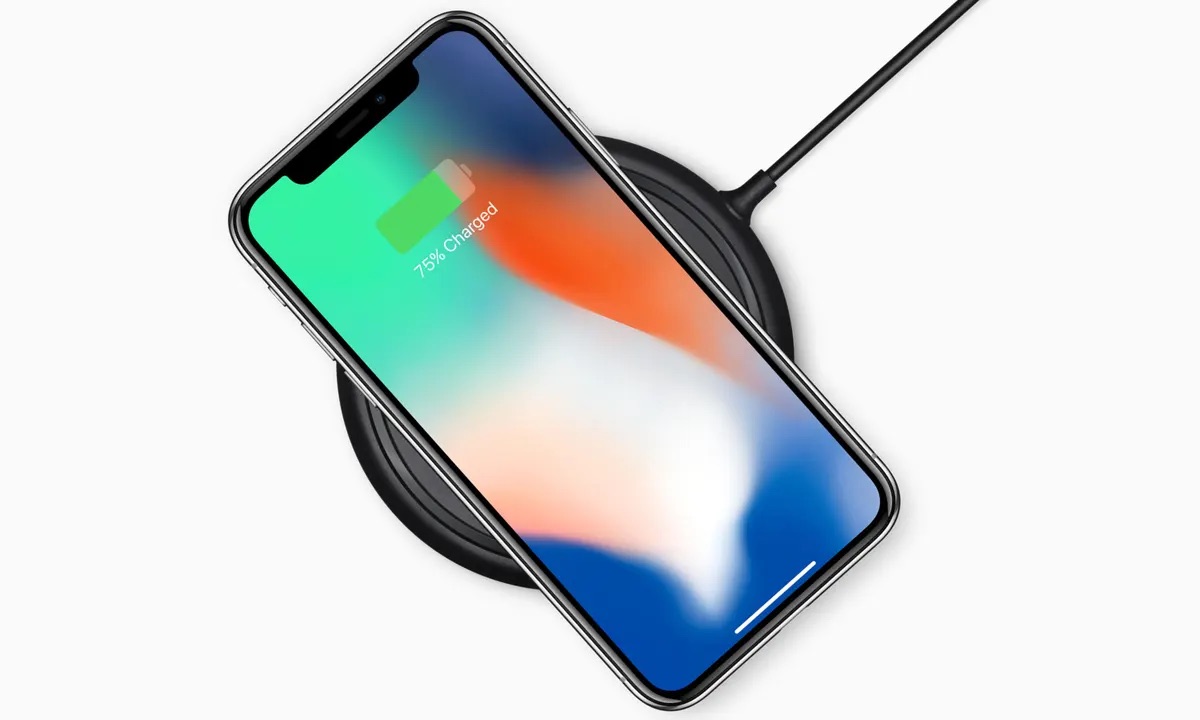
How Long Do Wireless Chargers Take To Charge

Wireless chargers typically take 2 to 4 hours to fully charge a phone using standard Qi charging, though this range shifts depending on the phone model, charger wattage, and conditions....

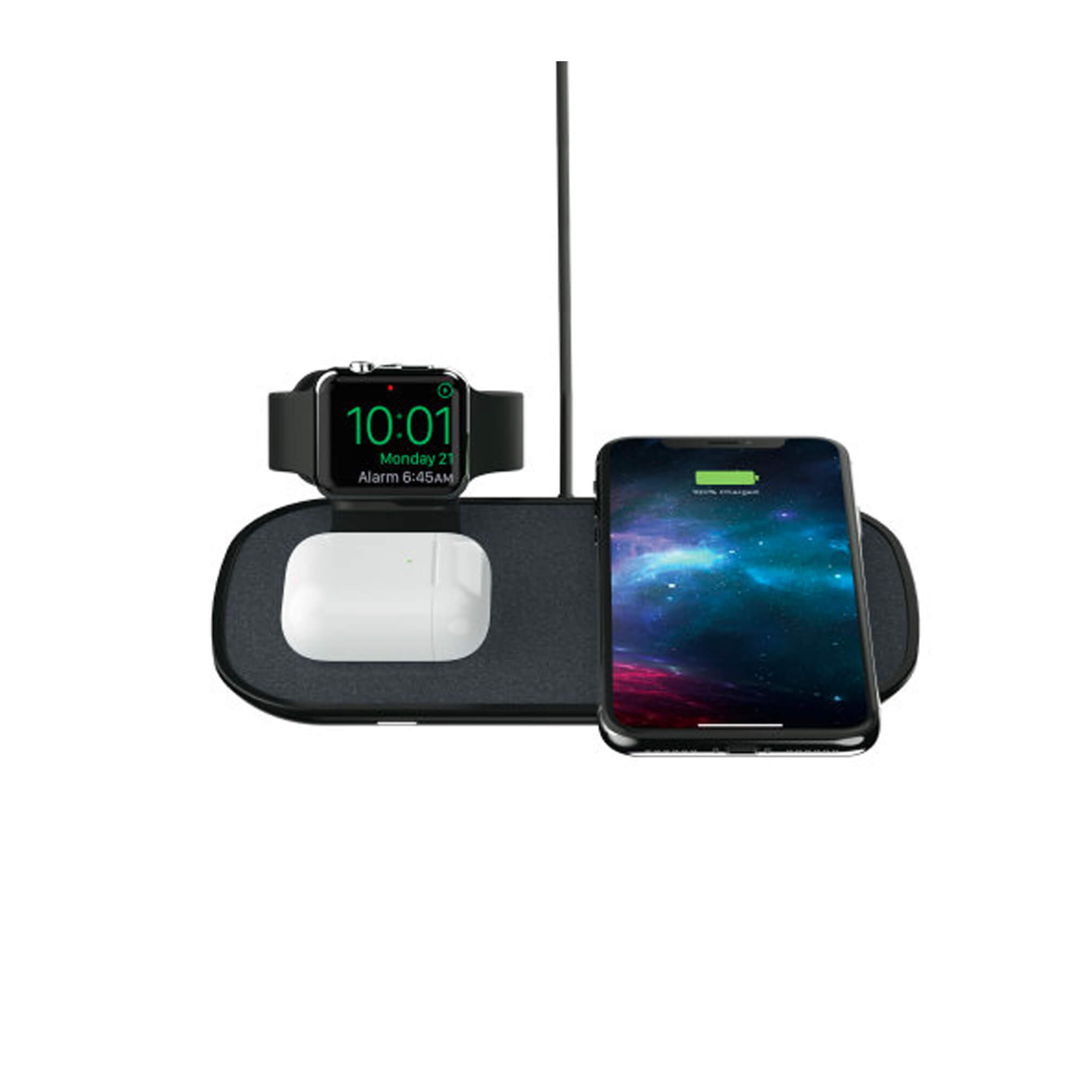
How To Use A Mophie Wireless Charger

To use a Mophie wireless charger, simply plug the charger into a wall outlet using the supplied or compatible power adapter and cable, then place your Qi-compatible device directly onto...

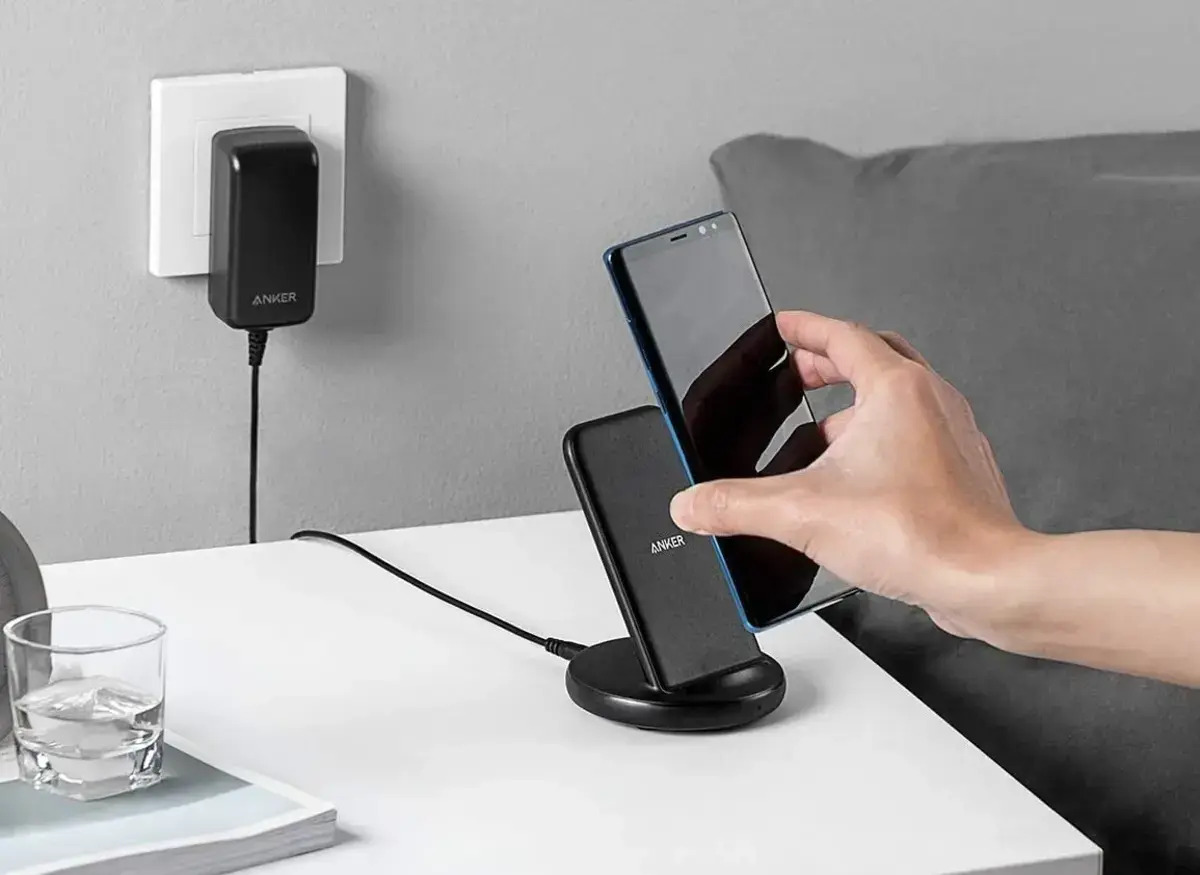
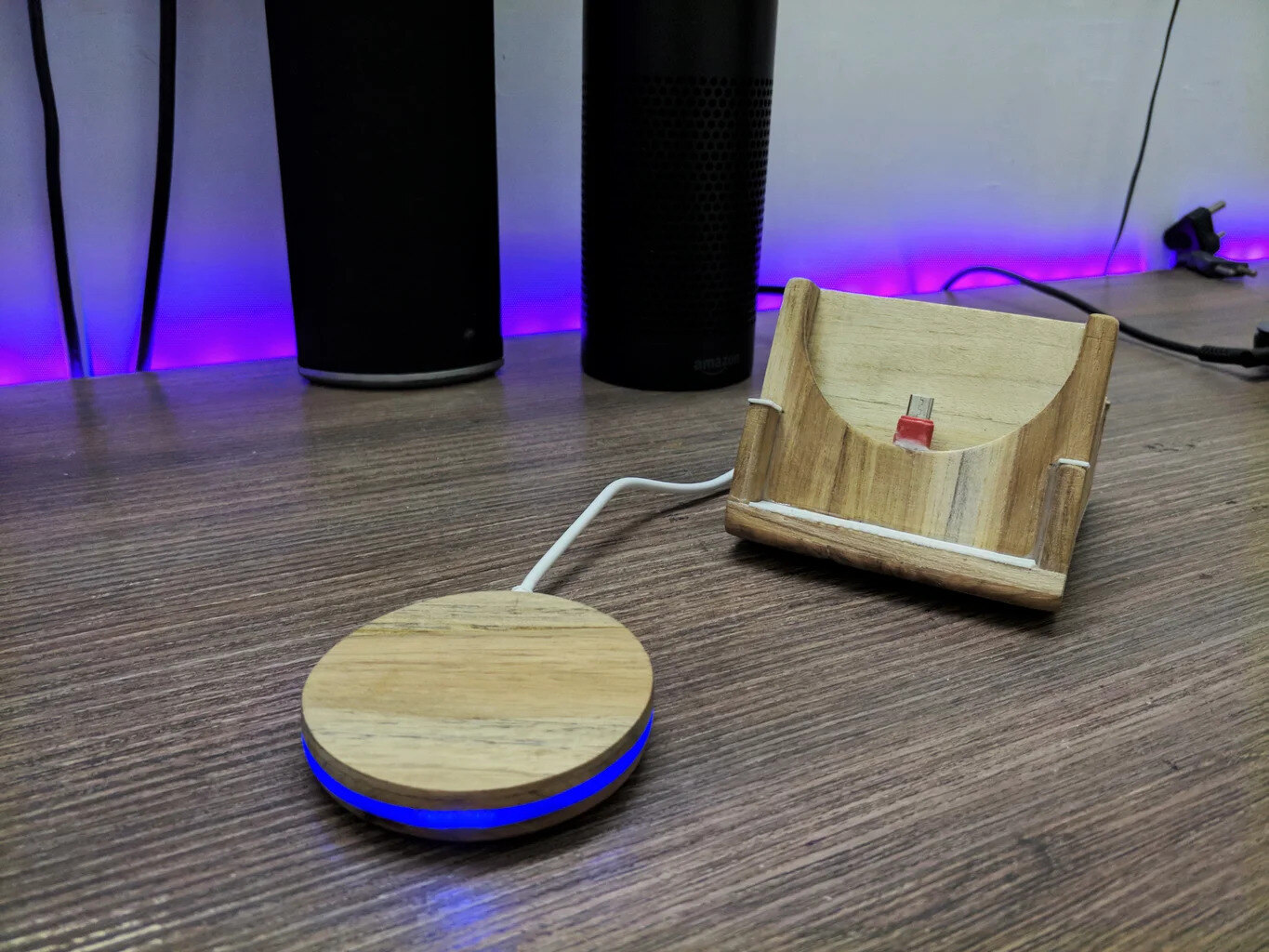
How To Build Wireless Charger

To use a wireless charger, place your compatible phone on a Qi-certified charging pad that is connected to power. This guide covers everything you need for a successful phone wireless...

How To Tell If Your Phone Is Qi Enabled

To tell if your phone is Qi enabled, check your specific phone model against the manufacturer's official compatibility list. Apple documents that iPhone 8 and later models support Qi-certified wireless...