Is your phone capable of wireless charging
Before you complete your wireless charging setup, confirm that your phone can accept a charge through its back glass.
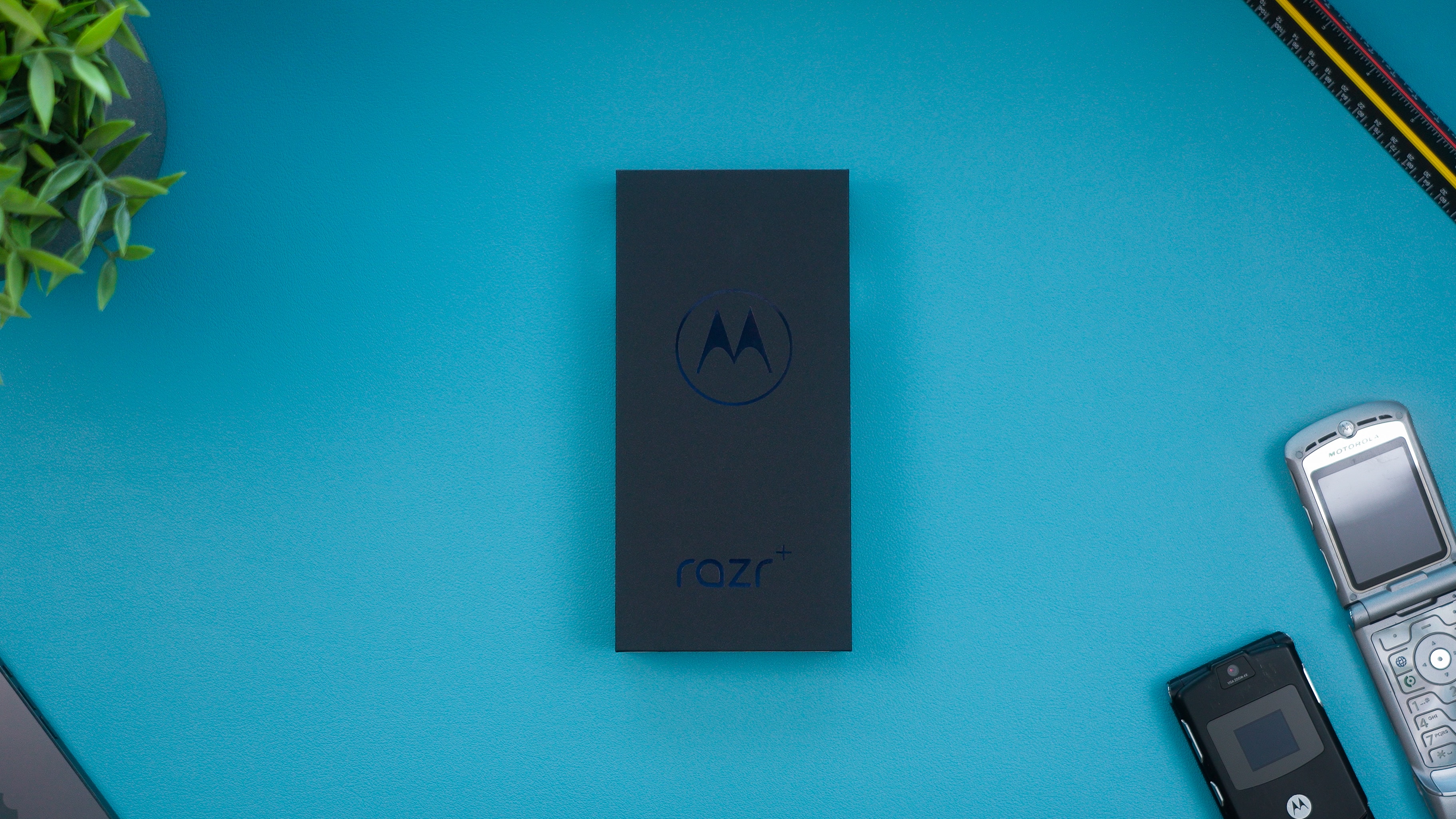
The basic inductive principle is similar across brands, but model support and specific technologies vary. You can quickly tell if your phone is Qi enabled by checking the manufacturer's specifications for Qi compatibility, and reading the article "Qi Charging: What It Is & Is Your Phone Qi-Enabled" will explain exactly why it matters for your setup. Many flagship Samsung Galaxy phones support wireless charging right out of the box. The feature is not automatic on every mid-range device, however. Looking up Samsung Galaxy A54 wireless charging support will save you from buying a dock that sits unused. Likewise, a search for Motorola phones with wireless charging support can help you determine which models include the feature.
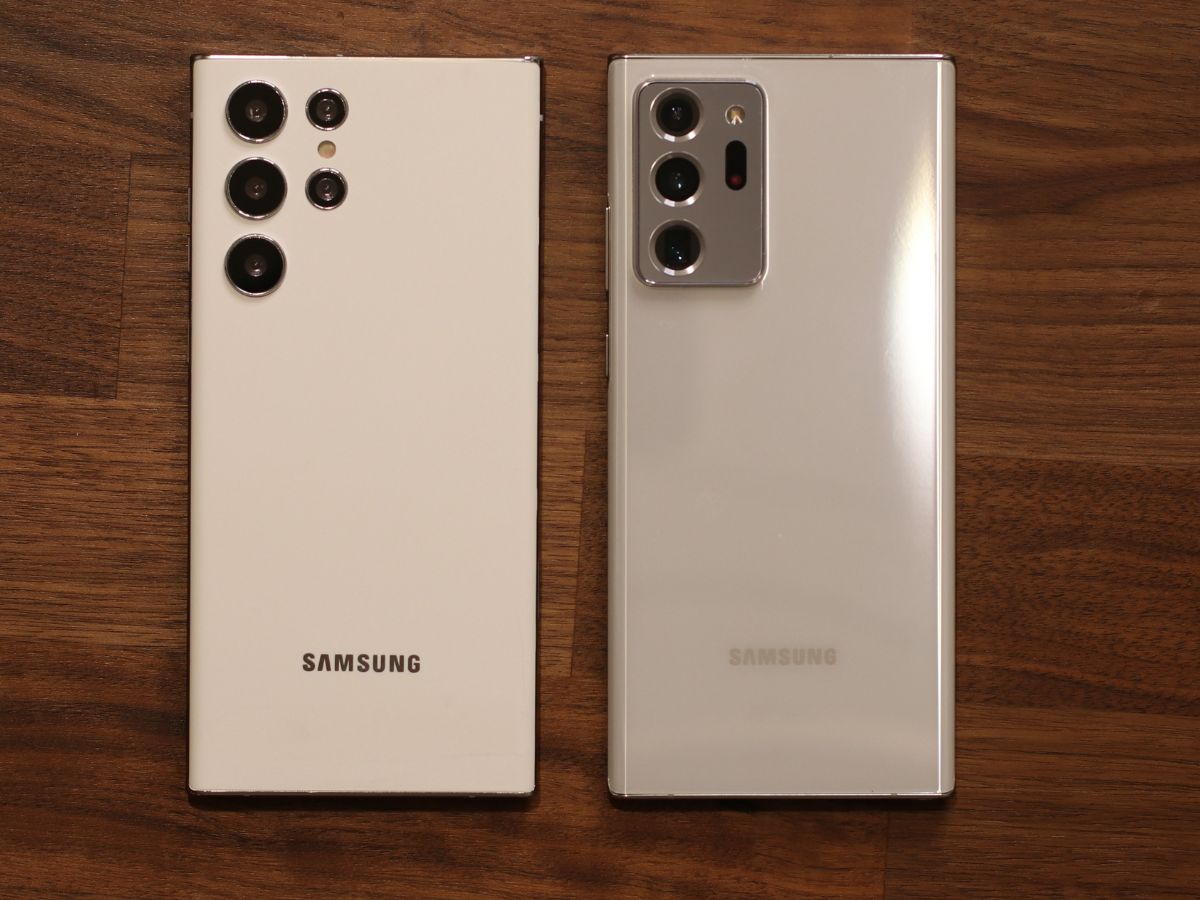
If you need durability along with the convenience, you might look into waterproof Android phones with inductive charging. A glass back is common on phones with wireless charging, as metal backs can interfere with the charging coil. Once you know what your phone can do, the most common obstacle is physical. Thick cases, metal plates, and magnetic ring grips can block the field. Pulling those off often resolves charging issues.
How wireless charging actually works
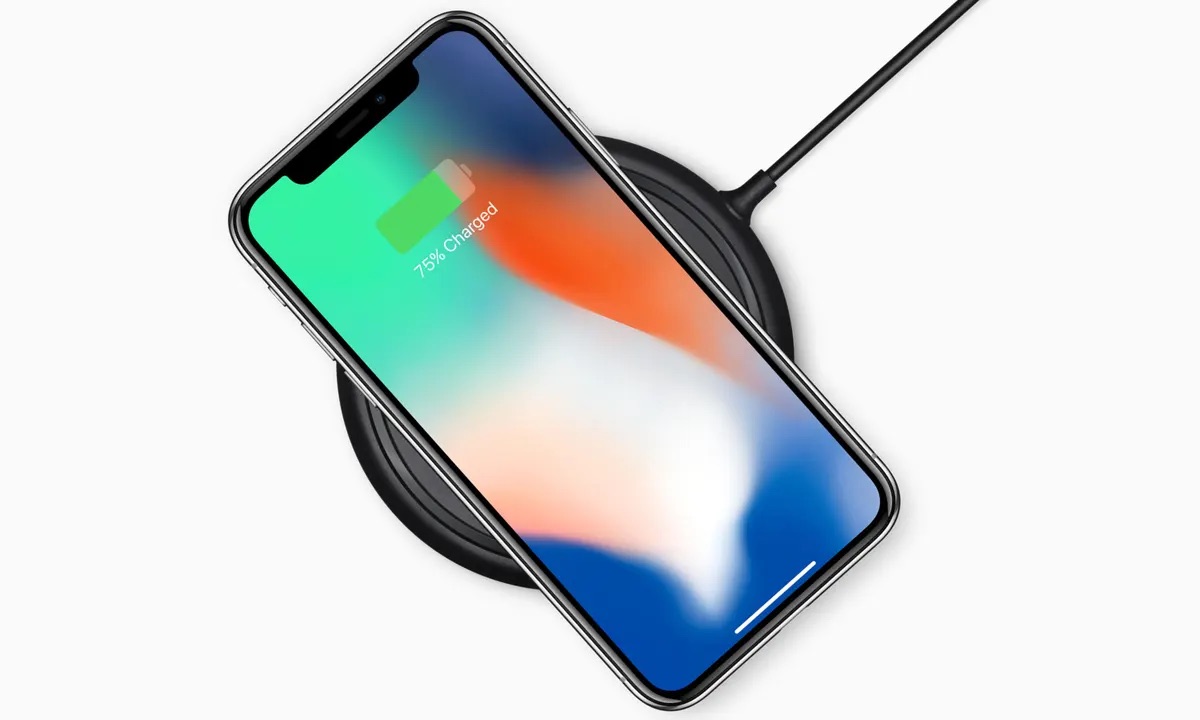
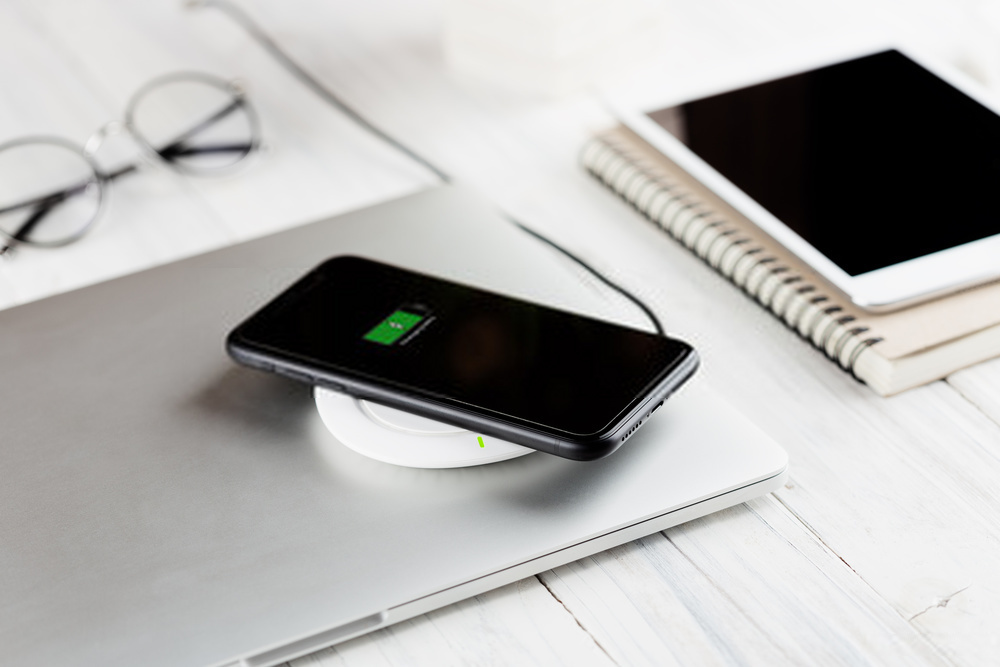
At its core, wireless charging relies on a pair of copper coils, one in the pad and one inside your phone, which must be aligned to create an electromagnetic field. When you place the device on the pad, the pad's coil generates an alternating current that induces a voltage in the phone's receiving coil, converting that energy back into direct current to fill the battery. This is the same physical principle that makes a cell phone charger work without a cable, though the efficiency drops if the coils are even slightly offset.
Apple recommends centering the iPhone face-up on the pad and waiting a few seconds for the charging icon to confirm the connection, while Google advises Pixel owners to ensure the phone is centered on the charger for optimal performance. Understanding how wireless charging work on a mobile phone also means recognizing that heat is the enemy of speed, and a warm device will throttle the charge rate or pause it altogether to protect the battery, which is why you would want to read the article explaining the process in detail.
If you are wondering which is faster wireless charging or wired, a direct cable connection almost always delivers more wattage with less energy lost as heat. Because wireless charger charging times vary so widely by adapter, alignment, and phone model, a pad that charges quickly with one combination might take significantly longer with another, and reading up on those times helps you set realistic expectations. For those chasing outright speed, the fastest phone charger will typically be a wired adapter matched to your device's maximum input rating, not a wireless pad.
Turn it on and get it working
When your phone refuses to charge, the fix is often simpler than you think. One reason wireless charging not working on a phone can be a thick case or a metal ring grip blocking the electromagnetic field between the pad and the internal coil. Pop off the case and remove any magnetic mounts or PopSockets, then place the bare phone back down.
If you have an iPhone 11, you do not need to find a hidden menu to turn on iPhone 11 wireless charging, because the feature is always ready and requires no activation. Simply connect a Qi-certified power accessory to the wall and center the phone face-up on the surface, then wait for the status bar icon to appear. The hardware activates by default without any software toggle.
The same principle holds for a Galaxy S7. To turn on wireless charging S7, you just place the device on a compatible pad, though you can manage fast wireless charging settings via Settings > Battery and device care > Battery > Charging settings. The moment the device detects a compatible electromagnetic field, the battery indicator confirms the connection.
Owners of other brands often ask how to turn on wireless charging Motorola, and the answer depends entirely on your model. If the pad stays dark, first verify your specific phone actually includes the receiving hardware. A quick check of the technical specifications for your model will confirm whether the internal component exists.
For any Qi-enabled device, the broadest instruction is to turn on wireless charging by giving it power and proper alignment, since the charging coil activates automatically when it senses a compatible transmitter. Center the phone on the dock and look for the confirmation light. No manual switch is required because the system is designed to begin the moment the two coils align.
- wireless charging not working on a phone
- turn on iPhone 11 wireless charging
- turn on wireless charging Motorola
- turn on wireless charging S7
- turn on wireless charging
Deal with cases and accessories
Physical barriers are the most common reason a wireless charging pad stays dark, and the fix is usually simpler than you expect. Metal rings, magnetic mounts, and thick armor cases break the electromagnetic field between the pad and your phone's internal coil. If you use a standard grip, you will need to remove pop socket for wireless charging unless you are using a MagSafe-compatible accessory designed to stay on during charging, because the metal disc and raised profile prevent the coils from aligning. Even a slim plastic base can create enough distance to stop the handshake. For those who want to keep a grip attached most of the time, you can use wireless charger with popsocket when the accessory is specifically designed for magnetic passthrough. MagSafe-compatible grips that slide off the phone can leave the magnetic ring in place so the power transmitter connects directly to the phone without the plastic barrier in between. Thick cases without a magnetic ring remain a problem regardless of the grip you choose, and wireless charging may not work through standard non-MagSafe cases. If your pad blinks or does nothing, pull the case off and set the bare phone down before assuming the accessory is dead.
Charge in your car and on the go
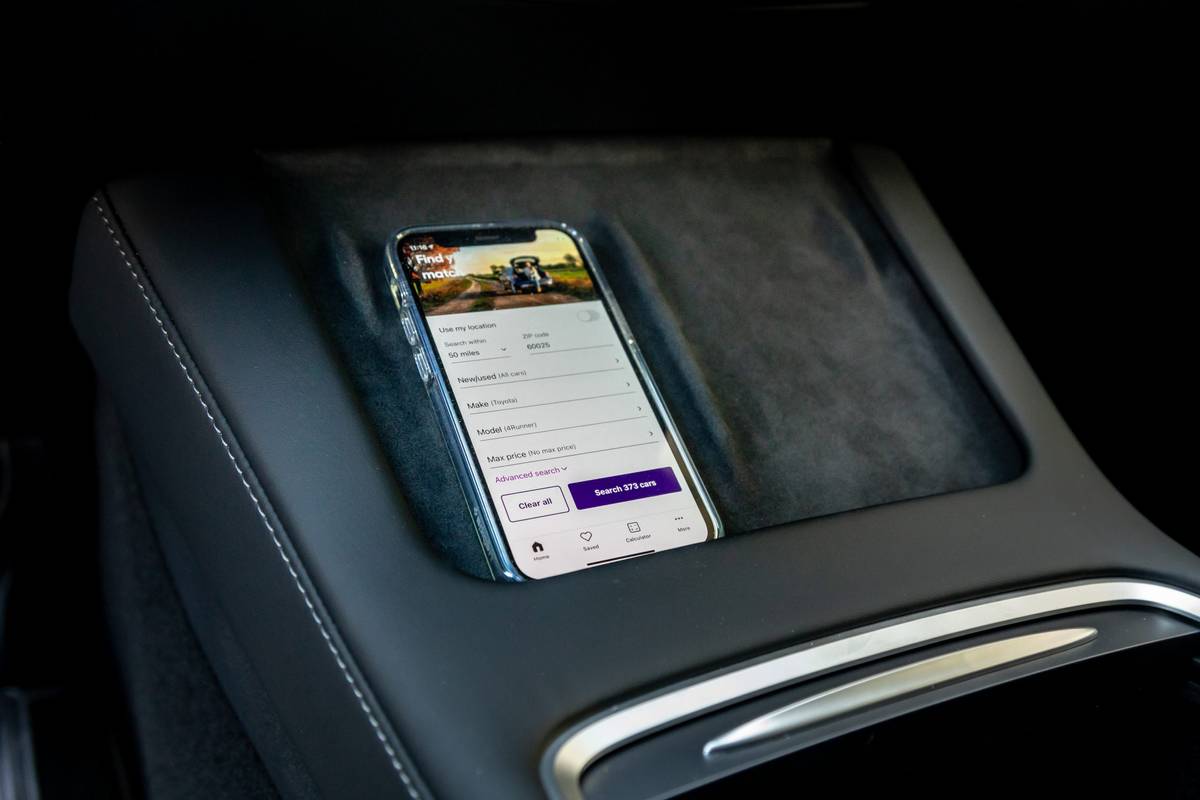
When your vehicle lacks a traditional 12V outlet, you can still charge phone in car without cigarette lighter by using a built-in wireless charging pad or pocket if your car has one, or a separate wireless charger that plugs into an available vehicle power source. If you want to learn exactly how to set this up, you can read the article on how to charge phone in car without cigarette lighter for step-by-step guidance. Chevrolet notes that its in-vehicle wireless charging only activates when the ignition is on or in accessory mode, and the phone must sit completely flat on the pad with nothing between the device and the charging surface. Ford's system works the same way: you place a compatible phone charging side down on the pad and it starts automatically, stopping once the battery is full. Regardless of your vehicle brand, the phone itself must support wireless charging, though no special app or hidden menu is required to make the connection. The real catch is physical interference, as thick armor cases and metal ring grips can interfere with or prevent wireless charging.
Charge other devices and share power
Your phone can act as a charging pad for other small gadgets, provided both devices support the Qi standard. Placing two phones back to back lets you charge a phone with another phone wirelessly, which is useful when you need to share power in an emergency. On a Samsung Galaxy, open Quick settings by swiping down from the top right corner, tap the Wireless PowerShare icon, then set the devices together. The sharing phone should have at least 30% battery, and the feature shuts off after 30 seconds if it detects nothing.
Some accessories are not officially documented as compatible, so your results may vary if you try to charge a wireless mouse or charge selfie stick this way, though you might want to know the correct method for each device. Manufacturers typically list only phones, watches, and earbuds as supported targets. The same limitation applies to larger equipment, and the power output from a handset is not designed to charge your Chromebook with your phone, which would require far more energy than a phone can provide. Many of the smaller gadgets people ask about include older devices using a Micro USB charger, and understanding which items still rely on that connector can help you avoid compatibility issues. These devices lack the Qi receiving coil necessary to pick up power wirelessly, so a cable remains the path for them. Before you assume a device is broken, remember that a thick case or metal ring grip can block the field between the coils.
- charge a phone with another phone wirelessly
- charge your Chromebook with your phone
- devices using a Micro USB charger
- charge a wireless mouse
- charge selfie stick
Specific chargers and special features
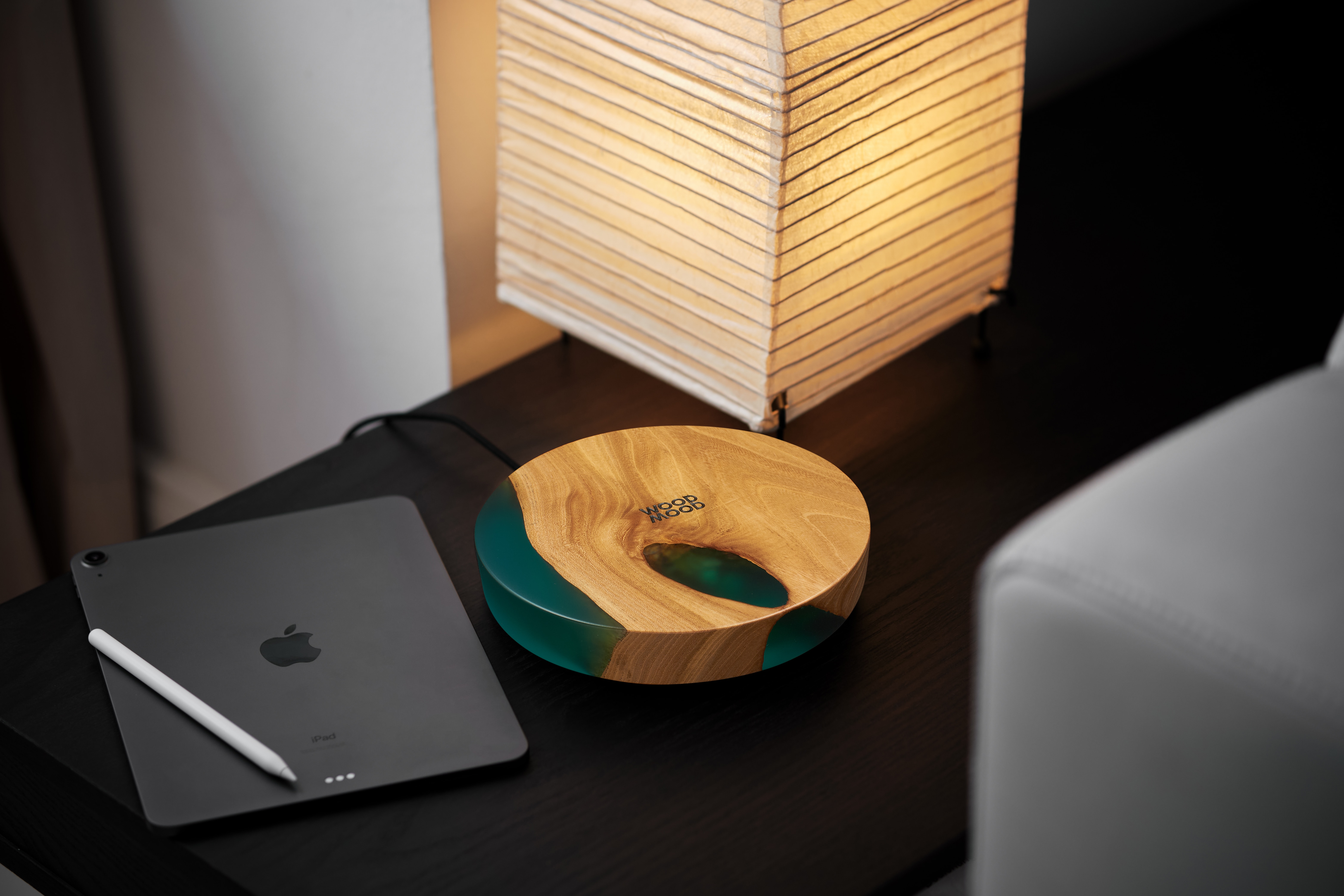
Branded pads can behave differently even when they all follow the Qi standard. If you use a mophie wireless charger with its Qi2 magnetic alignment, the phone snaps into the optimal position on its own, removing the guesswork of centering the coils. Samsung owners working with the company's own accessories get access to faster top-up speeds, but that speed boost only happens when the right setting is flipped on. Before you can wirelessly charge Samsung S20 FE at its full fast-charging potential, you need to confirm that Fast Wireless Charging is enabled in the battery or charging settings, because the phone defaults to a slower rate if that switch is off. You should not take apart Samsung wireless charger pucks or stands without official documentation, as the housing is not designed for user service and prying it open will likely crack the clips or damage the coil. For a completely different experience, a niche category of magnetic suspension docks exists where this wireless charger will levitate your phone as it charges it, floating the handset in mid-air above the base while maintaining the inductive connection. If you prefer to craft your own solution, you can build wireless charger pads from raw Qi coils and circuit boards, though you will need to source a case that precisely positions the internal receiver against your phone's back. Whatever route you pick, a bare, obstruction-free back is what lets the handshake happen.
History, trivia, and battery settings
Long before the Qi standard appeared in every coffee shop, engineers were experimenting with inductive energy transfer, making the history of the inventor of the first cell phone charger a surprisingly deep rabbit hole of trial and error that you would read to understand who first solved the problem of keeping a mobile phone powered. The practical payoff arrived much later when manufacturers began embedding receiver coils directly into handsets, and the industry broadly recognizes the first phone with wireless charging as a Palm device with an inductive back cover, though Apple's 2017 iPhone 8 and iPhone X lineup finally pushed the technology into the mainstream.
That shift from cables to pads is exactly what created the universal drawer of old phone chargers, stuffed with Lightning cables, Micro-USB cords, and proprietary pucks that pile up every time we upgrade. On the software side, modern iPhones in the U.S. quietly enable a feature that delays topping off the battery based on the local power grid's carbon output.
Frequently Asked Questions
Which iPhones have wireless charging?
iPhone 8 and later models support wireless charging and work with Qi-certified chargers. Apple documents that no separate setting is required to enable the feature, as it is integrated into the hardware.
Why is my Pixel phone charging slowly on a wireless pad?
Google advises cooling the phone if it gets hot, restarting it, and removing metal or magnetic objects from the back before realigning it on the charger. Heat and foreign objects can reduce charging performance or stop it altogether.
How do I use a PopSocket with a wireless charger?
PopSockets says its MagSafe-compatible grips simply slide off when you want to charge, leaving the magnetic ring in place for a direct connection. Standard non-MagSafe grips should be removed entirely before placing the phone on the pad.
What is the maximum wattage for iPhone wireless charging?
Many Qi-certified chargers charge an iPhone with the latest version of iOS at up to 7.5 watts. Apple documents this limit for standard Qi pads, though MagSafe chargers can deliver higher wattage to compatible iPhone models.
Which Pixel phones do not have wireless charging?
Google documents that the Pixel 3a, Pixel 4a, Pixel 4a (5G), Pixel 5a, and Pixel 6a do not support wireless charging. The feature is available on Pixel 3 and later models except those specific devices.