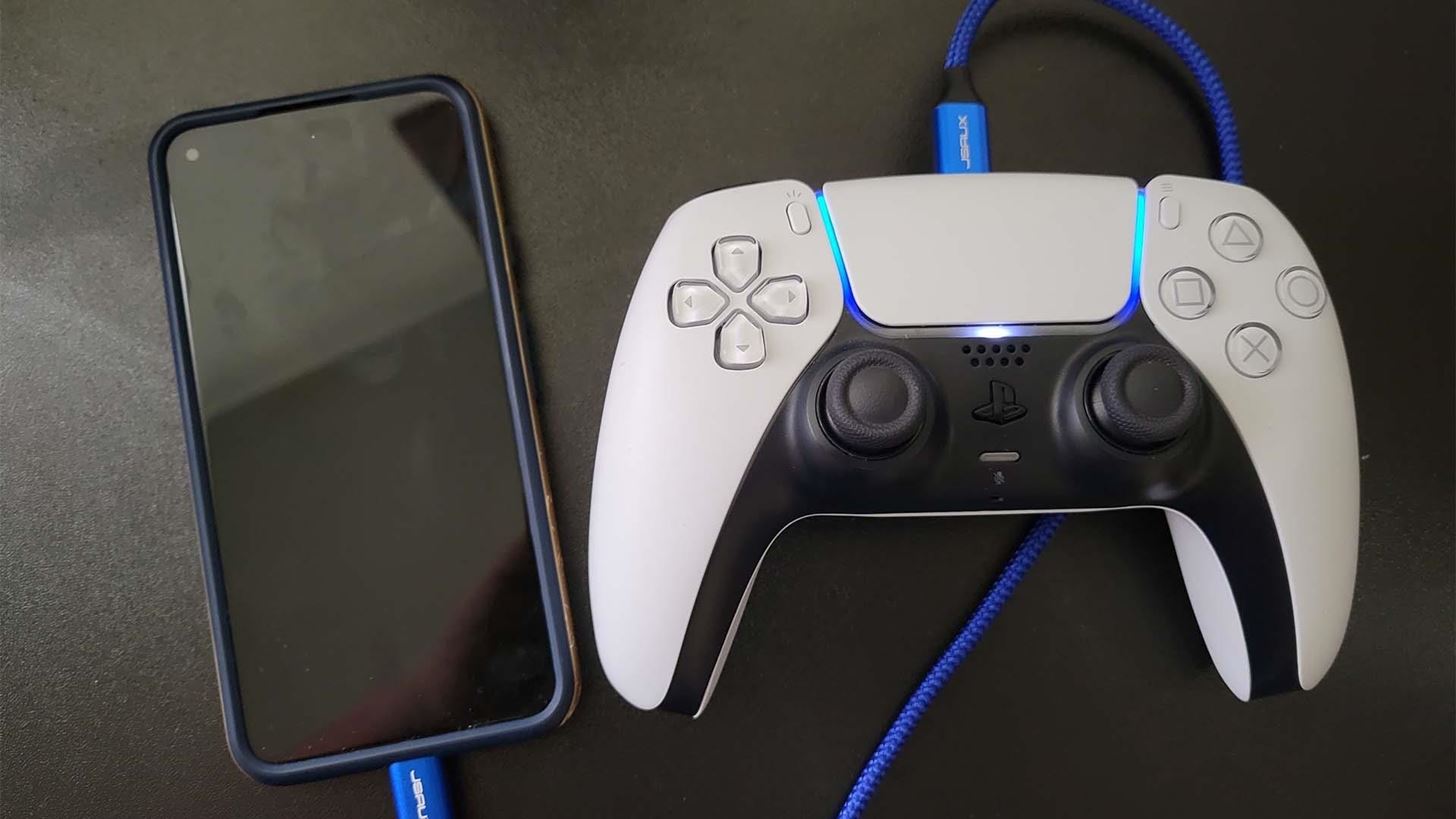
This tag collects guides and how-tos focused on using your phone to control, connect with, and access content from your game consoles and PC. It is intended for mobile gamers and console owners who want to bridge the gap between their phone and their Xbox or PlayStation, turning their device into a remote controller, a screen for gameplay clips, or a bridge to mobile-specific builds.
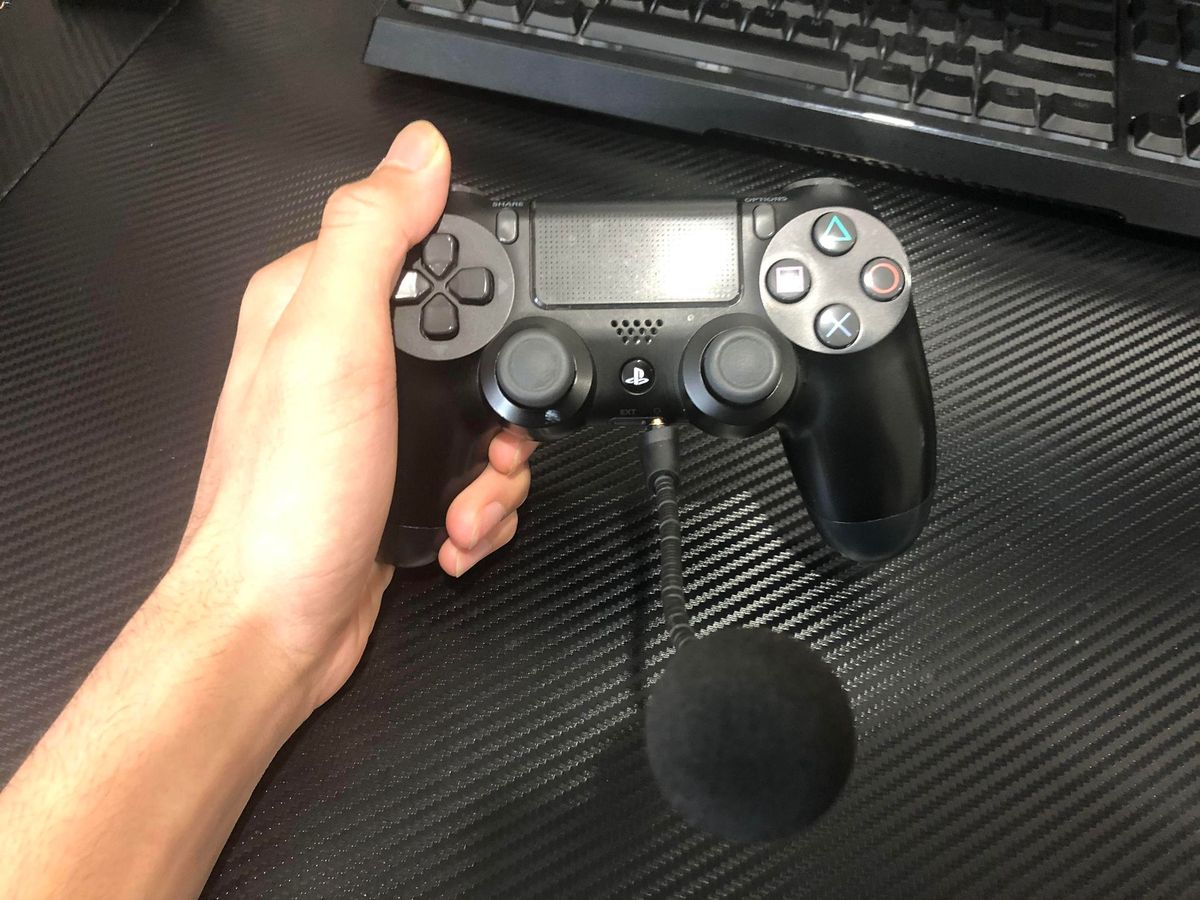
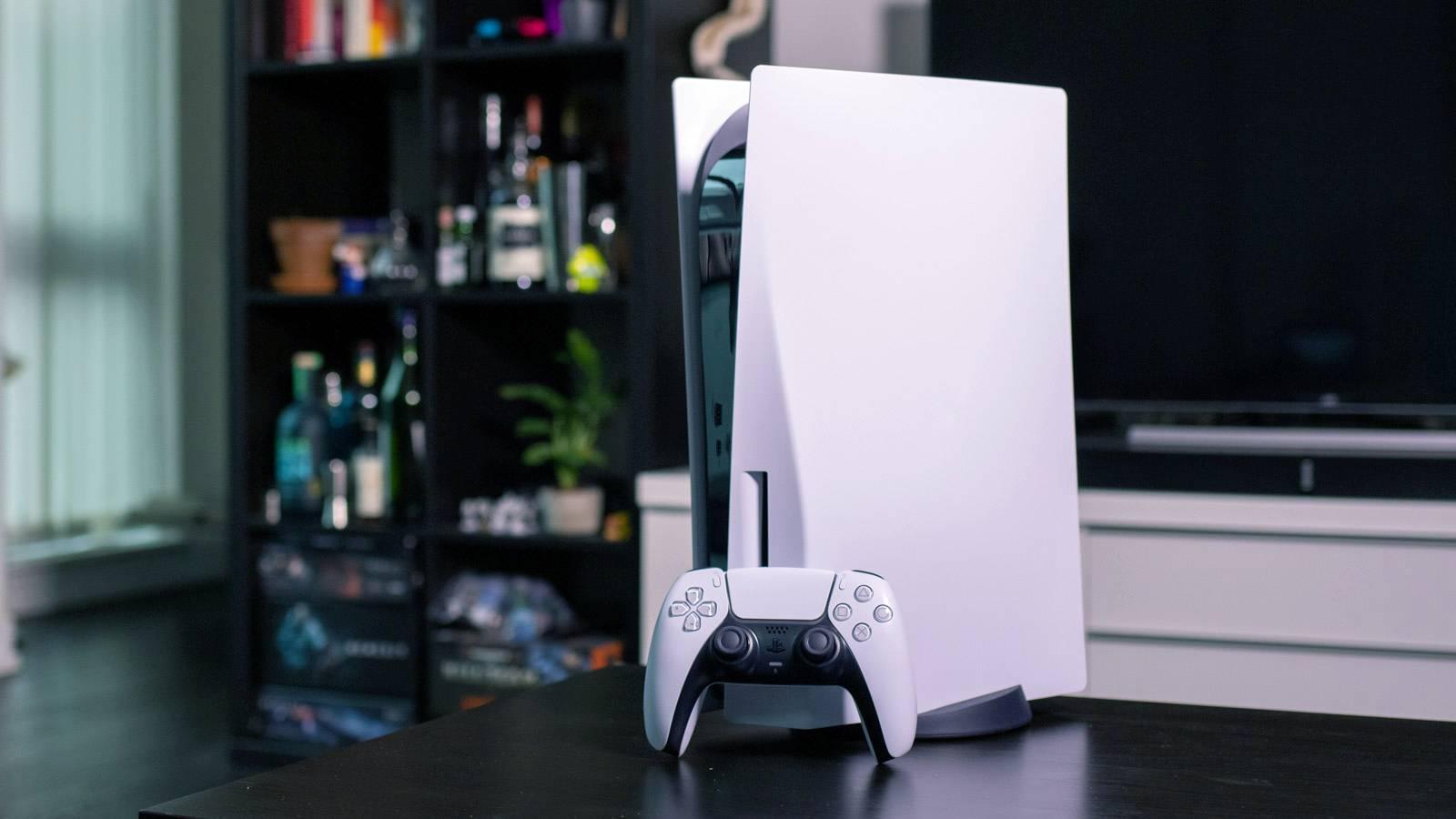
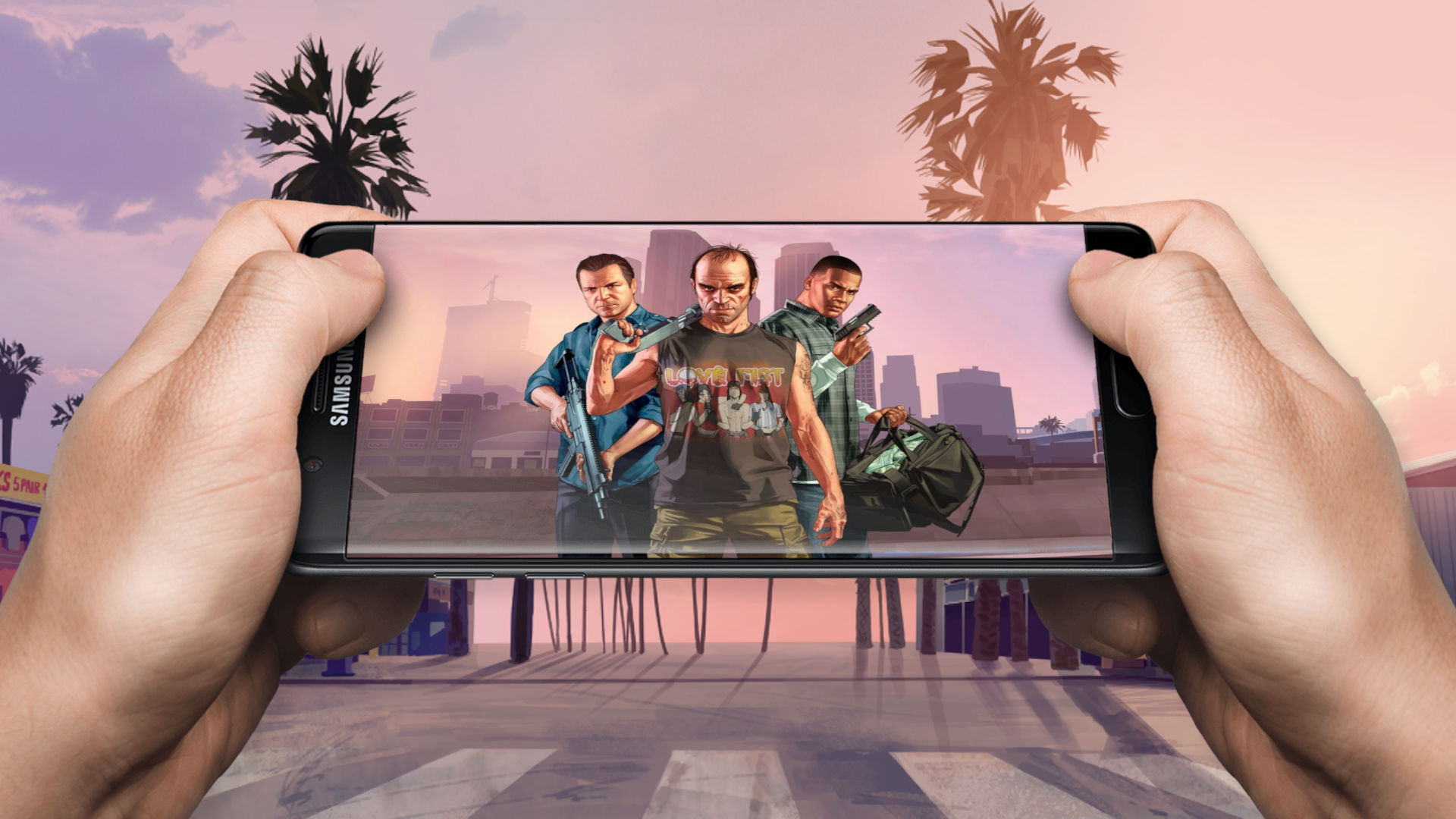
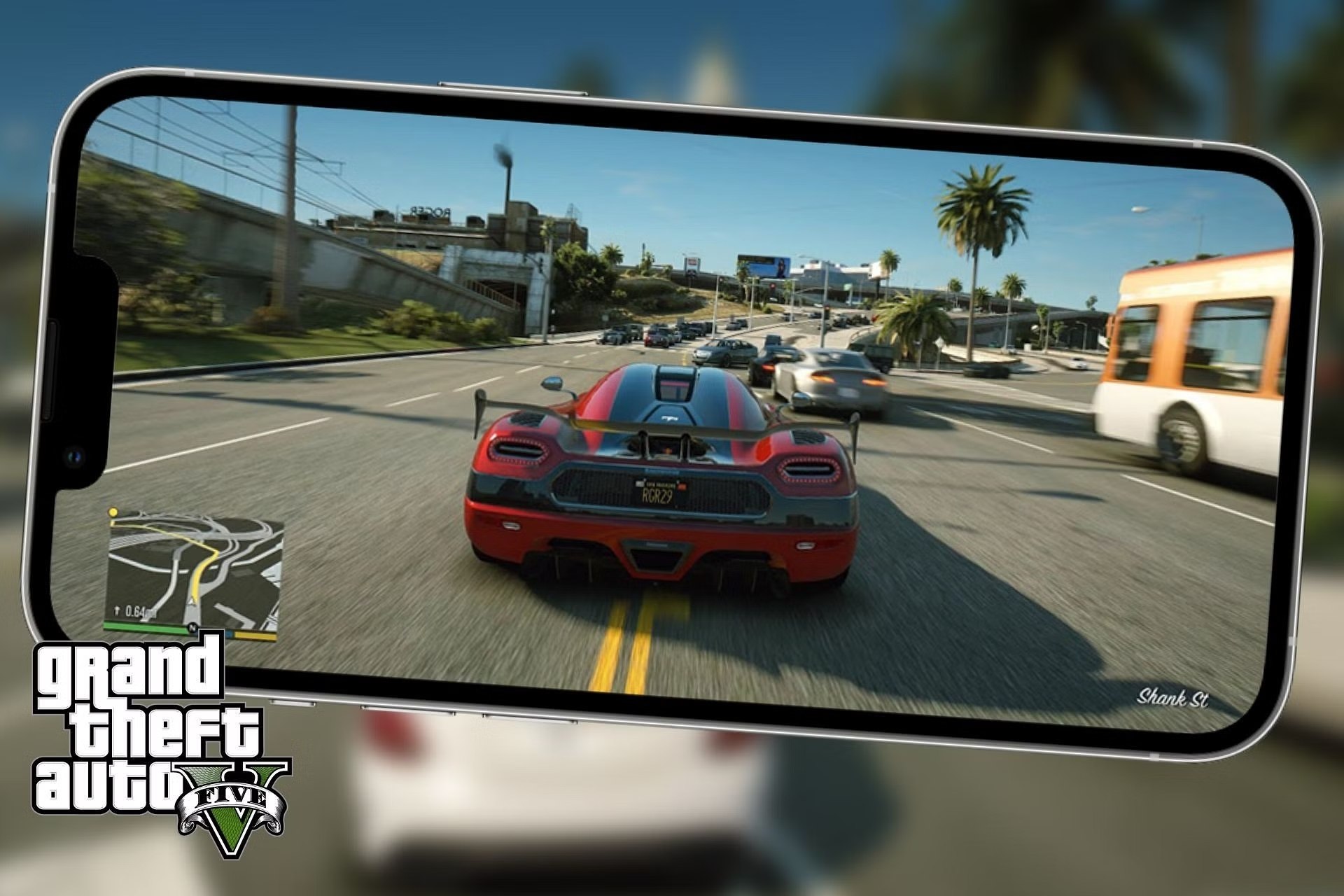
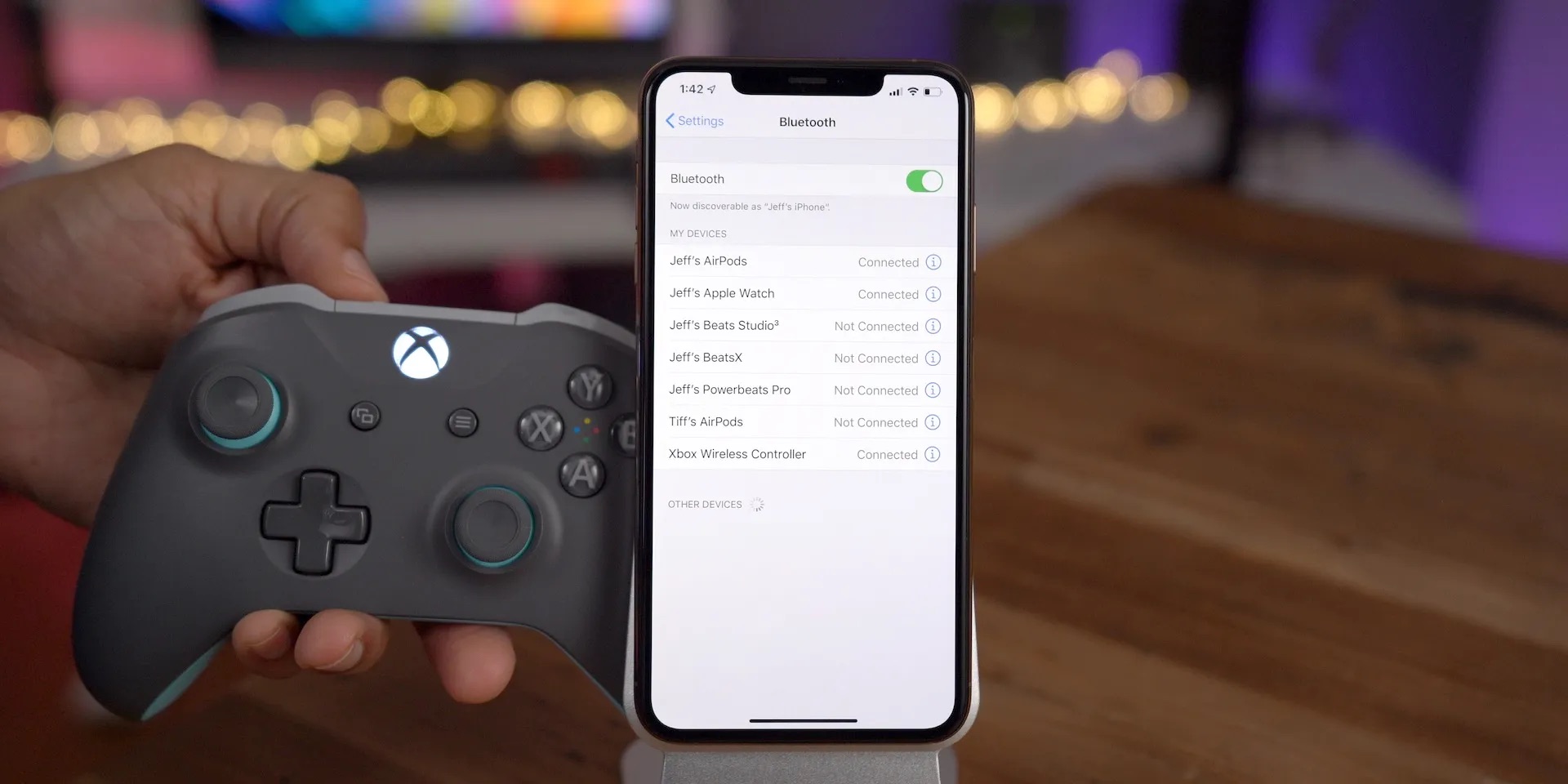
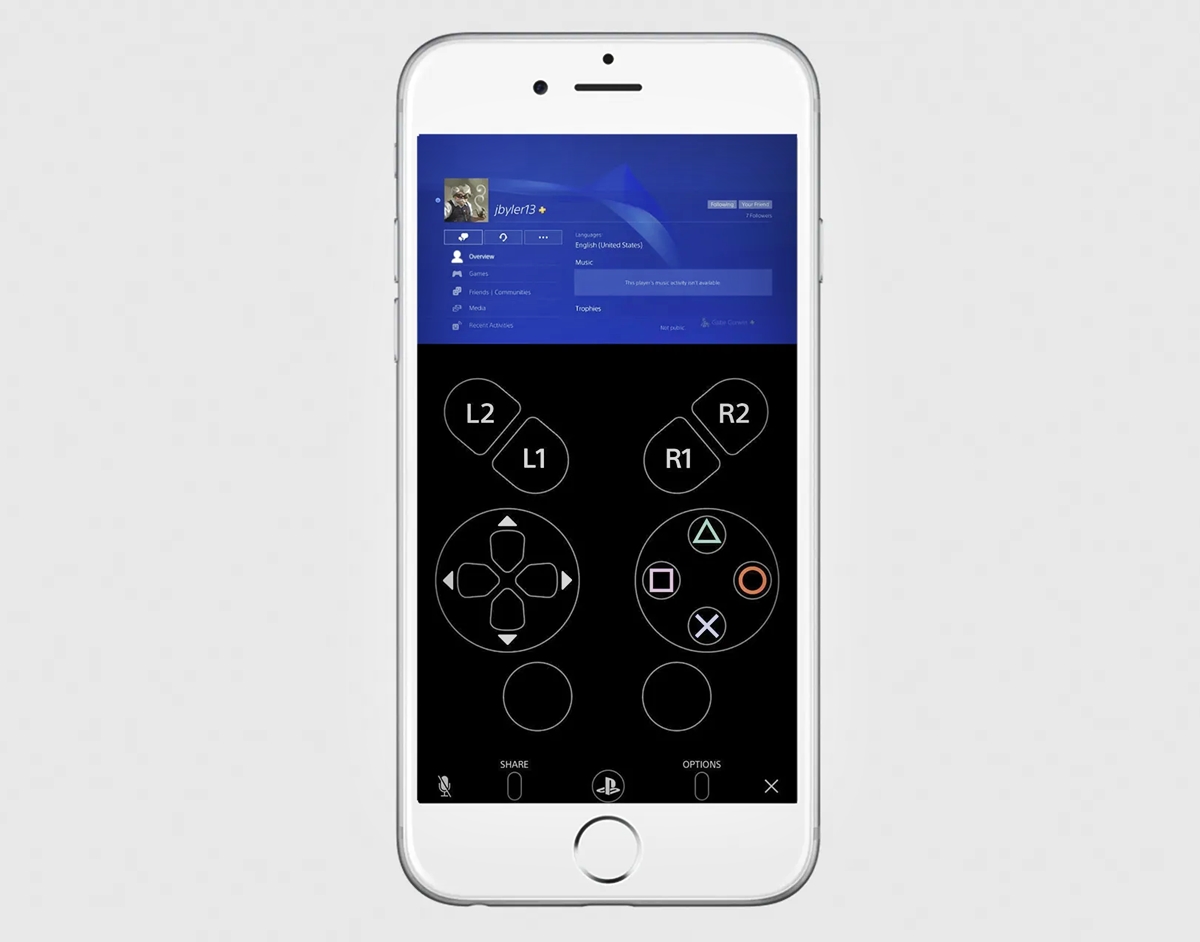
The articles here solve two main types of problems. The first group helps you use your phone as a remote control or input device for your console. For example, you can learn how to turn on your PS5 from your phone, or how to use your phone as an Xbox controller. The second group focuses on moving content between devices, such as getting PlayStation clips onto your phone or figuring out how to get GTA 5 on mobile. There is also a guide on using a mic on a PS4 controller without a headset, which solves a common audio setup issue.
Whether you want to unlock more features by connecting your PS4 to your phone, or you are curious about how to get mobile builds on Xbox, these articles provide straightforward steps. They are designed to help you do specific things, like playing GTA V on mobile or transferring your saved clips, without any unnecessary extras.