Welcome to the Reset tag on CellularNews. This page collects our guides for fixing, re-pairing, and reviving your wireless audio gear. It’s for anyone who owns Bluetooth earbuds, gaming headsets, or older console peripherals and has run into a common glitch: a device that won’t connect, won’t turn off, or simply won’t behave as expected.
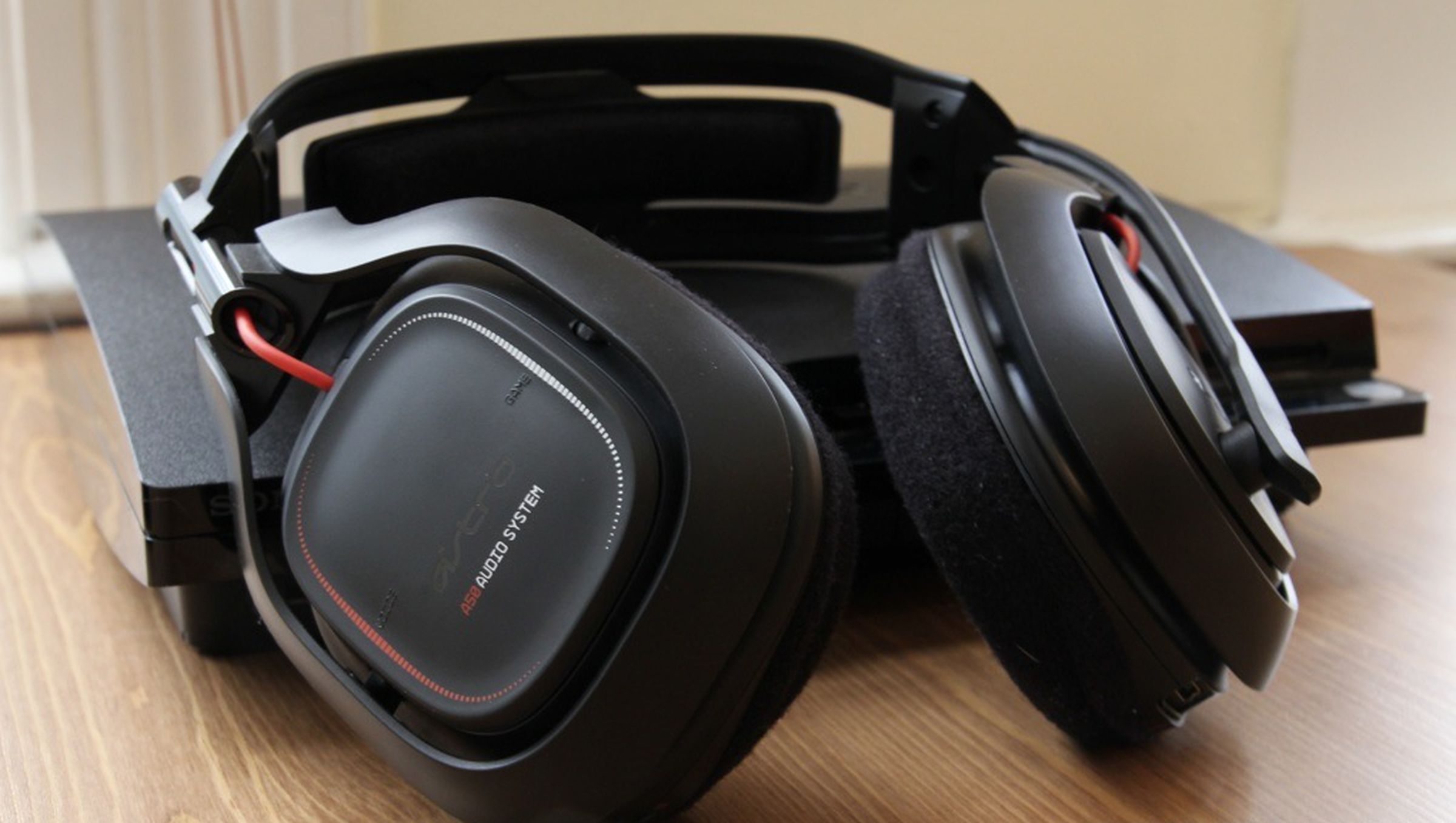
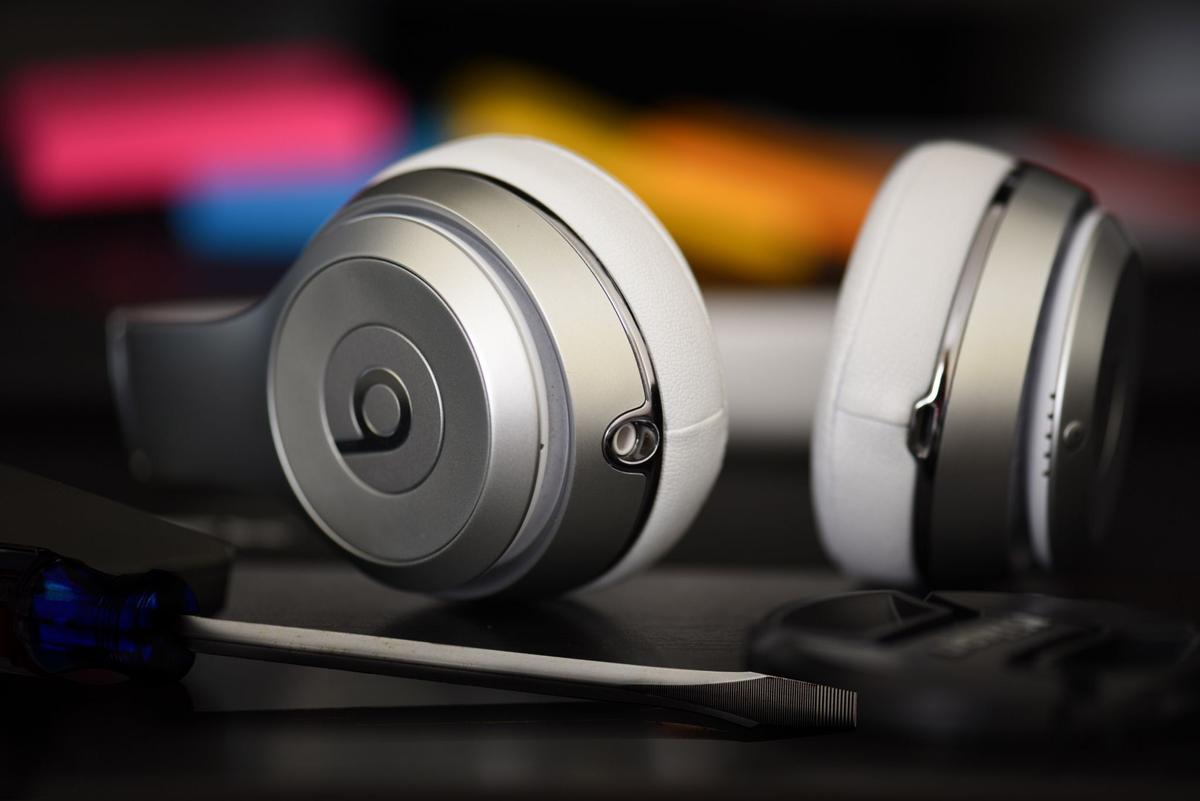
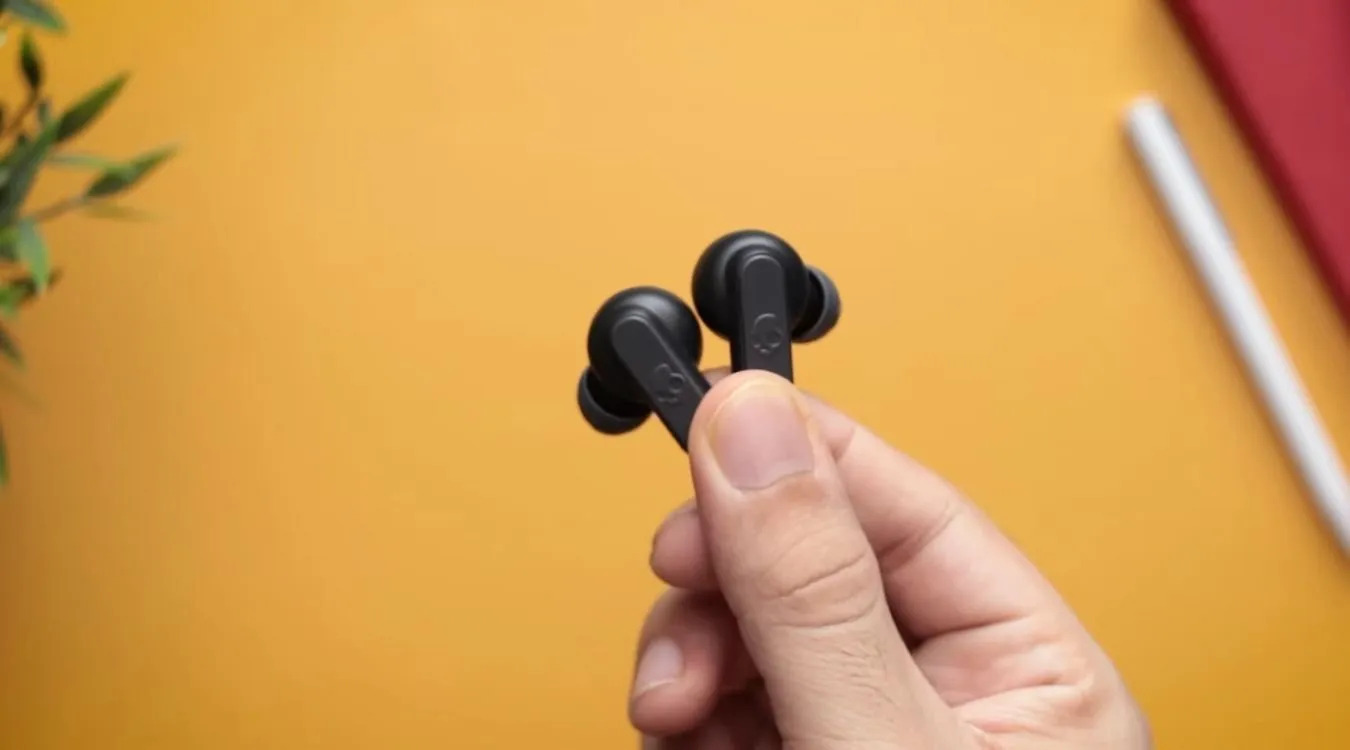
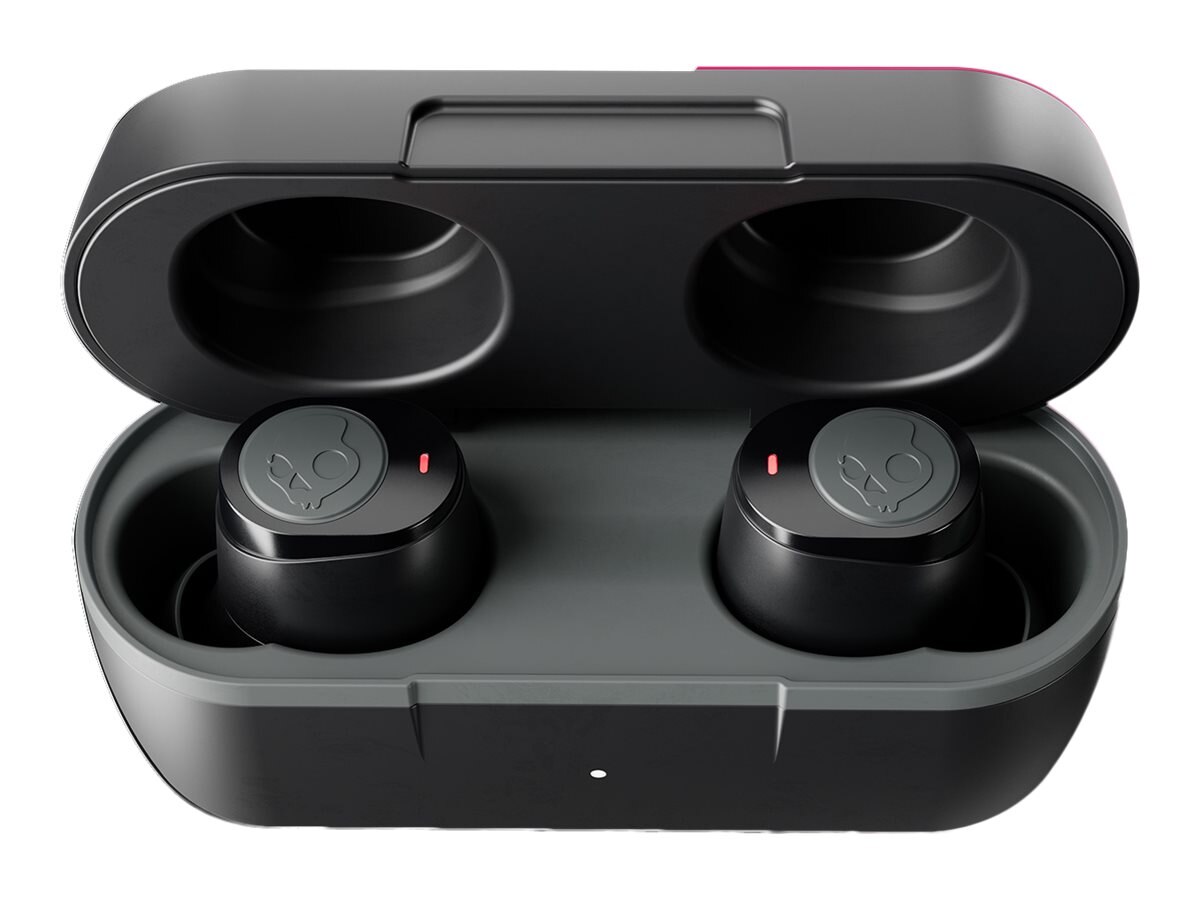
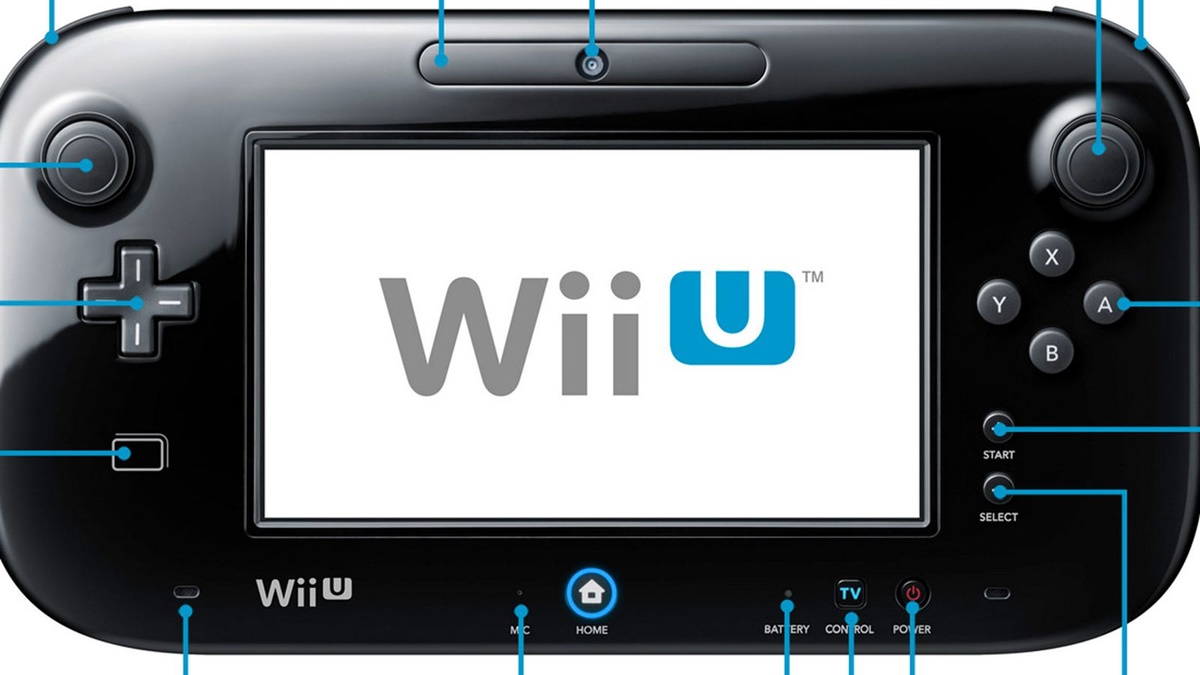
The articles here solve three kinds of problems you can spot right in the titles. First, there are connection and pairing issues: if your earbuds keep flashing without linking to your phone, or if a Jib True or Beats Solo Wireless headset has forgotten its paired devices, these guides walk you through the reset or pairing sequence. Second, there are sync and control problems, like when a Wii U Gamepad is still linked to a console you no longer own, and you need to unsync it completely. Third, there are physical or functional fixes: for Skullcandy wireless earbuds that won’t charge or play, and for an Astro A50 headset that needs a full base-station reset to clear a frozen state.
Whether you are trying to stop a flashing LED, force a factory reset on a Beats Solo, or repair a Skullcandy earbud that has stopped working, each article gives you the step-by-step procedure to get your device back in working order. No guesswork, just the reset sequence that actually works for that model.