Articles for anyone who wants to take control of how their phone sounds when it rings. Whether you are a new Android user, a long-time iPhone owner, or someone troubleshooting a Motorola device, these guides are built for you. The focus is squarely on practical steps and common annoyances, not on flashy customization for its own sake.
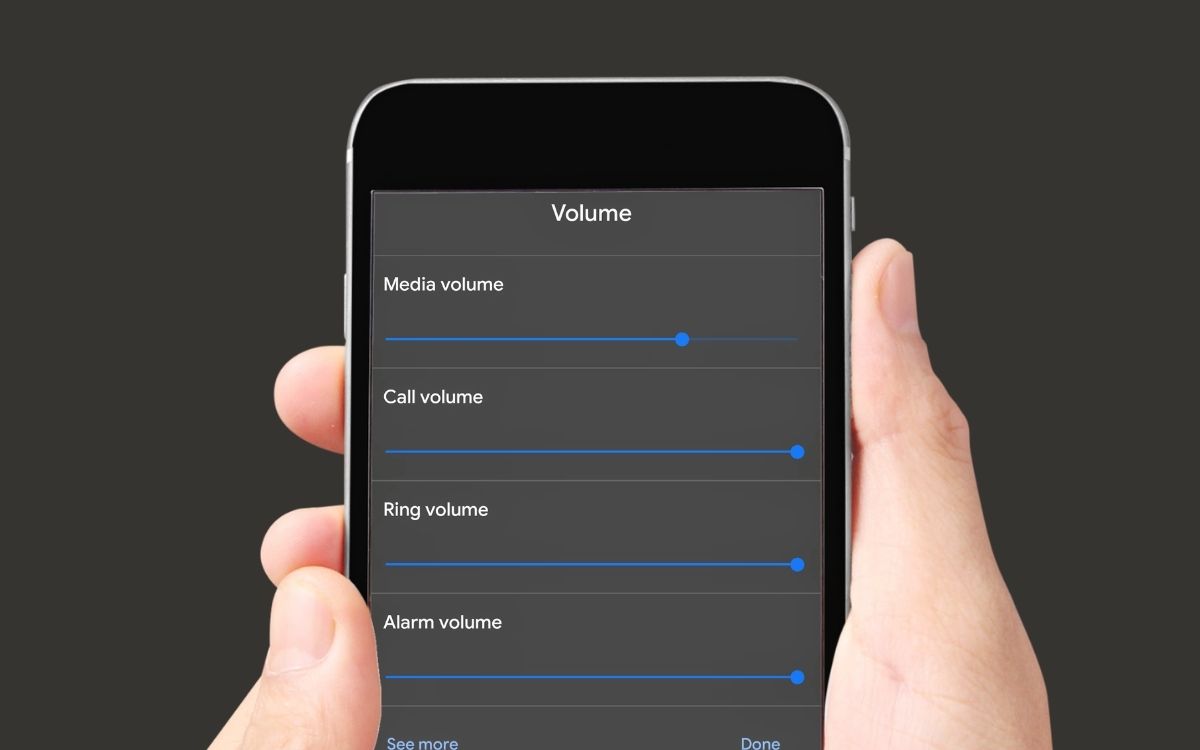
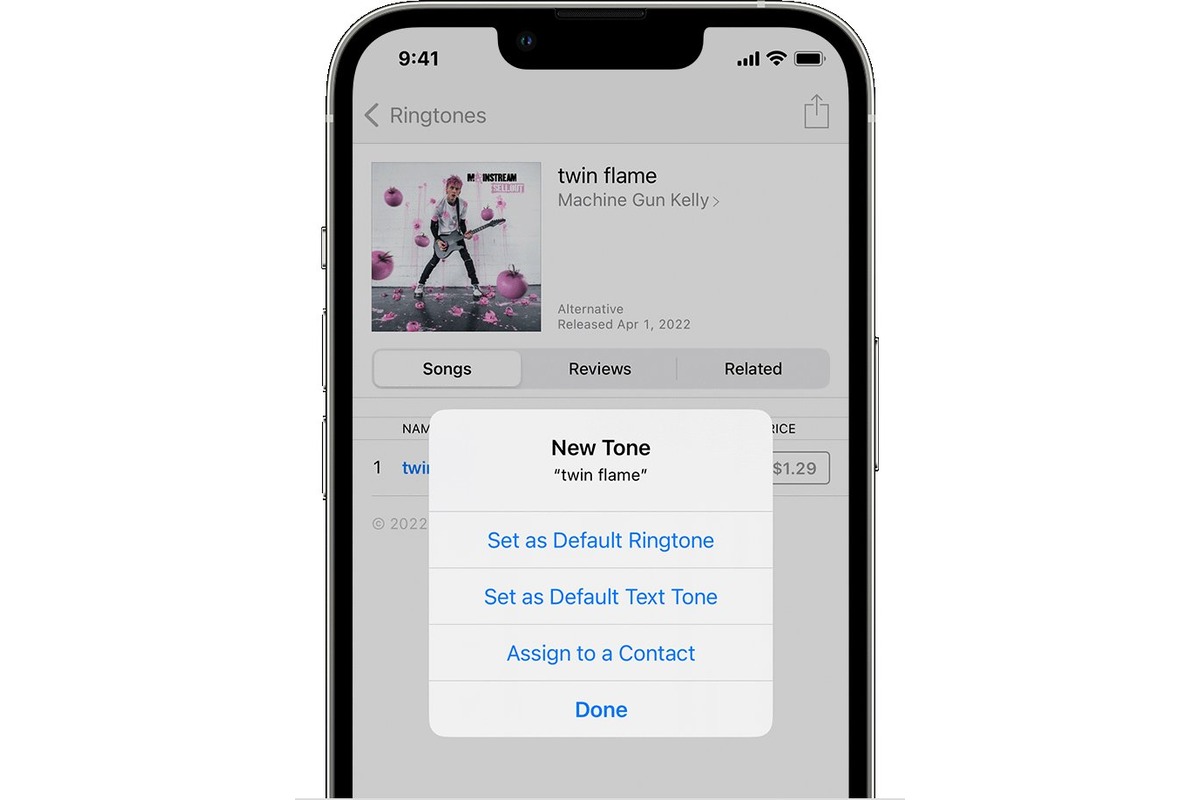
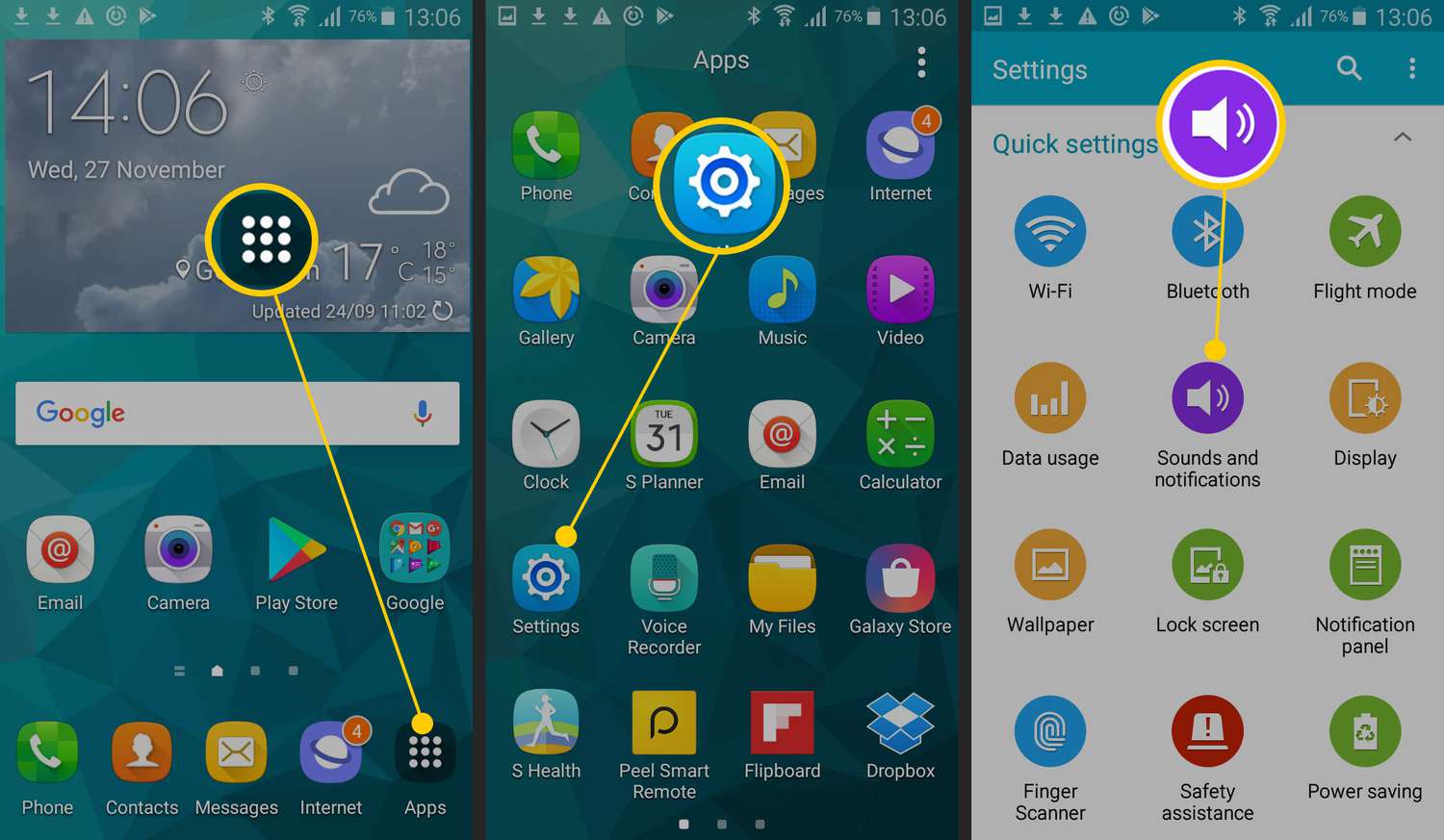
The articles here solve two main kinds of problems. First, there are the setup and personalization tasks: you can learn how to make a specific song your ringtone on Android, or how to set a ringtone from your own files on an iPhone. For a more playful need, there is even a guide on how to sing “Happy Birthday” directly through your phone. Second, the collection tackles frustrating ringer and ringtone issues. If your Motorola phone simply won’t ring, or if your phone’s ring volume starts loud and then goes low, the listed articles walk you through the likely causes and fixes. A dedicated piece on general ringer and ringtone issues rounds out the troubleshooting help.
Each article helps you do something specific: assign a custom sound, diagnose a silent phone, or correct a volume glitch. No hype, no fluff, just clear steps for the problems you actually face.