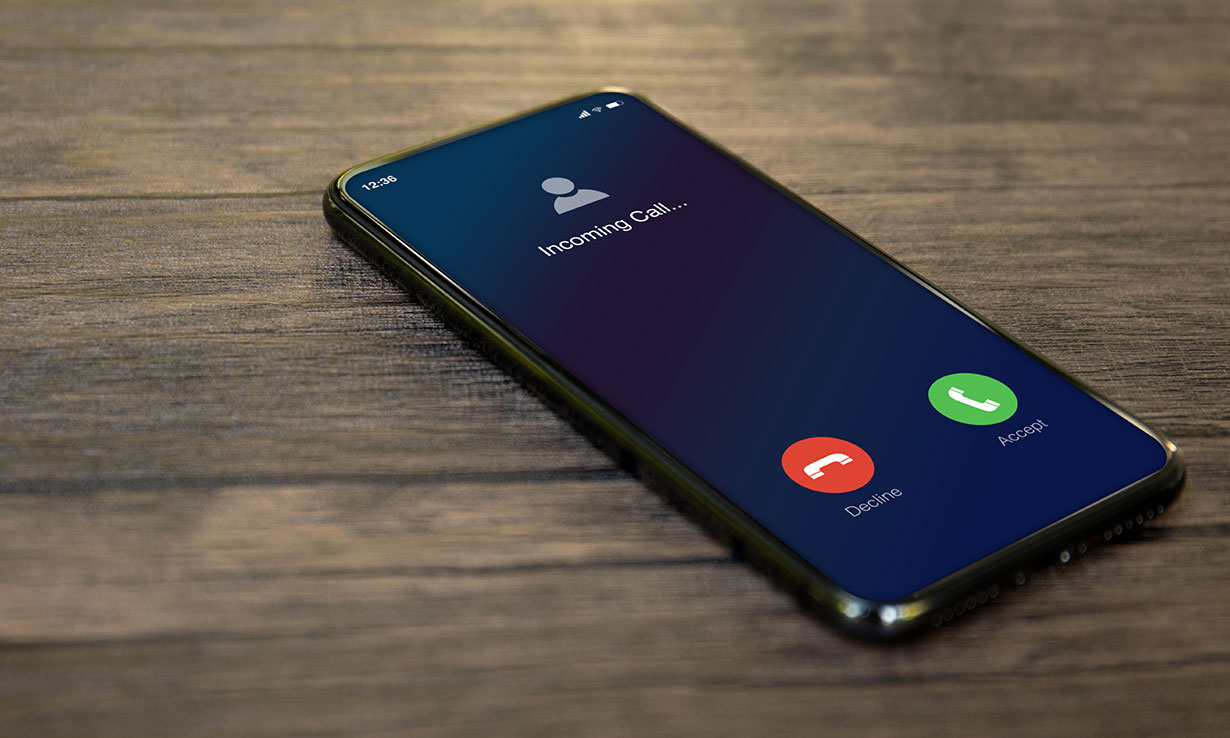
First steps when your phone is not ringing at all
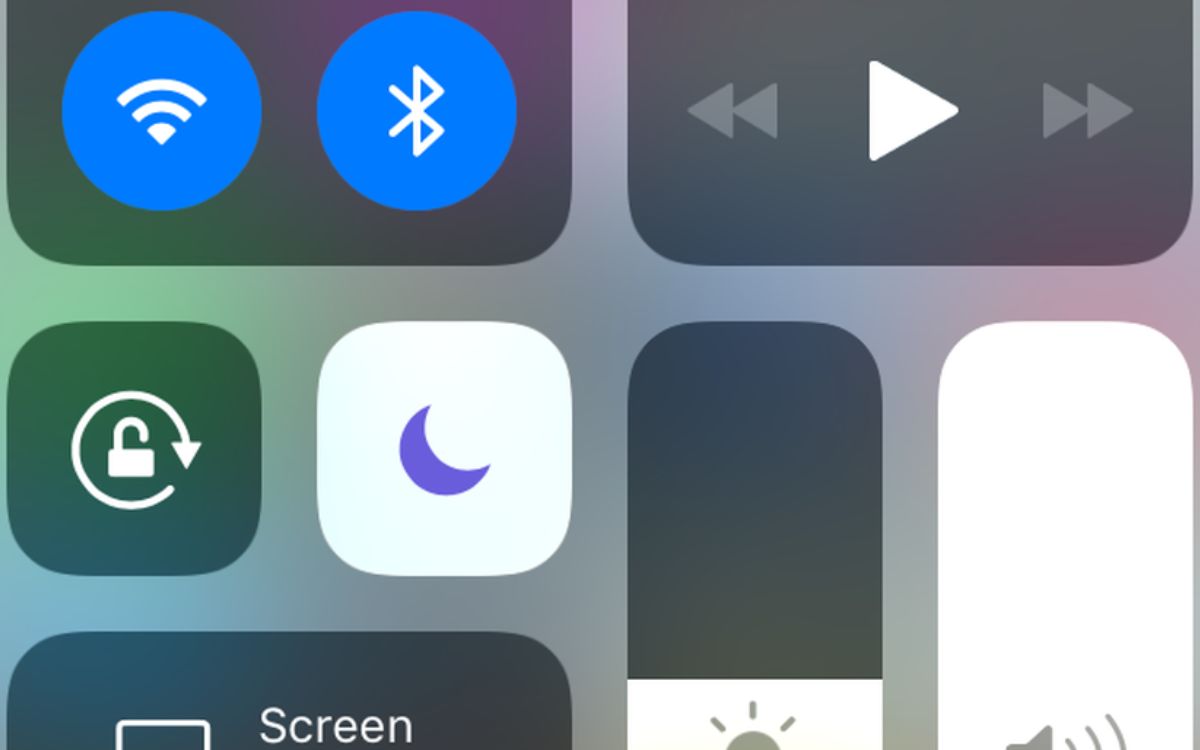
If your phone is not ringing for incoming calls, the fix is often simpler than a hardware repair. Before assuming the speaker is broken, verify where your handset is sending its audio, because a lingering Bluetooth connection or stuck headphone mode can silently steal your ringtone. Start with the physical controls. To turn on the ringer on an Android phone, press the volume-up key and ensure the sound profile is set to Ring rather than Vibrate or Mute. On a Samsung device, you can turn ringer on Samsung phone models by swiping down to open Quick Settings and confirming that Do not disturb is off and that the contact isn't blocked. For Apple users, the most direct step to turn the ringer on iPhone 11 is to flip the Ring/Silent switch so Silent mode is off and normal ringtone alerts are restored. If you need to get Google phone to ring when it is lost nearby, use a find-my-device service to trigger the device at full volume, which bypasses any sound profile configuration. A phone not ringing for incoming calls can also be silenced by software filters, so check in the Phone setting that Silence Unknown Callers is not toggled on and confirm that your favorites can still break through a quiet mode.
When ringing stops for specific apps or contacts
When a ringtone drops only for certain apps or people, the speaker itself is rarely to blame. A missing ringtone for text messages on an iPhone often traces back to the notification sound being set to None, which you can fix in Settings > Notifications > Messages > Sounds by picking an audible Text Tone instead. For the same problem on Android, check the messaging app’s notification settings for that conversation, as the app’s own overrides can cause this with no single system path applying across all devices.
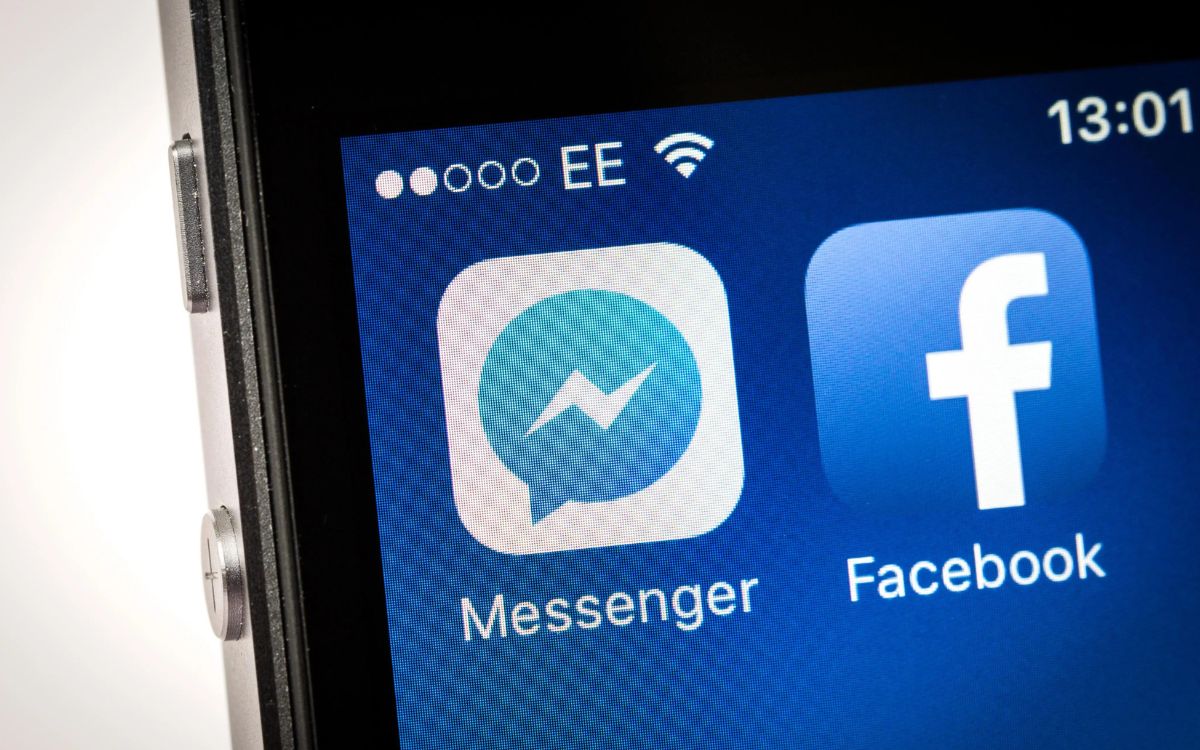
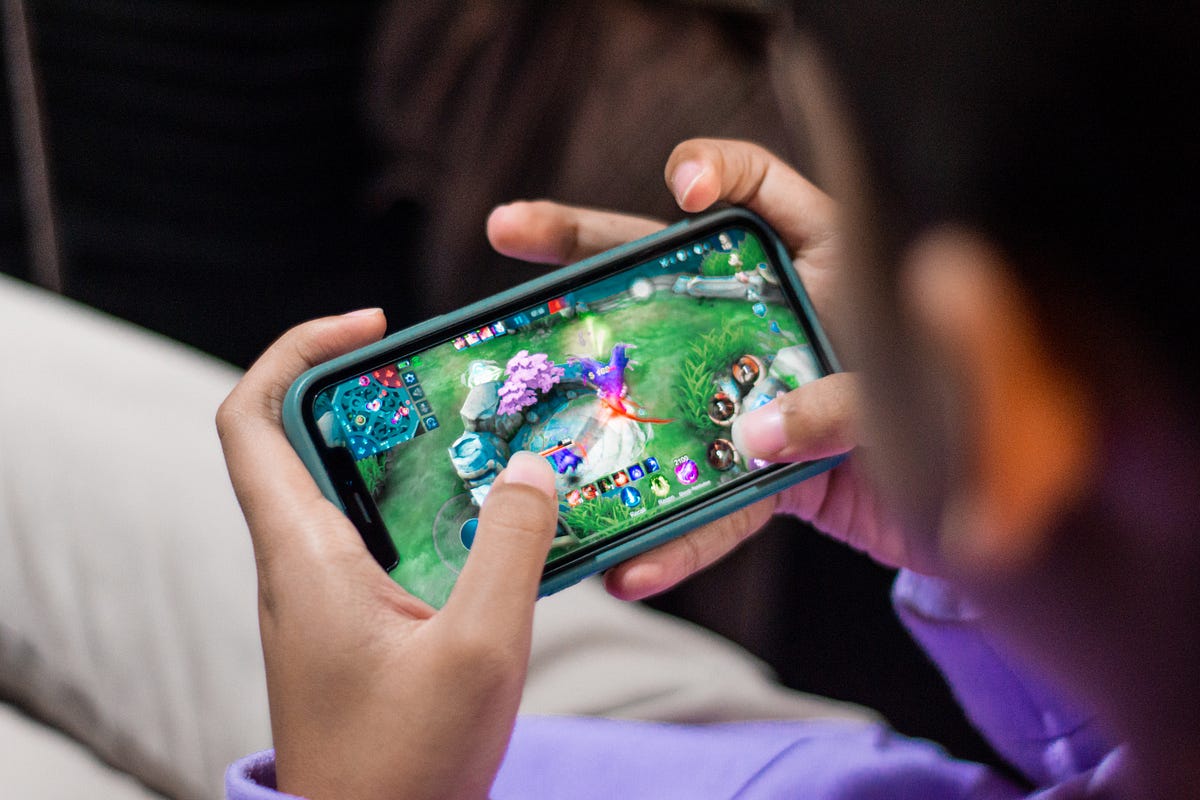
A missing Messenger call ringtone may involve the app’s internal notification settings conflicting with your phone’s Do Not Disturb rules, so confirm that alerts are enabled inside the Messenger app itself. If you experience no ringtone during mobile gaming, check for any system settings that suppress interruptions, which must be turned off or customized to let the ringer through while you play.
To let only key people break through, you can set your phone to ring only for specific contacts by assigning a custom Text Tone to them individually. On iPhone, open the conversation, tap the contact icon, then go to Info > Edit > Edit Contact Info > Text Tone and choose an audible alert, overriding a system-wide silent setting for that person.
Unexpected ringing and flashing alerts
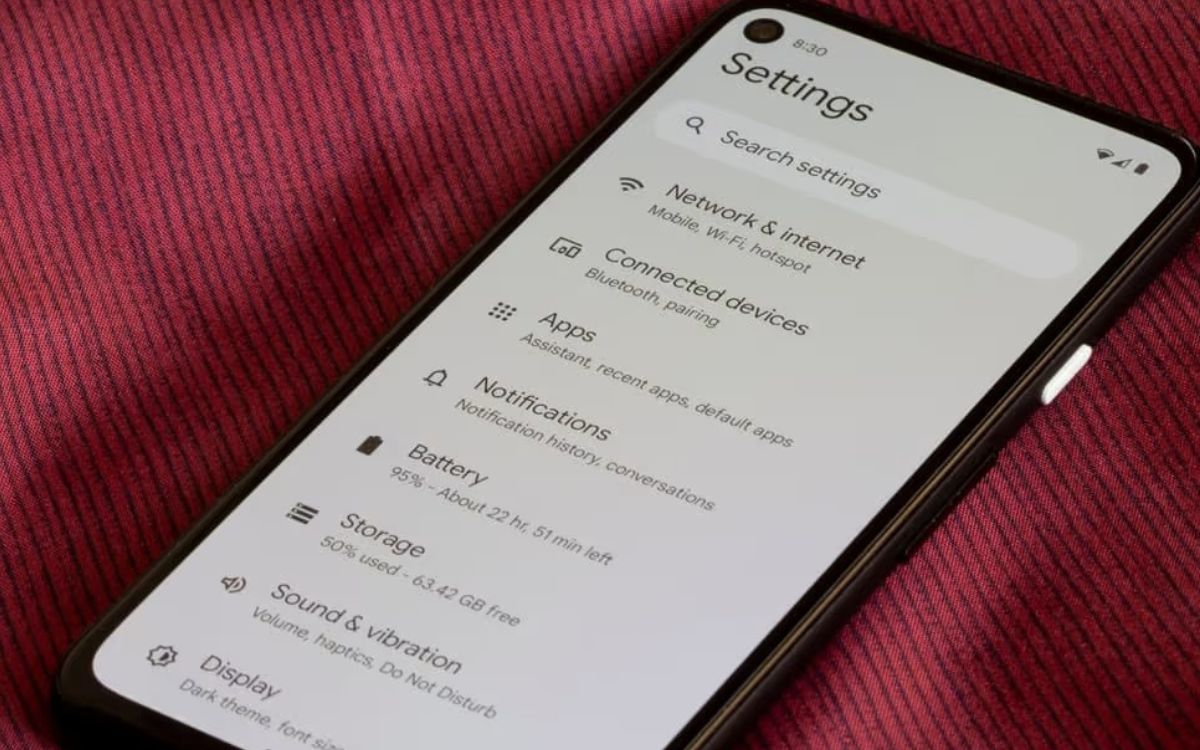
When your phone rings despite being set to silent, the silent mode ring issue often traces back to a single contact or app that has been granted an override. Check whether the caller is listed as a favorite or has an emergency bypass enabled, as both can let their calls break through Do Not Disturb and mute configurations. On an iPhone, you can also look under Settings > Sounds & Haptics to check your alert volume settings, since a mismatch there would cause sound on mute behavior.
A different kind of unexpected alert occurs when you turn on flashing light when phone rings through your accessibility options. On Android, head to Settings > Notifications > Flash notifications and enable Camera flash, and the camera light will then blink for incoming calls and alarms until you answer or dismiss them. An iPhone offers a similar option at Settings > Accessibility > Audio/Visual > LED Flash for Alerts. A ring light activating randomly during the day may be the phone alerting you to a silent app notification, an alarm, or a system prompt. If you see the light fire without any accompanying banner or sound, swipe down your notification shade to identify the trigger.
If you notice the blinking ring light indicator on a device that doesn't have an obvious notification, the behavior is almost certainly tied to the flash notification feature staying on unintentionally. Troubleshooting this starts by revisiting the same Flash notifications menu and toggling Camera flash off to see if the flashing stops. On a Google phone, you can also customize the Screen flash color by tapping the option and picking a shade, then saving with Done, which helps you visually separate a ring light alert from a camera flash firing for another reason.
Audio quality and echo problems during calls
When you can only hear callers through the loudspeaker, the issue often starts with a physical blockage or a software routing conflict rather than a dead component. Before assuming your phone speaker not working for calls means a hardware repair, consult the article "Why Can't I Hear My Phone Unless It's On Speaker?" to understand how to inspect the earpiece grille for compacted dust and gently clean it with a soft-bristled brush, as debris is one of the most common reasons sound becomes muffled or silent. If the earpiece stays quiet but the speakerphone blares, disconnect any Bluetooth accessories and check that the audio output hasn't latched onto a device that isn't nearby, which mirrors the same routing pitfalls that cause missing ringtones.
A persistent echo during speakerphone calls usually happens when your own voice loops back through the microphone because the call volume is cranked too high, so try lowering the in-call speaker volume a couple of notches to stop the feedback loop, and read the article "Why Does My Phone Echo When On Speaker Mode?" for further troubleshooting. You can also ask the person on the other end to reduce their volume if they are the one hearing the repeat. While the exact menu paths vary by manufacturer, documented steps to stop echo on Samsung phone models are detailed in the guide "How To Stop Echo On Samsung Phone," and documented steps to fix echo on Android phone hardware are covered in "How To Fix Echo On Android Phone." The processing can sometimes create a hollow, repeating sound in quiet rooms, and if the problem follows you across different apps and contacts, a blocked mic, typically a pinhole near the camera bump, can't properly subtract ambient sound.
On an iPhone, you can stop the sound from dipping the moment you look at the screen by going to the Face ID & Passcode panel and turning off Attention Aware Features, which otherwise lowers the ring volume when the device senses your gaze. For users who find the earpiece audio painfully sharp even at low levels, navigate to the Sounds & Haptics pane, tap Built-In Speaker, and enable Reduce Loud Sounds to soften loud audio from the built-in speaker while still letting you hear clearly.
- phone speaker not working for calls
- ringtone volume suddenly decreasing
- echo during speakerphone calls
Calls going to voicemail or giving busy signals
When you hear a busy signal when calling a cell phone or find calls going straight to voicemail, the cause is rarely a broken speaker and usually points to a routing or configuration conflict on the recipient’s line. On an iPhone, one documented culprit is Silence Unknown Callers, found in Settings > Phone, which diverts any number not saved in contacts directly to the mailbox; turning it off often restores normal ringing for deliveries, appointments, and other unfamiliar callers. A busy signal can also appear when the line is occupied or the network cannot complete the call, though no universal consumer setting forces this behavior and the exact result varies by carrier. If you are trying to know if youre blocked or their phone is dead, there is no single definitive test because both scenarios can produce an identical experience of an immediate voicemail dump or a failed connection, the same ambiguity applying when a phone is simply out of coverage or in Airplane Mode. While you wait for a callback, it helps to understand the standard phone ring duration, which has no fixed universal length because the ringing you hear before voicemail is determined by the carrier’s timer, not the handset itself.
Device-specific ringing failures
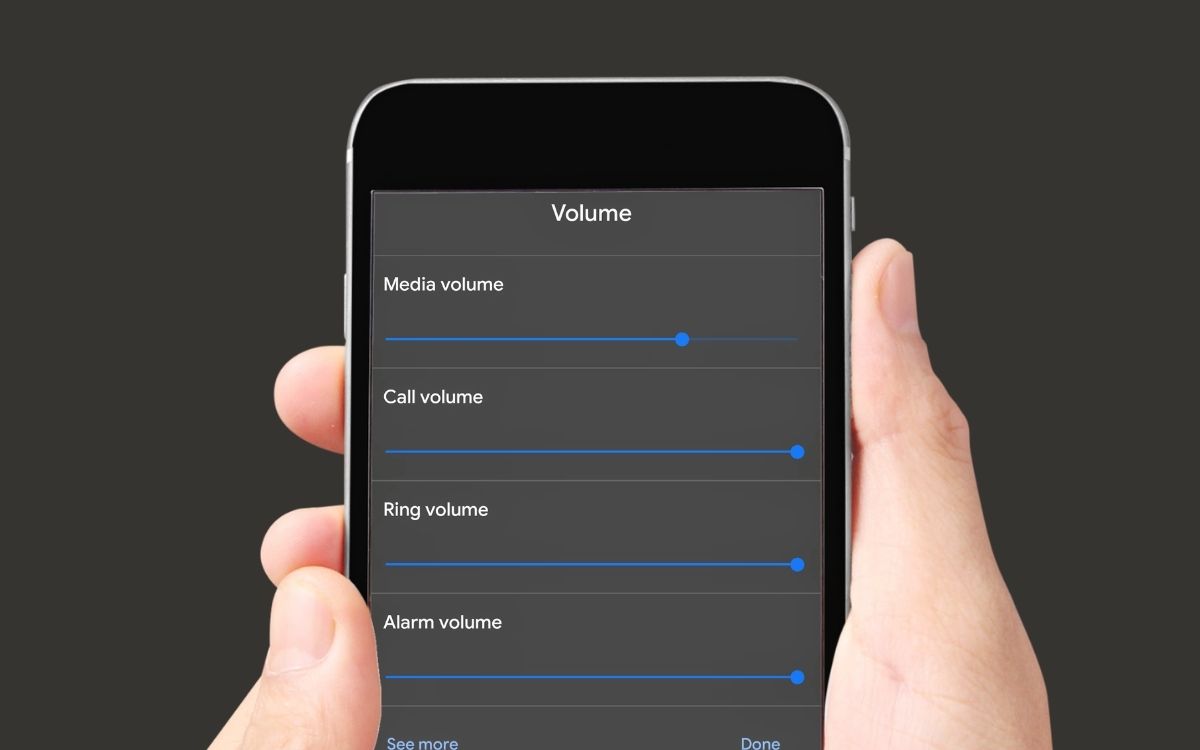
When you are chasing an Android phone not ringing, the answer often sits inside the device software rather than the speaker itself. Motorola’s official documentation for a wide range of current models points to the same trio of checks before you assume hardware failure, applying to models including the moto g play - 2026, moto g05, moto g35 5G, Motorola edge 50 fusion, Motorola edge 50 ultra, Motorola edge 60, and razr 60. Swipe down into Quick settings and confirm the volume slider is not pulled to zero, then look for a Do Not Disturb icon in the status bar and turn it off in that same panel.
If ringing issues on Motorola phones persist after these steps, you need to dig into the app’s internal configuration by heading to the Phone app’s info screen and using the Storage & cache menu to clear its data, which resets any corrupted routing flags that might be muting incoming calls. The situation flips entirely when you need to change number of rings on iPhone, because Apple does not put that control on the handset. The ring duration before voicemail answers is a carrier-side timer, so you will need to contact your provider directly to adjust it, and availability depends on your specific plan.
Frequently Asked Questions
How do I turn on the ringer on an iPhone 15 Pro?
Open Control Center and tap the ringer control, or configure the Action Button to turn the ringer on or off. The Ring/Silent switch found on older models is not present on this device.
Why does my Samsung Galaxy still vibrate after I turn off Do Not Disturb?
Turning off Do Not Disturb does not automatically switch your sound profile from Vibrate to Ring. Swipe down to open Quick Settings and tap the sound icon until it shows Ring, then raise the volume with the physical keys.
What carrier setting controls how long my phone rings before voicemail?
The ring duration before voicemail answers is determined by your carrier's timer, not a setting on the handset itself. Contact your provider directly to request an adjustment, as availability depends on your specific plan.