The Samsung tag on CellularNews brings together a focused collection of guides and explainers for anyone who owns or is considering a Samsung phone. Whether you are troubleshooting a specific issue, looking to master a built-in feature, or simply curious about phone accessories and maintenance, these articles are written for the everyday user who wants clear, actionable answers.

The articles here solve two main kinds of problems. First, they tackle practical device management and settings: you can learn how to set an alarm, check your phone’s memory, split the screen, or even decide whether to use or disable the Samsung Game Launcher. Second, they address common frustrations and repairs, from unlocking a Samsung phone and bypassing an FRP lock to recording a conversation or finding a hidden Samsung device. There is also a strong focus on accessories and care, with topics covering Qi charging, wireless power banks, screen protectors, and even how to wash a phone case or remove stains from it.

Beyond Samsung-specific fixes, the tag also includes broader mobile topics that apply to many users, such as how to call back a private number, what refurbished phones are, and how to play music through two Bluetooth speakers. For anyone looking to get more out of their Samsung device or solve a nagging problem, these articles provide straightforward steps and clear explanations.
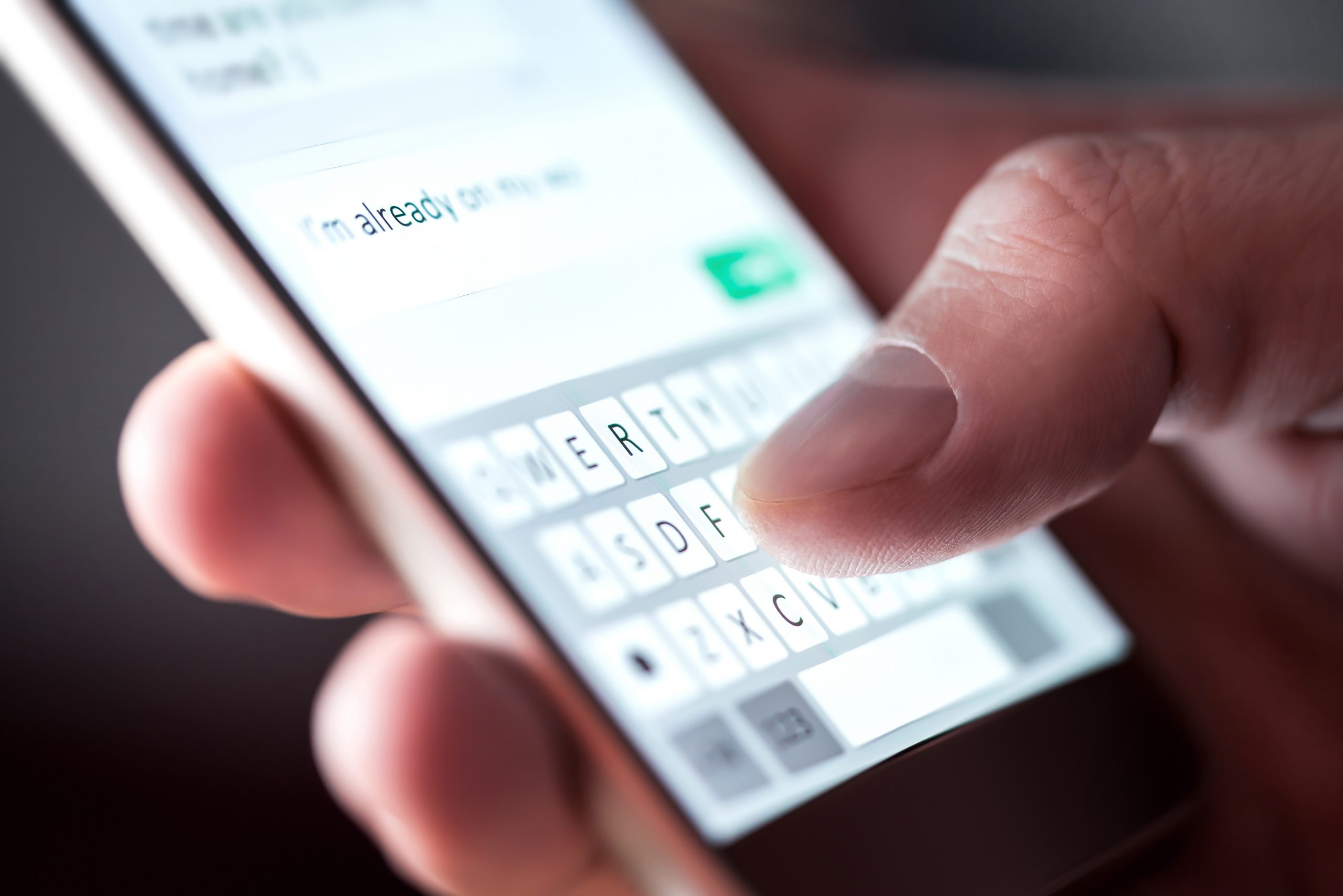
Can You Hide Phone Number When Texting

No, you cannot hide your phone number when texting using built-in iPhone or Android settings. The documented caller-ID hiding controls on both platforms are designed for phone calls only, not...

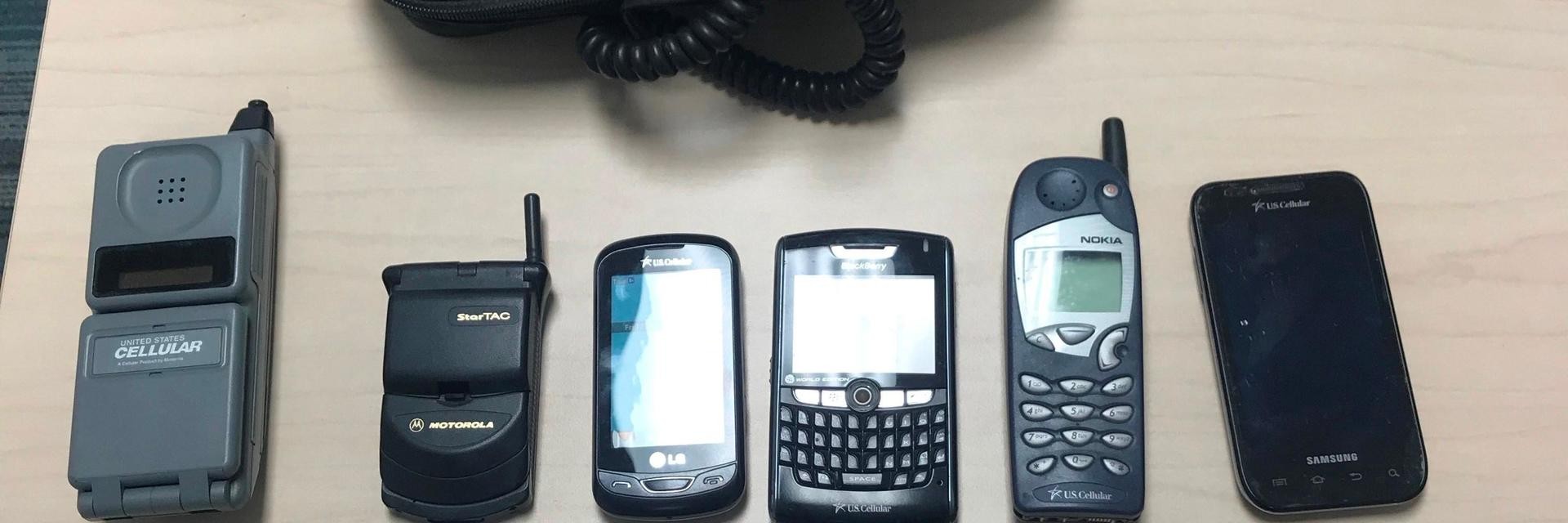
T-Mobile: How To Switch Phones

To switch phones on T-Mobile, start at the official Device Switch & Phone to Phone Data Transfer Guide, then follow five key steps: check compatibility, back up your old phone,...

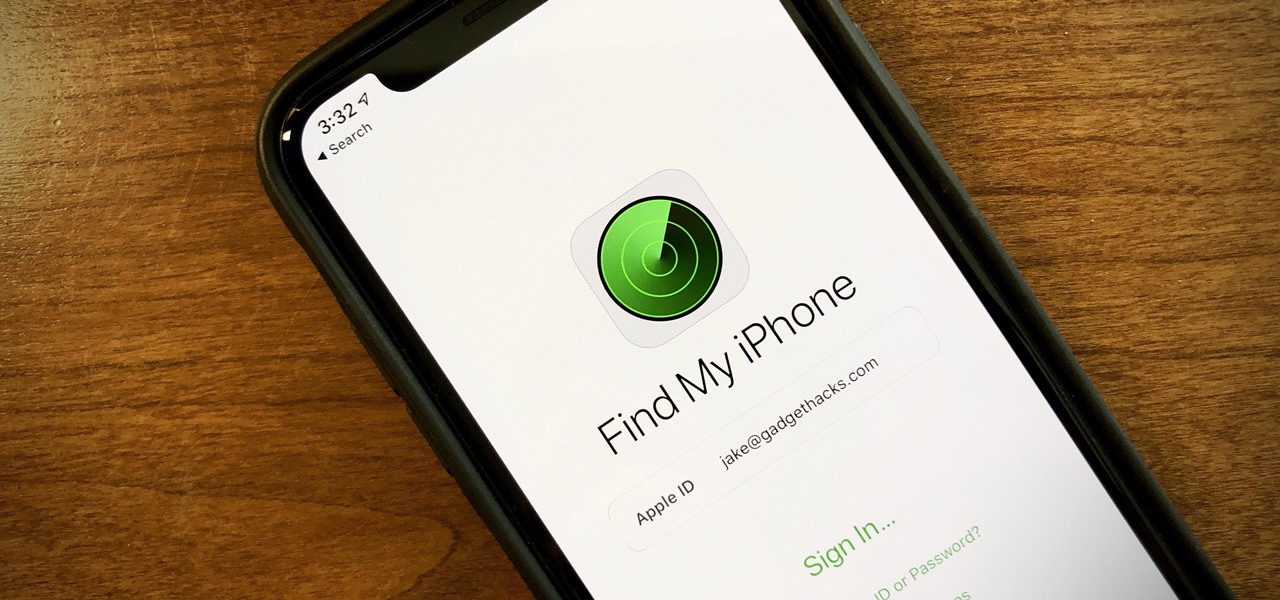
How To Use Find My Mobile

Samsung Find My Mobile is a free service that lets you locate, lock, or wipe your lost Samsung phone or tablet remotely. It is now part of SmartThings Find and...

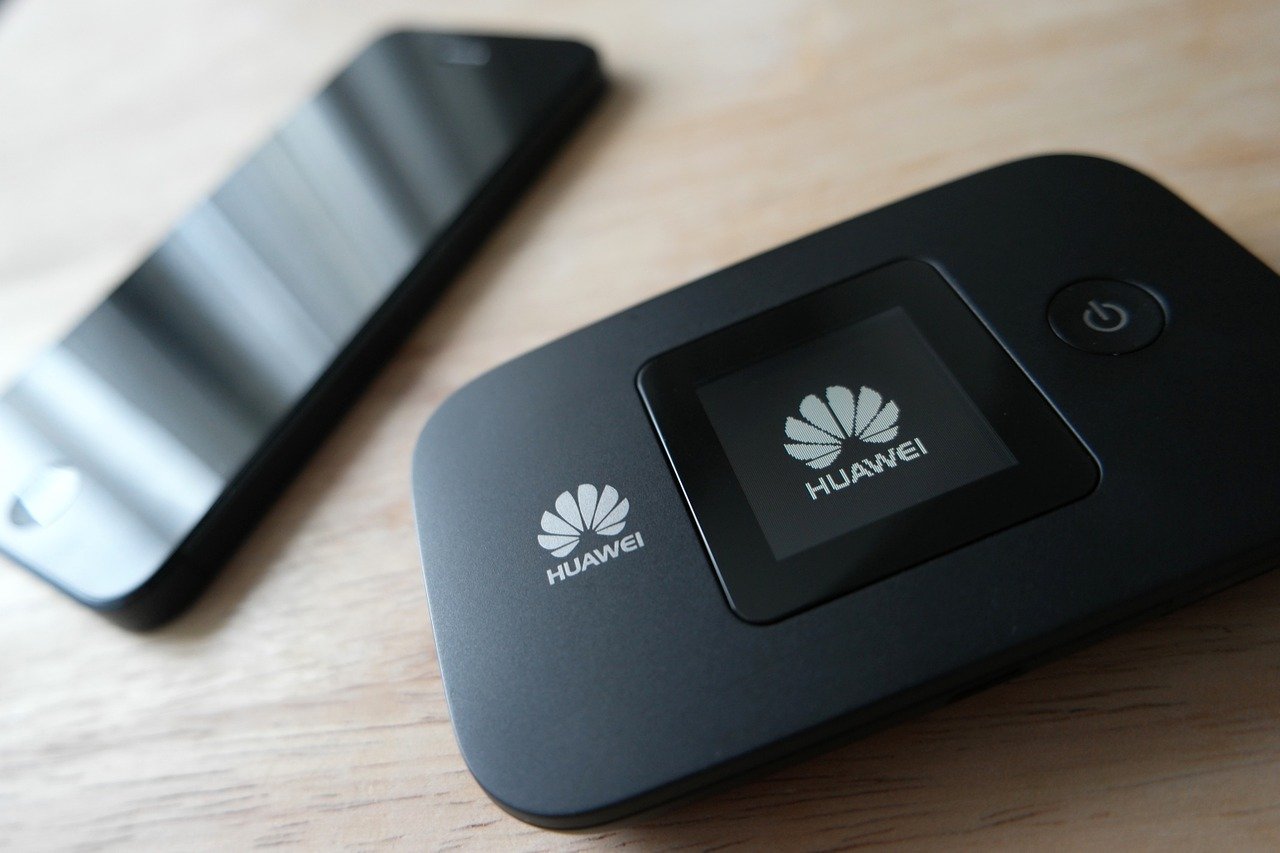
What Is Mobile WiFi

Mobile WiFi is the feature on your phone that shares its cellular data connection as a temporary Wi‑Fi network for other devices like laptops and tablets to use. Apple calls...

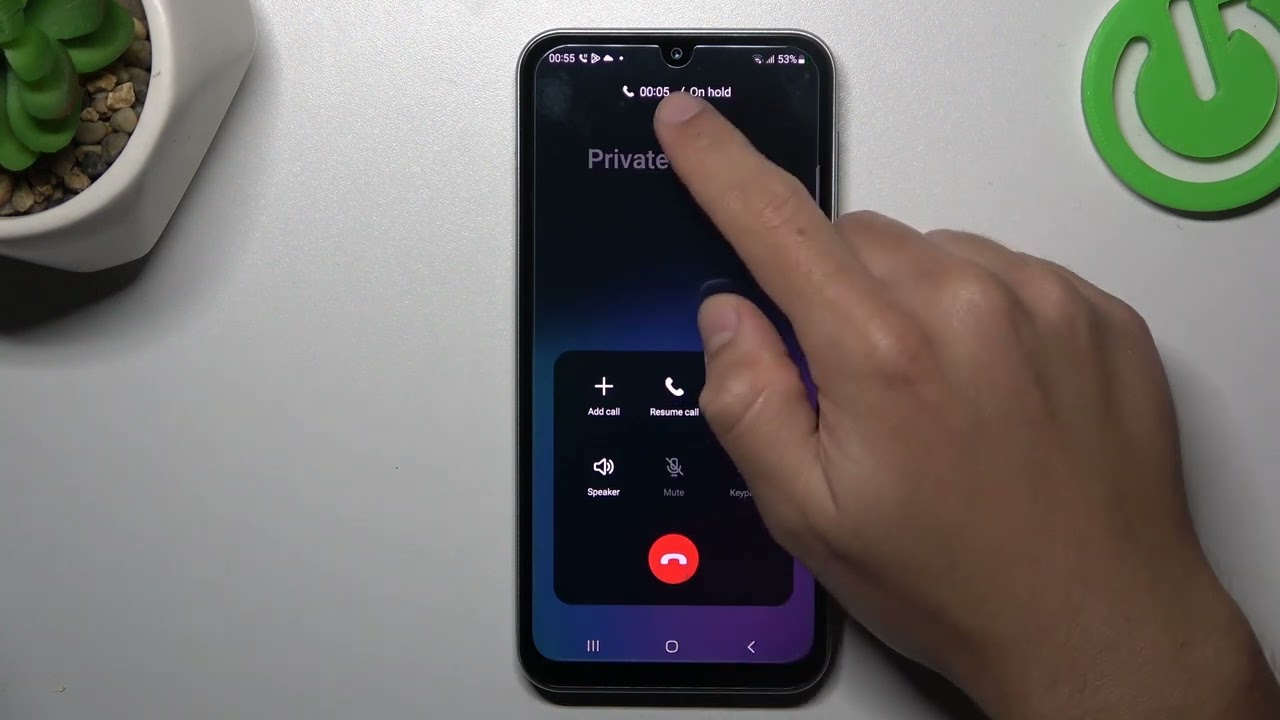
How To Hide Mobile Number When Calling

To hide mobile number when calling, you can turn off caller ID in your phone settings, use a one-call prefix like *67, or place the call through a service like...

What Unlocked Phones Work On Cricket

What unlocked phones work on Cricket Wireless includes documented compatible models such as iPhone XS, XR, and newer including the iPhone SE 2nd and 3rd generation, Google Pixel 6 and...

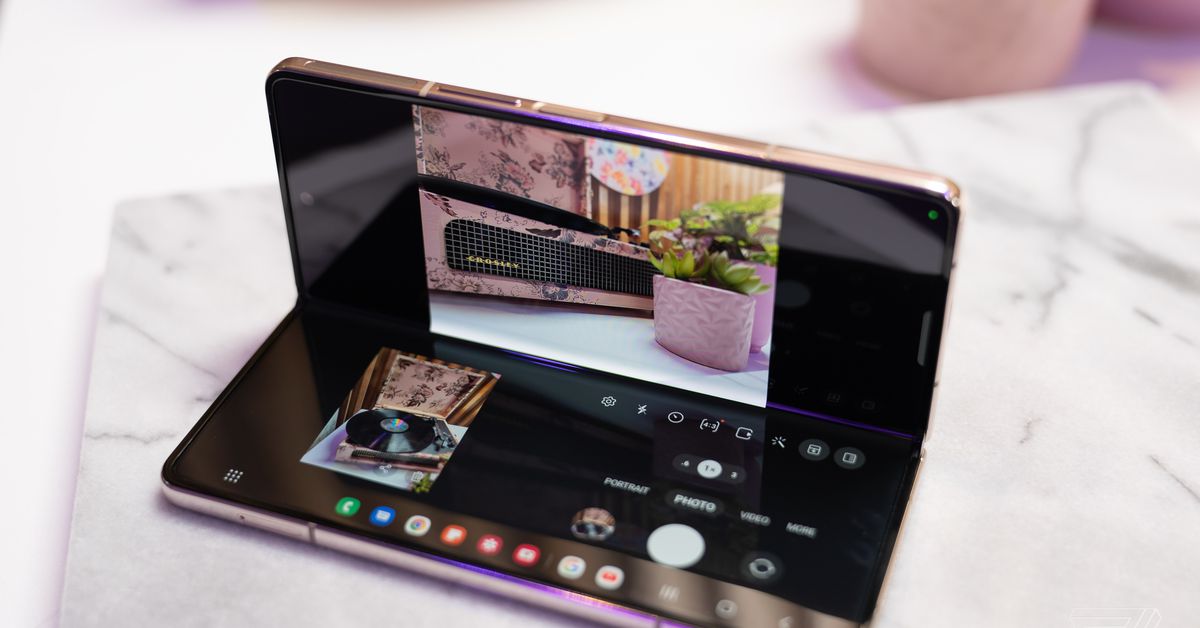
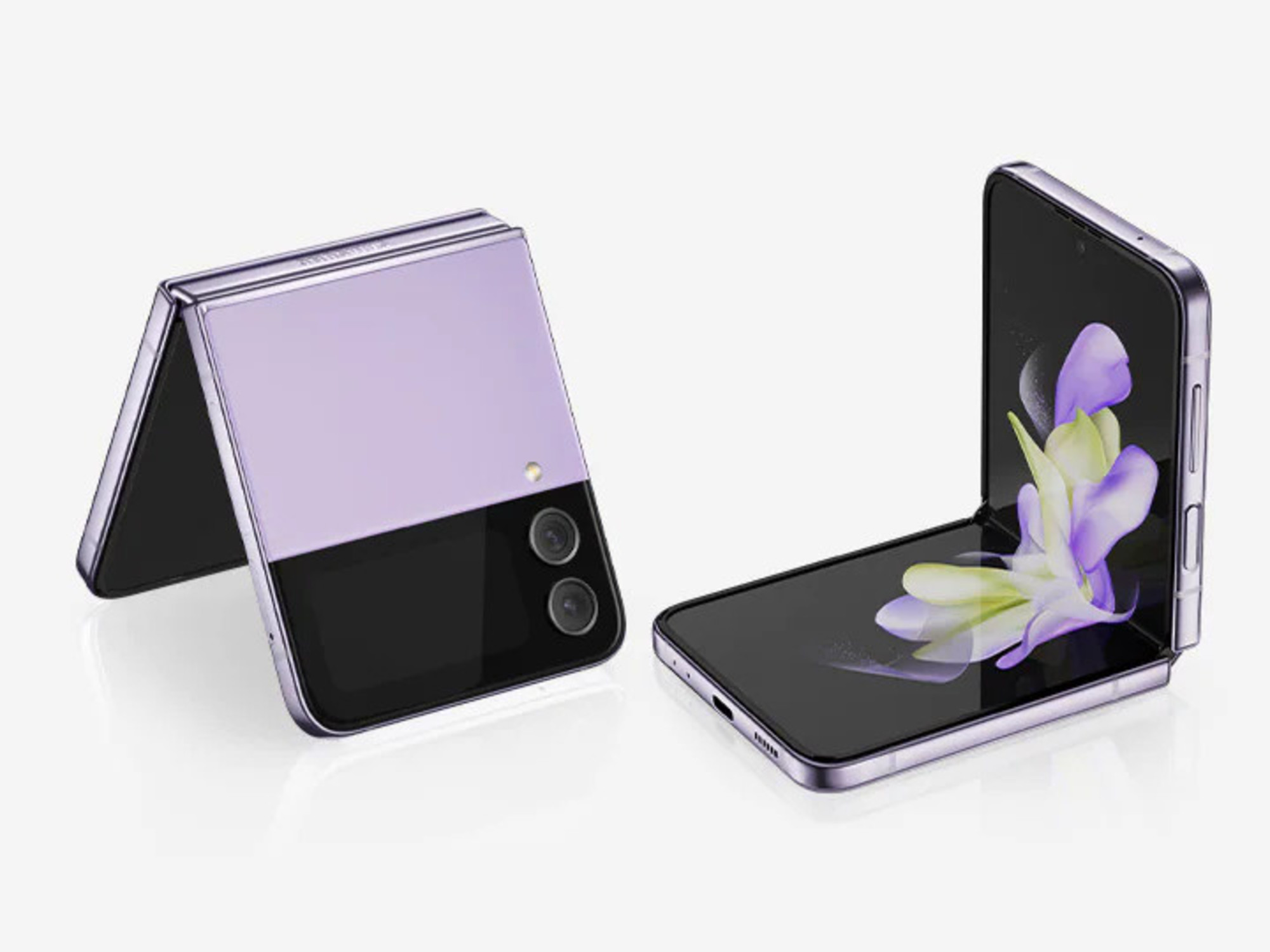
How To Turn Off Galaxy Z Flip Phone

To turn off a Galaxy Z Flip, press and hold the Side and Volume down buttons together, then tap Power off on the screen and confirm by tapping Power off...

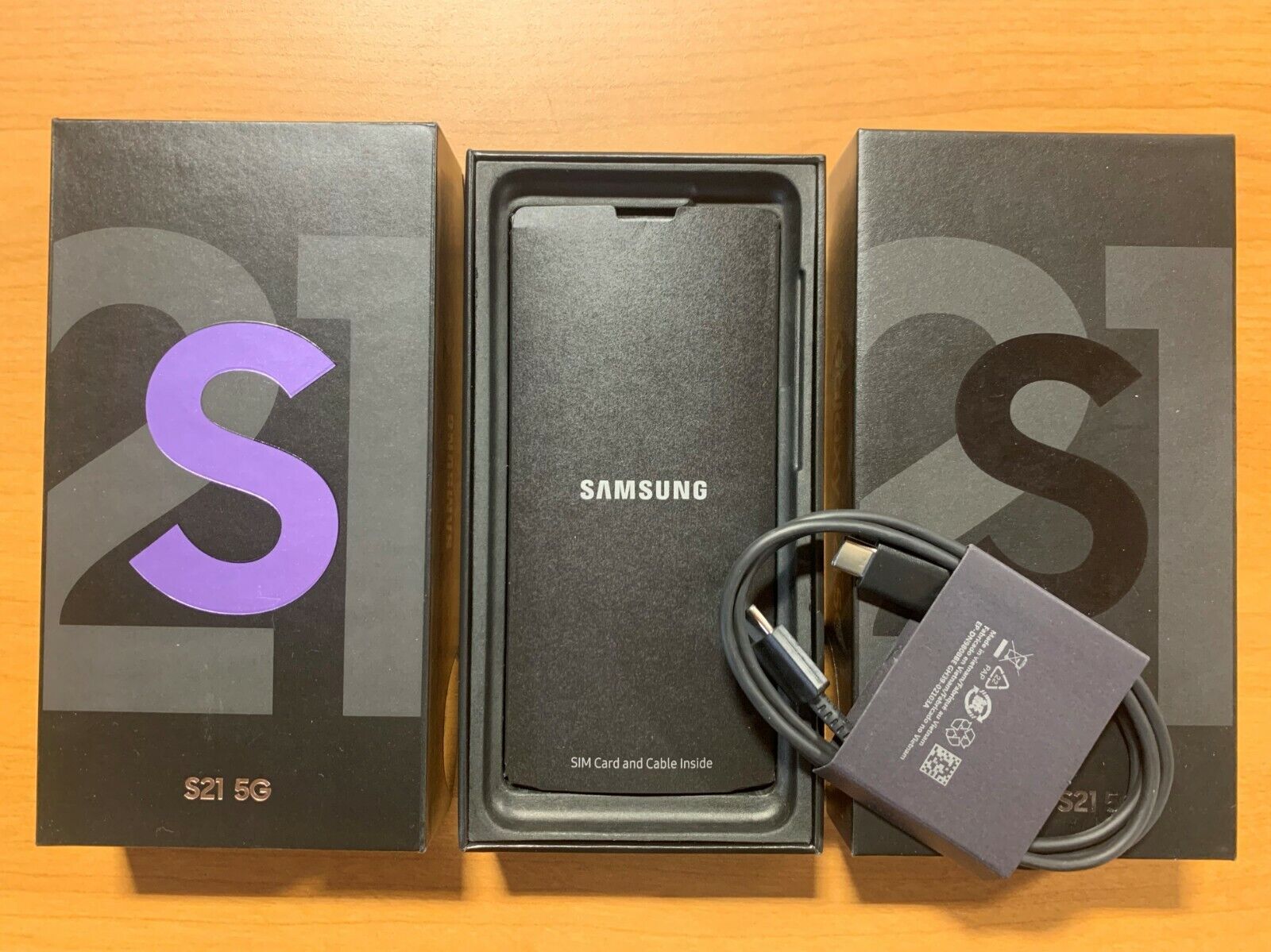
How To Open Galaxy S21

To turn on Galaxy S21, press and hold the Side key until the Samsung logo appears on the screen. This is the primary meaning of "opening" your device, powering it...