Mobile WiFi is the feature on your phone that shares its cellular data connection as a temporary Wi‑Fi network for other devices like laptops and tablets to use. Apple calls this Personal Hotspot, while Android and Samsung Galaxy devices document it as hotspot or Mobile Hotspot and Tethering.
What is mobile wifi?
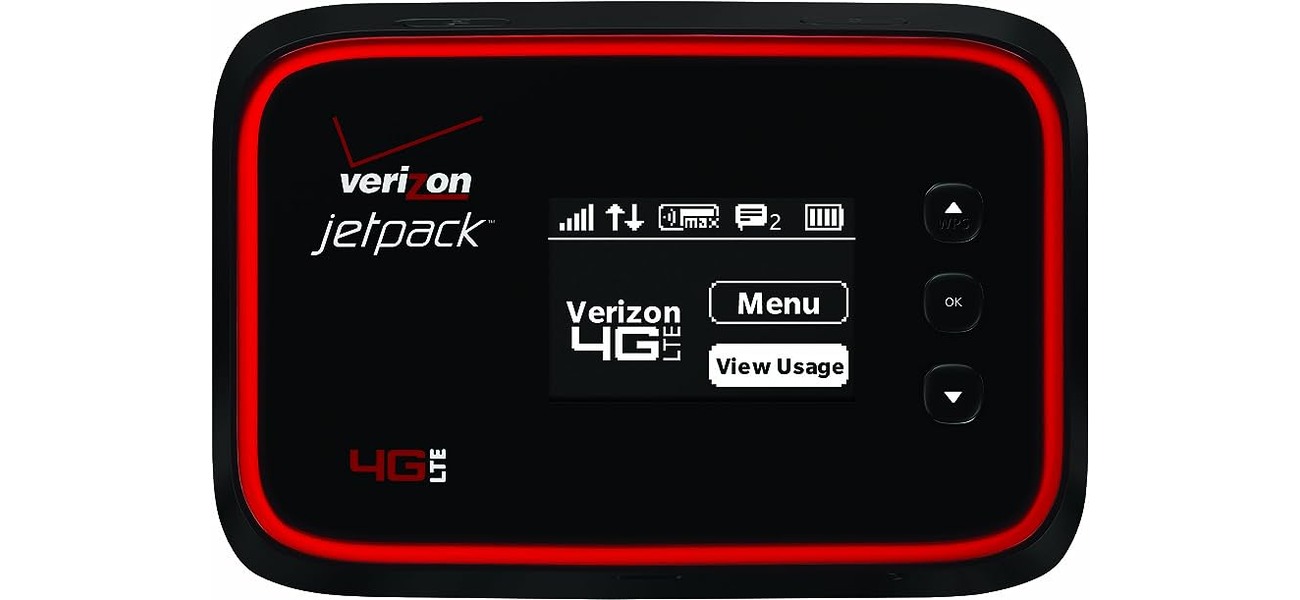
Mobile WiFi is a phone’s cellular data connection shared as a temporary Wi‑Fi network for other devices to use. Apple says Personal Hotspot uses the cellular data connection of an iPhone or iPad (Wi‑Fi + Cellular) to create a temporary, portable Wi‑Fi network. Google says Android can share a mobile connection by hotspot or tethering. Samsung says Galaxy phones and tablets use Connections > Mobile Hotspot and Tethering. This is not a separate device you have to buy; it is a built-in feature of your smartphone that lets you get personal hotspot instantly whenever you need it.
How mobile wifi works
The phone uses its cellular data connection to provide internet access to nearby devices. Devices can connect over Wi‑Fi, and Apple also documents Bluetooth and USB/cable connection methods. The hotspot is for sharing the phone’s cellular connection only; it cannot take a Wi‑Fi connection and rebroadcast it. Apple says the devices must be within 30 feet (10 meters) for Instant Hotspot. This means you can connect your laptop to your phone while sitting in a coffee shop, on a train, or at a park, without needing to buy a mobile hotspot device separately.
How to turn on mobile wifi on iPhone
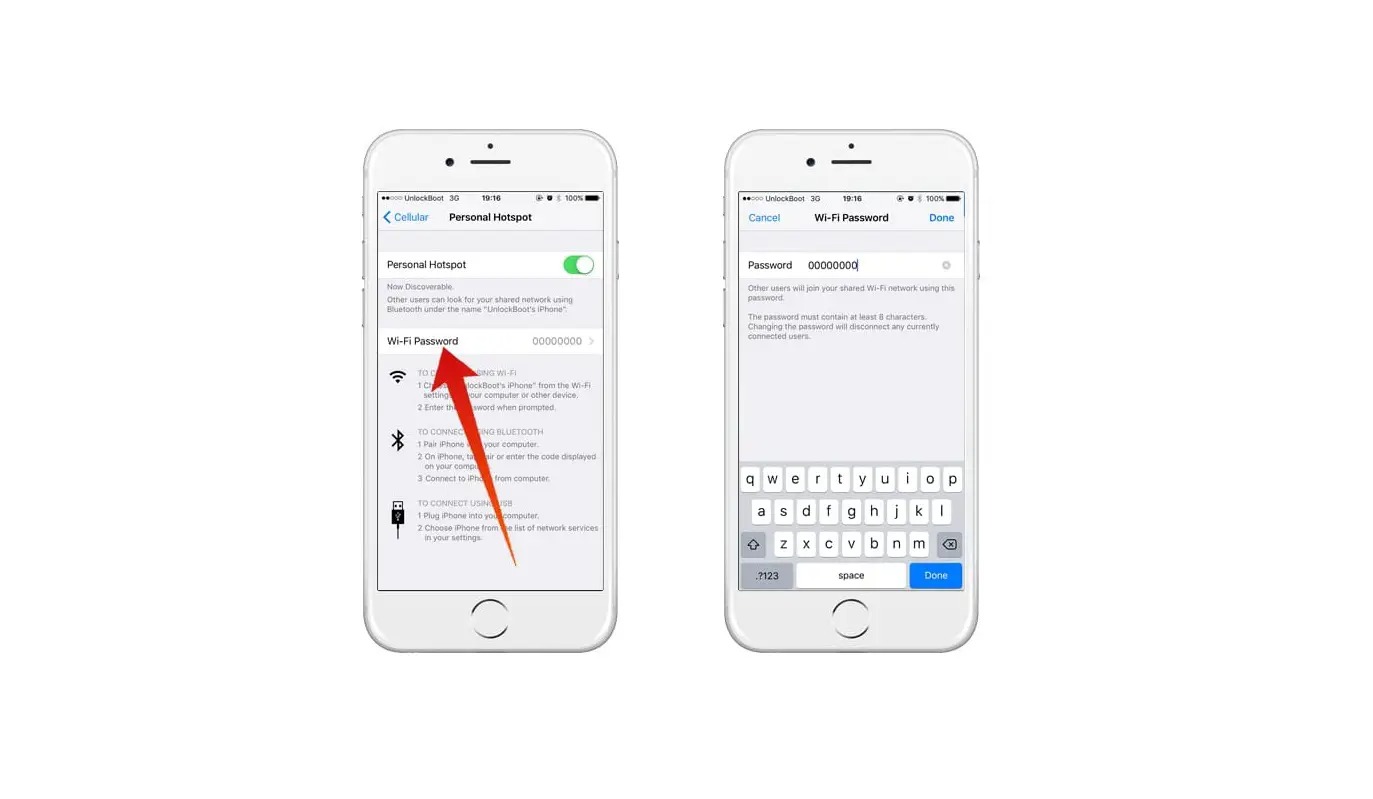
- Go to Settings > Cellular > Set Up Personal Hotspot and follow the onscreen instructions.
- If Personal Hotspot is already shown, go to Settings > Personal Hotspot and follow the onscreen instructions.
- To turn it on when it is not working, open Settings > Personal Hotspot and turn on Allow Others to Join.
- If Personal Hotspot is dimmed or unavailable, open Settings > Cellular and make sure Cellular Data is turned on.
- Stay on the Personal Hotspot screen until the other device connects.
Apple says Personal Hotspot requires an activated carrier plan that includes Personal Hotspot service. If you cannot find or turn on Personal Hotspot, the wireless carrier must enable it and the wireless plan must support it. Both devices need Wi‑Fi and Bluetooth turned on for Instant Hotspot.
How to turn on mobile wifi on Android
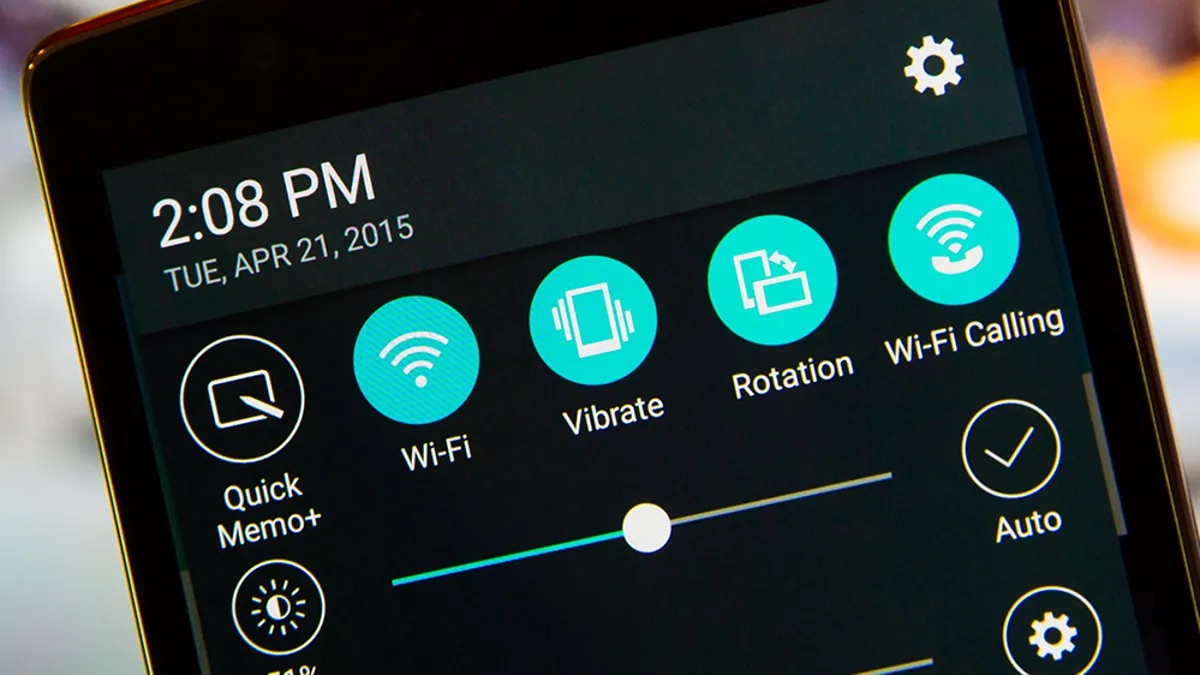
- Swipe down from the top of the screen and tap Hotspot.
- If Hotspot is not visible, tap Edit at the bottom left and drag Hotspot into Quick Settings.
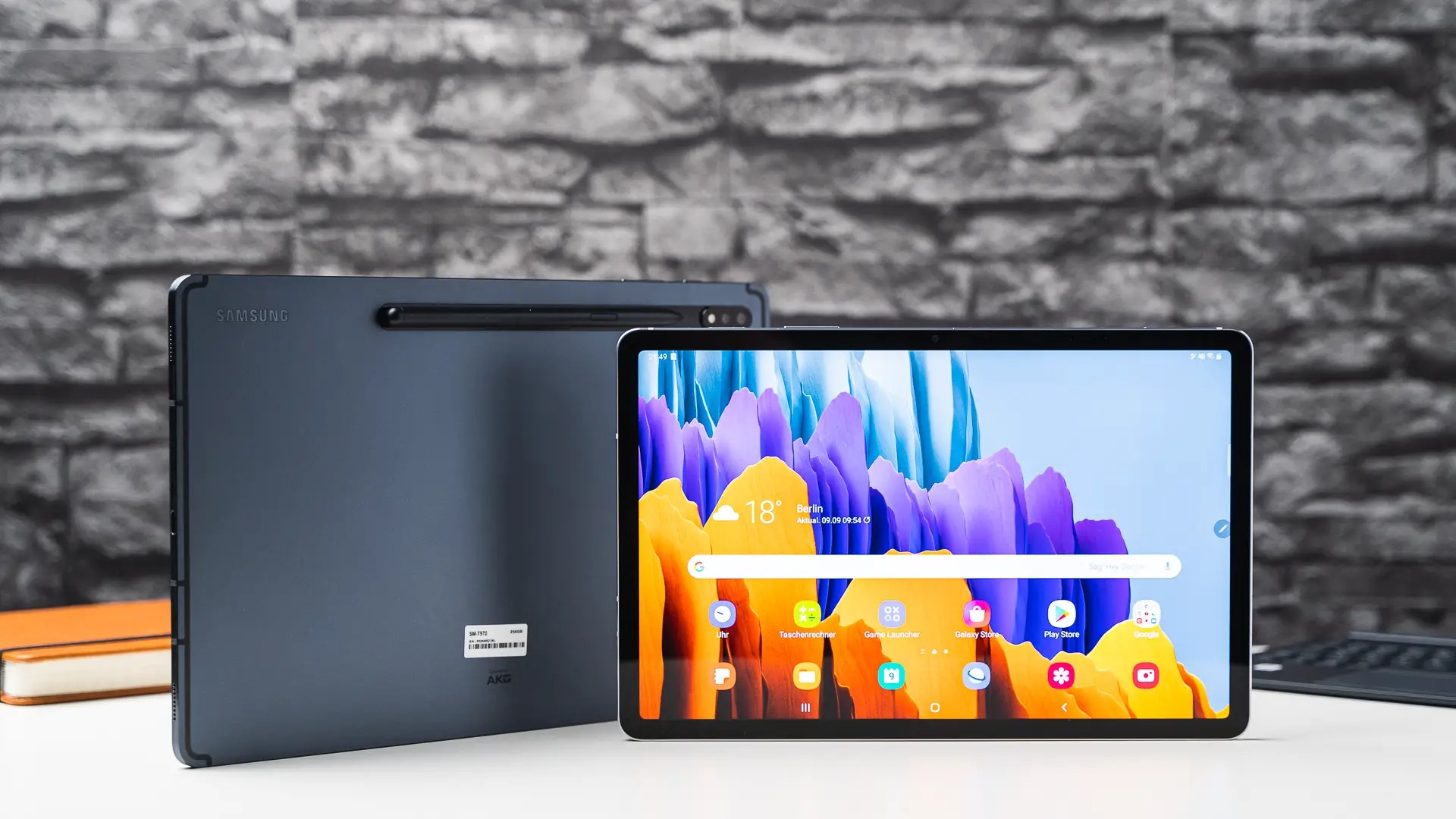
- On a Samsung Galaxy device, go to Settings > Connections > Mobile Hotspot and Tethering.
Samsung also documents Settings > Connections as the starting point for hotspot setup. Once enabled, other devices can find your phone’s network and connect using the password shown on the screen.
Troubleshooting mobile wifi problems
If your hotspot is not working, first ensure Cellular Data is turned on in your phone’s settings. Next, confirm that your carrier plan supports hotspot service and that your carrier has enabled it on your line. For Instant Hotspot on Apple devices, make sure both devices have Wi‑Fi and Bluetooth turned on and are within 30 feet (10 meters) of each other. On iPhone 12 models or later, iPad Pro 11-inch (3rd generation or later), iPad Pro 12.9-inch (5th generation or later), and iPad mini (6th generation), you can use the Maximize Compatibility setting if older devices have trouble connecting. If you still cannot connect, stay on the Personal Hotspot screen until the other device appears.
Frequently Asked Questions
Can I use mobile wifi internationally?
Yes, you can use your phone’s hotspot while traveling abroad, but international roaming charges and data limits from your carrier will apply. Check with your carrier before traveling to avoid unexpected fees.
Is mobile wifi secure?
Yes, the hotspot creates a password-protected network using encryption. Other devices must enter the password to connect, keeping your connection private.
How many devices can connect to my phone’s hotspot?
The number of devices that can connect depends on your phone model and carrier plan. Most modern smartphones support at least five to ten simultaneous connections, but your carrier may impose a limit.
Does using mobile wifi drain my phone’s battery?
Yes, running a hotspot uses more battery power because the phone is actively transmitting data over cellular and Wi‑Fi. Keep your phone plugged in or use a portable charger during extended use.
Can I use my phone’s hotspot while on a call?
On most phones, you can use the hotspot during a call, but data speeds may slow down depending on your network and carrier. Some carriers may not support simultaneous voice and data on certain plans.
Related reading: How Does A Portable Wifi Hotspot Work.