There is no universal numeric code to unblock a phone number on modern smartphones; instead, you use the device's settings menu to remove a number from your blocked list.
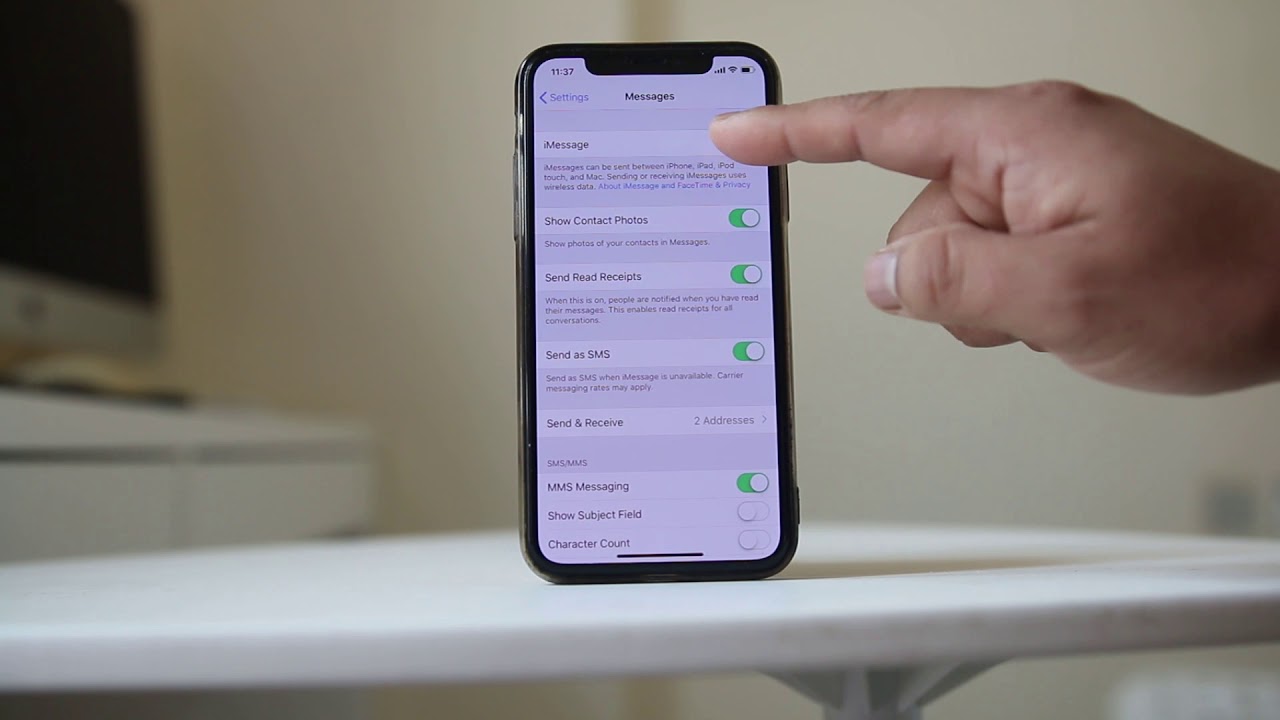
How to unblock a number on an iPhone
- Open the Settings app.
- Tap Phone (or Messages or FaceTime, depending on where you blocked the number).
- Tap Blocked Contacts.
- Swipe left on the number you want to unblock.
- Tap Unblock.
On iPhone, you can unblock via the Phone app's Recents tab: tap the 'i' icon next to the number, scroll down, and tap 'Unblock this Caller'.
If you blocked a contact in Messages or FaceTime, you must unblock them in that specific app's settings. The same list of blocked contacts is shared across Phone, Messages, and FaceTime, but the unblock action must be performed from the app where the block was originally set.
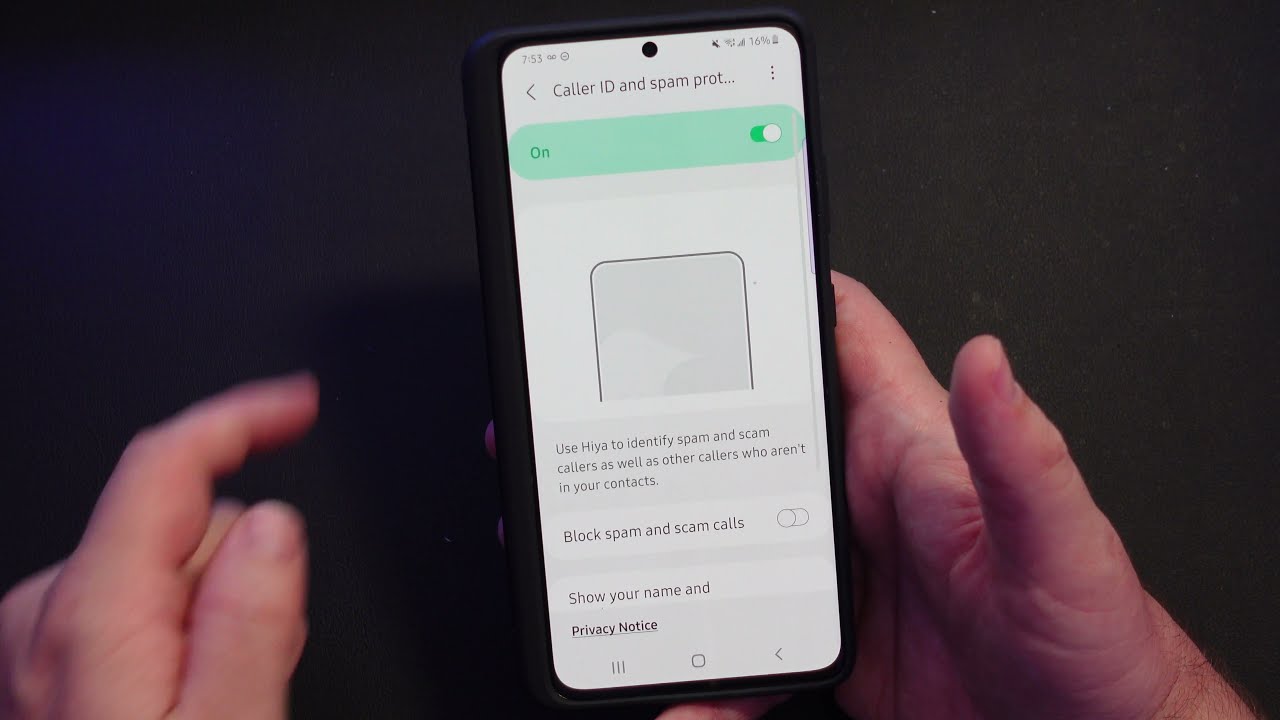
How to unblock a number on an Android phone
- Open the Phone app.
- Tap the More options (three dots or lines).
- Tap Settings.
- Tap Blocked numbers (or Call Blocking).
- Find the number you want to unblock and tap the Clear, X, or red dash icon next to it.
- Confirm Unblock when prompted.
Manufacturer variations exist: on Samsung devices, the path may be Phone app > More > Settings > Blocked numbers, while on Google Pixel phones it follows the same standard Android route. The exact icon to tap may be a minus sign or a trash can depending on your device's software version.
What happens to missed calls and texts?
You will not receive any calls or messages that were sent to you while the number was blocked. All communication attempts during the block period are permanently lost and cannot be recovered, even after you unblock the number. If a caller hides their caller ID, the blocking feature may not be as effective in preventing their calls from reaching you.
Unblocking through your network provider
If the block was applied at the network level, for example, by your carrier or through a landline service, you need to contact customer support to remove it. For landline phones, dialing *80 is the standard code to unblock a number that was previously blocked using *60 or a similar call-blocking feature. Some carriers also allow you to manage blocked numbers through their online account portal or customer service hotline. In some jurisdictions, there are legal restrictions on blocking certain types of calls, such as emergency or government-related communications.
Tips for managing your blocked list
Regularly review your list of blocked numbers to ensure it still matches your current needs, especially as relationships and communication priorities change. You can block entire area codes or unknown numbers for a more comprehensive approach to managing unwanted calls. Use whitelisting features if your device supports them, allowing important contacts like family or essential service providers to always reach you even when general blocking is active. If you are blocking a number due to harassment, document the calls and messages with dates and times to support any future legal or formal action.
Frequently Asked Questions
Will the person know if I unblock their number?
No, the person whose number you unblock will not receive any notification or alert that their number has been unblocked on your device.
Can I unblock a number temporarily?
Most smartphones only allow permanent unblocking, but some devices or third-party apps may offer a temporary unblock option for a specified duration. Check your device's settings or contact your service provider for specific details on temporary unblocking.
Are there alternative methods to unblock a phone number?
Yes, in addition to using your phone's settings, some service providers allow you to manage blocked numbers through their online account portals or by calling customer support. These alternatives are useful if you encounter difficulties unblocking a number directly from your device.
What is the difference between blocking calls and numbers and blocking a telephone number?
Blocking calls and numbers refers to the general feature of preventing unwanted communication, while to block a telephone number is the specific action of adding a single contact to your block list. Both terms describe the same functionality, but the second focuses on the individual number you choose to restrict.
Related reading: How To Unblock A Telephone Number.