The Samsung tag on CellularNews brings together a focused collection of guides and explainers for anyone who owns or is considering a Samsung phone. Whether you are troubleshooting a specific issue, looking to master a built-in feature, or simply curious about phone accessories and maintenance, these articles are written for the everyday user who wants clear, actionable answers.

The articles here solve two main kinds of problems. First, they tackle practical device management and settings: you can learn how to set an alarm, check your phone’s memory, split the screen, or even decide whether to use or disable the Samsung Game Launcher. Second, they address common frustrations and repairs, from unlocking a Samsung phone and bypassing an FRP lock to recording a conversation or finding a hidden Samsung device. There is also a strong focus on accessories and care, with topics covering Qi charging, wireless power banks, screen protectors, and even how to wash a phone case or remove stains from it.

Beyond Samsung-specific fixes, the tag also includes broader mobile topics that apply to many users, such as how to call back a private number, what refurbished phones are, and how to play music through two Bluetooth speakers. For anyone looking to get more out of their Samsung device or solve a nagging problem, these articles provide straightforward steps and clear explanations.
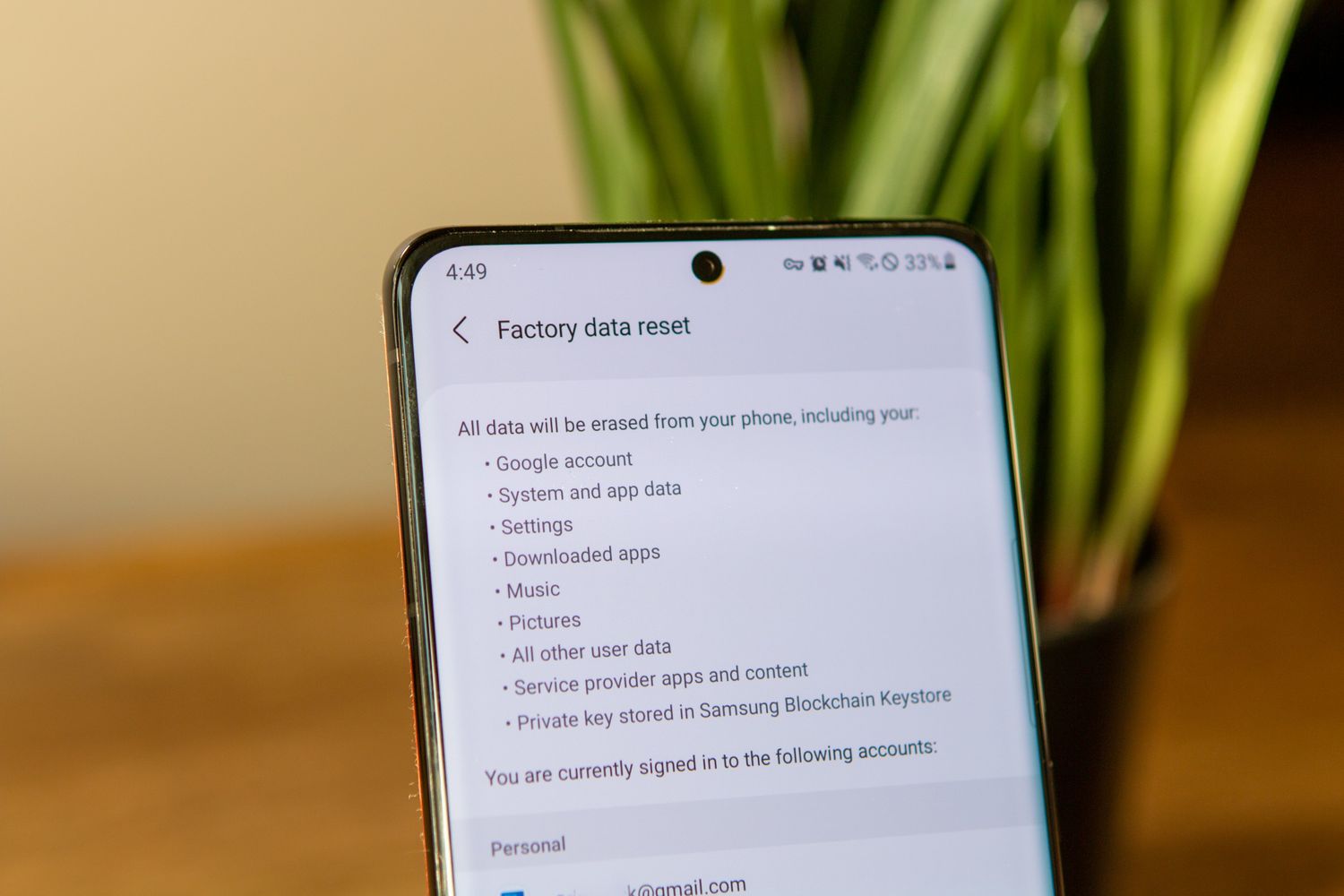
How To Factory Reset Galaxy S21 Ultra

To factory reset Galaxy S21 Ultra, open Settings > General management > Reset > Factory data reset > Reset > Delete all. This is the standard, documented path for erasing...

How To Unlock Galaxy S21 Without Password

The only way to unlock your Galaxy S21 without a password, without wiping your data, is Samsung's Find My Mobile service. However, this method only works if you enabled the...

How To Turn Off Galaxy S21 Ultra

To turn off Galaxy S21 Ultra, press and hold the Side and Volume down buttons together until the Power menu appears, then tap Power off twice to confirm. This is...

Where Are My Downloads On Galaxy S21

On a Samsung Galaxy S21, your downloaded files are saved to the default Downloads folder inside the My Files app. If you are asking "where are my downloads on Galaxy...

How To Check If Galaxy S21 Is Unlocked

To check if your Galaxy S21 is unlocked, open Settings > Connections > More connection settings and read the device status. If it says "Unlocked," the phone has no carrier...

How To Do A Screenshot On A Galaxy S21

To take a screenshot on Galaxy S21, press the Power/Side and Volume Down buttons at the same time, then release quickly. This is the primary method to capture whatever is...

How To Restart Galaxy S21 Ultra

To restart your Galaxy S21 Ultra, press and hold Volume down and Side at the same time until the power menu appears, then tap Restart and confirm by tapping Restart...

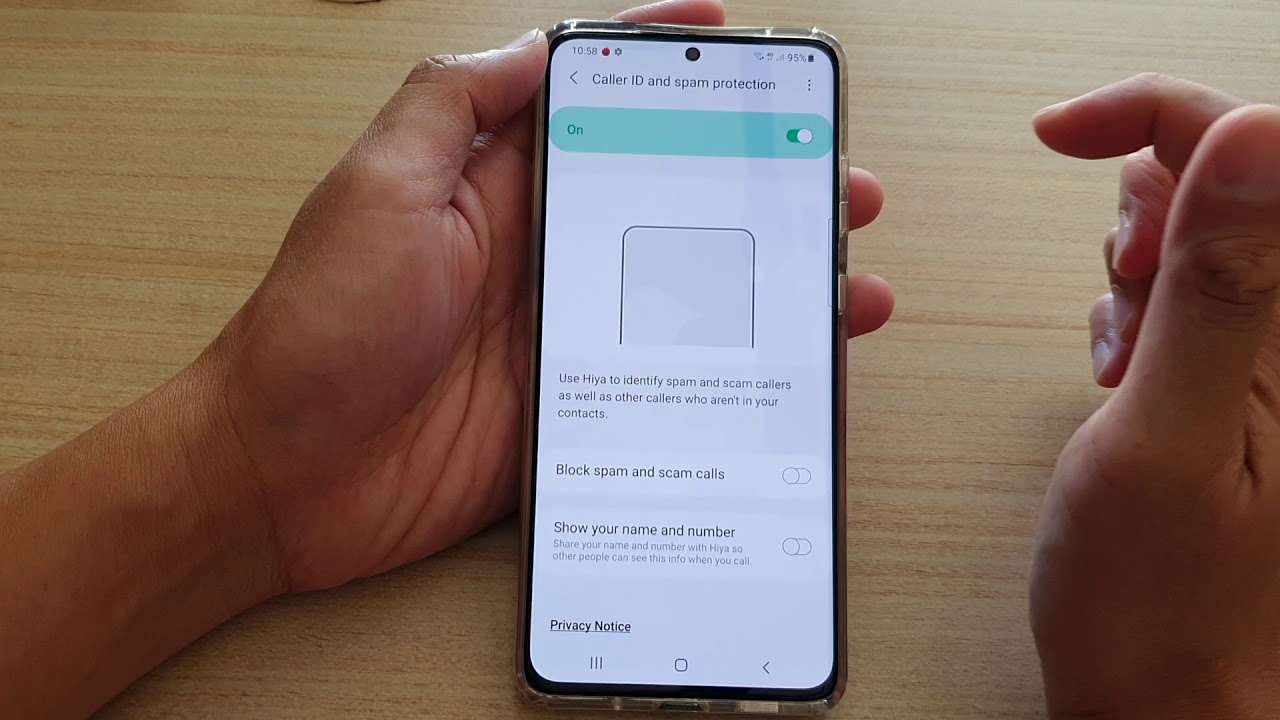
How To Block Spam Calls On Galaxy S21

To block spam calls on your Galaxy S21, use the built-in Caller ID and spam protection feature in the Phone app. This is the most effective way to stop spam...