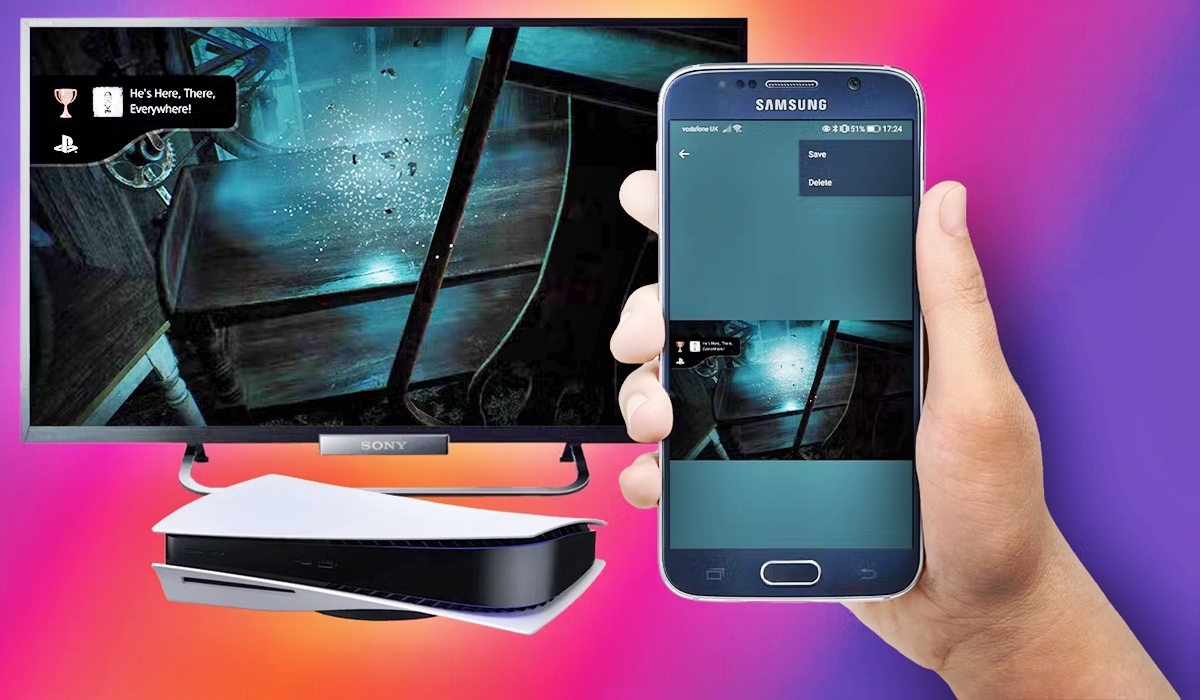
Practical guides for anyone who wants to capture video from their phone or transfer gameplay clips from a console. Whether you are a mobile gamer, a Discord user, or someone trying to save highlights from a PlayStation, these articles are written to solve specific, everyday problems you might run into with your devices.
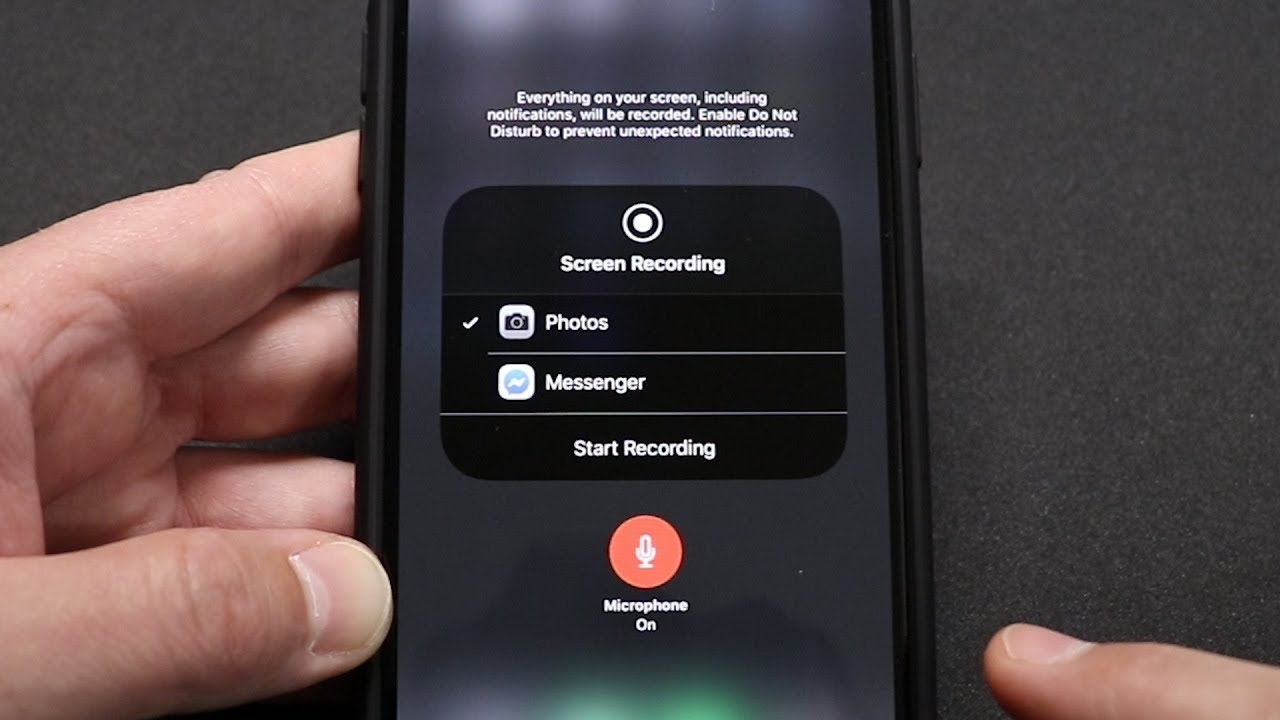
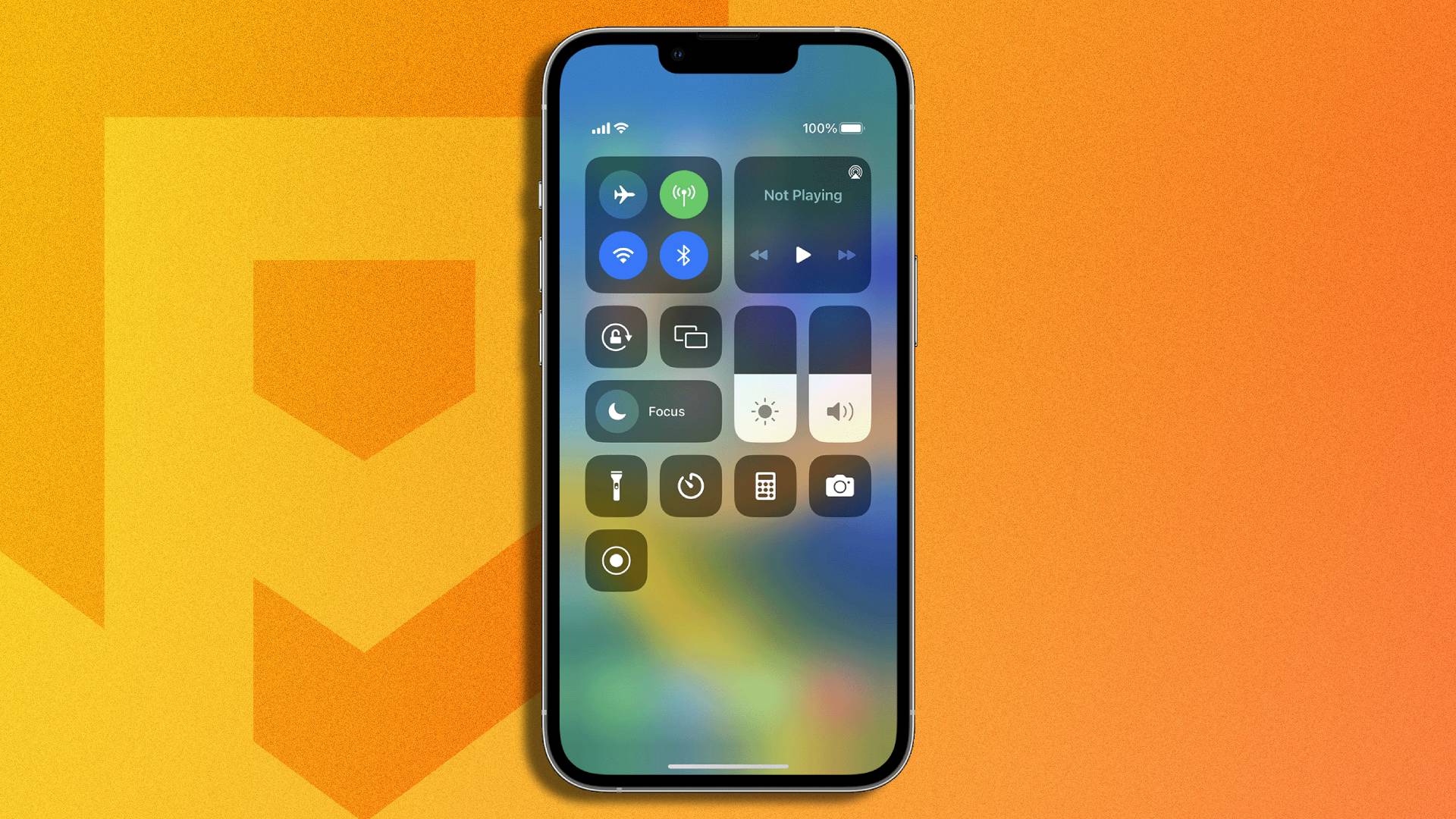
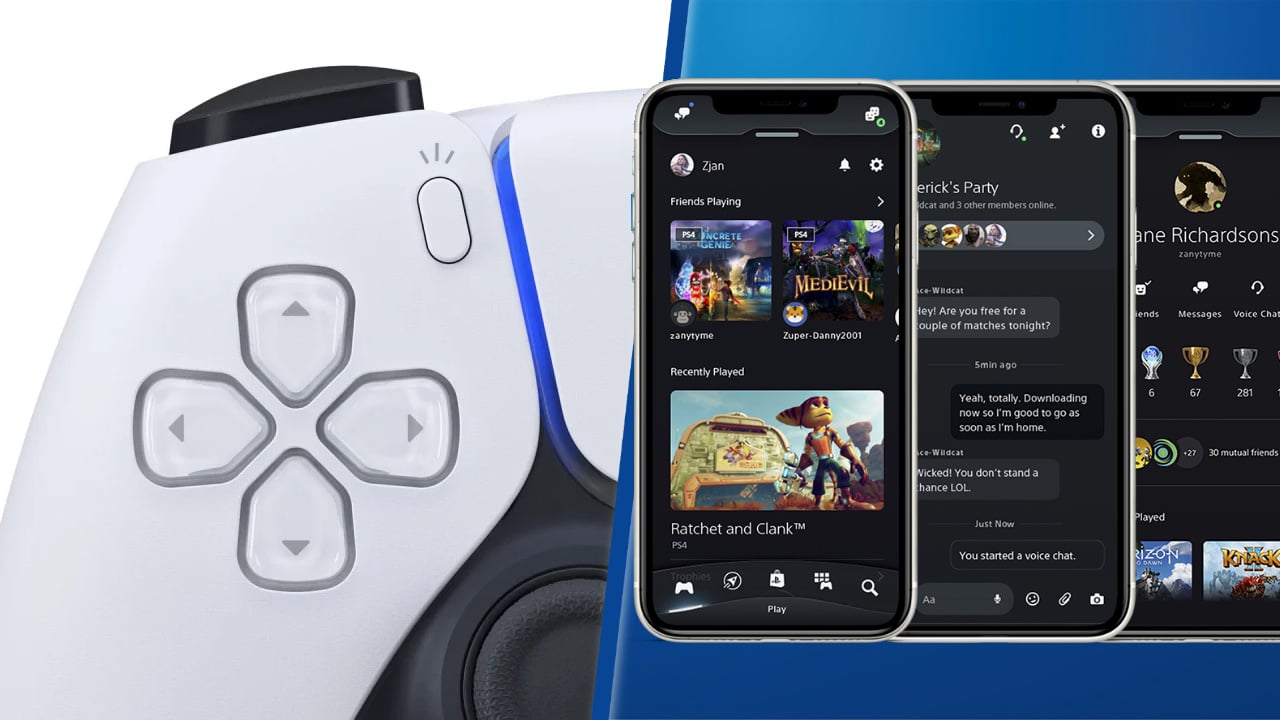
The articles here focus on two main themes. First, they help you master the built-in recording tools on your phone, covering how to record with audio on the Discord mobile app and how to screen record on the iPhone 14 Plus or iPhone 11. Second, they address the common challenge of moving game clips from a console to your phone, with straightforward steps on how to transfer PS4 clips to your phone and how to share PS5 clips to your phone. A few articles also bridge these ideas, like the guide on how to save clips from PS5 to your phone and the ultimate guide on how to screen record mobile games easily.
Each article is designed to help you do one clear thing: capture a moment from your screen or move a video file from one device to another. If you have ever struggled to get a game clip onto your phone or to record a call with sound, these pages offer a direct fix without extra fluff.