Guides and walkthroughs focused on the core configuration tools and system information every phone user needs to navigate. This page is for anyone who wants to take direct control of their device’s behavior, whether you are setting up a new phone or troubleshooting a specific feature.
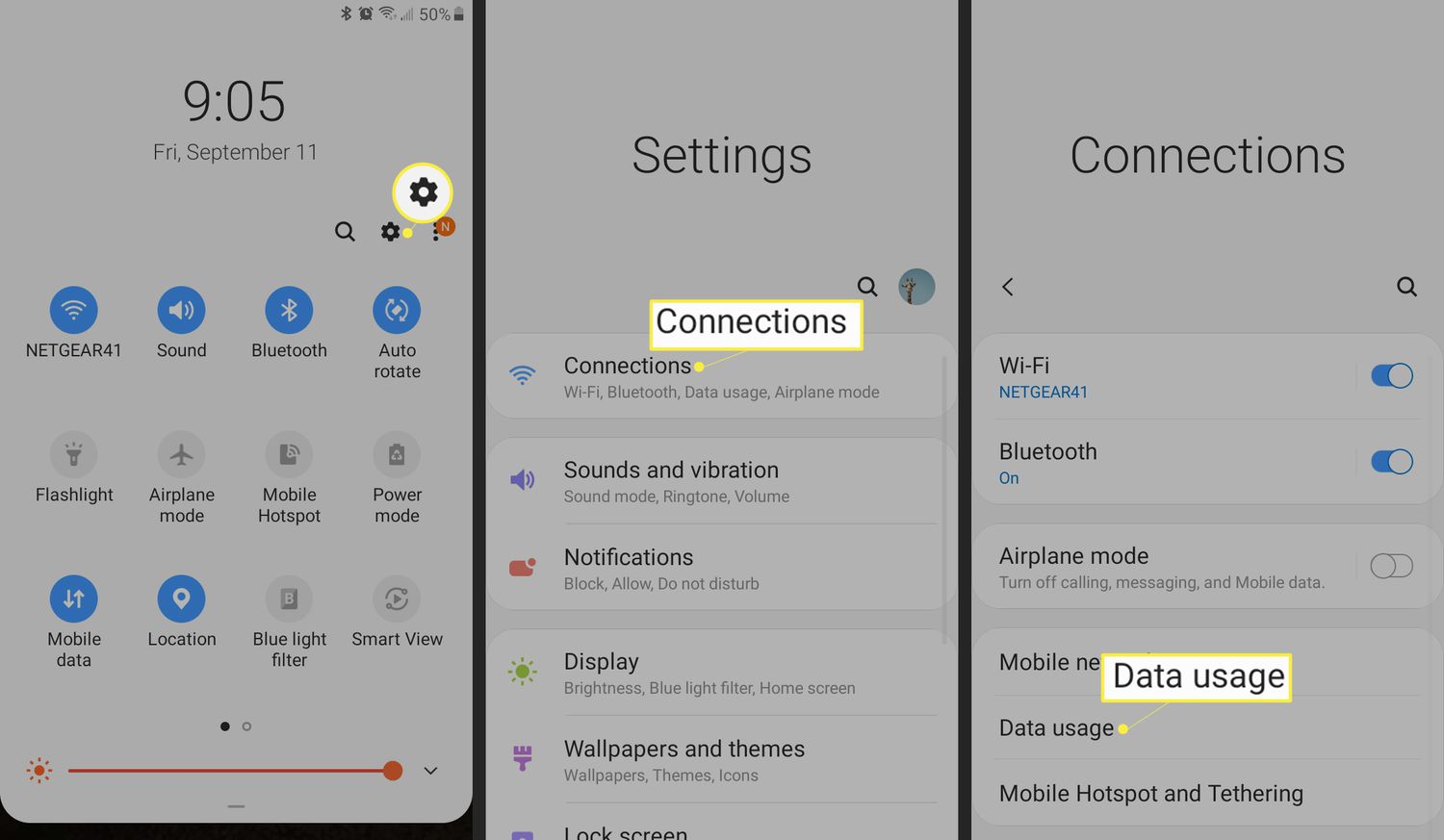
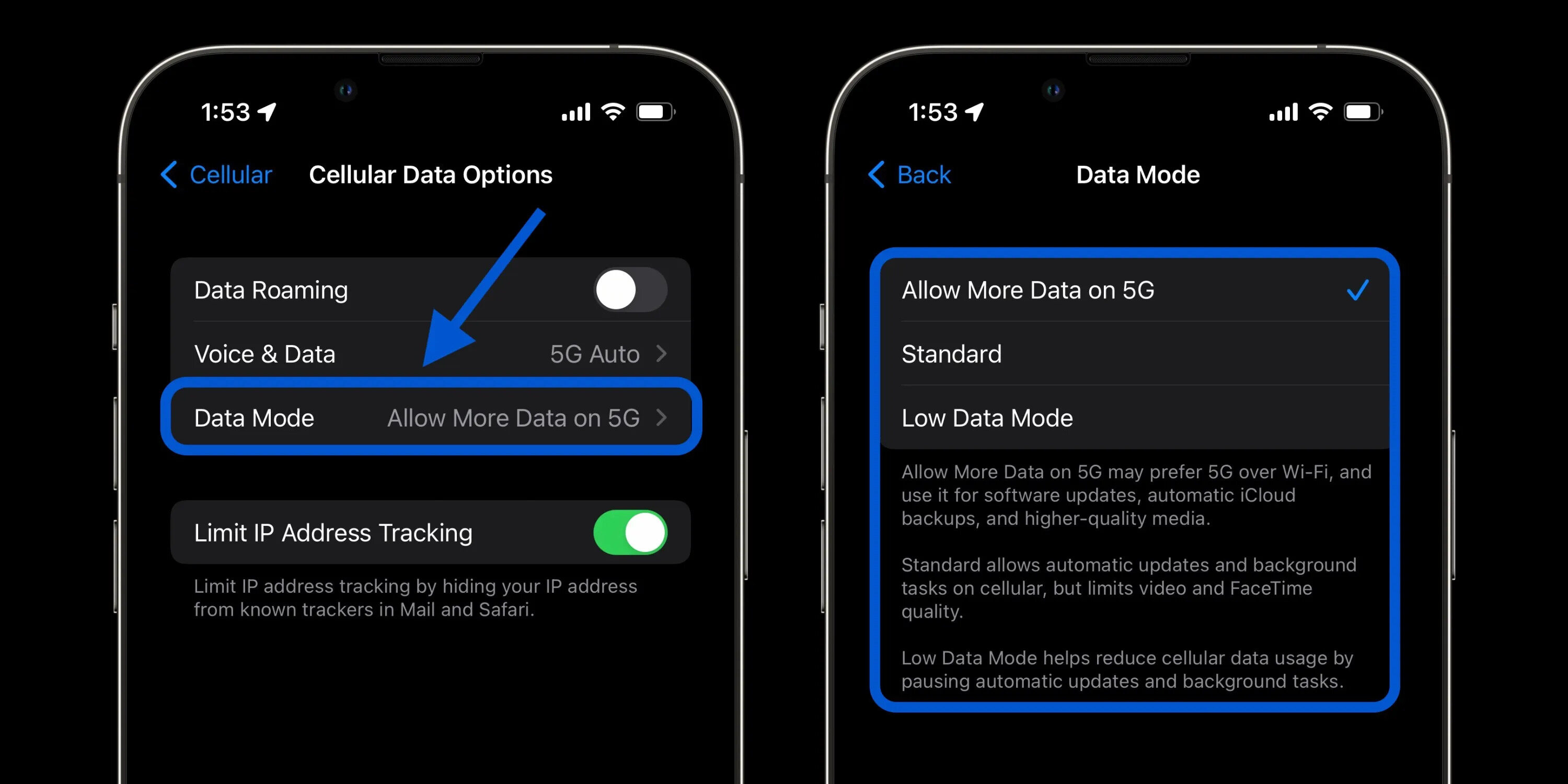
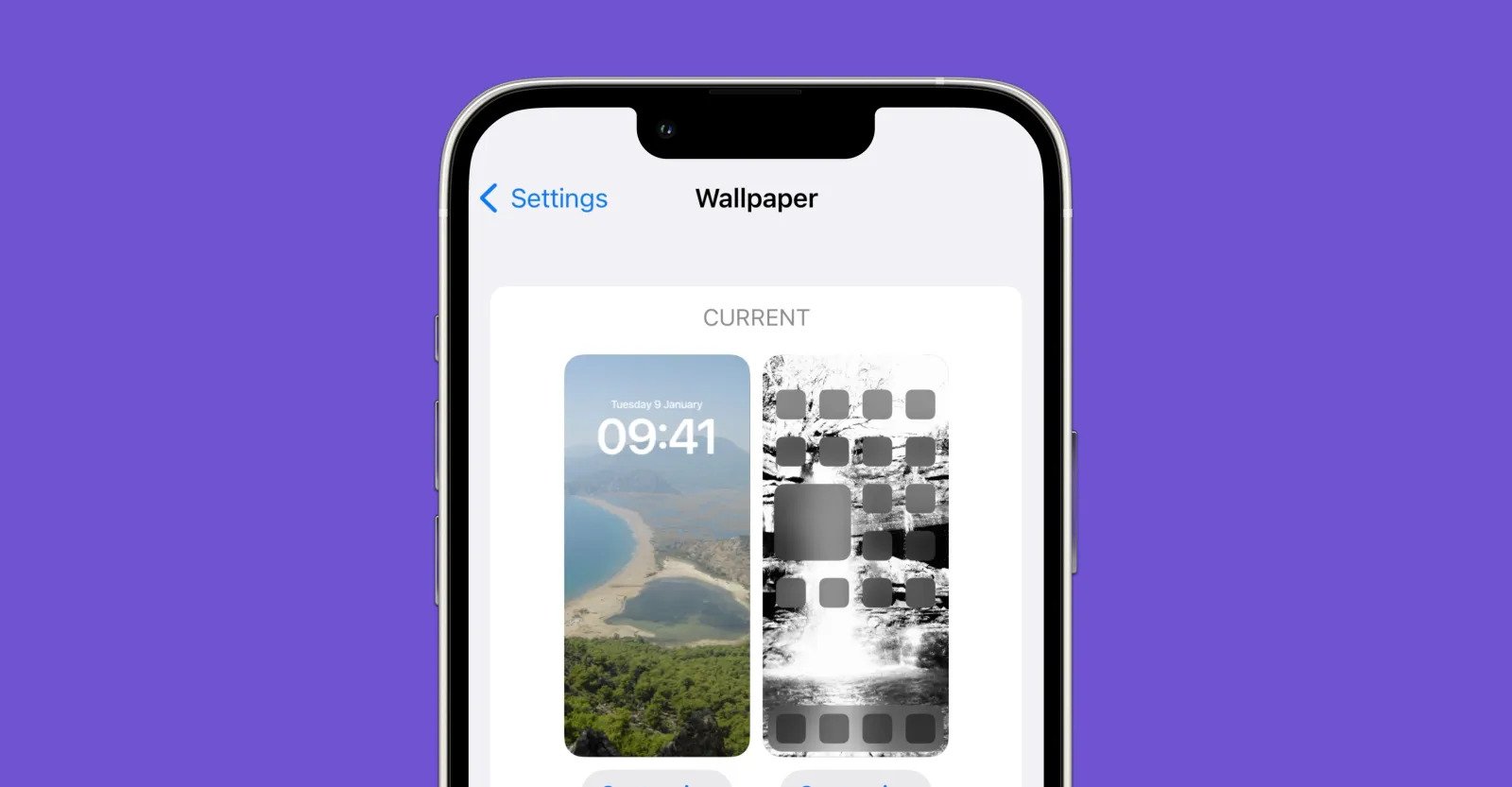
The articles here solve practical problems grouped around two main themes: personalizing your device’s look and feel, and managing essential connectivity and hardware. For example, you can learn how to change the wallpaper on your iPhone and iPad to give your screen a fresh look, or find out how to turn on location on Android so your maps and apps work correctly. Other pieces help you understand your phone’s performance, with guides on how to check Android phone usage to monitor your daily habits, and how to set up my cellular data to get online when you are away from Wi-Fi.
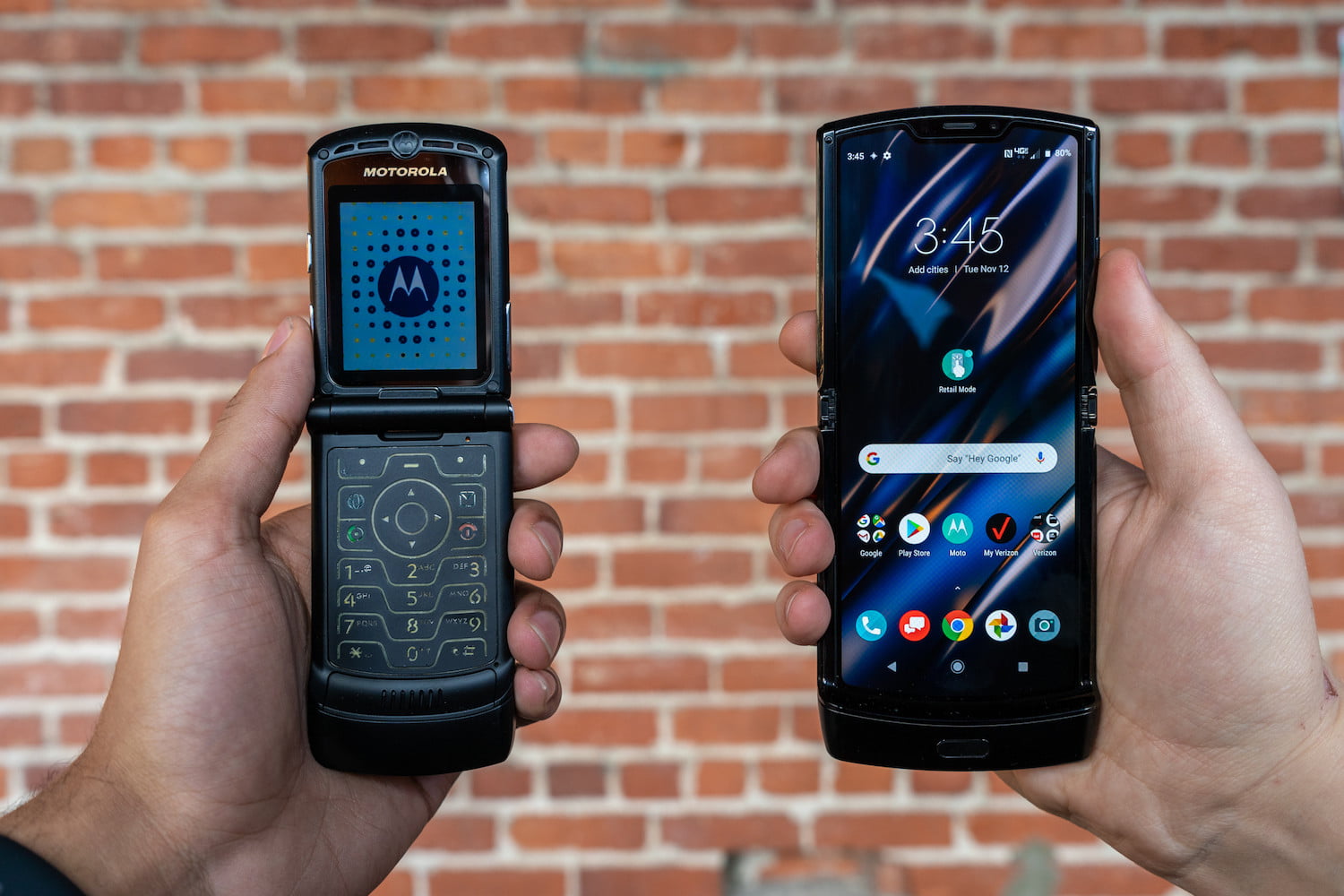
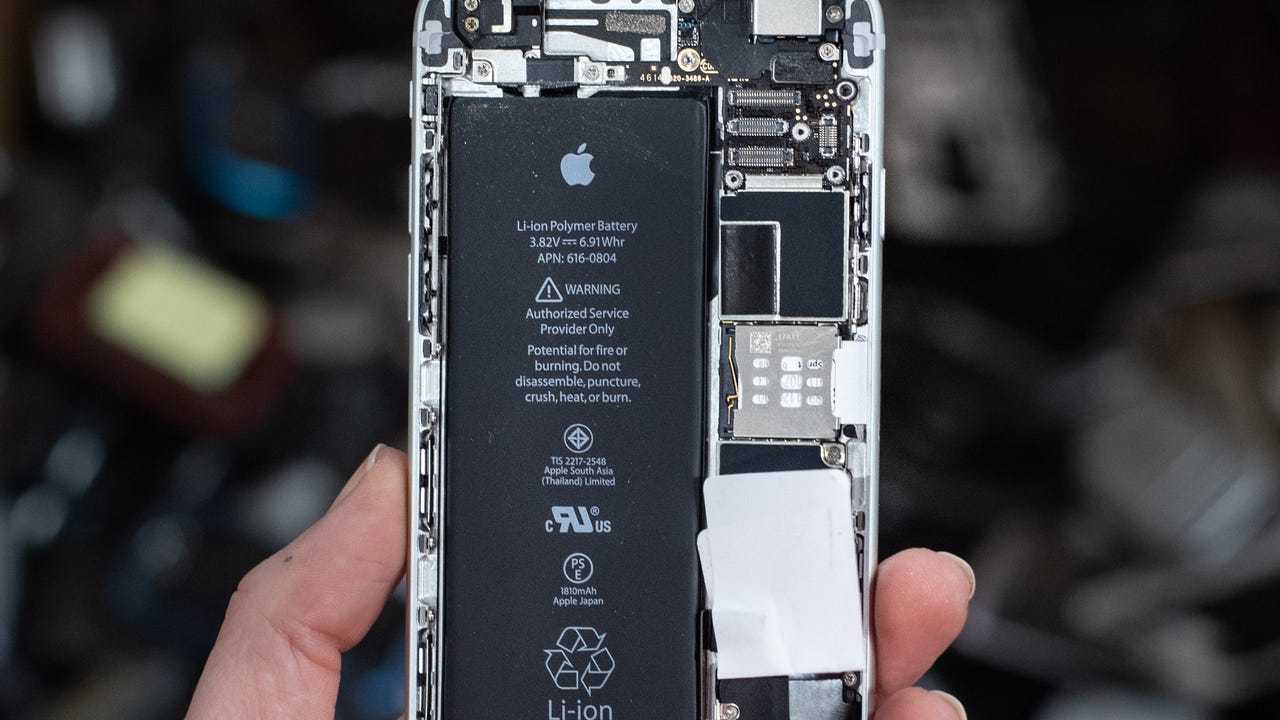
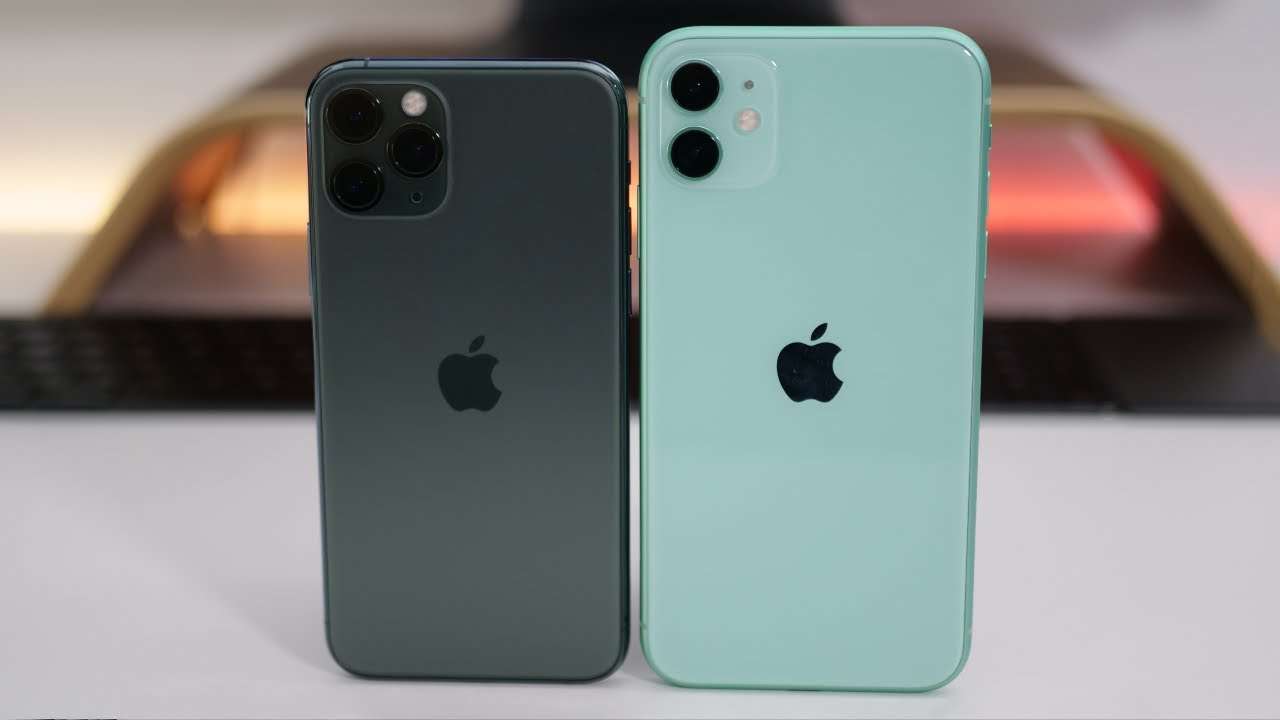
A third theme covers hardware diagnostics and specifications. The article on how to test a lithium battery walks you through checking your battery’s health, while the pieces on what OS does Motorola Razr use and iPhone models and camera specs give you the exact system and hardware details for those devices. Each article focuses on a single, actionable task so you can follow along step by step.