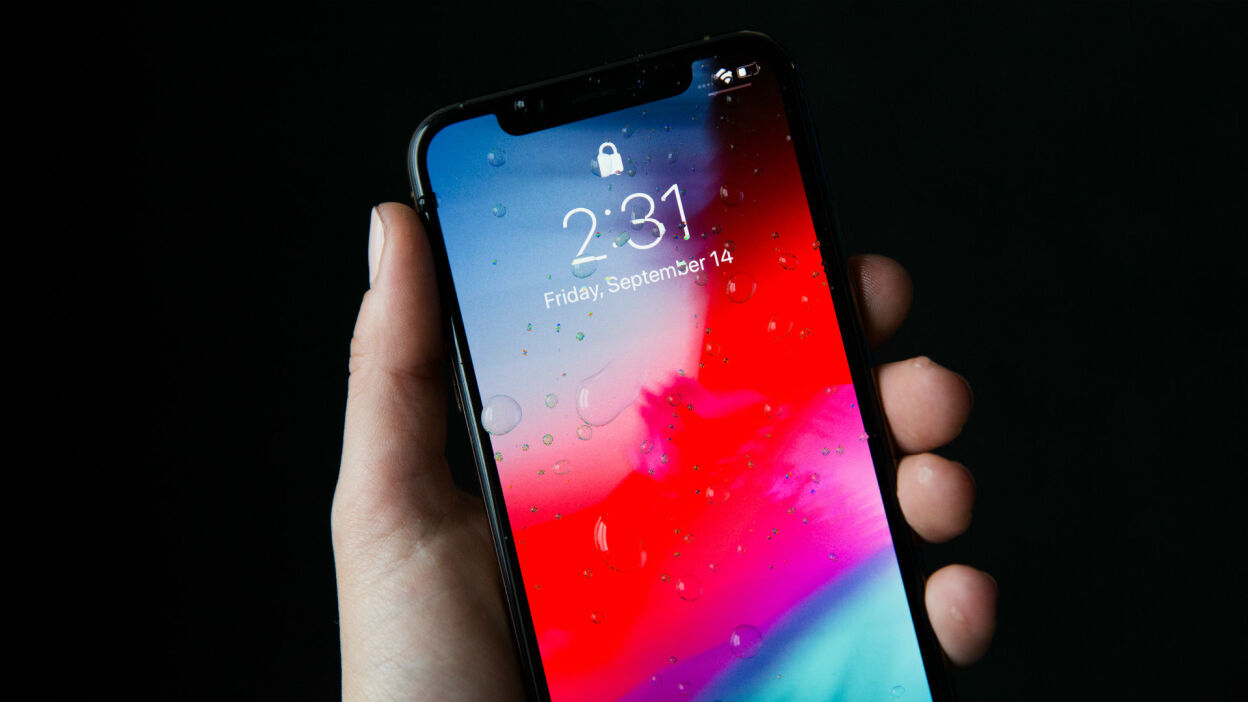
The physical buttons and controls found on modern smartphones, specifically designed for users who need quick, practical guidance on basic hardware operations. Whether you own a Samsung, iPhone, or Galaxy Z Flip, these articles address the everyday challenges of powering devices on and off, accessing key features, and locating essential controls when the screen is unresponsive or unfamiliar.
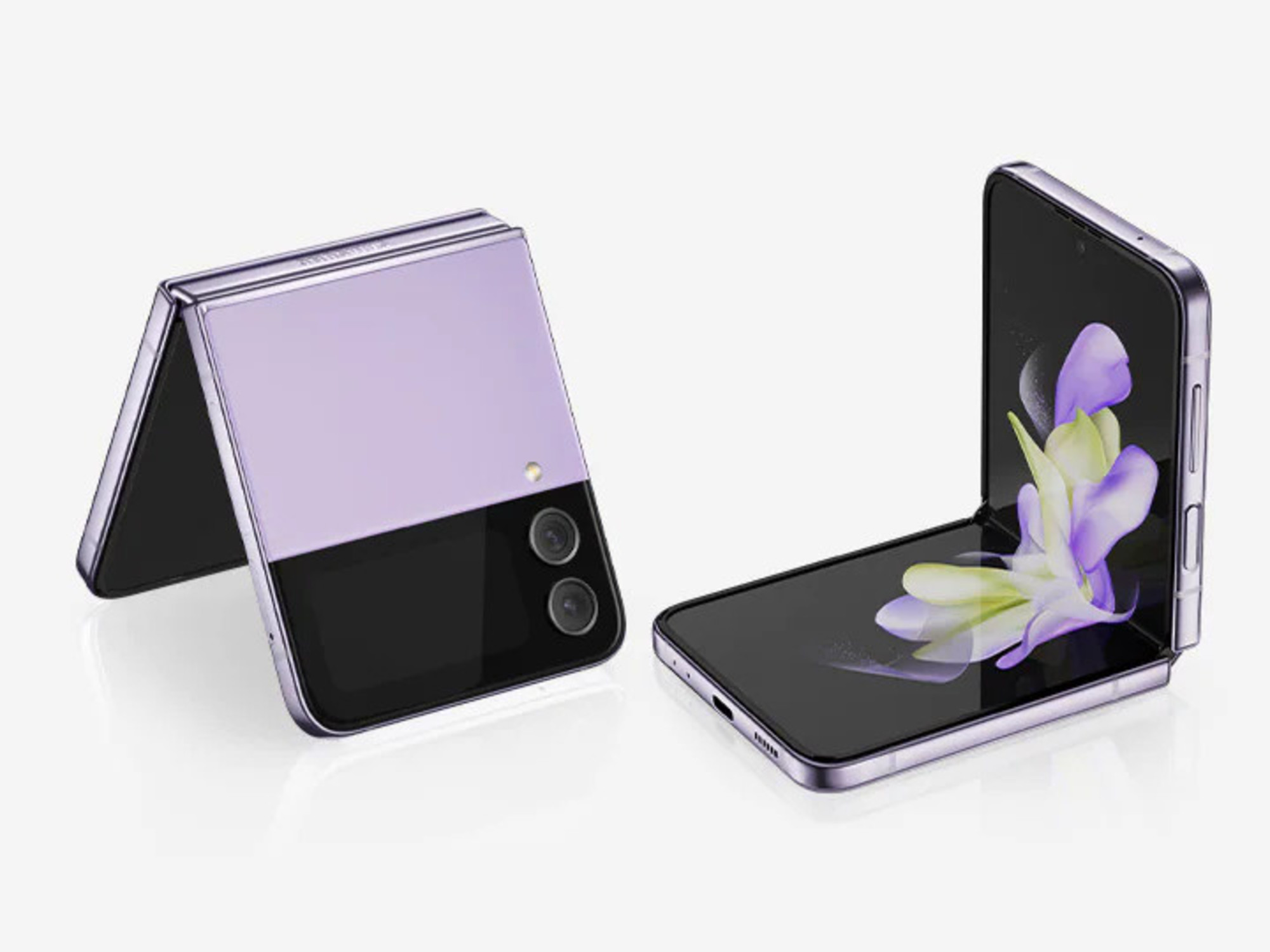
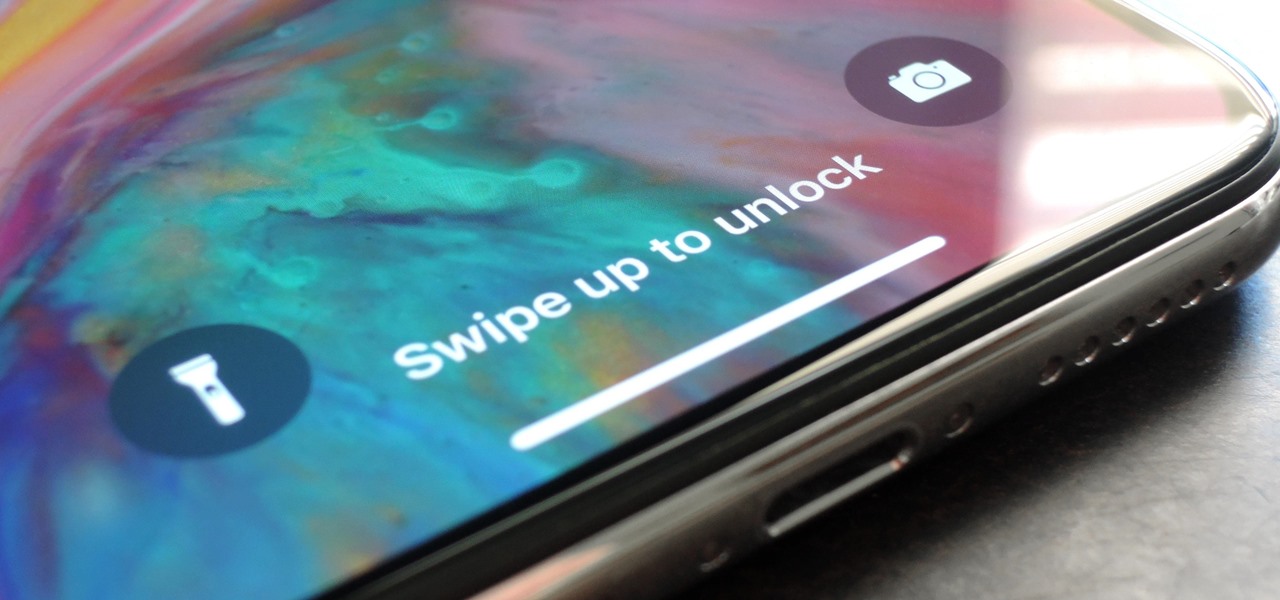
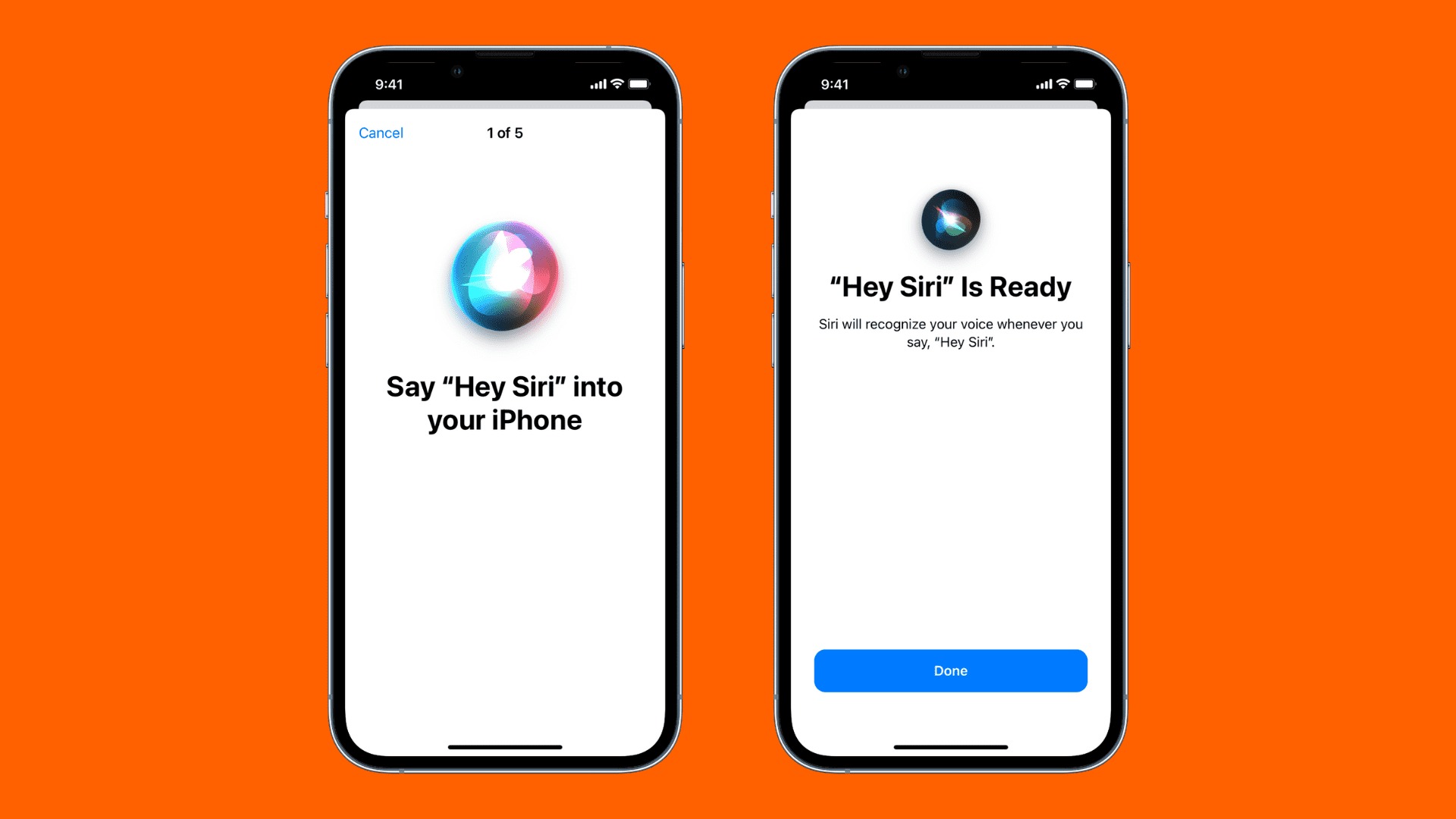
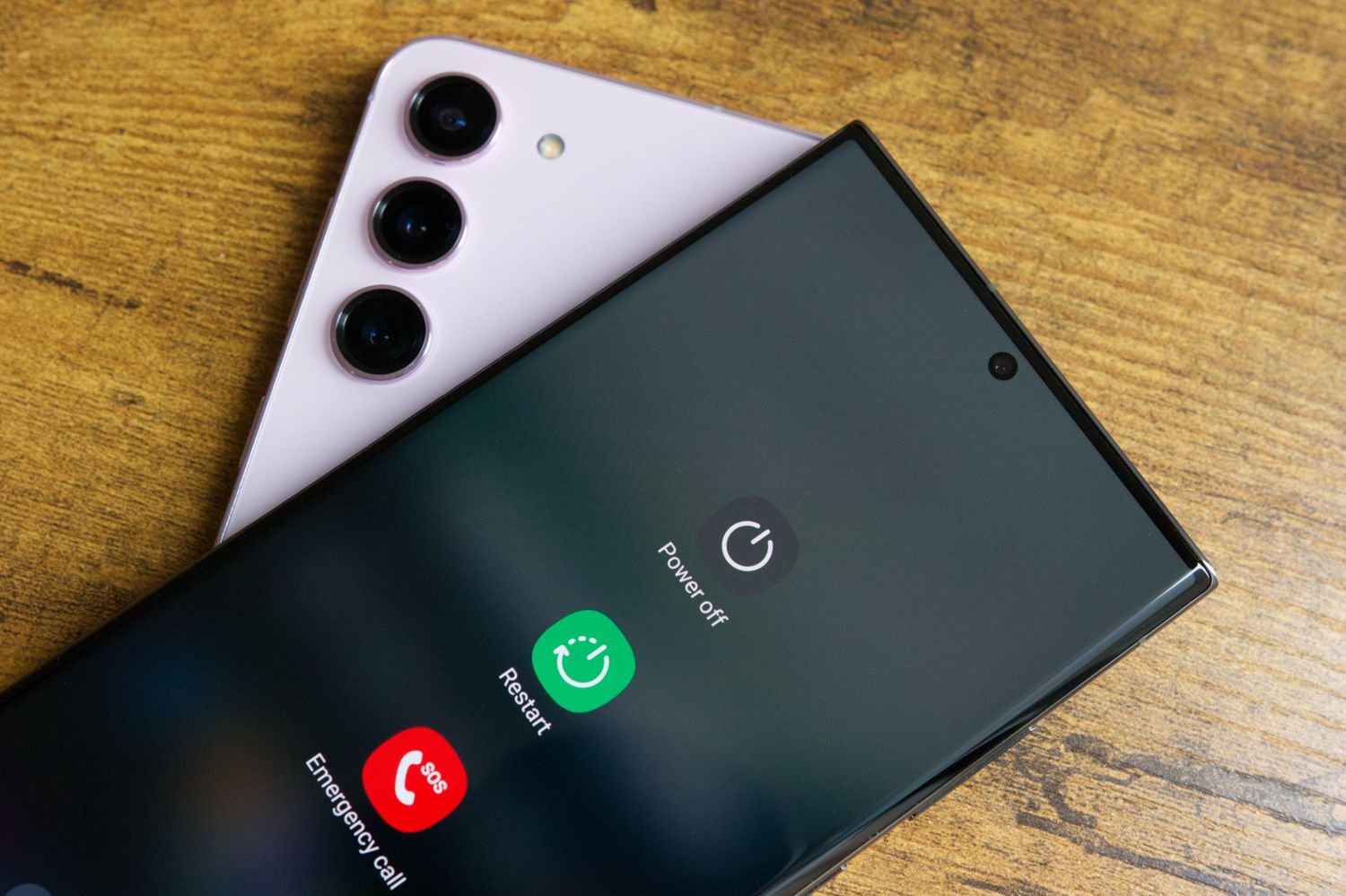
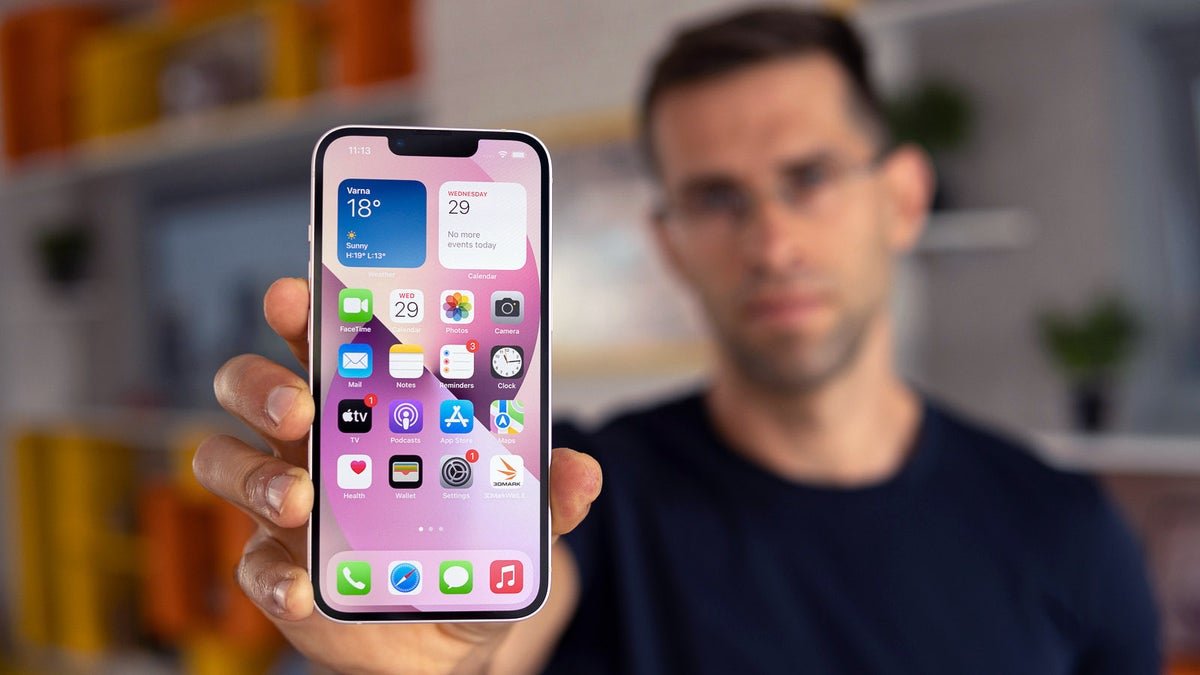
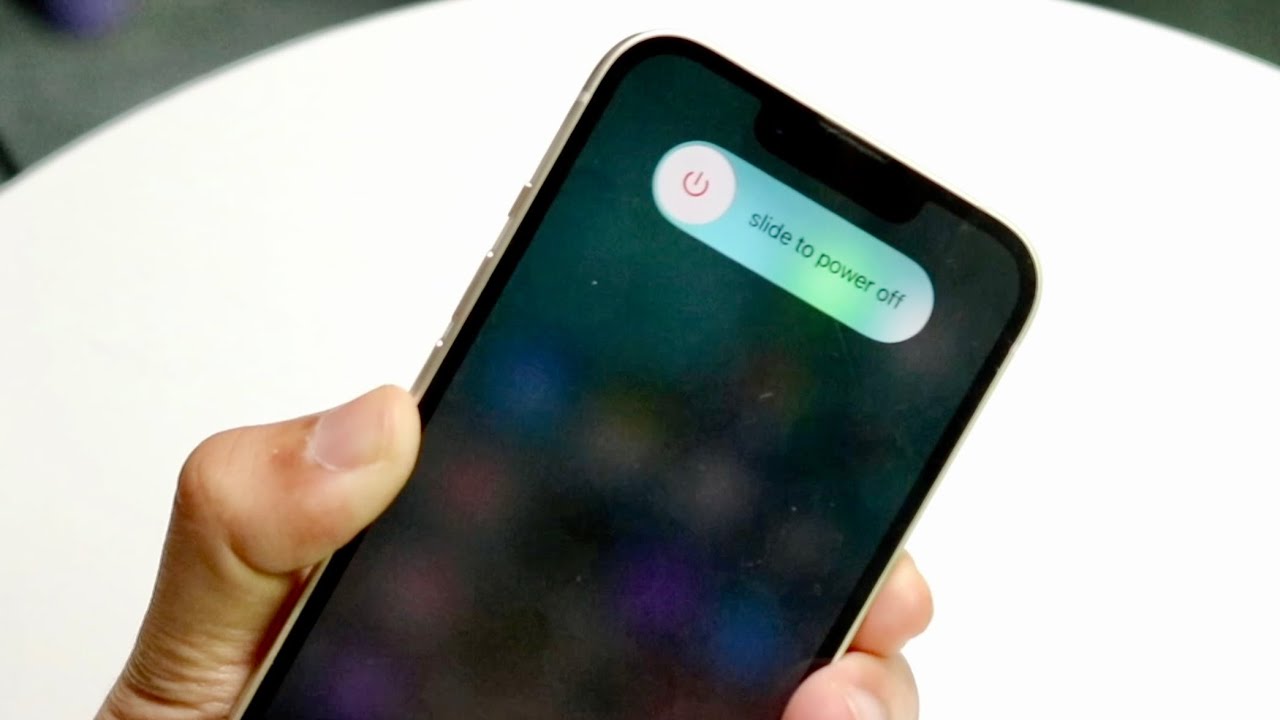
The articles solve two main kinds of problems. The first group helps you manage device power and lock functions, covering how to turn off a Samsung cellphone, power off an iPhone 13 without touching the screen, and turn off a Galaxy Z Flip phone. The second group clarifies the purpose and location of specific buttons, such as what the button on the side of the iPhone 13 does, where the home button is on an iPhone 11, and where the lock screen is on an iPhone 12. A third theme involves accessing voice assistants, as seen in the article on how to access Siri on an iPhone 14.
These articles help you perform concrete actions: shut down your phone when the screen is broken or frozen, identify which side button triggers Siri versus powering off, and locate the home or lock button on models that have moved or hidden them. Each piece is a straightforward, step-by-step guide for solving a specific hardware control issue without guesswork.