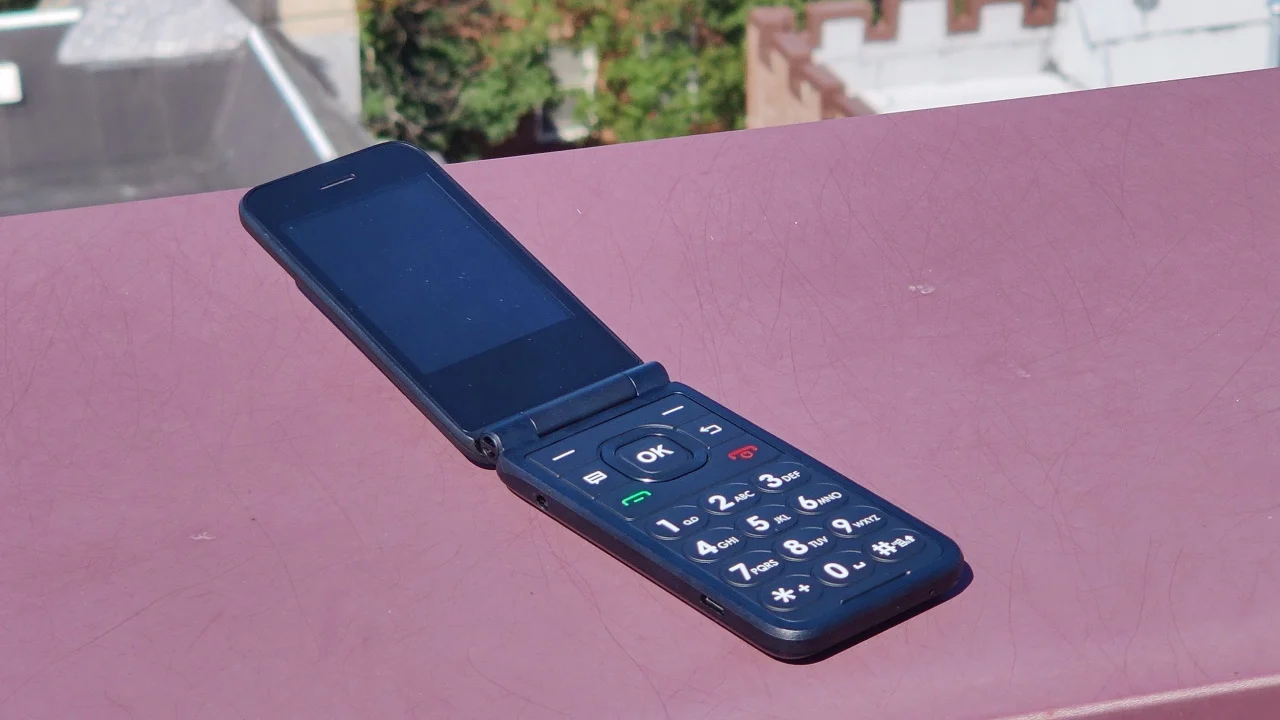
Welcome to the Silent Mode tag page on CellularNews. This collection is for anyone who has ever missed an important call, been startled by an unexpected ring, or simply wanted to take control of their phone’s audio. Whether you own an iPhone, a Samsung, a Panasonic cordless, or an AT&T flip phone, these articles are designed to help you master the mute switch, the ringer, and the vibrate function.

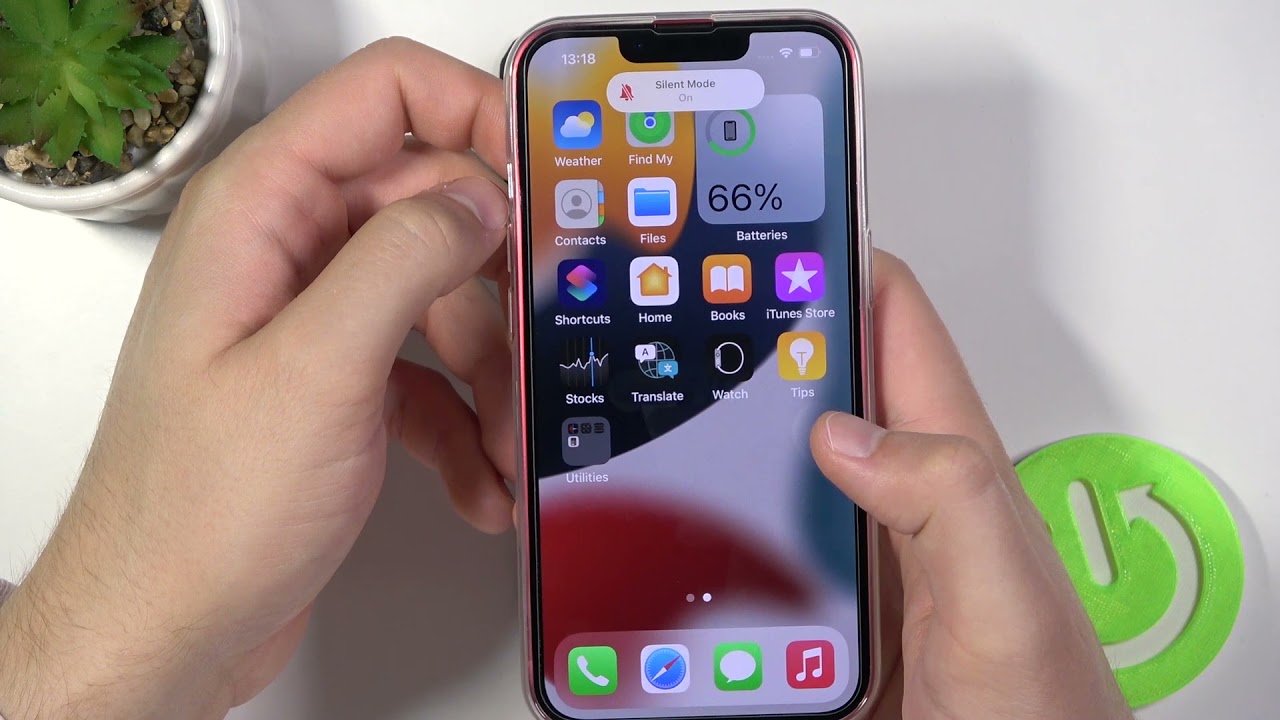
The problems here fall into a few clear themes. One major group focuses on phones that won’t ring or vibrate when they should, such as when you’re not getting text notifications on your iPhone or when your Android phone simply won’t ring. Another theme covers the opposite issue: phones that ring even when they are set to silent, or how to properly silence a Samsung phone or put any phone on silent. A third theme is all about toggling between modes, including how to turn on vibrate for the iPhone 12, how to unmute your iPhone 11, and how to change silent mode on the iPhone 13.

These articles help you do specific things: find an Android phone that’s been left on silent, unmute a ringer on a Panasonic cordless phone, or stop the ding when getting a text on an iPhone 10. You’ll also find guidance on Do Not Disturb and silent mode, as well as general volume, mute, and speaker controls. No matter the phone or the audio glitch, this tag gives you the step-by-step fixes you need to hear what matters, and silence what doesn’t.
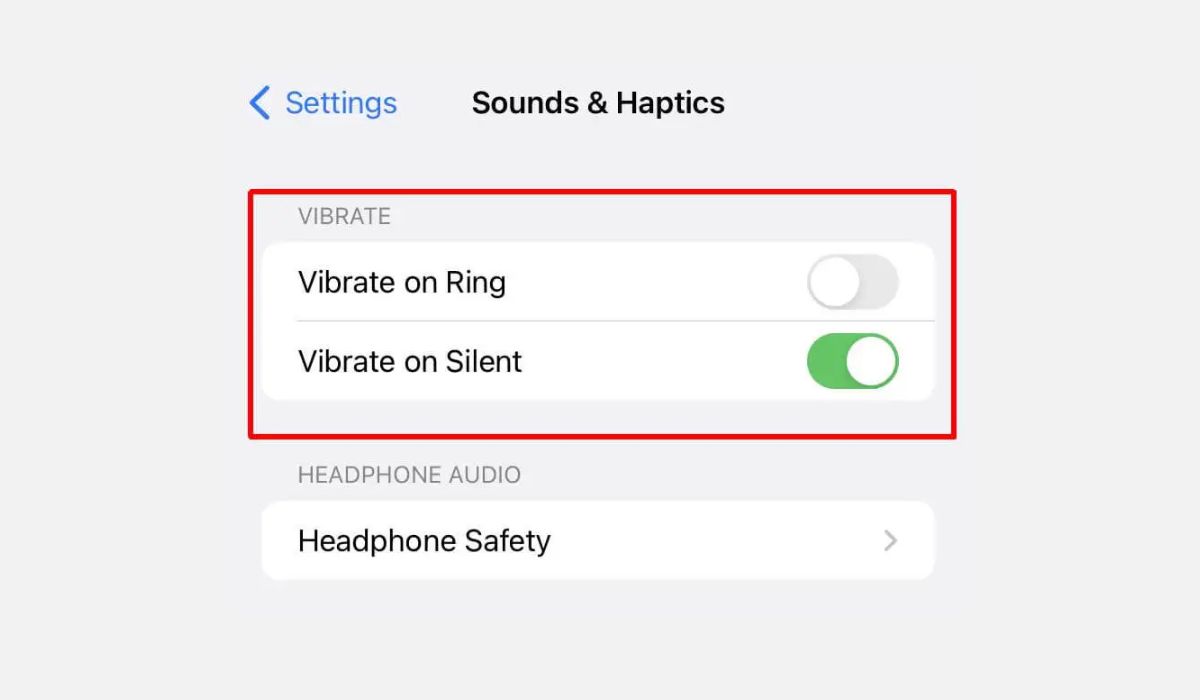
How Do You Put IPhone 14 On Vibrate

To put iPhone 14 on vibrate, flip the Ring/Silent switch on the left side of the phone toward the back of the device. This turns on Silent mode, and by...

How To Turn Ringer Off IPhone 13

To turn ringer off iPhone 13 instantly, flip the physical Ring/Silent switch on the left side of the device toward the back of the phone until you see an orange...

How To Set IPhone 13 To Vibrate

To set your iPhone 13 to vibrate, simply flip the physical Ring/Silent switch on the left side of the device downward toward the back of the phone. This one-step method...

How To Change Silent Mode On IPhone 13

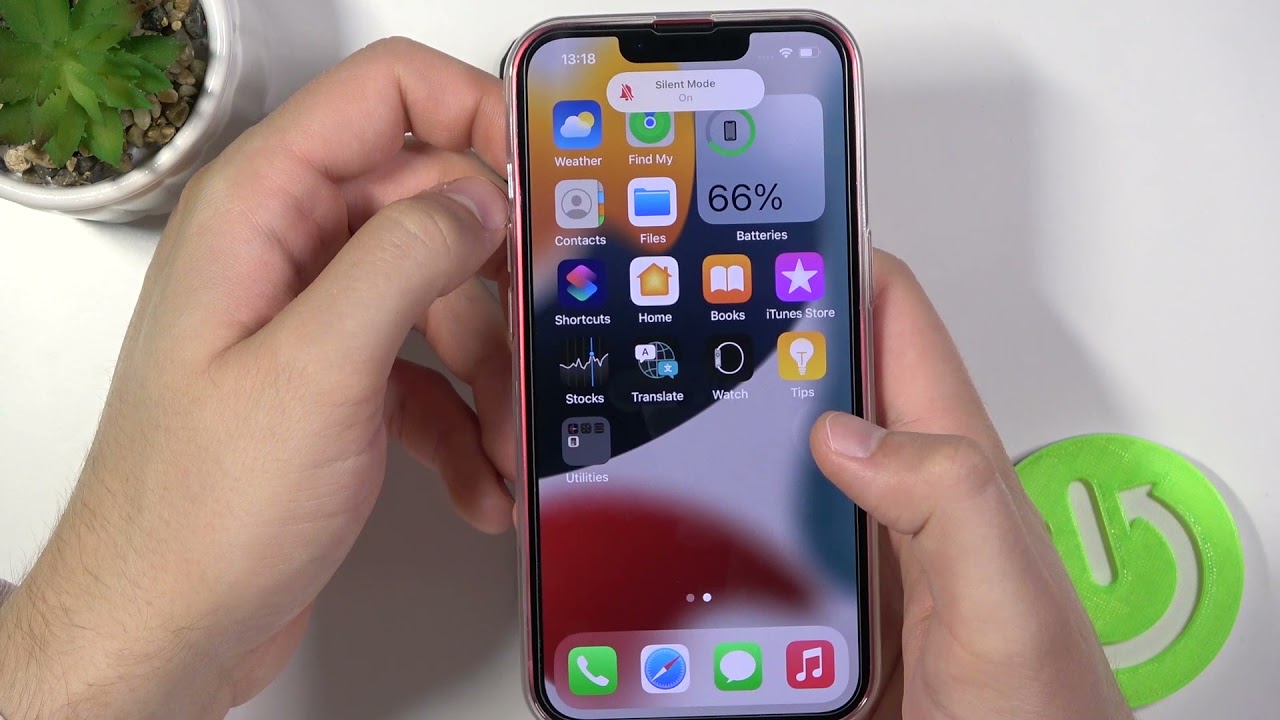
To turn silent mode on iPhone 13 on, flip the physical Ring/Silent switch located on the left side of the device toward the back of the phone. Silent mode on...

Why Doesn't My Android Phone Ring?

If your Android phone is not ringing, the cause is almost always a simple setting like Silent mode, Do Not Disturb, or a Bluetooth connection routing audio elsewhere. To fix...

How To Silence Android Phone

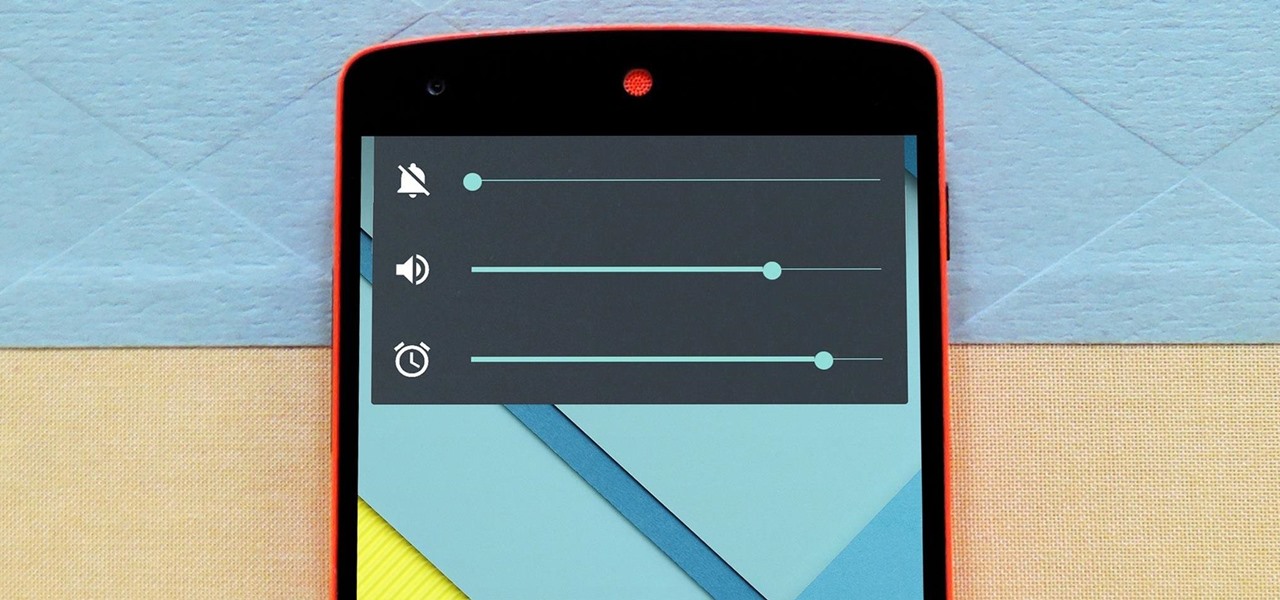
To silence an Android phone quickly, use the Quick Settings panel to activate Do Not Disturb or press a physical volume button and tap the on-screen sound icon to cycle...

How To Find An Android Phone On Silent

To find an Android phone on silent, use Google's Find My Device (now called Find Hub) to force it to ring at full volume, or ask Google Assistant to ring...

How To Put My Phone On Silent

The fastest method for how to put my phone on silent depends on your device. On an iPhone, use the physical Ring/Silent switch on the left side; on Android, press...

How To Silence A Samsung Phone

The fastest way to silence a Samsung phone and stop all ringing, notifications, and media sounds without navigating through menus. How to silence a Samsung phone instantly with the Quick...