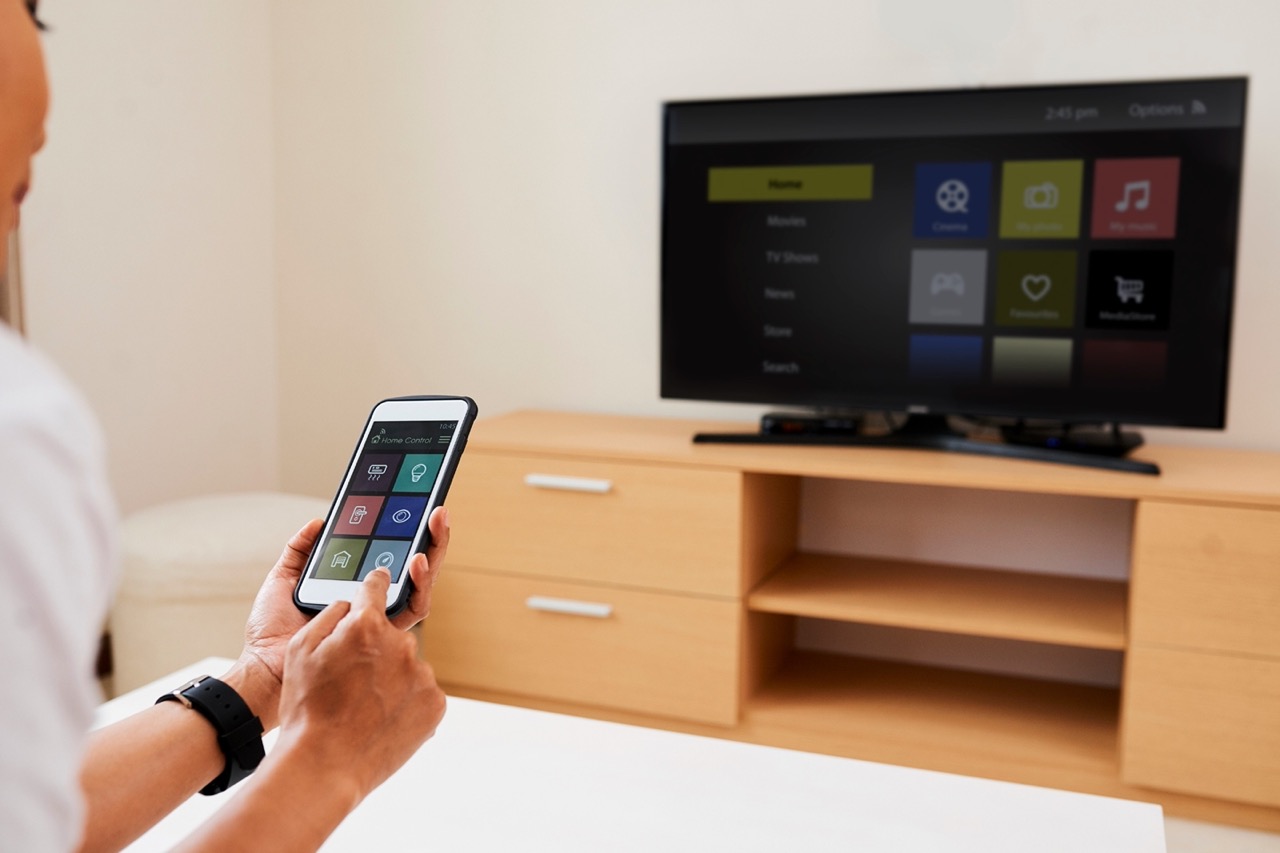
Connecting, controlling, and enhancing your television using your phone and other wireless devices. This content is designed for anyone who owns a smart TV, whether from LG, Samsung, Sony, or Hisense, and wants to get the most out of it by pairing it with their mobile device or home network.
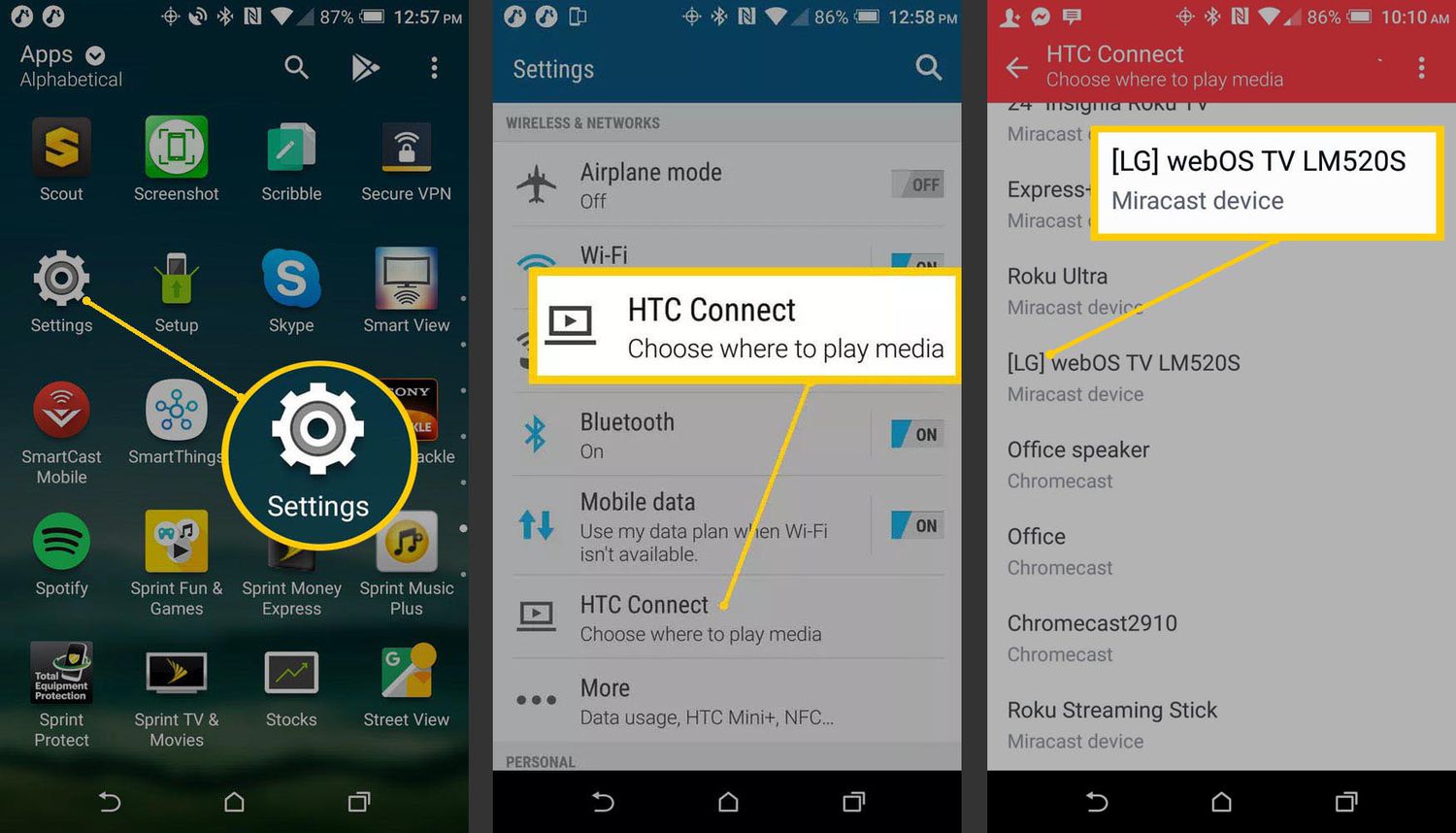
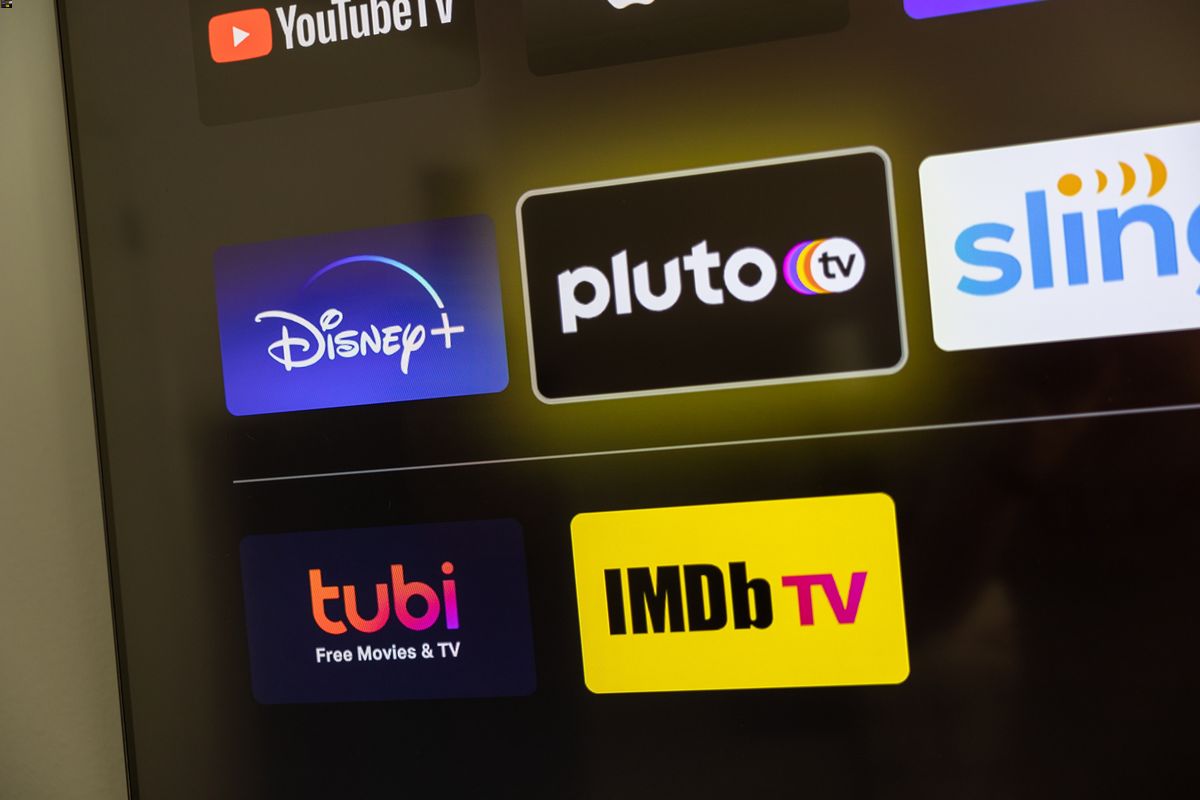
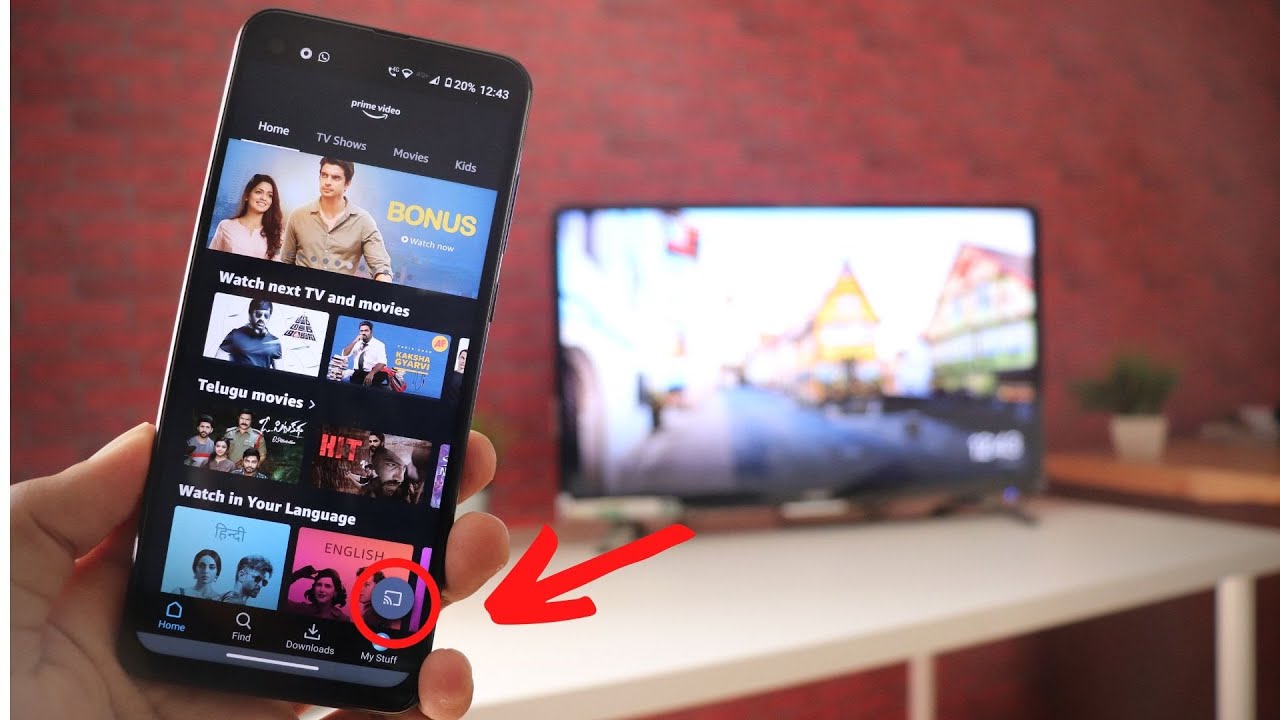
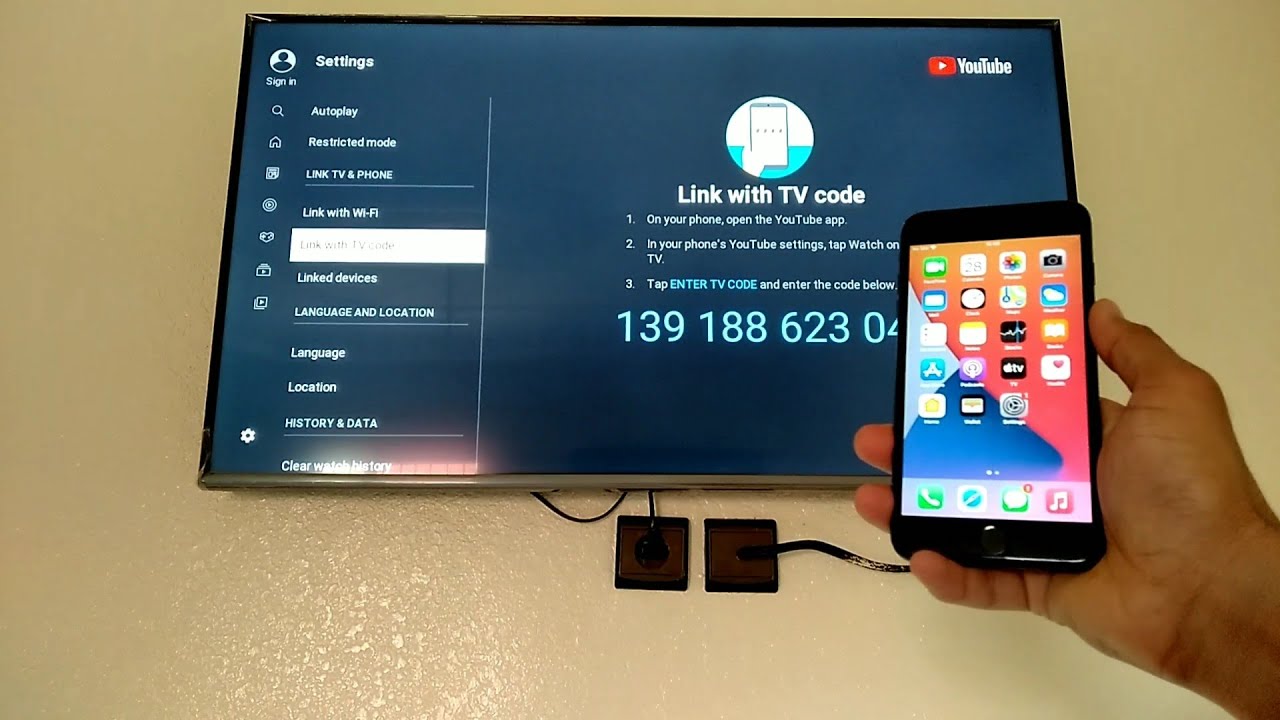
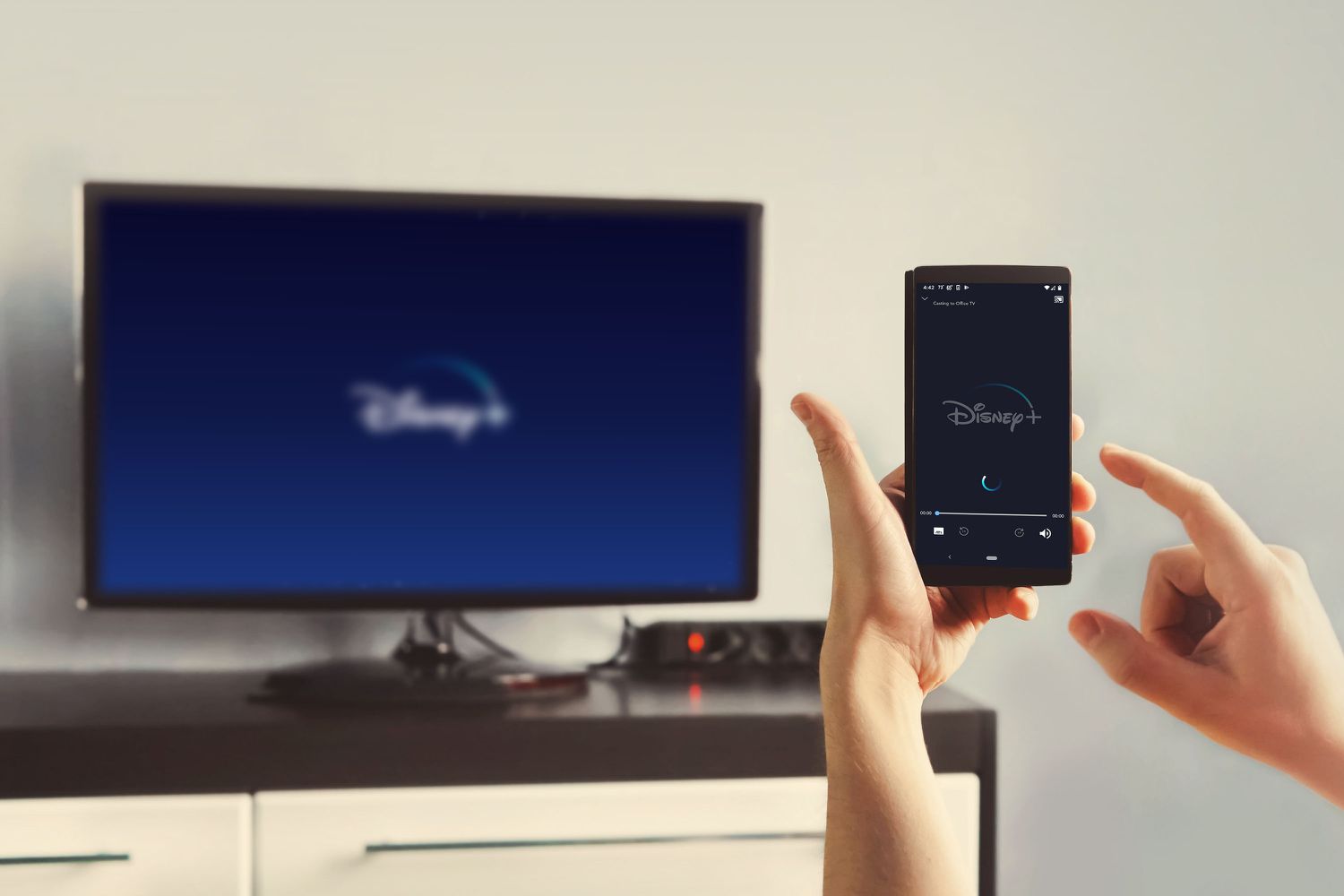
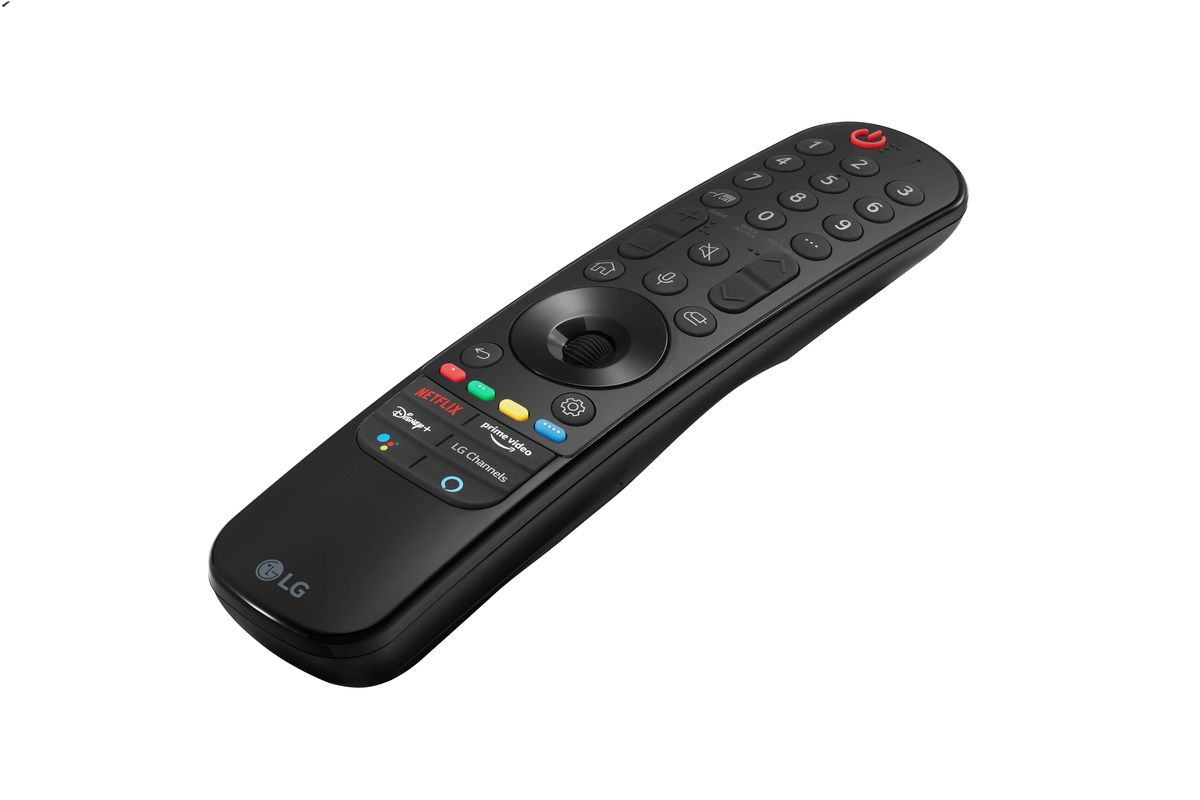
The articles here solve practical problems that fall into a few clear themes. One major group covers the nuts and bolts of wireless connections: guides show you how to connect your phone to a Sharp TV via Bluetooth, how to make your TV wireless by using a hotspot, and how to link a Samsung TV to your home internet. Another theme focuses on streaming and casting content directly from your phone, with step-by-step instructions for playing YouTube, Hulu, Tubi, Disney Plus, and Prime Video on the big screen. A third set of articles addresses common TV settings and accessories, such as muting the TV speaker on a Samsung Smart TV, finding the device connector on an LG TV, and understanding what a gamepad for TV or a Magic Remote with NFC actually does.
Whether you need to mirror your NFL Mobile app to the television, connect wireless headphones for private listening, or simply log into Disney Plus from your phone, these articles provide the direct steps to make it happen. No fluff, just clear guidance for real-world setups.