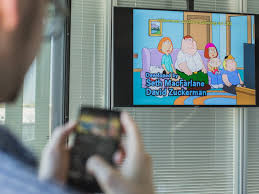
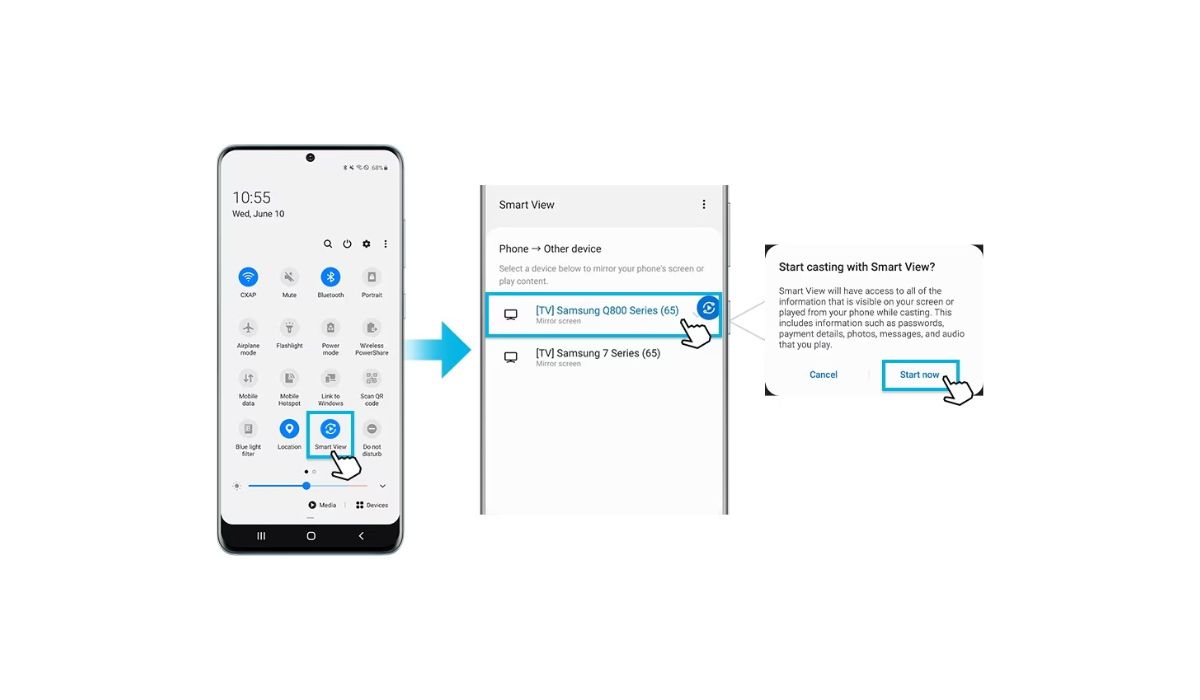
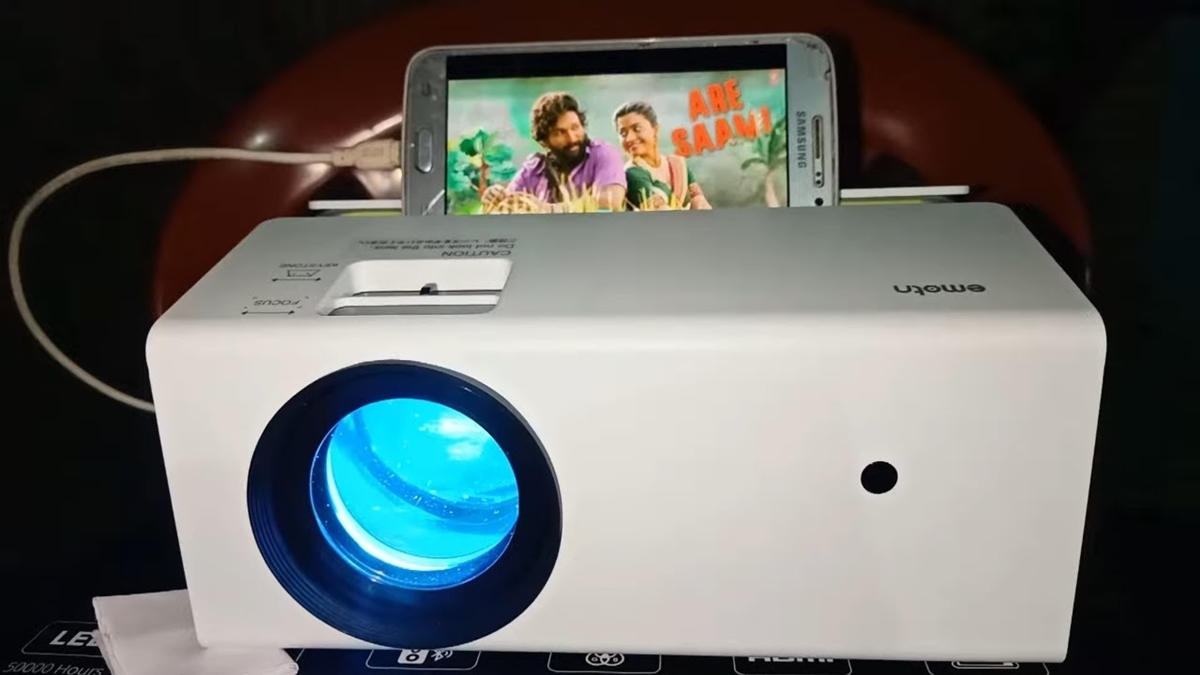
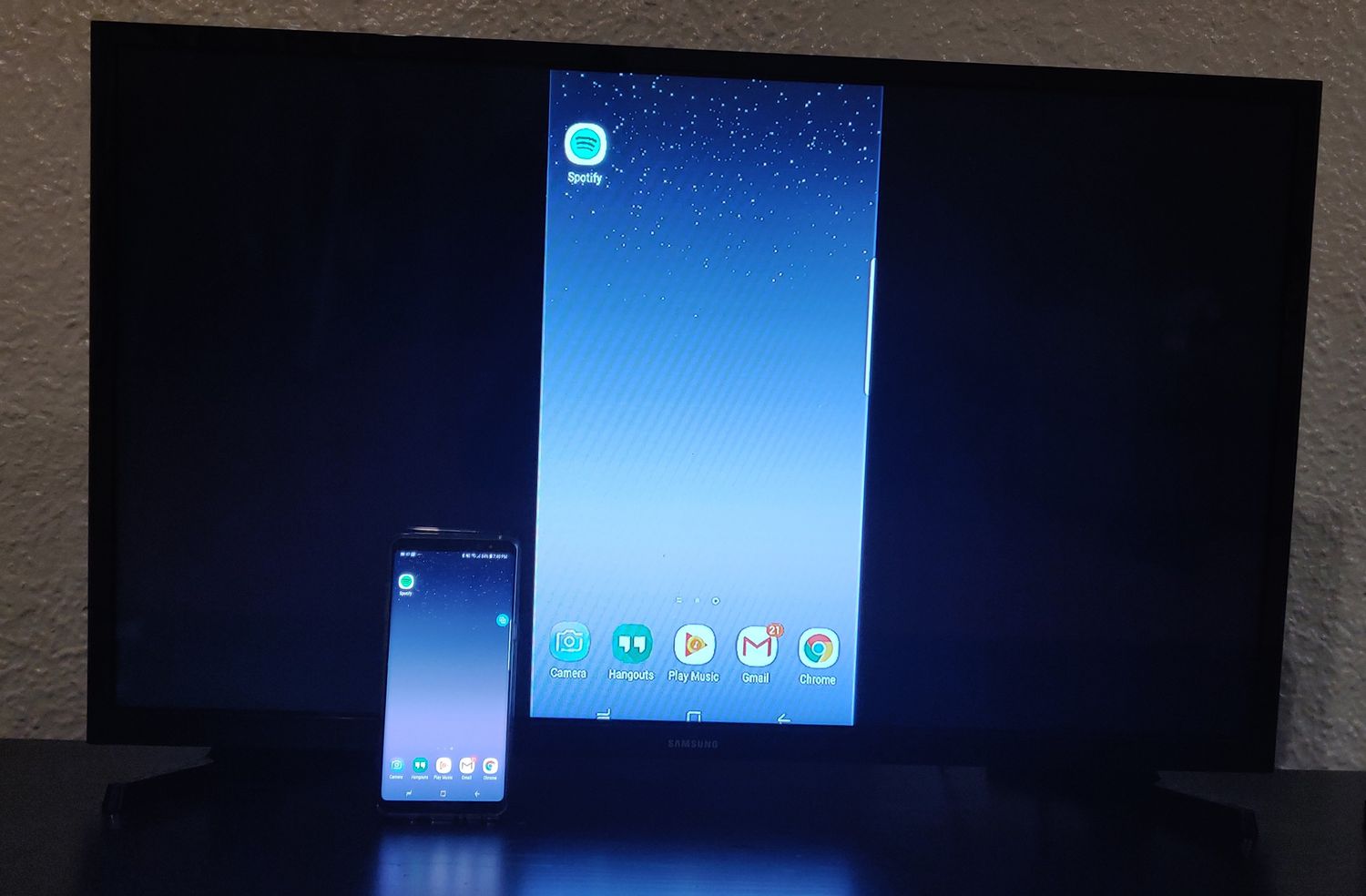
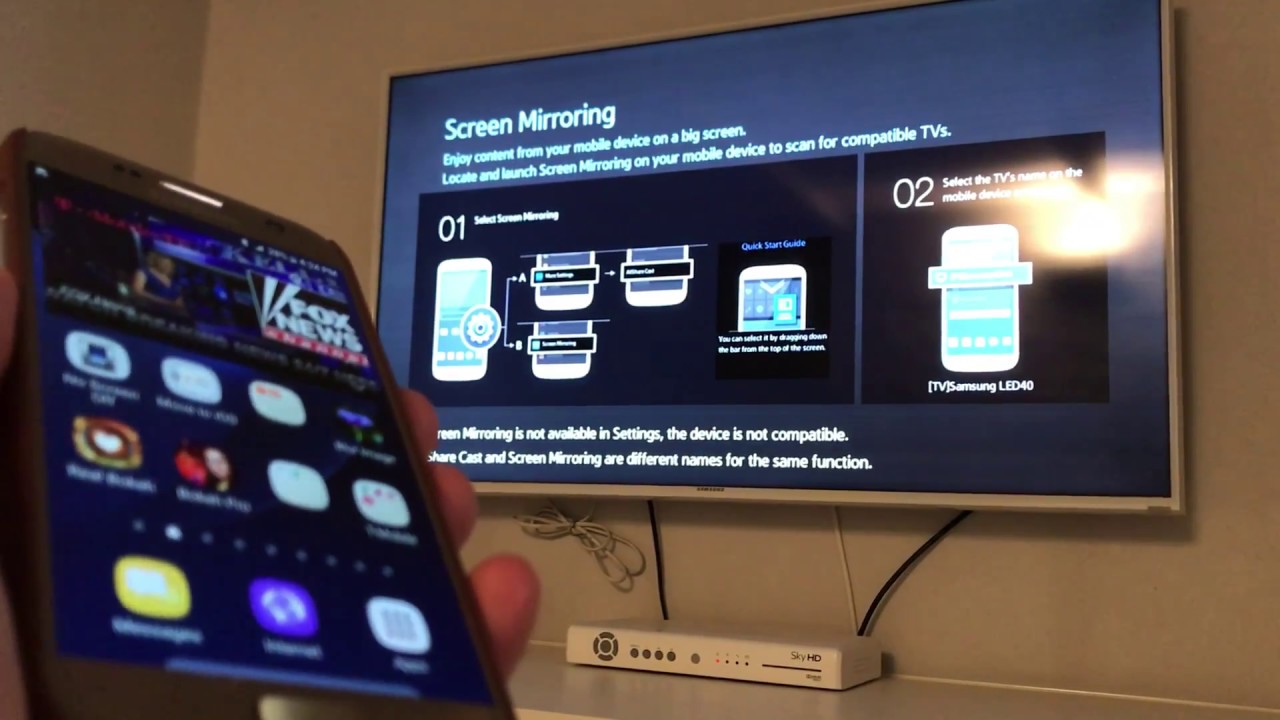
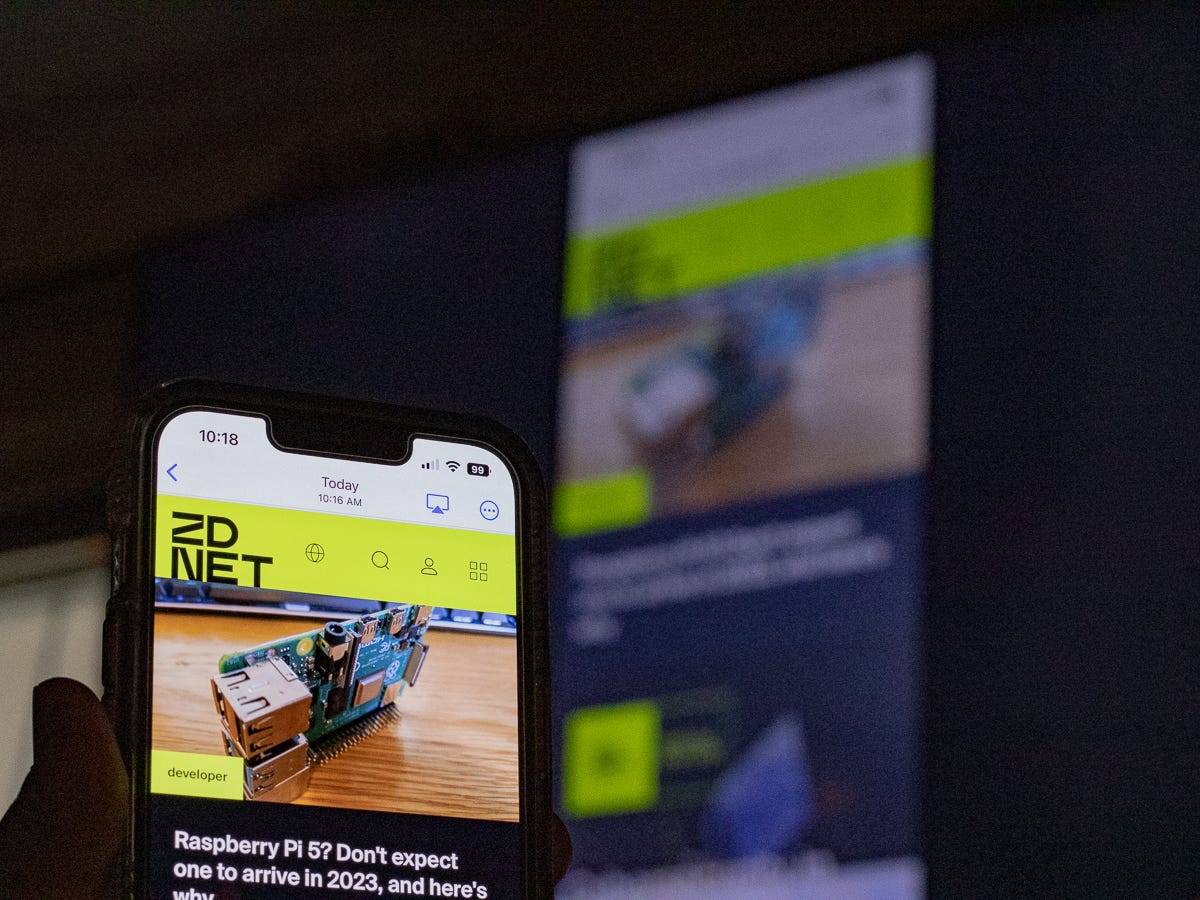
A focused collection of guides for anyone who wants to send their phone’s screen or audio to a larger display. Whether you own a Samsung Galaxy, a Google Pixel, or another Android device, these articles are written for the everyday user who needs clear, step-by-step instructions for connecting to a TV, projector, or streaming stick. The content is designed for people troubleshooting a connection, trying a new feature for the first time, or simply looking for a reliable way to share content from their phone.
The articles here solve two main kinds of problems. First, they address the “how to start” questions, such as how to cast a Galaxy phone to a TV or how to mirror an Android device to a projector. Second, they tackle the “how to stop” or “how to switch” scenarios, like how to disconnect a TV from a phone or how to connect a Samsung phone to a Roku TV. You will also find specific device-to-device guides, including how to cast from a Samsung S20 FE to a TV and how to cast from a Google phone to a Samsung TV.
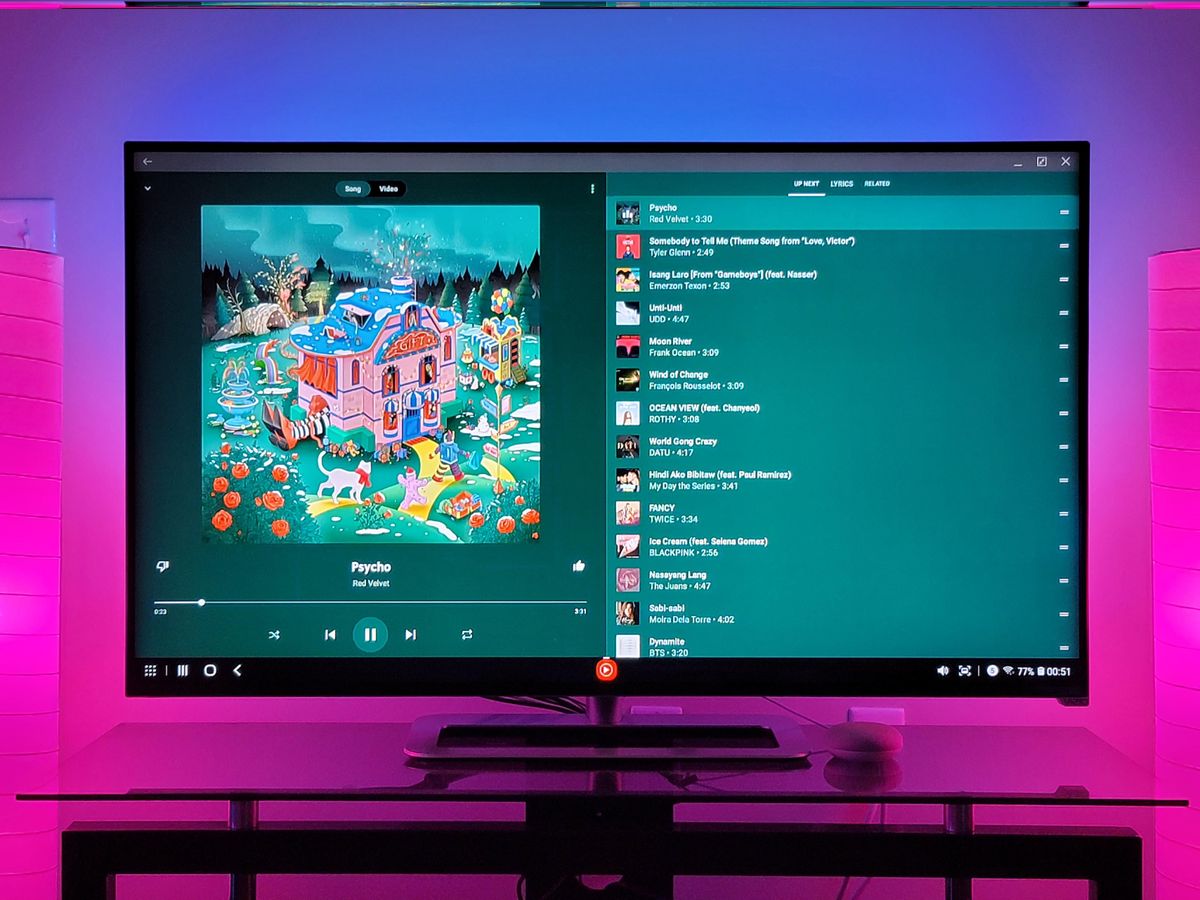
These articles help you take direct action. You can learn how to play music from your phone on a TV, how to mirror Android to Roku, and how to connect your phone to a Samsung TV. The focus is always on practical steps that get your screen sharing working without unnecessary jargon or extra software. Each guide is built around a single, common task so you can find the exact fix or setup you need quickly.