Start here: Software Updates

All topics →

The Software Updates tag on CellularNews collects practical guides and troubleshooting advice for anyone who owns a smartphone, tablet, or other connected device. Whether you are trying to get the latest iOS or Android release onto your phone, or you are stuck with a device that is suddenly slow, hot, or frozen, these articles are written for everyday users who need clear, step-by-step help.

The articles here solve two main kinds of problems. First, there are straightforward update instructions, such as how to update an iPhone 11 or an Android phone, and how to update a Kindle or Kindle Fire HD device. Second, there is a strong focus on fixing issues that arise during or after an update. You will find guidance on what to do if your device gets stuck in recovery mode, why your iPhone 13 might be running slow, and what to do when a Moto G freezes. Other articles address related frustrations, like why Procreate keeps crashing or why a T-Mobile WiFi connection keeps disconnecting.

Overall, these articles help you complete a software update successfully and then resolve the common problems, like lag, overheating, or a non-working VR headset, that can follow. They also answer forward-looking questions, such as how long an iPhone 12 will be supported, so you can plan your next move with confidence.
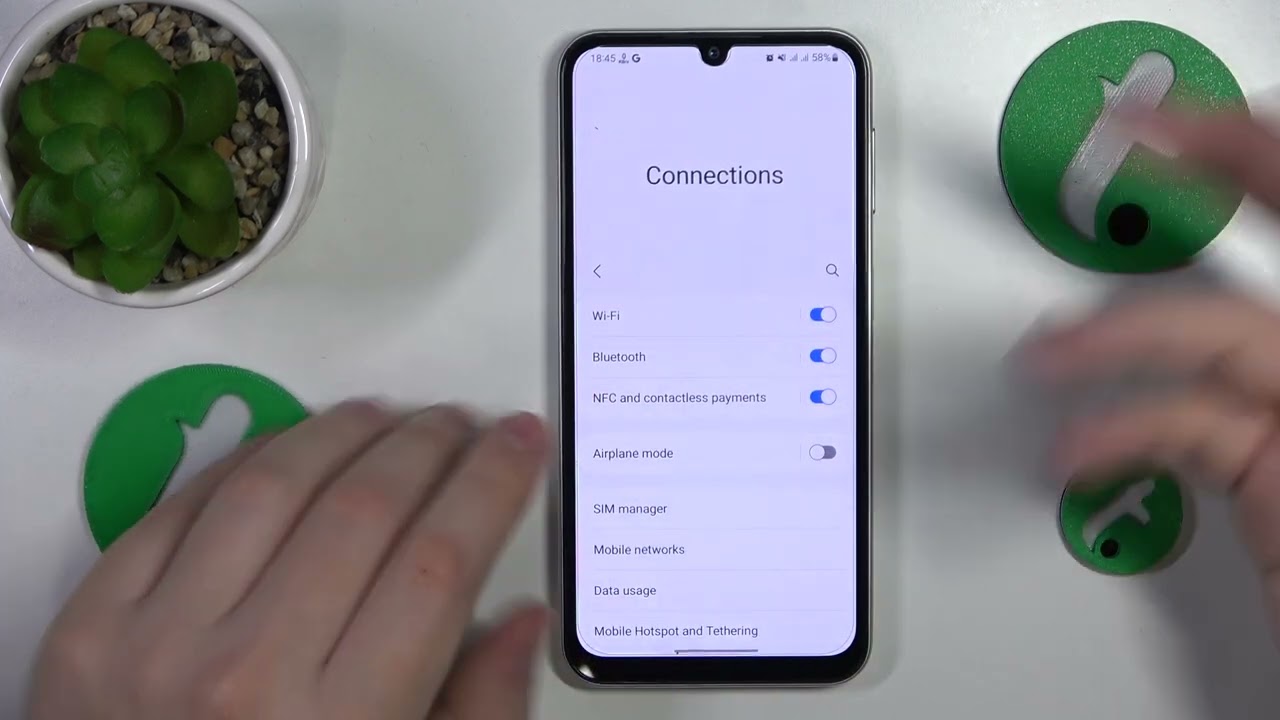
Why Does My T-Mobile WiFi Keep Disconnecting

If your T-Mobile WiFi keeps disconnecting, the problem is almost always on the phone or router side, not a network outage. The most common causes are a wrong Wi‑Fi password,...

How Long Will IPhone 12 Be Supported

The iPhone 12 is currently supported on iOS 26, and Apple has not announced an end date for how long iPhone 12 will be supported. The only documented fact is...

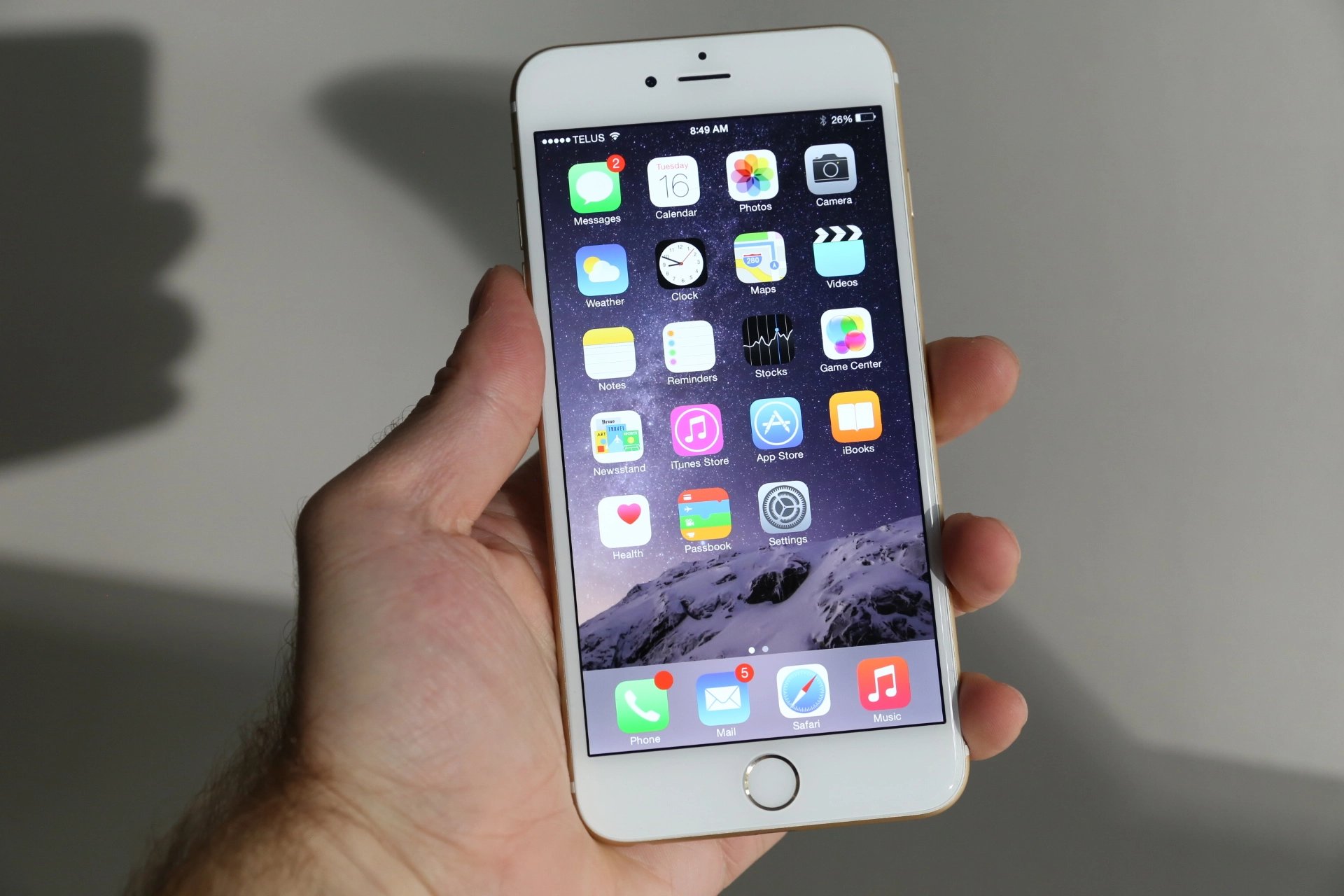
How To Update My IPhone 11

To update my iPhone 11, go to Settings > General > Software Update. Your iPhone 11 supports iOS 27, giving you the latest features and security patches. How to update...

What To Do If Moto G Freezes

If your Moto G freezes and becomes unresponsive, the first thing to do is force a restart by pressing and holding the Power button for about 30 seconds. This is...

How To Increase T-Mobile Signal

To increase T-Mobile signal, start by restarting your device, turning off Wi-Fi, setting network mode to Auto, and removing any cases or covers, then check the signal again. These are...

Why Is My IPhone 13 Pro Max So Hot

If your iPhone 13 Pro Max feels unusually hot, the heat is most often caused by charging (especially while using the phone), high ambient temperature or direct sunlight, or the...

Why Is My IPhone 13 Being Slow

If you’re wondering why is my iPhone 13 being slow, the most common causes are low storage space, background activity, and other factors Apple has documented. Why is my iPhone...

How To Update IPhone 6 To Ios 14

You cannot update an iPhone 6 to iOS 14. The iPhone 6 is not compatible with iOS 14, and the highest supported version from Apple for this device is iOS...

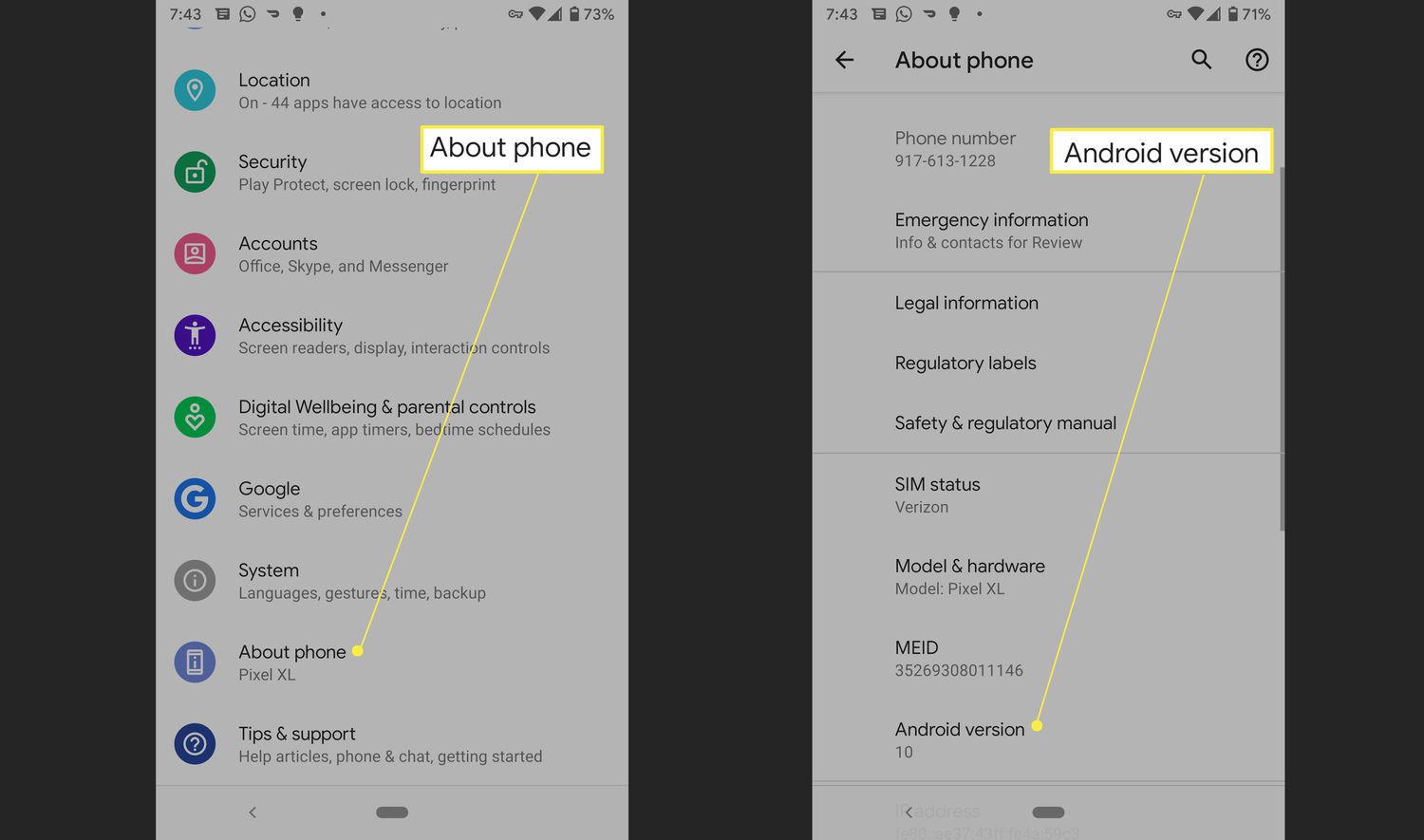
How To Update Android Phone

To update your Android phone, you can use the update notification, the Settings app, or your manufacturer's computer software. The standard method is to open Settings, go to System, and...