Practical guides for managing phone features using short, numeric codes entered directly on your keypad. This content is intended for anyone who needs quick, step-by-step instructions for common tasks on their home landline or mobile phone, without navigating complex menus or apps.
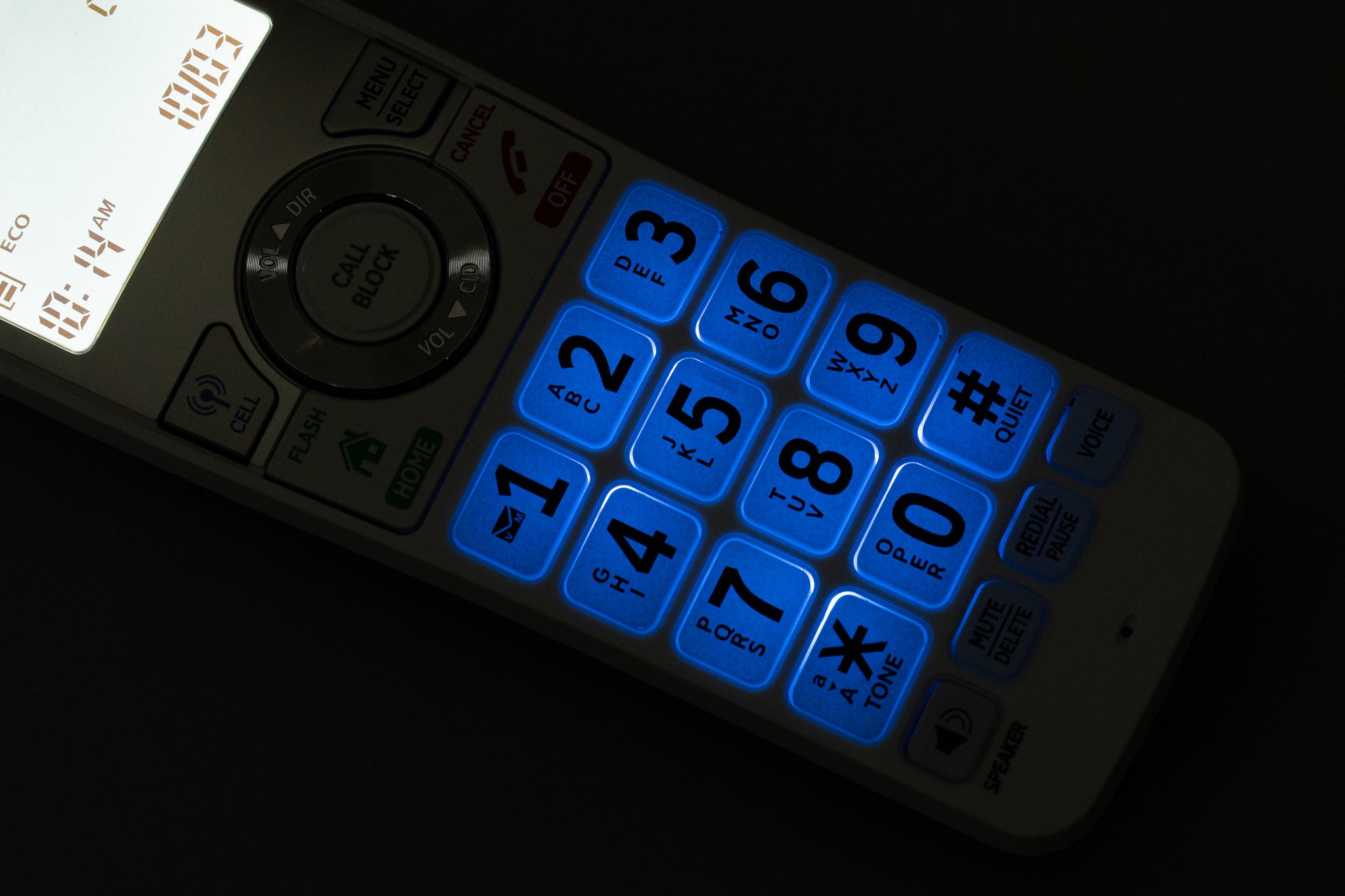
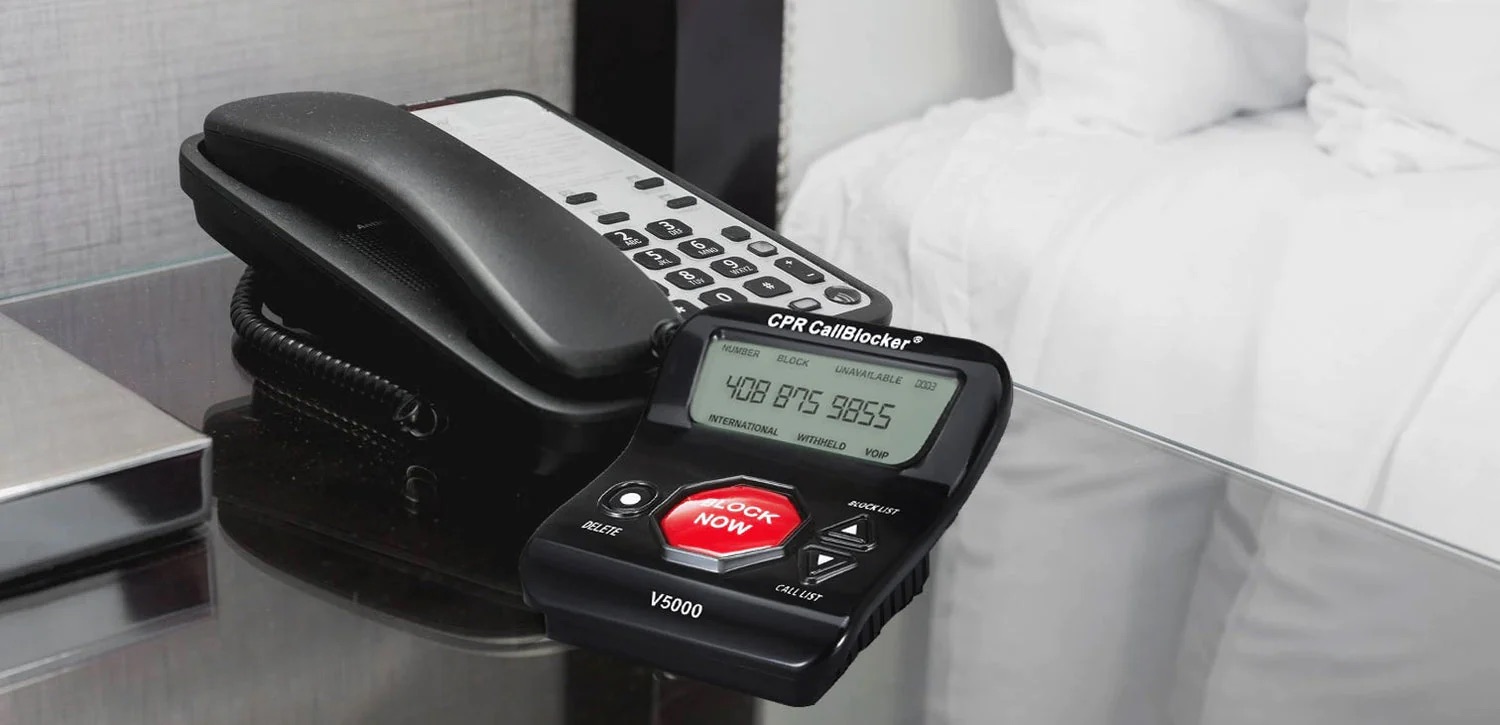
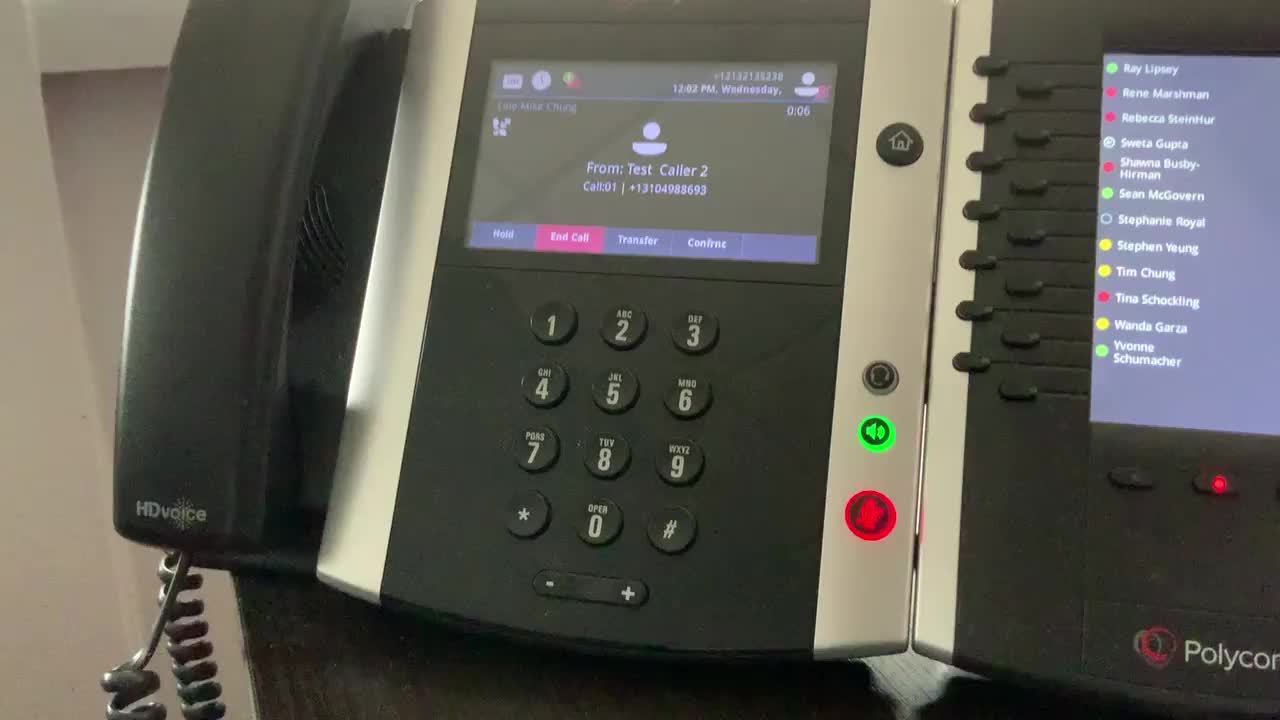
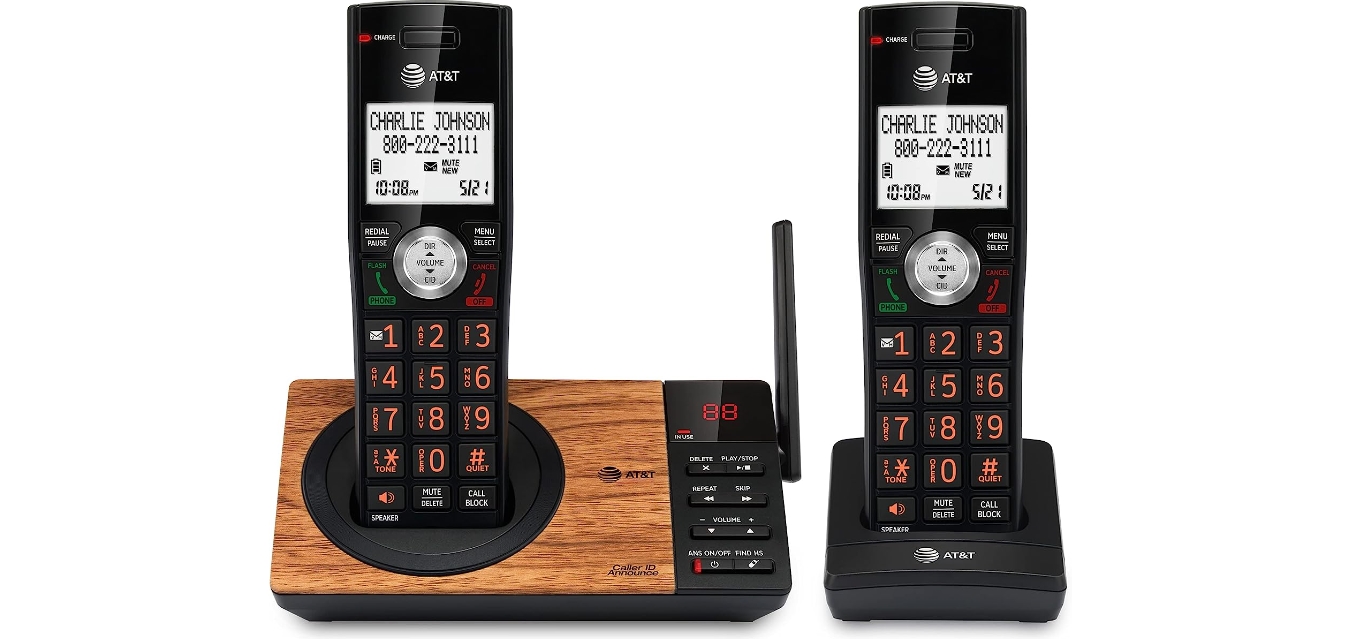
The articles here focus on two main themes: controlling who can reach you and monitoring your account. For call management, you will find clear steps for blocking and unblocking numbers on specific devices and services, including AT&T landline phones, Cox landlines, and Polycom office phones. Other guides show you how to forward Verizon cell phone calls to another number and how to unblock a number on a standard landline. For account oversight, the collection includes instructions for checking your balance on an AT&T phone and verifying your data usage on the same carrier.
Each article helps the reader perform a single, direct action, such as blocking a nuisance caller or confirming how much data remains on a plan, using the appropriate star code for that specific carrier or phone model. The tag simply organizes these how-to resources so you can find the exact fix for your device and provider.