This tag page collects all of CellularNews’s articles related to T-Mobile services, apps, and account management. It is intended for T-Mobile customers who need straightforward, practical guidance on handling their wireless or home internet plans without digging through support forums or waiting on hold.

The articles here solve three main types of problems. First, they help with everyday account tasks and settings, such as how to pay your T-Mobile bill on your phone, how to change your T-Mobile Wi-Fi password, and how to check your remaining data. Second, they cover activation and plan changes, including how to activate a T-Mobile International Pass, how to select a telephone number, and how to change your T-Mobile prepaid plan immediately. Third, they address home internet troubleshooting and configuration, like how to set up a T-Mobile Gateway, how to improve T-Mobile home internet speed, and how to turn off the home internet WiFi.

Whether you are trying to get the T-Mobile Netflix on Us offer, reactivate a suspended account, cancel a payment arrangement, or just check your text messages, these guides walk you through each step. The page also includes fixes for common connectivity issues, such as why your T-Mobile internet is not working, so you can resolve problems quickly on your own.
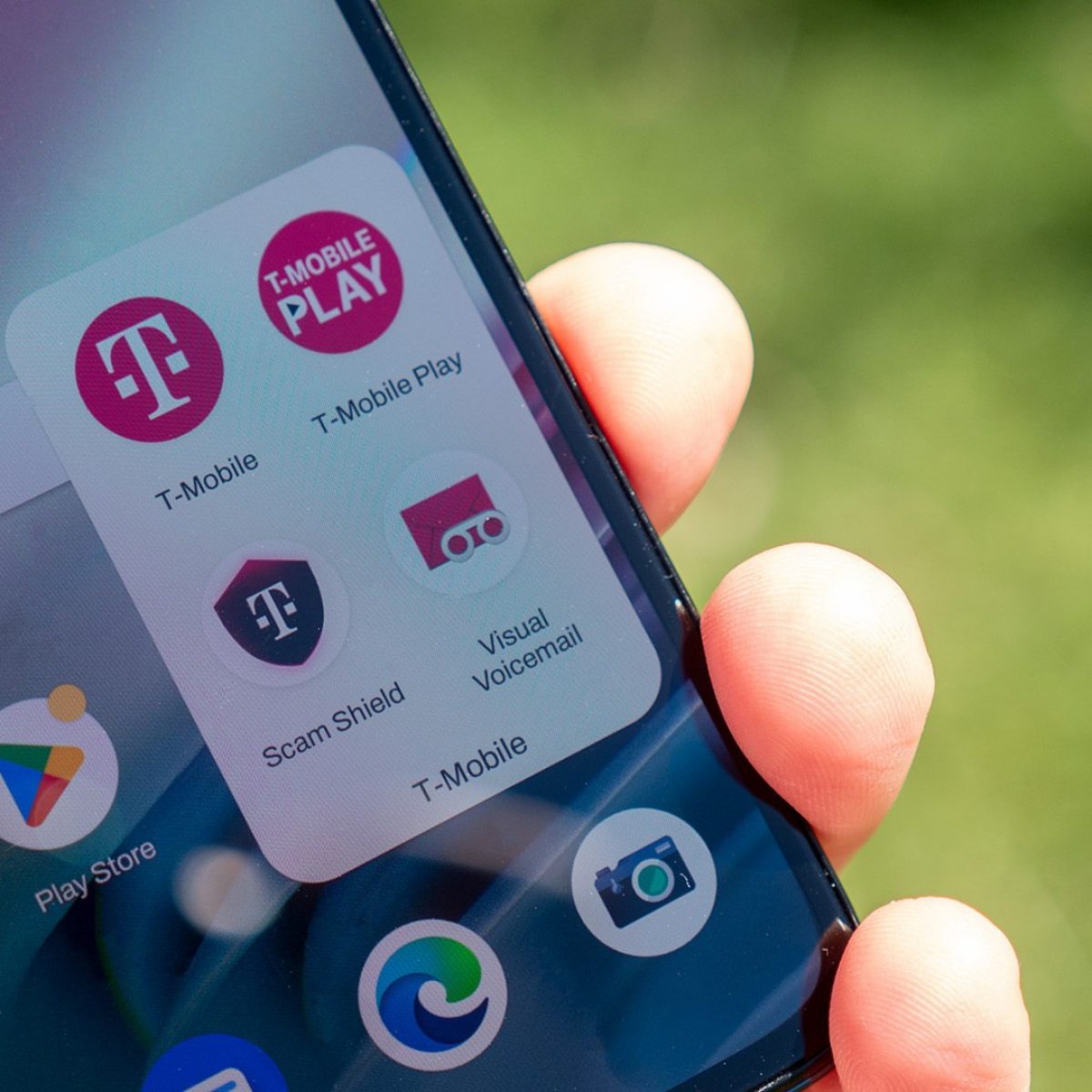
How To Cancel A Payment Arrangement On T-Mobile

To cancel a payment arrangement on T-Mobile, postpaid customers can delete a scheduled future-dated payment through the T-Life app or online in Account Hub. The most common reason to cancel...

How To Improve T-Mobile Home Internet Speed

To improve T-Mobile Home Internet speed, start by checking your signal strength and using the Gateway placement assistant in the T-Life app to find the best location for your gateway....

How To Turn Off T-Mobile Home Internet WiFi

To turn off T-Mobile Home Internet WiFi, open the T-Life app on your phone and disable each Wi‑Fi band individually, this is the only official method. Users typically disable the...

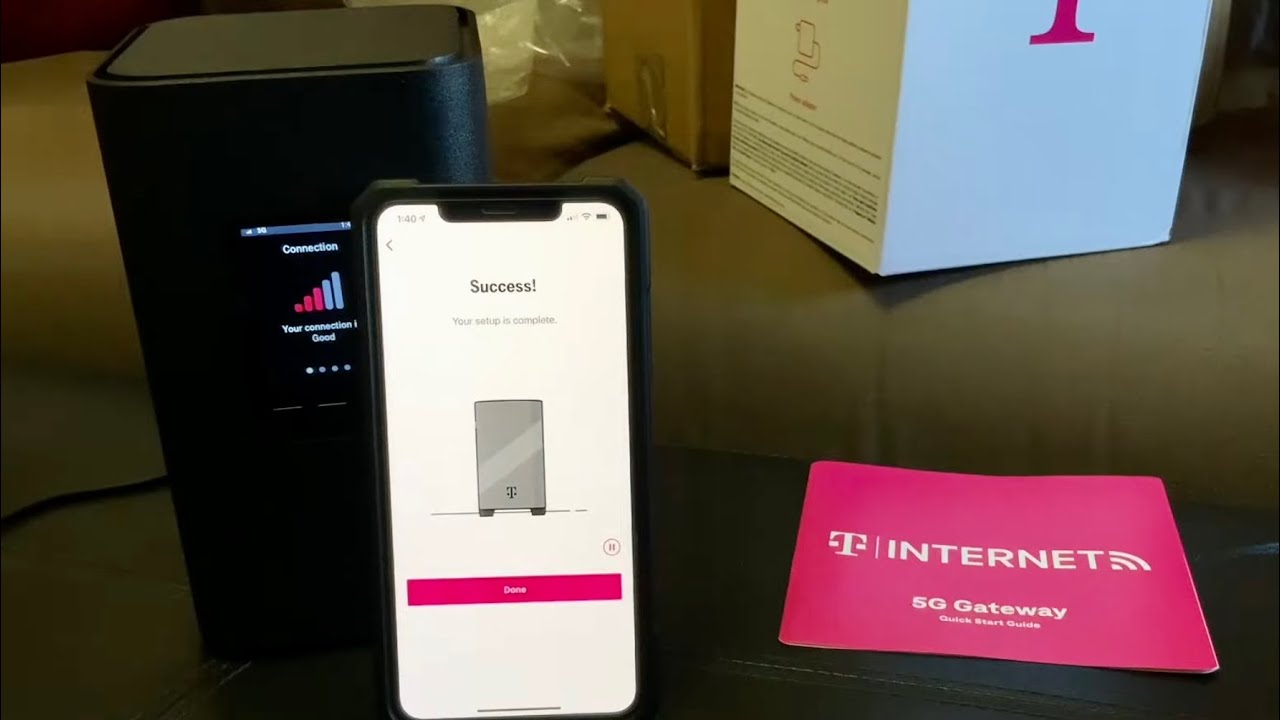
How To Set Up T-Mobile Gateway

To set up your T-Mobile Gateway, use the T-Life app for a quick, guided installation that finds the optimal location and connects your devices in minutes. The easiest and recommended...

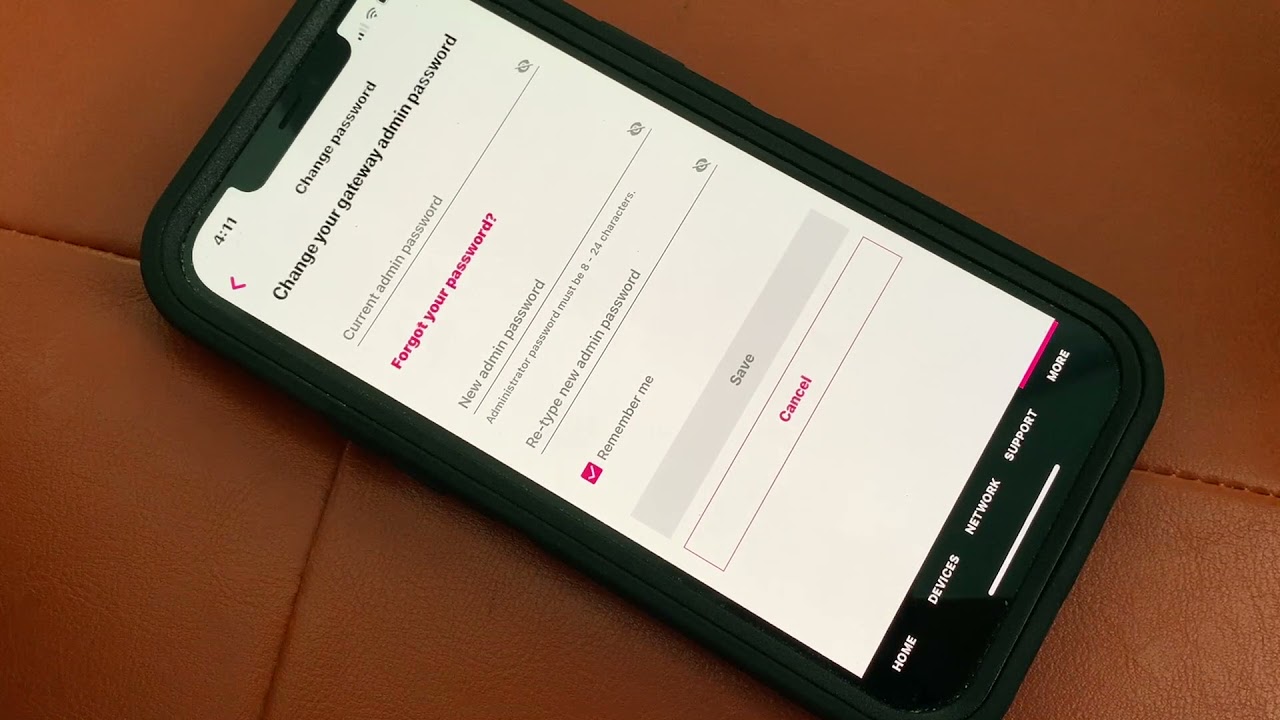
How To Change Password On T-Mobile Internet

To change your T-Mobile internet password, the fastest and most reliable method is using the T-Life app. Whether you need to update your network security or simply want a fresh...

Why Isn't My T-Mobile Internet Working

If your T-Mobile internet is not working, the fastest way to fix it is to open the T-Life app and run the T-Life Troubleshooter. That is the first step T-Mobile...

How To Check Remaining Data On T-Mobile

To check remaining data on T-Mobile, you can use the T-Life app, the T-Mobile website, or a quick shortcode dialed from your phone. The fastest way to get a detailed...