To check text messages on T-Mobile, you can view your text message usage history, including dates, times, and phone numbers, through your online account or the T-Life app. However, T-Mobile does not provide the actual content of your text messages; only usage details are available for review.
What you can (and can't) check in your T-Mobile text messages
T-Mobile allows customers to see text messaging and T-Mobile texts usage records, such as the date and time a message was sent or received and the phone number involved. This is useful for tracking how many messages you've used, verifying activity on a line, or reviewing past communication patterns. You cannot read the actual words or content of any text message through your T-Mobile account or app.
Check text message usage on the T-Mobile website
To view your text message usage details on the T-Mobile website:
- Log in to your account at T-Mobile.com.
- Select "Usage" from the top menu.
- Choose "Messages" for the desired line.
You will then see a list of text message activity, including dates, times, and numbers for each message sent or received on that line. The website allows viewing messages in threaded conversations. You can also compose new messages directly from the website.
Check text message usage with the T-Life app
To check your text message usage through the T-Life app:
- Open the T-Life app on your mobile device.
- Select the "Account" tab.
- Choose the line you want to check.
- Select "Messages" to view the usage details.
This provides the same date, time, and number information as the website, accessible from your phone. The app allows searching for keywords within your text messages and archiving important conversations.
Send and receive texts with the T-Mobile DIGITS app
If you need to actively send and receive text messages from a T-Mobile number on another device, the T-Mobile DIGITS app or web client is a separate tool. DIGITS allows you to use your T-Mobile number on multiple devices, such as a tablet or computer. To access DIGITS, you must log in with your T-Mobile ID and complete 2-factor authentication. Note that messages sent via iMessage on iOS devices will not synchronize within the DIGITS app; for a complete conversation history, messages should be sent using the DIGITS app on your primary phone.
Understanding RCS messaging on T-Mobile
T-Mobile recommends Google Messages for Android devices, which supports RCS (Rich Communication Services) features like high-quality media sharing, read receipts, and typing indicators by default. iPhones with iOS 18 or later have RCS messaging enabled by default in iMessage, providing enhanced features when communicating with Android RCS users. However, RCS messages are not end-to-end encrypted when exchanged between iOS and Android devices.
Troubleshooting and getting help
If the website or app methods fail to show your text message usage, contact T-Mobile customer service by phone or through live chat on their website. Representatives can help troubleshoot account or technical issues, but they cannot provide the content of your text messages.
Frequently Asked Questions
How far back can I see my text message usage on T-Mobile?
T-Mobile typically displays usage history for the current billing cycle. For older records, you may need to view past bills or contact customer service, though message content is never available.
Can I see text messages from another line on my account?
Yes, if you are the primary account holder or have authorized access, you can select any line on your account when viewing usage details on the website or T-Life app.
Why can't I see the content of my texts in my T-Mobile account?
T-Mobile does not store or display the content of text messages for privacy reasons. Only metadata like date, time, and phone numbers are available for usage tracking purposes.
Does the DIGITS app show my existing text history from my phone?
No, the DIGITS app only shows messages sent and received through DIGITS lines after you set up the app. It does not sync your existing phone message history, especially iMessages on iOS.
What should I do if my text message usage doesn't appear on the website or app?
First, ensure you are logged in to the correct account and have selected the right line. If the issue persists, contact T-Mobile customer service for assistance with account or technical problems.
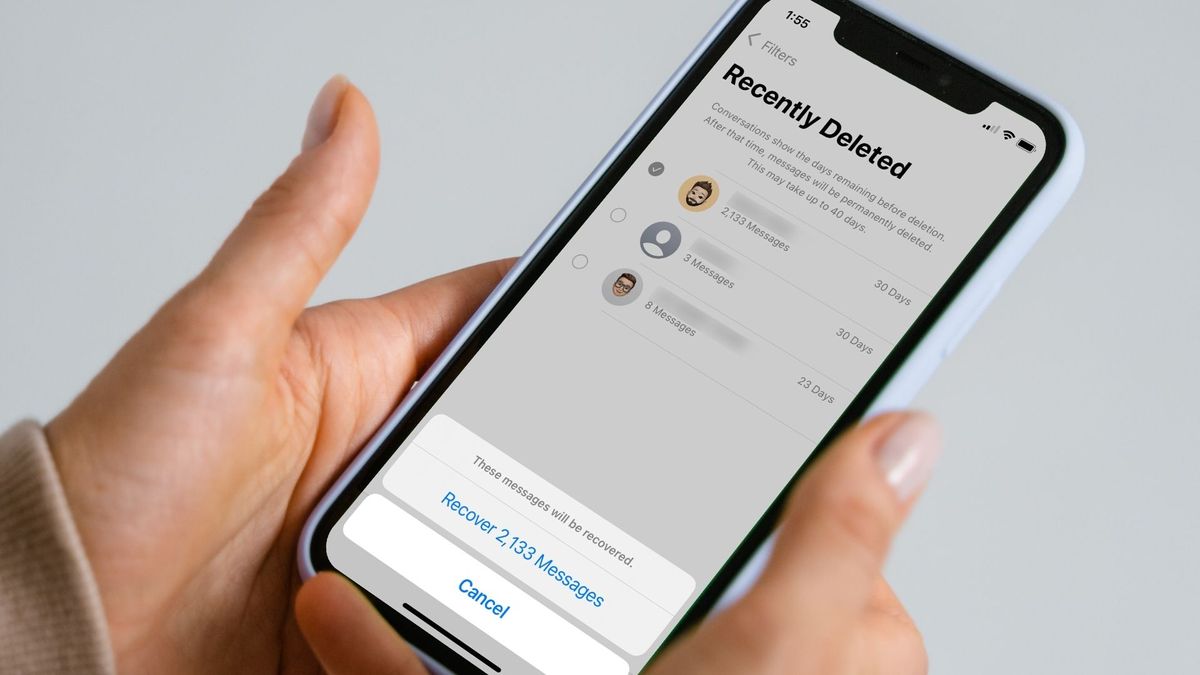
Is there a way to retrieve deleted text messages on T-Mobile?
T-Mobile provides a limited window for retrieving deleted text messages; contact customer support to inquire about recovery.
Are there any T-Mobile apps specifically designed for managing text messages?
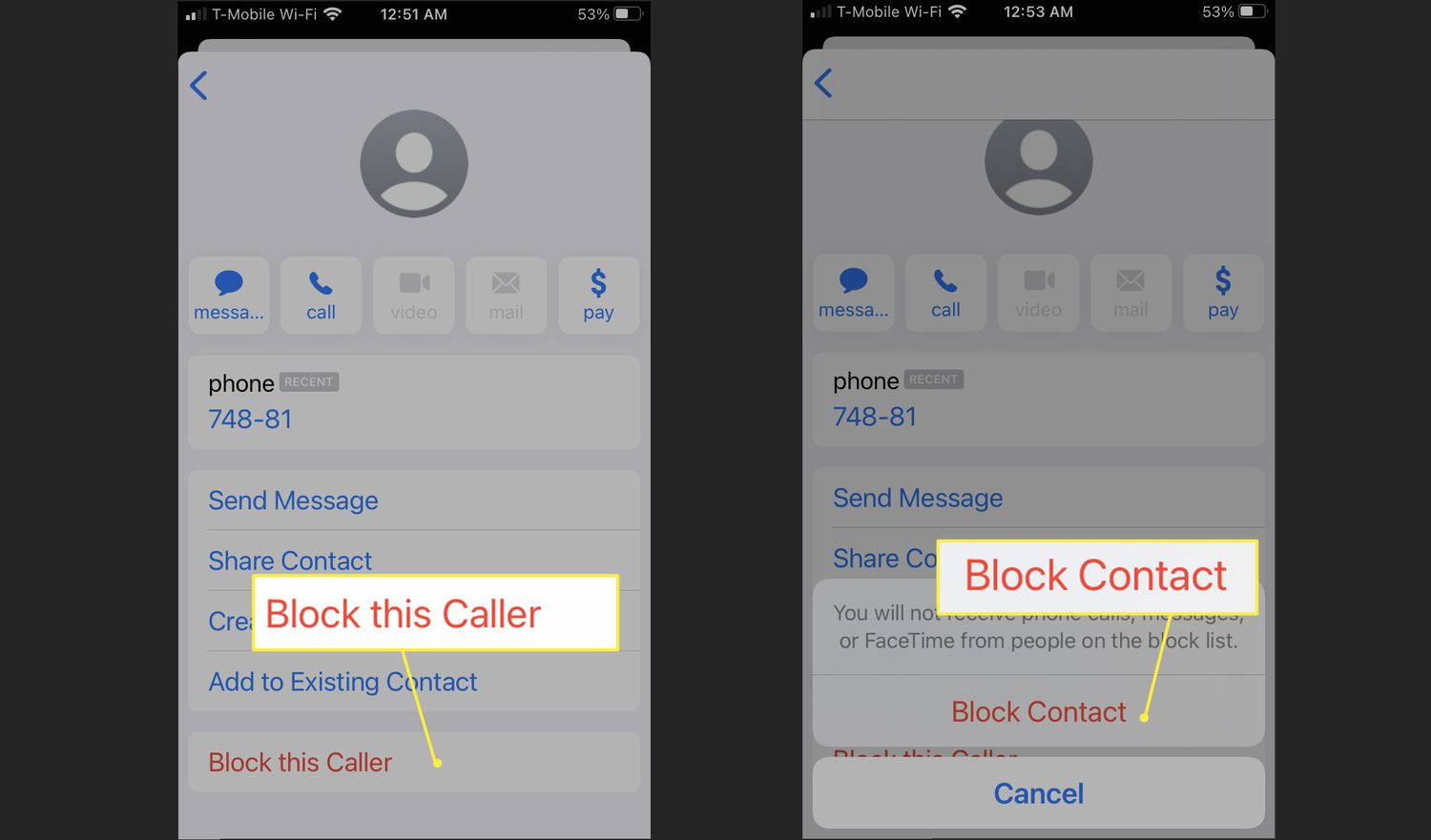
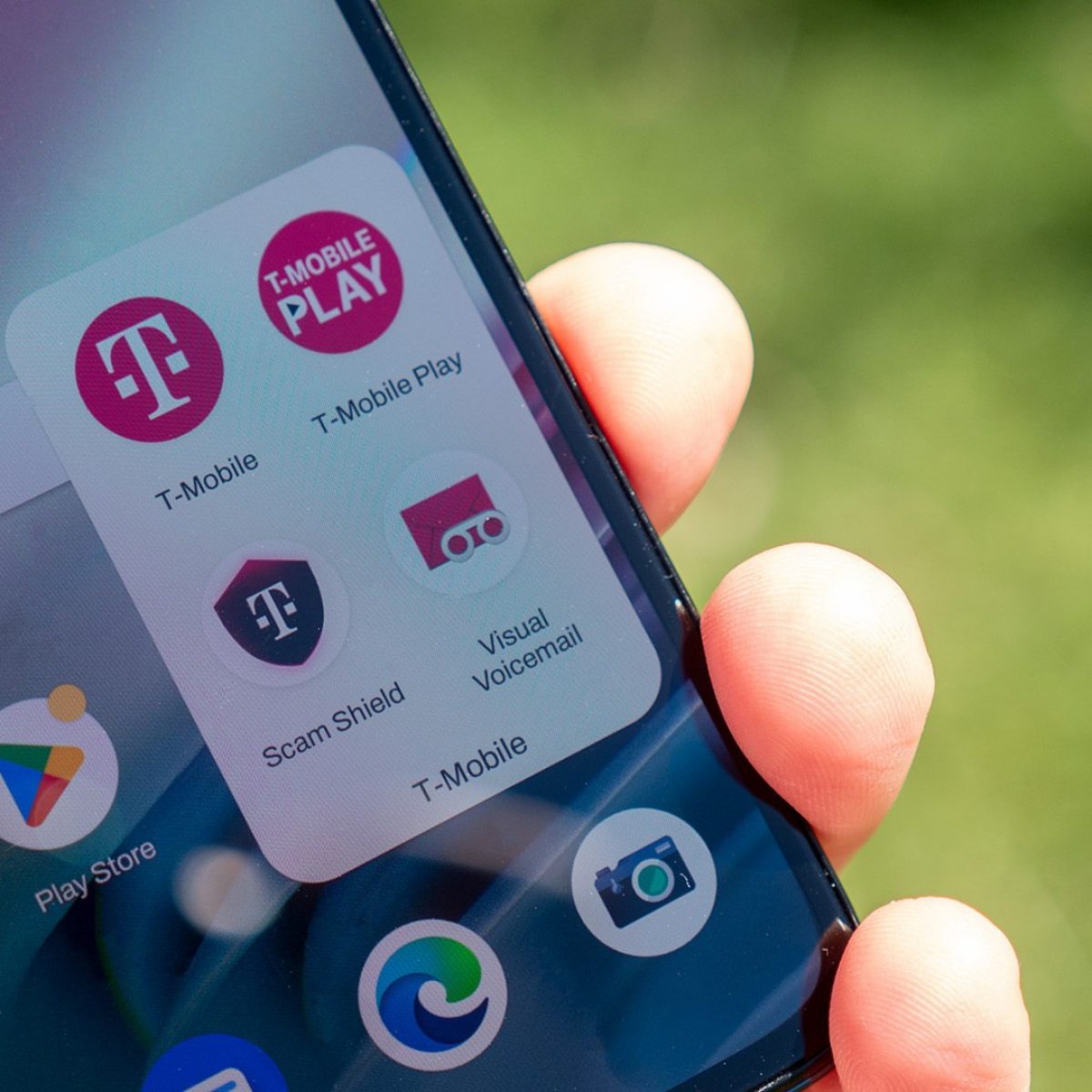
The T-Mobile Name ID app blocks unwanted texts and identifies unknown senders, and the T-Mobile Visual Voicemail app manages voicemail.
Related reading: How To Retrieve Deleted Text Messages From T-Mobile.