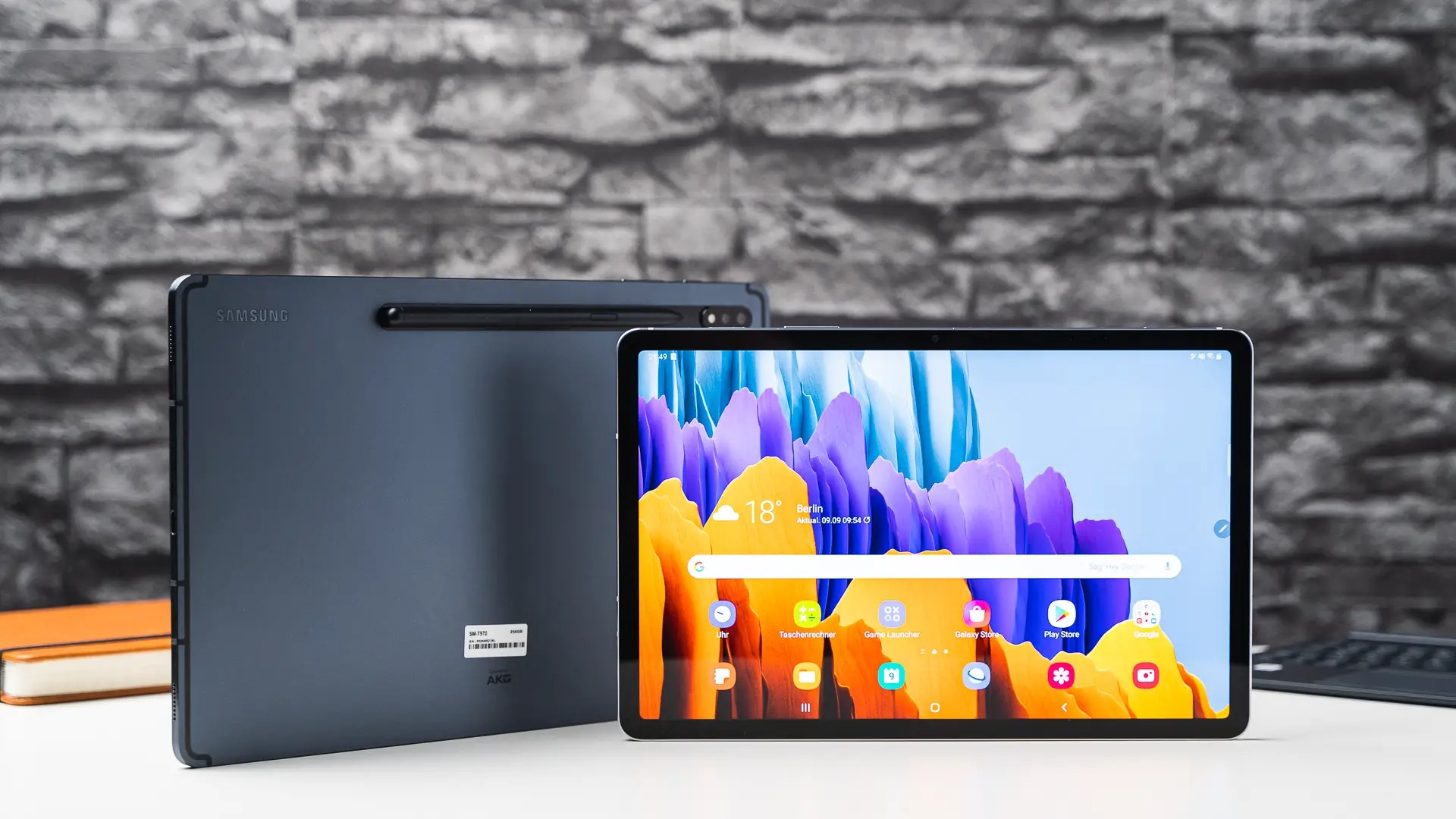
Understanding, using, and troubleshooting tablets, from dedicated e-readers like the Kindle to full-featured Android slates. This content is designed for anyone who owns a tablet, whether they are new to the device, a parent setting up a kid's tablet, or an experienced user looking to unlock advanced features or solve common problems.
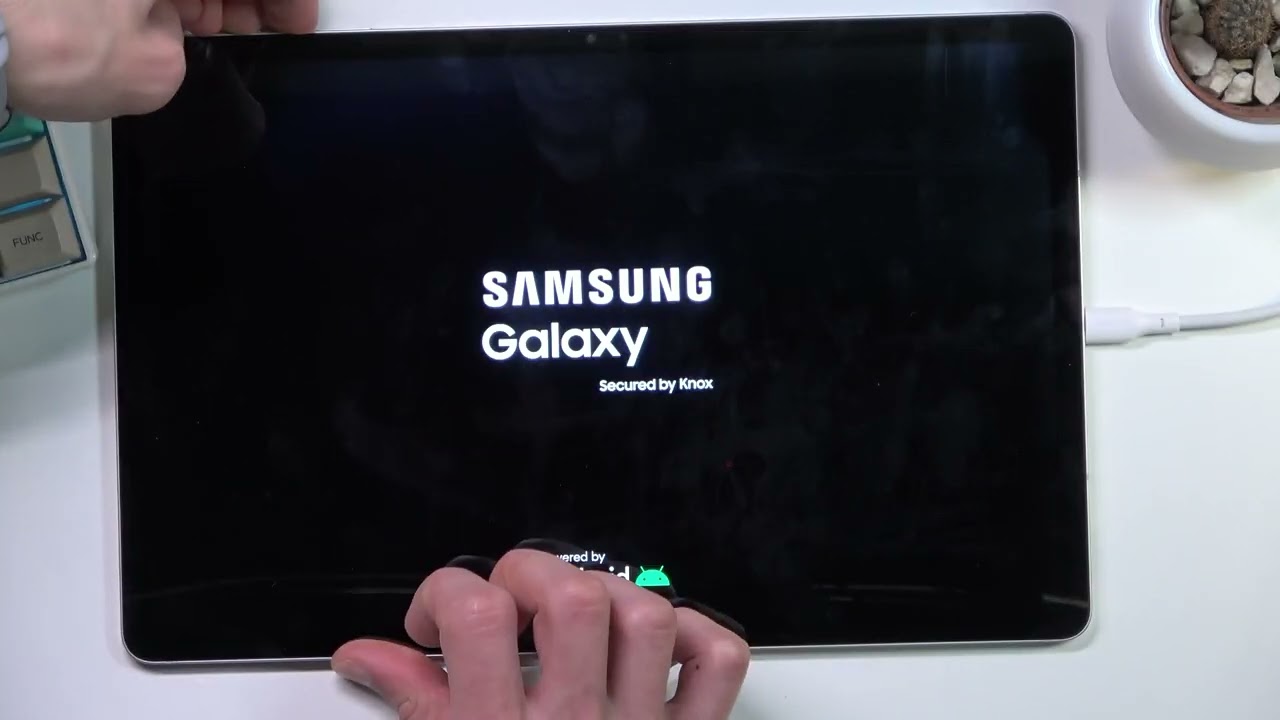
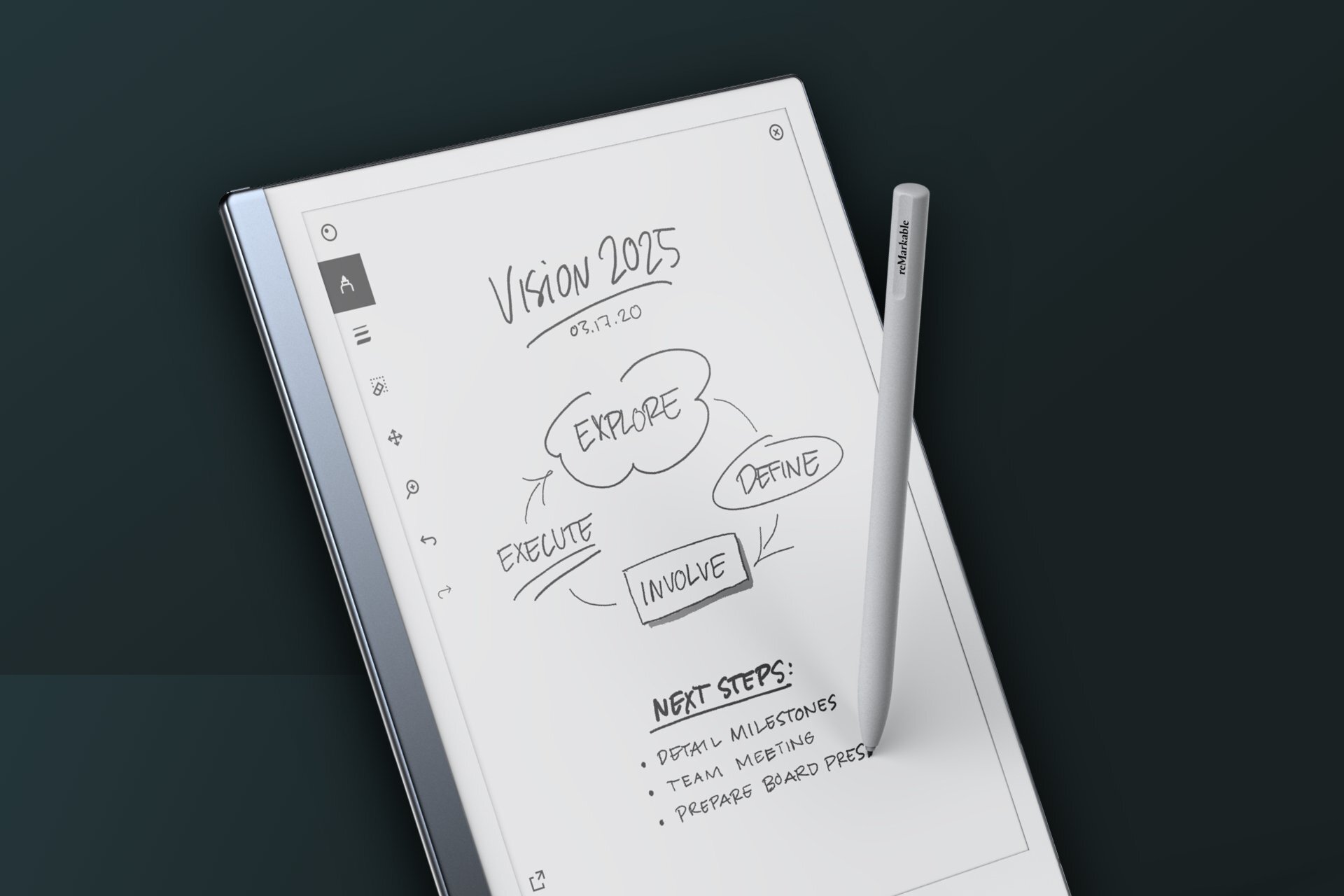
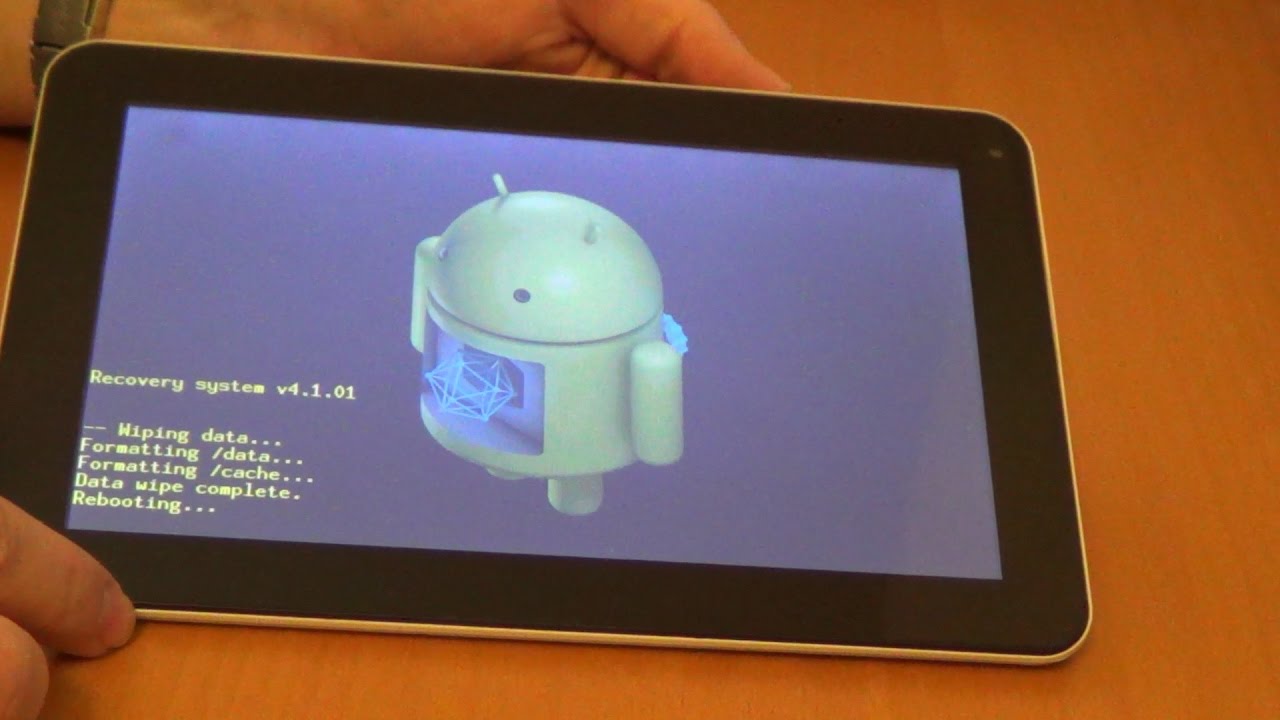
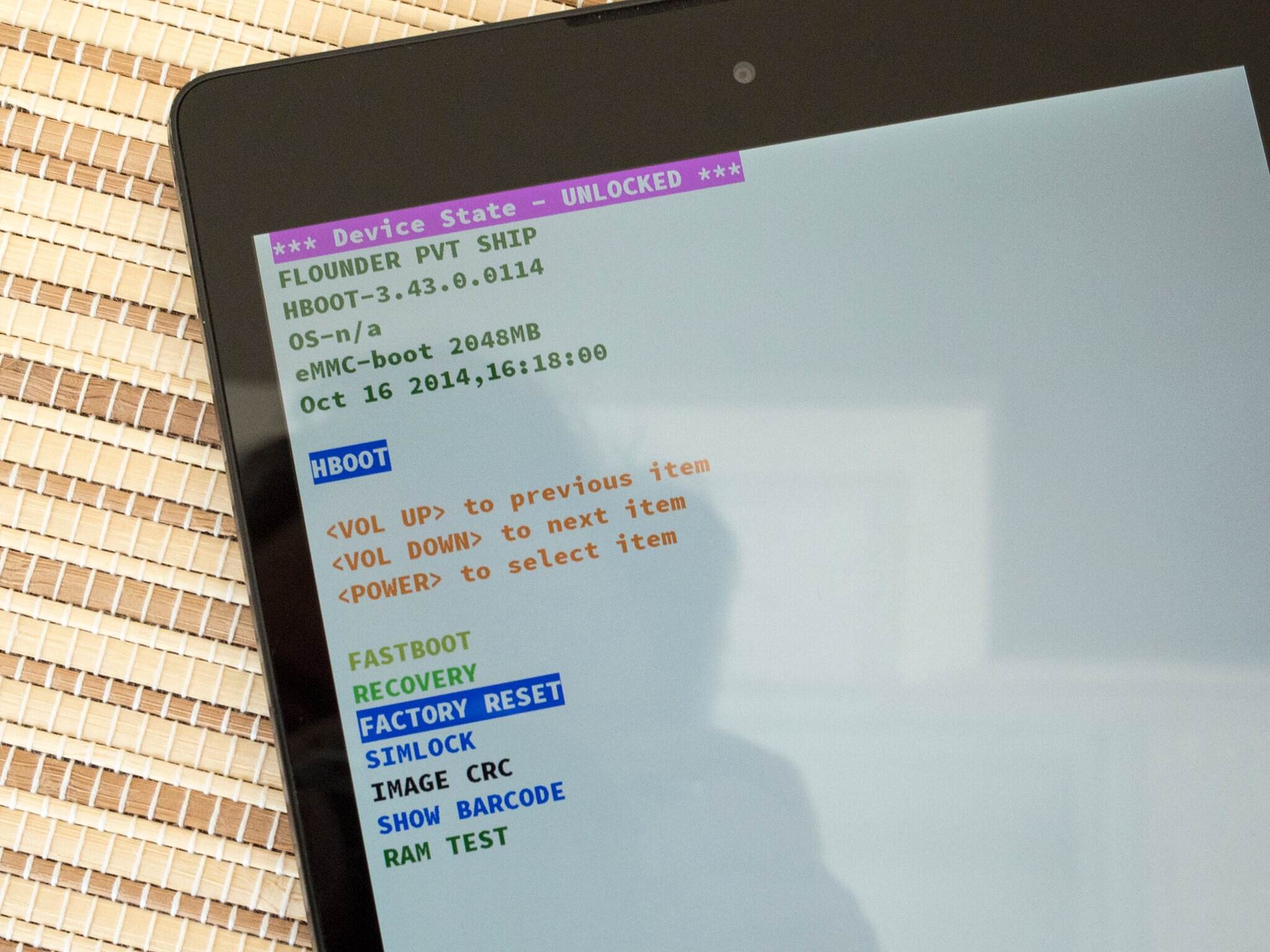
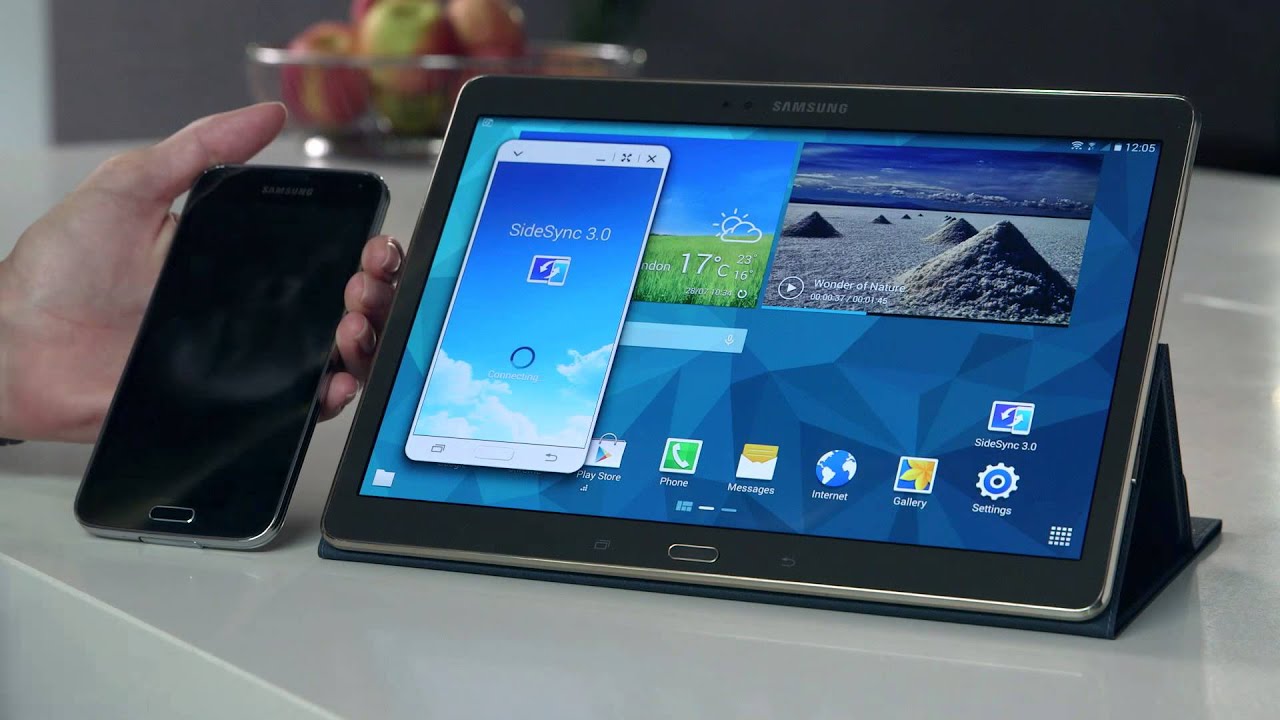
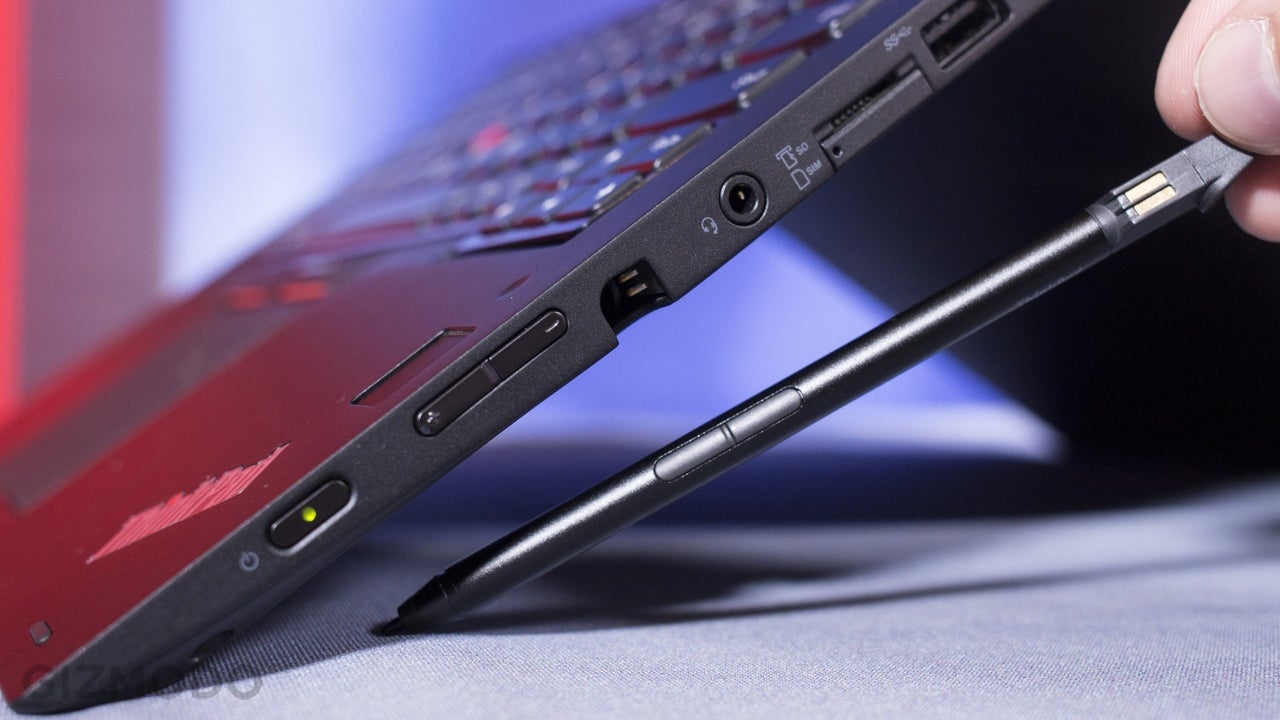
The articles solve practical problems that fall into a few clear themes. One major theme is connectivity and functionality, helping readers turn a tablet into a phone or a mobile hotspot, link a Samsung tablet to a phone, and activate mobile data. Another theme focuses on maintenance and security, with step-by-step guides on how to reboot, reset, factory reset, or unlock an Android tablet, including how to unlock a Samsung tablet without a password and without losing data. A third theme covers accessories and creative use, such as how to use a stylus pen, the basics of stylus usage, and finding the best drawing apps for both iOS and Android.
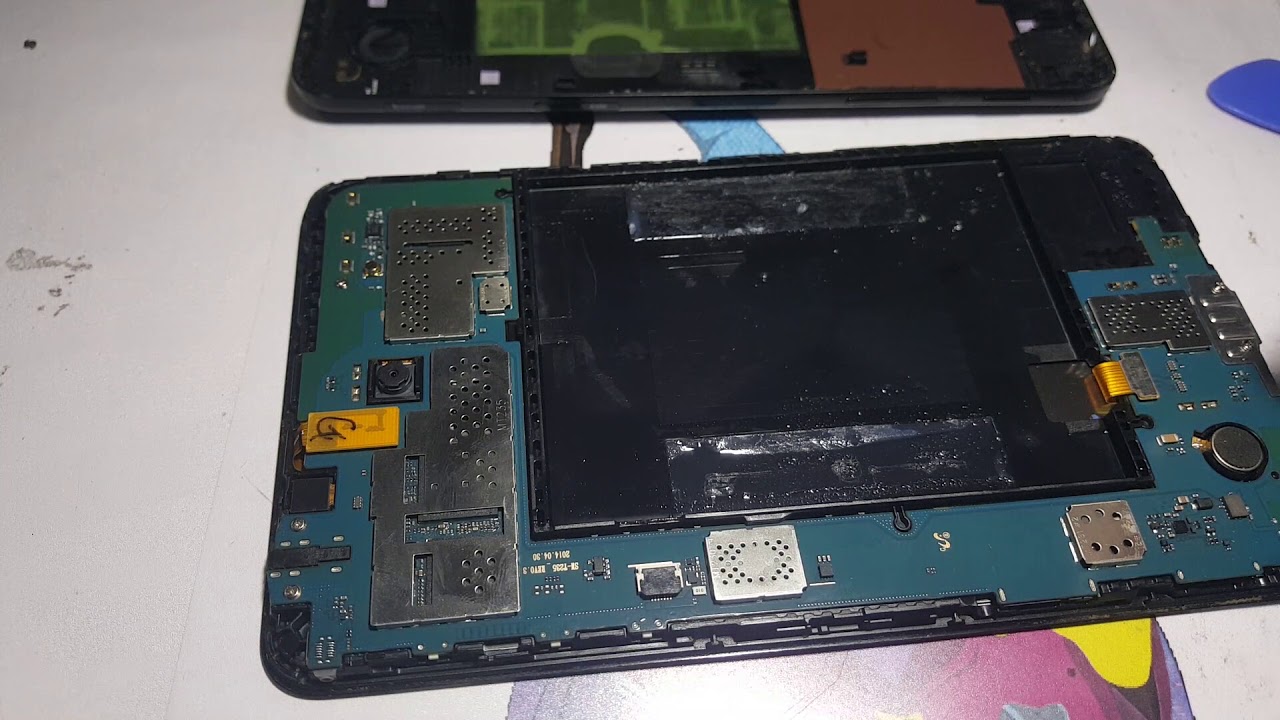
Specific topics include understanding what a tablet is, how long a Kindle battery lasts, and how a kid can listen to music without a phone. For those interested in hardware, the tag also covers how to open the back of a Samsung Galaxy A tablet. Whether you need to fix a frozen screen, set up a hotspot, or choose the right drawing app, these articles provide clear, actionable steps.