This tag collects all CellularNews articles related to Tesla, specifically aimed at Tesla owners and drivers who want to integrate their vehicles with their mobile devices and home charging setups. Whether you are a new owner setting up your garage or a seasoned driver trying to connect your phone, these guides cover the practical, everyday tasks that come with owning a Tesla.
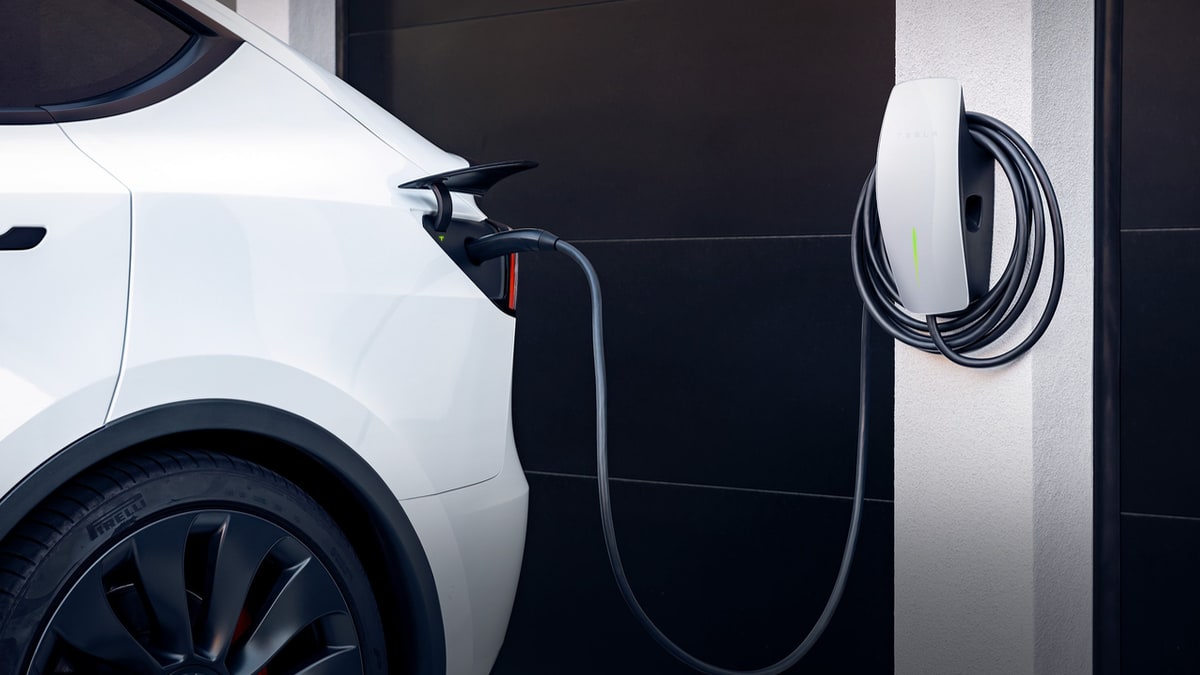
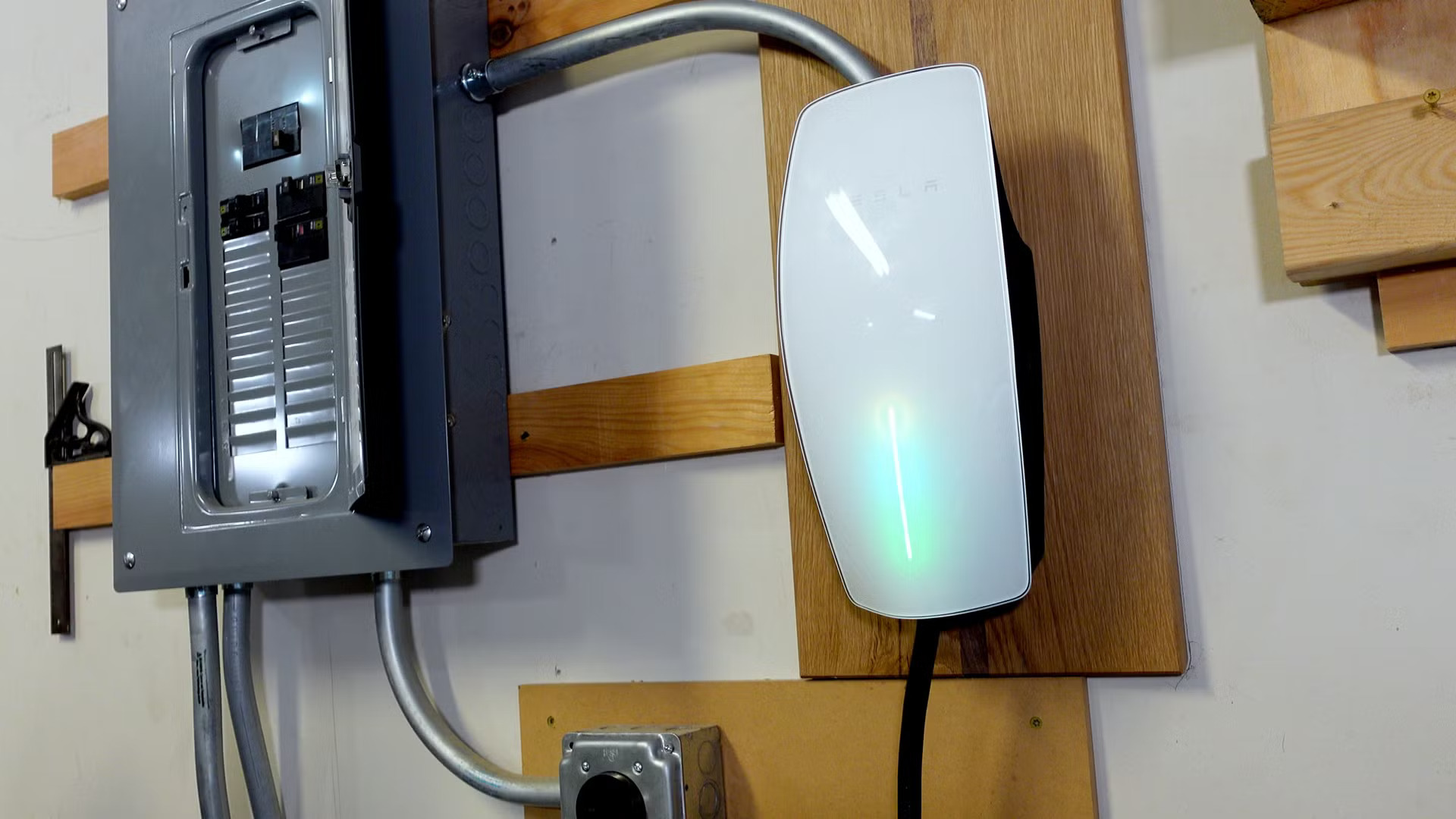
The articles are grouped around two main themes: charging infrastructure and phone-to-car connectivity. For charging, you will find step-by-step instructions on how to install the Tesla Wall Connector, understand its amperage and cost, and learn the difference between the Wall Connector and the Mobile Connector. For connectivity, the guides solve problems like how to connect your phone to the Tesla hotspot, turn on the vehicle’s hotspot for your devices, and view Sentry Mode events directly on your phone. Several articles also address the basics of using your phone as a key, charging your phone inside the car, and evaluating whether the Premium Connectivity subscription is worth the upgrade in 2024.
These articles help the reader perform specific actions: installing hardware, pairing devices, troubleshooting connections, and making informed decisions about paid features. From ordering a Tesla phone to connecting your existing device, the content focuses on getting you from setup to seamless use without unnecessary complexity.