This tag collects all CellularNews articles related to Tesla, specifically aimed at Tesla owners and drivers who want to integrate their vehicles with their mobile devices and home charging setups. Whether you are a new owner setting up your garage or a seasoned driver trying to connect your phone, these guides cover the practical, everyday tasks that come with owning a Tesla.

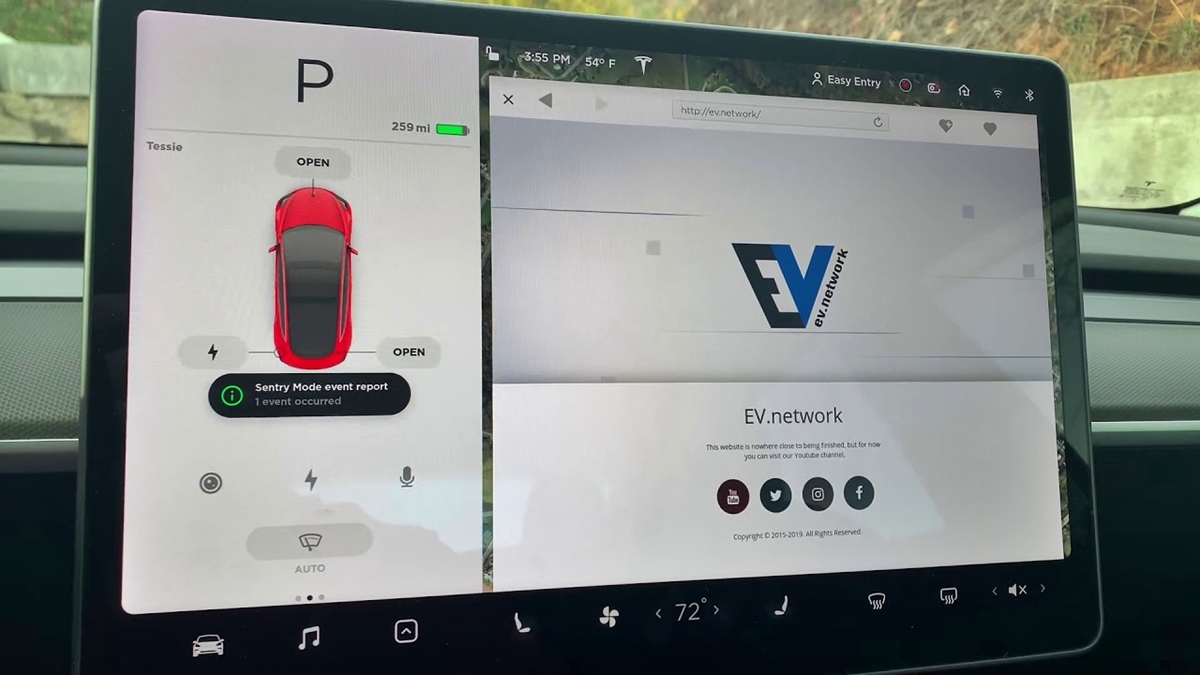
The articles are grouped around two main themes: charging infrastructure and phone-to-car connectivity. For charging, you will find step-by-step instructions on how to install the Tesla Wall Connector, understand its amperage and cost, and learn the difference between the Wall Connector and the Mobile Connector. For connectivity, the guides solve problems like how to connect your phone to the Tesla hotspot, turn on the vehicle’s hotspot for your devices, and view Sentry Mode events directly on your phone. Several articles also address the basics of using your phone as a key, charging your phone inside the car, and evaluating whether the Premium Connectivity subscription is worth the upgrade in 2024.

These articles help the reader perform specific actions: installing hardware, pairing devices, troubleshooting connections, and making informed decisions about paid features. From ordering a Tesla phone to connecting your existing device, the content focuses on getting you from setup to seamless use without unnecessary complexity.
How Long Is The Tesla Mobile Connector

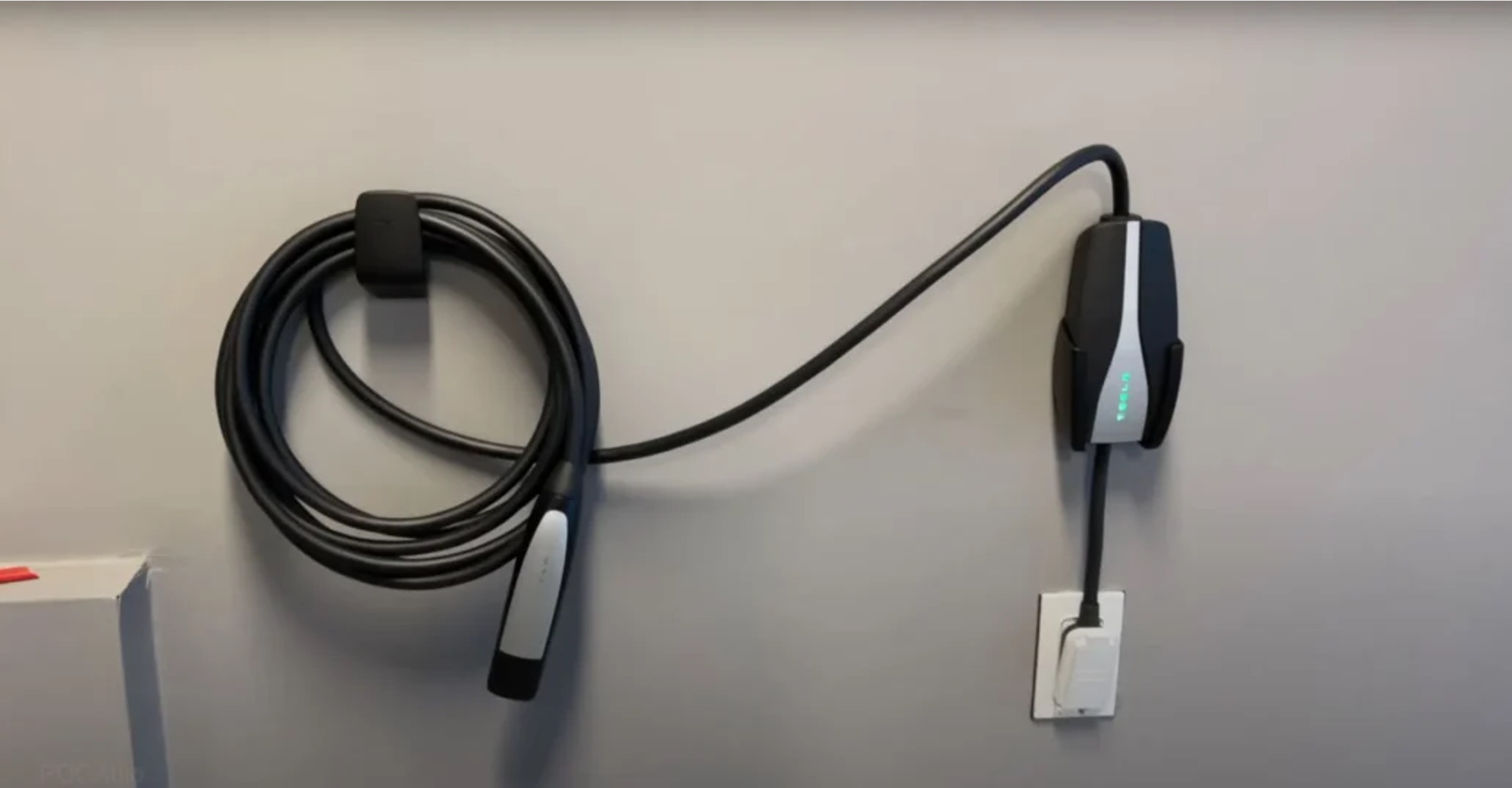
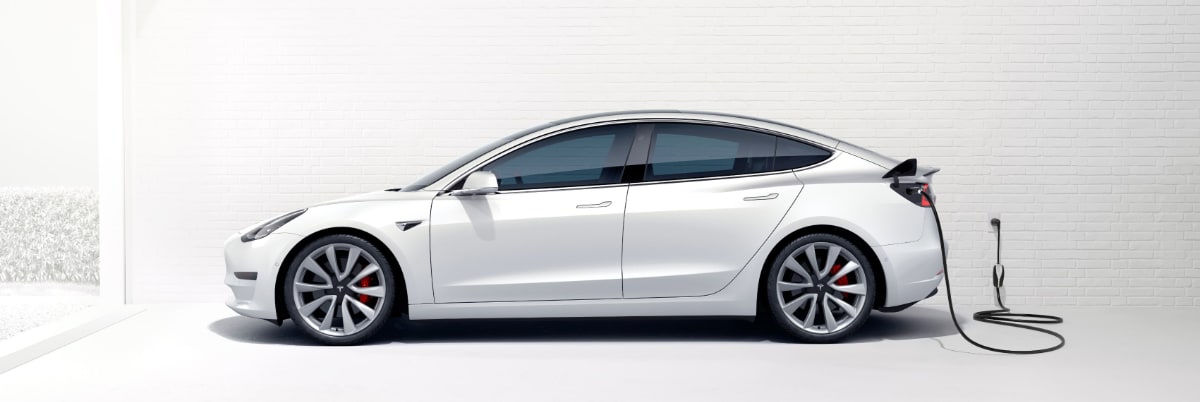
The Tesla Mobile Connector is 20 feet (6 meters) long. Knowing the exact tesla mobile connector length is the most important detail for planning where to park and where your...

How To Use Tesla Mobile Connector

The Tesla mobile connector is a portable backup charger that lets you plug your vehicle into a variety of household and RV outlets when a dedicated Wall Connector is not...

What Is The Tesla Mobile Connector

Phone as key and on-the-go power with the mobile connector The Tesla mobile connector isn't the only essential accessory, before you can think about plugging in your car, set up...

How To Connect Tesla To Hotspot

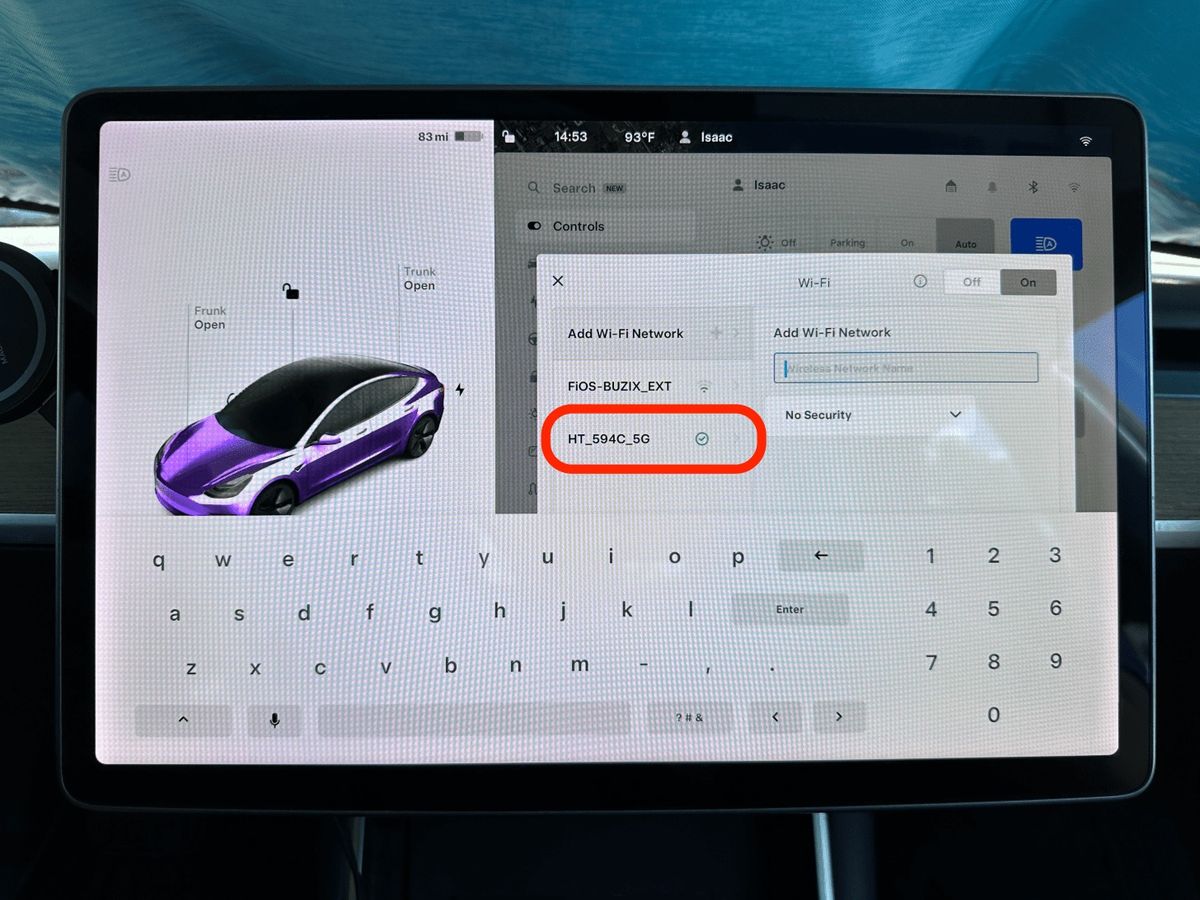
To connect your Tesla to a hotspot, first enable the mobile hotspot on your smartphone, then connect your car to that network through the Wi-Fi settings on the touchscreen. This...

How To Add Phone Key Tesla

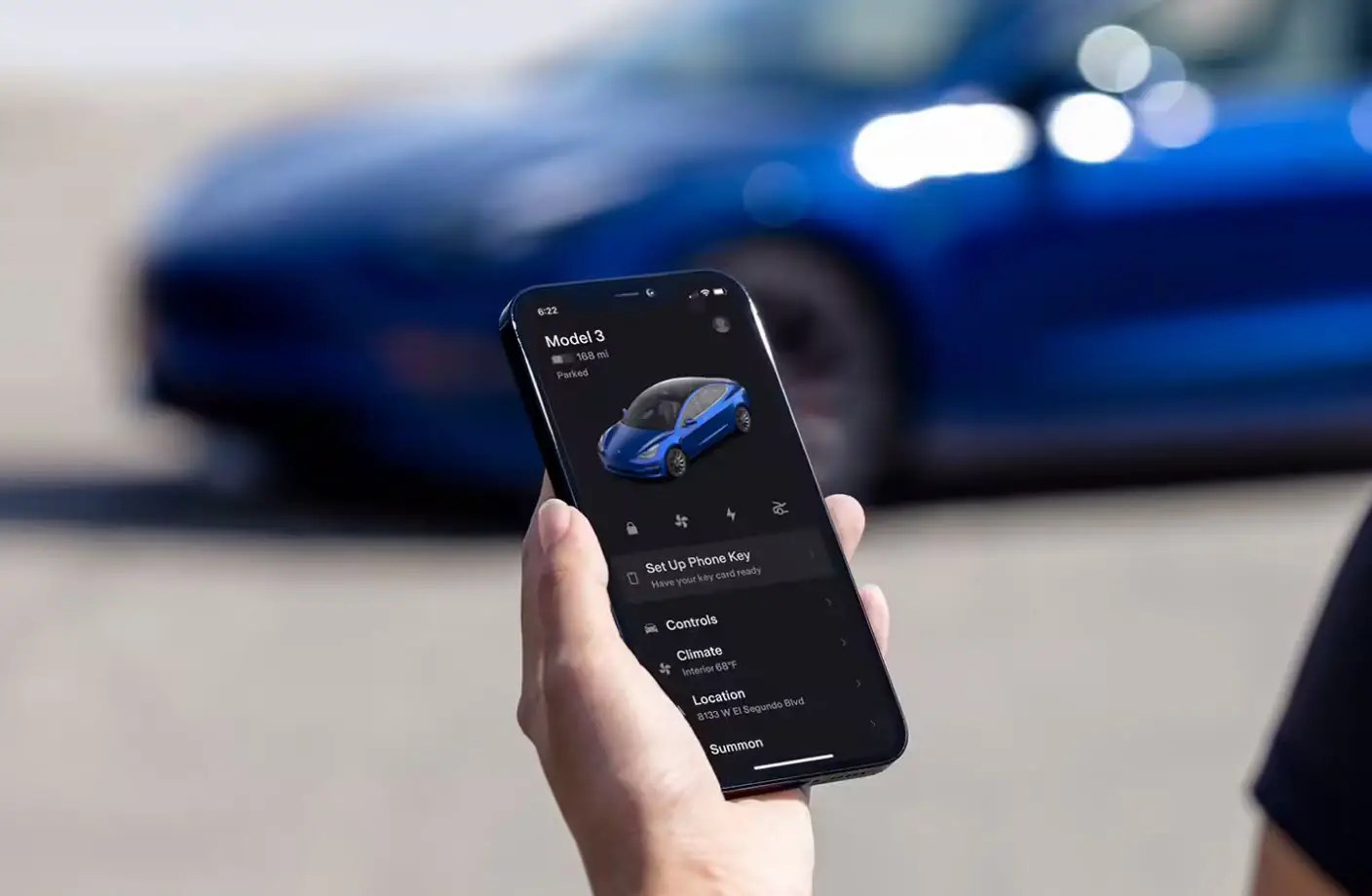
To add phone key Tesla, open the Tesla app on your smartphone, ensure Bluetooth is enabled, select your vehicle, and tap Set Up next to Phone Key while standing near...

How To Charge Phone In Tesla Model 3

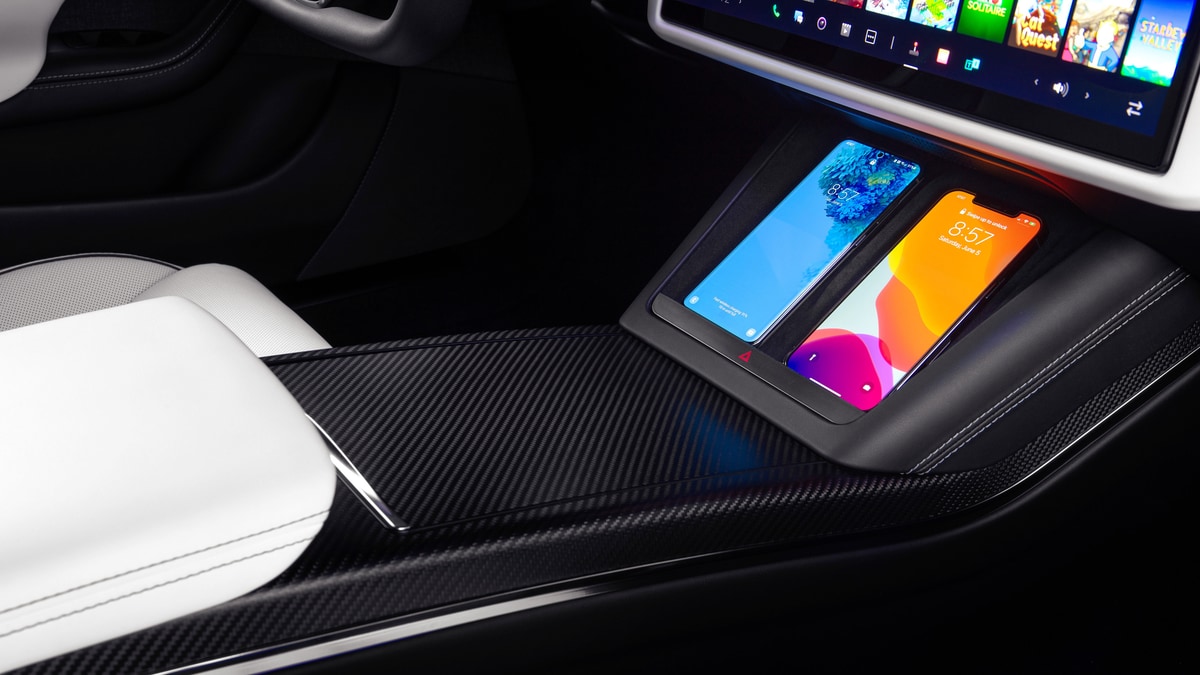
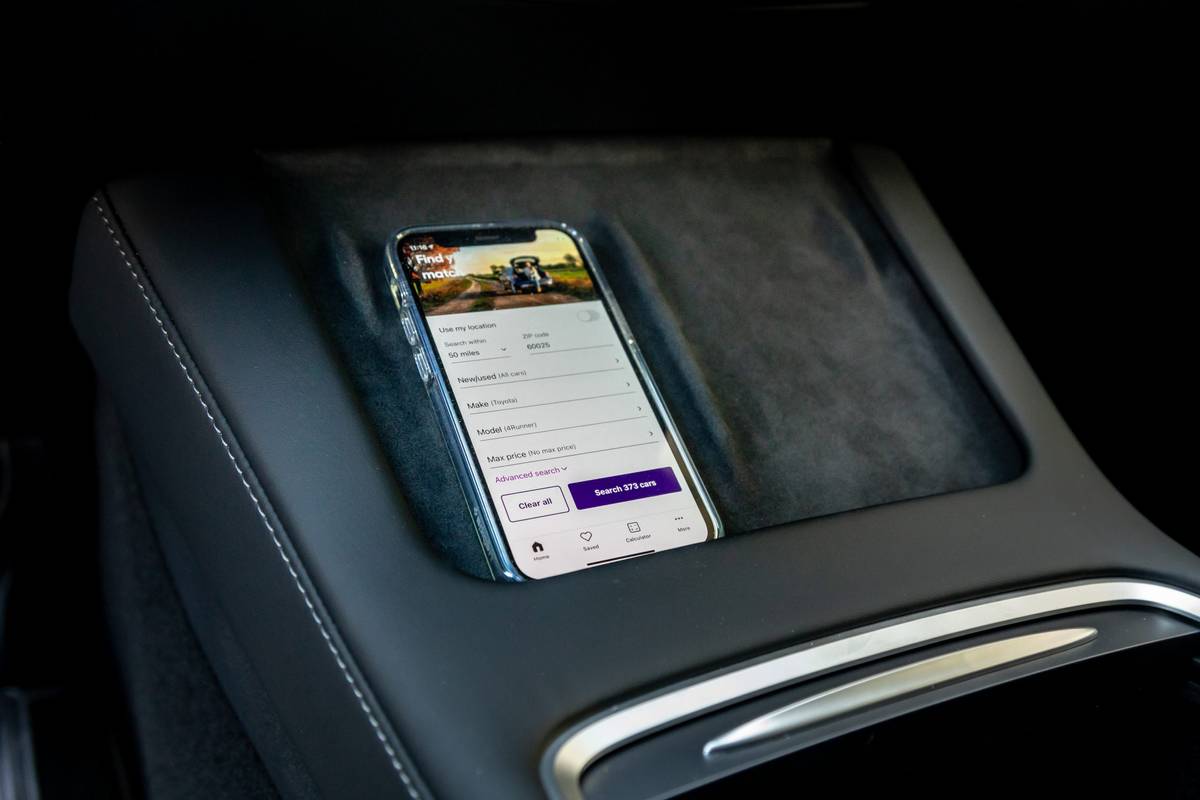
To charge your phone in a Tesla Model 3, use the two front center-console USB ports or, if your vehicle is equipped, place a Qi-enabled phone on the integrated wireless...

How To Charge Your Phone In A Tesla

To charge your phone in a Tesla, you can use the built-in wireless charging pad or connect a cable to one of the vehicle's USB ports. The most straightforward method...

How To Order Tesla Phone

There is no process to order a Tesla phone because Tesla does not sell a smartphone. Elon Musk has repeatedly denied plans to build one, and the company's current priorities...

How To Connect Your Phone To Tesla

How to connect your phone to Tesla via BluetoothTo connect your phone to Tesla, you pair it via Bluetooth from the car's touchscreen, which enables hands-free calling, media streaming, and...