Welcome to the CellularNews tracking tag page. This collection of articles is for anyone who wants to understand the surveillance capabilities of modern phones and accessories, whether you are an iPhone or Android user, or simply concerned about your privacy. The content here does not cover general location services or GPS navigation; instead, it focuses squarely on the detection and management of unwanted or unknown tracking.
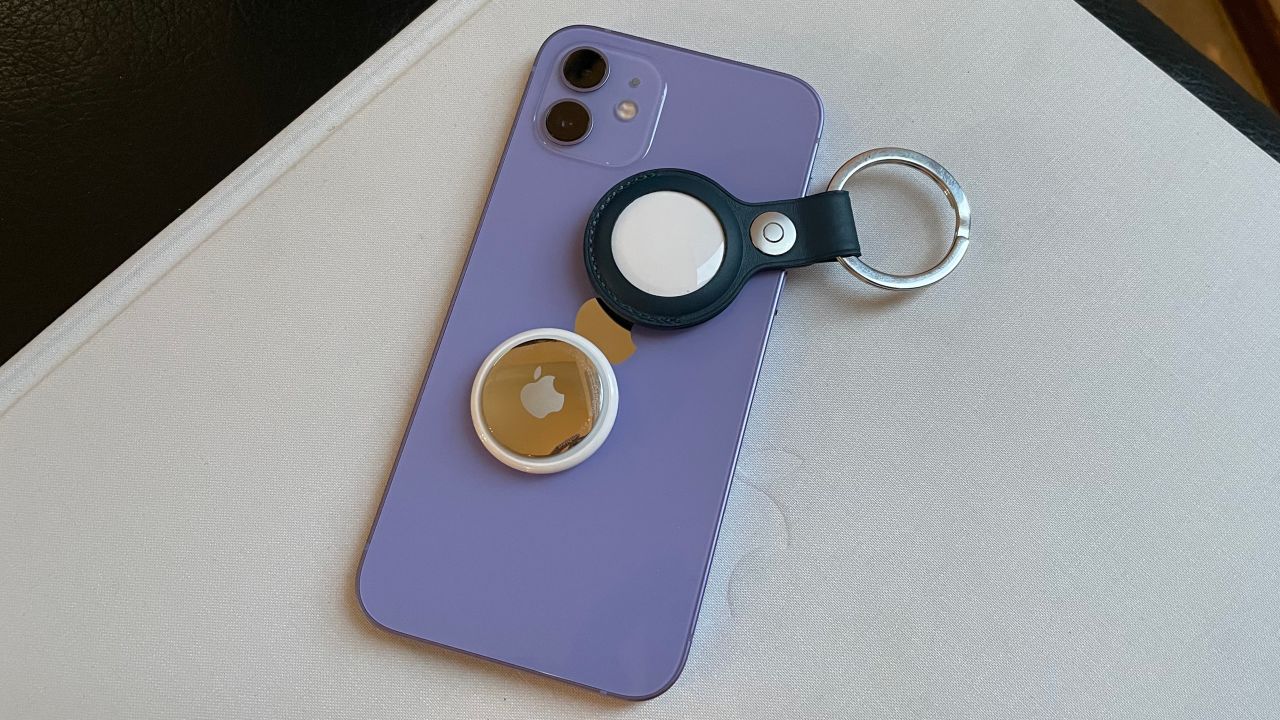
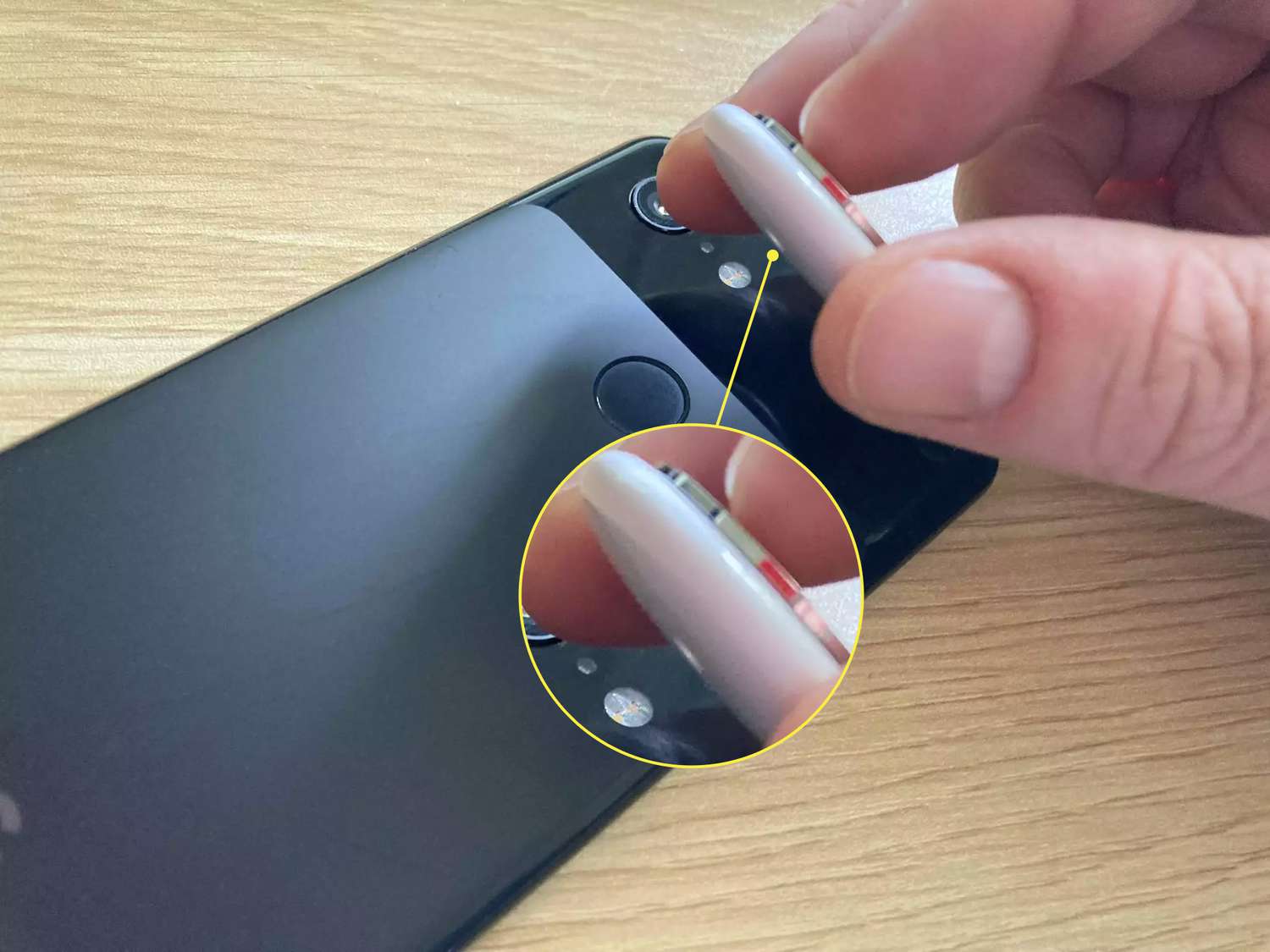
The articles solve two clear kinds of problems. The first is identifying if someone is monitoring your device or its accessories. You can learn how to tell if your phone is tapped and being tracked, or how to see if someone is tracking your iPhone. For Android users, there is specific guidance on how to detect an AirTag, which is a common concern for those who do not use Apple’s ecosystem. The second theme is about managing and attaching tracking devices yourself. If you own an AirTag, the article on how to attach an AirTag to your phone helps you set it up properly. Additionally, the page addresses broader privacy tools, such as the question of whether DuckDuckGo is safe for your browsing, and includes a practical reference for contacting a major carrier with the UPS 1-800 telephone number.
These articles help you take action. They let you check for hidden surveillance on your handset, identify unknown Bluetooth trackers near your Android phone, and configure an AirTag for your own keys or bag. They also guide you in evaluating a privacy-focused search engine and finding the right customer service number for shipping issues. The goal is to provide straightforward, actionable steps for protecting your personal information and managing the tracking tools you choose to use.