To see if someone is tracking your iPhone, start by confirming that Apple's built-in tracking notifications are enabled, then check the Find My app for any alerts. This is the most reliable method for detecting unwanted trackers like AirTags.
How to see if someone is tracking your iPhone: Immediate, actionable steps
Apple provides a built-in system that alerts you if an unknown Bluetooth tracking device is moving with you. To receive these alerts, you must turn on several settings. Go to Settings > Privacy & Security > Location Services and ensure it is on. Then, within Location Services, tap System Services and turn on Find My iPhone. Next, enable Settings > Bluetooth. Finally, go to Settings > Notifications > Tracking Notifications and select Allow Notifications. Apple also says to turn off airplane mode, as notifications cannot be received while it is active.
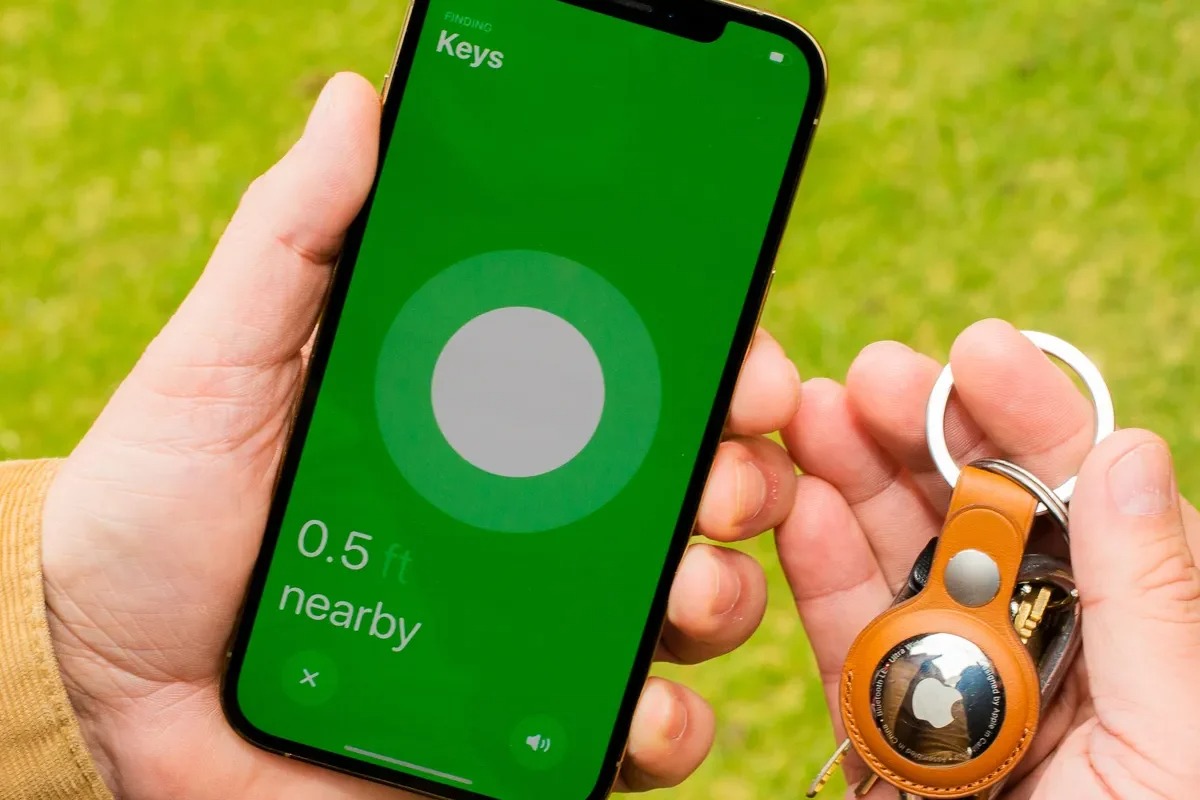
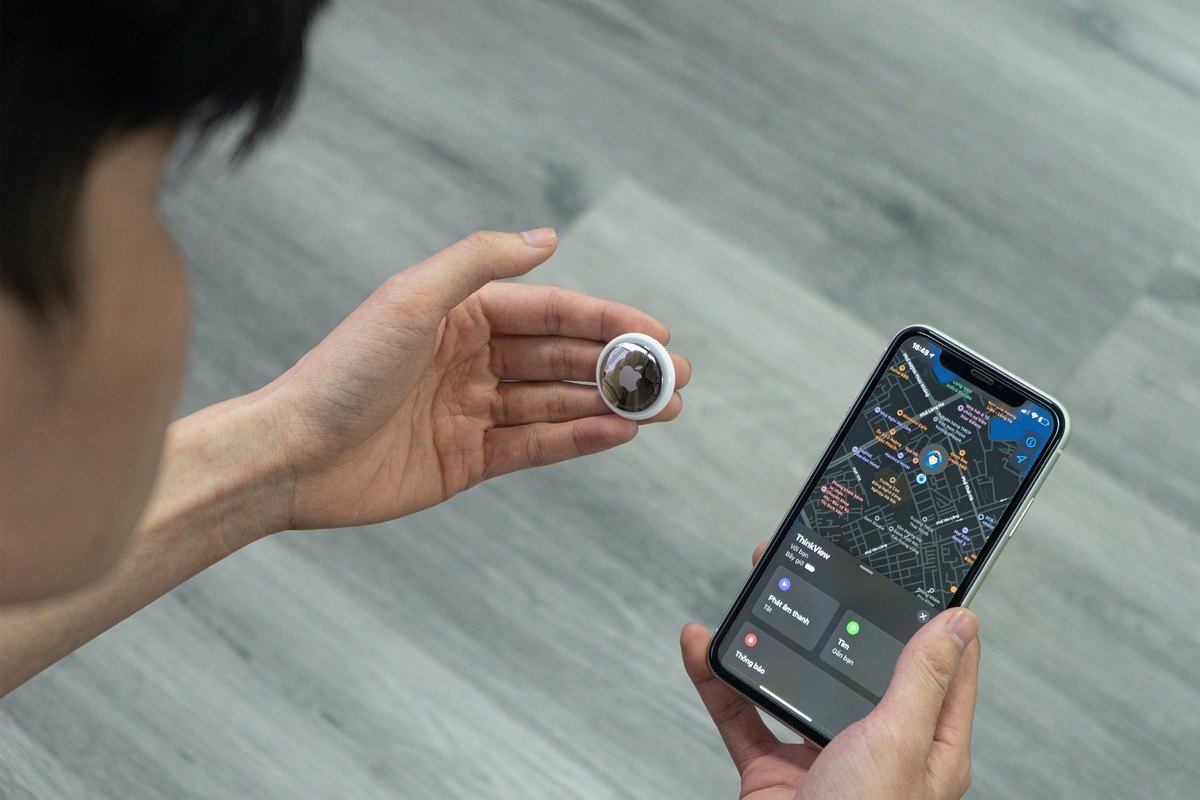
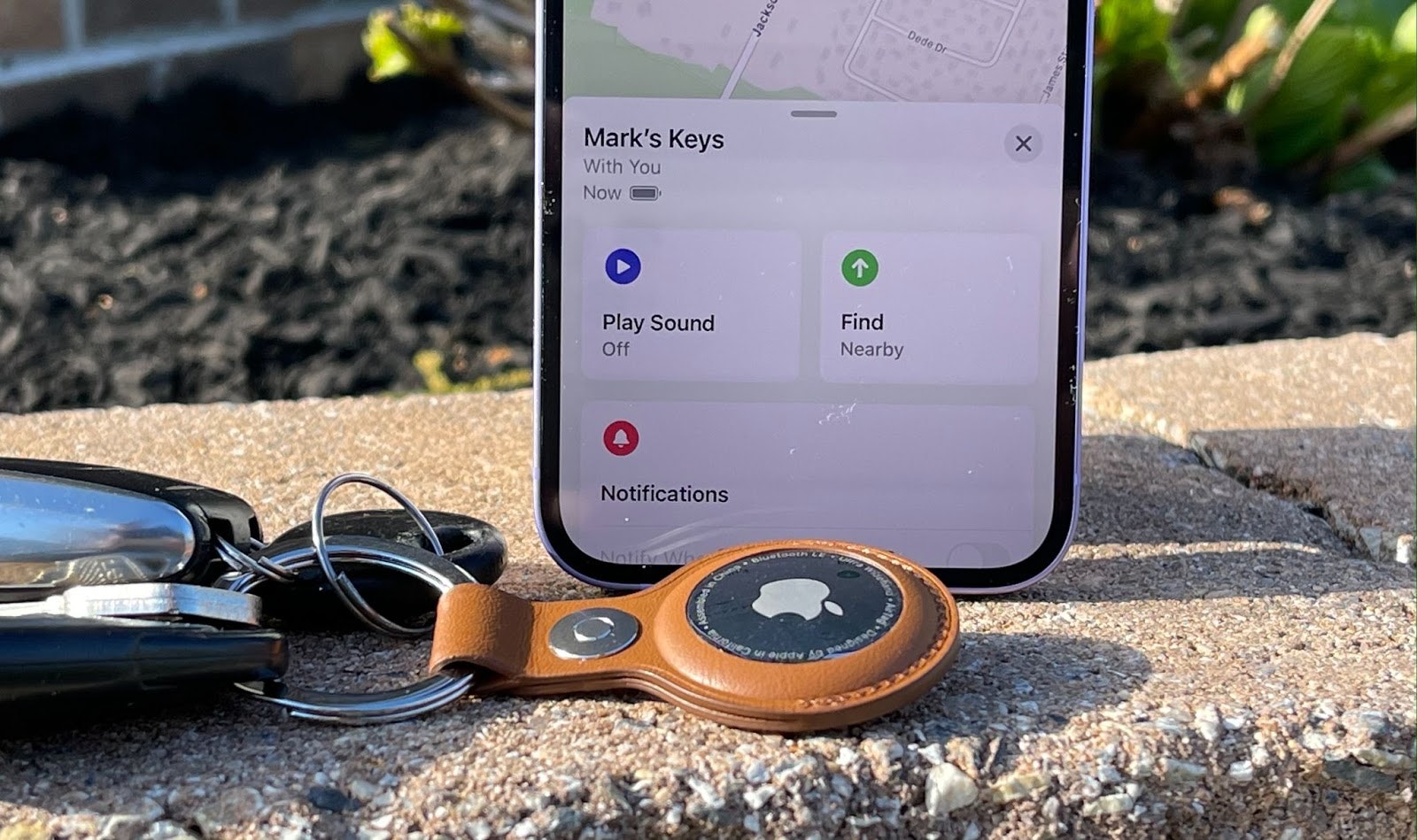
If you receive an unwanted tracking notification, tap it, then tap Continue. You will then have the option to Play Sound to help locate the device, or if available, Find Nearby to guide you to it. To review a past alert you dismissed, open the Find My app, tap the Items tab, then tap Items Detected With You. This feature works on iPhone and iPad with iOS 14.5 or later for standard tracking notifications, and the cross-platform system for Bluetooth trackers that support the industry specification is implemented in iOS 17.5.
Check for unwanted tracking notifications and items detected with you
Apple's primary defense against tracking is the unwanted tracking notification system. The settings listed above must all be active for this to work. When an alert appears, you have two main actions: tap Play Sound to make the tracker emit a noise, or use Find Nearby to get directional guidance. To manually review any past alerts, open the Find My app on your iPhone or iPad, tap Items, then tap Items Detected With You. This list shows any unknown tracking devices that have been detected traveling with you.
Use Safety Check to review sharing and access
Apple's Safety Check is a broader privacy tool that lets you audit who has access to your data and stop sharing items. Go to Settings > Privacy & Security > Safety Check, then tap Manage Sharing & Access. For item sharing specifically, tap Items and then Stop Sharing to remove yourself from any shared trackers. This is a useful step for ensuring no one is using a shared item to track your location.
Check for unusual battery drain
While not definitive proof of tracking, unusual battery drain can be a sign that something is running in the background. To check this, go to Settings > Battery, then tap View All Battery Usage. This shows battery usage by app over the last eight days. Look for any app consuming an unexpectedly high percentage of battery, especially if you do not use it often. However, Apple documents battery usage as a general battery-health check and does not say that battery drain by itself proves tracking.
Monitor data usage for unexpected spikes
Tracking apps that transmit your location data can cause unexpected spikes in data usage. To monitor this, check your cellular data usage per app in Settings. While a spike warrants investigation, it is not definitive proof of tracking, as many legitimate apps also use data.
Look for unfamiliar apps or changes in settings
Manually inspect your list of installed apps for anything you do not recognize. Also, check your settings for any changes you did not make. If you find suspicious items, use Safety Check in Settings > Privacy & Security to manage sharing and access. Apple also says if you suspect a tracking item, open Find My > Items > Items Detected With You to review it again.
How to check for trackers on Android
If you suspect an Android device is being used for tracking a phone location, Google provides a similar system. On Android 12 and newer, open Settings > Safety & emergency > Unknown tracker alerts. On Android 11 and older, the feature may be under Personal safety. Google's help page says you can tap the tracker notification to open a map, and use Find Nearby or a manual scan to look for nearby trackers. Google says unknown tracker alerts work with AirTags and trackers compatible with the Find My Device network. Google's launch note says the feature is available on Android 6.0+ devices.
The documented way to check for tracking on iPhone is to confirm Apple's tracking-notification settings are on, then review Find My > Items > Items Detected With You if an alert appears. On Android, the documented path is Settings > Safety & emergency > Unknown tracker alerts, then use the alert, map view, or scan tools Google provides.
Frequently Asked Questions
Can an iPhone detect an AirTag tracking me?
Yes, if Tracking Notifications are enabled and your device is on iOS 14.5 or later. The phone will alert you if an unknown AirTag is moving with you.
Can someone track my iPhone without physical access?
In most cases, direct physical access is needed to install tracking software. However, keeping your device updated with the latest iOS version helps mitigate any potential remote vulnerabilities.
How do I protect my iPhone from being tracked?
Enable a strong passcode, keep your iOS updated, only download apps from the App Store, and regularly review your privacy settings using Safety Check. Also, ensure your Tracking Notifications are turned on.
What should I do if I find an unknown tracker?
Use the Play Sound feature to locate it, then follow the on-screen instructions to disable it. If you feel unsafe, contact local authorities.
Can an iPhone tell me if an AirTag is tracking me?
Yes, if Tracking Notifications are enabled and the device is on a supported version.
Can an iPhone detect a non-Apple tracker?
Yes, with iOS 17.5 or later, iPhones can detect Bluetooth tracking devices that support the industry specification for unwanted tracking alerts.
For the wider topic, see tracking a phone location.
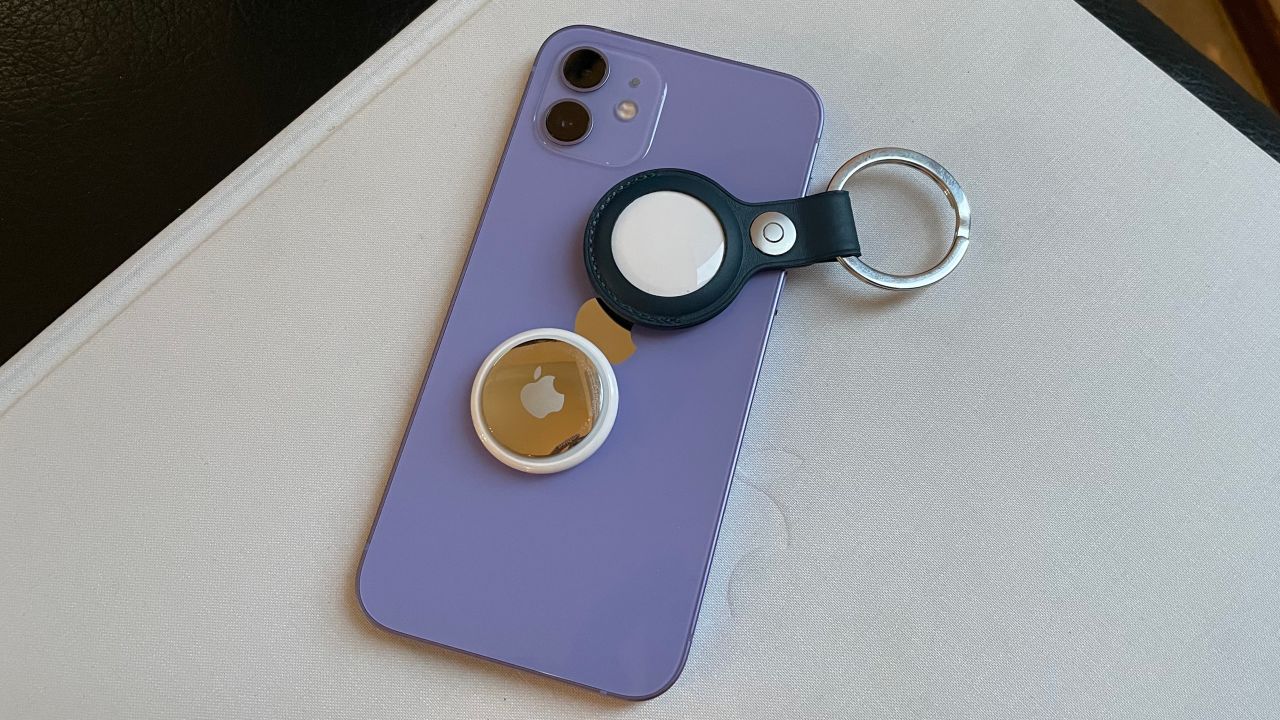
Related reading: How To Attach Airtag To Phone and How To Connect My Airtag To My Phone.


![How to Connect AirTag on iPhone or iPad [Step-by-Step Guide]](/wp-content/uploads/2022/05/Screen-Shot-2022-05-26-at-11.05.52-AM.png)