This tag page collects all of our guides and troubleshooting articles related to Turtle Beach headsets, specifically for mobile and gaming users who need to get their gear working with phones, PCs, and consoles. Whether you are a casual gamer or a frequent caller, these articles are designed to help you solve common hardware and connection issues without needing to search through scattered support forums.
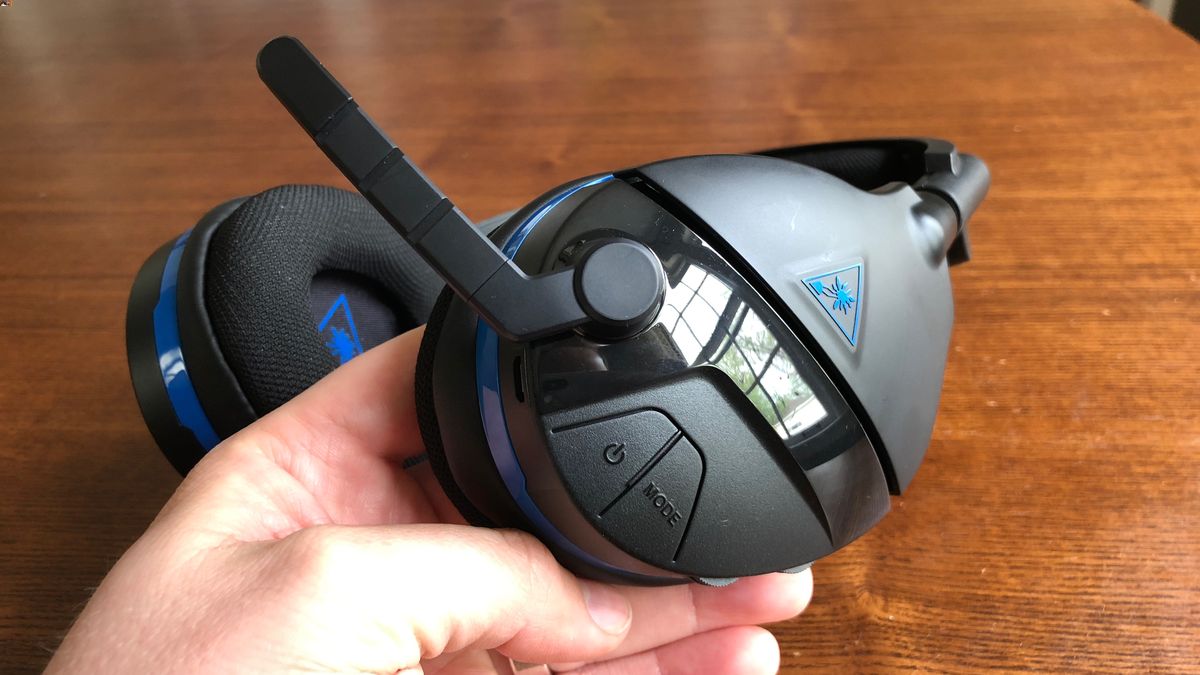
The articles here focus on three main areas: connectivity, audio quality, and hardware maintenance. For connectivity, we have step-by-step guides on how to connect a Turtle Beach headset to a PC, Xbox One, or PS5, as well as how to pair it wirelessly. For audio issues, you can learn how to fix a headset mic that isn’t working, how to stop an echo, or how to make your headset louder. For hardware and settings, we cover how to reset a wireless headset, how to update the firmware, what the Mode button actually does, and even how to take apart the headset for cleaning or repair.
Specific topics you will find here include fixing static noise, figuring out why the headset won’t turn off, and understanding how long it takes to charge. Each article is written to help you perform a specific fix or setup task, so you can get back to using your headset without frustration.