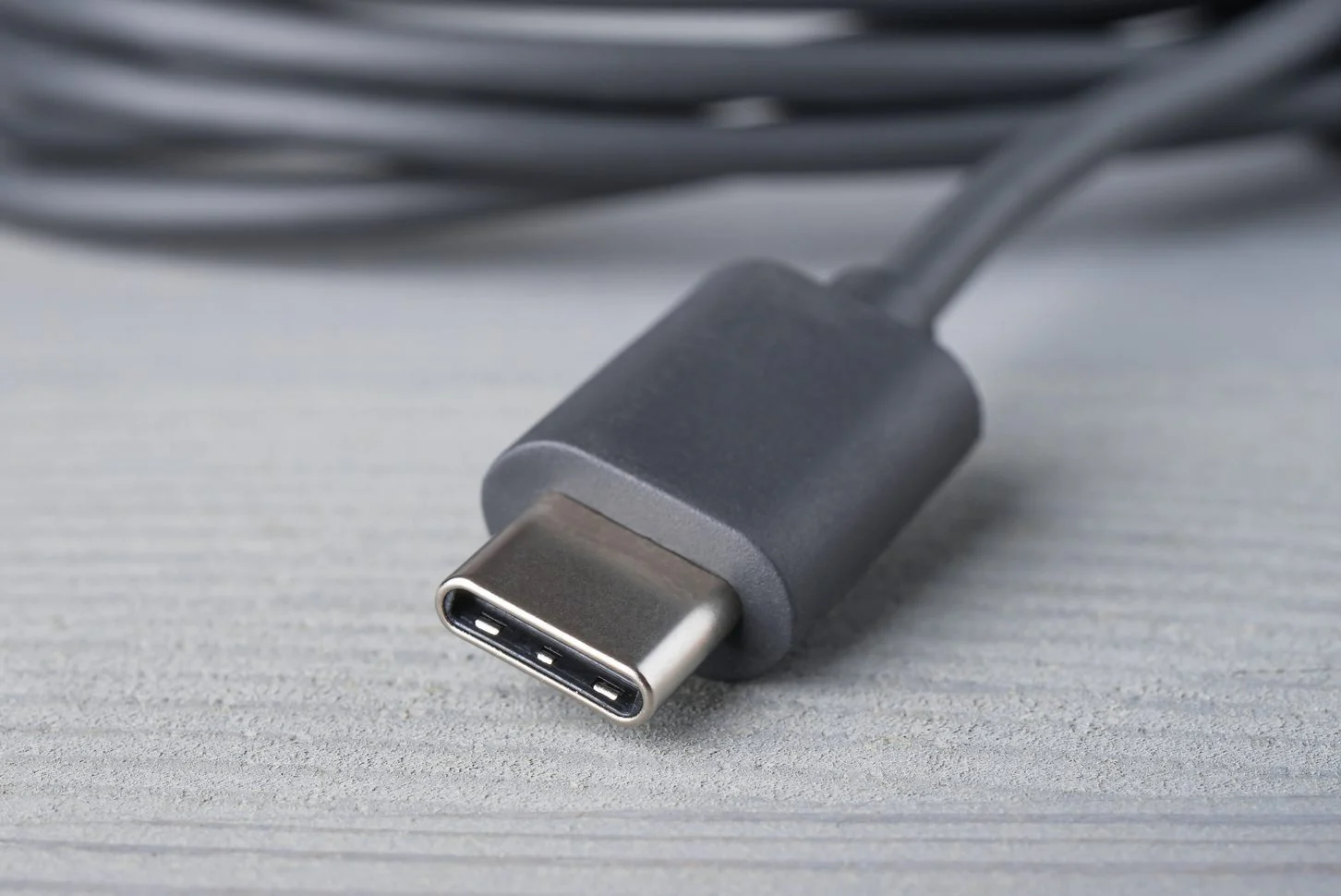
The modern charging and connectivity standard that powers today’s phones, accessories, and laptops. This page is for anyone who owns a device with a USB-C port, whether you’re an Android or iPhone user, and needs practical guidance on cables, power banks, and docks.
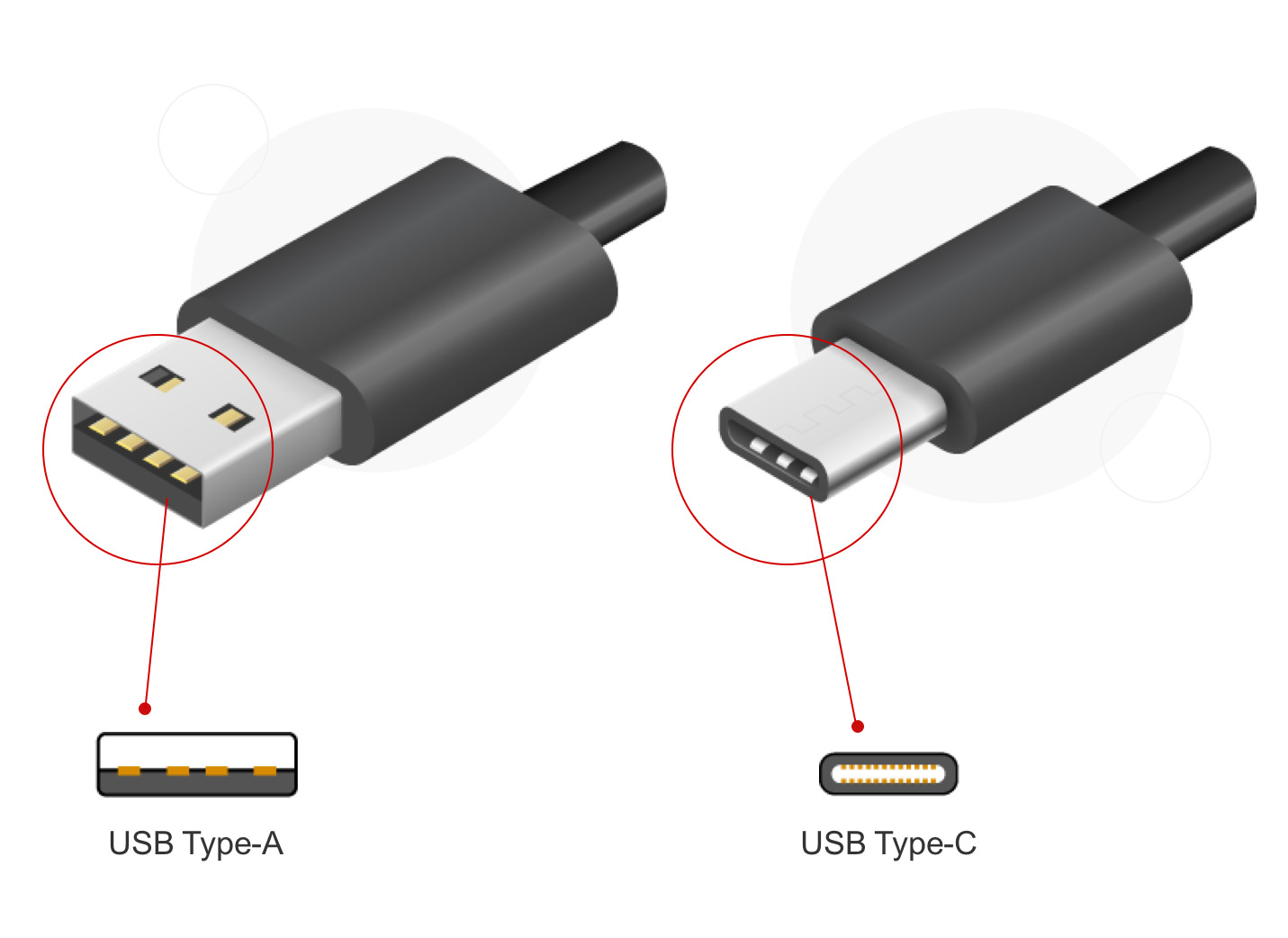
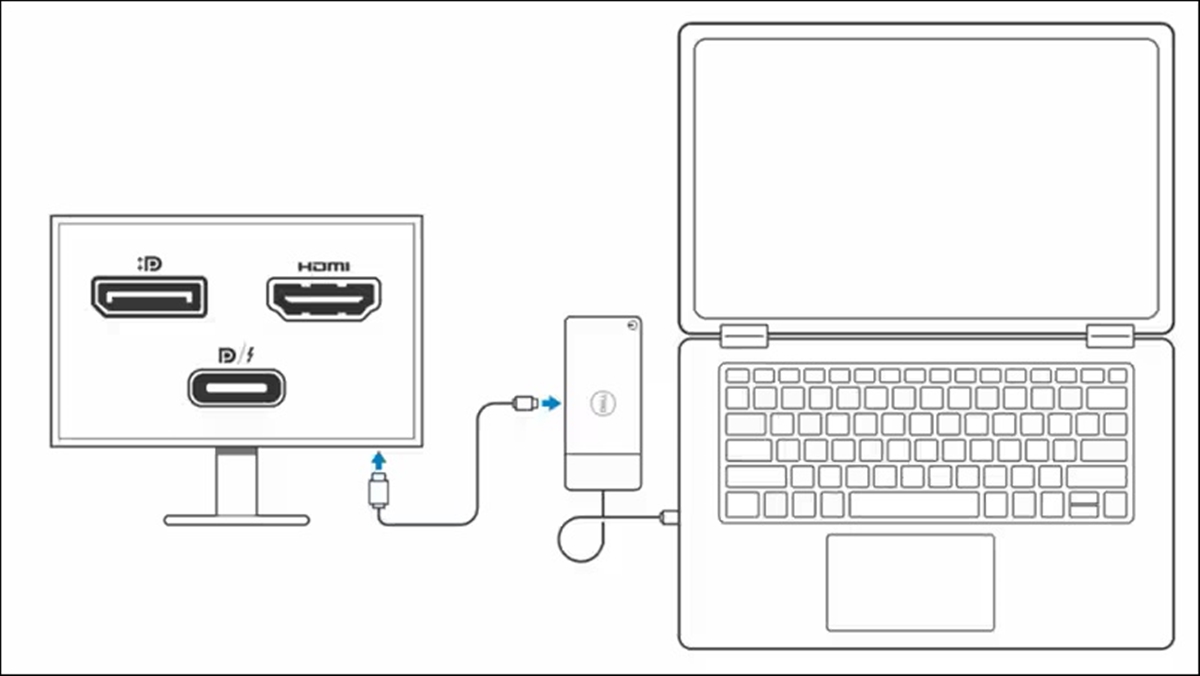
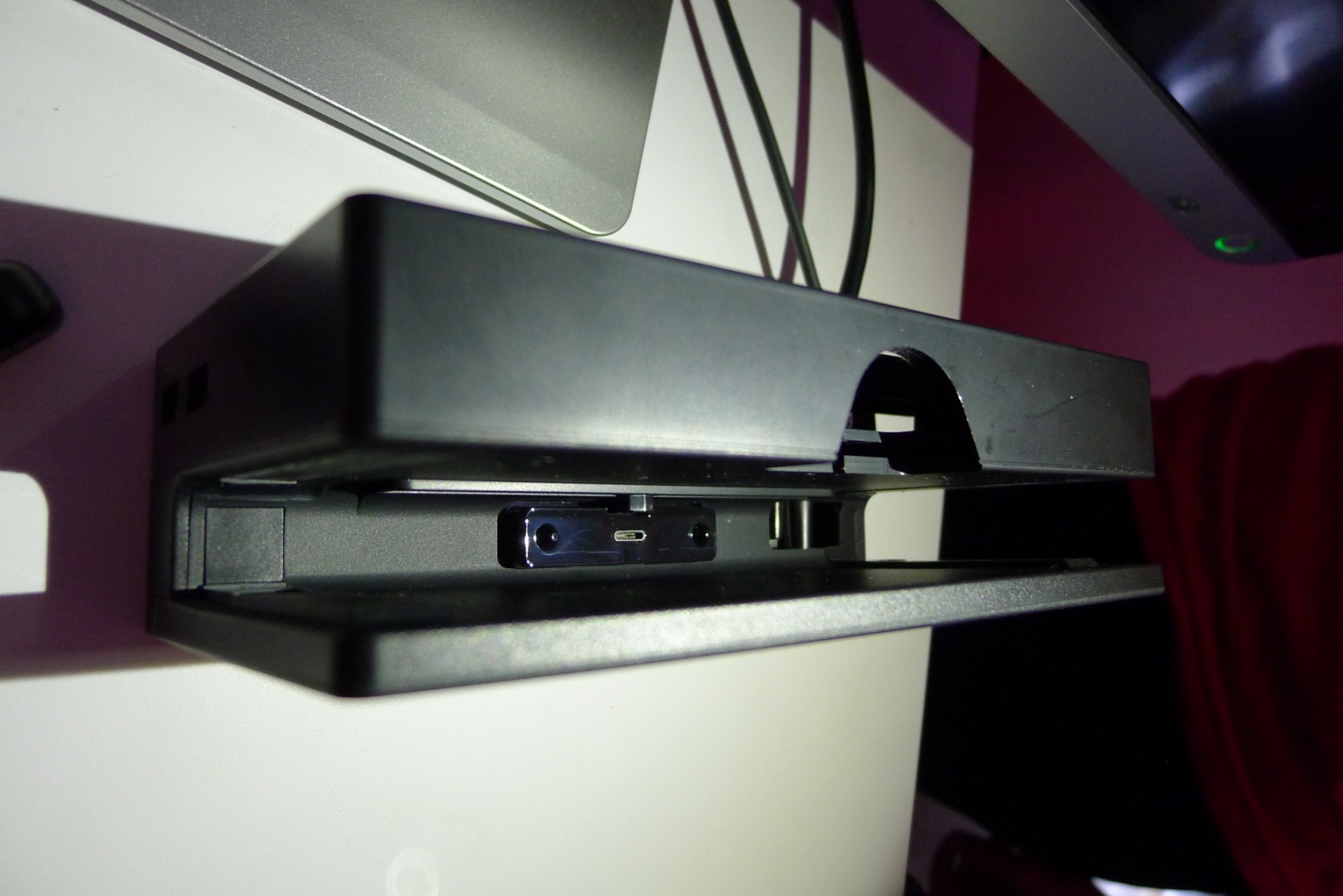
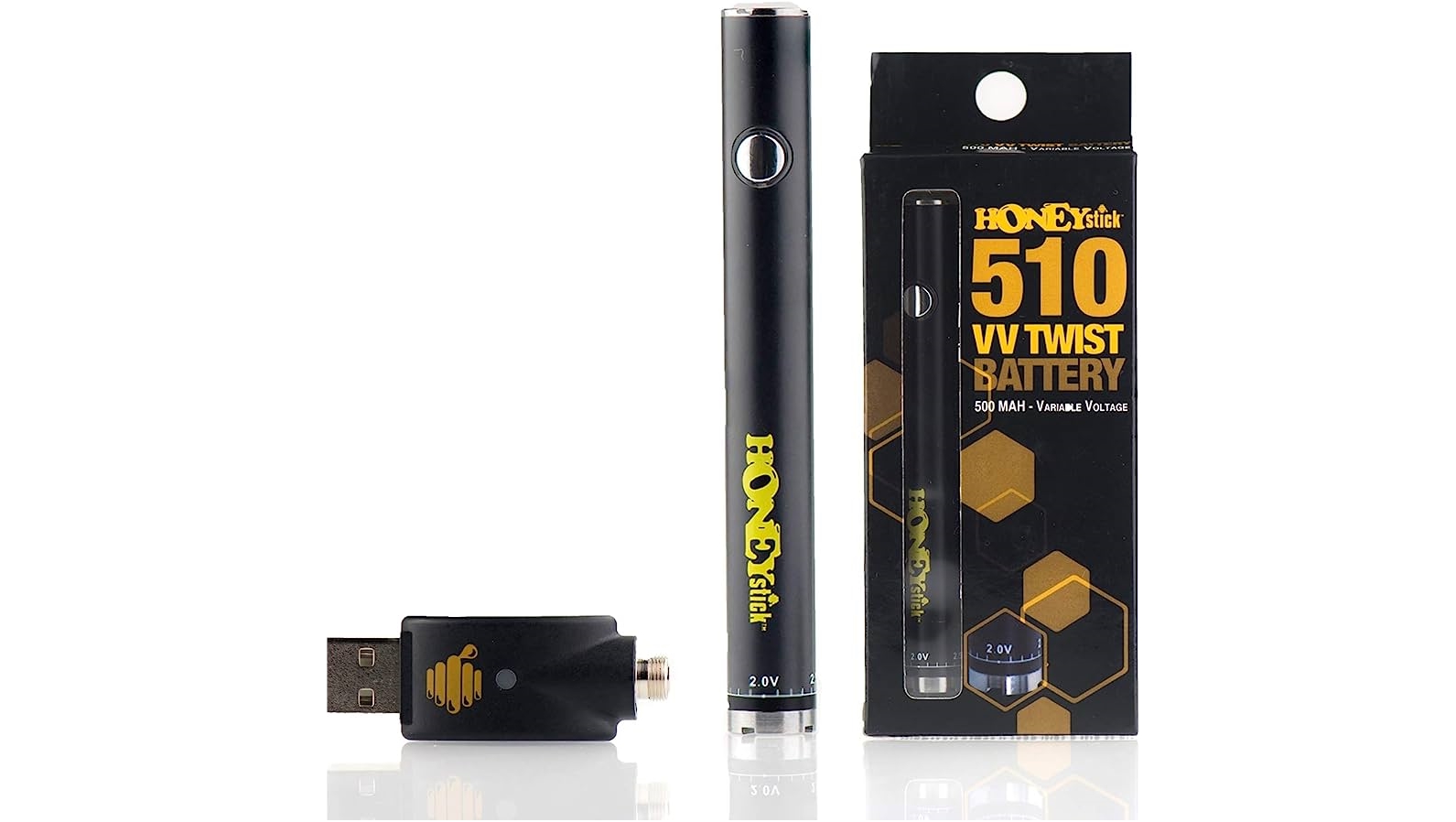
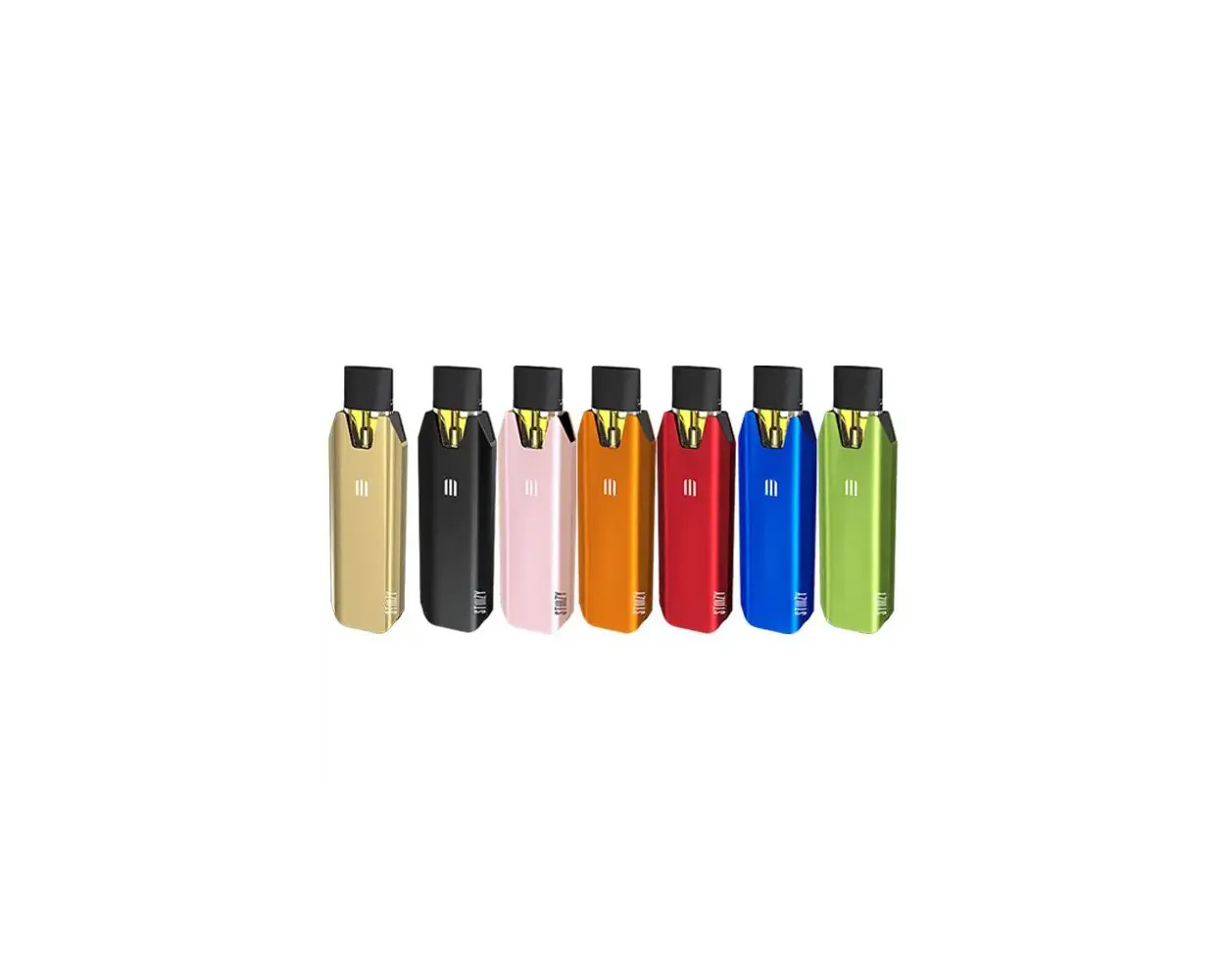
The articles here solve real-world problems around charging and connecting gear. One clear theme is power: you’ll find help charging specific devices like a Belkin or Romoss power bank, a Stiiizy battery, or a Chromebook using a phone charger. Another theme is compatibility and identification, articles explain what a Type C phone charger is, what a PD connector does, and what the phone charger plug is actually called. A third theme covers docking stations and accessories, with guides on connecting a ThinkPad or HP laptop to a Dell docking station, setting up a j5create dock, and using a Switch docking station.
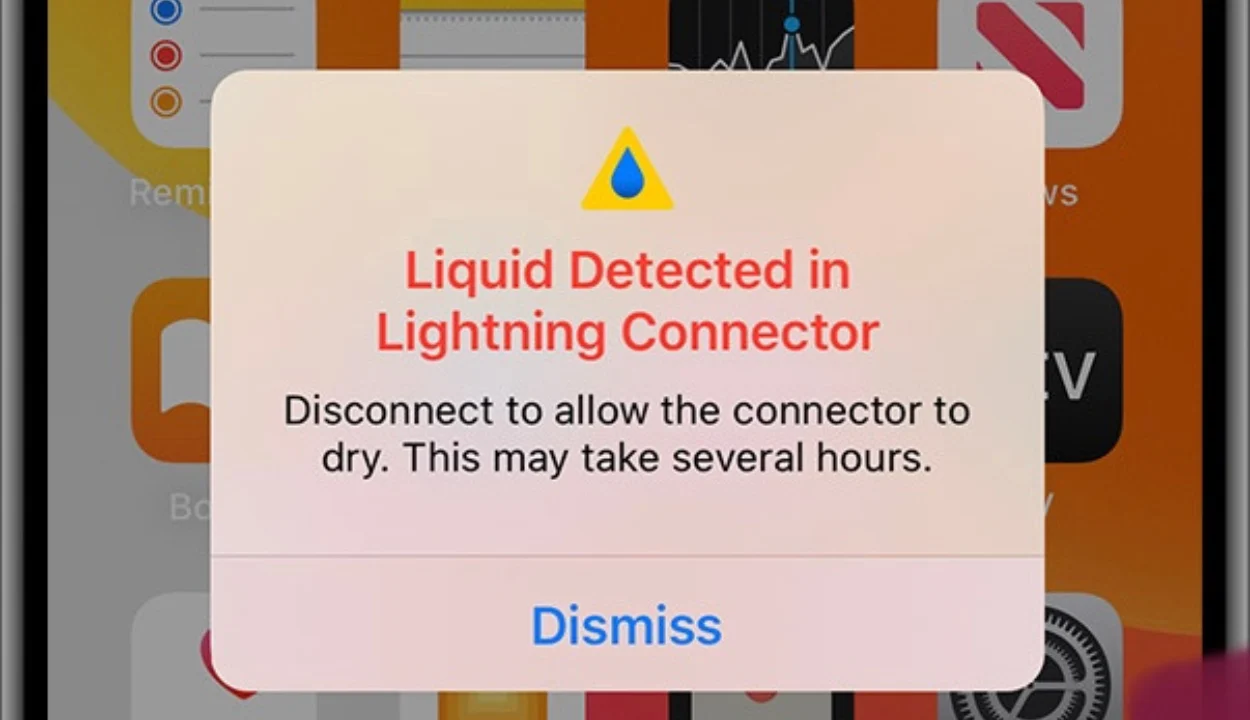
These pieces help you do things like charge your wireless earbuds faster, figure out which charger to buy, and understand what that “liquid detected” warning means on your Lightning connector. Whether you need to power a selfie stick or connect a VR headset to a PC, the USB-C tag gives you straightforward, device-specific answers.