Our guides, comparisons, and how-to articles focused specifically on Verizon Wireless services, phones, and plans. This content is for anyone who currently uses Verizon, is considering switching to the carrier, or needs help managing a Verizon device or account, whether you are a new customer, a parent setting up controls, or someone trying to fix a phone issue.
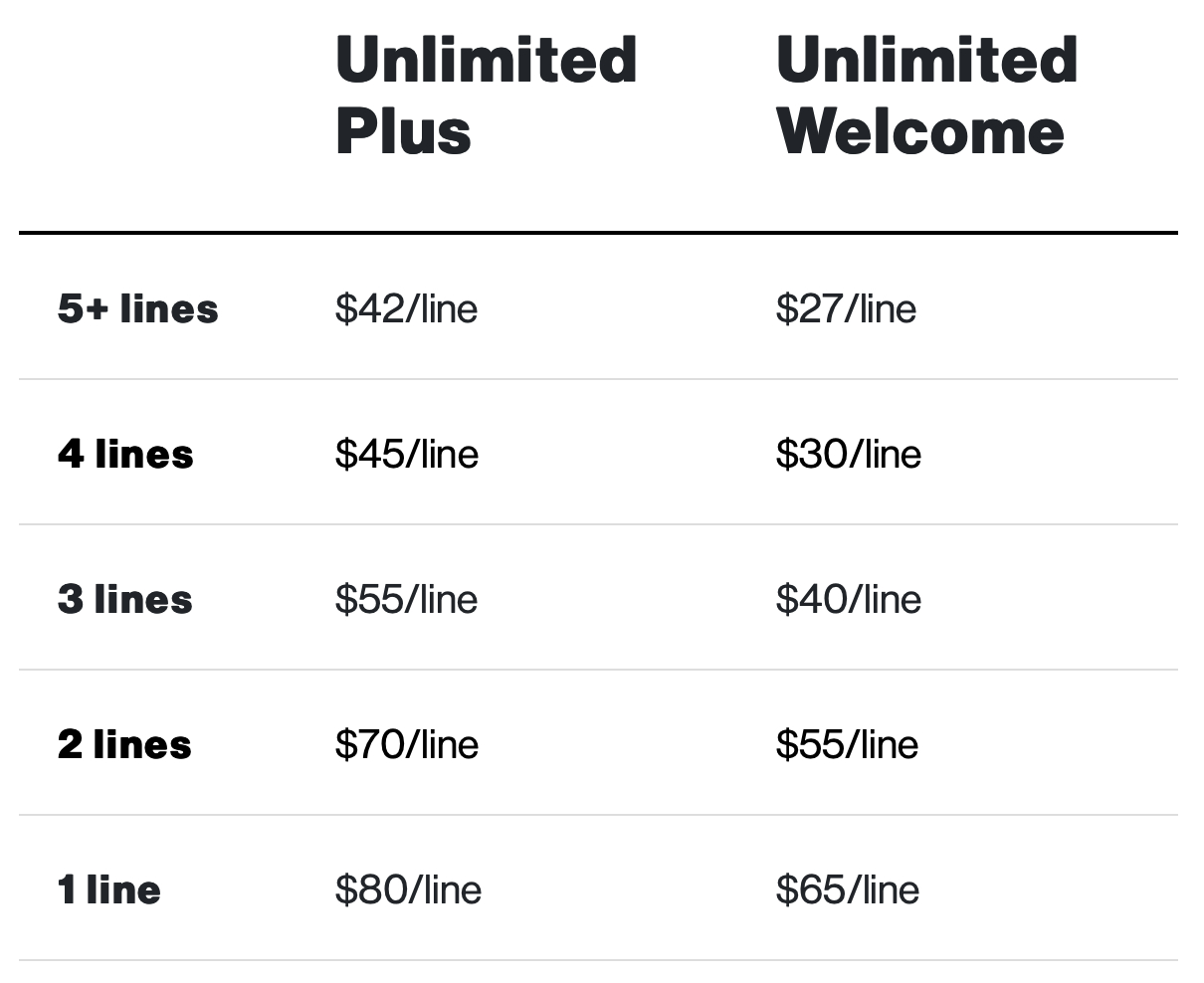
The articles here solve three main kinds of problems. First, they help you make decisions: you can compare Verizon directly against T-Mobile and AT&T, figure out which unlimited data plan is best for you in 2022, or see how Consumer Cellular stacks up against Verizon. Second, they show you how to save money and get extras, like your guide to getting Disney Plus on Verizon for free, or the best ways to get free Disney Plus accounts. Third, they provide step-by-step fixes for everyday tasks and frustrations: how to activate a new phone on Verizon, how to unlock a Verizon phone or a Total by Verizon phone, how to check your mobile hotspot usage, how to add more hotspot data, and even how to write a complaint letter to Verizon Wireless or speak to a representative.
Whether you need to turn on a Verizon Kyocera flip phone, watch Verizon Fios on your phone, or simply pay your Verizon wireless bill, this tag collects the practical steps and comparisons you need to get things done.