To check phone balance Verizon, you need to know whether your account is prepaid or postpaid, because Verizon uses the word "balance" differently for each. For prepaid accounts, the balance is your remaining credit and expiration date; for postpaid accounts, it refers to your current bill amount, usage details, or device payment payoff.
What "phone balance" means on your Verizon account
Verizon's support pages use "balance" to mean different things depending on your account type. For prepaid accounts, "balance" is the account balance and expiration date. For postpaid billing, Verizon points customers to bill and usage details, and the My Verizon app can show a simplified bill or device payment amount. Verizon also documents a device balance area for viewing the remaining amount on a device payment plan. Knowing which path to follow prevents confusion when checking data usage and balance.
Check your Verizon phone balance in the My Verizon app
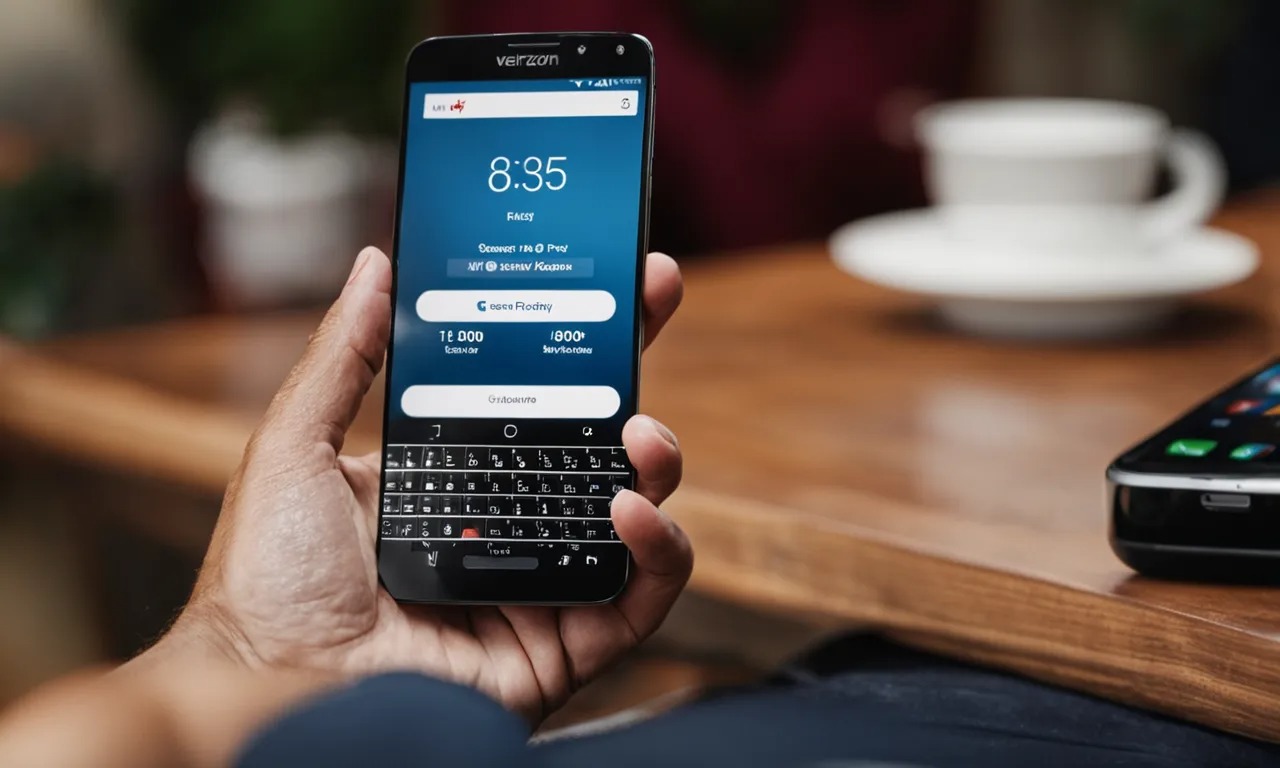
For prepaid customers, Verizon says to open the My Verizon app, tap the Menu icon, then tap Payment to see your account balance and expiration date. For general mobile customers, the My Verizon app lets you view your Simplified Bill, and mobile customers can navigate to Account, then Edit profile & settings. The app can also show your current device payment plan, including the remaining amount and monthly installment details. Verizon's Spanish support page gives a different app path for bill viewing: on the My Verizon app, go to the Me tab, scroll to My balance, and tap Bill Overview.
The My Verizon app is available from the Apple App Store and Google Play. It is available to customers with mobile, 5G Home Internet, 4G LTE Home Internet and/or Fios services only. Customers with other services, such as High Speed Internet, can use the My Verizon website only.
Check your Verizon balance on the My Verizon website
Verizon's support pages say you can sign in to My Verizon on the web to manage your account, pay your bill, and view your balance. The documented website path on the Spanish Verizon support page is Account > Home > Bill. The website can also be used to view bill and usage details for non-prepaid accounts. The online account dashboard may show your balance as a dollar amount or percentage of plan usage, and it may show a detailed breakdown of minutes, texts, and data usage. If multiple lines or devices are linked, select the specific one you want to check.
Check your Verizon balance by phone or dial code
Verizon documents several phone-based options. From a Verizon prepaid phone, dial #BAL or #225 to check your balance. From any phone, call 888-294-6804 for prepaid balance help. Verizon also lists 1-800-VERIZON as a customer service number on its support pages. Verizon documents *611 as a code to call Verizon Customer Service from a Verizon mobile phone. Verizon customer service is available 24/7. When calling, have your account details ready for verification. Customer service can provide the balance for each individual line on request and can explain any charges or fees reflected in your balance.
Frequently Asked Questions
What is the fastest way to check a Verizon phone balance?
For prepaid, Verizon documents #BAL or #225 from the prepaid phone as the quickest method.
Can balance be checked in the My Verizon app on iPhone and Android?
Yes. Verizon says the app is available in the Apple App Store and Google Play, so it works on both iPhone and Android devices.
What menu path does Verizon document in the app for prepaid?
Verizon's documented path for prepaid customers is Menu > Payment in the My Verizon app. This shows the account balance and expiration date.
How do I check my device payment balance on Verizon?
You can also view this information by signing in to My Verizon on the web.
Can I check my Verizon balance without the app or website?
Yes. From a Verizon prepaid phone, dial #BAL or #225. From any phone, call 888-294-6804 for prepaid balance help, or dial 1-800-VERIZON or *611 from a Verizon mobile phone to reach customer service.
Related reading: How Much Does It Cost To Activate A Verizon Phone and How To Check T-Mobile Balance.