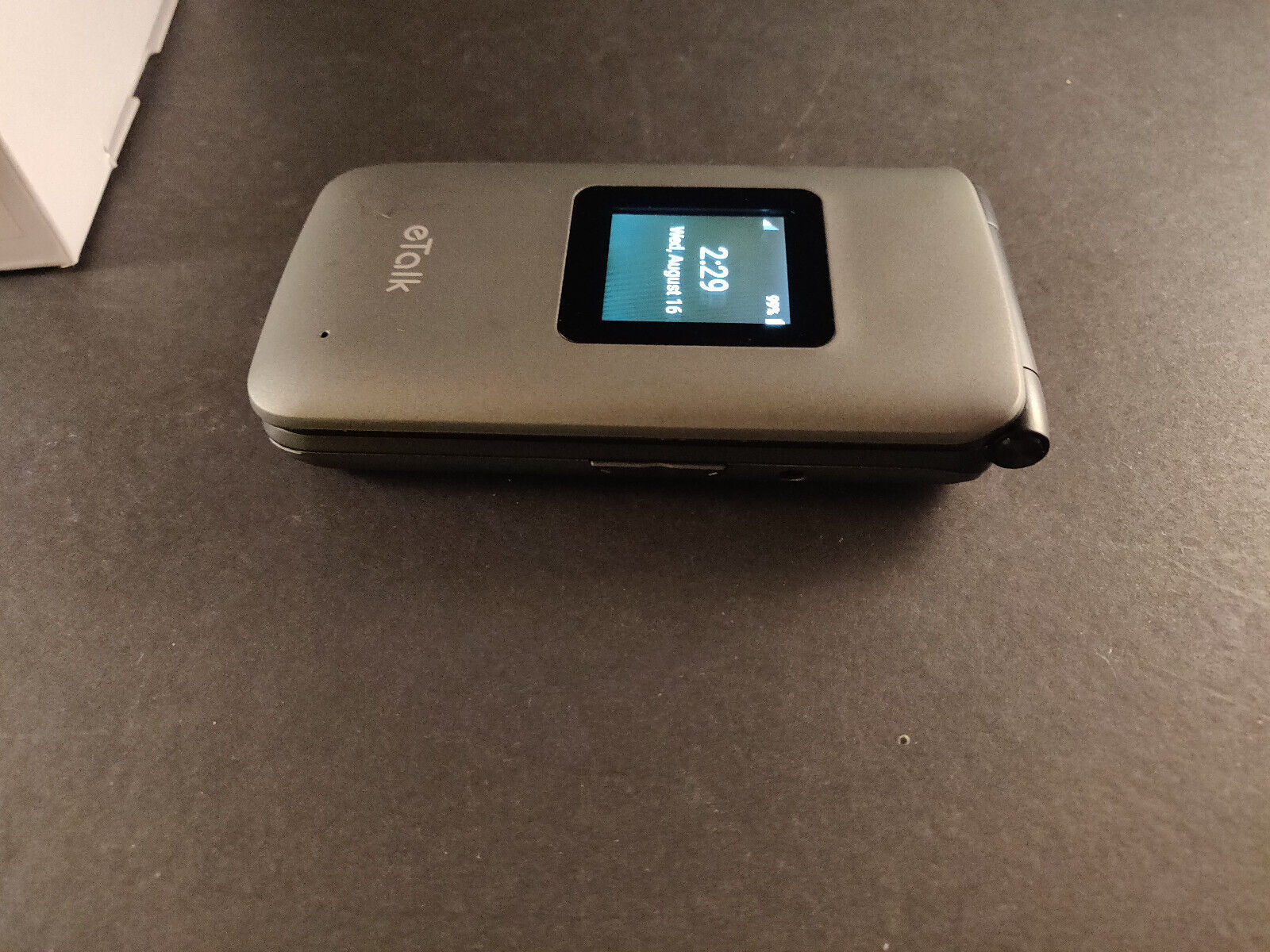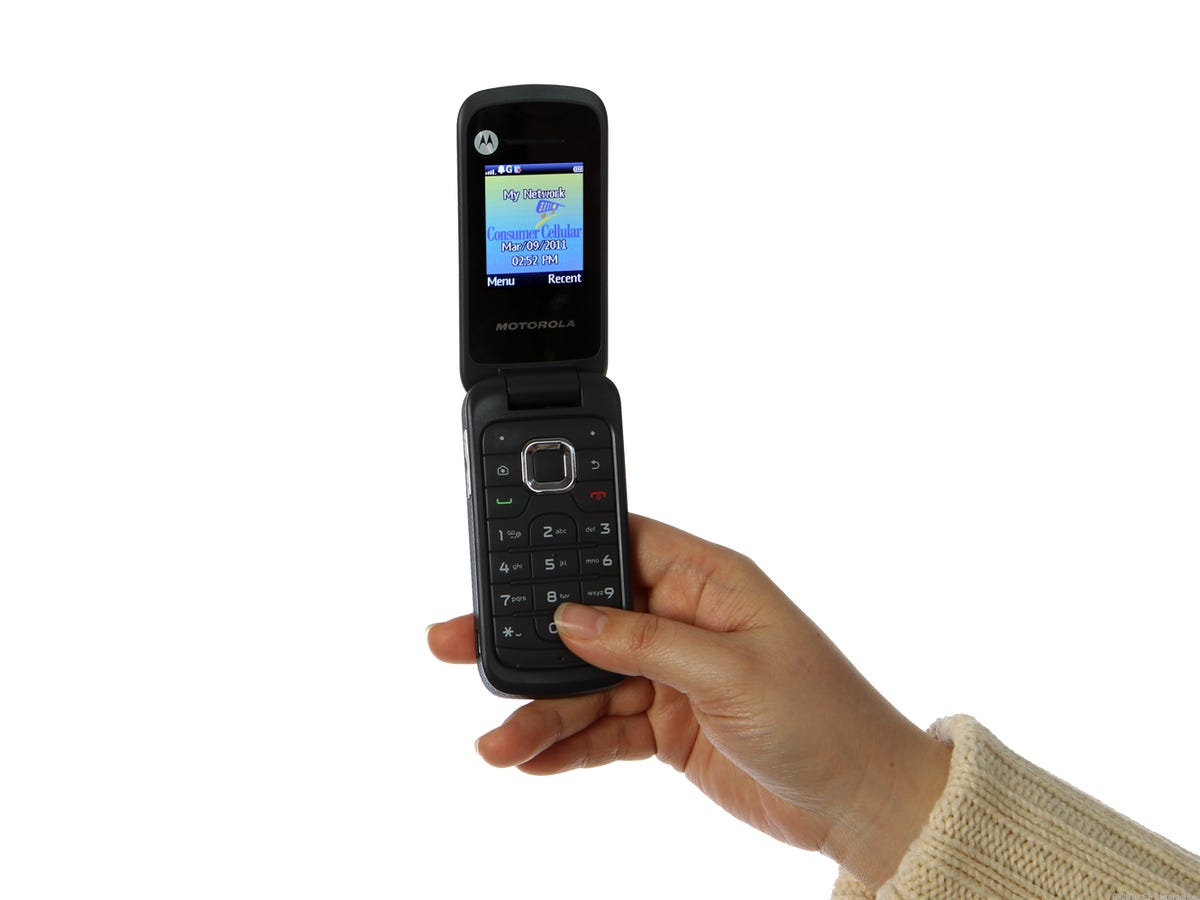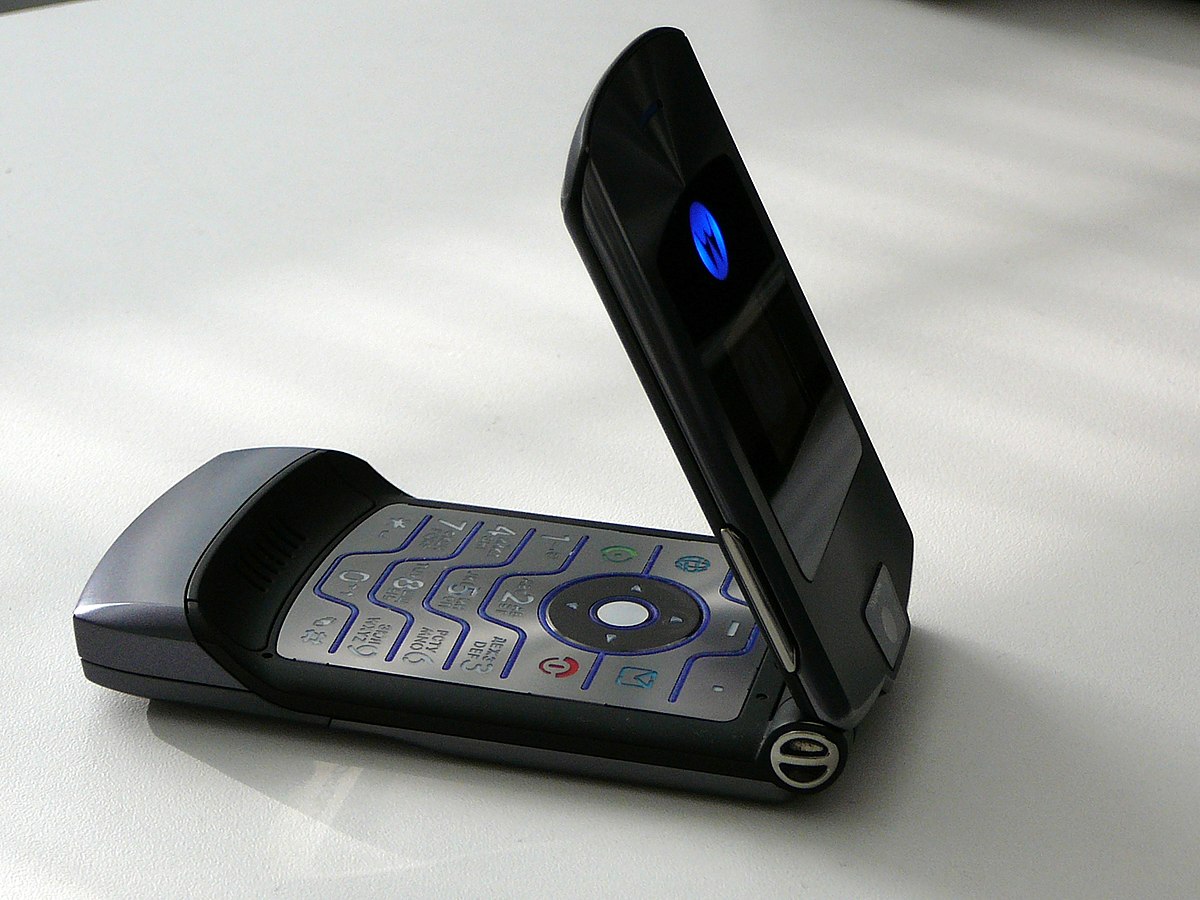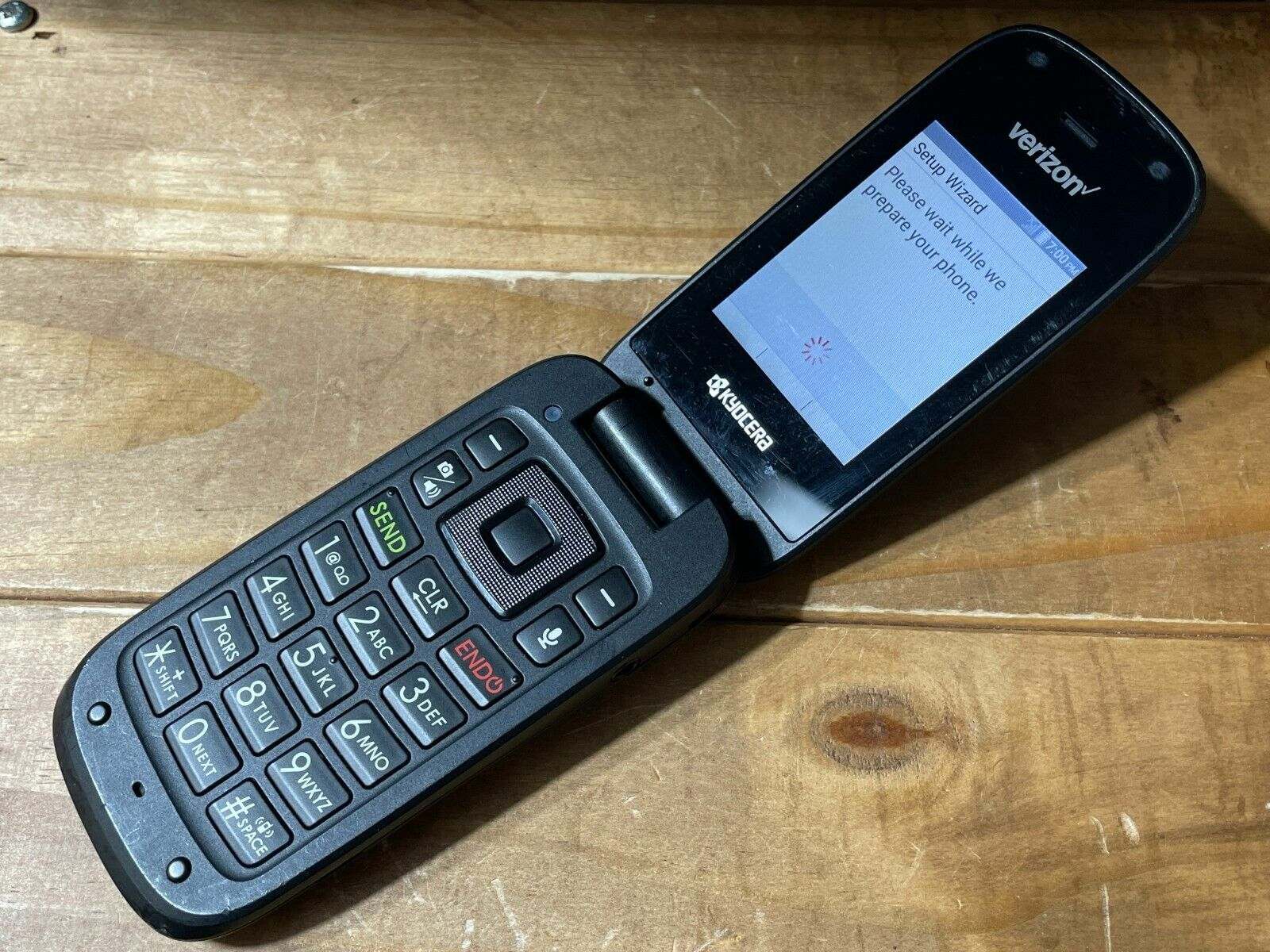
To turn on a Verizon Kyocera flip phone, locate the power button on the top or side of the device, then press and hold it until the screen lights up and the manufacturer or Verizon logo appears. This simple action is the first step to using your device, and it works for all standard models of the Verizon Kyocera flip phone.
Before you start: check the battery
Before attempting to power on your phone, ensure the battery is properly installed. If the battery is removable, open the back cover and confirm the battery contacts are aligned with the phone's connectors and that the battery is seated firmly. A loose or incorrectly placed battery is the most common reason a flip phone won't respond when you press the power button.
How to turn on your Verizon Kyocera flip phone
Follow these steps to power on your device:
- Locate the power button. On most Verizon Kyocera flip phones, this button is on the top edge or the right side of the device. It is typically small and slightly raised, and may be labeled with a power icon or the word "power."
- Press and hold the power button. Continue holding it for a few seconds. The exact duration varies by model, but you should hold it until you feel a vibration or see the screen begin to light up.
- Release the button when the logo appears. You will see the Kyocera logo or the Verizon logo on the screen, confirming the phone has started its boot sequence. The phone may take a moment to fully load the home screen.
- Verify the phone is on. Look for the home screen, status icons (such as battery level and network signal), or screen illumination. If you see any of these, your phone is powered on and ready.
What to expect during initial setup
If this is the first time you have turned on the phone, or after a factory reset, you will need to complete an initial setup. Follow the on-screen prompts to select your language and configure network settings. Activation of the device is necessary to make calls, send messages, and connect to the internet. Without activation, the phone will not have full functionality, so ensure you complete this step through the setup wizard or by contacting Verizon.
Troubleshooting: phone won't turn on
If your phone does not respond when you press and hold the power button, try these fixes in order:
- Remove and reinsert the battery. If the battery is removable, take it out, wait a few seconds, then put it back in. Ensure it clicks into place. Then attempt to power on the phone again. This can resolve a frozen or unresponsive state.
- Perform a soft reset if the phone freezes on the start-up screen. Remove the battery and hold down the power button for 10-15 seconds, then reinsert the battery and try turning on again.
- Clean the power button if it seems non-responsive or difficult to press. Gently clean around the button with a soft cloth, as dirt or debris may interfere with its functionality.
- Charge the device. Connect your phone to a charger and let it charge for at least 30 minutes. A completely drained battery may not show any immediate sign of charging, so be patient. After charging, try pressing and holding the power button again.
- Try a different charger. If the phone still does not turn on, the issue may be with the charger or charging cable. Use a different compatible charger and cable, and allow the phone to charge for another 30 minutes before attempting to power it on.
Getting more help
If none of the troubleshooting steps resolve the issue, contact Verizon customer support for further assistance. They can provide model-specific guidance and determine if the phone requires repair or replacement. For general guidance on using basic flip phones, including navigation and settings, refer to the "How to Use Basic Flip Phones" hub page for additional tips and instructions.
Frequently Asked Questions
How do I know if my Verizon Kyocera flip phone is charging?
When you connect the charger, look for a battery icon on the screen. It may show a lightning bolt, a filling battery level, or a message indicating the phone is charging. If the battery is completely dead, it may take a few minutes before any indicator appears.
Why does my phone turn on but immediately shut off?
This is often caused by a weak or failing battery. Try removing the battery, waiting a moment, and reinserting it. If the problem continues, the battery may need to be replaced. A software issue can also cause this, but a battery replacement is the most common fix.
How do I turn off my Verizon Kyocera flip phone?
To turn off the phone, press and hold the power button until a menu appears on the screen. Select the option to power off or shut down, and confirm if prompted. The phone will then complete the shutdown process.
How long does the battery last on a Verizon Kyocera flip phone?
With moderate use, a fully charged battery can last several days to a week. Heavy use, such as long calls or frequent internet browsing, will reduce this time. These phones are designed for longer standby and talk time compared to smartphones.
Related reading: How To Turn On Flip Phone.