This tag collects articles about Wi-Fi hotspots, covering how they work, how to connect various devices to them, and what to consider before buying your own portable hotspot. It is written for anyone who needs to get online using a shared or personal hotspot, whether at home, on the go, or while using a carrier like Xfinity or Cox.
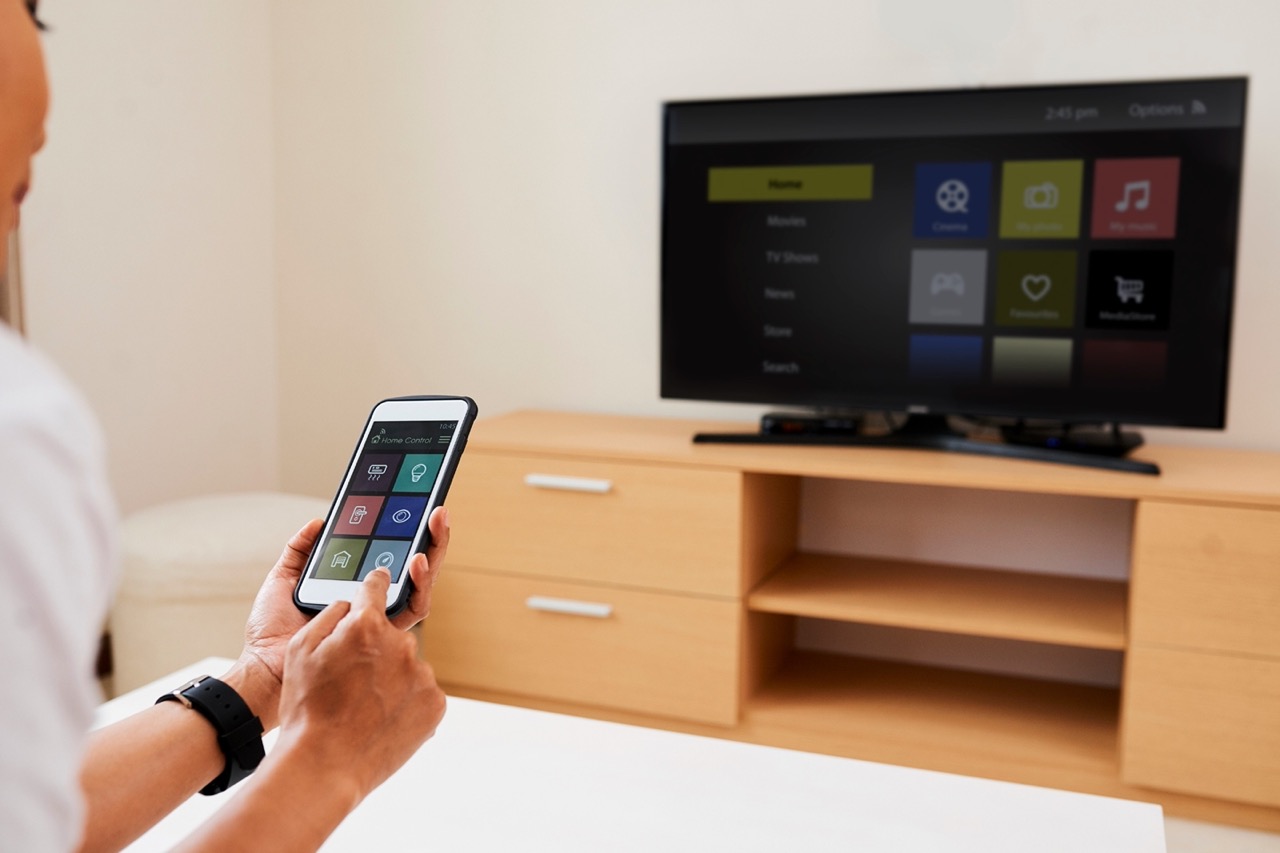
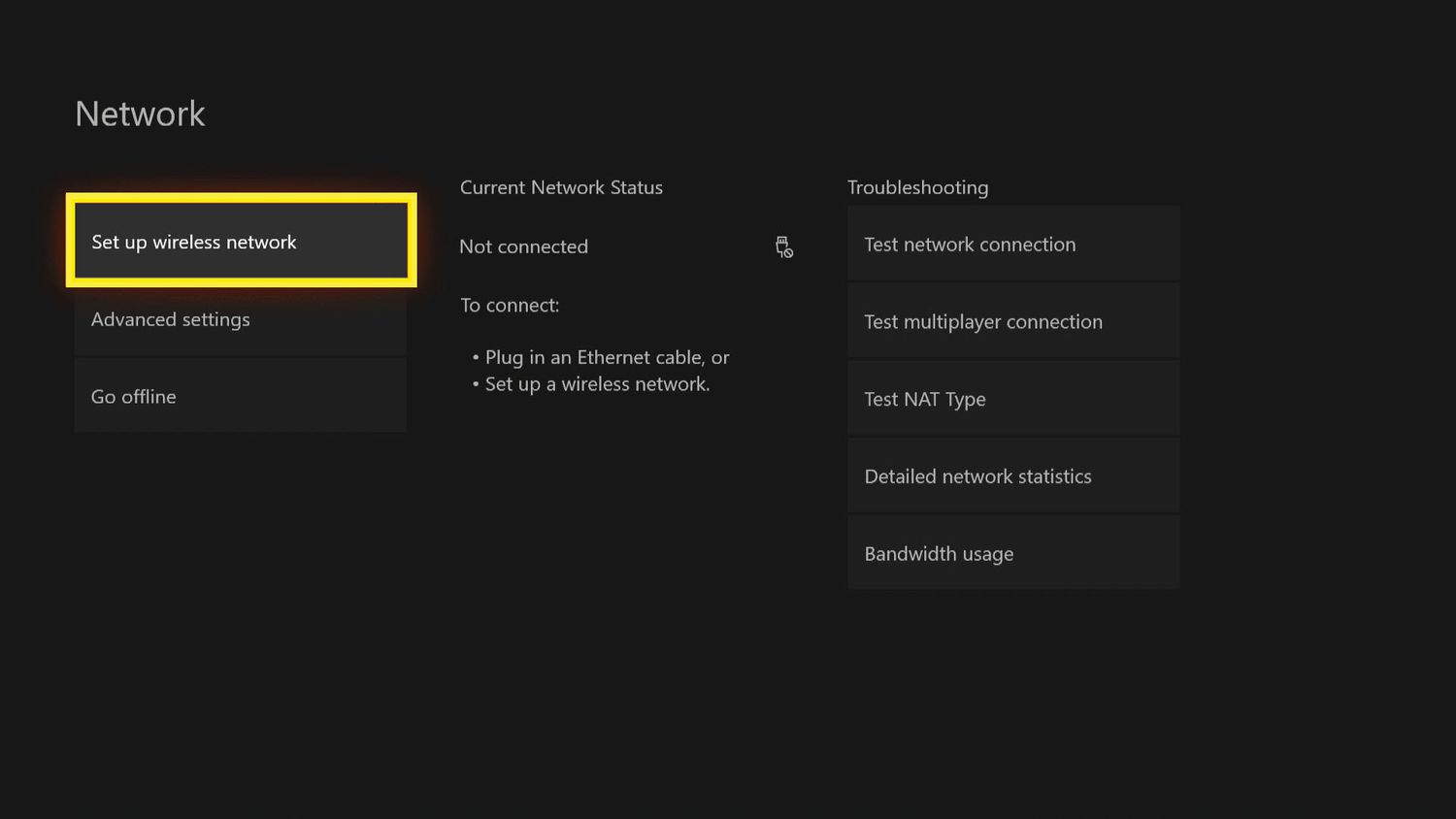
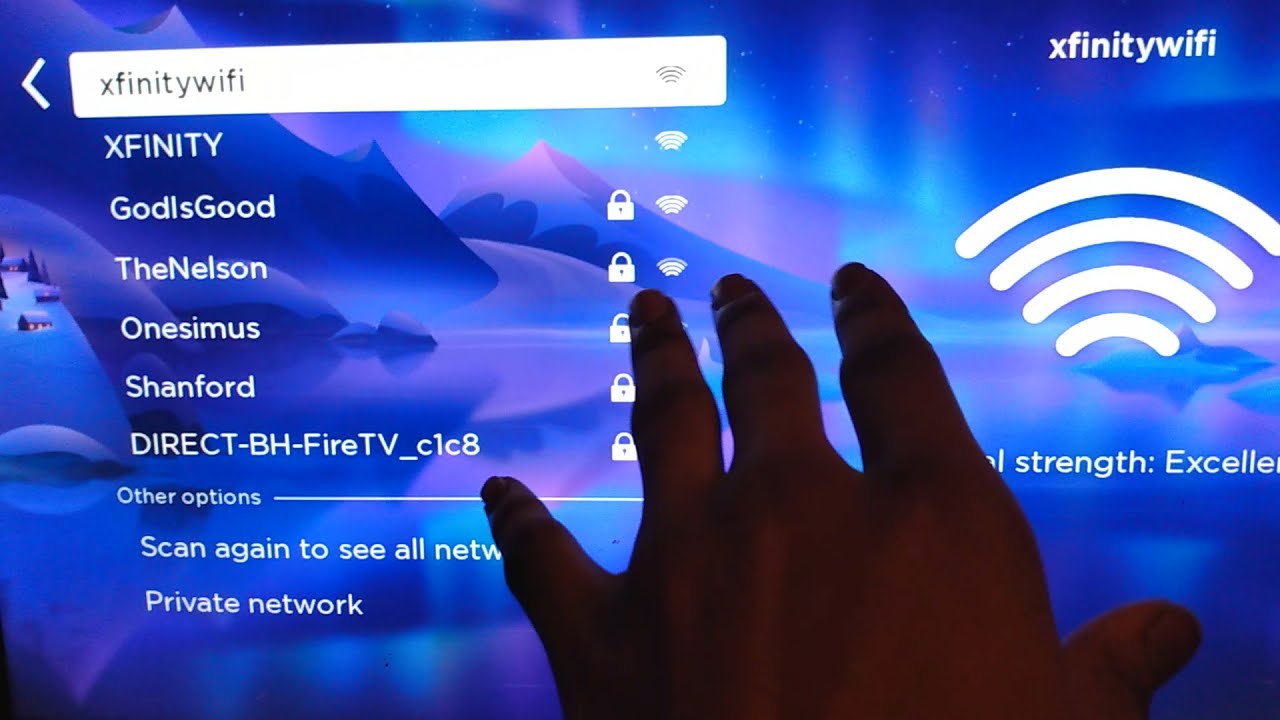
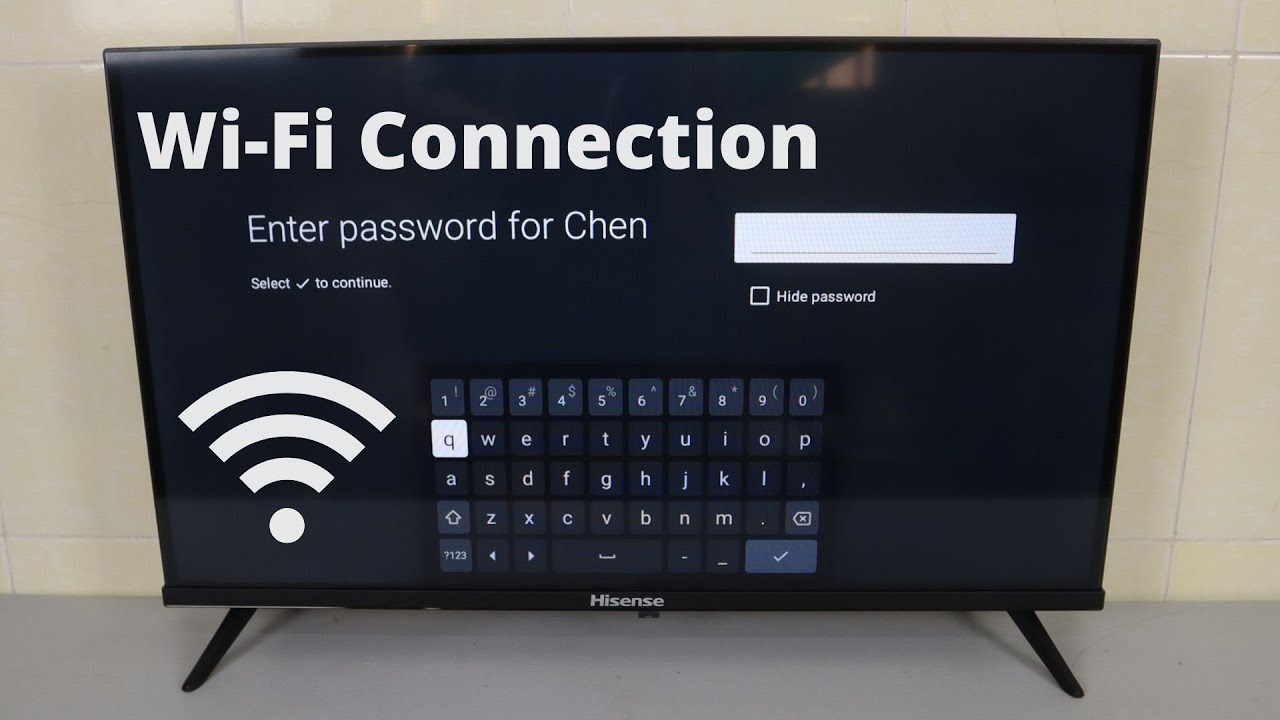
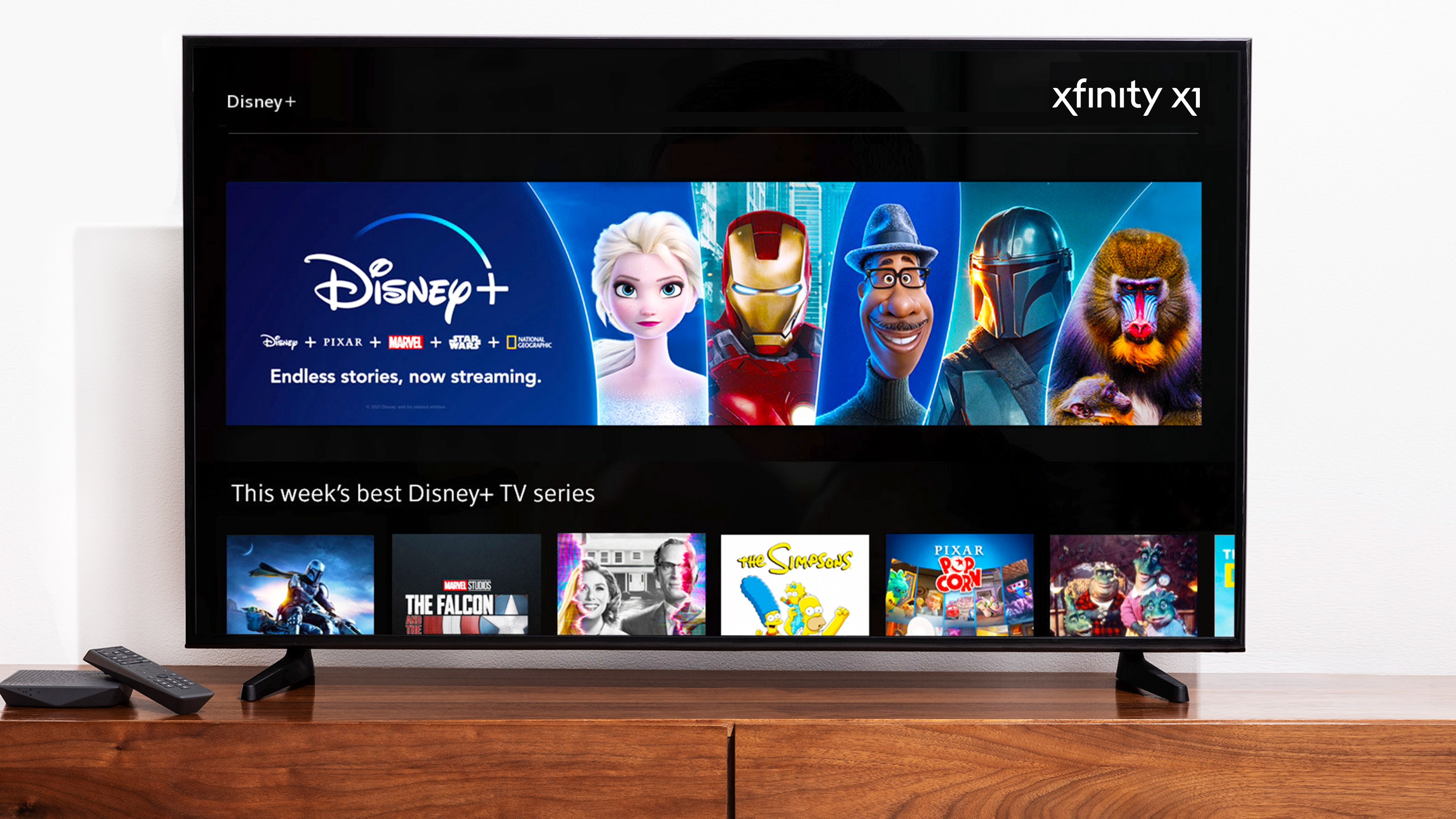
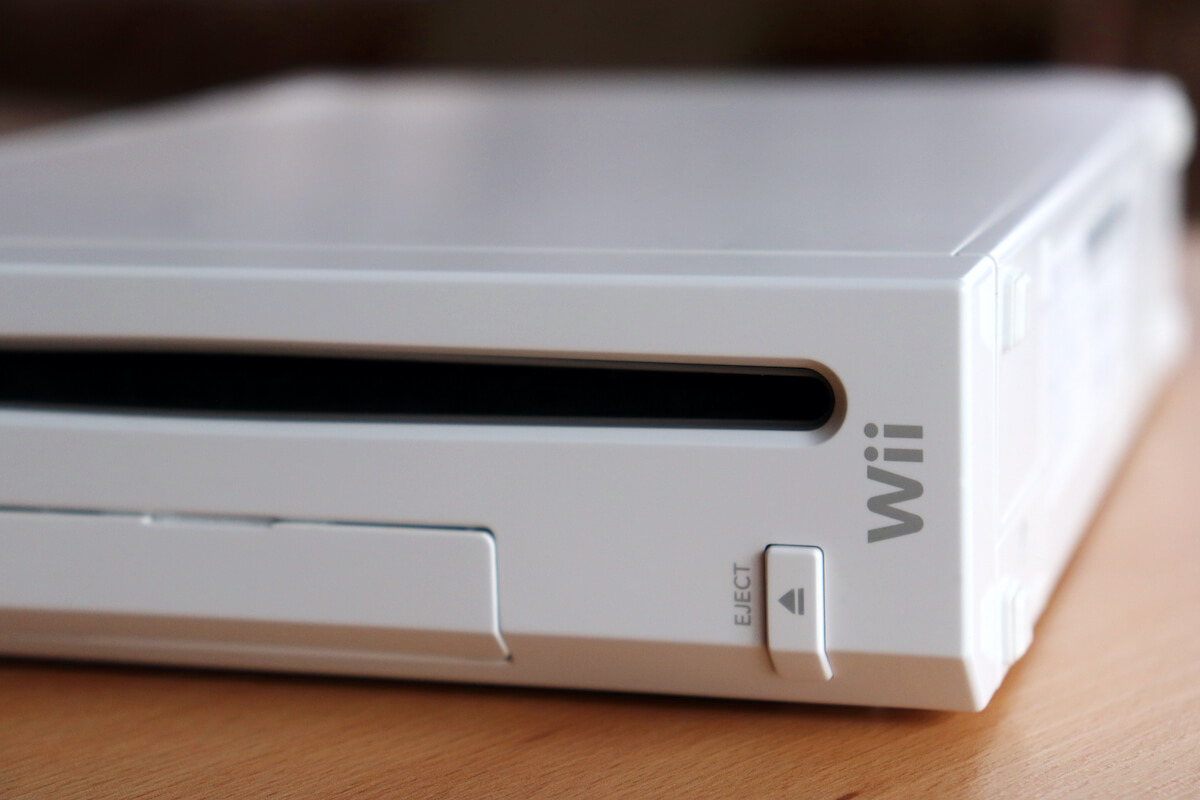
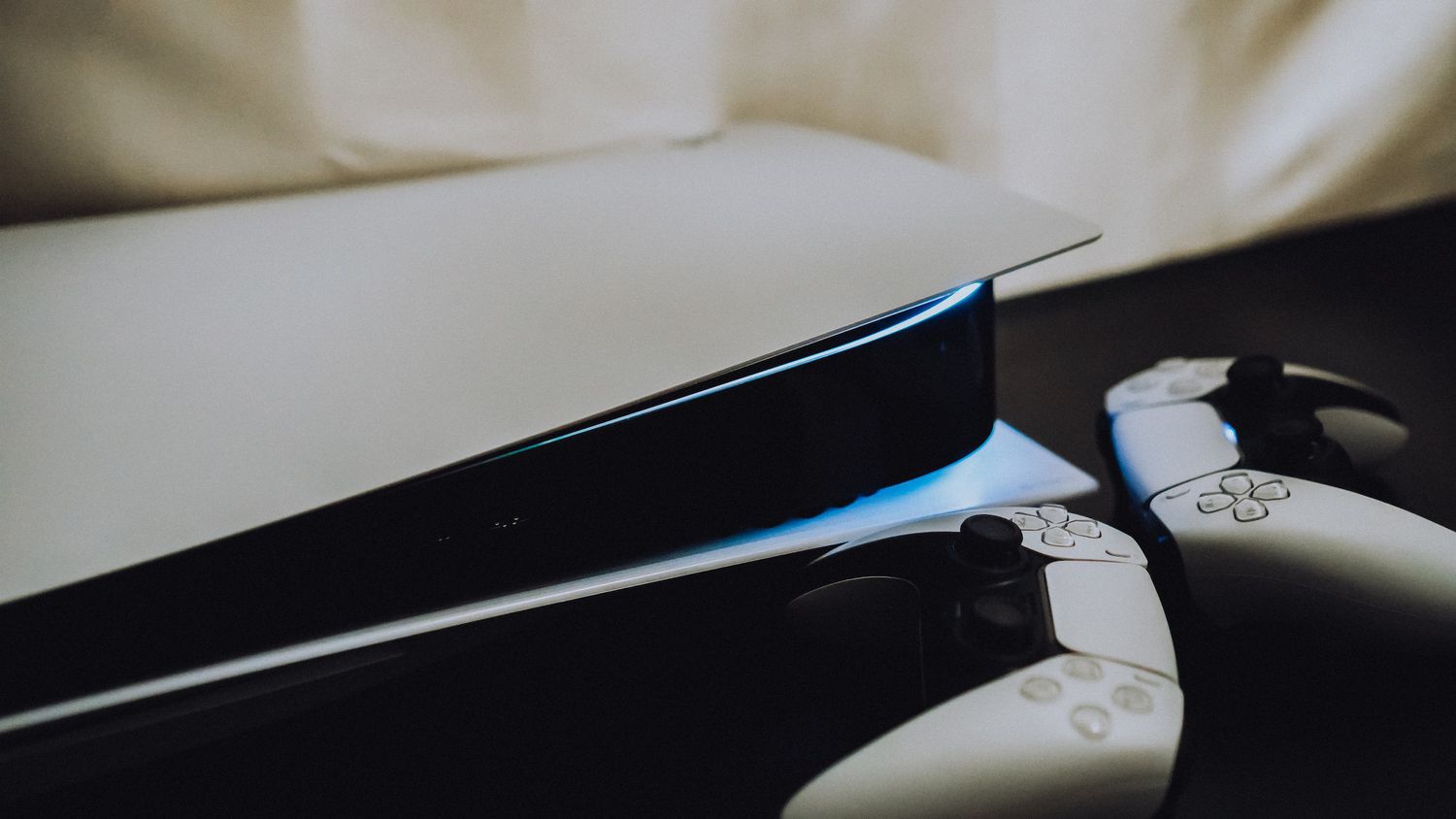
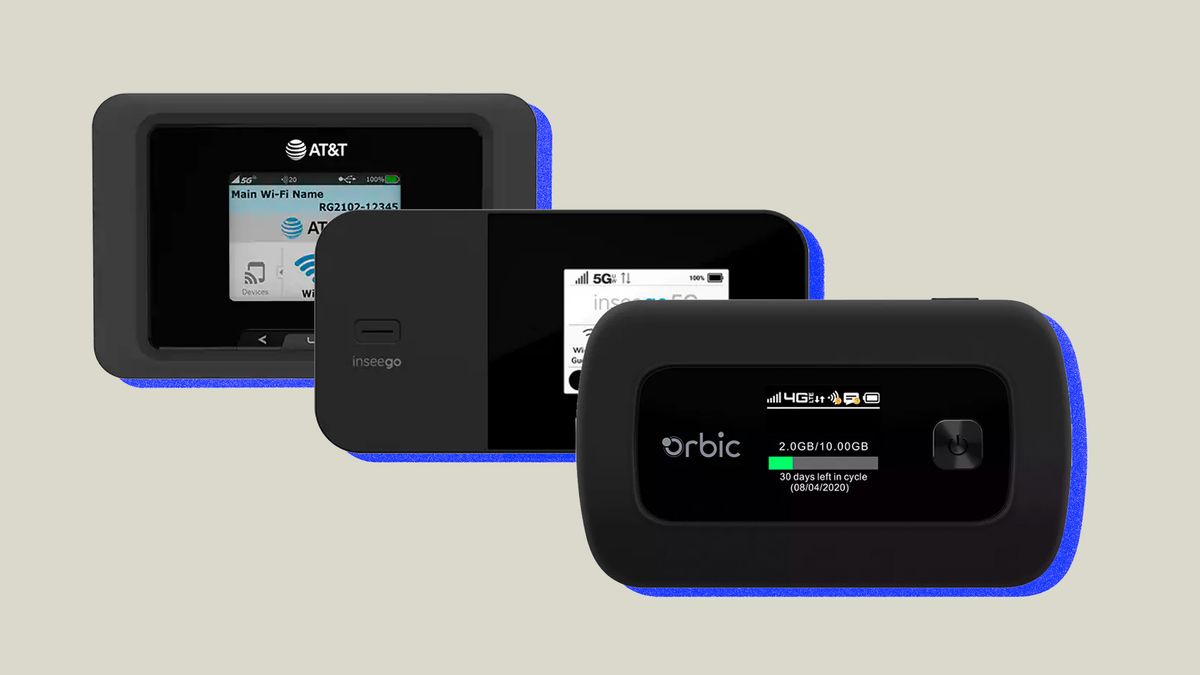
The articles here solve two main kinds of problems. First, they help you understand specific carrier hotspot services, such as how Xfinity Mobile works and how to connect a PlayStation 5 or Xbox Series X to a Cox Wi-Fi hotspot. Second, they guide you through connecting a wide range of home entertainment devices, like a Hisense TV, Roku TV, or a Wii, to an Xfinity hotspot, as well as how to share your mobile data with a smart TV. A few articles also help you decide if buying a portable Wi-Fi hotspot is right for you by outlining five key things to know before making a purchase.
Whether you are trying to get your gaming console online at a coffee shop, hook up a smart TV in a hotel room, or simply understand the basics of a mobile hotspot plan, these articles walk you through the specific steps for each device and service. They focus on the practical how-to details so you can get connected without guesswork.