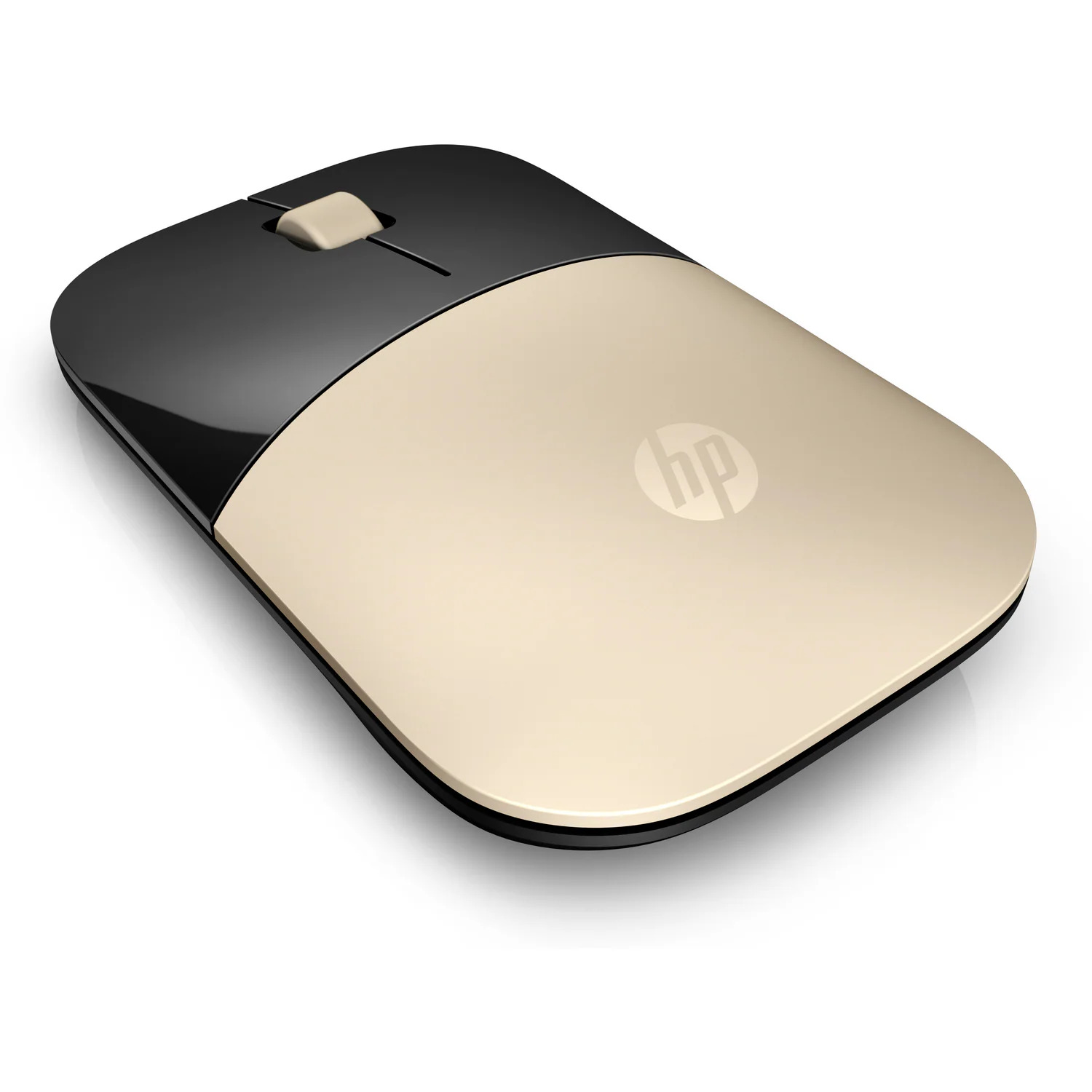
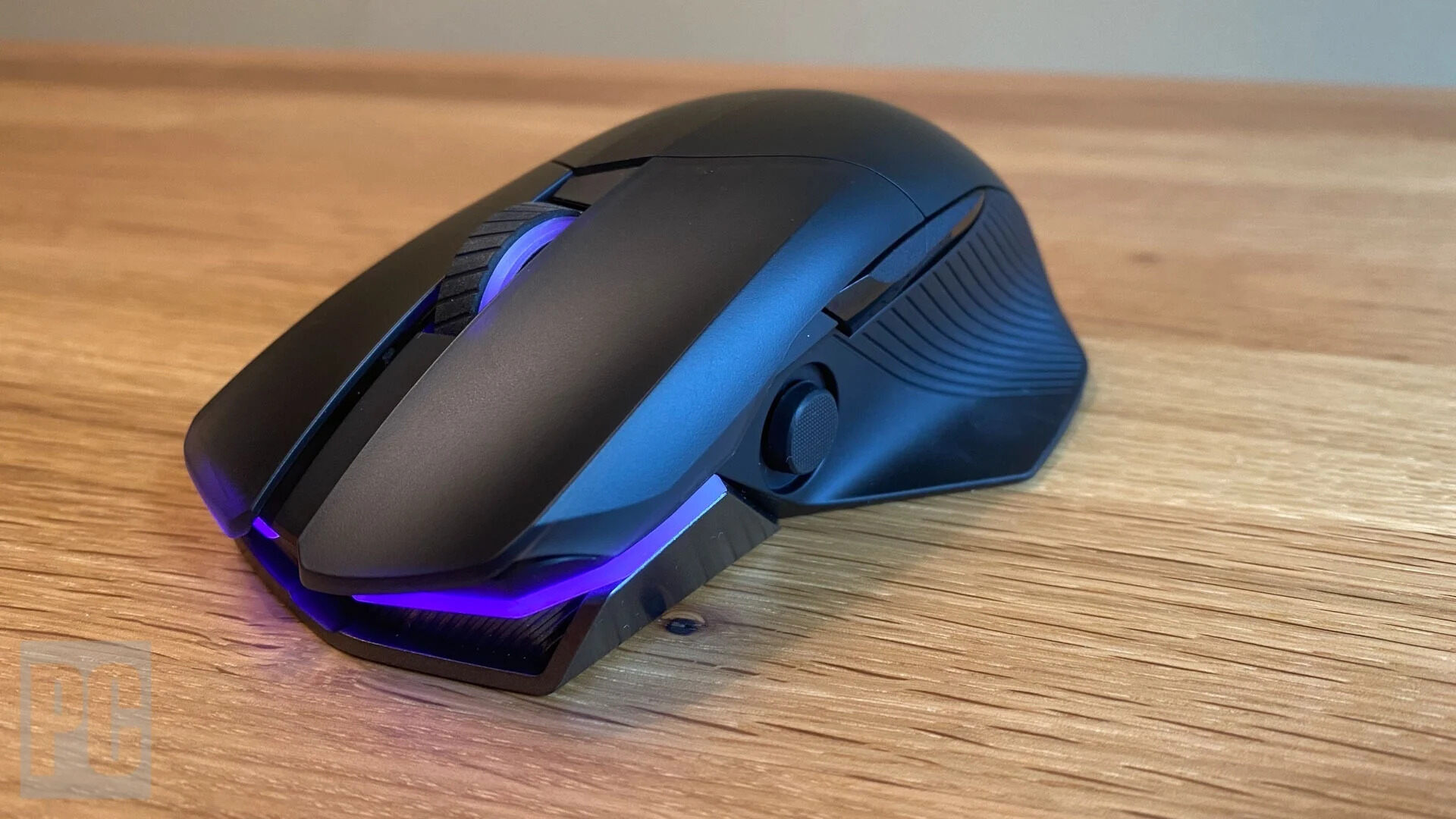
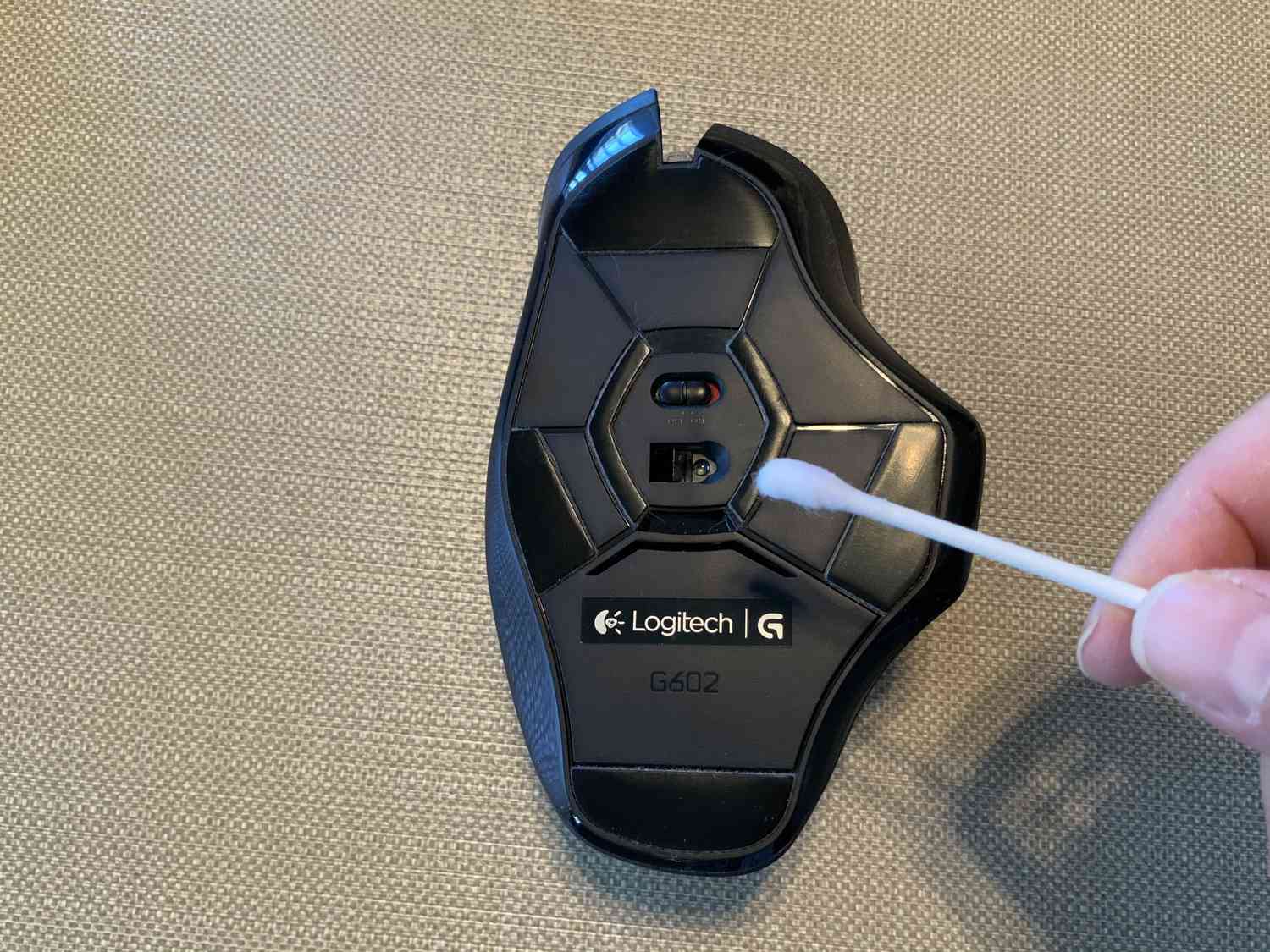
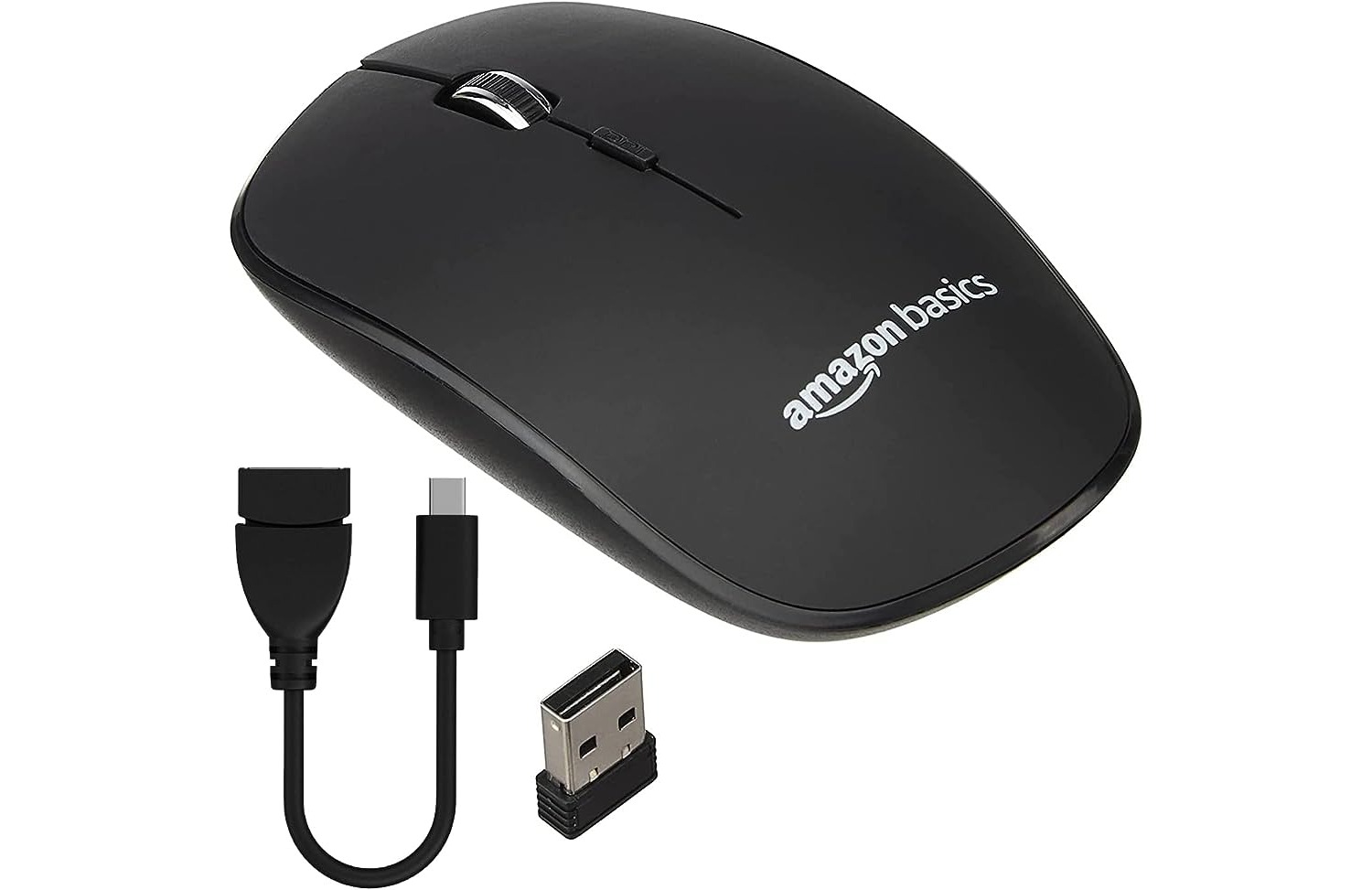
This tag collects articles for anyone who uses a wireless mouse with their phone, tablet, or computer, especially those navigating the world of mobile accessories and peripherals. Whether you are a casual user or rely on a specific model for work or gaming, the guides here are written to help you solve practical, everyday issues with your device.

The articles focus on two main areas of concern. The first is getting your mouse connected and working properly. You can learn how to pair a wireless mouse with a Chromebook or how to connect a specialized gaming mouse like the Razer Naga Epic. The second major theme is power and maintenance. These guides show you exactly how to check the battery level of your mouse, how long it typically takes to charge, and the specific steps for charging models like the Logitech Wireless Mouse. They also cover routine upkeep, such as cleaning your mouse and changing the battery in an HP Wireless Mouse Z3700.

In short, these articles help you do specific things: establish a connection, manage power, and keep your hardware clean and functional. From understanding what a dongle is to keeping your mouse charged and ready, the content is built for straightforward, actionable help.
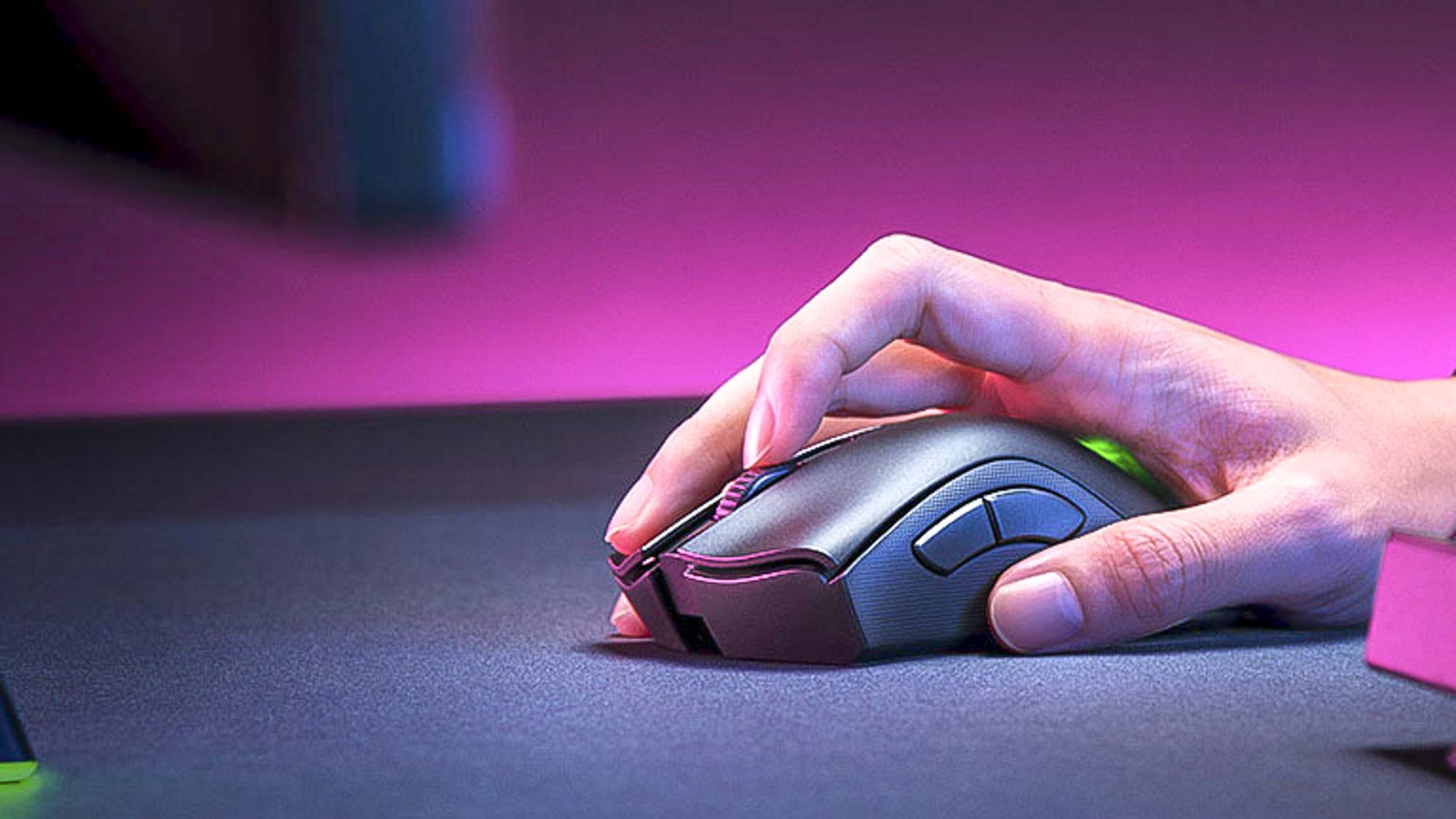
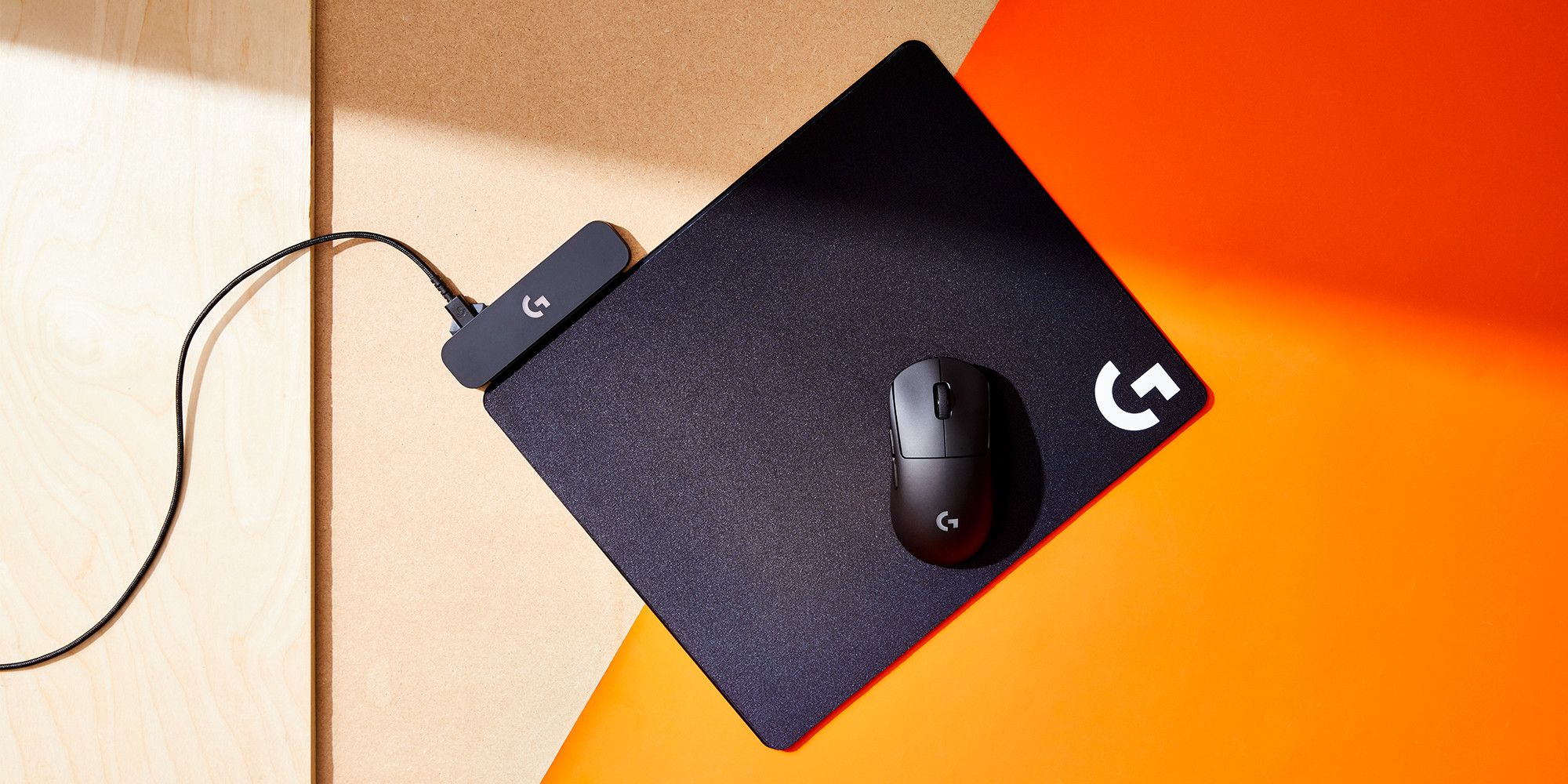
How Long To Charge Wireless Mouse

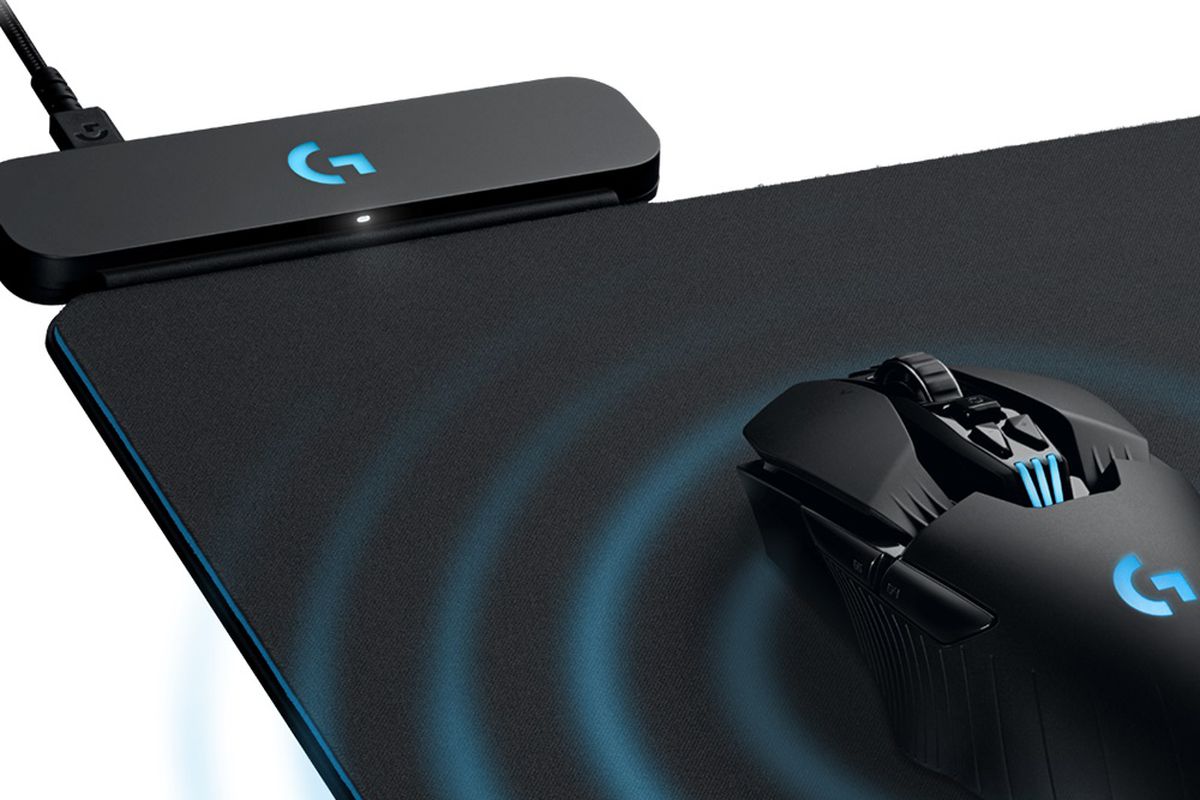
How long to charge a wireless mouse fully typically ranges from 1.5 to 5 hours, depending on the specific model, battery size, and power source. For example, the Sony INZONE...

How To Charge My Logitech Wireless Mouse

To charge your Logitech wireless mouse, you must first identify your specific model because the charging port, cable type, and LED indicator meanings differ between mice like the MX Master...

How To Check Battery Of Wireless Mouse

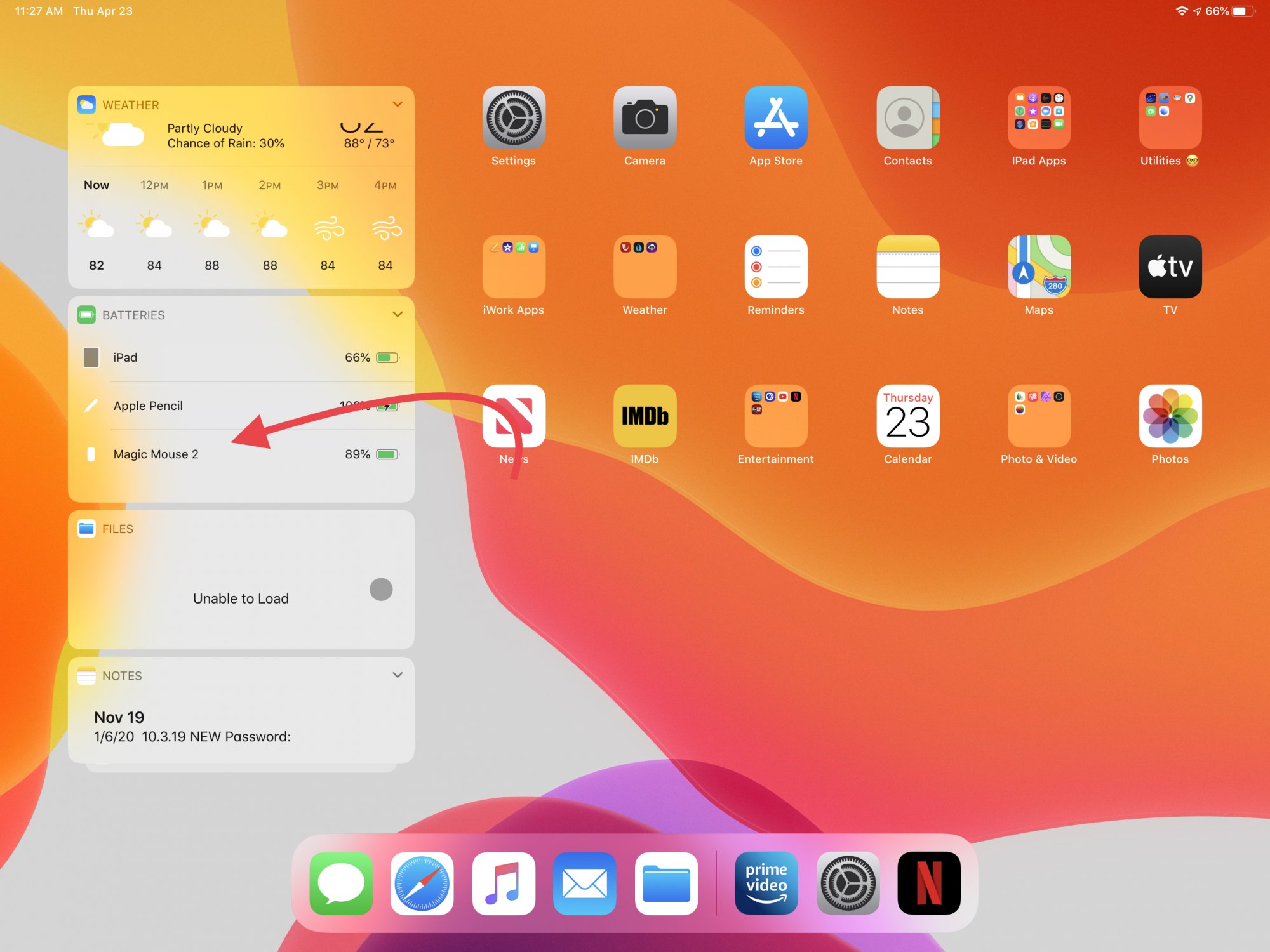
To check battery of wireless mouse, look for the physical LED indicator on the top or bottom of the mouse. A green or steady light means sufficient power, while a...

How To Charge A Wireless Mouse

How to charge a wireless mouse: what you need to know To charge a wireless mouse, first identify whether it has a built-in rechargeable battery or uses replaceable AAA batteries,...

How To Connect Razer Naga Epic Wireless

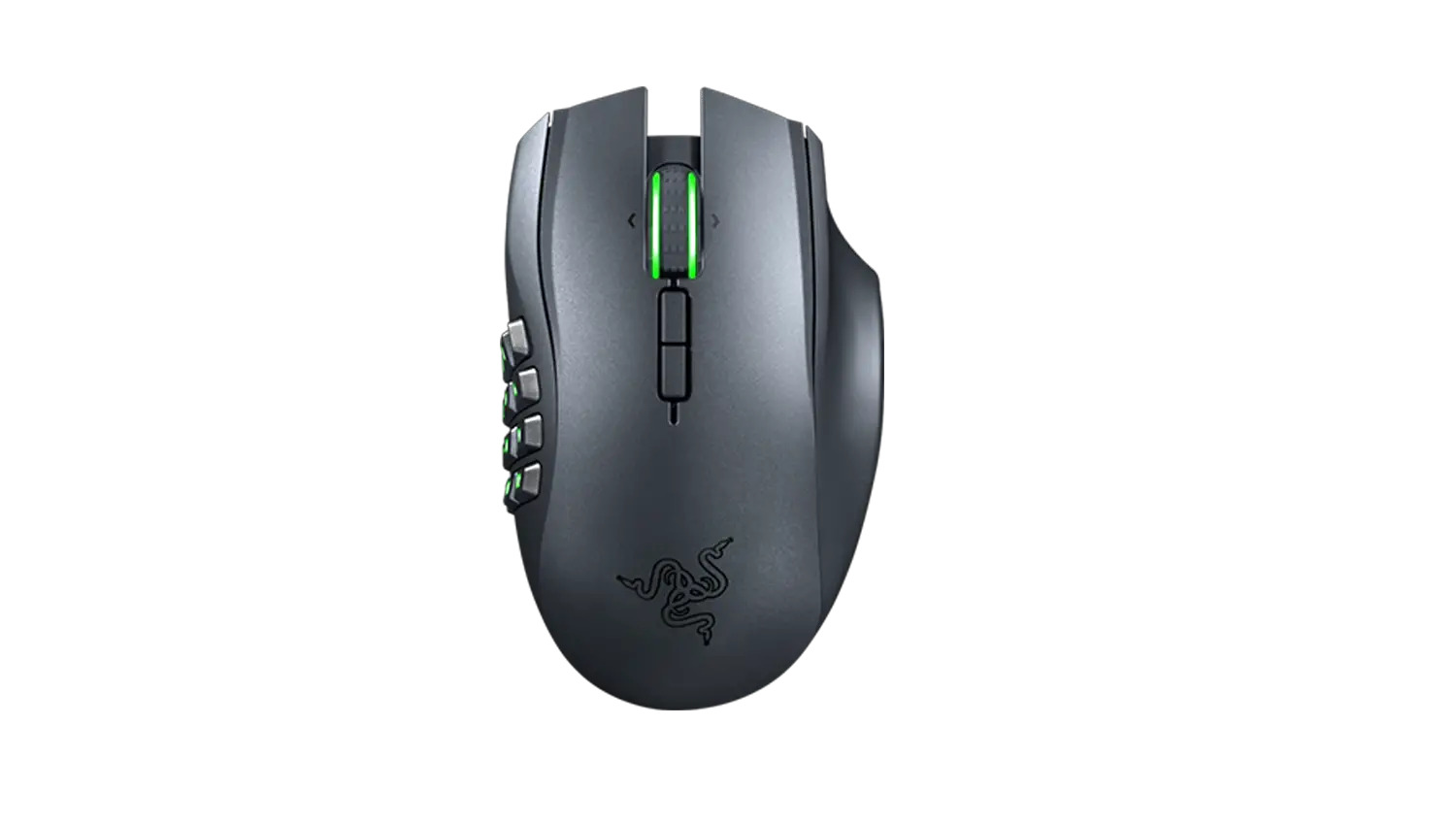
To connect your Razer Naga Epic Wireless mouse, you must use its included charging dock and receiver, this mouse does not use Bluetooth. The physical setup involves three steps: charging...

How To Change Battery In Wireless Mouse

To change battery in wireless mouse, first turn the mouse off and confirm you have a model that uses disposable AA or AAA batteries, not a rechargeable Apple Magic Mouse...

How To Clean A Wireless Mouse

To clean a wireless mouse safely, start by powering it off and removing any removable batteries, then use a lint-free cloth lightly moistened with water to wipe the exterior, keeping...

What Is A Dongle For A Mouse

A mouse dongle is a small USB receiver that plugs into your computer to enable wireless communication with a specific mouse. Unlike Bluetooth mice, which connect directly to your computer's...