To transfer your phone number to Tracfone and keep your current number when switching, you can complete the process online or by text. The two primary methods are visiting Tracfone.com to activate a new line or texting "PORTIN" to 611611 to receive transfer instructions.
Check if you can transfer your phone number to Tracfone
Your phone number must meet two non-negotiable requirements before you can transfer it to Tracfone. First, the number must be active with your current service provider. Second, Tracfone must offer service in your area. Most mobile, landline, and VoIP numbers are eligible for transfer, though toll-free and international numbers may not qualify. Verifying eligibility early prevents delays later in the process.
Gather your current account information
You will need specific information from your current carrier to initiate the transfer. Collect the following details before you begin:
- Your current phone number
- Account number from your current service provider
- Account password or PIN
- Billing name (first and last name as it appears on the account)
- Billing address, including ZIP code
- Contact phone number for verification
Having this information ready ensures you can complete the transfer without interruption.
Initiate the transfer online or by text
To start the transfer online, visit Tracfone.com and click the "Activate" tab. Choose the option that says "I want to keep my number" and enter your phone number along with the account information you gathered from your previous carrier. You will also need to provide your current service provider and ZIP code. You may be required to enter a verification code sent to your currently active device during the activation process.
If you prefer to begin the process by text, send the word "PORTIN" to 611611. You will receive information about transferring your number into Tracfone and instructions for completing the process.
Complete eSIM activation for iPhones
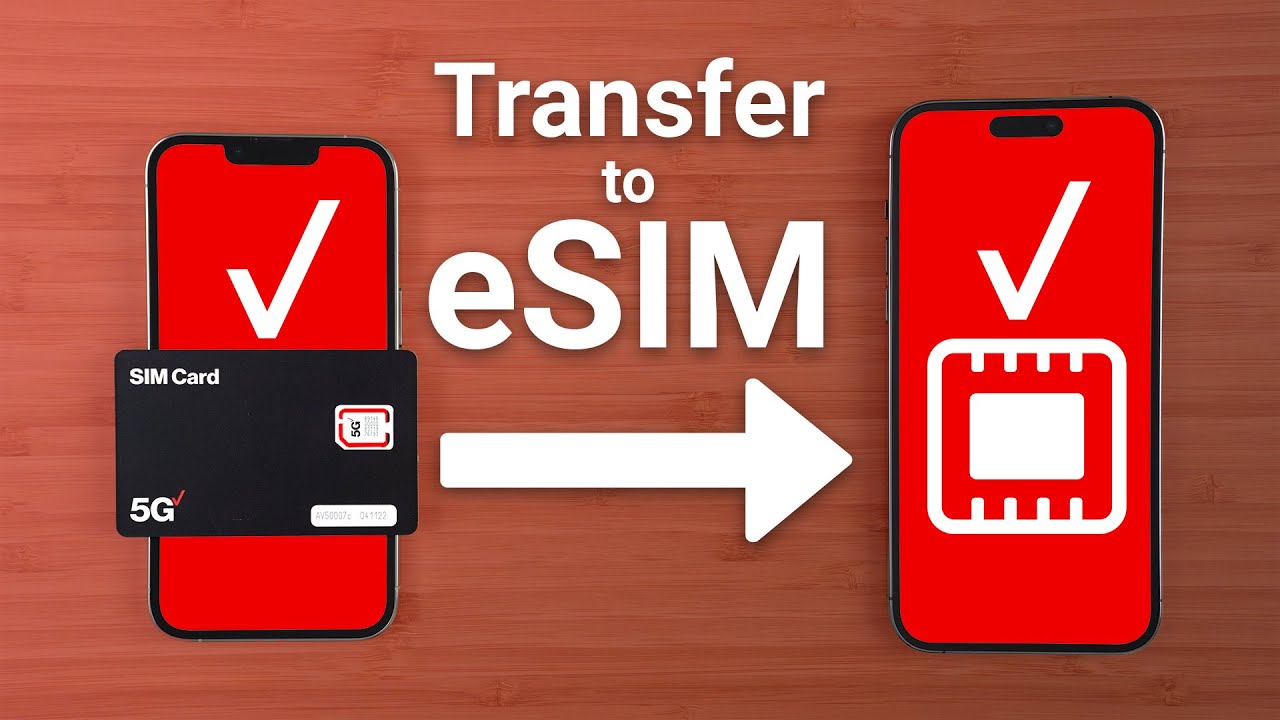
If you are transferring to an eSIM-compatible iPhone, the device must be unlocked before you can proceed. During activation, select "I want to use the eSIM" and enter your Digital SIM IMEI. You will then choose "I want to keep my number" and enter your phone number. A verification code will be sent to your currently active device, which you must enter to confirm the transfer.
Wait for the transfer to complete
The transfer process typically takes a few hours to complete. In some cases, it may take up to 2 business days, especially when transferring a landline number. Keep your old phone powered on and active until your new Tracfone device activates. Once the transfer is finalized, your Tracfone service will be active with your existing number.
Frequently Asked Questions
Will I experience service interruption during the number transfer?
In most cases, you will not experience a service interruption. Your current phone service continues working until the transfer to Tracfone is completed. Once the transfer finalizes, your Tracfone service activates seamlessly.
Can I transfer a landline number to Tracfone?
Yes, you can transfer a landline number to Tracfone as long as the number is eligible. The process is similar to transferring a mobile number, but it may take longer than a standard mobile transfer.
What happens to my remaining minutes if I upgrade from a smartphone to a non-smartphone?
If you are upgrading from a smartphone to a non-smartphone, any remaining minutes on your account may not transfer. This applies specifically when moving to a device that does not support the same account balance structure. If upgrading from a smartphone to a non-smartphone, any remaining minutes may not transfer.
How does Tracfone handle porting and releasing phone numbers?
When you transfer your number to Tracfone, the company coordinates with your previous carrier to port the number. This process follows standard industry rules for porting and releasing phone numbers, which ensures your old provider releases the number so Tracfone can assign it to your new device.
Can I transfer my number if I am upgrading from an existing Tracfone smartphone?
Yes, if you are upgrading to a new Tracfone device from an existing Tracfone smartphone, you can transfer your number online through the activation page. This process is handled within Tracfone's system and does not require information from a previous carrier.
Related reading: What Is Tracfone's Telephone Number? and How To Register Your Tracfone SIM Card.