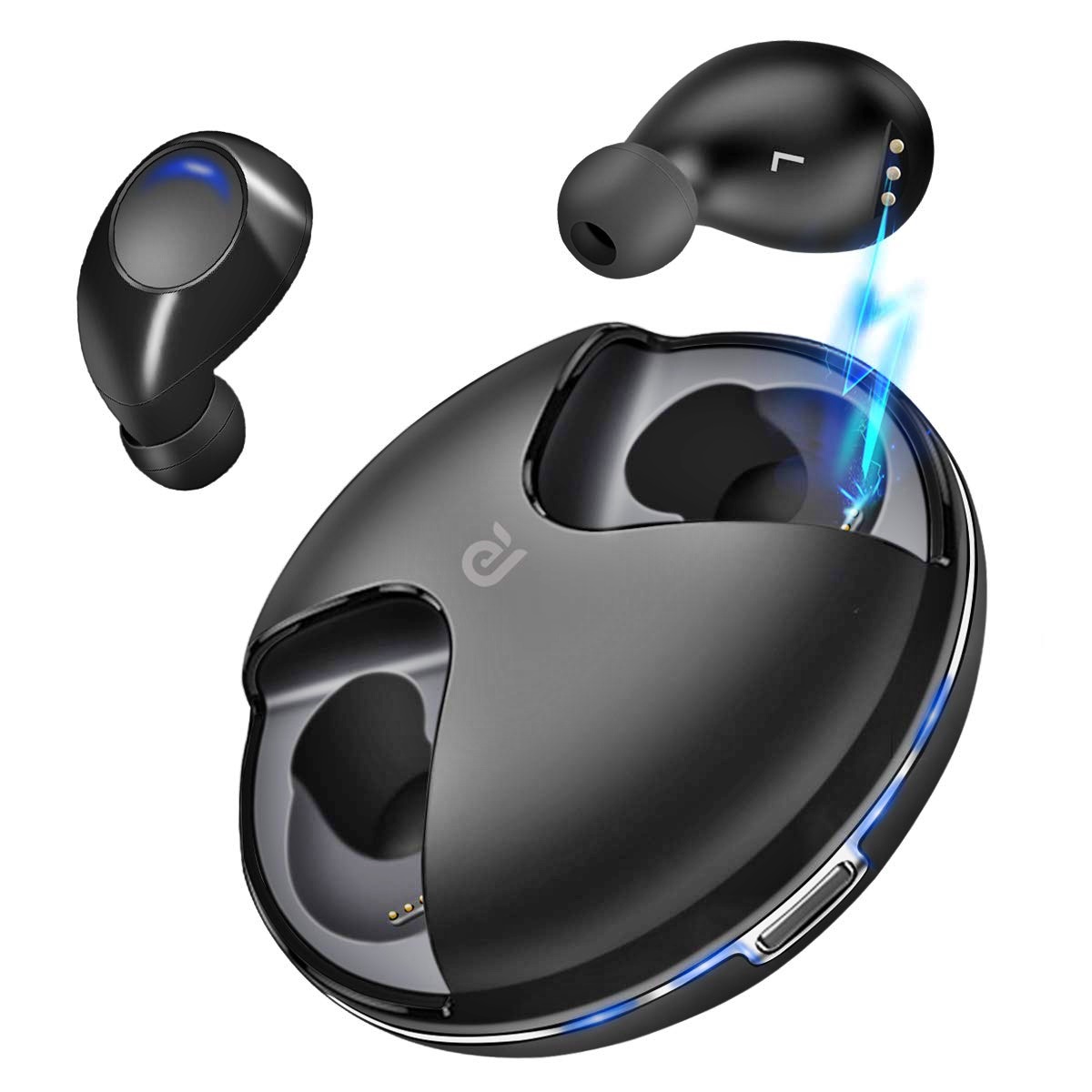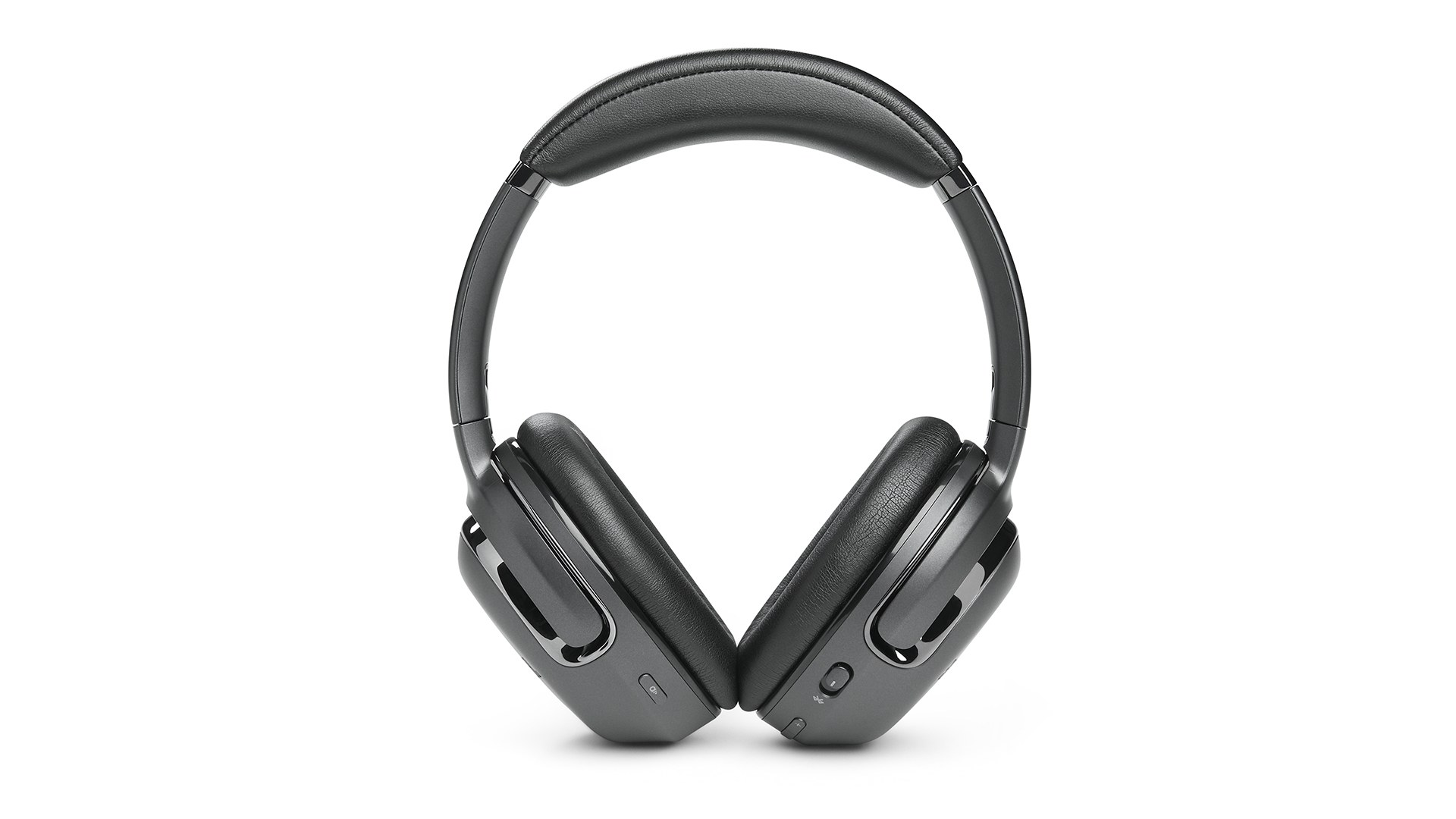
To find your wireless headphones using your phone, open the Find My app on your iPhone and tap Devices, then tap your AirPods. If your AirPods are out of the case, you may need to select the left bud or right bud individually. This method works for all AirPods models, though some have extra features that make locating them even easier.
How to find your wireless headphones with an iPhone
Apple’s Find My app is the primary tool for locating lost AirPods. Before your headphones go missing, ensure the device used for setup has Find My turned on and that your AirPods are paired with an iPhone or iPad signed into the same Apple Account. To enable the full locating capability, go to Settings > Bluetooth > More Info next to your AirPods, then scroll to Find My network and turn it on.
When you need to find your AirPods, open the Find My app, tap Devices, and select your AirPods from the list. If the earbuds are separated from the case, you may need to choose the left bud or right bud to see their individual locations. You can also use Find My on your iPad, Mac, Apple Watch, or by visiting iCloud.com/find.
Which AirPods models support extra finding features
All AirPods models work with Find My, but only certain models offer enhanced locating features. The following models can be marked as lost separately for each earbud and the case: AirPods 4 (ANC), AirPods 5 with Wireless Charging Case, and AirPods Pro 2 and later. These models also support the Find My network, which uses nearby Apple devices to help locate them even when offline.
Additionally, you can add AirPods 3, AirPods 4 with ANC, AirPods 5 with Wireless Charging Case, AirPods Pro (all models), and AirPods Max to the Find My network. This means they can be tracked using the same crowd-sourced network, though the ability to mark each component as lost separately is limited to the models listed above.
How to find your wireless headphones with a Samsung phone
Samsung users can locate their Galaxy Buds using the SmartThings Find app. Offline finding is supported on Galaxy Buds Live, Galaxy Buds Pro, Galaxy Buds2, and Galaxy Buds2 Pro. This feature works on Galaxy smartphones and tablets with at least Android 8, as well as certain Galaxy watches and SmartTags.
What to do before you lose your wireless headphones
Prevention is the best strategy for troubleshooting wireless earbuds. Also confirm that Find My is active on the device used for setup. For Samsung devices, make sure SmartThings Find is active on your phone or tablet before your Galaxy Buds go missing. Without these settings enabled beforehand, you will not be able to use offline finding or the Find My network to locate your headphones.
Frequently Asked Questions
Can I find my AirPods if they are dead?
If your AirPods have no battery, Find My can still show their last known location when they were connected. However, live tracking is not possible until they are charged and reconnect to your device.
Do I need an internet connection to use Find My for AirPods?
Your iPhone needs an internet connection to report the location. The AirPods themselves do not need to be online, as they use Bluetooth to communicate with nearby Apple devices that relay their position.
Can I find my Galaxy Buds with a non-Samsung Android phone?
SmartThings Find is designed for Galaxy devices. While you may be able to install the app on other Android phones, offline finding and full features are only guaranteed on Galaxy smartphones and tablets with Android 8 or later.
What if my AirPods are in a different city?
Find My can show the last known location even if your AirPods are far away. If they are connected to the Find My network, you may see their current location as long as they are within Bluetooth range of any Apple device.
Can I use Find My to play a sound on my AirPods?
Yes, if your AirPods are within Bluetooth range of your iPhone, you can play a sound from the Find My app to help locate them. This works even if they are in a different room or under a couch cushion.