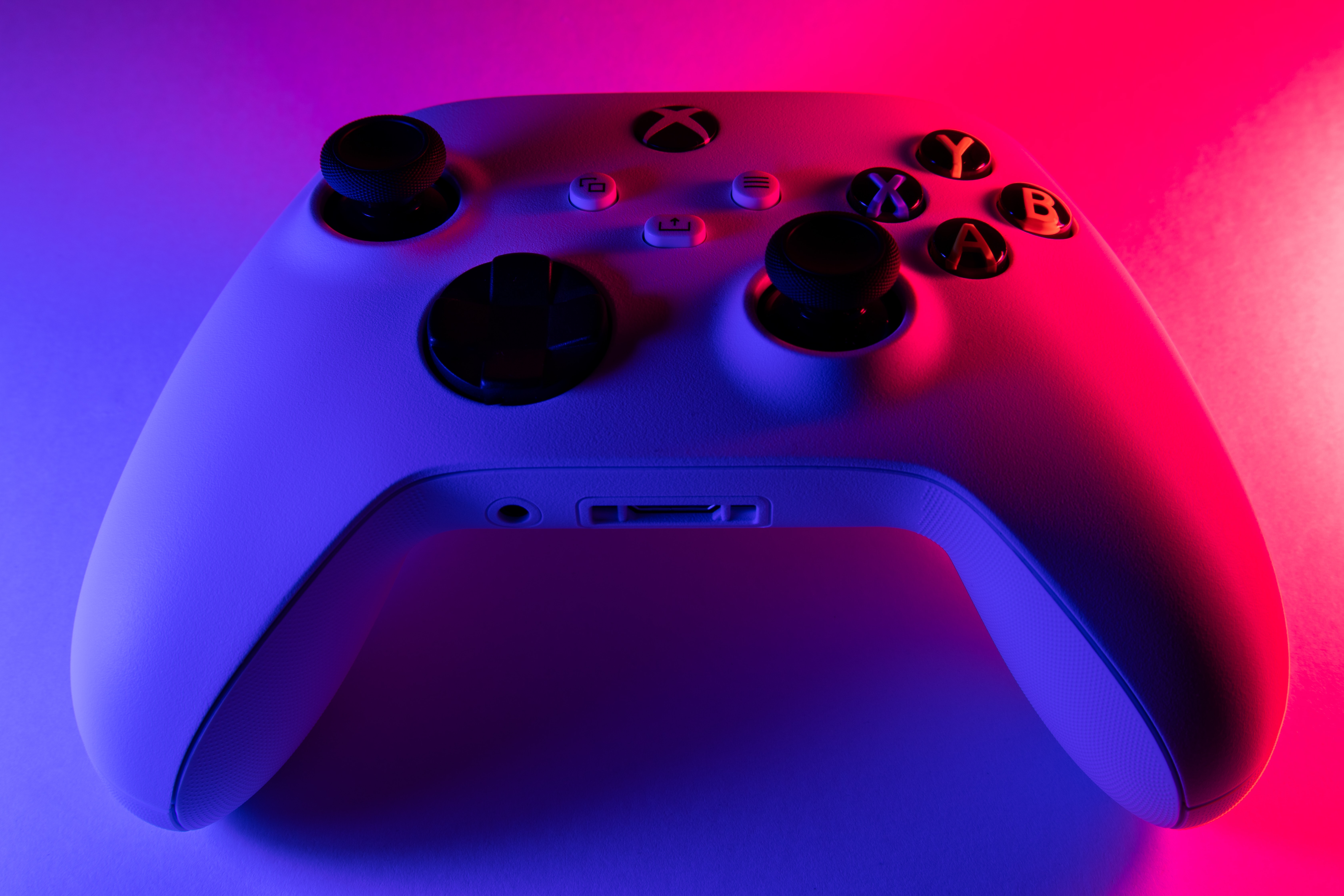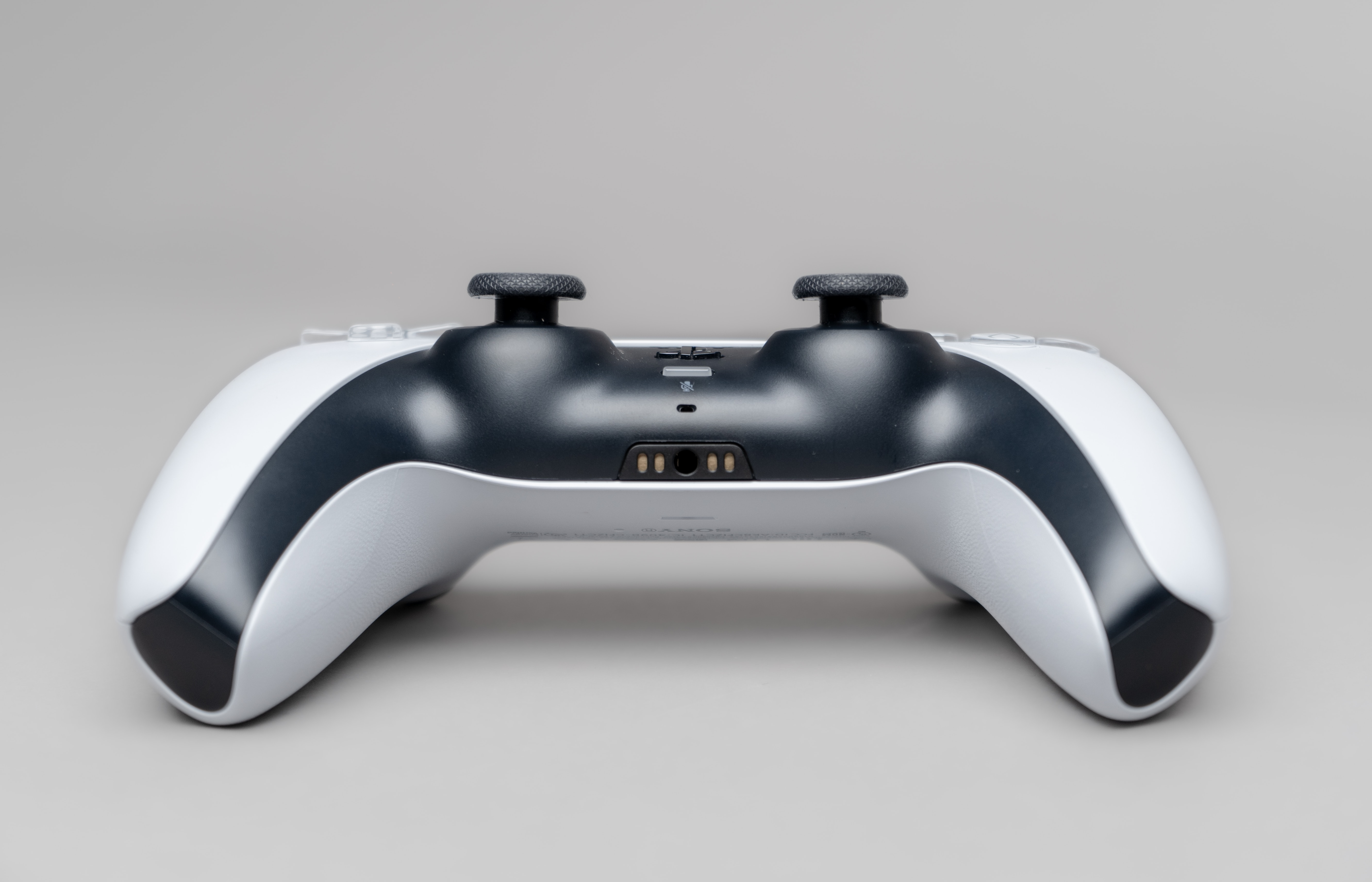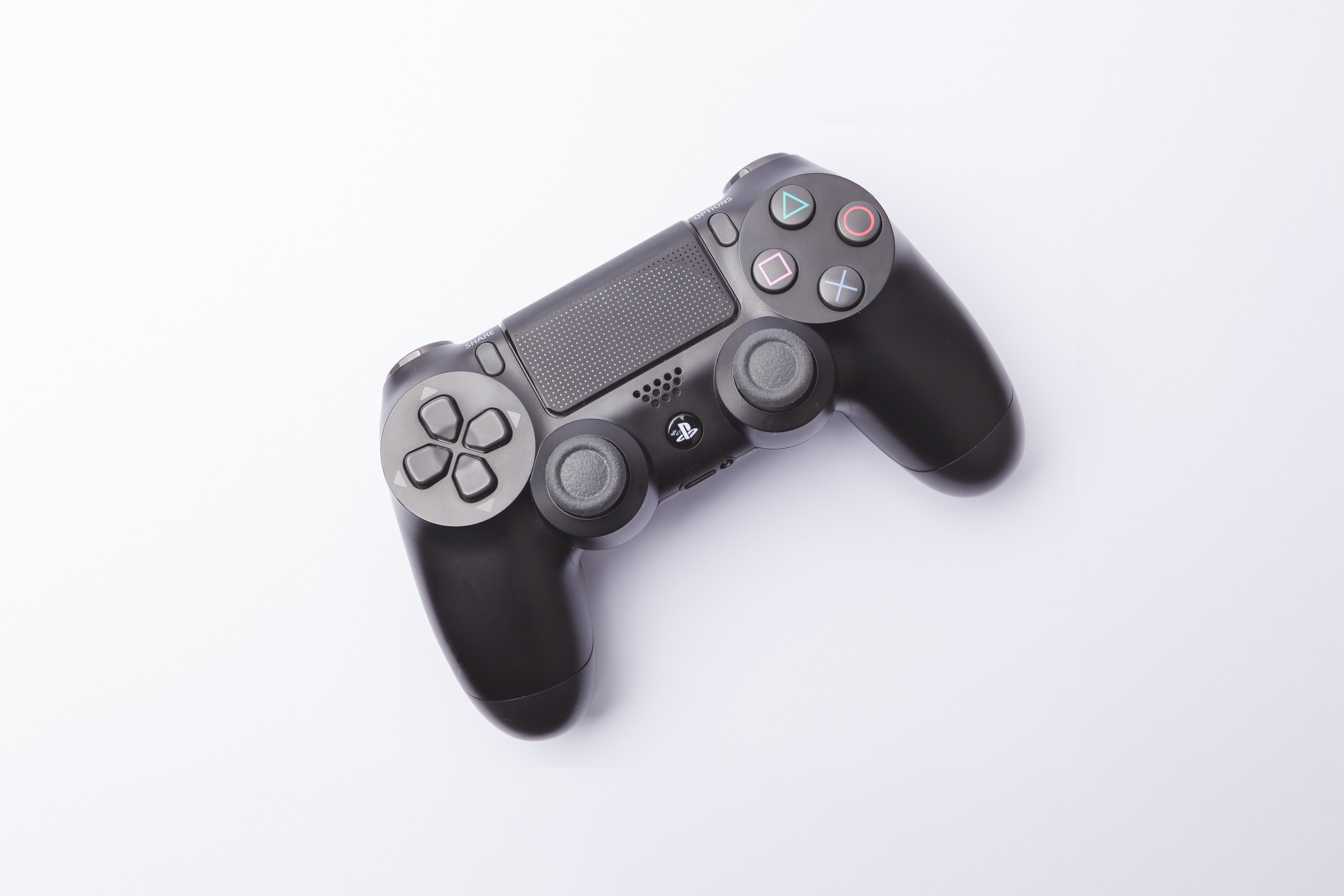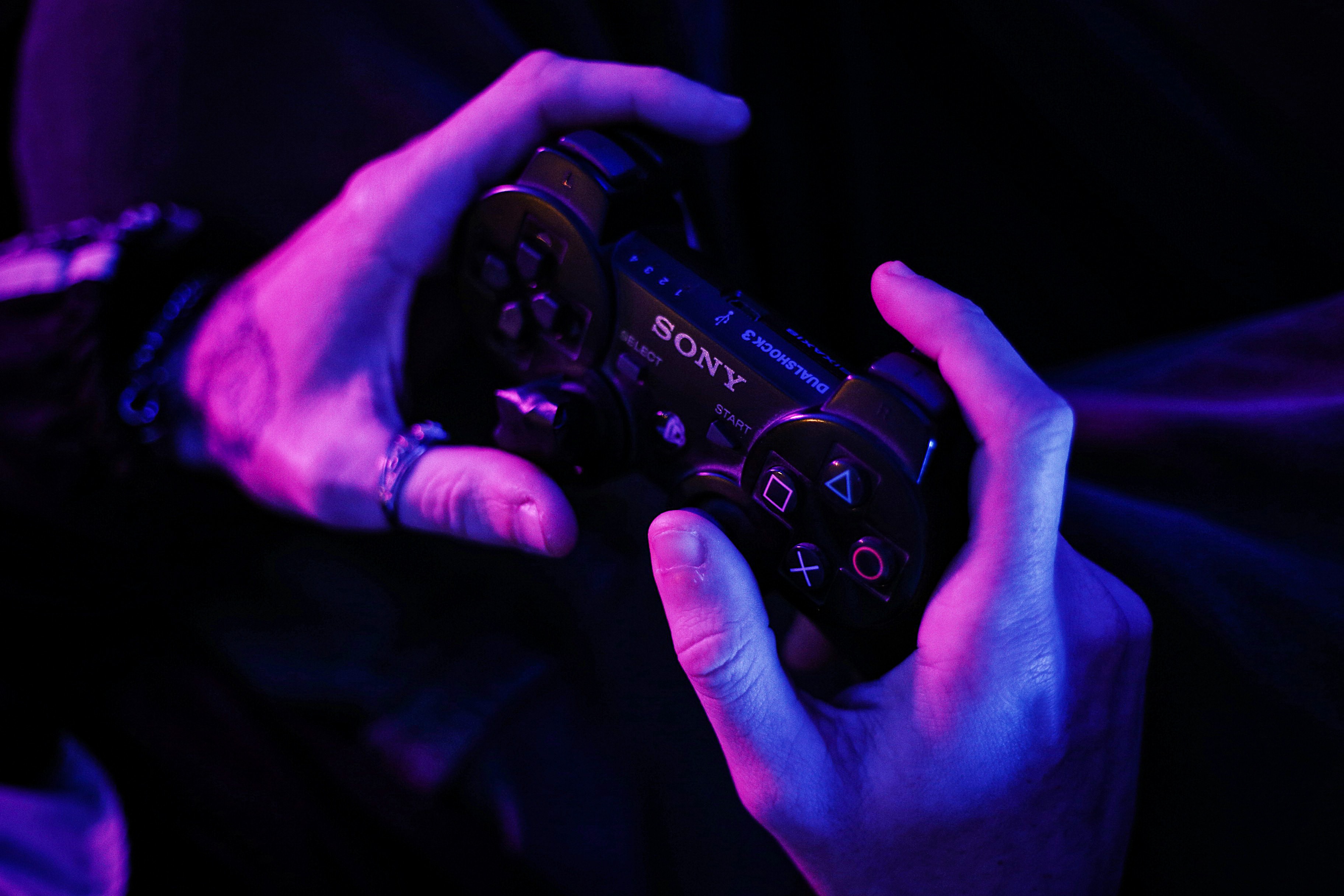
A directional pad (D-pad) is a cross-shaped input device with four directional buttons and a center select button, used to move focus or select items in menus, apps, and games. If you are setting up a gamepad for classic platformers or navigating a smart TV interface, understanding what a directional pad is explains why this simple cross-shaped control remains essential across gaming consoles, TV remotes, and mobile accessibility setups.
What is a directional pad (D-pad)?
It typically includes a center button that acts as a select or confirm input. This design appears on gaming consoles, smart TV remotes, and mobile accessibility configurations, providing precise directional input without analog drift.
How a D-pad works
The D-pad uses four directional contacts arranged in a cross pattern beneath a single rocker or four separate buttons. Pressing a direction pushes a conductive pad onto a circuit board contact, closing a circuit to register that specific input. A center press closes a fifth contact. This mechanical design enables discrete, digital input, each press is either on or off, which gives precise directional movement compared to analog joysticks that report variable positions along a continuum.
D-pads on gaming consoles
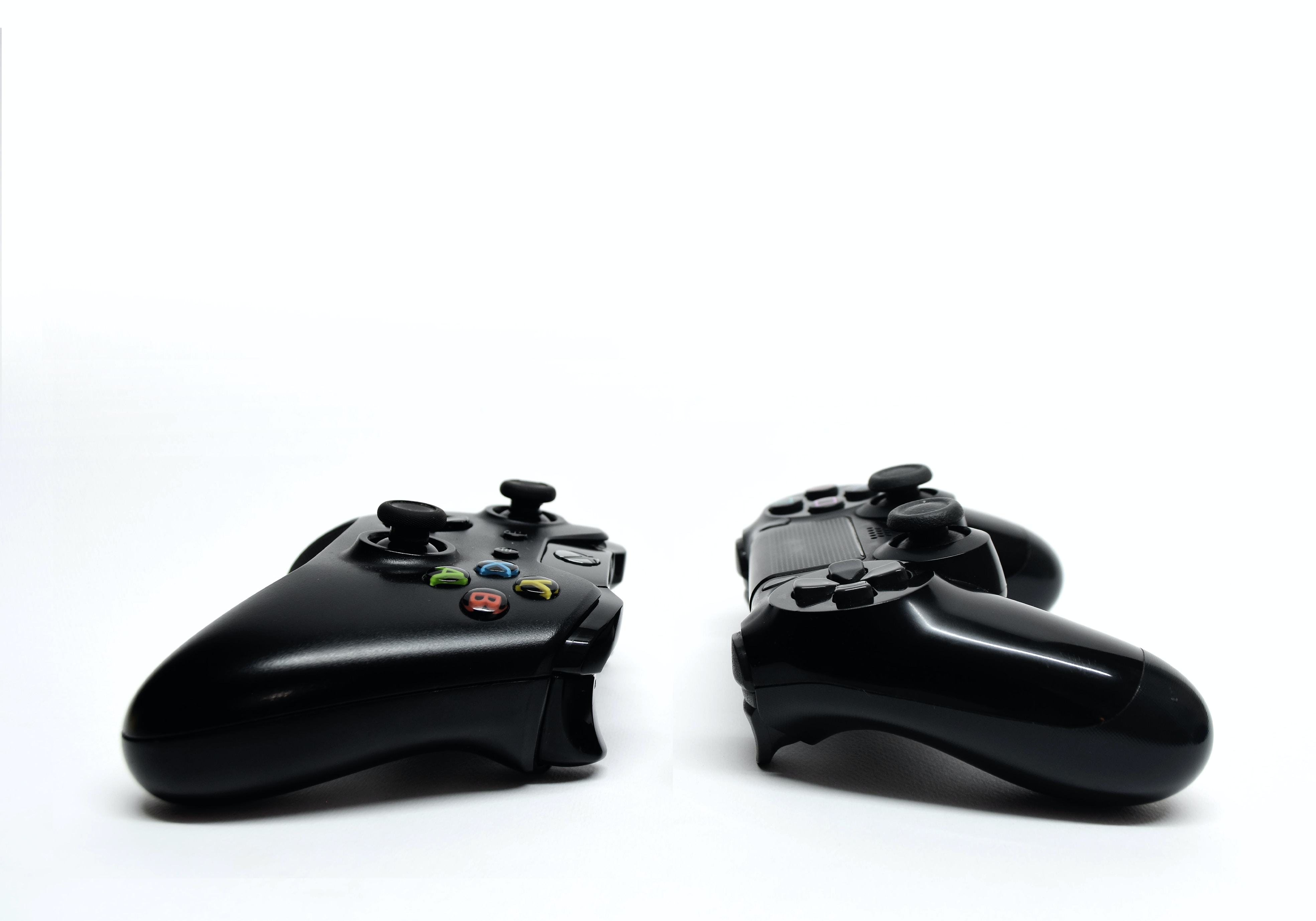
The D-pad originated on early home consoles as the primary directional control. Its four-way layout became essential for platformers and fighting games, where precise character movement and menu navigation require instant, unambiguous direction changes. Modern controllers still include a D-pad alongside analog sticks, allowing players to choose discrete input for retro games, fighting combos, or menu navigation while using sticks for fluid 3D movement.
D-pads on smart TVs and streaming devices
Samsung's official TV guidance labels the control as 'Directional Navigation Pad' and says it is 'found in the center of your Samsung Smart TV remote'. Android TV uses directional navigation to move focus to the nearest object in the direction pressed. Android recognizes D-pad input as NAVIGATION_DPAD in the Configuration object, and interactive widgets are focusable and can be navigated with a D-pad or keyboard.
D-pads on mobile devices and accessibility
iPhones support external D-pad devices through AssistiveTouch, enabled from Settings > Accessibility > Touch > AssistiveTouch. This setting also works with compatible adaptive accessories, including joysticks, for pointer-device control. Android's default key map has been Generic.kl since Honeycomb 3.0. Android requires that all five keys mapped to KEYCODE_DPAD_UP, KEYCODE_DPAD_DOWN, KEYCODE_DPAD_LEFT, KEYCODE_DPAD_RIGHT, and KEYCODE_DPAD_CENTER must be present for a device to qualify as having a directional keypad.
D-pad vs. joystick: key differences
D-pads offer precise discrete input ideal for menu navigation and retro games, where each press corresponds to a single direction without analog drift. Joysticks provide analog fluid movement suited for 3D games, where variable speed and smooth transitions matter. Many modern controllers include both, letting you switch between them depending on the task, D-pad for fighting game combos or TV menu browsing, joystick for camera control or racing games. For anyone working on gamepad setup and troubleshooting, knowing this distinction helps identify why a controller might feel imprecise in certain genres.
Frequently Asked Questions
Can I use a D-pad on a PC?
Yes, most PC-compatible controllers include a D-pad that functions as directional input for games and applications. Windows recognizes D-pad inputs as discrete button presses, which can be mapped in game settings or controller configuration utilities.
Why do some modern controllers have a D-pad if joysticks exist?
D-pads provide faster, more precise input for 2D movement, fighting game special moves, and menu navigation. Joysticks are better for 3D environments, but the D-pad remains superior for tasks requiring exact cardinal directions without accidental diagonals.
Are all D-pads the same size?
No, D-pads vary in size and shape across controllers. Some use a single cross-shaped rocker, while others use four separate buttons. Size differences affect comfort and precision, especially for players with larger or smaller hands.
Can I use a D-pad for mouse control?
Some accessibility software and remapping tools allow D-pad input to simulate mouse movement. On iPhone, AssistiveTouch with an external D-pad can control a pointer cursor. Android's directional keypad support also enables focus-based navigation without a touchscreen.
What is the center button on a D-pad used for?
The center button typically acts as a select, confirm, or enter command. On Samsung TV remotes, the center press makes selections in menus and apps. In games, it often confirms choices or interacts with objects.
Related reading: What Is Data Charging? and What Is A Download (D/L)?.