An answering machine is the voicemail system on modern smartphones that records a message when you miss a call, replacing the standalone tape-based devices of the past.
What is an answering machine?
On iPhone and Android, the exact setup steps depend on the built-in Phone app layout and, on Android, the carrier's voicemail service. The system automatically answers incoming calls when you do not pick up, then lets callers leave a recorded message that you can listen to later.
How to set up voicemail on iPhone
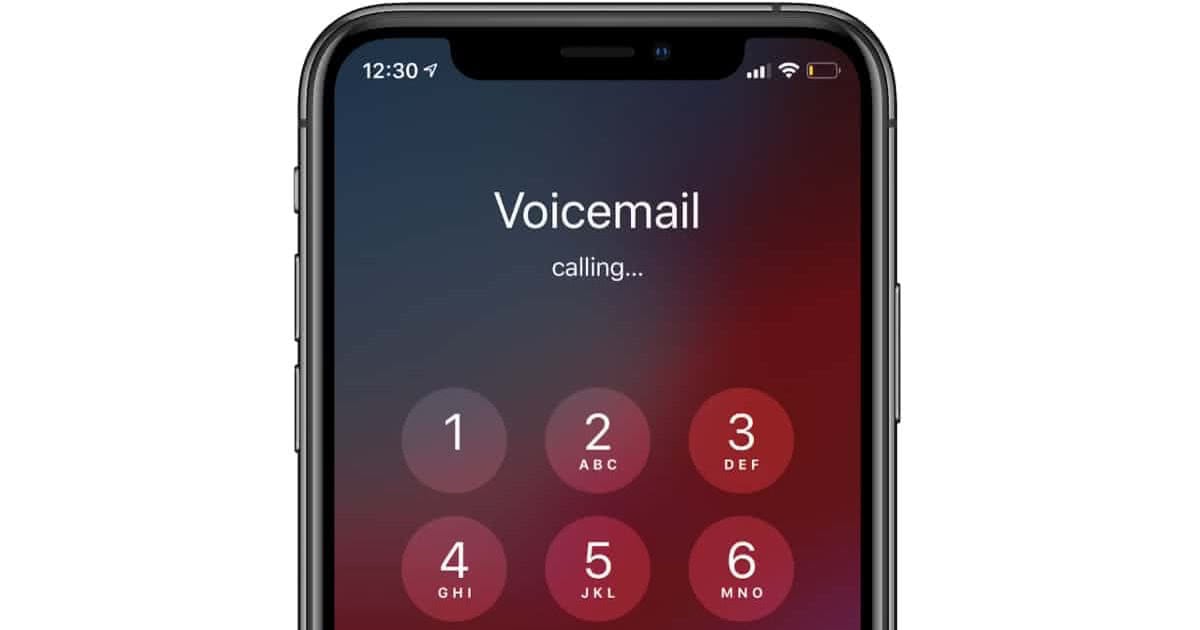
First-time setup is done through the Phone app's Voicemail tab. Open the Phone app and tap Voicemail; Apple says the first-time setup asks you to create a voicemail password and record a greeting. You can select either Default or Custom greeting; if you choose Custom, you can record a new greeting. This process works for both Unified and Classic layouts.
How to change your iPhone voicemail greeting later
After initial setup, you can edit your greeting at any time. For the Unified layout, tap Voicemails > Edit > Edit Voicemail Greeting. For the Classic layout, tap Voicemail > Greeting. Apple notes that voicemail greeting changes are not supported by all carriers or in all countries and regions.
iPhone voicemail settings: password, alerts, and Live Voicemail
Apple's pages apply to iPhone and show iOS-specific guidance for voicemail, including Live Voicemail and Settings > Apps > Phone. You can change the voicemail password by going to Settings > Apps > Phone > Change Voicemail Password. To customize the new voicemail alert sound, go to Settings > Sounds & Haptics > New Voicemail. Apple: Live Voicemail is turned on in Settings > Apps > Phone.
How to set up voicemail on Android
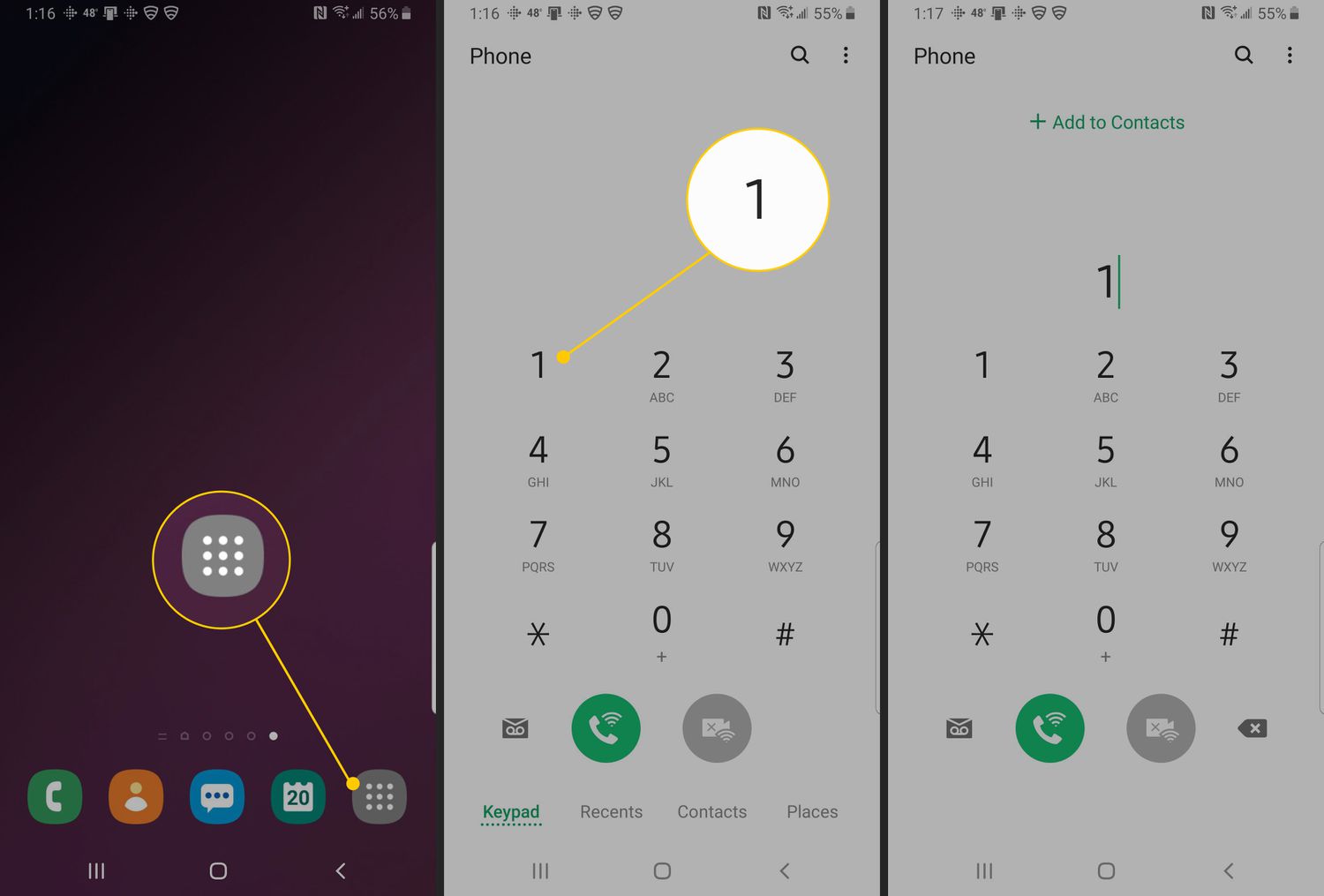
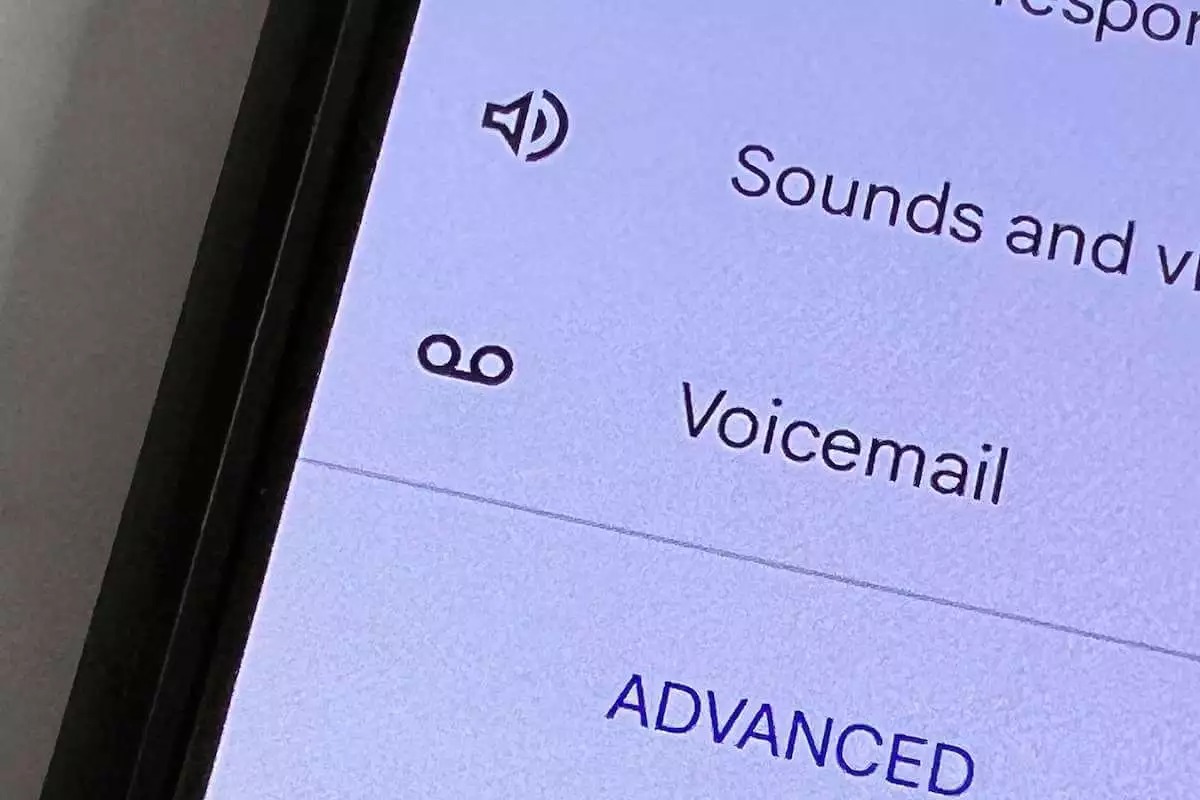
Access voicemail settings through the Phone app's More options menu. Open the Phone app, tap More options in the top right, then tap Settings > Voicemail. To select which carrier handles voicemail, tap Advanced Settings > Service. Google's page applies to the Phone app on Android, but the setup details depend on the carrier service chosen under Advanced Settings > Service. Google's Phone app help says voicemail settings are in the Phone app, but the exact carrier setup can vary.
Carrier limitations and what to expect
Apple states that voicemail greeting editing is not supported by all carriers or in all countries and regions. The Phone app lets you choose the voicemail carrier under Advanced Settings > Service, but the carrier's own voicemail service determines the specific setup process. For detailed assistance with your specific carrier, check your carrier's support page for phone numbers and calling help.
Frequently Asked Questions
Can I still use a physical answering machine with my smartphone?
No, modern smartphones do not support physical answering machines. The voicemail system built into the phone's operating system replaces the need for a separate device.
Why does my iPhone say "Call Voicemail" instead of showing a greeting setup?
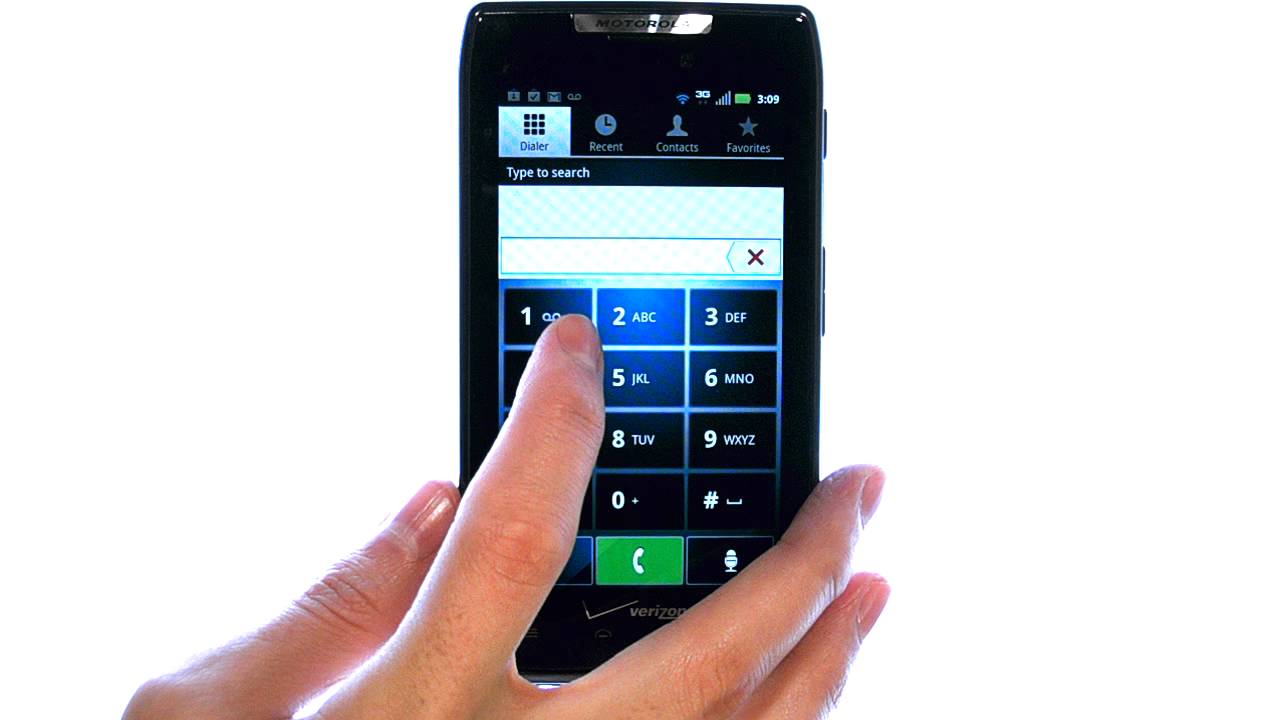
This usually means your carrier does not support visual voicemail on your current plan or in your region. You will need to dial your voicemail number manually to set up and check messages.
How do I delete individual voicemail messages?
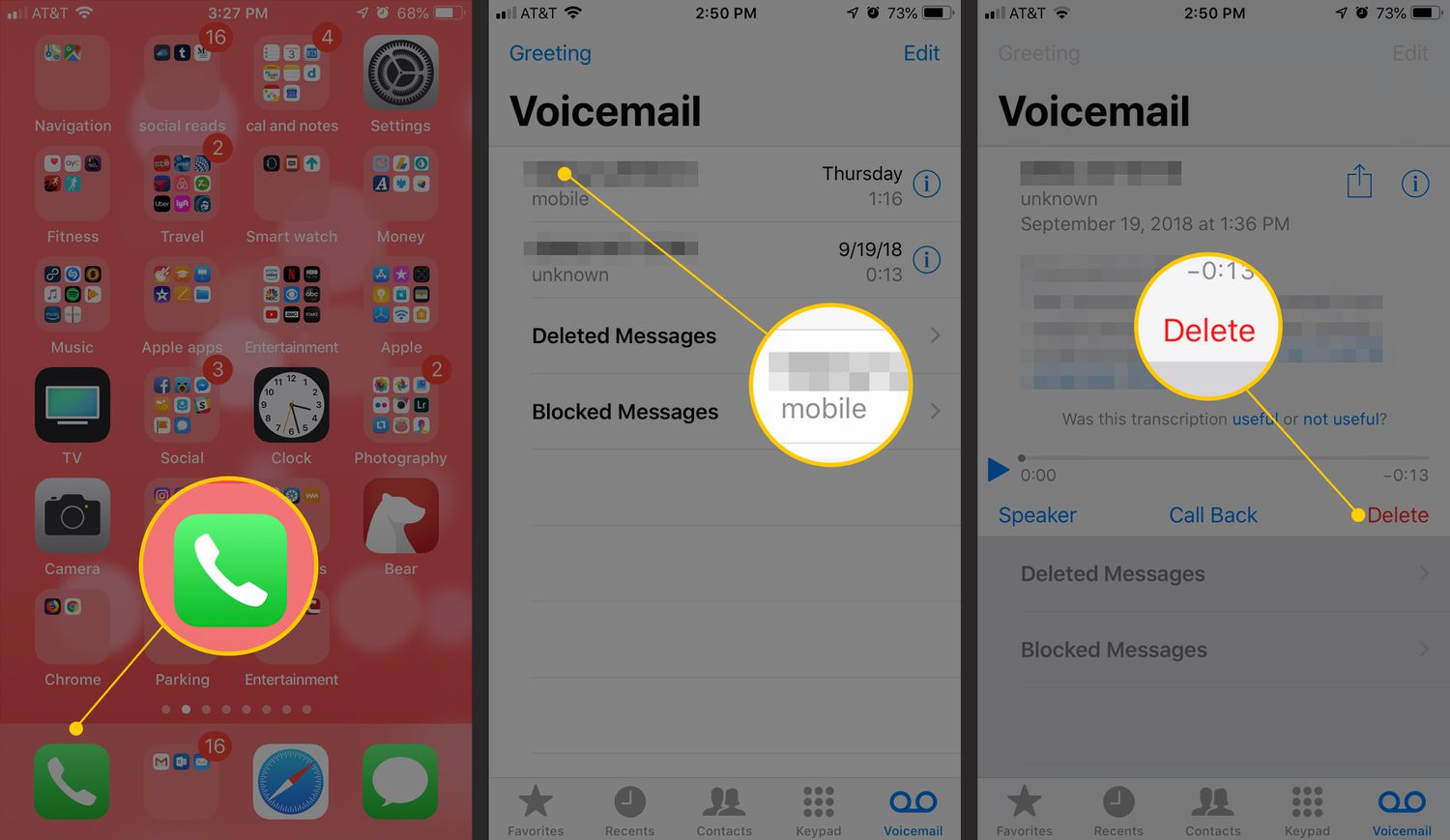
On iPhone, tap the Voicemail tab, then tap the message and select Delete. On Android, open the Phone app, tap Voicemail, then tap and hold a message to see delete options.
Does Live Voicemail work on all iPhones?
Live Voicemail is available on iPhone models running iOS 17 or later, but carrier support may vary. It allows you to see a live transcription of a message as the caller is leaving it.
Can I set up voicemail without a carrier voicemail plan?
No, voicemail on both iPhone and Android requires an active carrier voicemail service. The Phone app settings let you choose which carrier service to use, but the carrier must support voicemail on your plan.
Related reading: What Is An App?, What Is Auto-Answer?, and What Is Antialiasing?.