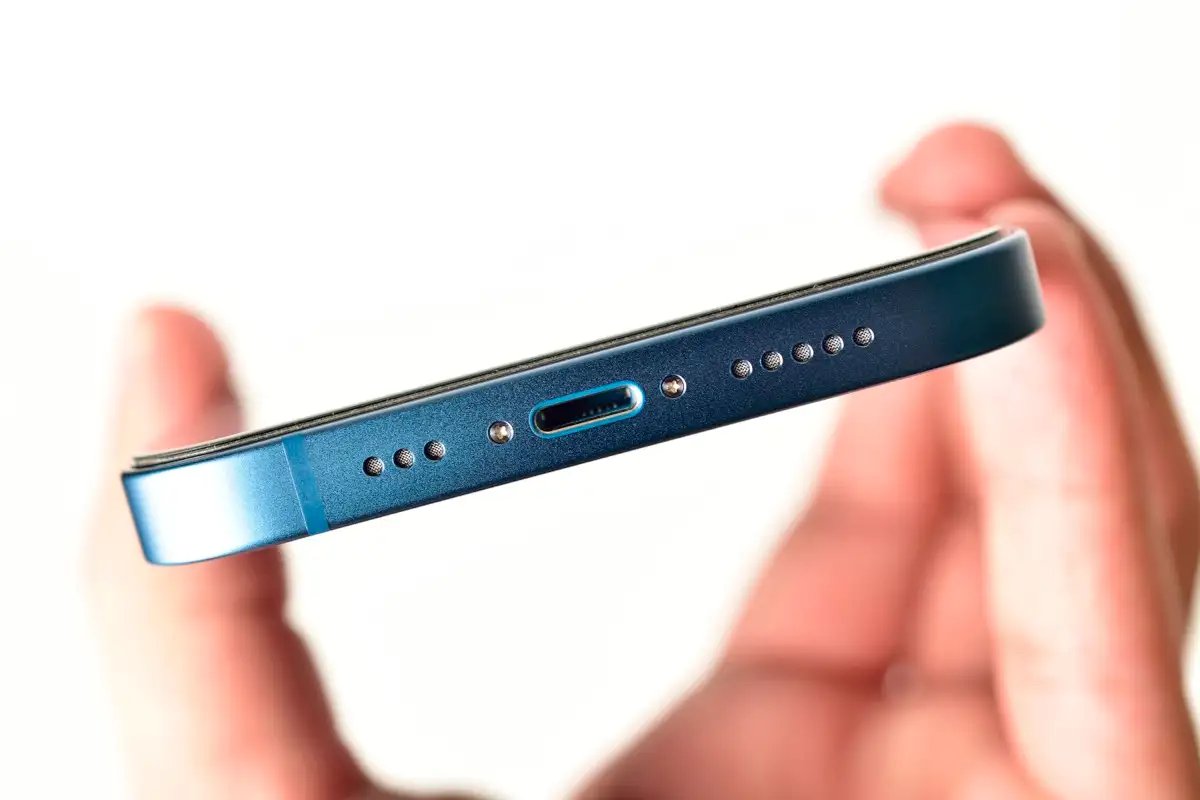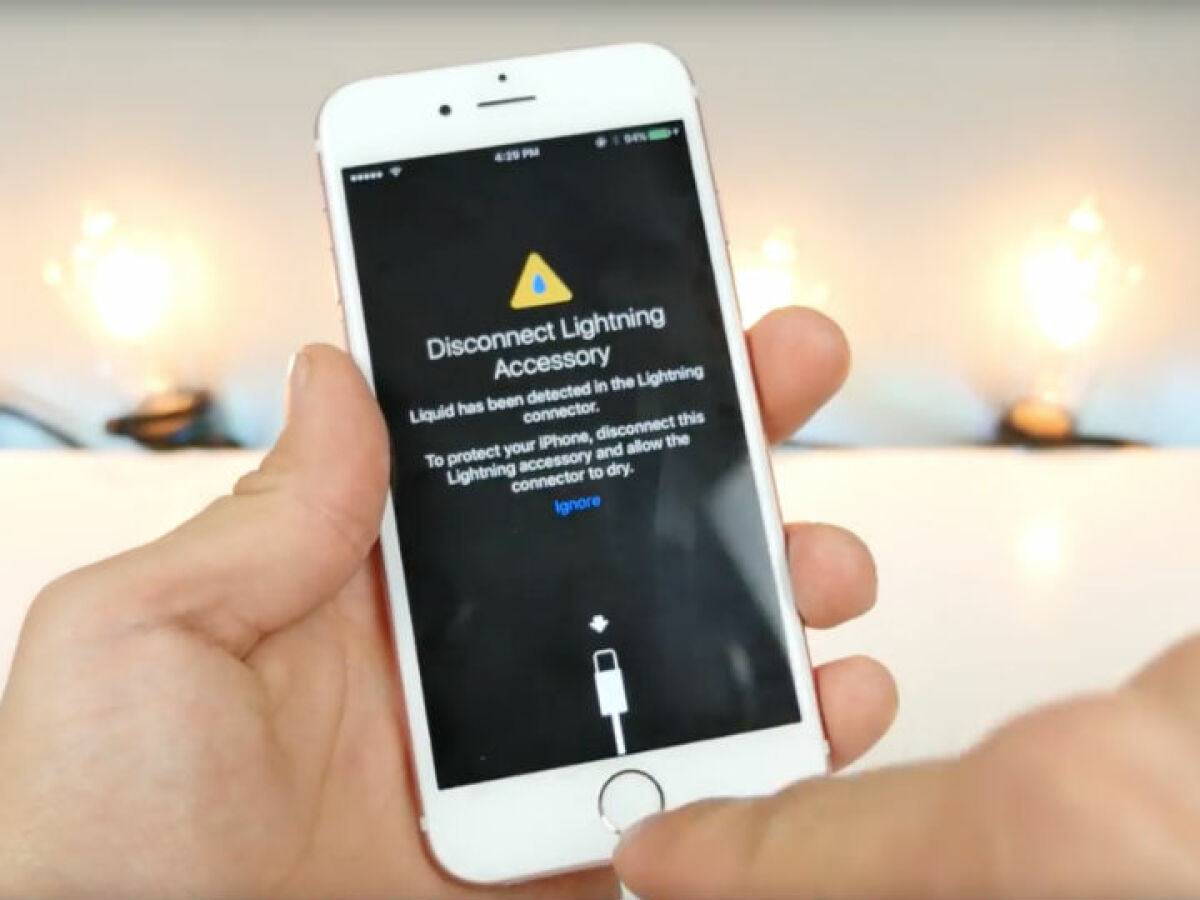
To get water out of your iPhone 13, immediately disconnect any cable or accessory and unplug it from both the iPhone and the power adapter. Then, tap the iPhone gently against your hand with the connector facing down, leave it in a dry area with airflow, and wait at least 30 minutes before trying to charge again.
How to get water out of your iPhone 13: what Apple says
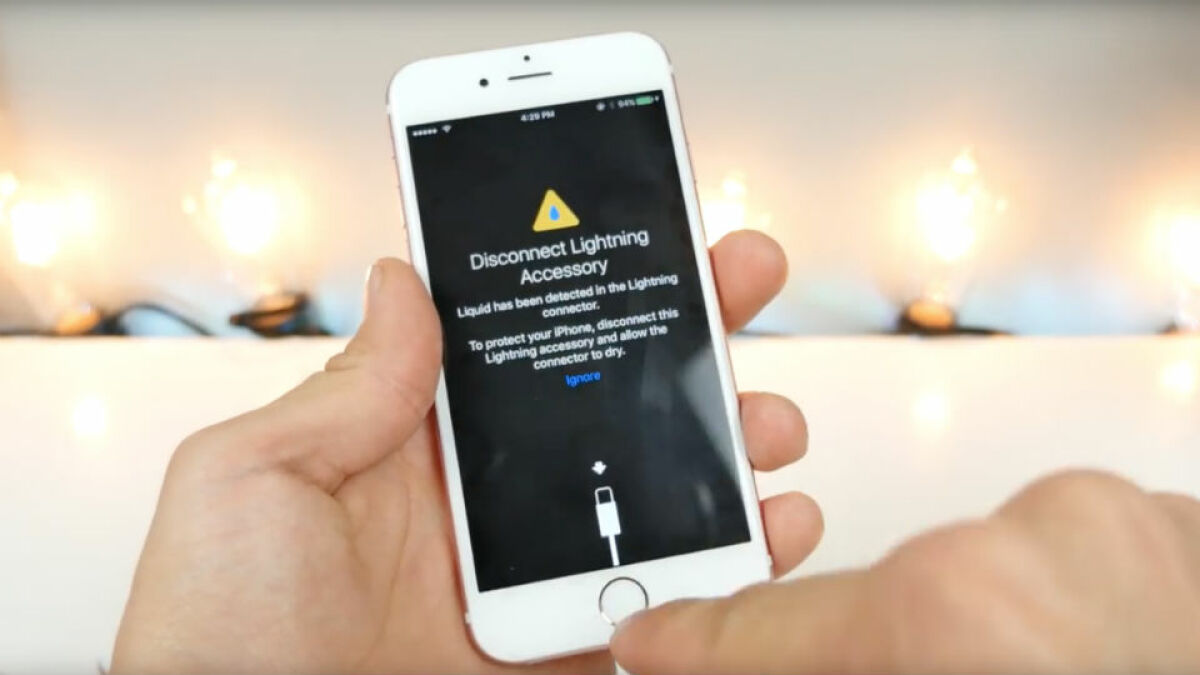
Apple’s documented guidance for the liquid-detection alert on iPhone 13 instructs you to disconnect any cable or accessory immediately, unplug the cable from both the iPhone and the power adapter or accessory, and do not plug it back in until everything is completely dry. The only drying method Apple documents is airflow and time, including waiting up to 24 hours if the alert persists. This process is Apple’s recommended approach for water damage and liquid removal, and it applies to iPhone XS, iPhone XS Max, iPhone XR, and later, which includes iPhone 13. Investing in a waterproof case can help prevent future water incidents.
Step 1: unplug everything immediately
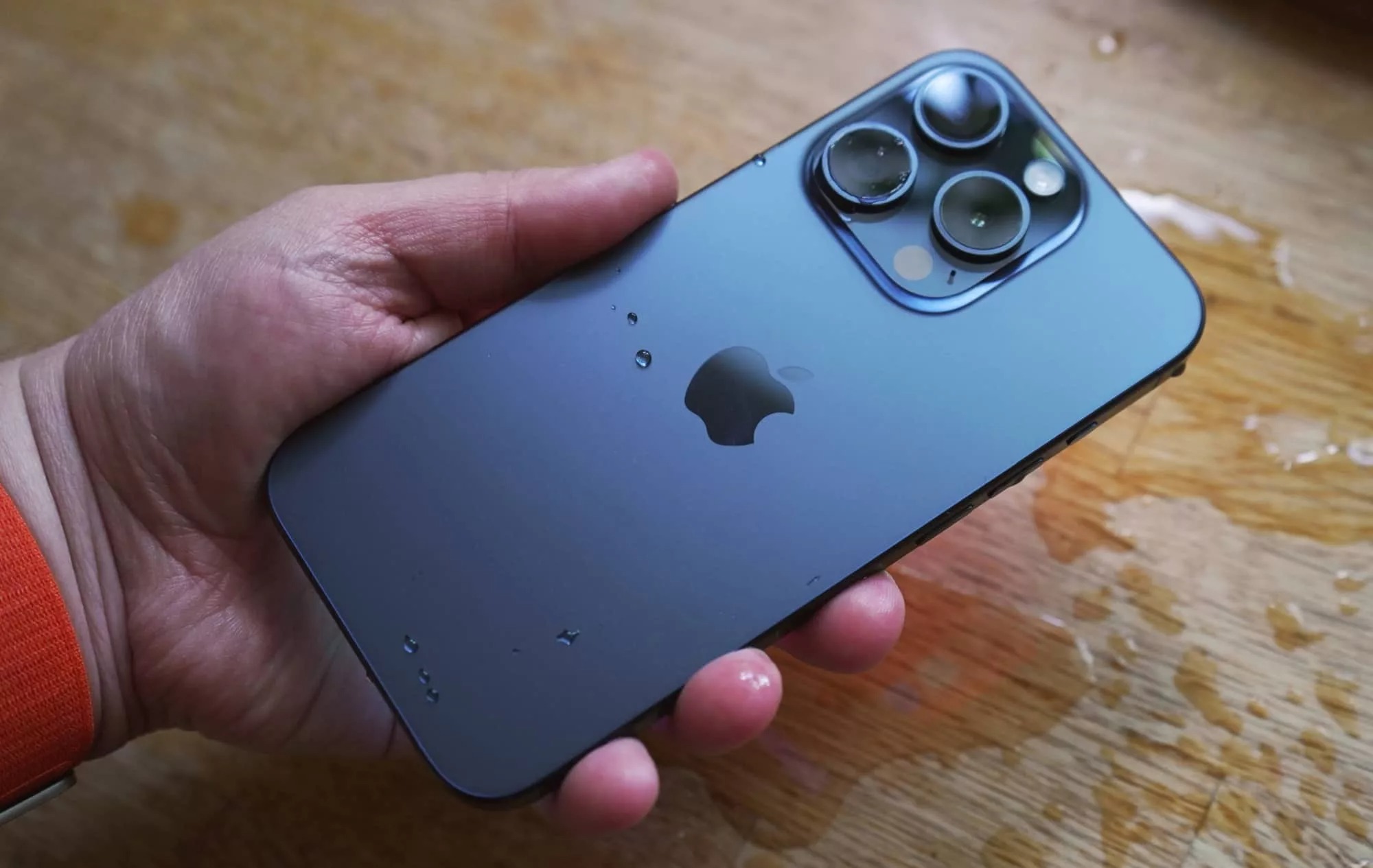
Do not plug it back in until everything is completely dry. This stops electricity from traveling through the liquid, which can cause a short circuit. Power off the iPhone immediately after water exposure to prevent short circuits.
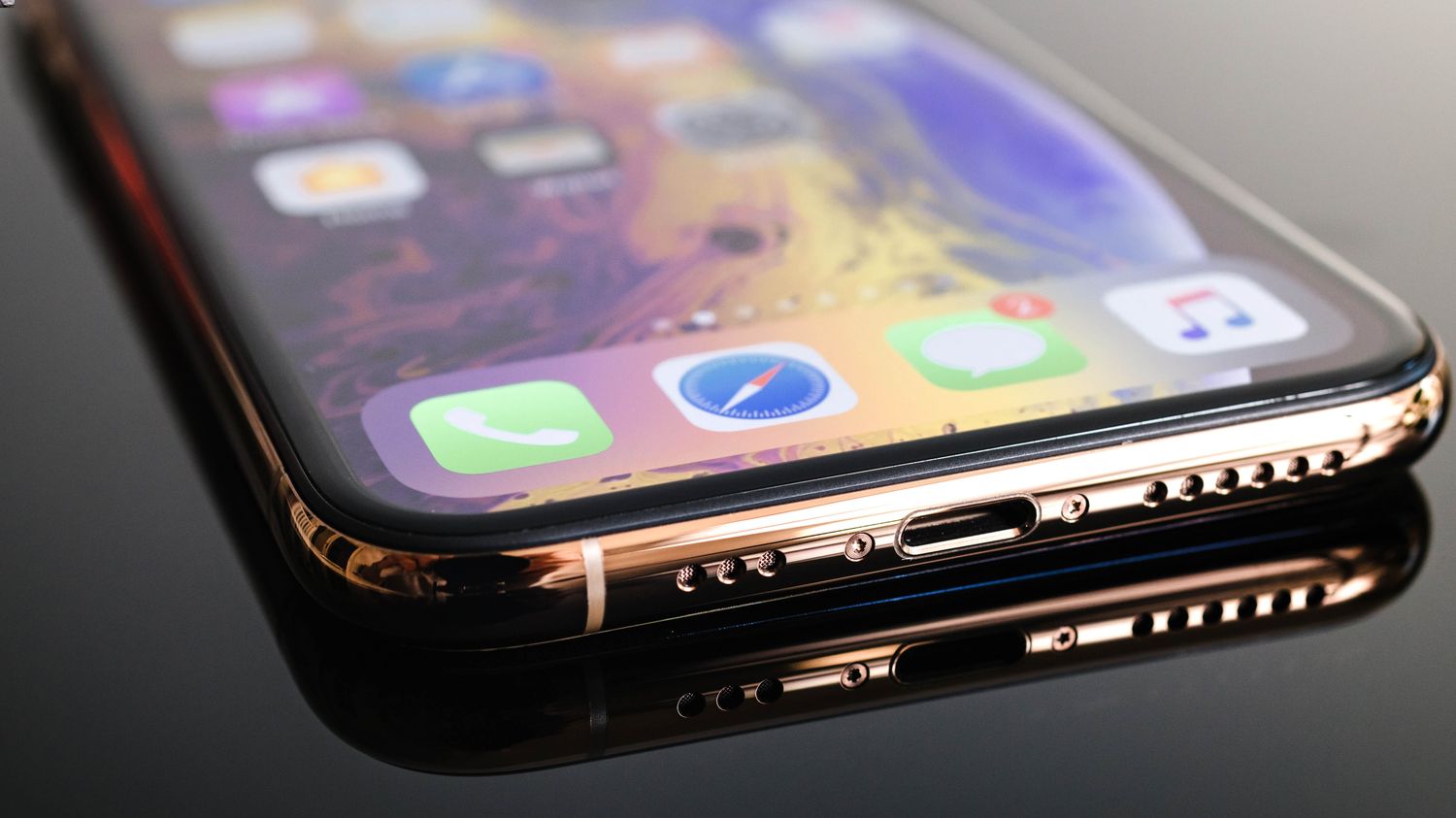
Step 2: tap and dry the connector
This helps remove excess liquid from the port. Do not insert anything into the port or shake the phone aggressively. Dry the exterior with a soft cloth before proceeding with drying methods.
Step 3: leave it in a dry area with airflow
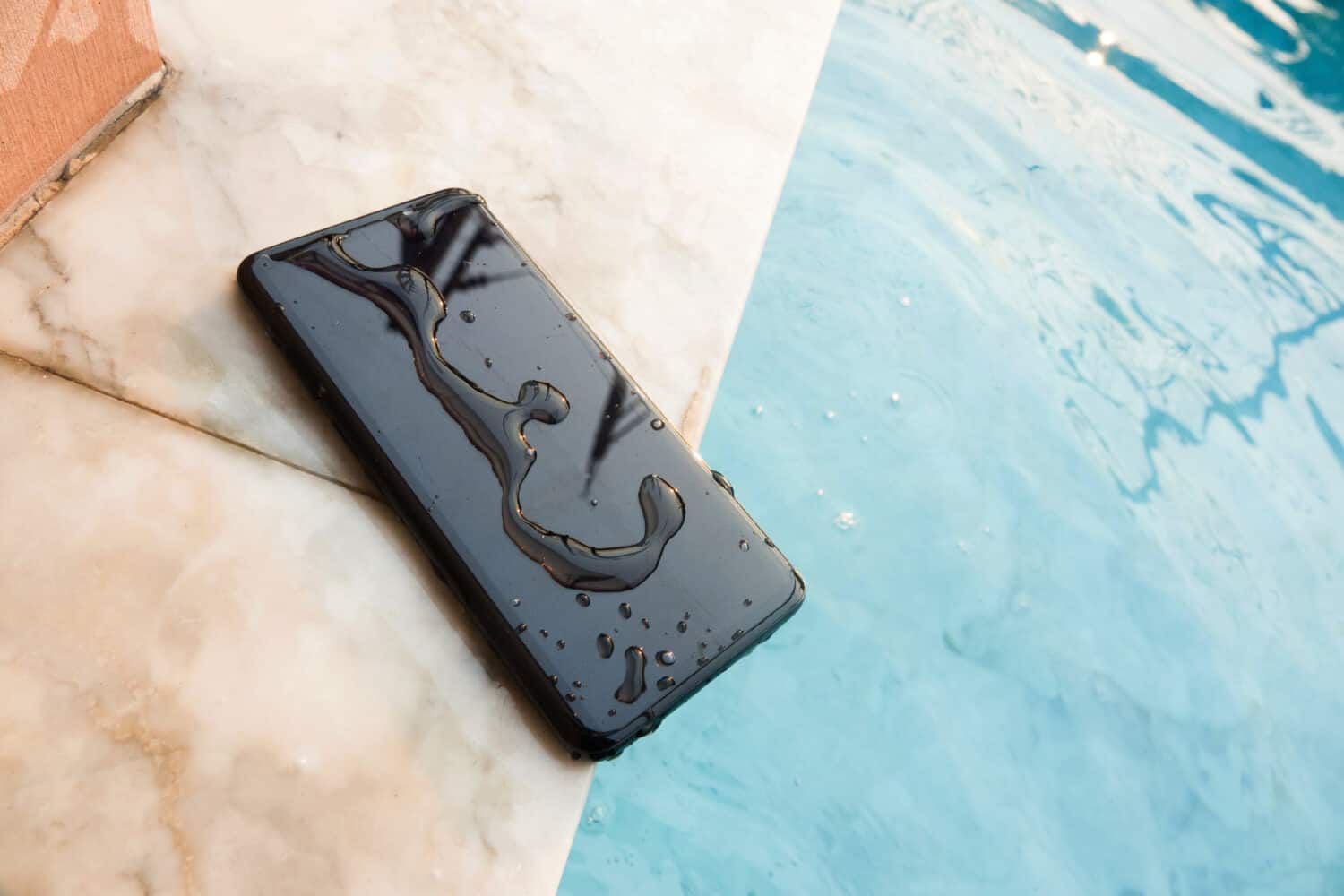
Place the iPhone in a dry area with some airflow. Wait at least 30 minutes before attempting to charge again. Airflow helps moisture evaporate naturally without introducing heat or foreign particles.
Step 4: wait up to 24 hours if needed
If the liquid-detection alert returns after 30 minutes, leave the iPhone in a dry area with airflow for up to a full day. It might take up to 24 hours to fully dry. Do not reconnect the cable until the alert is gone.
What to avoid when drying your iPhone 13
These unproven home remedies can introduce particles into the port, trap moisture, or damage internal components. Apple also advises against using external heat sources such as a hairdryer, as heat can cause further damage. The only drying method Apple documents is to leave the phone in a dry area with some airflow and wait until it is fully dry before reconnecting anything.
When to get professional help
If you see the alert every time you connect a certain cable or accessory, that cable or accessory might be damaged and you should contact the manufacturer. If the alert appears with an Apple Lightning or USB-C cable or accessory every time, Apple says you might need service and to get service. Apple also says liquid damage is not covered by the Apple One-Year Limited Warranty. Water damage can lead to corrosion of internal components and potential data loss as long-term effects.
Frequently Asked Questions
Does this apply to iPhone 13?
Yes.
How long should the phone dry?
Apple says try again after at least 30 minutes, and if liquid remains, leave it in a dry area with airflow for up to a day; it might take up to 24 hours to fully dry.
Is liquid damage covered?
No.
What if it still alerts with one cable?
Apple says that cable or accessory may be damaged.
What if it alerts with every Apple cable or accessory?
Apple says the iPhone might need service.
Related reading: How To Get Water Out Of Microphone IPhone 11 and How To Get Water Out Of IPhone 14 Pro Max.