T-Mobile Wingman WiFi is not a standalone product or service you can activate, but rather a device profile tied to T-Mobile's in-flight texting and Wi-Fi service. If you see "TMobileWingman" or "T-Mobile Wingman WiFi" in your phone's settings, it is referencing that in-flight connectivity feature, not a separate home or public Wi-Fi network.
What is T-Mobile Wingman WiFi?
T-Mobile Wingman WiFi is a network profile associated with T-Mobile's In-flight texting and Wi‑Fi service, documented only as part of that offering in official T-Mobile support pages. It is not a separate product, standalone app, or a feature you can configure independently. The profile name may appear on your device because your phone detected or was previously connected to a T-Mobile pilot Wi-Fi network used for in-flight connections. In practice, Wingman WiFi simply refers to the underlying network identifier that enables T-Mobile customers to send texts and browse the web on participating airlines.
Why does the TMobileWingman profile appear on my device?
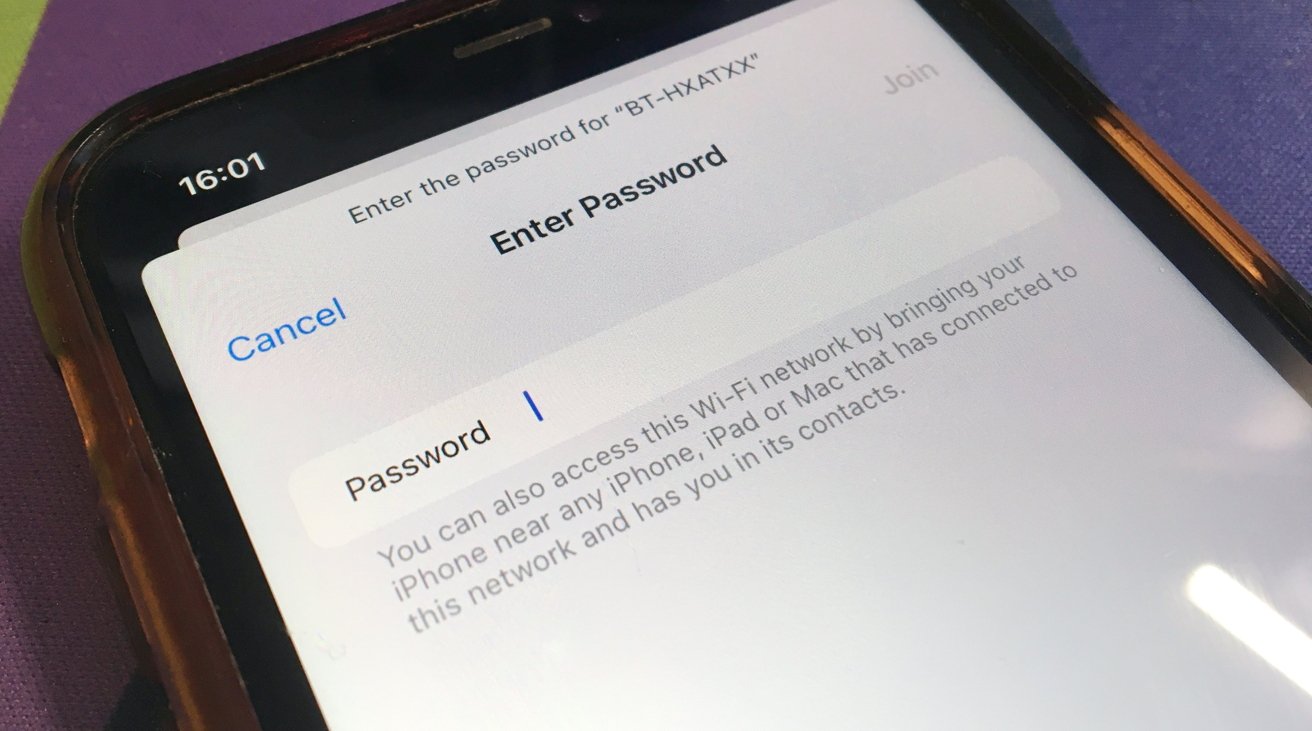
The TMobileWingman Wi‑Fi profile appears on some Apple and Android devices because it was part of a pilot Wi‑Fi network for T-Mobile in-flight connections. According to Apple community discussions, this profile was pushed to devices during testing and is not harmful. The Apple community post says the TMobileWingman profile was a pilot Wi‑Fi network and tells users to ignore it.
Is T-Mobile Wingman WiFi a separate service I can activate?
No. T-Mobile Wingman WiFi is not a separate service you can activate through settings, a standalone product with its own documentation, or a feature listed in any official T-Mobile support articles. The retrieved T-Mobile pages do not include setup steps, supported device lists, compatibility information, or menu paths for Wingman WiFi. If you are looking for a feature to improve home or office coverage, you are likely thinking of Wi‑Fi Calling, which is a different T-Mobile service entirely. For in-airplane connectivity, the correct service is T-Mobile's In-flight texting and Wi‑Fi, not a "Wingman" toggle or plan add-on.
How does T-Mobile in-flight connectivity actually work?
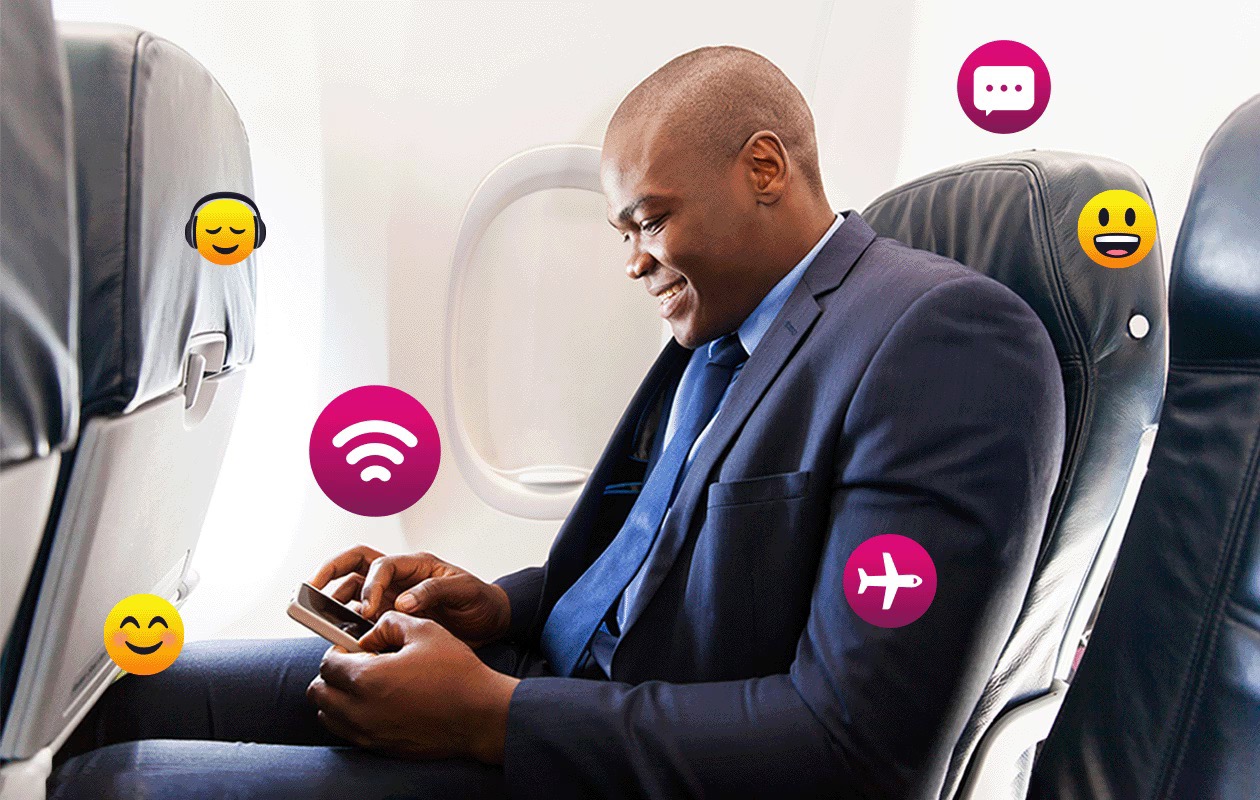
T-Mobile's documented in-flight texting and Wi‑Fi service allows eligible customers to send texts and use data on participating airlines. You do not need to search for or activate anything labeled "Wingman"; instead, when you board a plane that supports T-Mobile in-flight service, your phone can connect automatically or prompt you to sign in. For full setup steps and device eligibility, T-Mobile provides an In-flight texting and Wi‑Fi support topic on its device support pages. Note that separate articles on how to use T-Mobile in-flight WiFi cover the exact connection process, and if you have questions about data usage at home, T-Mobile Home Internet speed limits are detailed in the How Fast Is T-Mobile Home Internet article.
What to do if you have connectivity issues
If you experience general device internet problems, whether related to cellular data, Wi‑Fi calling, or browsing, T-Mobile's official troubleshooting guidance directs you to use the T-Life app and the T-Life Troubleshooter. There are no Wingman-specific troubleshooting steps documented in T-Mobile's support pages. For issues specifically with airplane connectivity, contact T-Mobile customer care or check your account to confirm you have in-flight texting and Wi‑Fi access. For home or office connection problems, the standard Wi‑Fi and browsing troubleshooting steps in the T-Life app remain your best resource.
Frequently Asked Questions
Will deleting the TMobileWingman profile affect my T-Mobile service?
No. Removing the TMobileWingman Wi‑Fi profile from your device settings will not affect your cellular service, Wi‑Fi Calling, or your ability to use T-Mobile's in-flight texting and Wi‑Fi. It is a leftover pilot network identifier and is not required for any current T-Mobile feature.
Does T-Mobile Wingman WiFi work on Android and iPhone?
In-flight texting and Wi‑Fi, the actual service it is tied to, works on many modern T-Mobile phones; check T-Mobile's device support pages for specific eligibility.
Is T-Mobile Wingman WiFi the same as Wi‑Fi Calling?
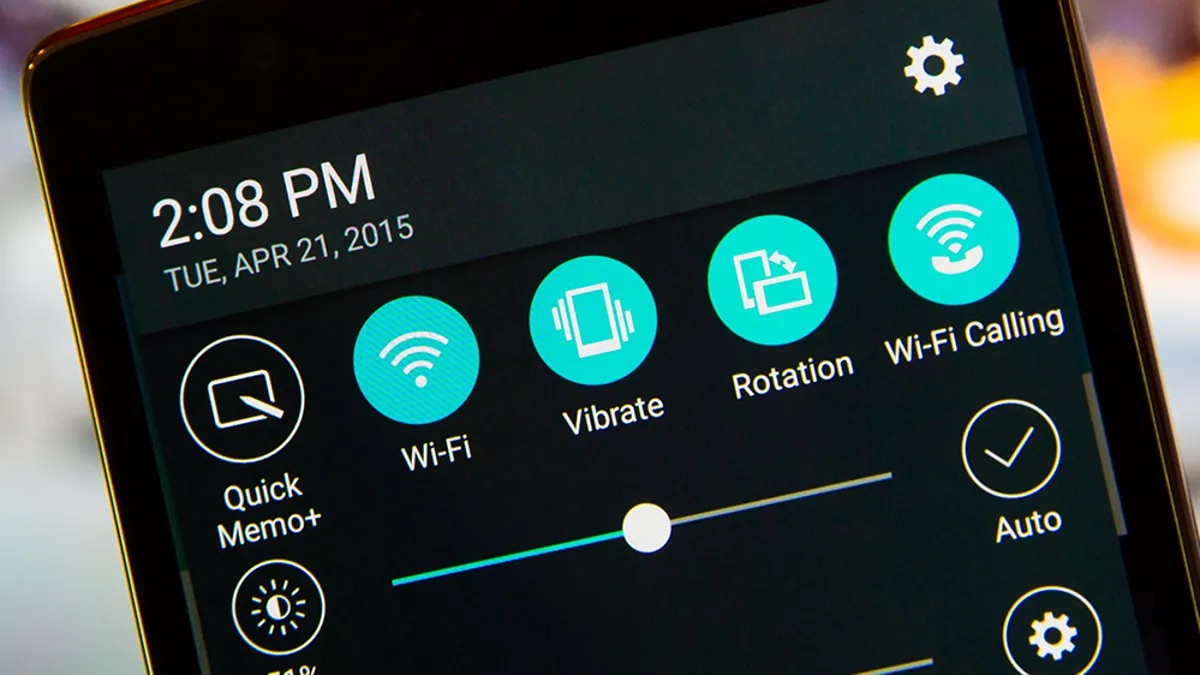
No. Wi‑Fi Calling is a separate T-Mobile feature that lets you make calls and send texts over any Wi‑Fi network at home or work. T-Mobile Wingman WiFi refers specifically to a profile used with the in-flight Wi‑Fi network, not your home router or public hotspots.
Can I use T-Mobile Wingman WiFi on any airline?
The profile was part of T-Mobile's pilot in-flight network, but current in-flight texting and Wi‑Fi service is available on participating airlines. Not all airlines support T-Mobile's in-flight connectivity, and you do not need a specific Wingman profile to access it, your phone will connect automatically or via a sign-in portal when boarding eligible flights.
Related reading: What Is T-Mobile Wingman.