
Start here: Digital Wallet
All topics →Latest in Digital Wallet

Most read in Digital Wallet
More from Digital Wallet
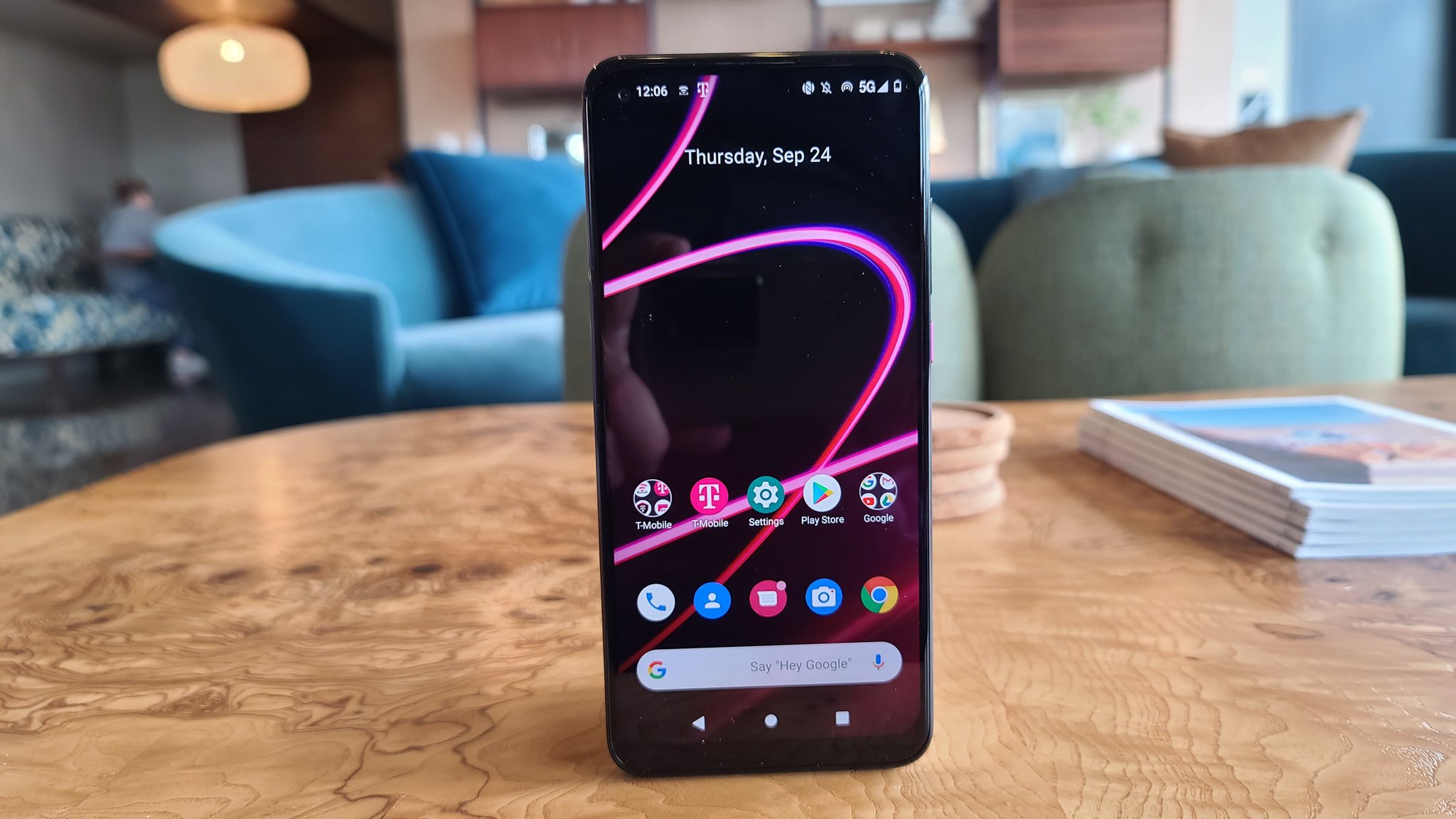
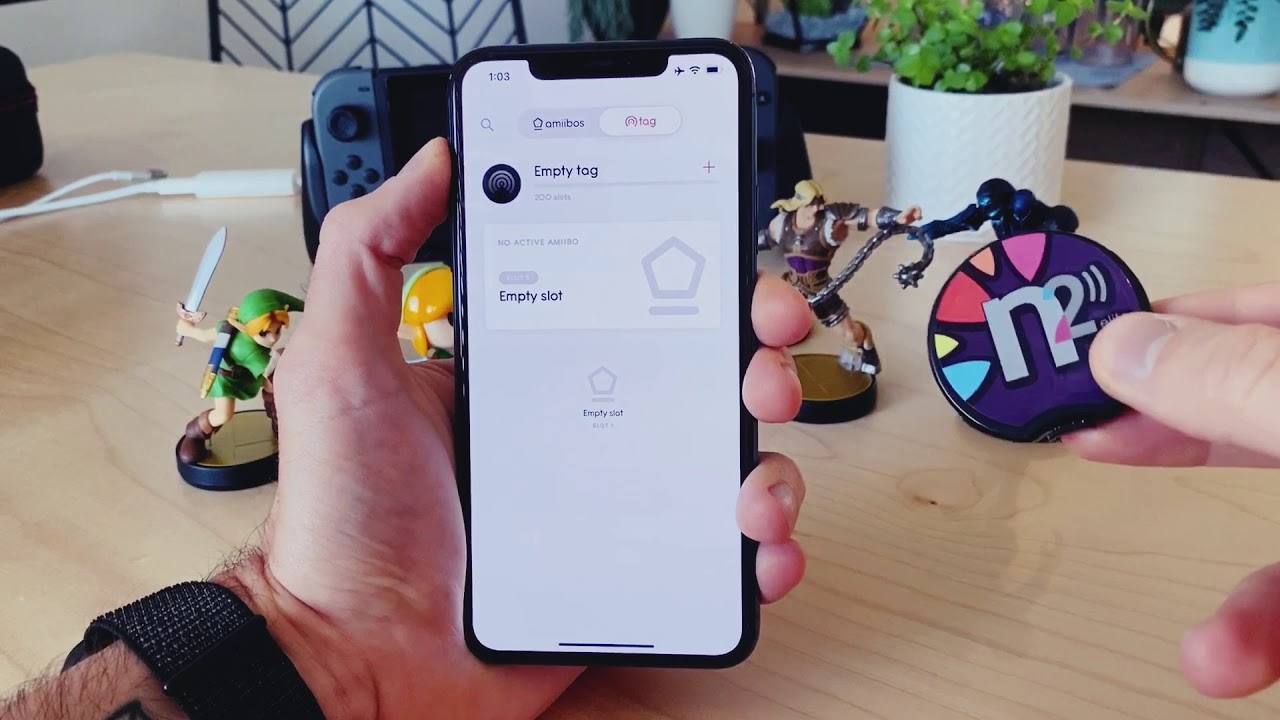
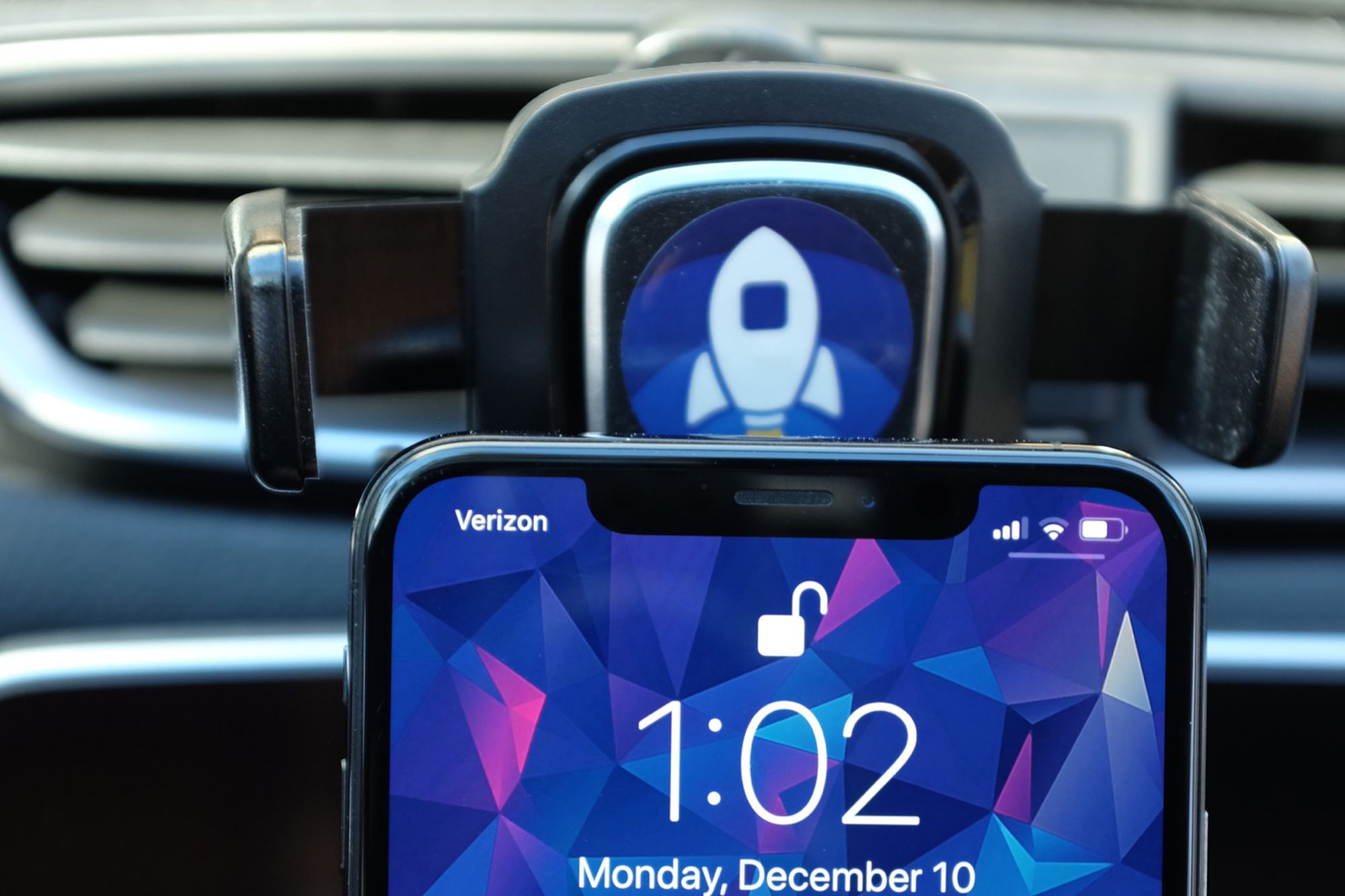
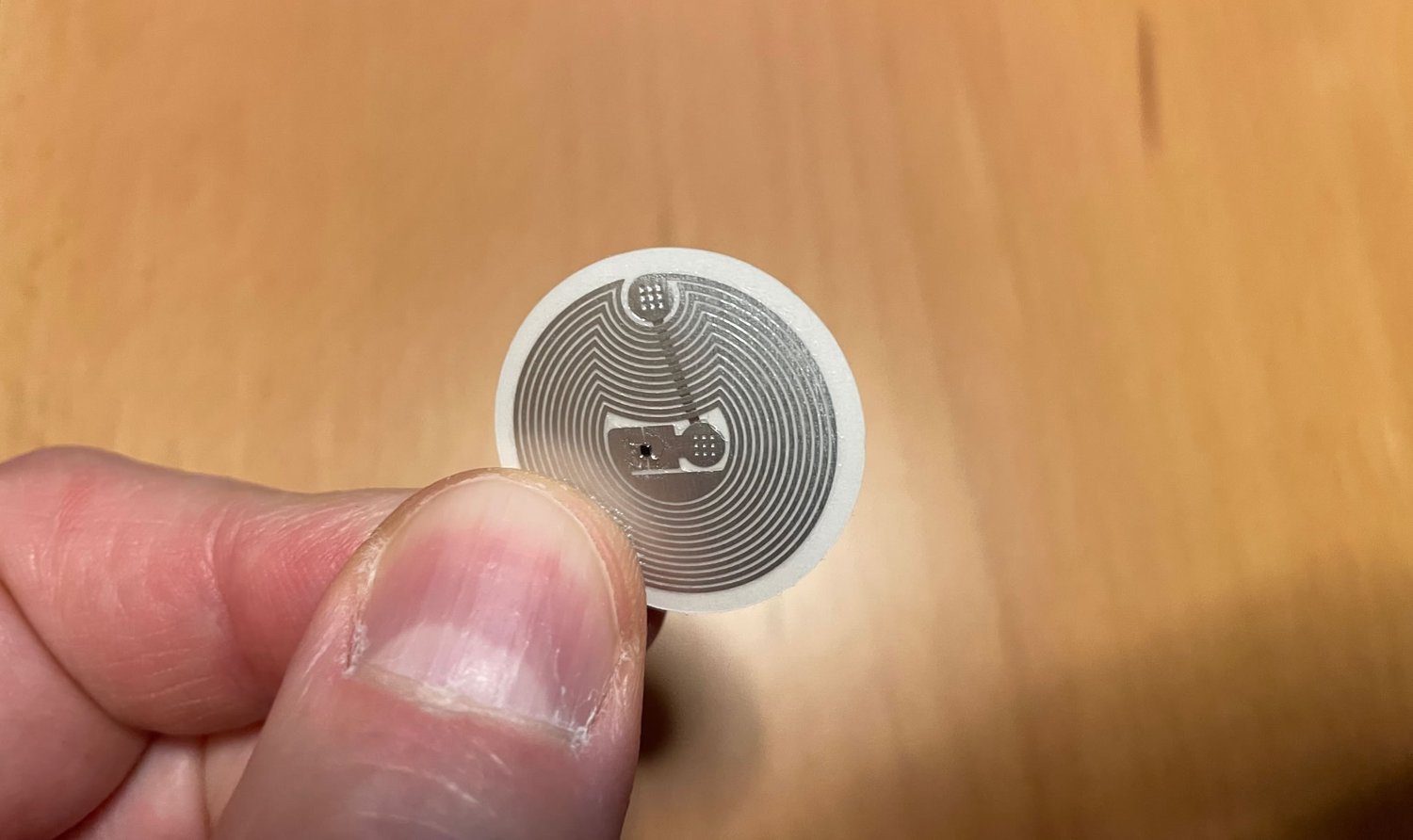
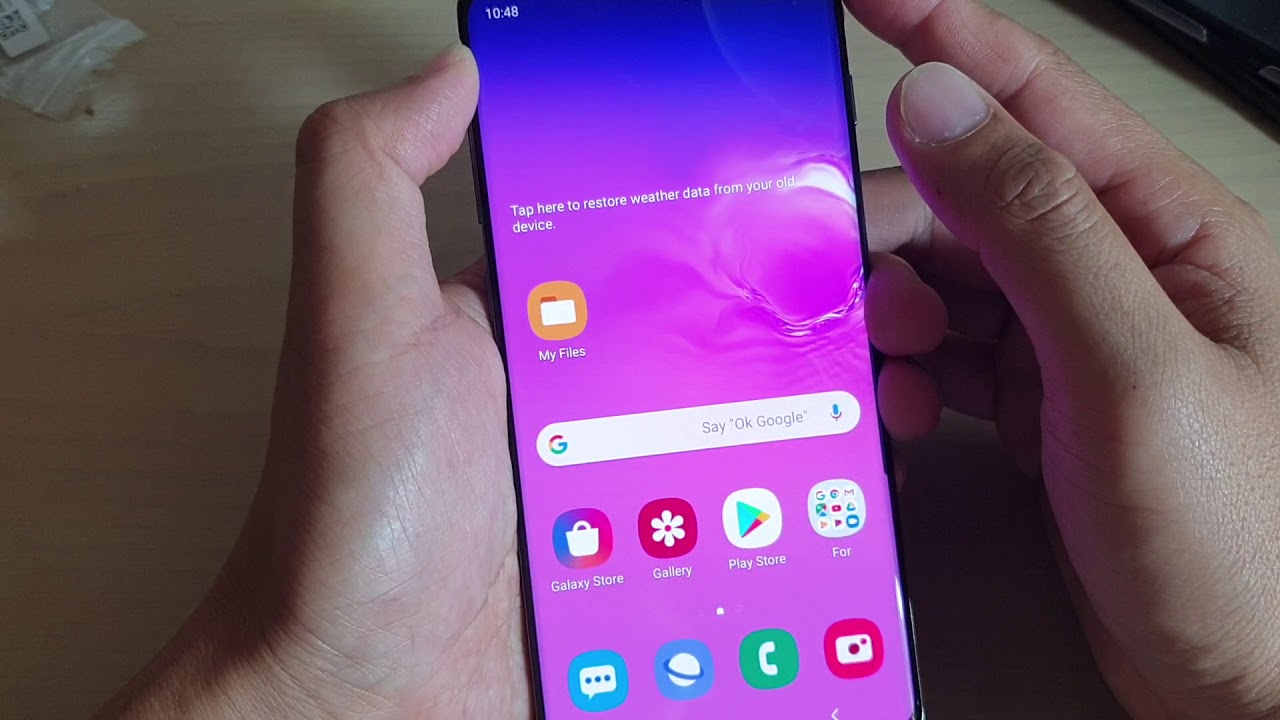
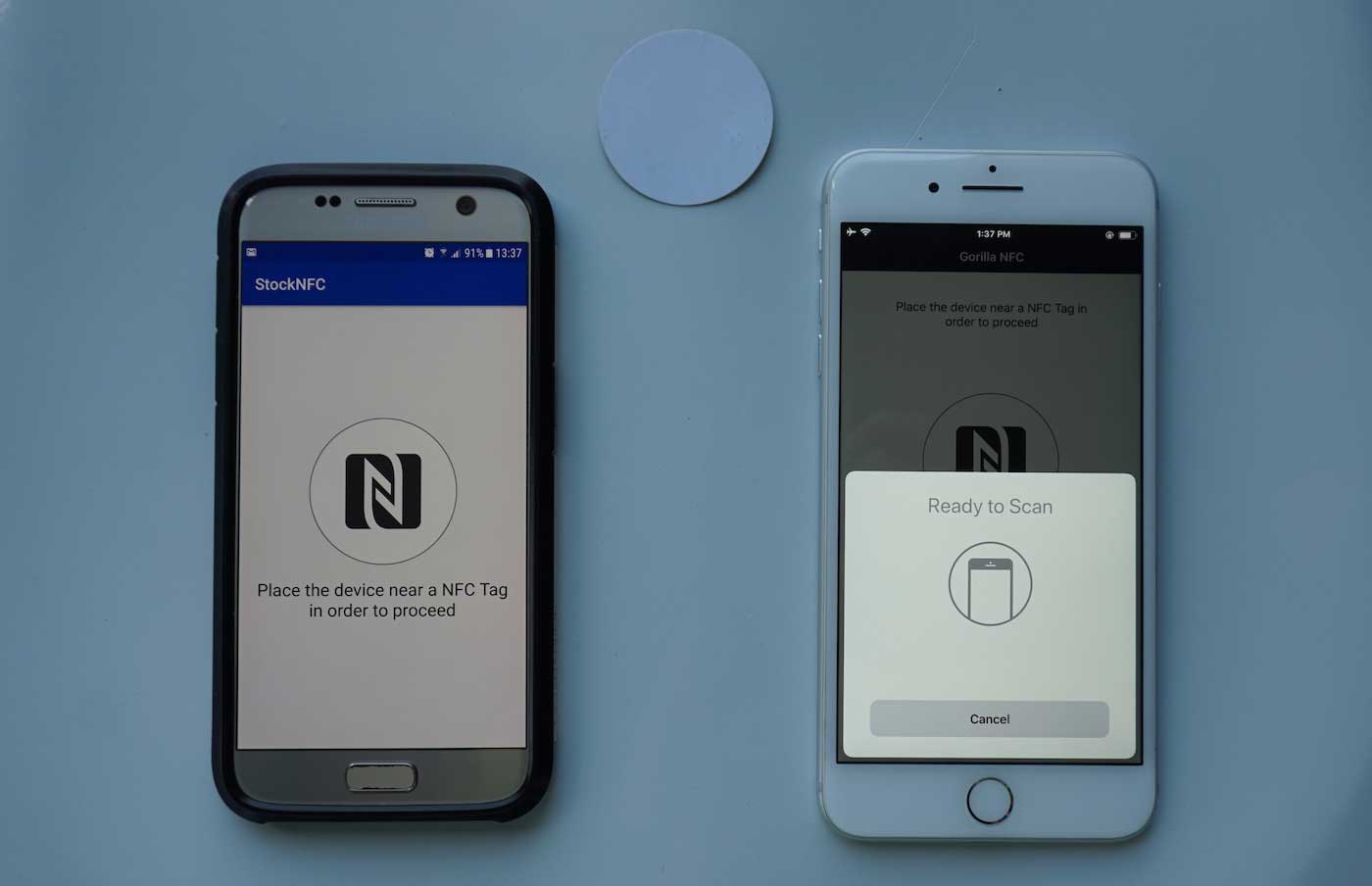
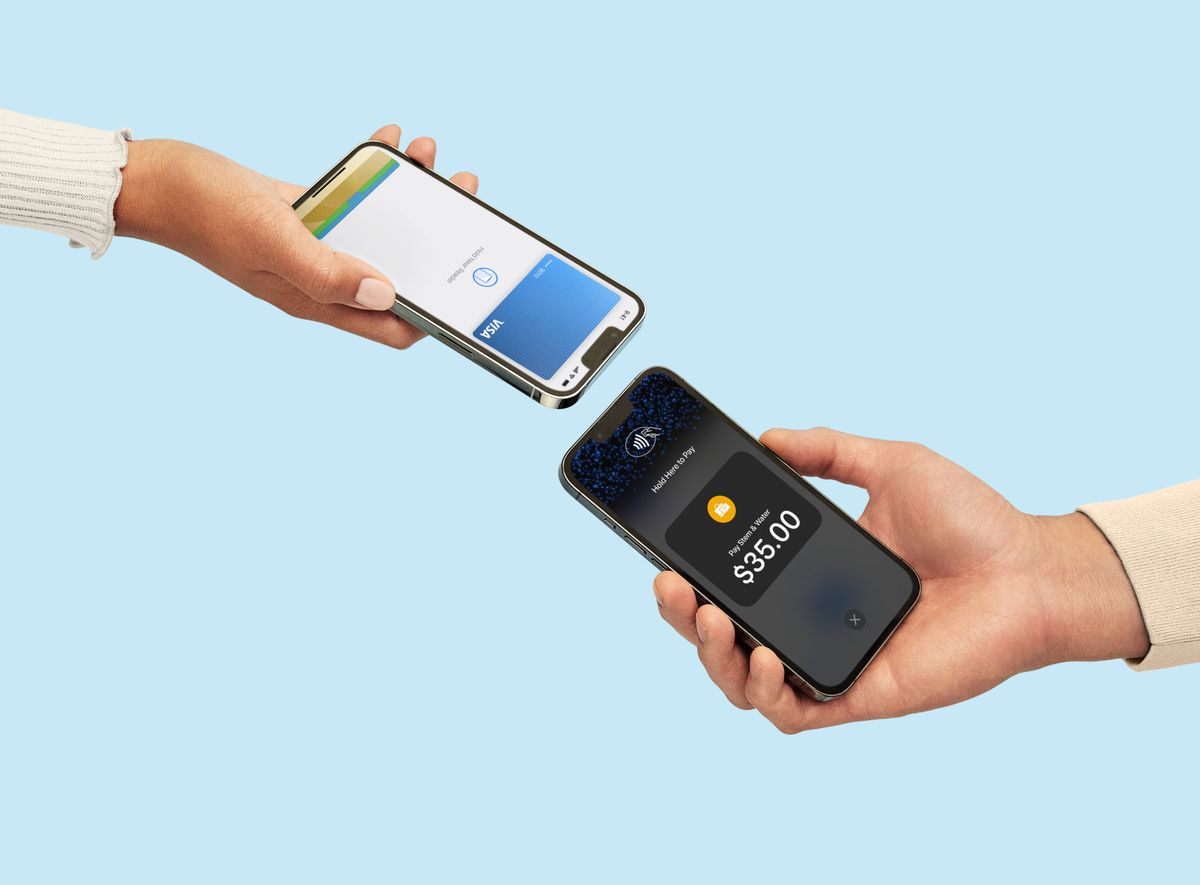
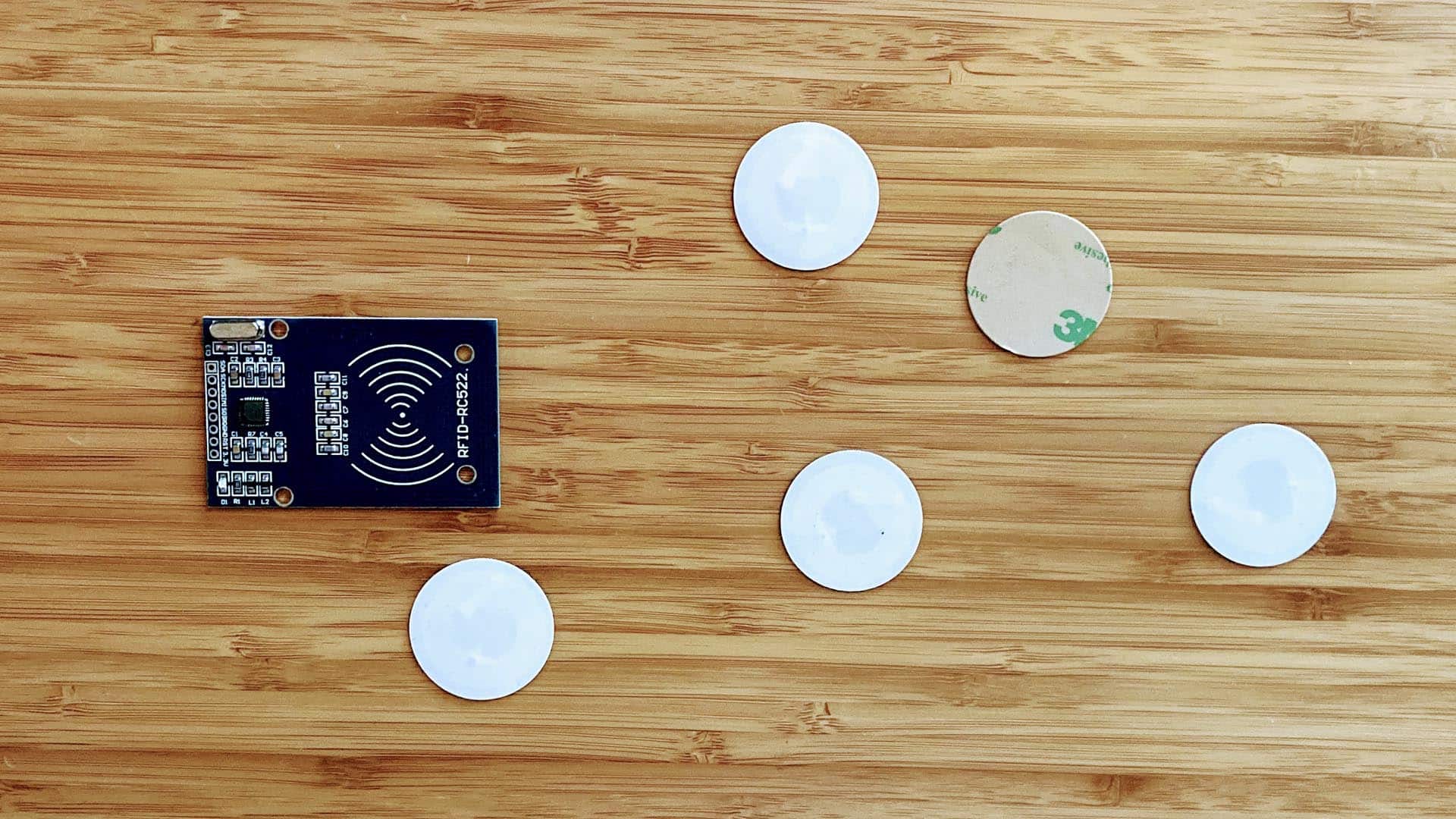
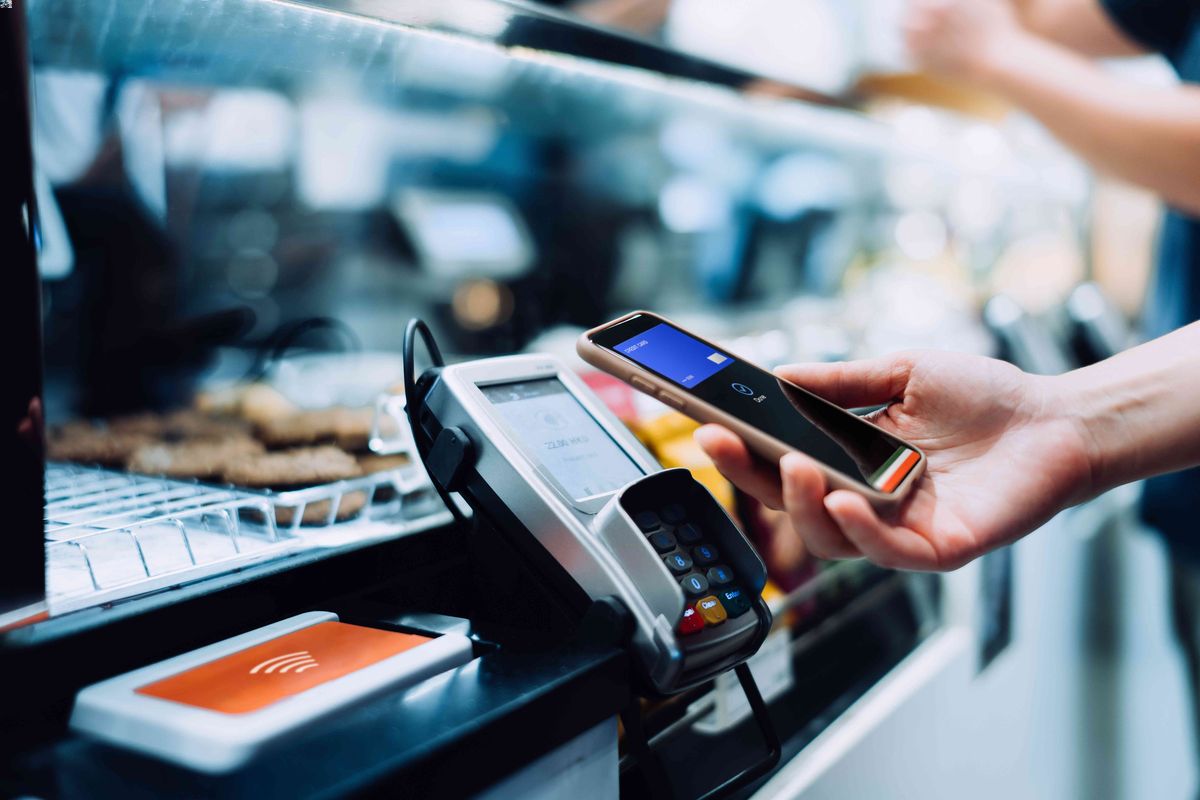
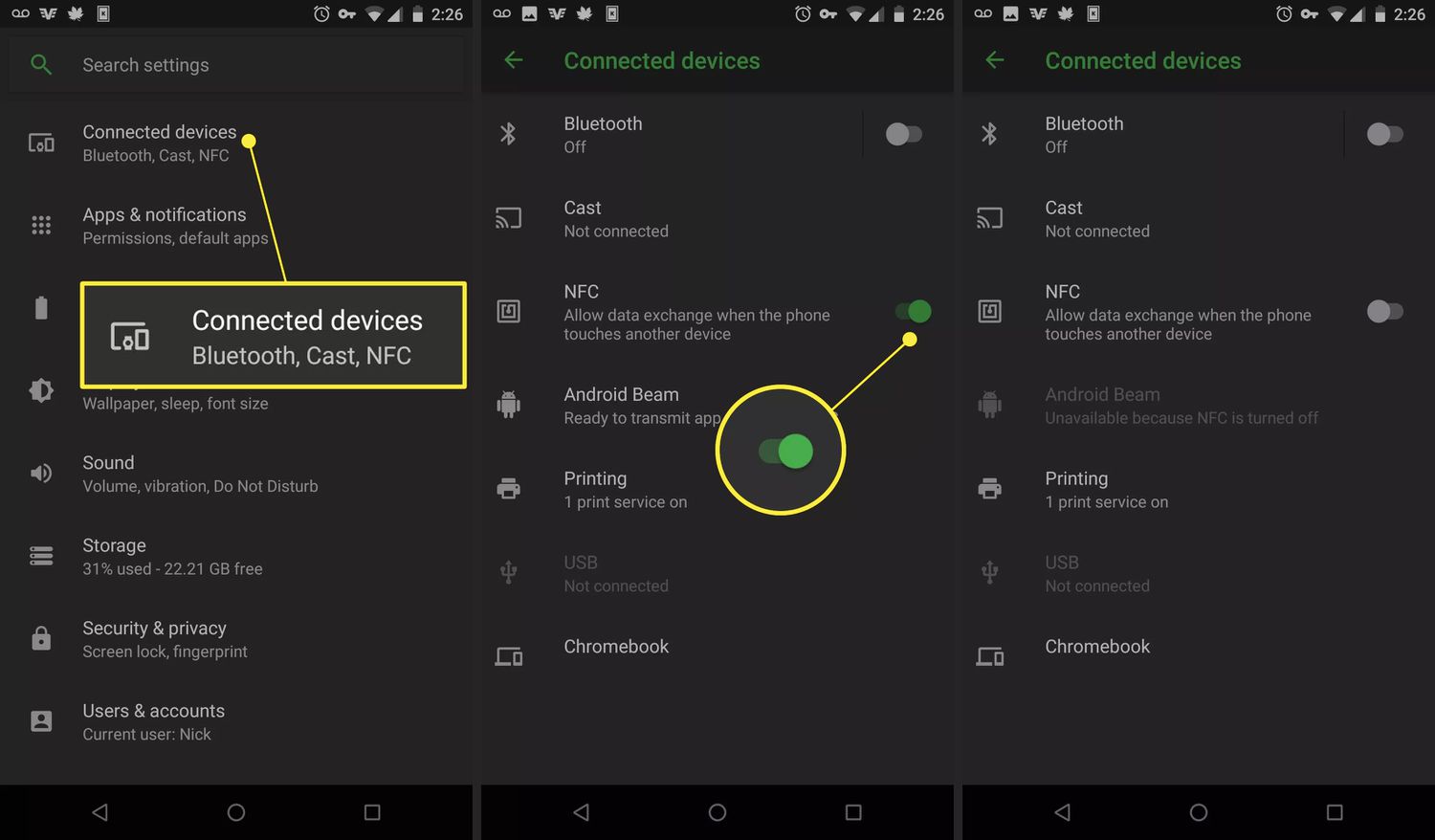
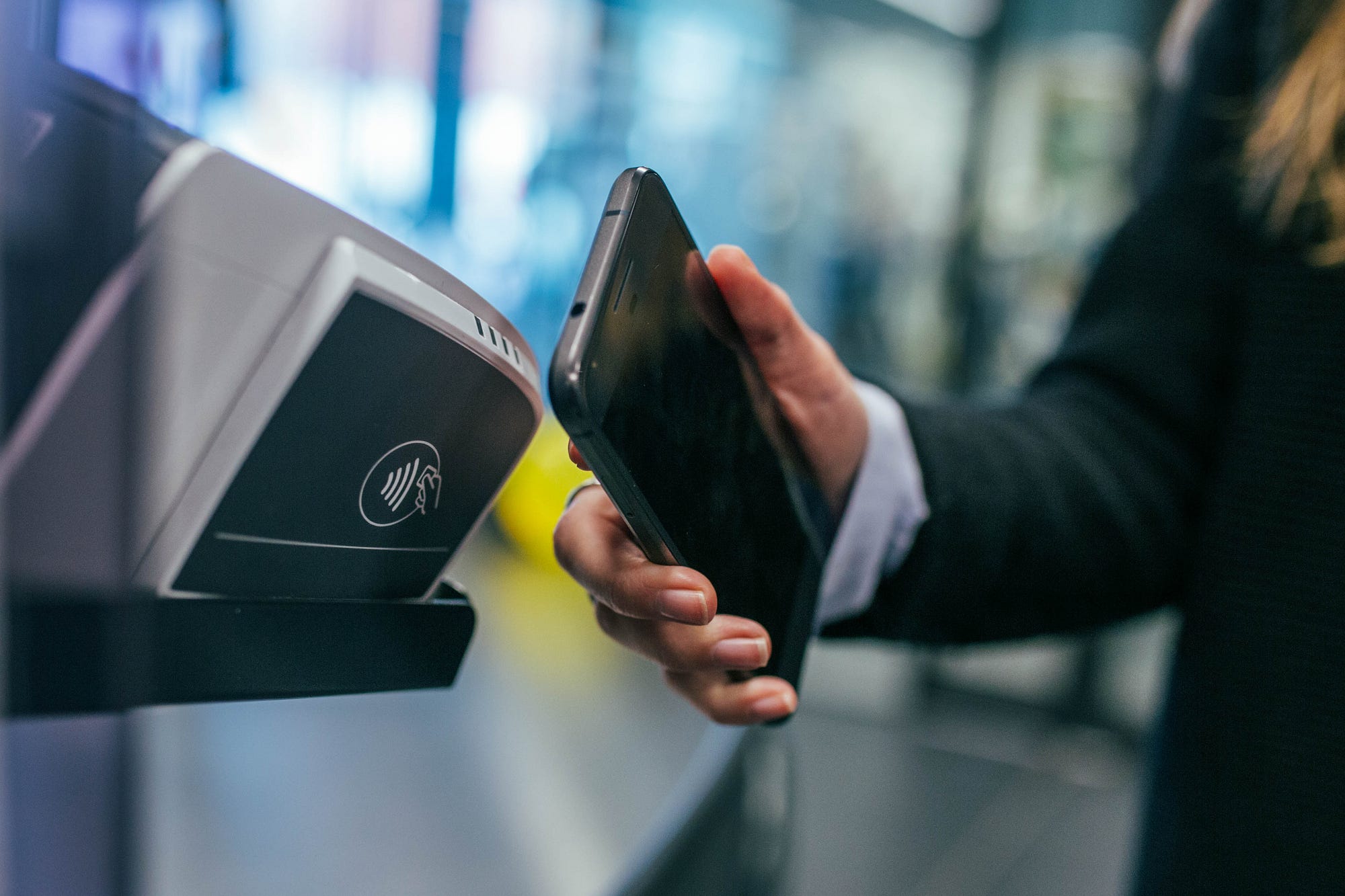
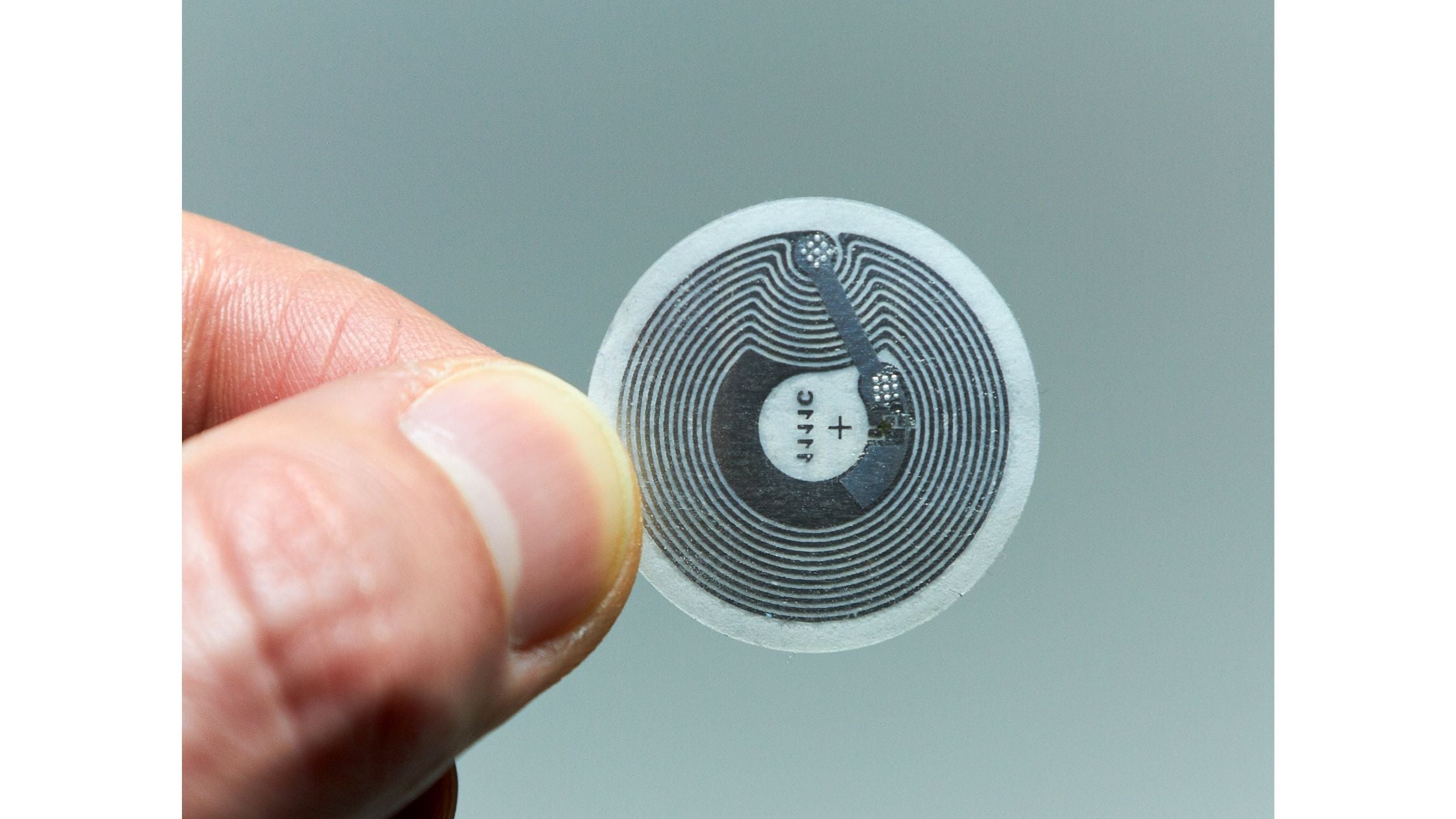


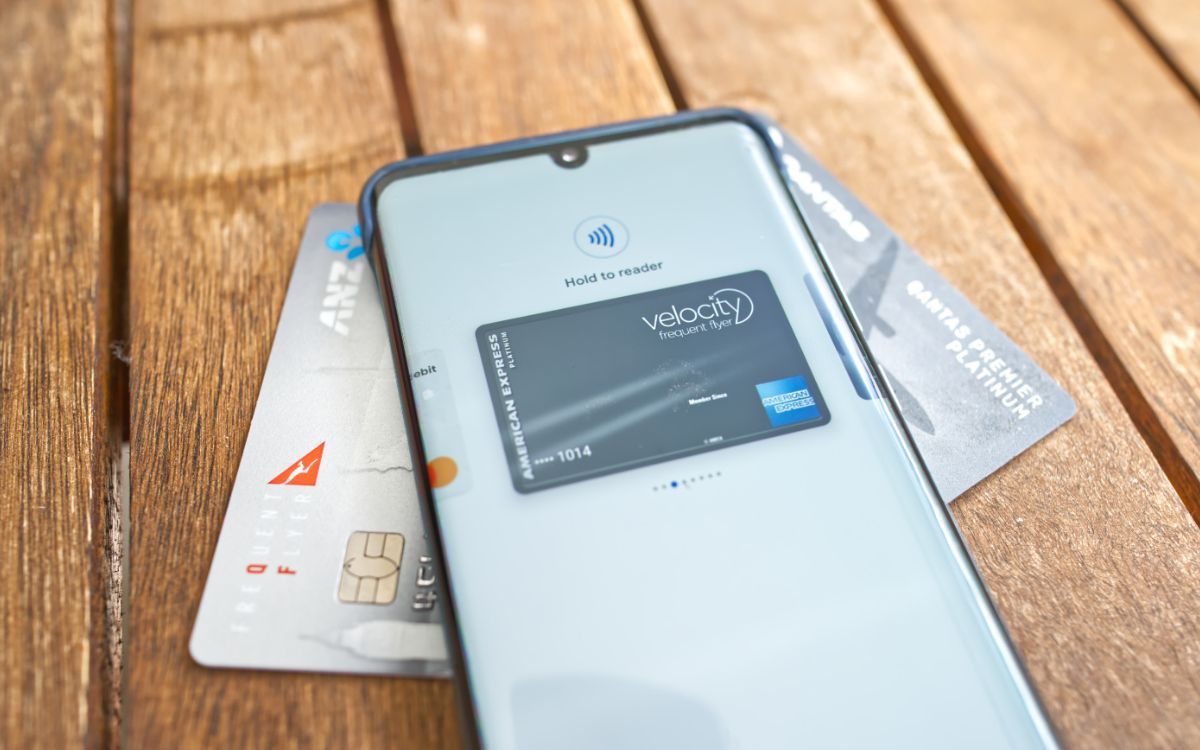
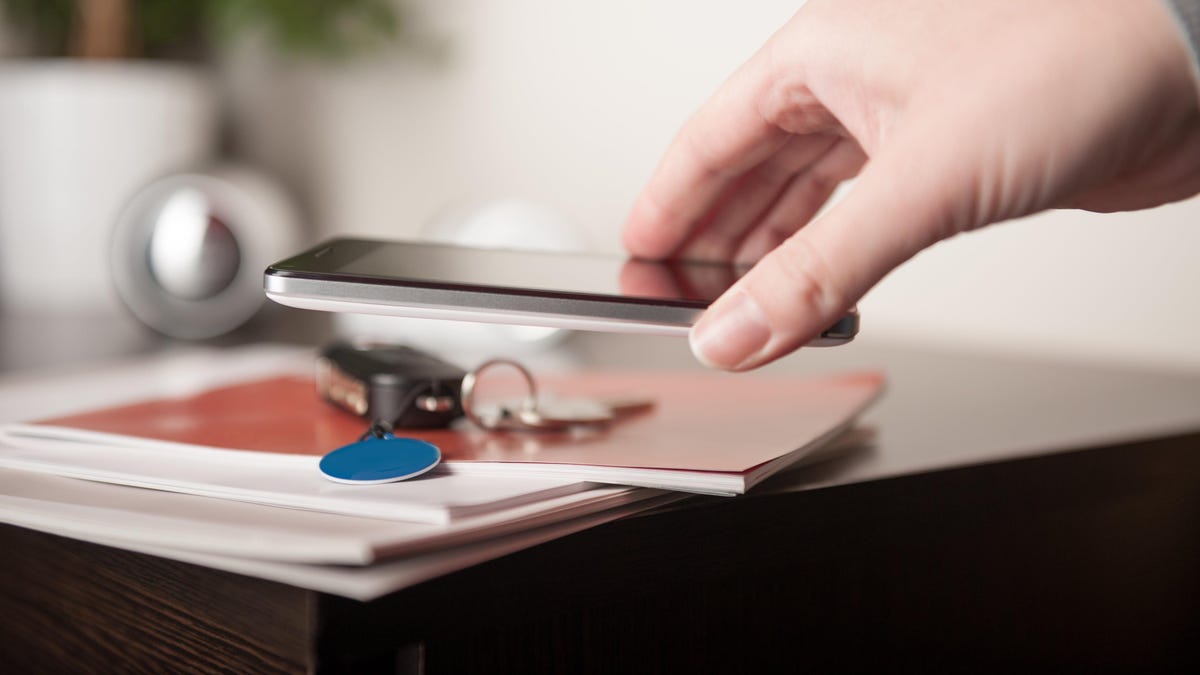
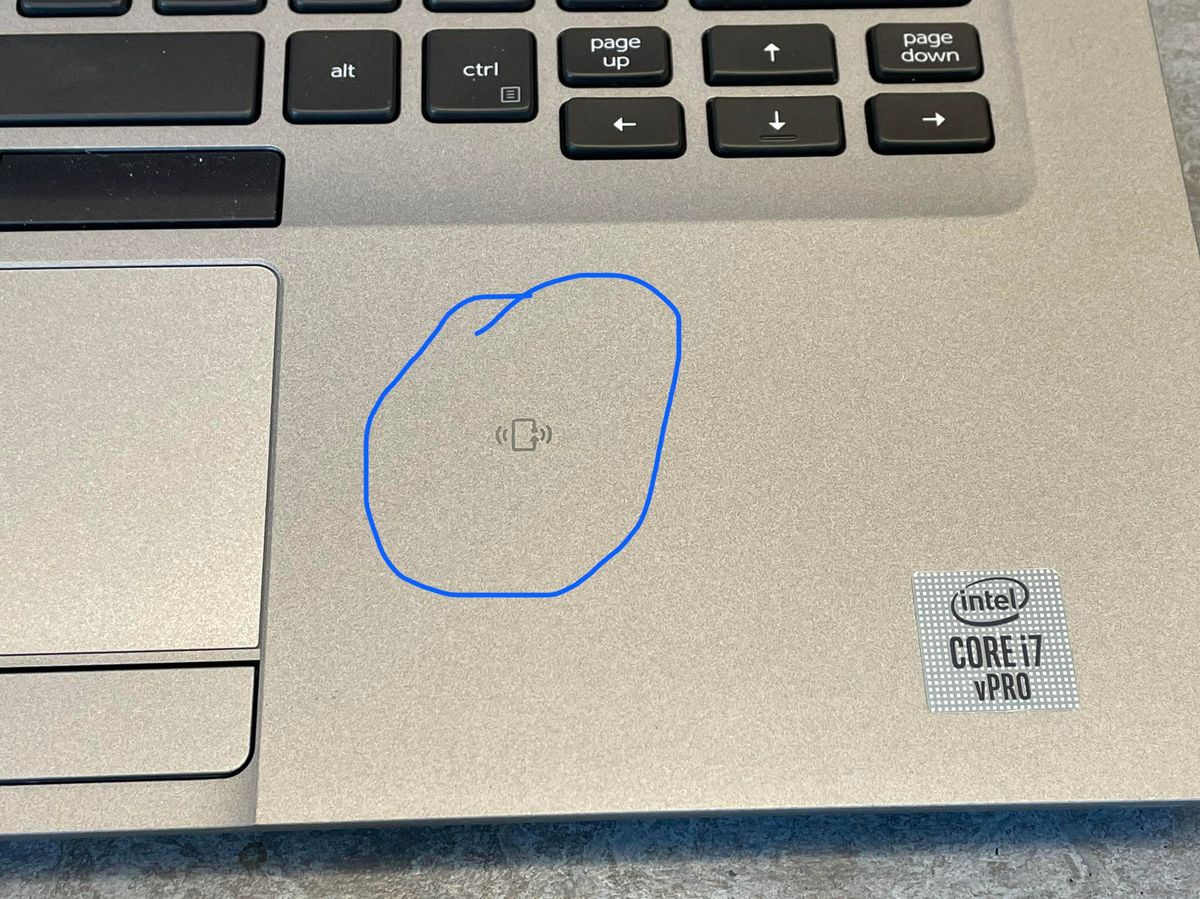
The Digital Wallet section on CellularNews is for anyone who wants to use their phone to pay, store tickets, or tap into the world of NFC technology. Whether you are setting up your first mobile wallet or troubleshooting a persistent "NFC Tag Detected" notification, the guides here help you take control of your phone's contactless features. The main guide, NFC Tags, Readers and Phone Features Explained, is the best starting point for understanding the hardware and how it all works together.
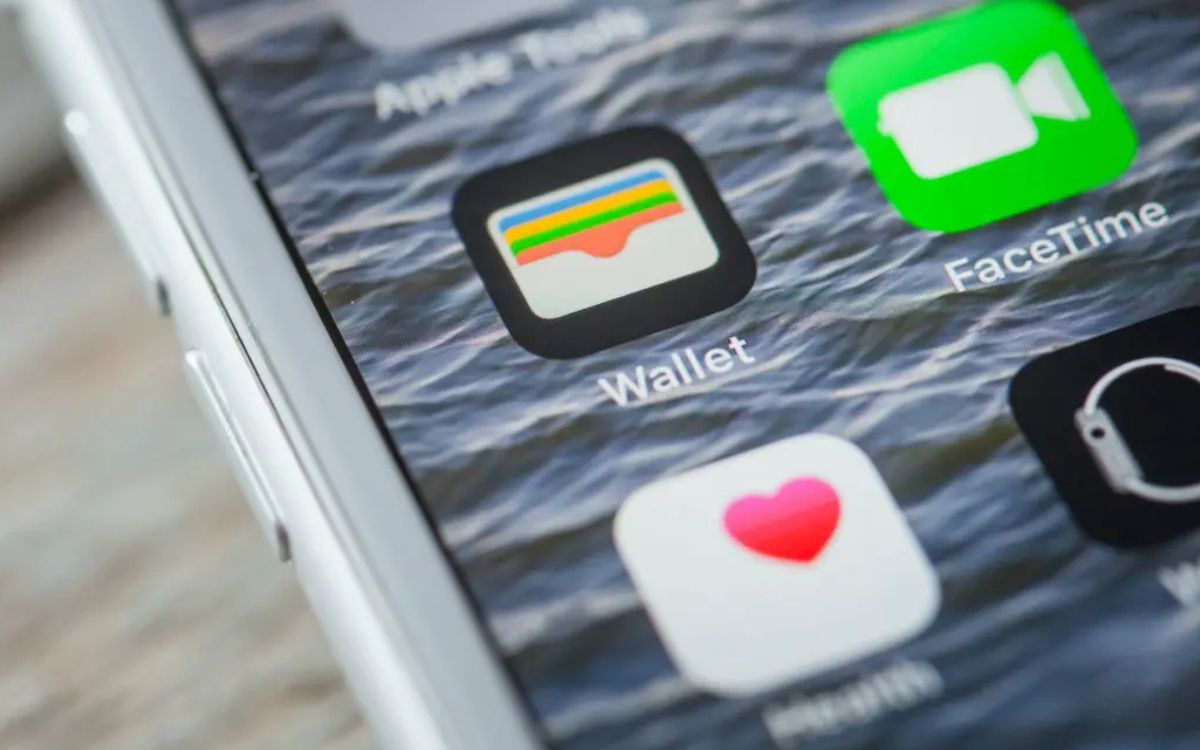
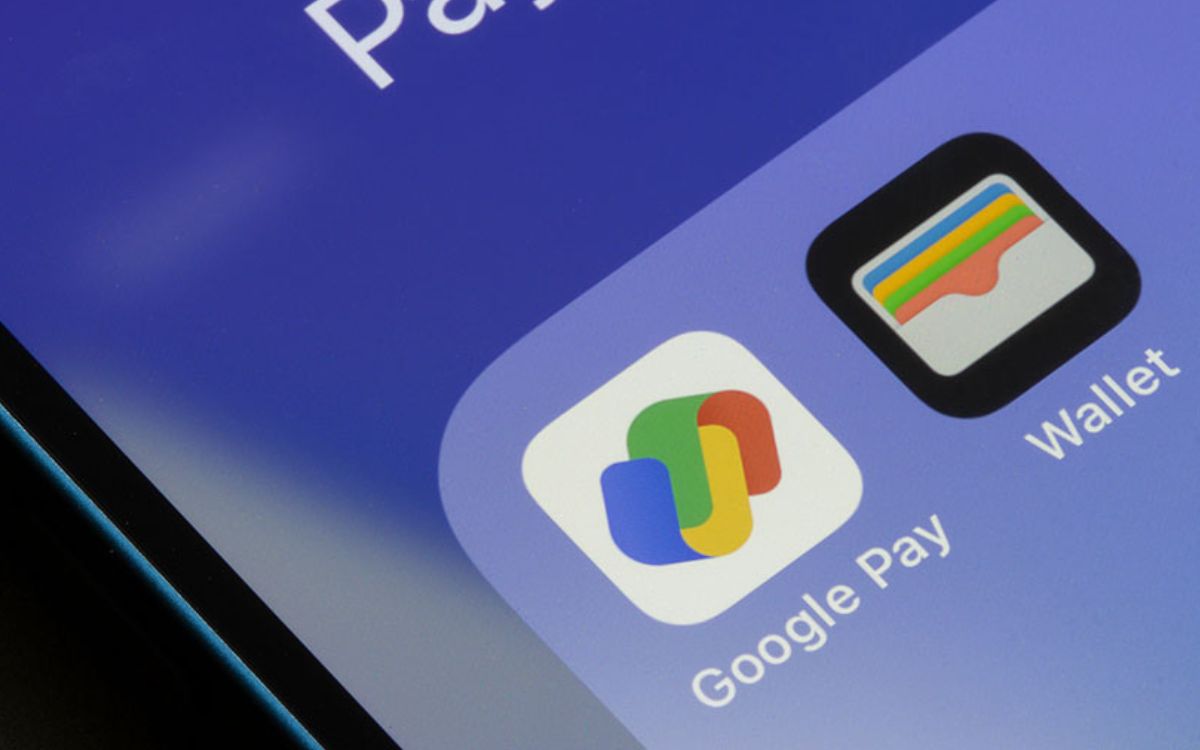
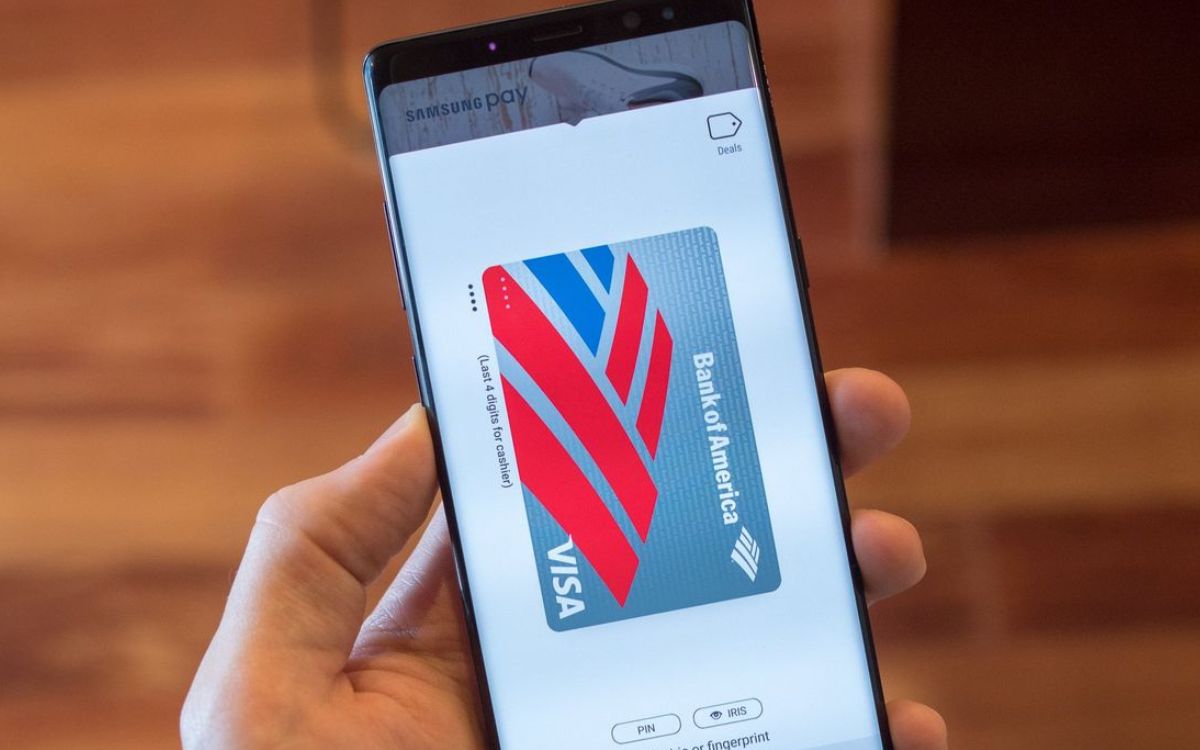
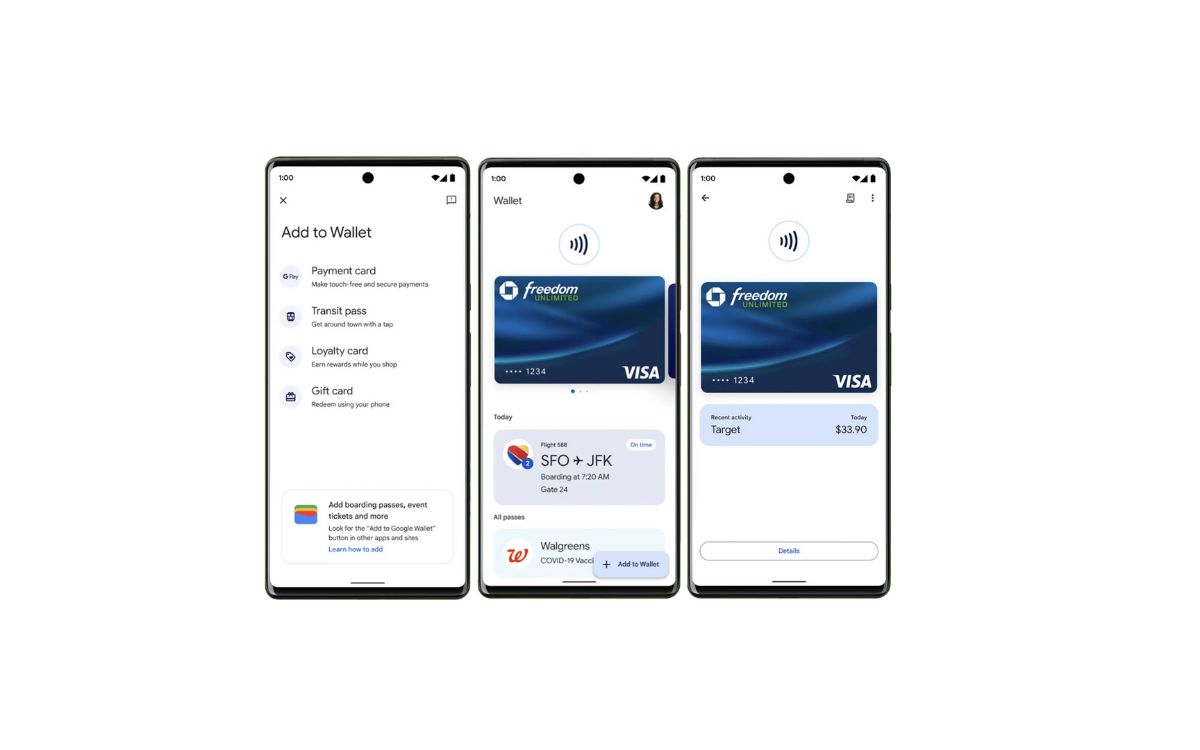
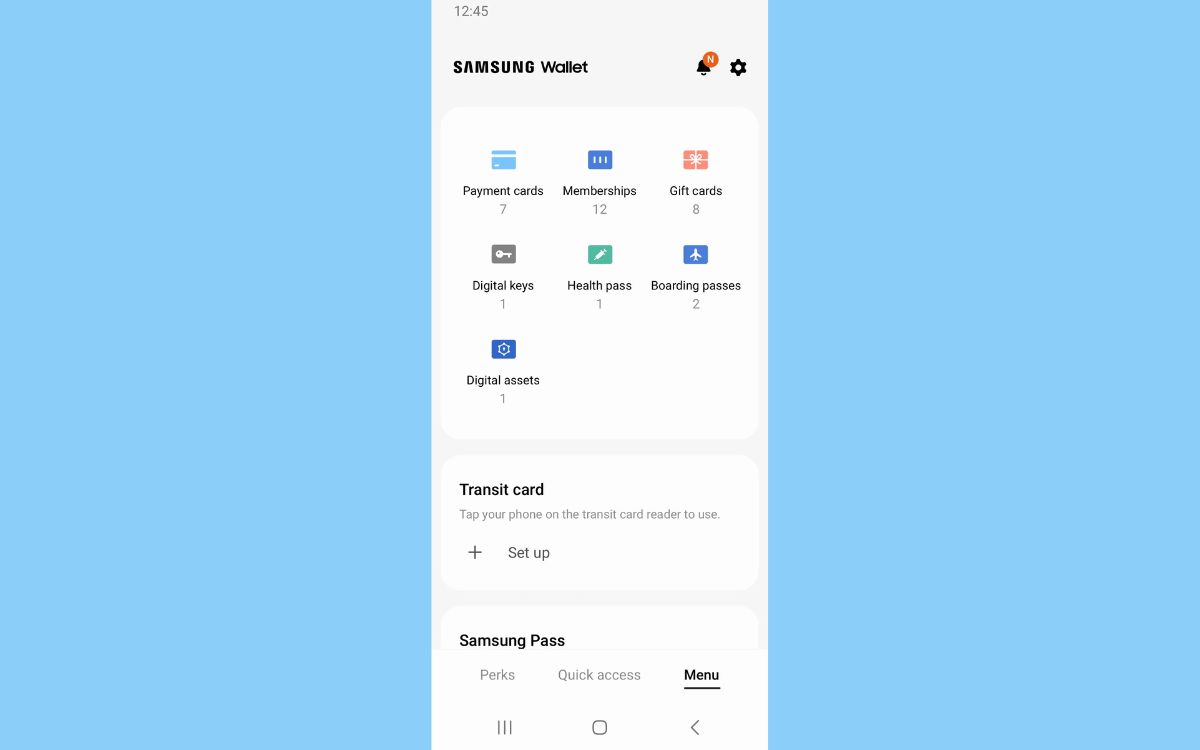
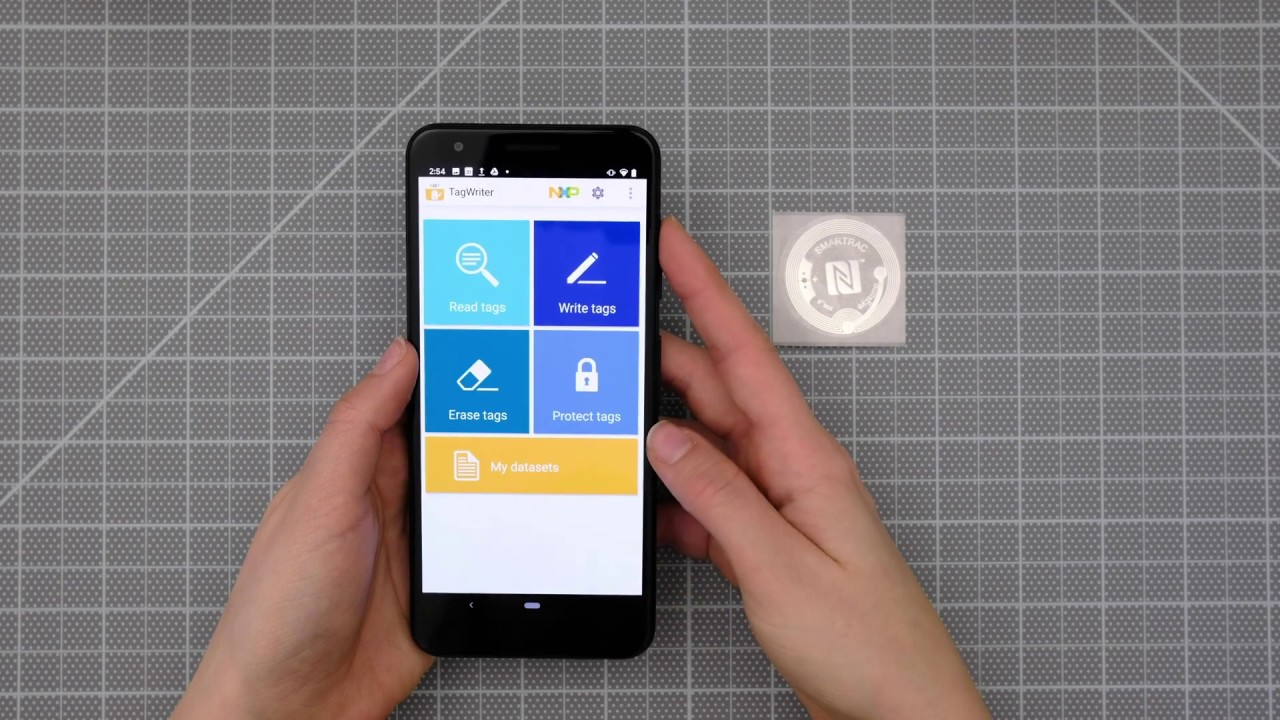
The articles are grouped around a few clear themes. One theme focuses on the wallet apps themselves: you can learn how to disable the Wallet on an iPhone, remove a card from the Wallet app on an iPhone, or find where your digital wallet lives on an Android phone. For Samsung users, there are guides on locating the Wallet on a Samsung phone and saving tickets to Samsung Wallet. Another theme covers the practical use of NFC tags and readers. You can find out what an NFC tag does, how to scan NFC tags, and how to set up an NFC sticker. There are also specific solutions for common problems, such as why your phone keeps saying "Couldn't read NFC tag" or why you keep getting NFC tag notifications.
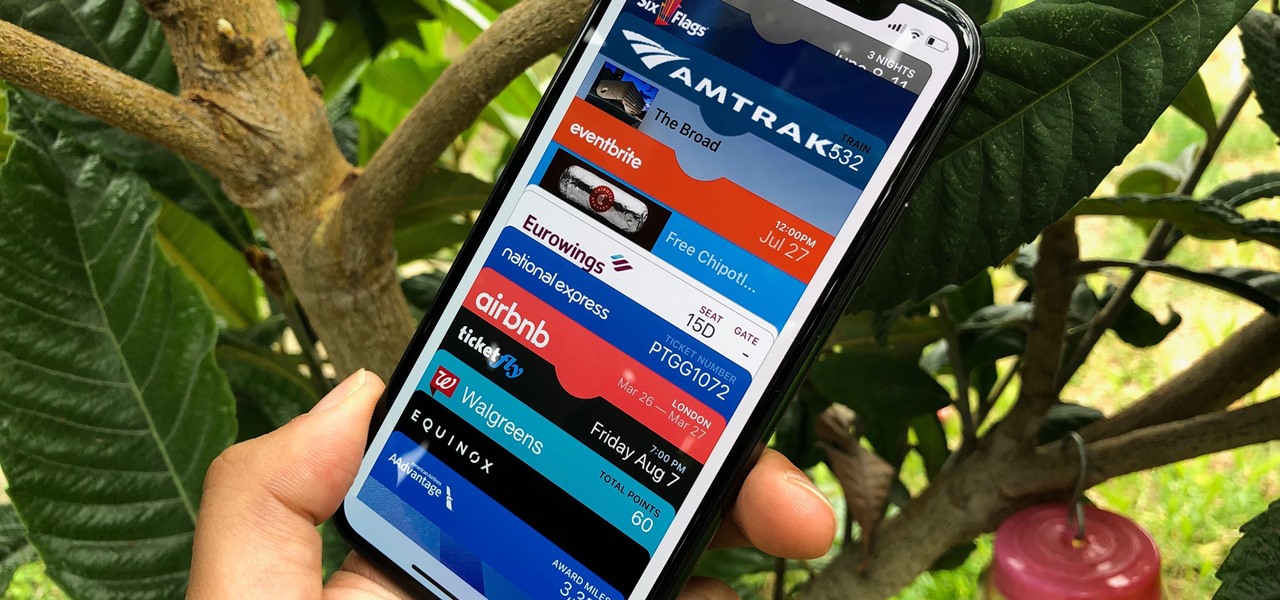
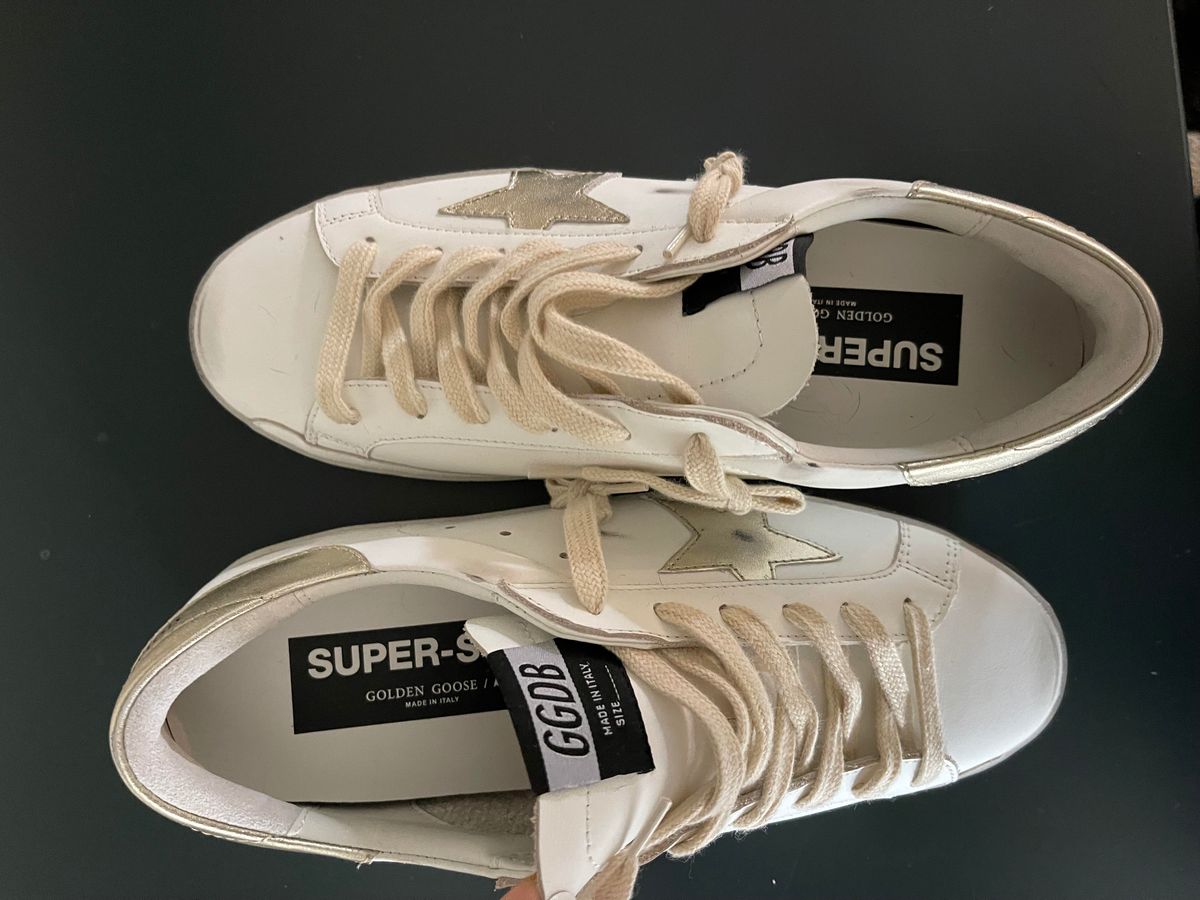
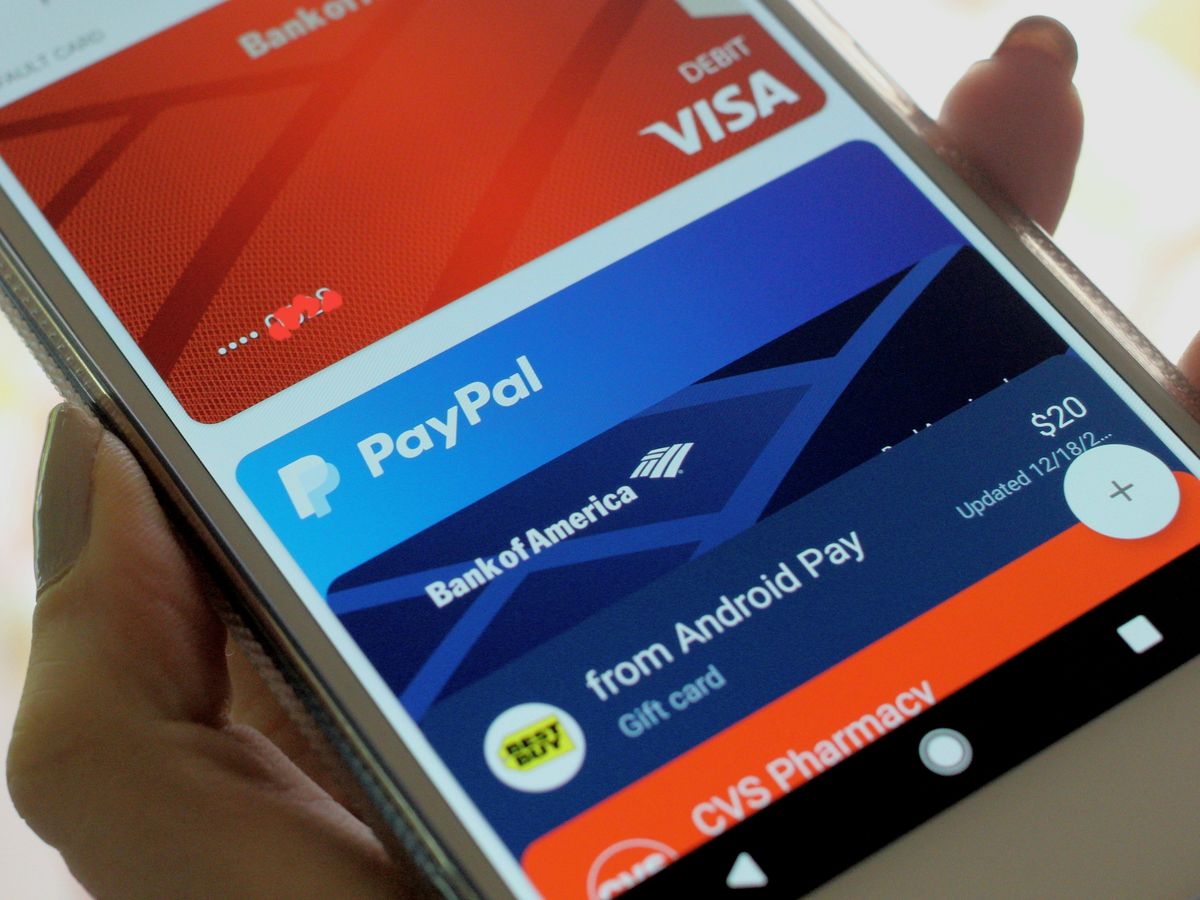
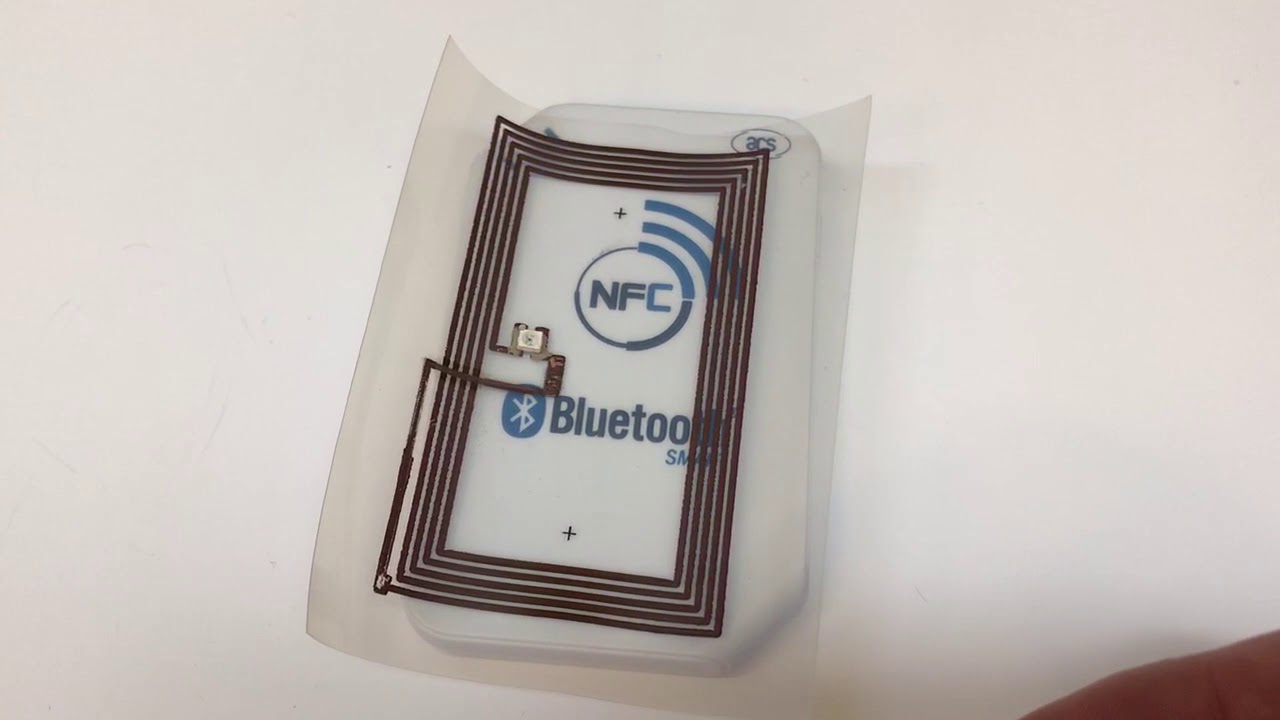
Other articles help you with specific tasks like paying with PayPal NFC, transferring tickets to the Wallet app on an iPhone, or moving your Trust Wallet to a new phone. The guides also cover more niche topics, such as how to scan NFC on Golden Goose shoes or how to print NFC cards. Each article is written to help you accomplish a real task, whether that is recovering access to your digital wallet, protecting your account by choosing the official app, or simply turning off an NFC tag that keeps popping up.