An NFC key is a hardware security token that uses Near Field Communication to provide phishing-resistant multi-factor authentication for online accounts. By tapping the key to an NFC-enabled device, you get a secure, contactless way to verify your identity that resists attacks targeting SMS codes or authenticator apps.
What is an NFC key?
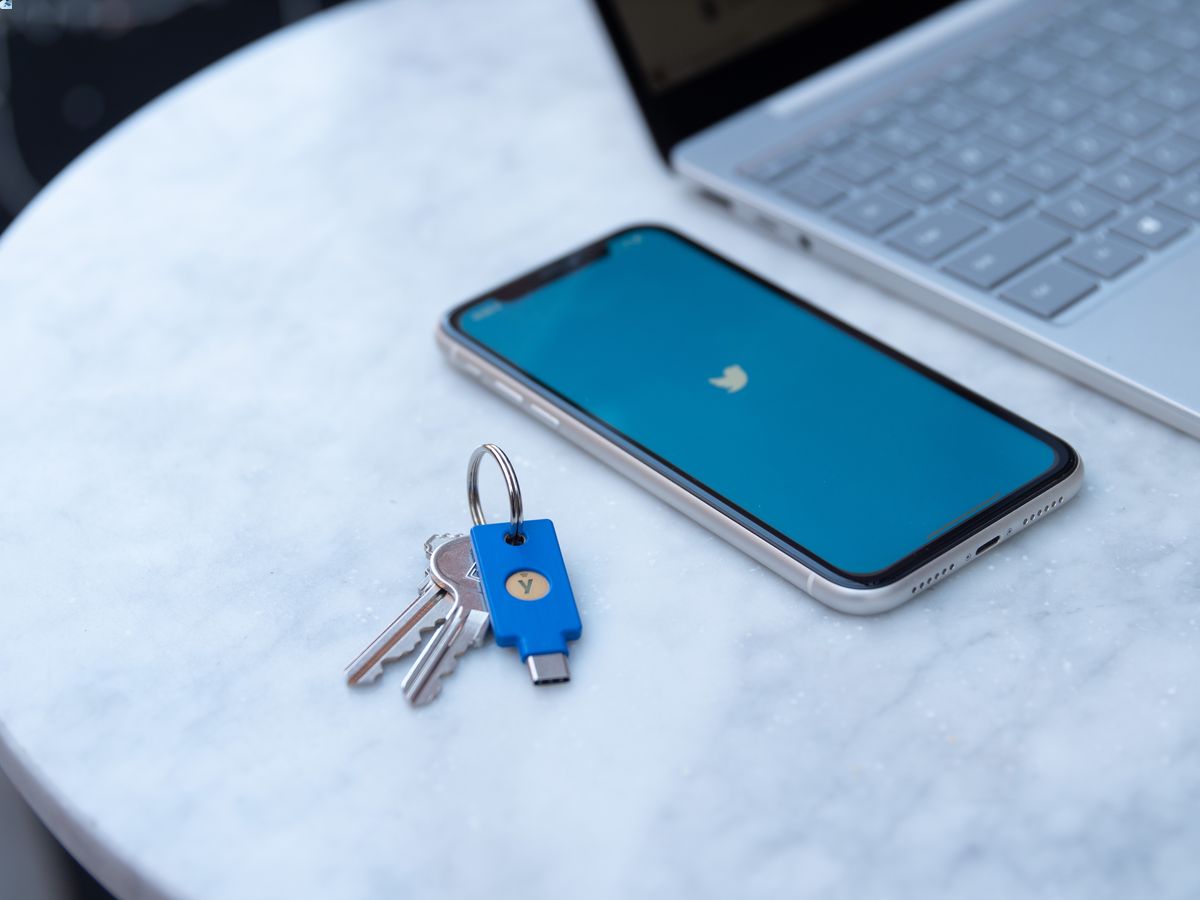
An NFC key is a dedicated hardware security token, such as those from Yubico, that provides phishing-resistant multi-factor authentication (MFA) for online accounts. It works by tapping the key to an NFC-enabled device or plugging it in via USB. Unlike traditional keys, NFC keys use cryptographic authentication rather than physical locks, making them resistant to remote theft and phishing attempts.
How NFC key authentication works
When you tap an NFC key to a compatible device, electromagnetic induction at close range (within a few centimeters) powers the key and establishes a secure connection. The key then performs a cryptographic handshake with the service you're logging into, proving your identity without revealing any shared secrets. This tap-to-authenticate process resists phishing attacks because the key only responds to the exact service it was registered with, unlike SMS codes or authenticator apps that can be intercepted or tricked. NFC technology operates in three modes: reader/writer mode, peer-to-peer mode, and card emulation mode.
FIDO2 and U2F: the standards behind NFC keys
The Yubico Security Key NFC provides both FIDO2 and U2F applications, communicating via USB 2.0 and NFC interfaces. The FIDO2 application stores up to 100 discoverable credentials with firmware 5.7+, or 25 with firmware 5.0-5.6. The FIDO U2F application stores unlimited credentials, meaning you can register the same key with as many services as you need without running out of space.
How to set up an NFC security key for your accounts
To register an NFC security key for Microsoft accounts, navigate to "Security Info" in "My Account," select "Add method," choose "Security key," and tap the key to your NFC reader when prompted. For other FIDO-compatible services, the process is similar: go to your account security settings, add a security key, and tap your NFC key when the browser or app asks for it.
NFC keys for physical access control
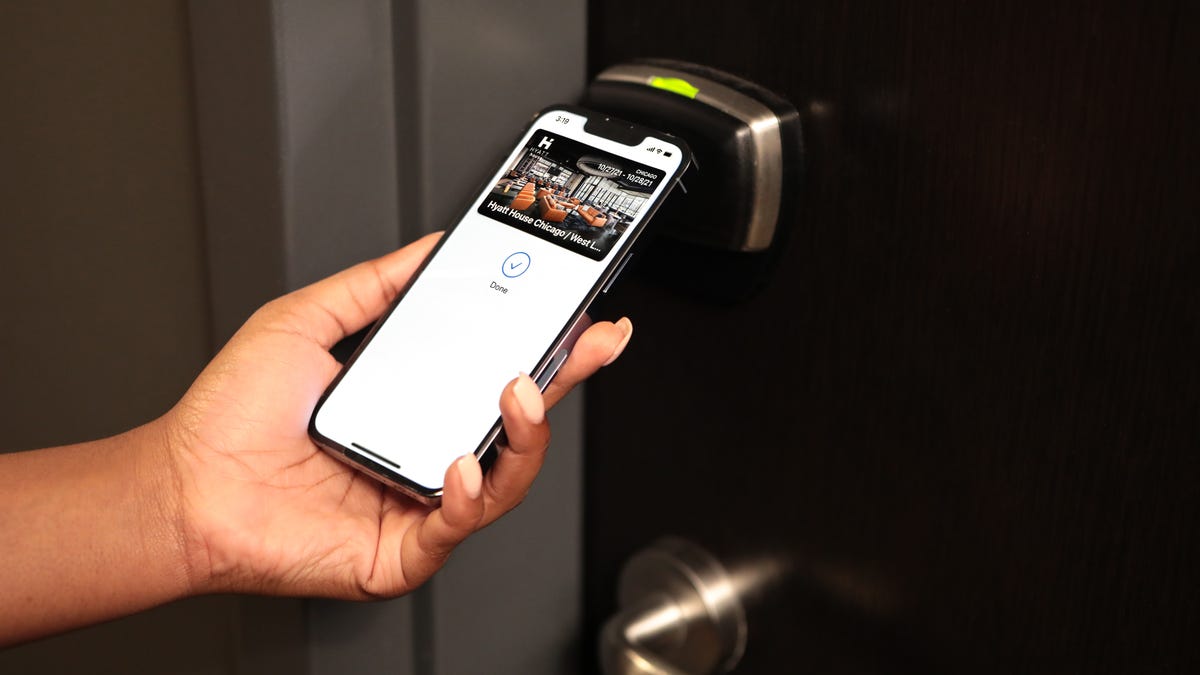
NFC keys replace traditional keycards for building and door access by requiring proximity and authorization for entry. Employees tap their NFC key to an NFC-enabled lock, which verifies the key's cryptographic credentials before granting access. This eliminates the need for physical keys or RFID cards that can be lost, stolen, or cloned. NFC keys can be used for public transportation ticketing by tapping NFC-enabled devices as virtual tickets at entry points. NFC keys can store loyalty card information, allowing customers to earn points and redeem rewards by tapping at checkout. NFC keys can integrate with smart home systems to unlock doors, turn on lights, or adjust thermostats. NFC keys can be used for event management, enabling seamless check-in by tapping NFC-enabled devices at entry points.
NFC key specifications and compatibility
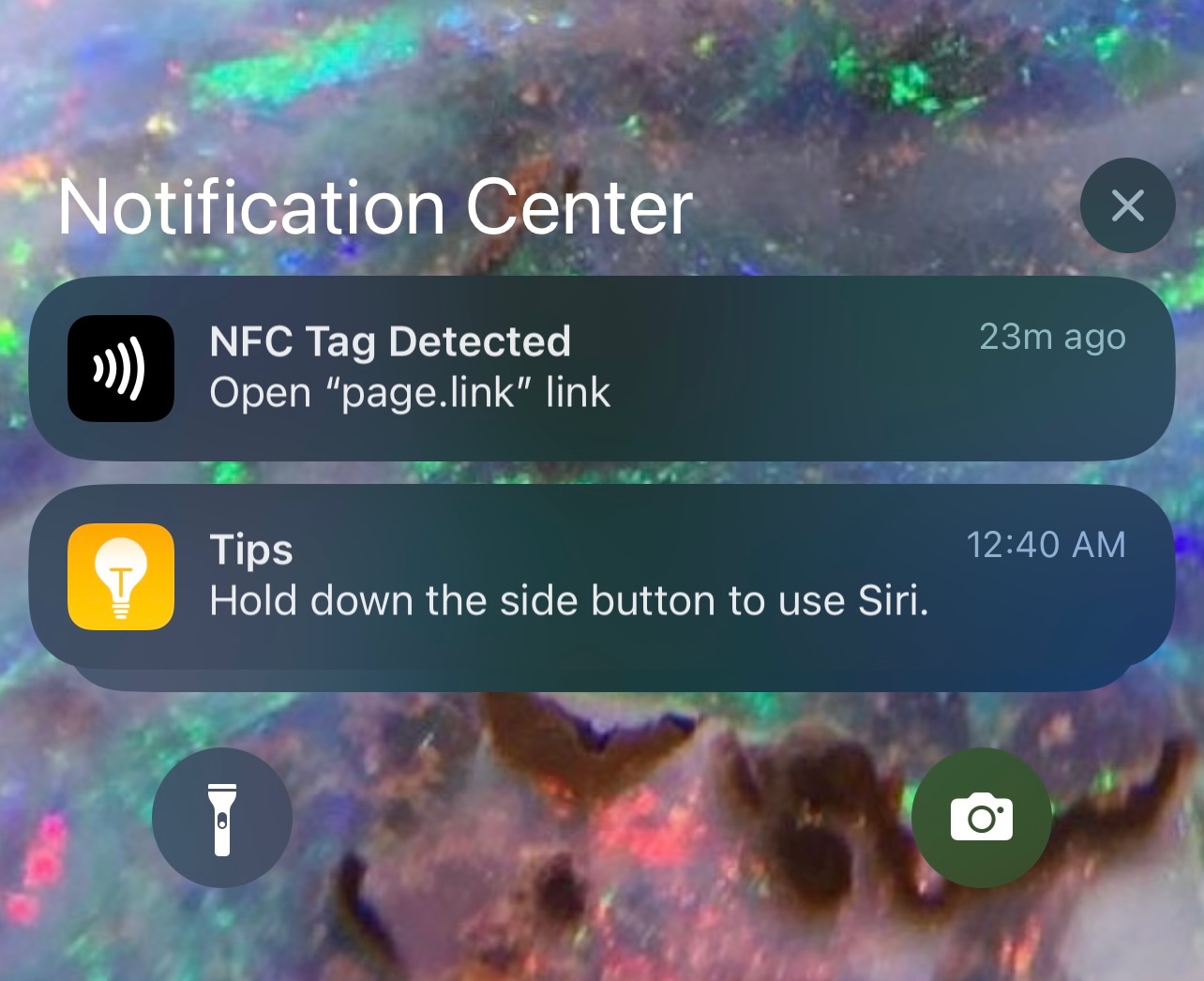
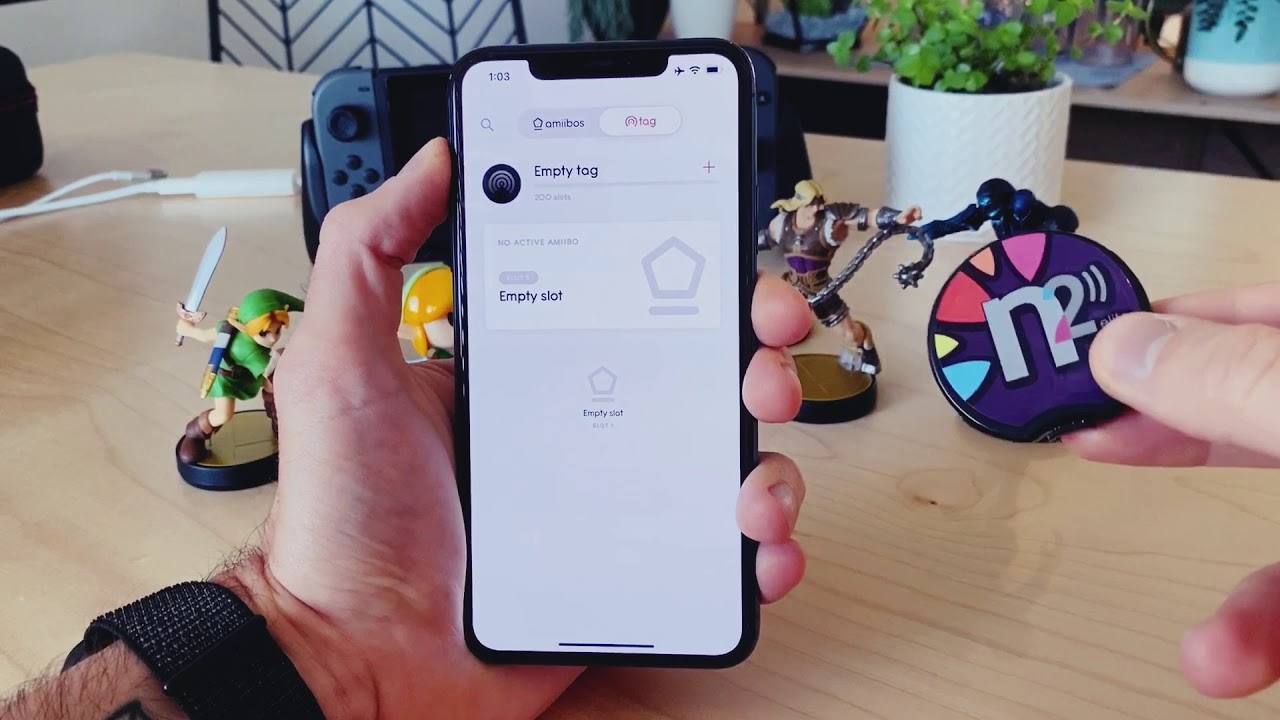
NFC keys operate within a temperature range of 0 °C to 40 °C (32 °F to 104 °F). They work with any NFC-enabled phone or computer that supports FIDO2 or U2F standards. Credential storage limits depend on the firmware version: up to 100 discoverable credentials with firmware 5.7+, 25 with firmware 5.0-5.6, and unlimited credentials for the U2F application. NFC data transfer speeds reach up to 424 kilobits per second. For understanding how NFC tags differ from security keys, NFC tags and readers explained clarifies that tags store static data like URLs or payment info, while security keys perform dynamic cryptographic authentication. For mobile payment contexts, the NFC tag on Cash App enables tap-to-pay at supported terminals, but unlike a security key, it does not provide phishing-resistant account login.
Frequently Asked Questions
Can I use an NFC key with my smartphone?
Yes, if your smartphone has NFC capabilities and supports FIDO2 or U2F standards, you can tap your NFC key to the phone's NFC reader area to authenticate.
What happens if I lose my NFC key?
You should remove the lost key from all accounts immediately through each service's security settings. Most services allow you to register multiple backup keys or alternative methods before losing access.
Is an NFC key better than an authenticator app?
An NFC key is more phishing-resistant than authenticator apps because it cryptographically verifies the service's identity before responding, while app-generated codes can be entered on fake login pages.
Can one NFC key work with multiple accounts?
Yes, one NFC key can be registered with many accounts. The Yubico Security Key NFC stores unlimited U2F credentials and up to 100 FIDO2 discoverable credentials depending on firmware version.
Do I need internet access to use an NFC key?
No, the NFC key itself does not require internet access. It performs cryptographic operations locally when tapped to your device, though the service you're logging into needs its own internet connection to verify the authentication.
For the wider topic, see NFC tags and readers explained.