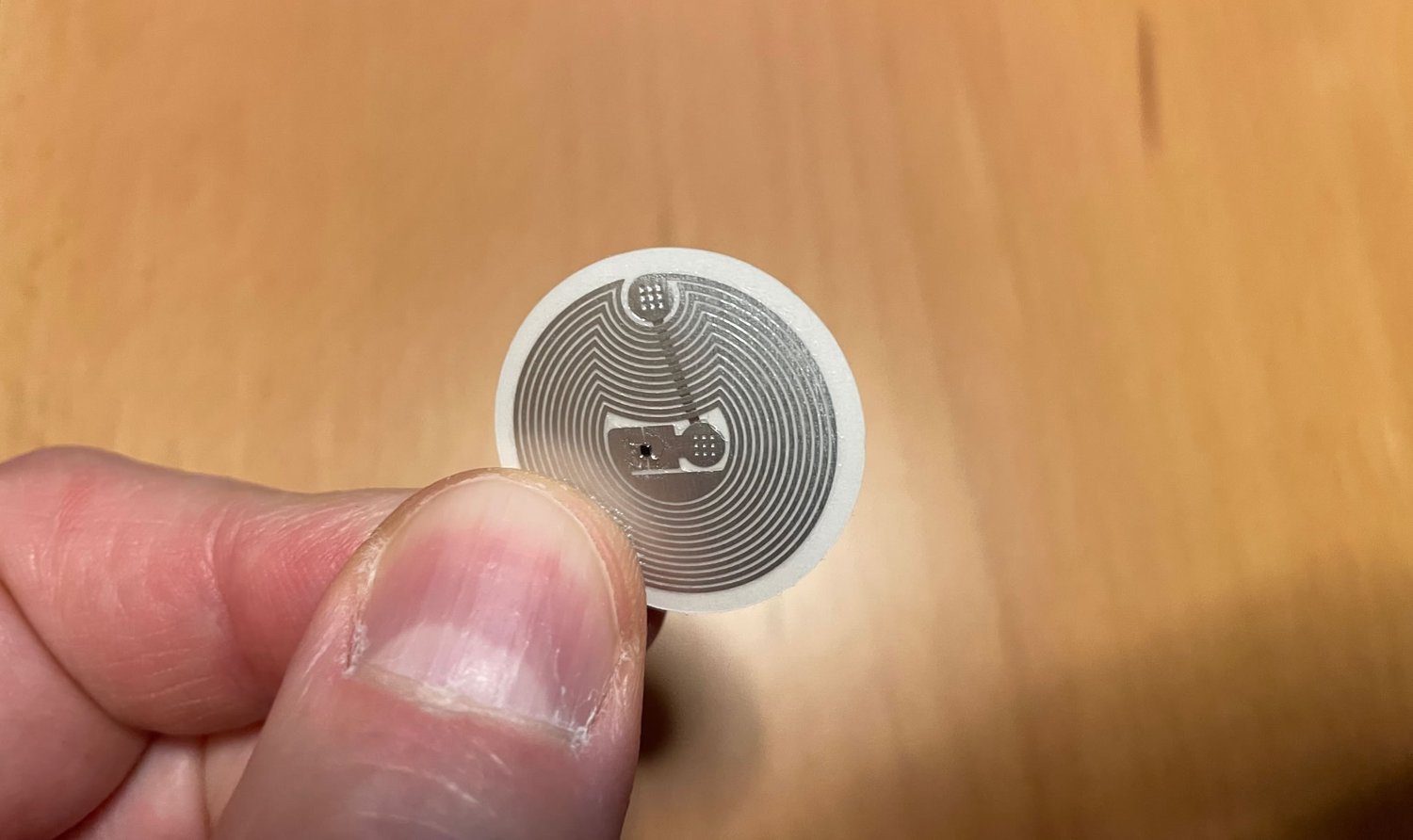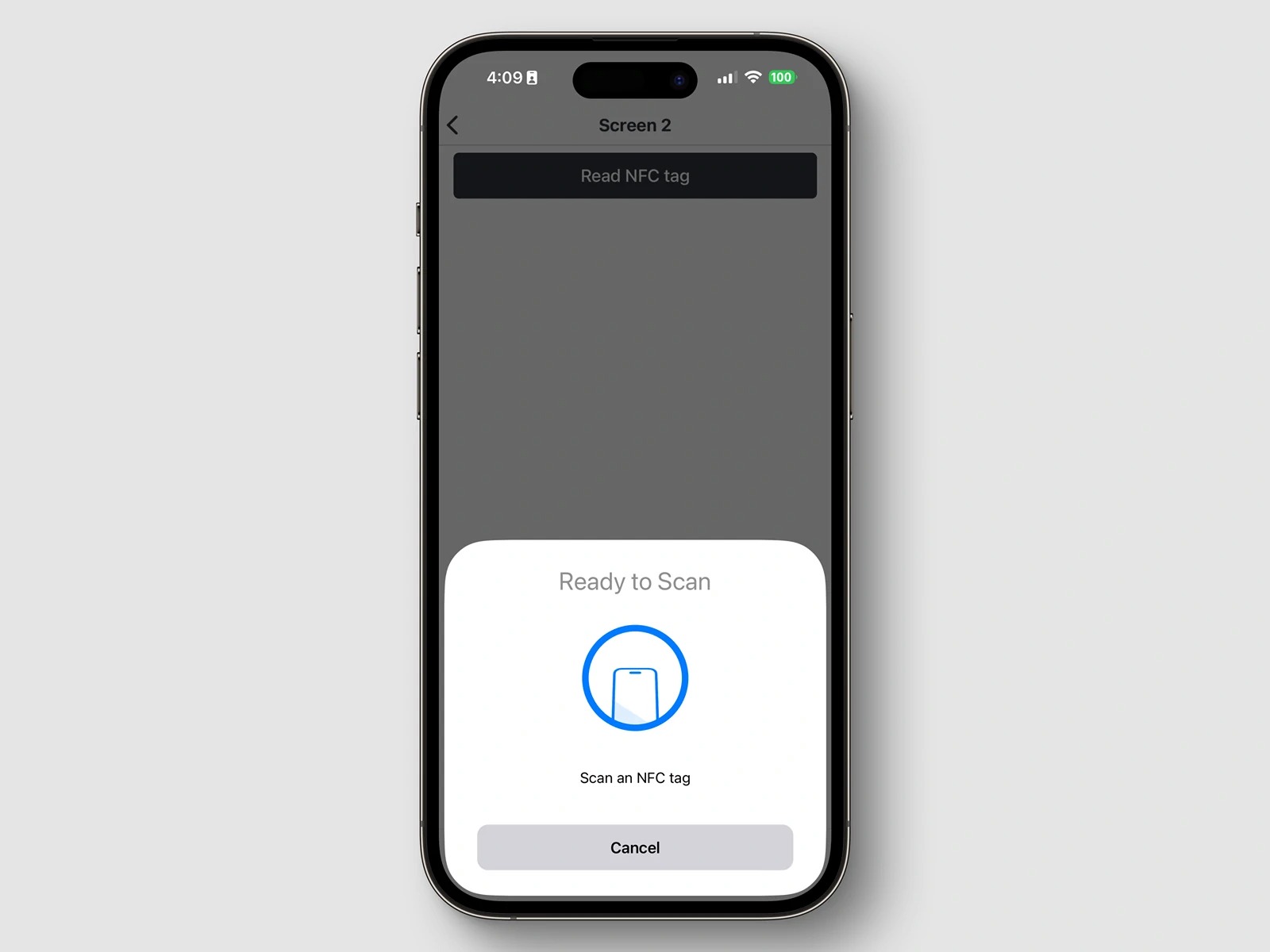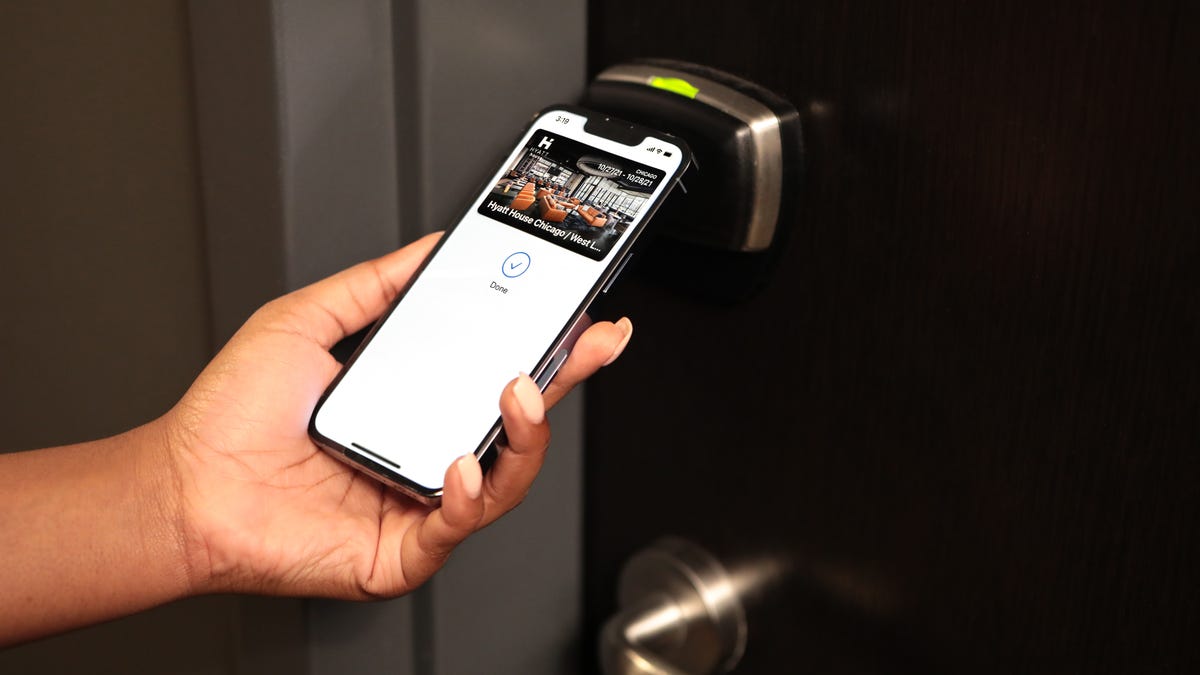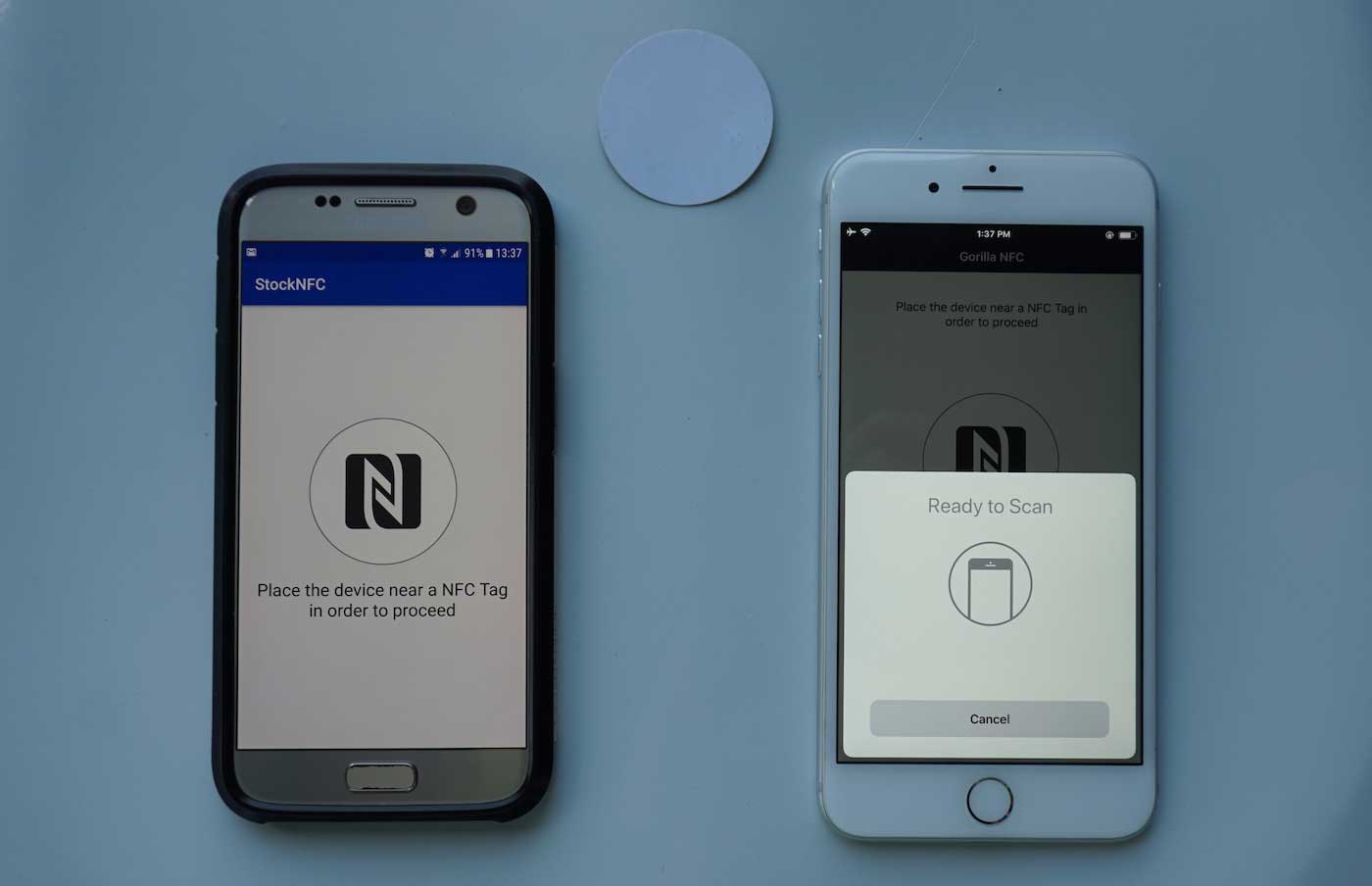
An NFC tag is a tiny, passive microchip that, when tapped with a smartphone, instantly triggers a specific action like opening a website, sharing your contact information, or making a payment. This is what an NFC tag does: it stores a small piece of data that your phone reads to perform a pre-programmed task without you needing to open an app or navigate any menus.
Everyday uses for NFC tags
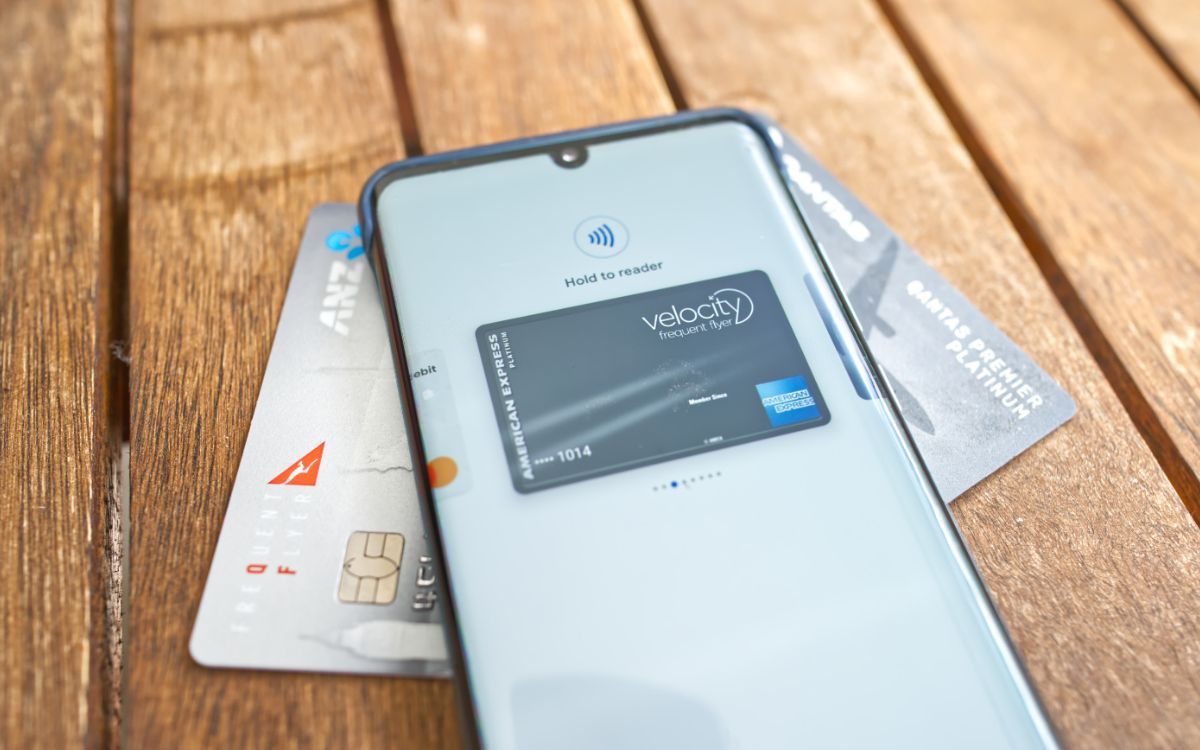
- Contactless payments: Tap your phone on a payment terminal to complete a transaction using a digital wallet like Apple Pay or Google Pay.
- Public transportation: Tap your smartphone or NFC-enabled card to pay fares on buses, trains, or subways.
- Loyalty programs: Tap your device at the point of sale to earn rewards or redeem discounts.
- Interactive marketing: Tap NFC tags embedded in posters, flyers, or product packaging to access promotional content.
- Authentication and security: Use a tag as a digital key or identification badge for secure access to devices or systems.
- Access control: Tap a tag to grant or restrict entry to areas or buildings, eliminating the need for physical keys or access cards.
- Wi-Fi sharing: Program a tag with your network credentials so guests can connect by tapping their phone on the tag.
- Smart home automation: Place a tag by your door to turn off lights, lock smart locks, and adjust the thermostat when you leave.
- Business card data exchange: Store your contact details on a tag attached to your business card so someone can save your info with a single tap.
- Launching specific apps: Program a tag to open your favorite music player, navigation app, or social media feed when tapped.
How your phone reads an NFC tag
NFC tags do not contain a battery. When you hold your smartphone close to a tag, the phone generates a radio field that powers the tag’s microchip. The tag then transmits its stored data, which is formatted in the NFC Data Exchange Format (NDEF), a standard defined by the NFC Forum. NFC operates at a high frequency (13.56 MHz) and has a short range, which reduces interference and ensures reliable communication. It operates in two modes: Reader/Writer mode and Card Emulation mode, the latter allowing a smartphone to emulate a contactless payment card. This process happens almost instantly, and it works on most modern smartphones: iPhones have supported NFC reading since the iPhone 7 (2016), and Android devices have supported it since Android 2.3 (API level 9).
Do you need to turn on NFC?
On iPhones, NFC is always on for reading tags, so you do not need to toggle any setting. On Android devices, you may need to manually enable NFC in your device’s Settings, often found under “Connected devices” or by searching for “NFC.” This distinction is a key part of the broader topic of NFC tags and readers explained (NFC Tags, Readers and Phone Features Explained).
Can you change what an NFC tag does?
Yes, most NFC tags are rewritable. You can update the stored action, such as changing a linked playlist, updating a Wi-Fi password, or swapping a contact card, without replacing the physical sticker. The number of times a tag can be rewritten depends on the specific tag technology used. This makes them flexible for ongoing use in your home, office, or vehicle.
Frequently Asked Questions
Do NFC tags work through phone cases?
Most thin plastic or silicone phone cases do not block NFC signals, but metal cases or cases with metal components can interfere. You may need to remove the case or hold the tag against a specific spot on the phone.
Can I use an NFC tag with an older phone?
Only if the phone has NFC hardware and runs a compatible operating system. iPhones older than the iPhone 7 and Android phones older than Android 2.3 generally do not support NFC tag reading.
Is there a limit to how many times I can rewrite an NFC tag?
Yes, NFC tags have a finite number of write cycles, typically ranging from 10,000 to 100,000 writes depending on the tag’s memory type. For most personal uses, this limit is far more than enough.
Can an NFC tag store a password or other sensitive data?
For sensitive information, it is safer to use a tag that simply opens an app or website that requires its own authentication.
Do I need an app to read an NFC tag?
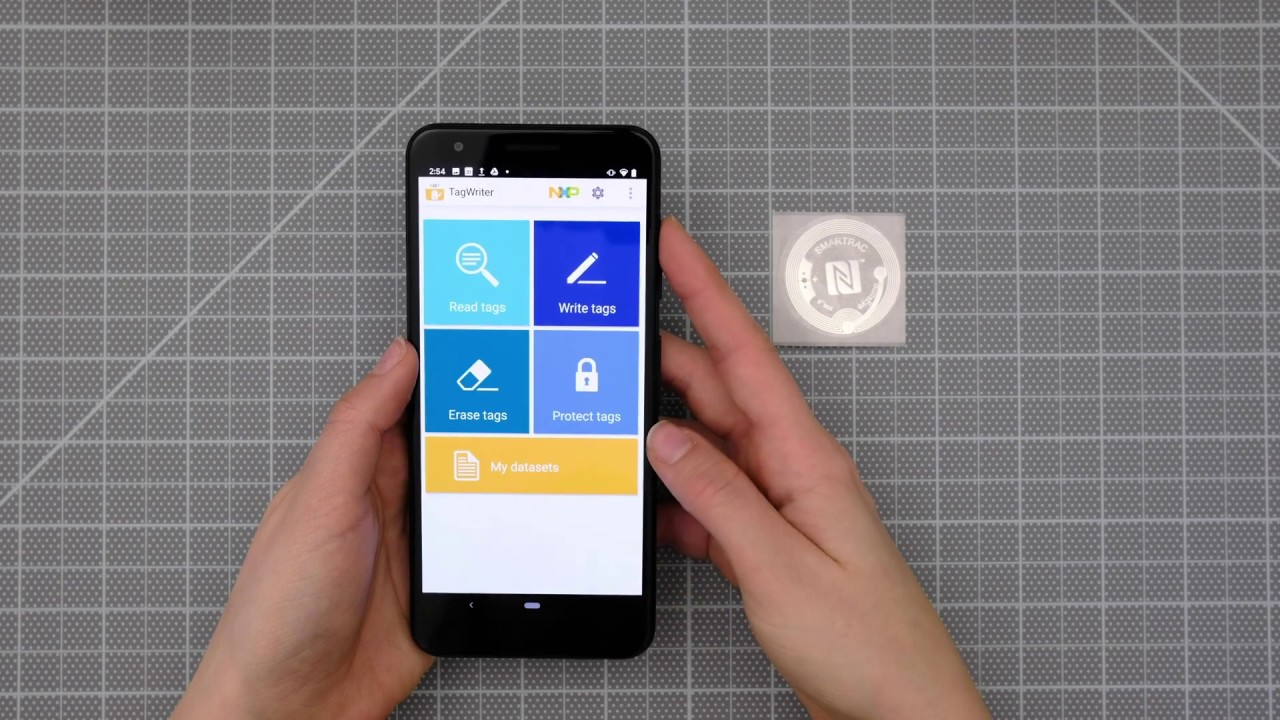
For many common actions, like opening a website or making a payment, your phone’s built-in NFC reader handles the task without a third-party app. For writing or programming custom actions, you will need a dedicated NFC writing app.
For the wider topic, see NFC tags and readers explained.