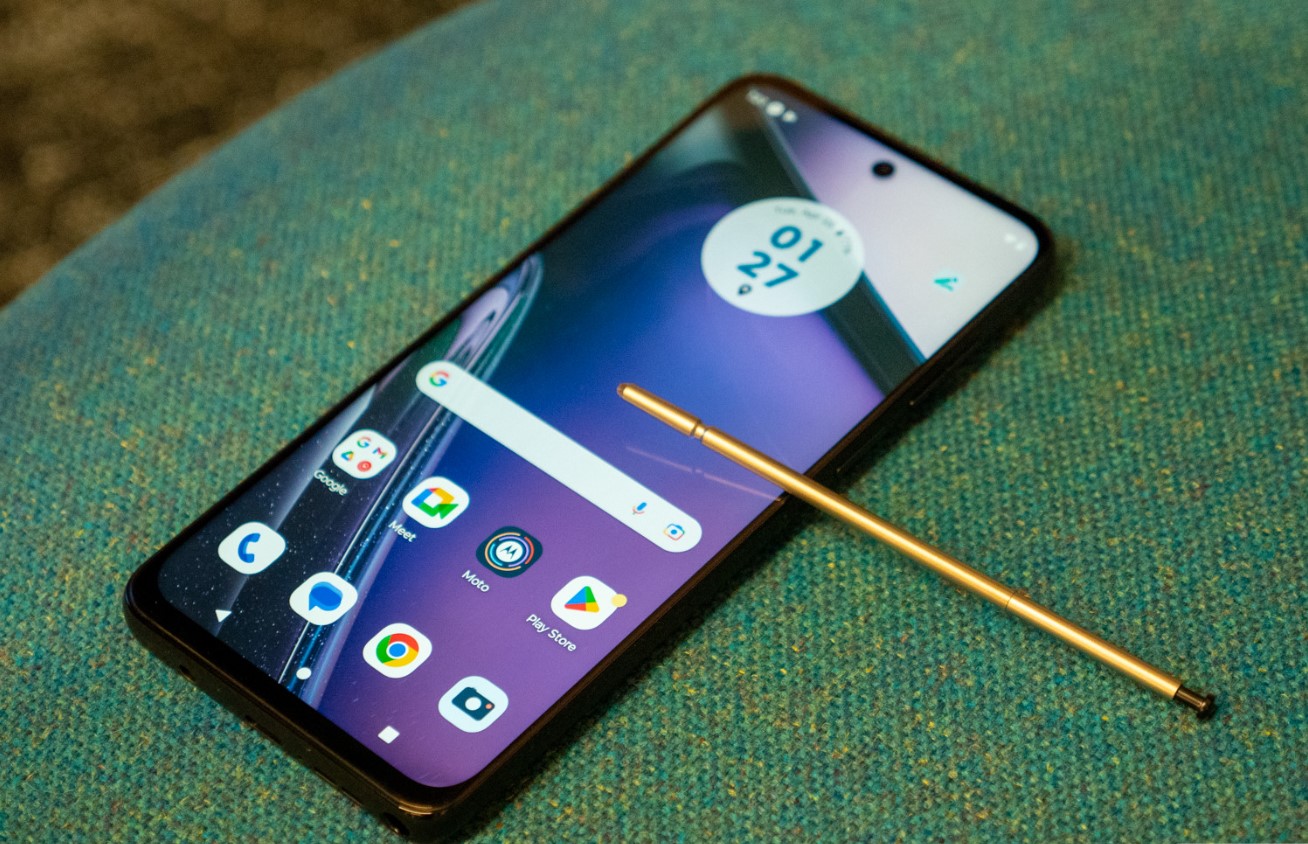
To enable NFC on Moto G Play, open Quick settings and tap the NFC tile, or go to Settings > Connected devices > Connection preferences > NFC and turn it on. This is the verified method to enable NFC on moto g play for the 2026 model.
How to enable NFC on Moto G Play
There are two verified ways to turn on NFC on your Moto G Play. Both methods work on the 2026 model.
- Open Quick settings by swiping down from the top of the screen, then tap the NFC tile to turn it on.
- Or go to Settings > Connected devices > Connection preferences, tap NFC, and toggle it on.
Once enabled, you can also turn NFC off from Quick settings at any time.
What if I can't find the NFC option?
If the NFC option does not appear in Settings > Connected devices > Connection preferences, Motorola states that your phone does not support NFC. This is the definitive answer for the Moto G Play 2026. There is no hidden menu or workaround to add NFC to a phone that lacks the hardware.
If your phone does support NFC and you want to see an indicator in the status bar, go to Settings > Connected devices and turn on NFC icon. This shows a small NFC symbol when the feature is active.
Using NFC after it's enabled
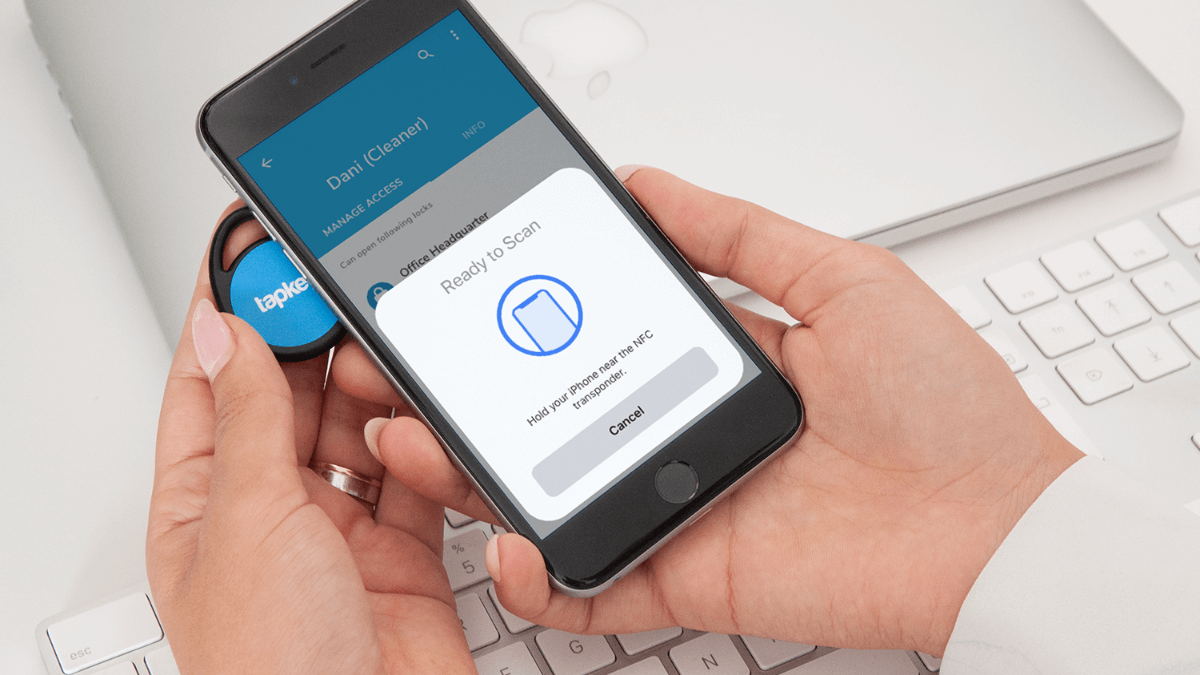
Motorola states that the NFC page is for contactless payments or scanning NFC tags. For a full breakdown of how the technology works and what you can do with it, see NFC tags and readers explained. After enabling NFC, you can tap your phone to payment terminals at stores that accept contactless payments, or scan NFC tags to trigger actions like opening a website or connecting to Wi-Fi.
Frequently Asked Questions
Does the Moto G Play 2024 or older models have NFC?
The verified instructions from Motorola are specifically for the moto g play - 2026. Older models may or may not include NFC hardware. Check your specific model's settings using the path above to confirm.
Will enabling NFC drain my battery faster?
NFC uses very little power when idle and only activates when another NFC device or tag is within a few centimeters. Leaving it on has a negligible effect on battery life.
Can I use Google Pay with NFC on my Moto G Play?
Yes, if your phone supports NFC and you have set up a digital wallet app, you can use it for contactless payments at compatible terminals. Motorola's instructions confirm the NFC feature is intended for contactless payments.
What is the range of NFC on the Moto G Play?
Motorola's documentation does not specify a special range for the Moto G Play. Standard NFC operates within a few centimeters, requiring you to tap or bring your phone very close to the other device or tag.
Related reading: How To Turn Off My Galaxy Phone.