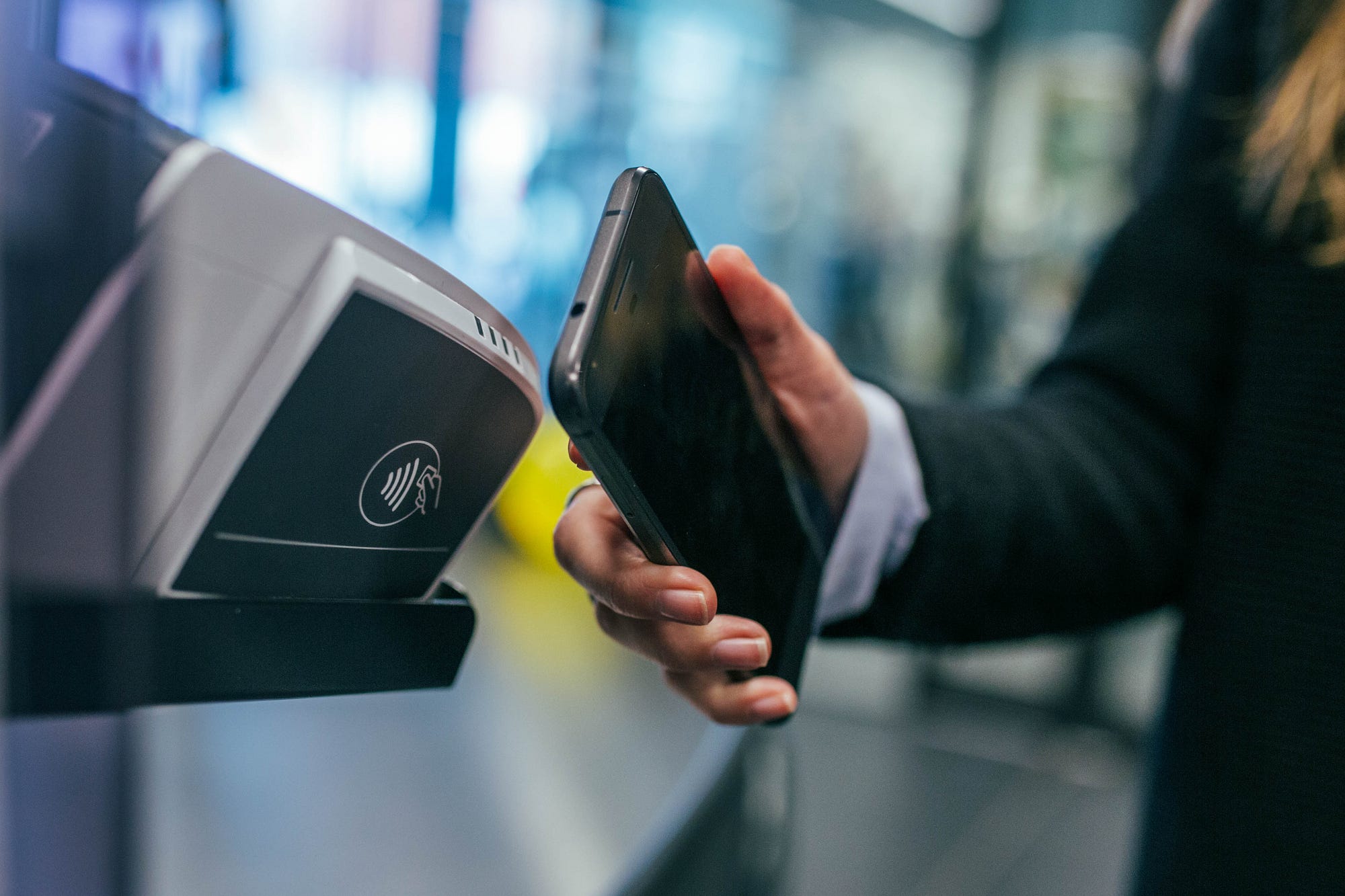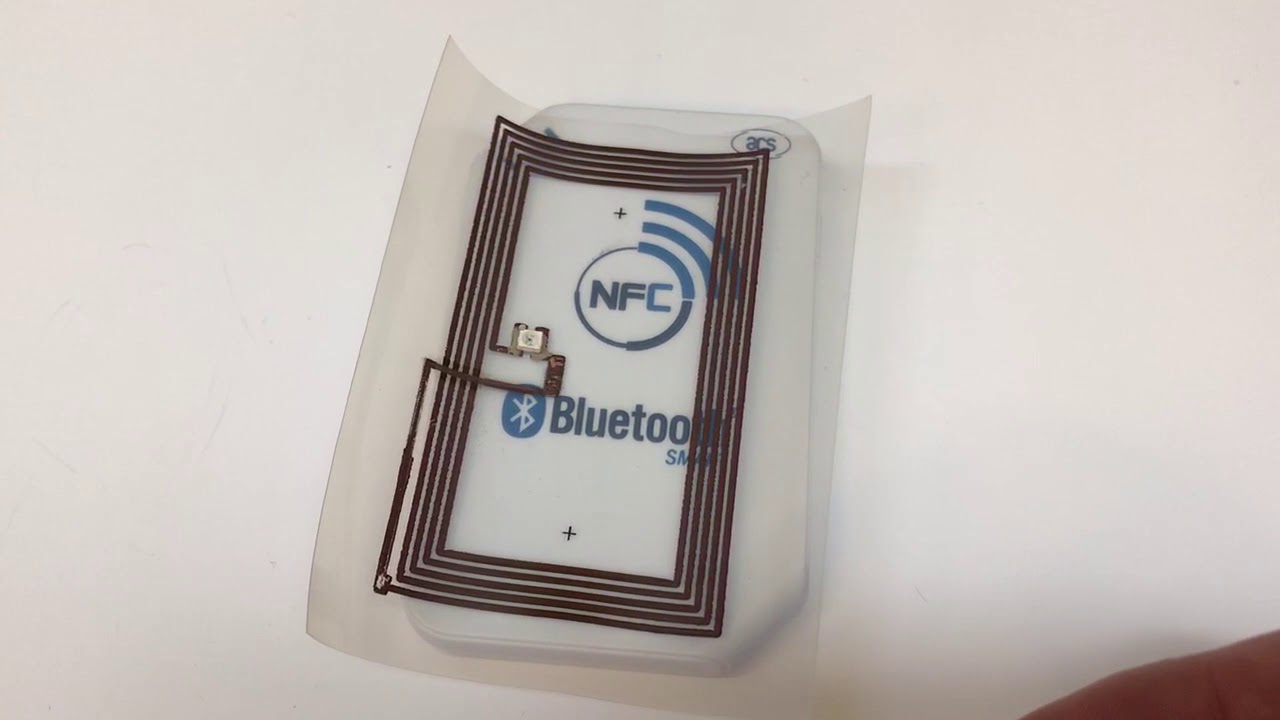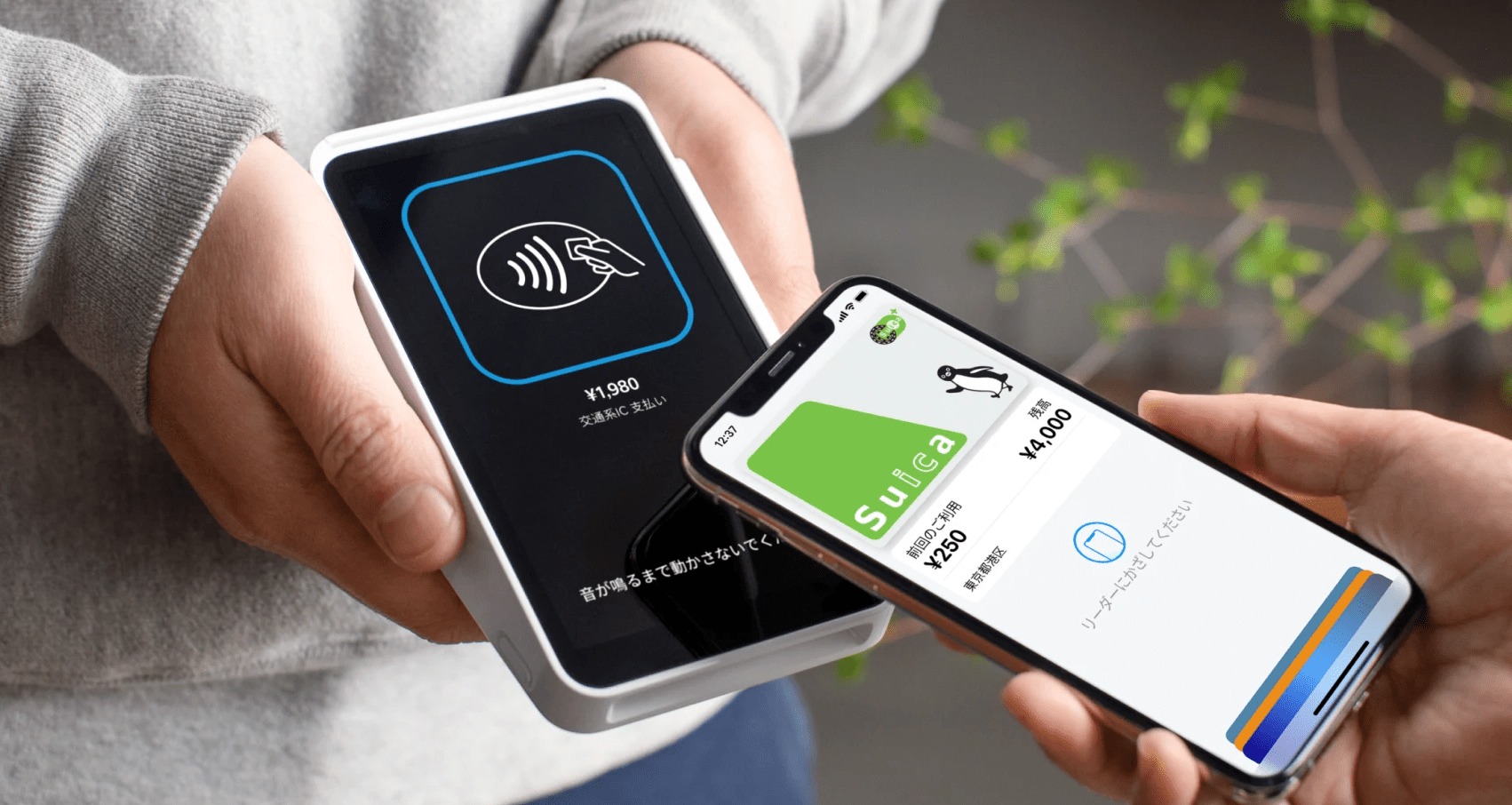
An NFC card is a contactless smart card or tag that stores data and communicates with a phone over Near Field Communication when the phone is held close to it. For iPhone and Android users, this means you can tap your phone to a card or tag to instantly read information, make a payment, or trigger an action, with no app needed in many cases.
What is an NFC card?
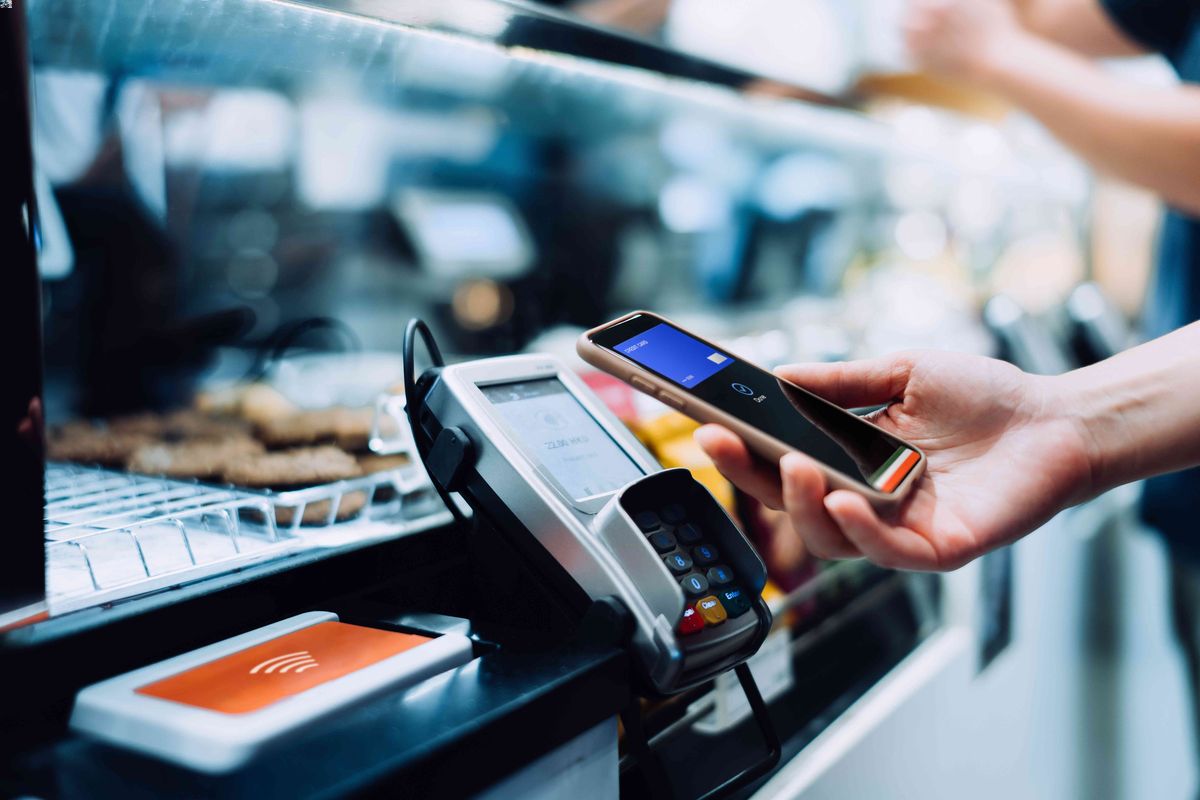
An NFC card is a physical card or tag with a built-in chip that wirelessly exchanges data with a compatible phone or reader when brought within a few centimeters. The chip stores small amounts of information, such as a payment credential, a URL, or a digital key, and the phone reads that data the moment it detects the card nearby. For most people, the practical answer is that an NFC card lets you tap your phone to pay, unlock a door, board a train, or collect a reward without swiping or inserting anything.
How NFC cards work with your phone
NFC cards work by letting a phone exchange data at very short range, typically by tapping or holding the device near the card or tag. The phone sends out a low-power radio signal that powers the card’s chip, and the chip responds with the stored data. On Android, NFC tags are read and written in NDEF format, which is a standard way of structuring data so apps can interpret it. On iPhone, newer models read NFC tags automatically when the phone is unlocked and the screen is active, while older supported models require you to manually start a tag scan from Control Center. This short-range tap-to-read mechanism is the core of how every NFC card works with your phone, and it is the foundation of what many articles call "NFC tags and readers explained."
Which iPhones support NFC cards
Apple documents automatic NFC Tag Reader support on iPhone SE (2nd generation and later), iPhone XR, iPhone XS, iPhone XS Max, iPhone 11, iPhone 11 Pro, iPhone 11 Pro Max, iPhone 12 mini, iPhone 12, iPhone 12 Pro, iPhone 12 Pro Max, iPhone 13 mini, iPhone 13, iPhone 13 Pro, and iPhone 13 Pro Max. Apple documents manual NFC Tag Reader activation in Control Center for iPhone 7, iPhone 7 Plus, iPhone 8, iPhone 8 Plus, and iPhone X. No iPhone model before the iPhone 7 supports NFC tag reading.
How to turn on NFC on iPhone
Open Control Center, then tap the NFC Tag Reader icon (it looks like a small tag with waves). The phone will then scan for nearby NFC cards or tags. Simply hold the unlocked phone near the card or tag, and the data will appear.
How to turn on NFC on Android
On Android, NFC is a system setting that you enable once. Using a Samsung device as a concrete example, open Settings, then Connections, then look for NFC and contactless payments. Samsung's support page shows the menu path in Portuguese: open Conexões, then look for NFC e Pagamentos sem contato. Toggle the switch on. Samsung’s retrieved support pages indicate NFC support for Galaxy devices, including Galaxy S21 models. The exact path may vary by device and Android version, but the setting is always found under a Connections or Wireless & networks section. Once NFC is enabled, your phone will automatically read any compatible NFC card or tag when the screen is on and unlocked.
What you can do with an NFC card
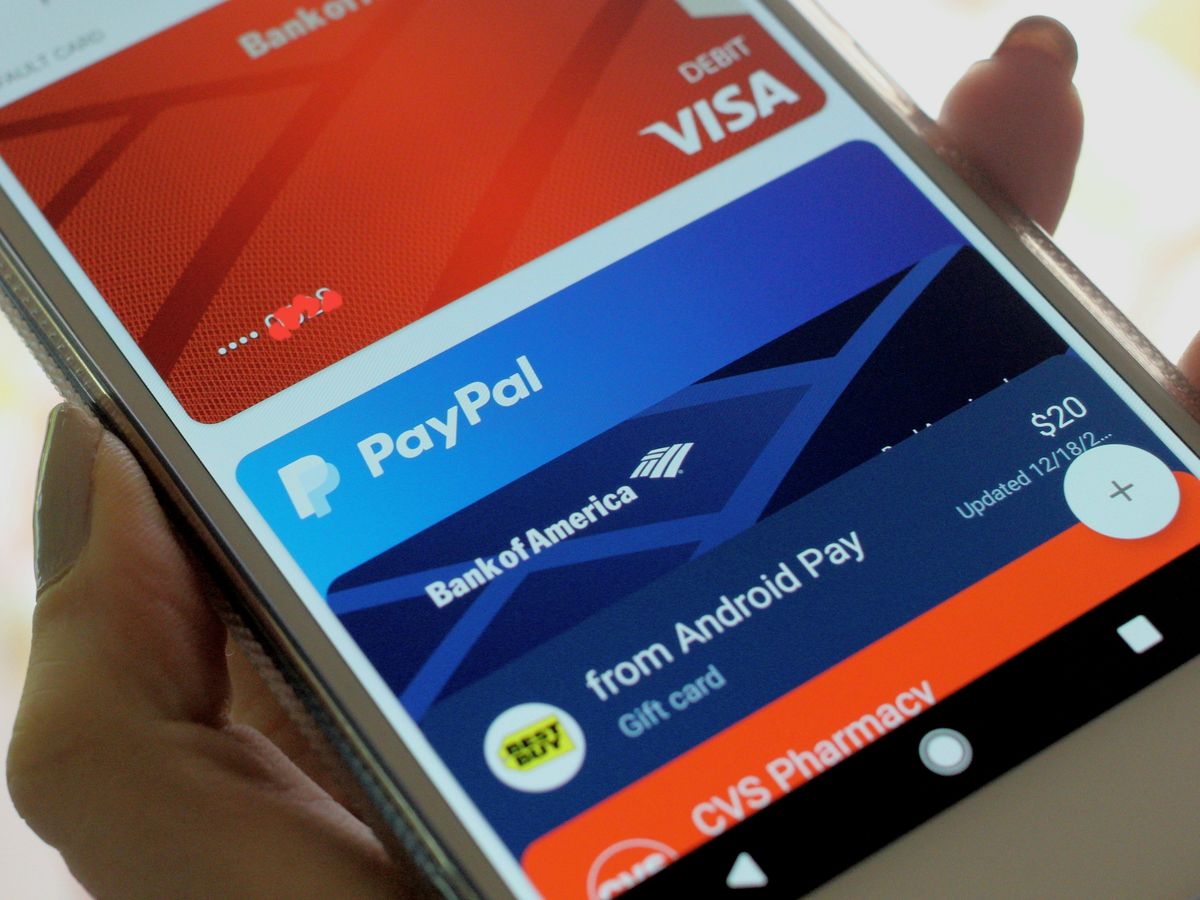
iOS 18.1 introduced APIs for secure contactless transactions in compatible apps, expanding the real-world uses of NFC cards. Apple’s developer support page says iOS 18.1 introduced APIs for secure contactless transactions including in-store payments, car keys, transit, corporate badges, student ID, home keys, hotel keys, loyalty and rewards, and event tickets. You can set up in-store payments by adding a credit or debit card to Apple Pay, use your phone as car keys with supported vehicles, tap to ride on transit systems, present a corporate badge or student ID at a reader, unlock your home or hotel room with a digital key, collect loyalty and rewards points, and store event tickets that you tap at the gate. Each of these is a real feature you can set up today with a supported iPhone and a compatible NFC card or tag.
Are NFC cards secure?
Yes. NFC only works at very short range, typically a few centimeters, so an attacker would need to be physically close to intercept the signal. Data exchanged between the card and the phone is encrypted, and payment transactions use unique, one-time codes rather than your actual card number. Skimming is not a realistic threat for everyday use because the range is too short and the encryption is strong.
Frequently Asked Questions
Can I write data to an NFC card with my phone?
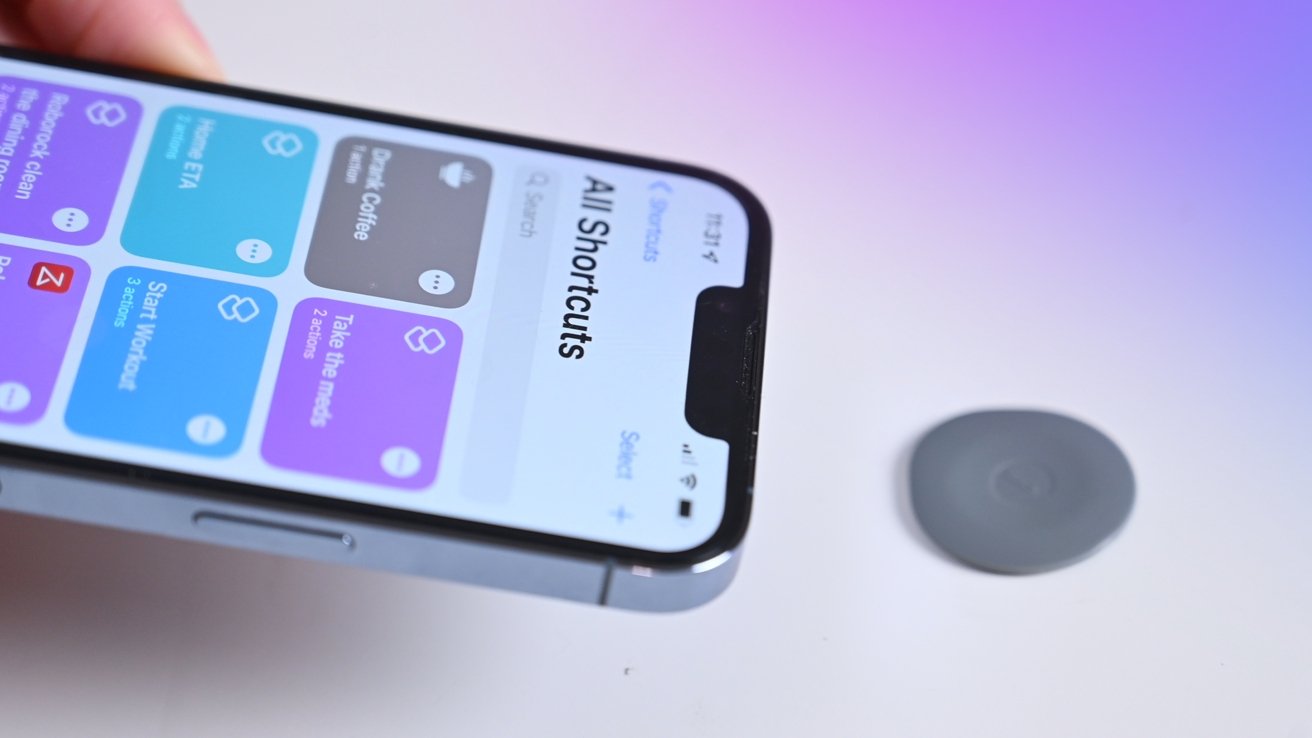
Yes. Android phones can write data to blank NFC tags using apps that support NDEF formatting. iPhones can write to NFC tags starting with iPhone XR and later, using the Shortcuts app or third-party apps that support tag writing.
Do I need an internet connection to use an NFC card?
No. The NFC chip in the card stores data locally, so the phone can read it without an internet connection. However, some actions triggered by the card, like opening a website or processing a payment, may require a connection to complete.
Can I use an NFC card with a phone case or wallet?
Yes, but thick metal cases or wallets with RFID-blocking material can interfere with the signal. Standard plastic or leather cases and wallets usually work fine as long as the card is within a few centimeters of the phone.
What is the difference between an NFC card and a QR code?
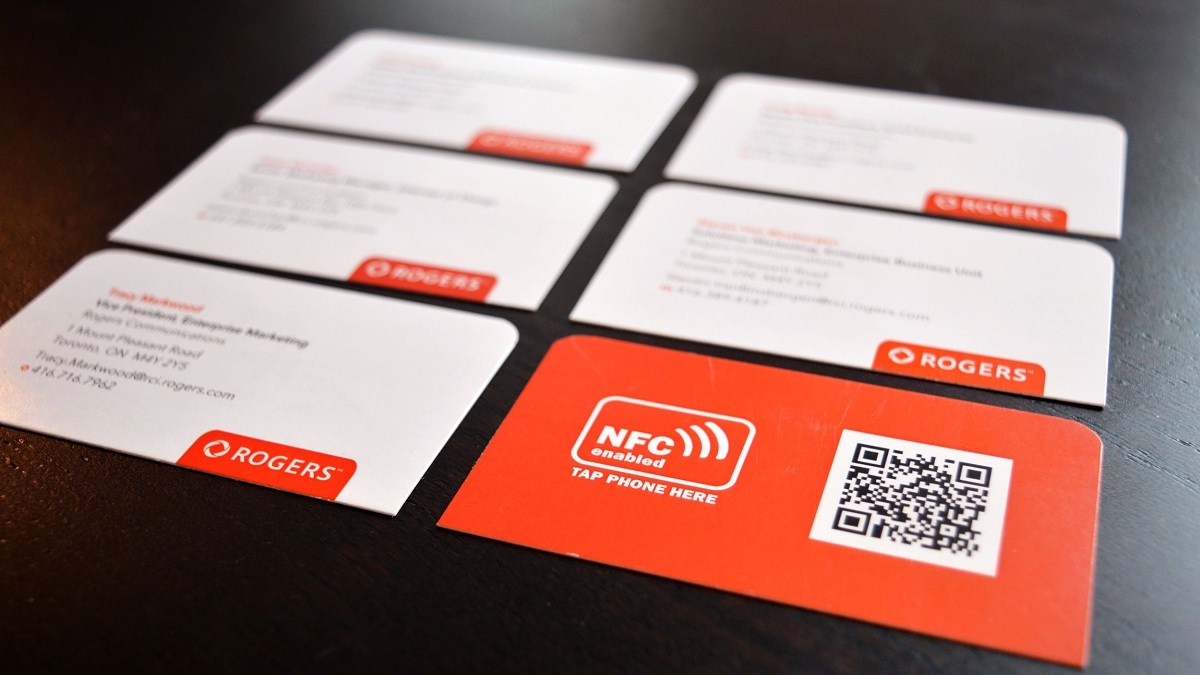
An NFC card requires physical proximity and a tap, while a QR code requires the phone’s camera to scan an image. NFC is faster and works without opening an app, but QR codes can be printed on any surface and do not require a chip.
Can I clone an NFC card?
Some simple NFC tags that store public data like a URL can be copied to another blank tag. However, secure NFC cards used for payments, access control, or digital keys use encryption and authentication that prevent cloning.