What is the Cash App NFC tag?
The Cash App NFC Tag is a physical, tap-to-pay accessory that lets you make purchases with your Cash App Card without carrying the card or your phone. It works by linking to your active Cash App Card, so the tag itself is a standalone payment tool that uses Near Field Communication to complete contactless transactions. Unlike the NFC chip built into your phone or the Cash App Card itself, this tag is a separate accessory designed for quick, phone-free payments.
What is the Cash App NFC tag?
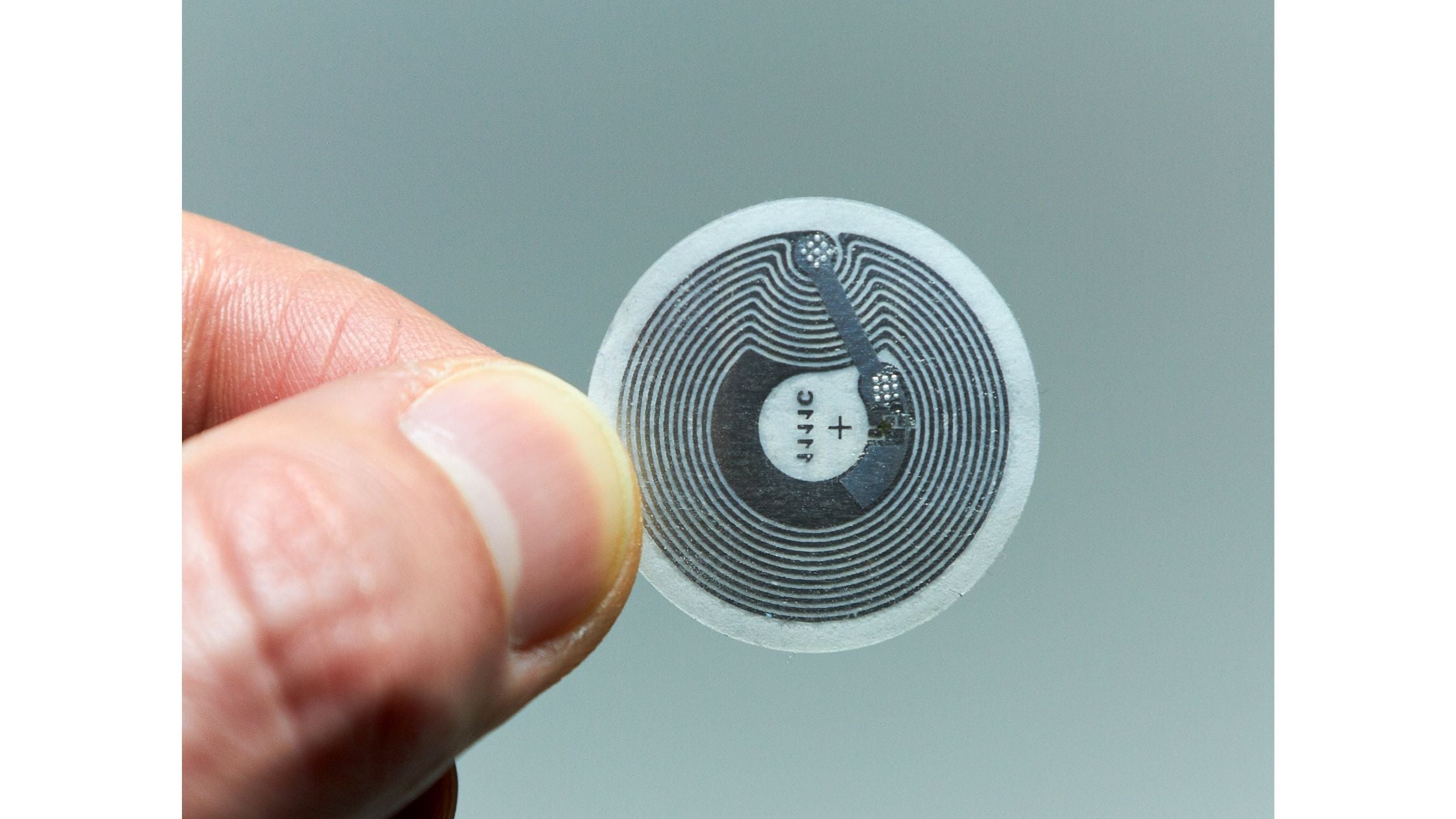
The Cash App Tag is a small, physical payment accessory that uses NFC (Near Field Communication) technology to make contactless payments. It is linked directly to your active Cash App Card, meaning it draws from the same balance and linked accounts as your card. The first edition of this accessory was introduced as the "Cash App Wand," and it allows you to pay by simply tapping the tag on any compatible terminal. This is different from using the NFC chip in your phone or the Cash App Card itself, because the tag is a dedicated device that works independently of both.
How to order and activate your Cash App Tag
To get a Cash App Tag, you must first have an active Cash App Card and a Cash App PIN set up. Users must be at least 13 years old to use the tag, though for managed accounts (ages 6-12), a parent or guardian sponsor can order and manage the tag on the child's behalf. Once you have the tag in hand, activation is done through the Cash App mobile app.
- Open the Cash App on your phone and make sure you are logged in.
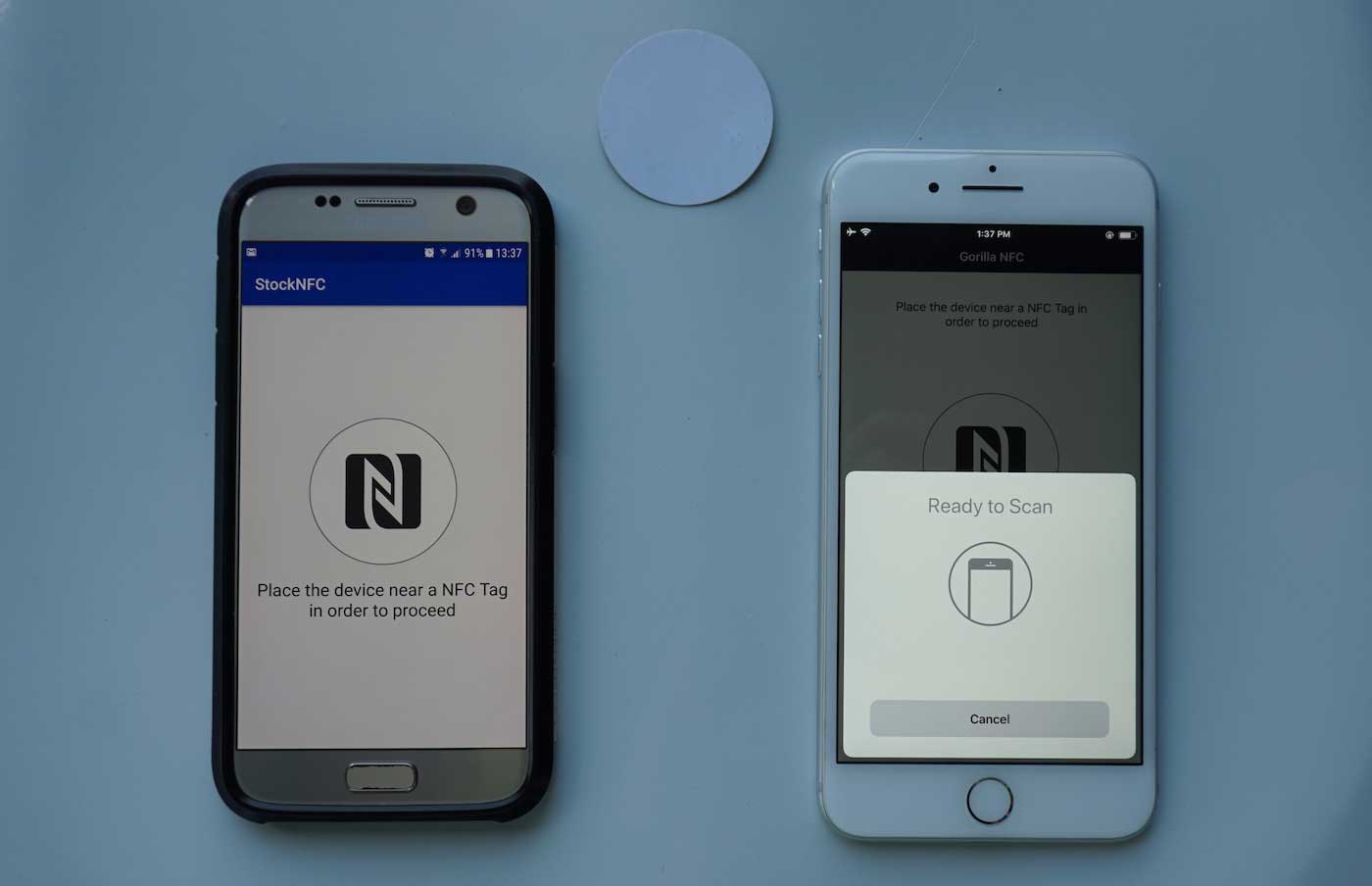
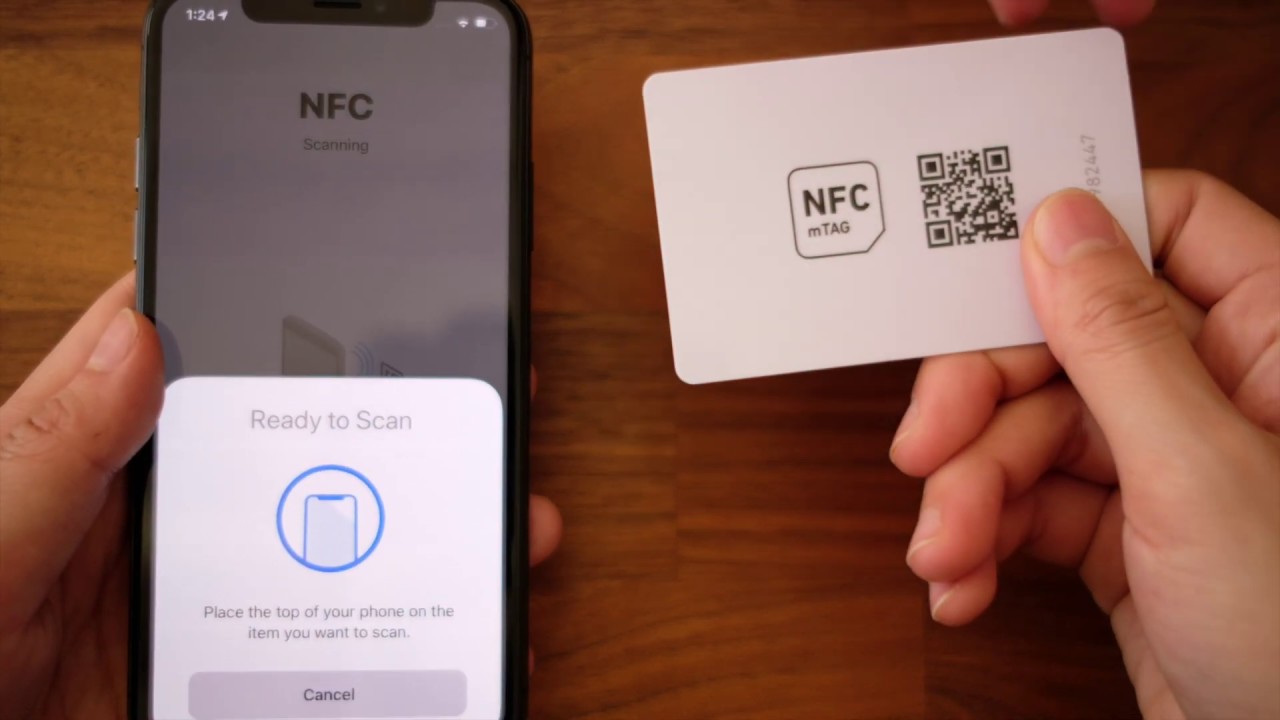
- Tap and hold the Cash App Tag against the back of your phone, where the NFC antenna is located.
- Follow the on-screen instructions in the app to link the tag to your active Cash App Card.
After this one-time setup, the tag is ready to use. You do not need to keep your phone nearby or even carry it with you when making payments.
Making payments with the Cash App Tag
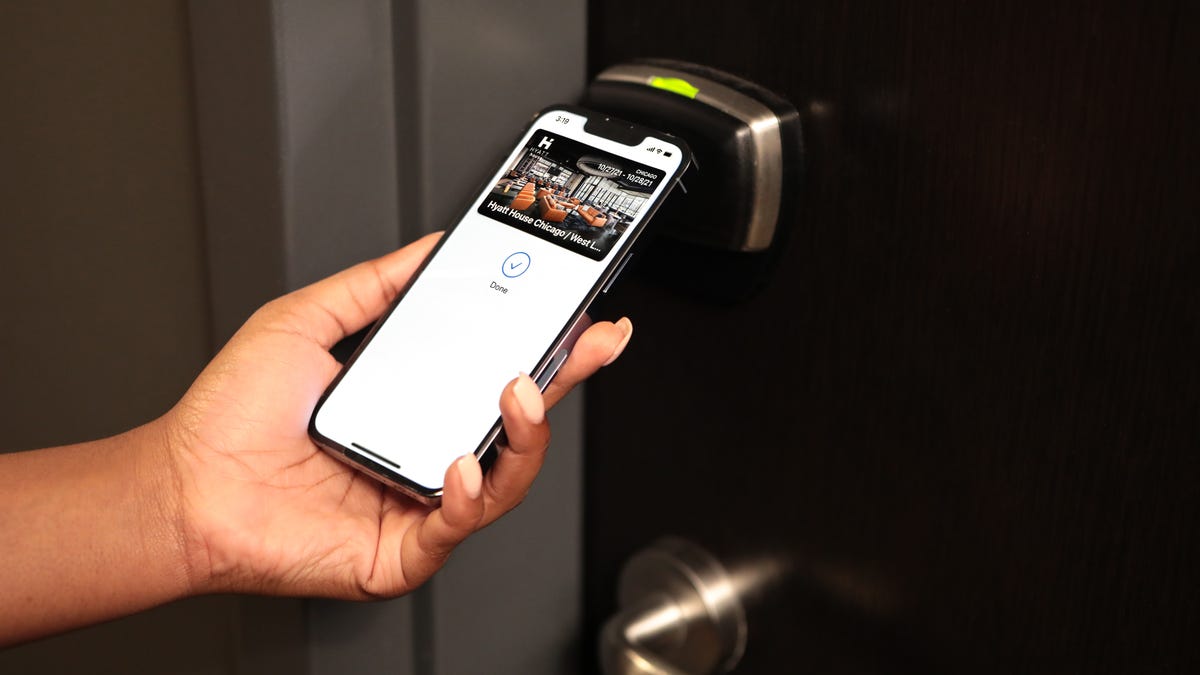
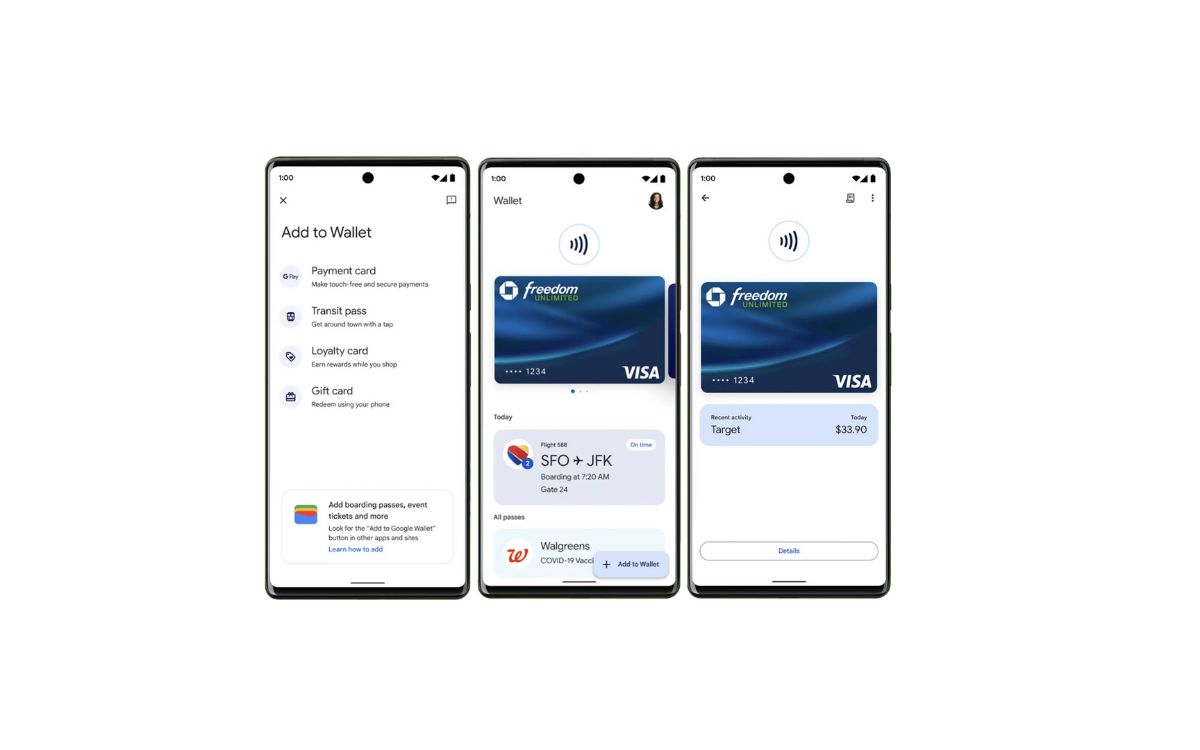
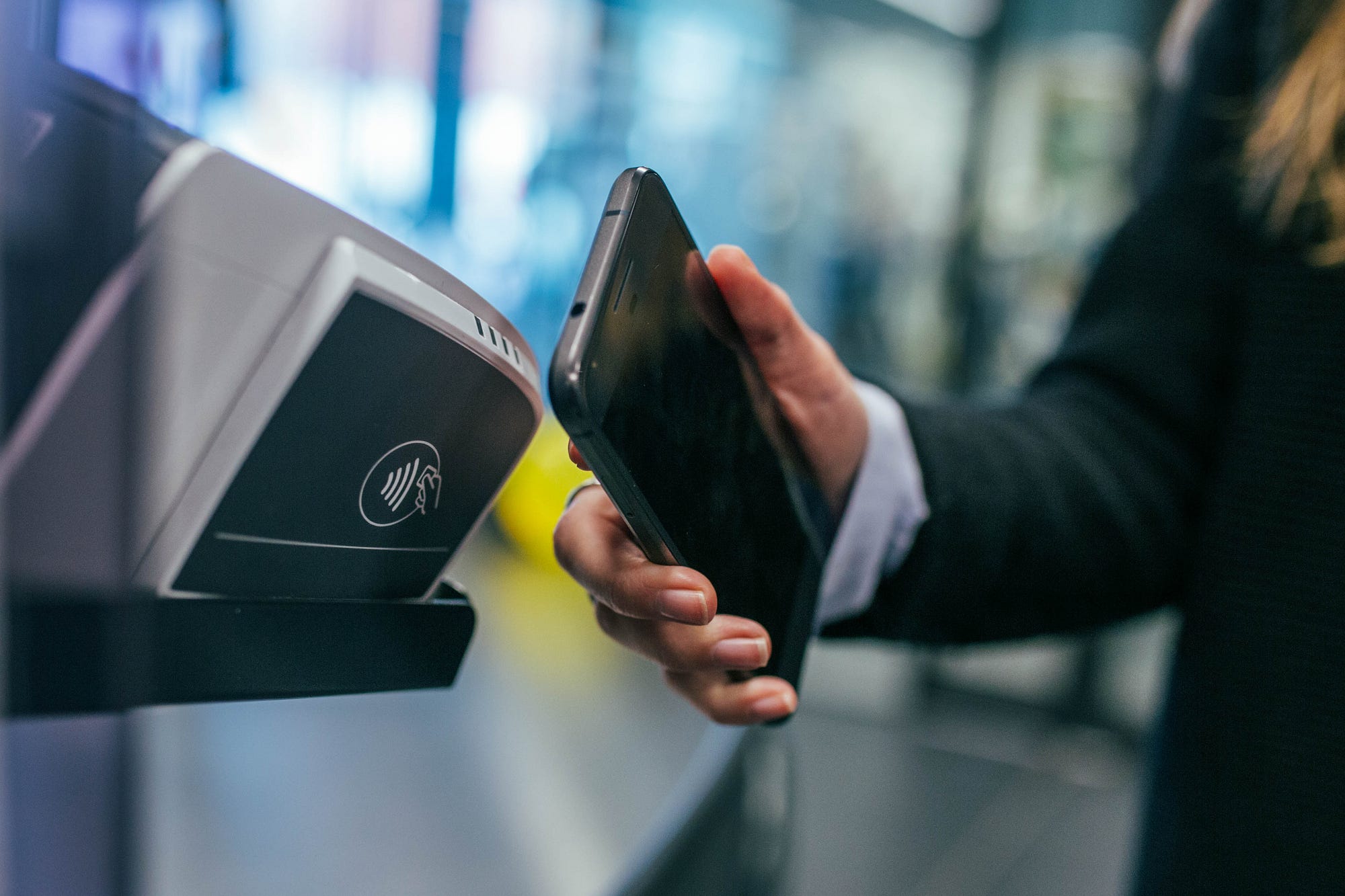
Once your tag is activated, you can leave your phone at home. The tag works anywhere Visa tap-to-pay is accepted, which includes most modern payment terminals at retailers, restaurants, and transit systems. To pay, simply hold the tag near the terminal's contactless reader until the payment goes through. This is distinct from using the Cash App Card's built-in NFC, which requires you to have the physical card with you. It also differs from mobile wallets like Apple Pay or Google Pay, which rely on your phone's NFC antenna and require the phone to be powered on. The tag is a standalone device that does not need a battery, a screen, or an internet connection to work. Cash App Business sellers can use 'Tap to Pay' to accept contactless payments directly on their iPhone (XS or later with the latest iOS) or Android device (Android 10 or later with NFC) without additional hardware. Users can add their Cash App Card to mobile wallets like Apple Pay or Google Pay to enable contactless payments using their phone's NFC capabilities.
Security and management features
Cash App Tags come with security features designed to protect your money. Every transaction triggers a real-time alert on your Cash App account, so you always know when the tag is used. The app also provides 24/7 fraud monitoring, which watches for unusual activity. If you misplace the tag or suspect it was stolen, you can instantly lock it from within the Cash App. This stops all payments immediately, and you can unlock it later if you find it. If you need to permanently disable the tag, you can deactivate it at any time through the app's settings. This is separate from locking, as deactivation severs the tag's link to your Cash App Card entirely.
Frequently Asked Questions
Is the Cash App Tag the same as the NFC chip in my Cash App Card?
No. The Cash App Card has its own built-in NFC chip for contactless payments, but the Tag is a separate, standalone accessory. The Tag is linked to your card, but it does not contain a chip that can be read by an ATM or a chip reader, it only works with contactless terminals.
Can kids use the Cash App Tag?
Yes, but only with a sponsor. Users aged 13 and older can use the tag on their own, while children aged 6-12 can use it only through a managed account where a parent or guardian orders and oversees the tag.
What happens if I lose my Cash App Tag?
You should immediately open the Cash App and lock the tag. This prevents anyone else from using it. After locking, you can either unlock it if you find it, or deactivate it permanently and order a replacement.
How do I deactivate my Cash App Tag?
Open the Cash App, go to the tag's settings, and select the deactivation option. This permanently unlinks the tag from your Cash App Card, and you will need a new tag to use the feature again.
How do I check if my device has NFC?
To check if your device has NFC, you can look for the NFC icon in the settings or consult the manufacturer's specifications.
For the wider topic, see NFC tags and readers explained.
Related reading: How To Pay With Cash App Without Card On Android.