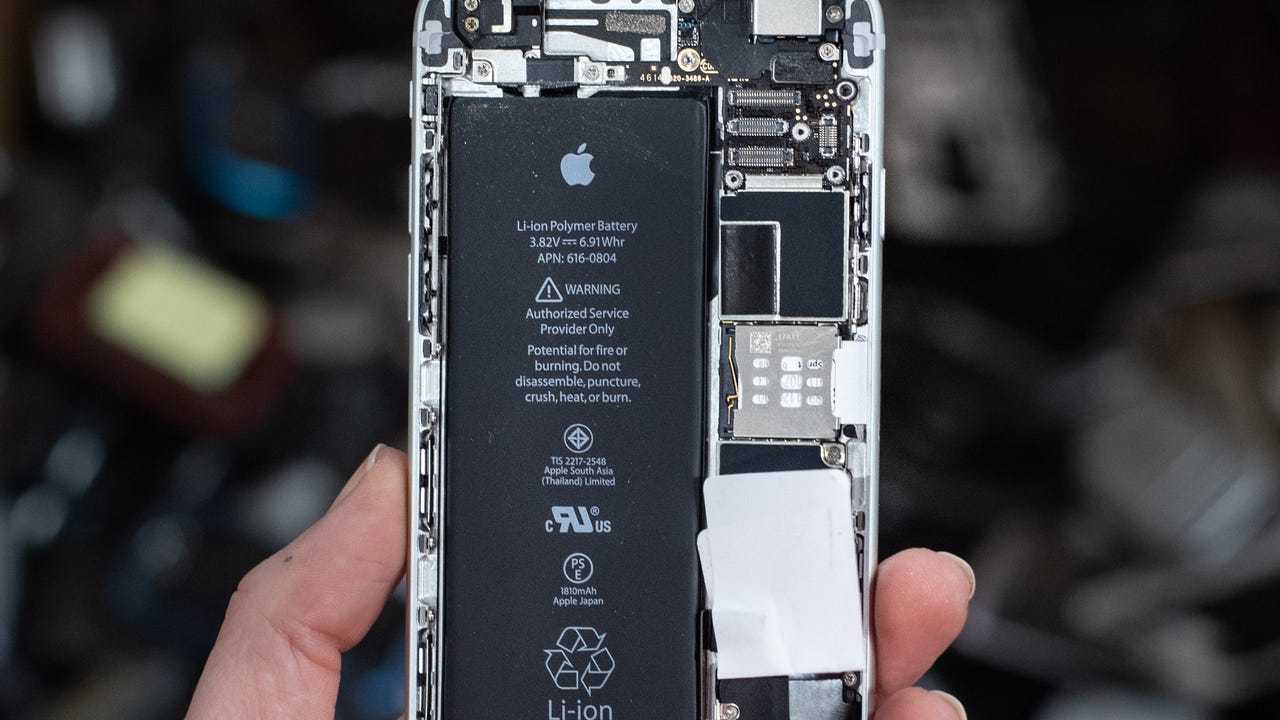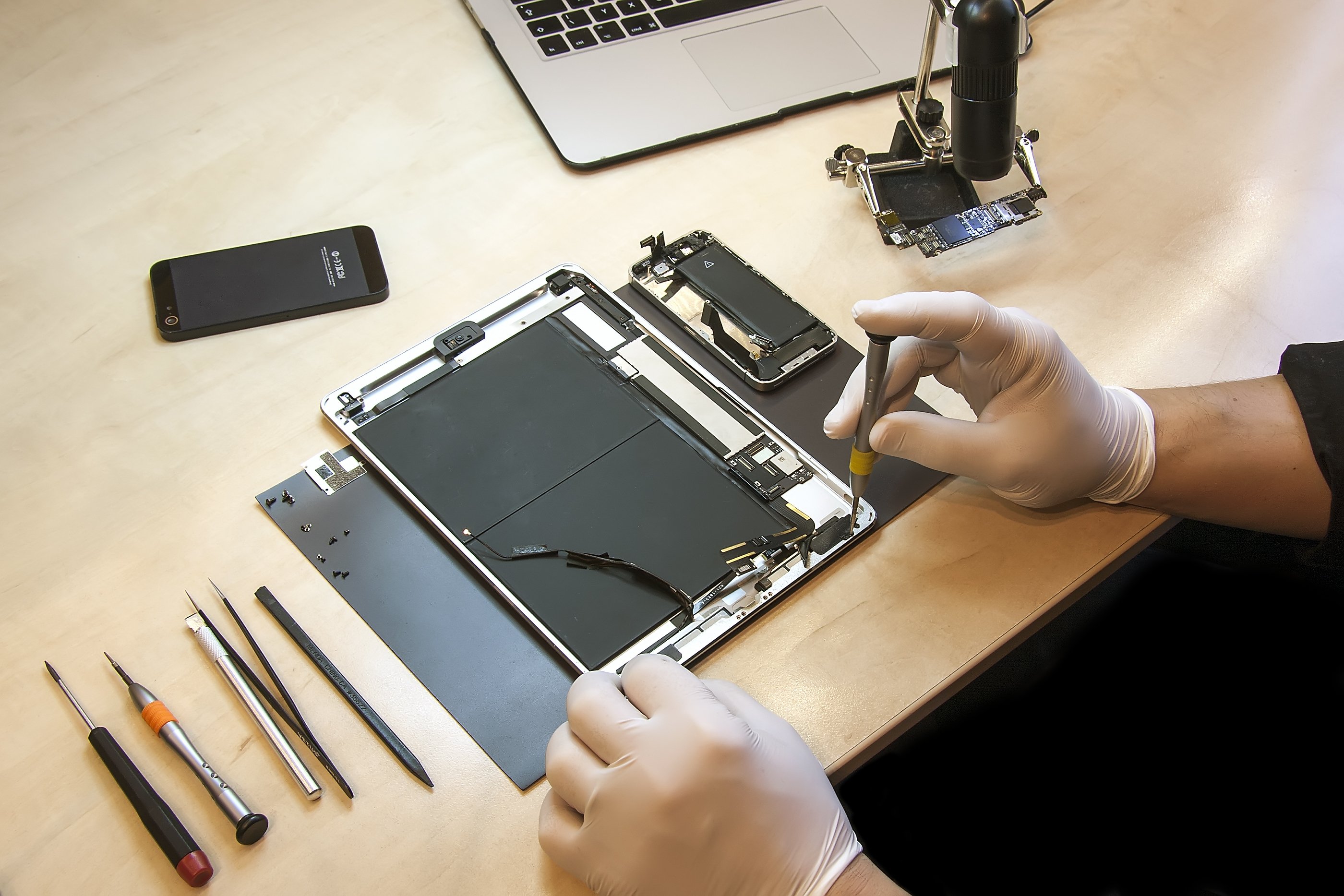
If you need to replace an iPad battery, Apple will do it for free if your device is still under warranty or covered by AppleCare+ and the battery capacity has dropped below 80%. If your coverage has expired, you pay a service fee, but the exact price varies by iPad model and is set at the time of inspection.
When to replace an iPad battery
You can check your iPad’s battery health in Settings > Battery > Battery Health. Some iPad models also show the manufacture date, first use date, and cycle count in that same menu. If you see Service next to Battery Health, Apple recommends considering a replacement. The key threshold is 80% capacity: if your battery has degraded below that level and your iPad is still under Apple’s coverage terms, the replacement is covered at no extra charge.
Apple's battery replacement coverage
Apple replaces the battery at no extra charge if the capacity drops below 80% while the device is under the standard one-year warranty or AppleCare+. If your coverage has expired, you pay the out-of-warranty service fee. Apple does not cover a battery that has not reached the 80% threshold, even if you feel the runtime is shorter than expected.
How to get your iPad battery serviced
You have two official paths to get the battery replaced:
- Genius Bar or Apple Authorized Service Provider, A trained technician inspects the iPad in person, explains your options, and handles the repair.
- Mail-in repair, Apple sends a prepaid shipping box so you can mail the iPad in without an appointment.
After service, you can check the repair status through the Apple Support app or by signing in to My Support.
What to do before service
Back up your iPad before handing it over. Be aware that battery health readings on iPhone may not always be accurate, and the same caution applies to iPad. If you also own an iPhone 11, iPhone 11 Pro, or iPhone 11 Pro Max, note that Apple built a recalibration process into iOS 14.5 or later. If recalibration fails, an Apple Authorized Service Provider can replace that iPhone battery free of charge. That exception does not apply to iPad, but it is worth knowing if you carry both devices.
Frequently Asked Questions
Will a new battery improve my iPad's performance?
Yes, a degraded battery can cause unexpected shutdowns and slower charging. Replacing it restores full runtime and can prevent those shutdowns, but it will not fix performance issues caused by other hardware or software problems.
Does Apple support DIY iPad battery replacement?
Apple’s consumer guidance directs you to Apple or an Apple Authorized Service Provider. The detailed repair instructions Apple publishes are for trained technicians, not for general users. Attempting a DIY replacement can damage the device and voids any remaining warranty.
How does iPad battery health differ from iPhone battery health?
On iPad, you check battery health in Settings > Battery > Battery Health. On iPhone 14 and earlier, the path is Settings > Battery > Battery Health & Charging. On iPhone 15 or later, it is Settings > Battery > Battery Health, and those models also show cycle count, manufacture date, and first use date. iPad battery health does not include a charging optimization toggle in the same way iPhone does.
Is it cheaper to replace the battery or buy a new iPad?
That depends on the out-of-warranty service fee for your specific model and the price of a new iPad. If the service fee is close to the price of an Android phone or a budget tablet, some users choose to upgrade instead. Apple’s service page does not list exact prices, so you need to check the quote during the in-person or mail-in process.
Can I get the battery replaced if my iPad has other damage?
Yes, but the technician will inspect the device first. If the iPad has a cracked screen or other damage that prevents a safe battery replacement, Apple may require you to fix that issue first. The cost then includes both repairs.
Related reading: How To Test A Lithium Battery and How Long Should A Cellphone Last.