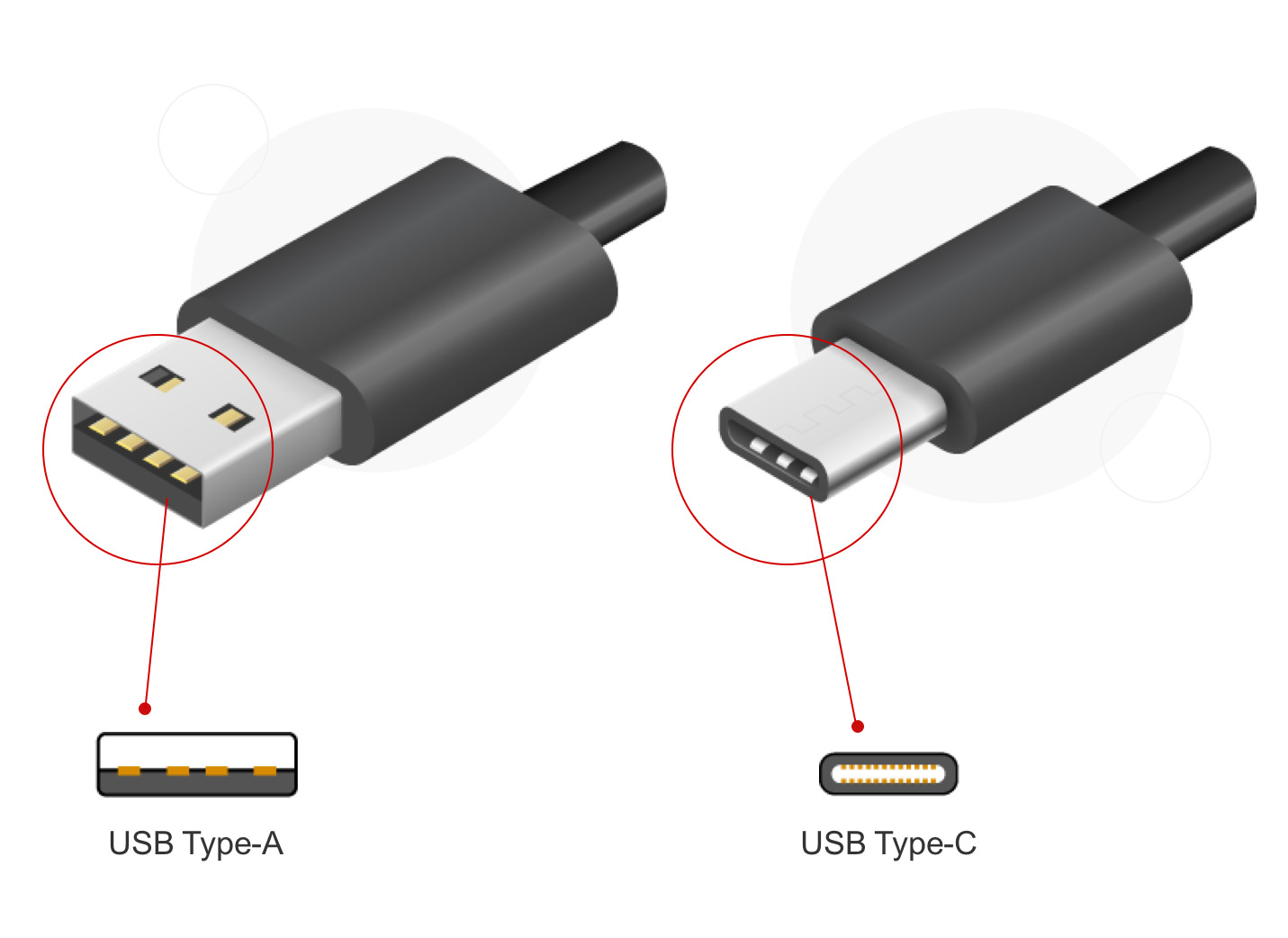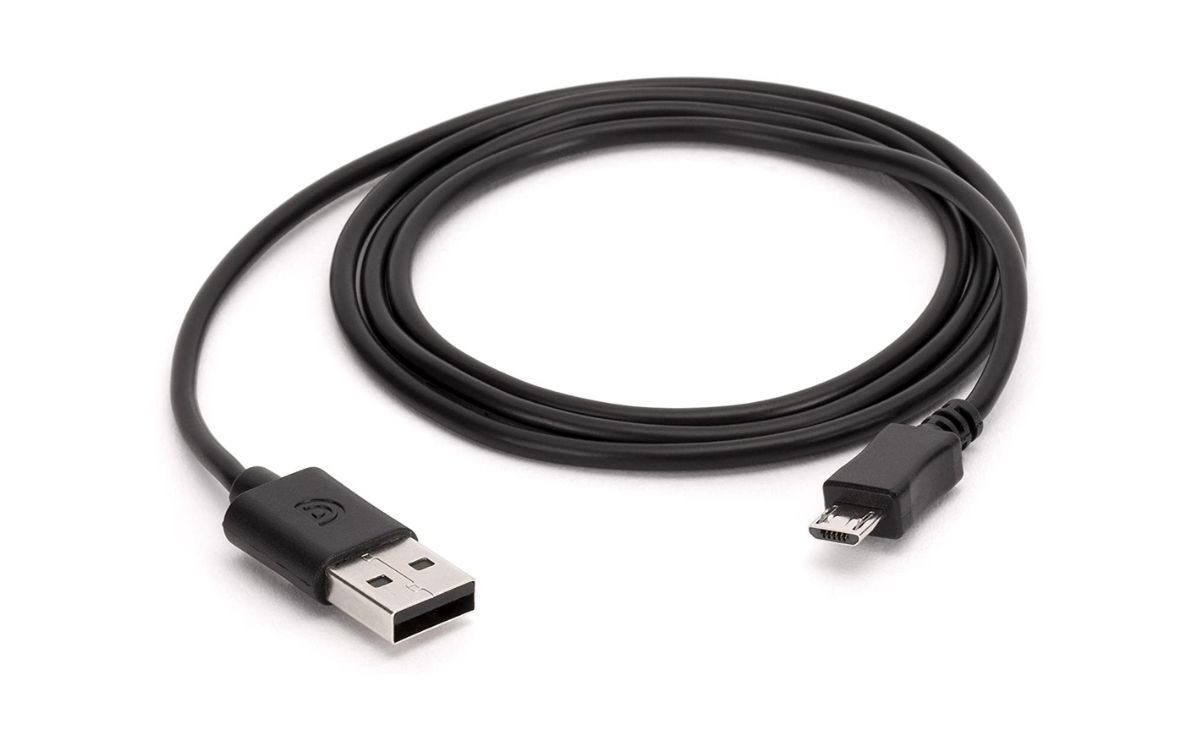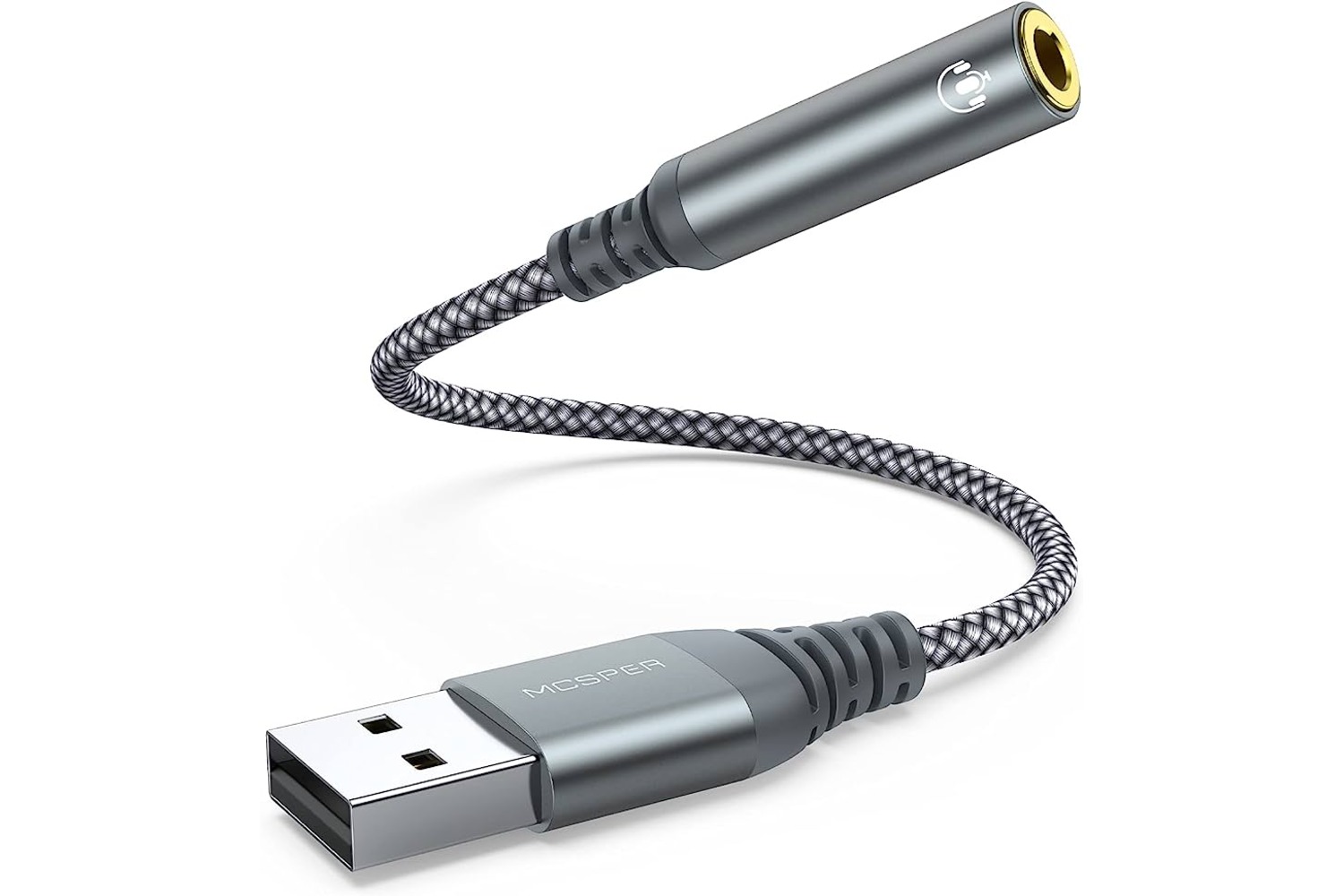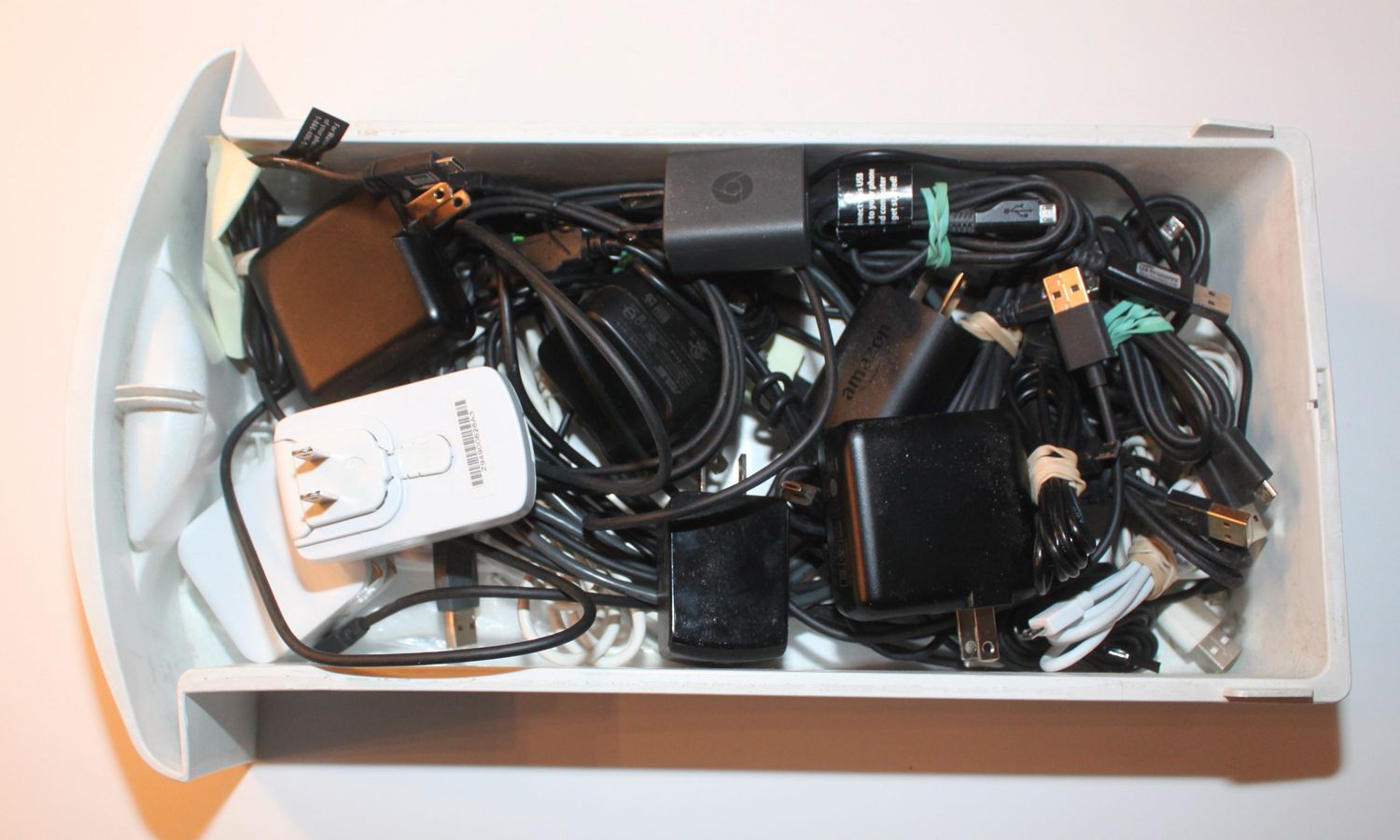
Households accumulate a drawer full of old phone chargers and cords because phone makers changed connector standards over time, and older cables often still work only with older devices or specific adapters. This means every time you upgrade a phone, the new one may use a different cable, leaving you with a mix of obsolete cords that you keep "just in case" they might be useful again.
Why your drawer fills up with old phone chargers and cords
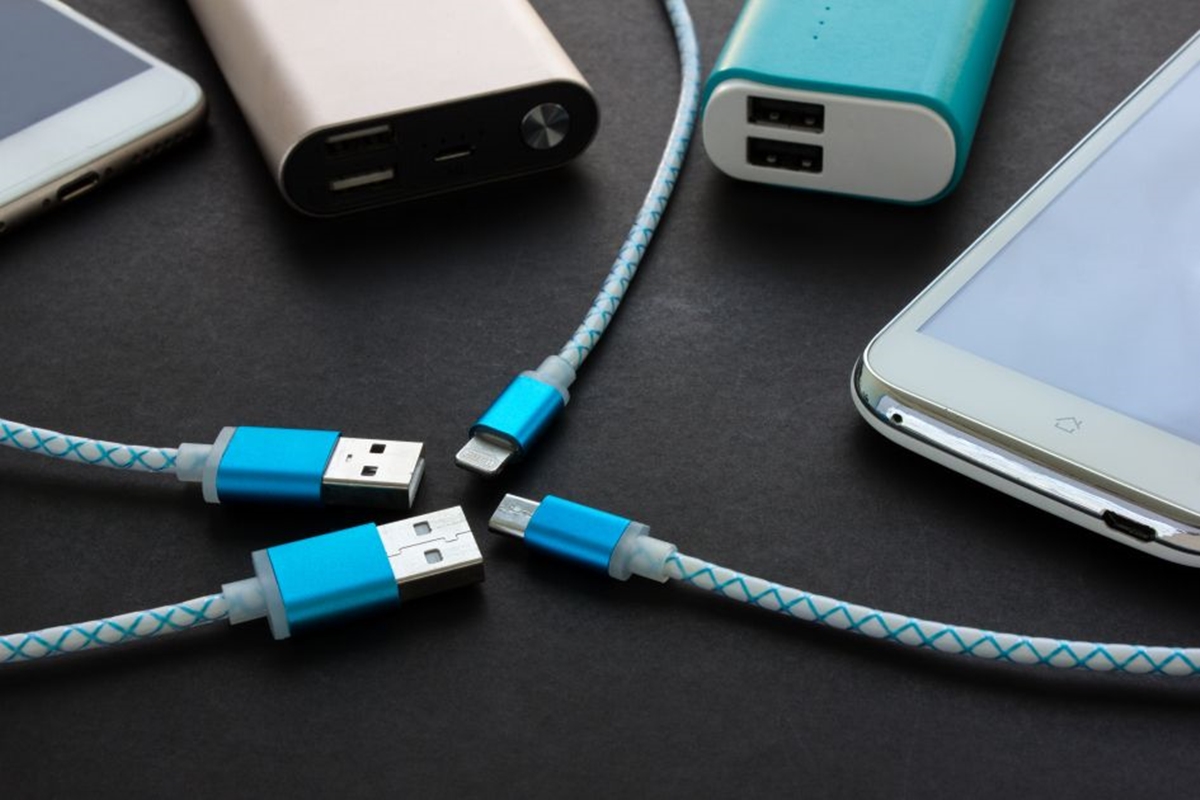
The core reason is simple: connector standards change with new phone models. When a manufacturer switches from one connector type to another, for example, from USB-A to Lightning, or from Lightning to USB-C, the cables you already own become incompatible with your new device. Instead of throwing them away, most people hold onto them, creating a growing collection of mixed, obsolete cables in a drawer.
Apple's connector timeline: from Lightning to USB-C
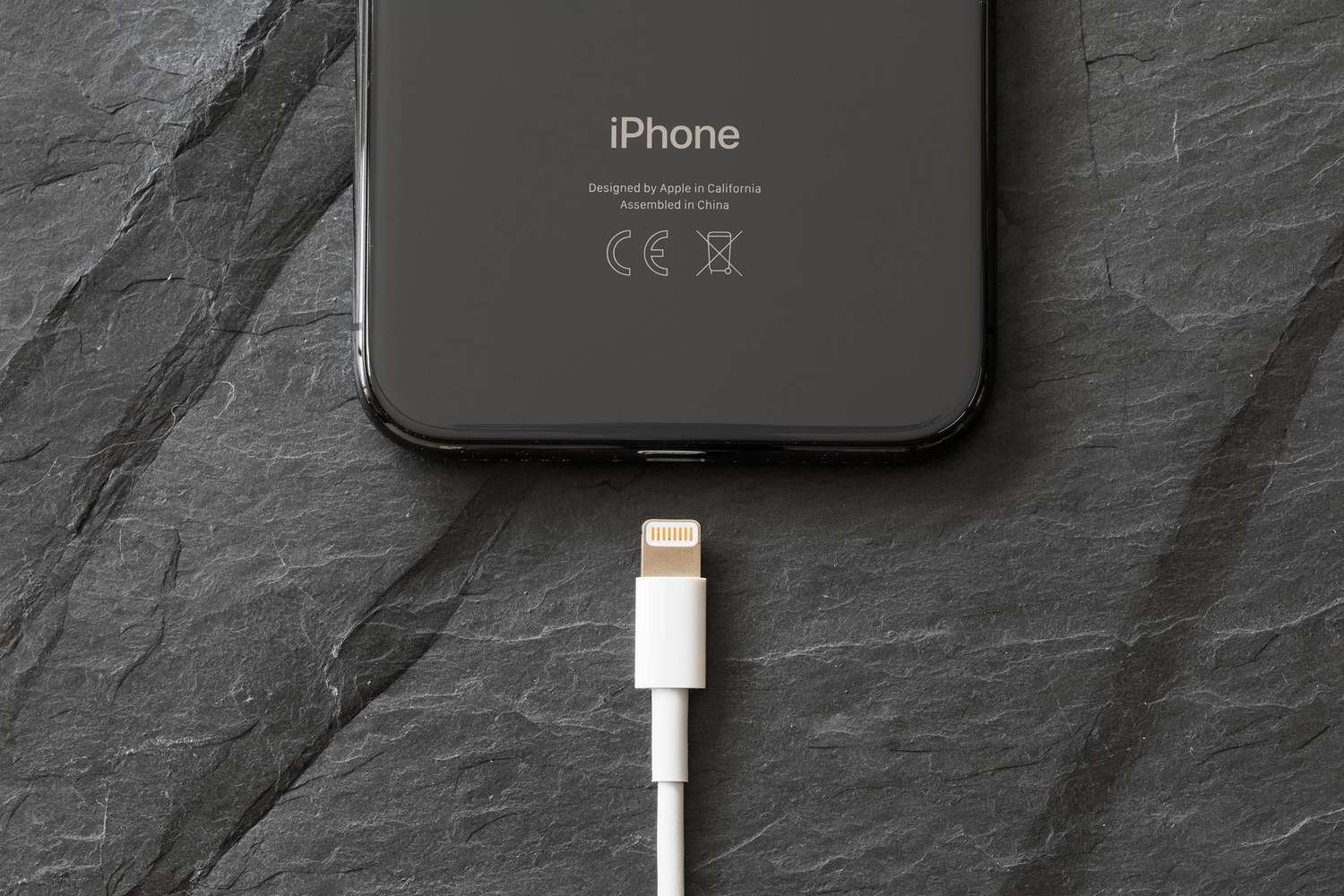
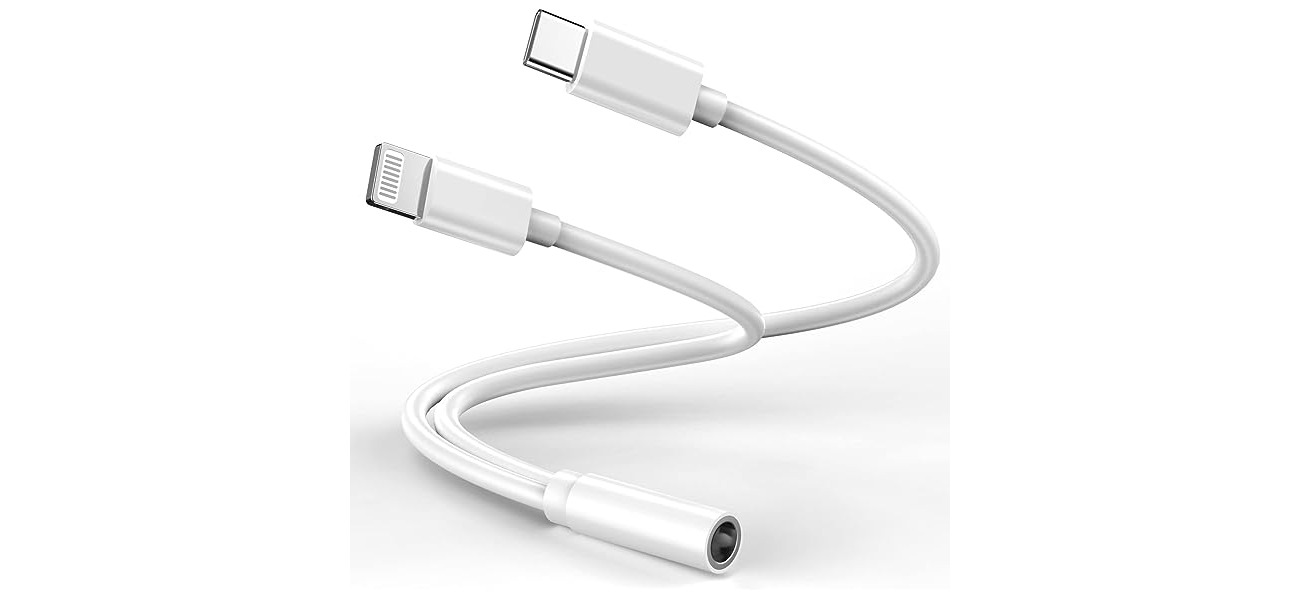
Apple's documented transitions show exactly how this happens. Early iPhones used a USB-A to Lightning cable. Then Apple introduced a USB-C to Lightning cable with newer models. Now, iPhone 15 and later models use a USB-C cable instead of Lightning. Each of these shifts left households with layers of incompatible cables: the old USB-A to Lightning cord won't plug into a modern USB-C power adapter, and the USB-C to Lightning cord won't work with an iPhone 15. This documented timeline explains why a single household can end up with three different cable types for Apple devices alone.
Device upgrades that leave cables behind
When a new phone uses a different connector from the previous one, the old cable still works only with older devices or specific adapters. However, it still works with your older iPad, AirPods case, or a friend's Lightning device. That functional use, even if limited, is why people keep the old cord rather than discard it.
Why 'just in case' makes sense with mixed devices
Apple documents that a USB-C to Lightning cable can charge and sync iPhone, iPad, AirPods, AirPods Pro, and iPod touch when connected to a USB-C port. The newer USB-C to Lightning Adapter bridges a USB-C iPhone or iPad to Lightning accessories. Apple says the USB-C to Lightning Adapter works with iPhone or iPad models that have a USB-C connector. So if your household has a mix of devices, some with Lightning, some with USB-C, keeping both cable types is practical. You might need the USB-C to Lightning cable for an older iPad, while the USB-C cable is required for your new iPhone 15. This valid "just in case" logic, backed by Apple's own compatibility notes, explains why the drawer keeps growing.
Fast charging and the adapter tangle
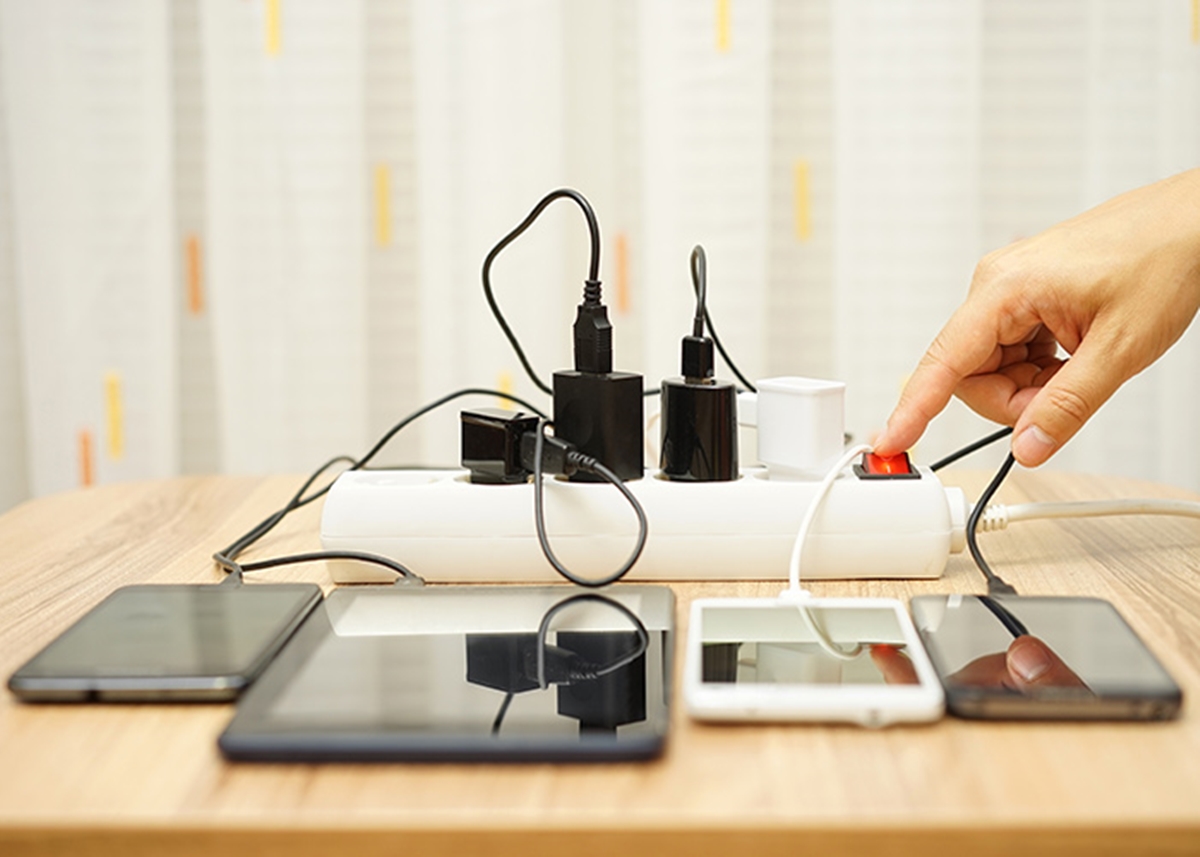
Apple's fast-charge guidance shows different cable-and-adapter combinations by model. iPhone 15 or later uses a USB-C cable with a USB-C power adapter to fast charge. Earlier iPhone models may use a USB-C to Lightning cable with a USB-C power adapter. Apple separately notes that iPhone 18 Pro and iPhone 18 Pro Max can reach 50 percent in around 15 minutes with the cable in the box and a compatible adapter. Because fast charging requires a specific pairing of cable and power brick, households end up keeping several charging bricks and cables instead of one universal setup. You might have a 20W USB-C adapter for your iPhone 15, a different adapter for an older iPad, and a USB-A brick for legacy devices, each with its own cable.
What to do with cables you no longer need
Start by identifying which cables still work with your current devices using Apple's documented compatibility. For cables that no longer connect to anything you own, responsibly pass them on to a friend who still uses that connector type, or recycle them at an electronics recycling center that accepts cables. Many retailers offer collection bins specifically for cords and chargers, ensuring the copper and plastic are recovered rather than sent to a landfill.
Frequently Asked Questions
Can I use a USB-C to Lightning cable with an iPhone 15?
No. iPhone 15 and later models use a USB-C connector, not Lightning. The USB-C to Lightning cable will not physically plug into an iPhone 15.
Why do I have so many different power adapters if the cables are the issue?
Apple's fast-charge guidance shows that different iPhone models require specific power adapter wattages and cable types to achieve fast charging. This means you may keep a 20W adapter for one device and a 30W adapter for another, even if the cables look similar.
Is it safe to mix a third-party cable with an Apple power adapter?
For reliable performance, use cables that Apple lists as compatible with your device.
Can I use an old USB-A to Lightning cable to fast charge my iPhone 14?
No. The older USB-A to Lightning cable will charge the phone, but only at standard speed.
How do I know if a cable in my drawer still works with my current phone?
Check the connector shape: if your phone has a USB-C port, you need a USB-C cable; if it has a Lightning port, you need a Lightning cable (USB-C to Lightning or USB-A to Lightning). Apple's compatibility pages list which cables work with each model.
What should I do with a cable that works but I never use?
If the cable is compatible with any device you own, even a tablet, headphones, or a friend's phone, consider keeping it as a spare. If it has no current use, recycle it at an electronics drop-off point to avoid adding to e-waste.
For the wider topic, see phone wireless charging setup.
Related reading: Phone Charger Types and Cable Guide and What To Look For In A Phone Charger.